What To Do If Only One Earbud Is Working
Only one earbud working? Learn how to fix common earbud problems, prevent future issues and discover the best earbud accessories and replacements available on Amazon.
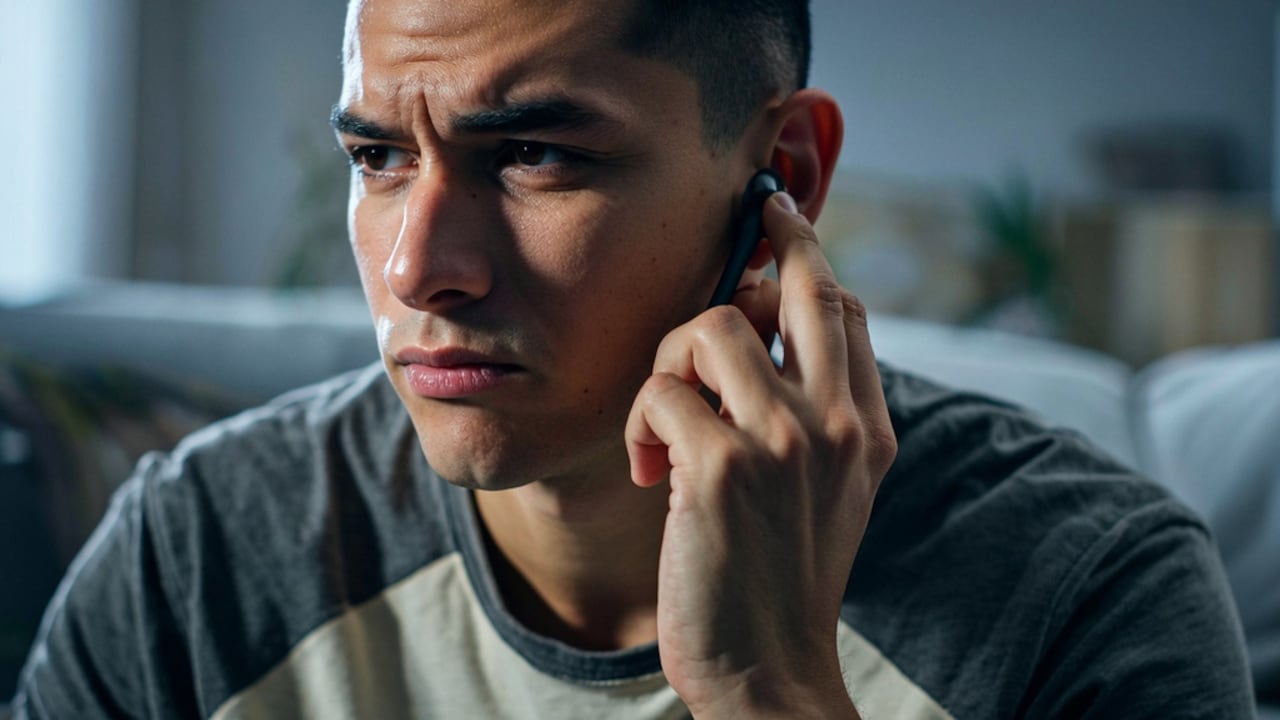
Easy ways to fix why only one earbud is working
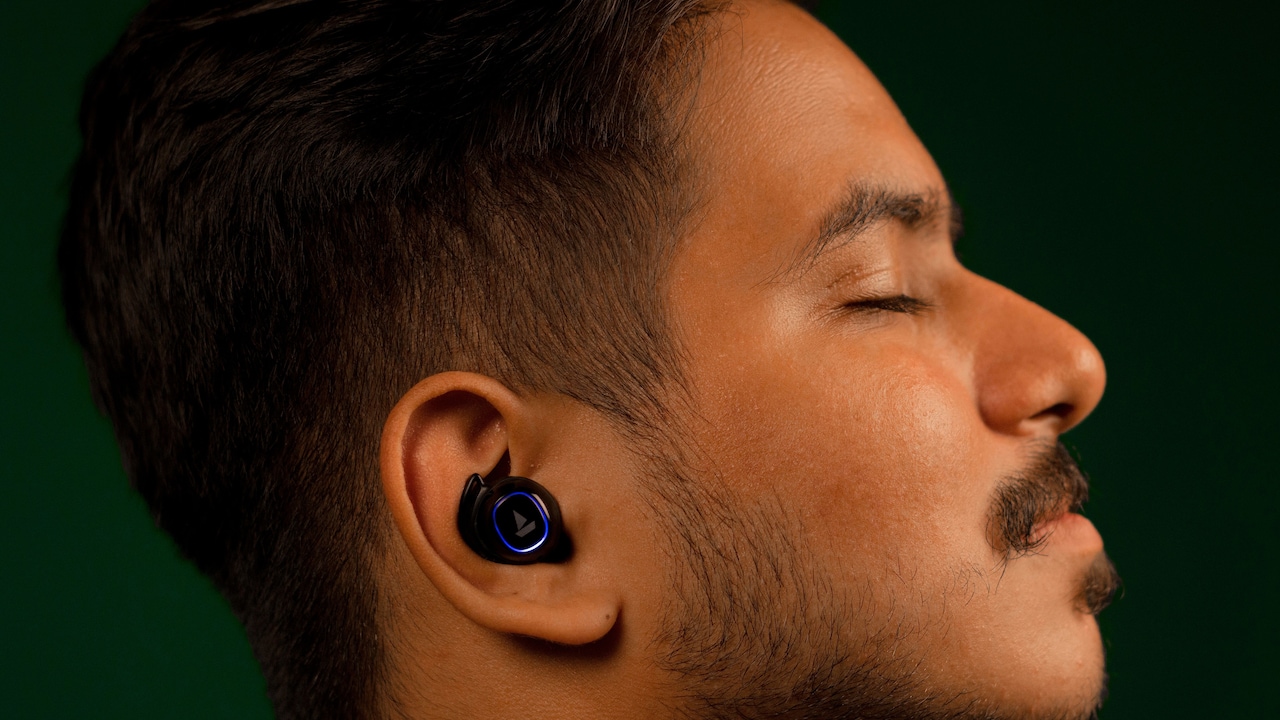
It's frustrating when your wired or wireless earbuds only play sound from one side. Whether it is listening to music, an online meeting or even watching your favourite series, losing audio in one ear can completely spoil the experience. The good news is that if one earbud is working, your headphones aren't broken for good. Fortunately, you can often resolve the problem with a few troubleshooting steps. Before rushing to purchase a new pair of earbuds, it's advisable to check the common culprits: low battery, dirt in the speaker, incorrect Bluetooth settings, or outdated software.
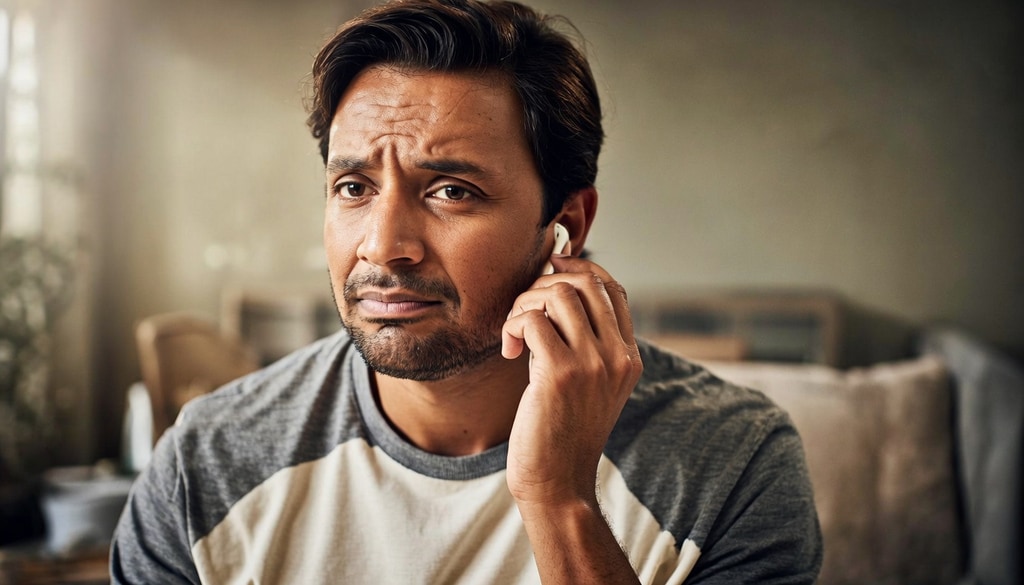
Learn simple fixes for broken earbuds and discover the best replacement accessories available today.
Photo Credit: iStock
Regular maintenance can also help prevent this problem from recurring. This guide helps you understand why only one earbud is working, what you can do before buying a replacement, and which products on Amazon India can help keep your earbuds in tip-top shape.
Also Read: 7 Best Earbuds Under ₹1500 For Small Ears
Why Is Only One Earbud Working?
There are a few reasons why an earbud can stop working. The most common cause is battery unevenness. If an earbud has not charged properly in the charging case, it may simply die before the other one.
Dirt and ear wax clogging the speaker grille or charging contacts is another common culprit. Even a small amount of debris can prevent charging or greatly reduce the sound output.
Bluetooth also has frequent connectivity issues. Sometimes only one earbud will connect successfully to your phone, tablet or laptop and the other will be left unconnected. Software bugs, broken cables for wired earphones or accidental drops can also affect audio quality. The first step to resolving the problem is to find out what the real issue is.
What To Do Before Assuming Your Earbuds Are Broken
The Batteries Check Charging
Put both earbuds back in the charging case for 20-30 minutes. If you have the companion app, open it to confirm that the earbuds are fully charged.
How To Properly Clean Your Earbuds
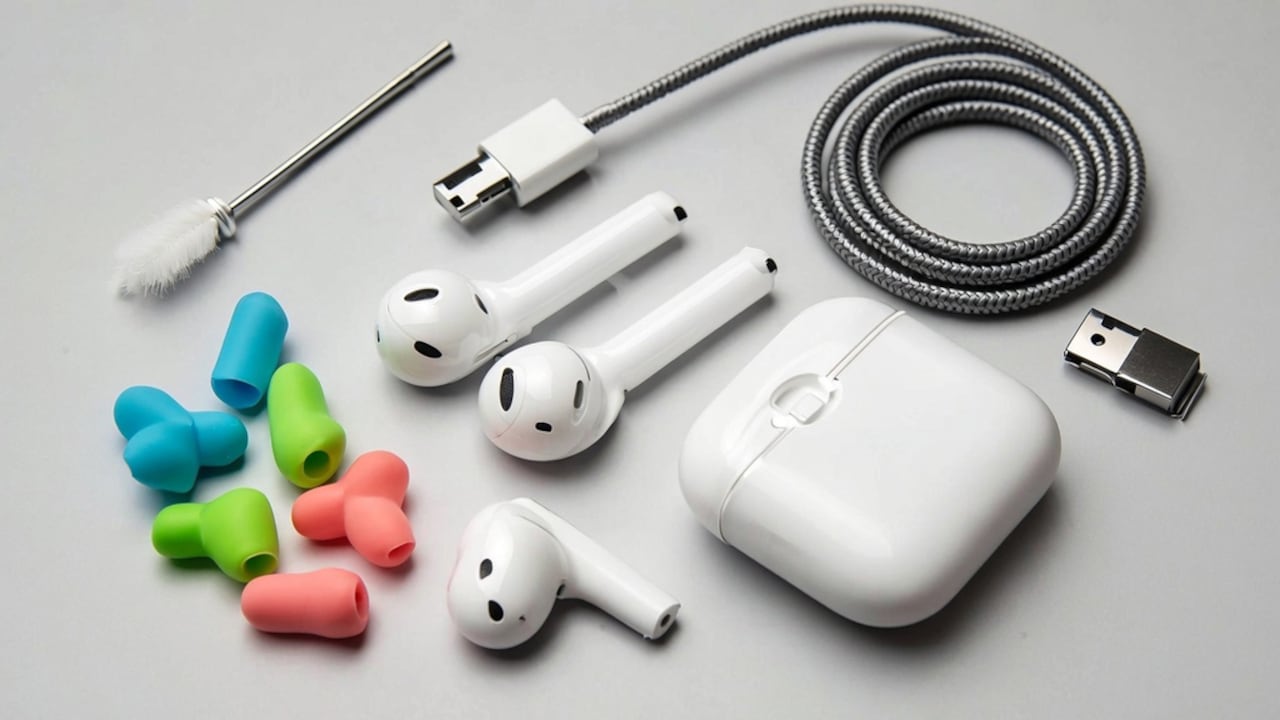
Clean the speaker grilles and charging contacts with a soft microfibre cloth or a soft-bristle brush to remove dust and earwax. Do not use any liquid or sharp object to clean, as it may damage your earbuds.
Reconnect the Earbuds
Unpair your earbuds and pair them again in your phone's Bluetooth settings. Many pairing problems disappear if you connect the earbuds again from scratch.
Try to pair it with another device
Pair the earbuds with another phone, tablet, or computer. If they work fine with other devices, the problem is not in the earbuds; the problem is in your first device.
What To Do If Only One Earbud Is Working
Tip 1: Reset Your Earbuds
Many wireless earbuds have a reset to factory settings. Reset the device by pairing the earbuds again as per the manufacturer's instructions. This often resolves connection and synchronisation problems. Resetting helps to clear out temporary software glitches that can cause an earbud to not connect as it should. Once you have reset, connect the earbuds as you would if they were new.
Tip 2: Update The Firmware
Certain earbud models get firmware updates using their respective app. Upgrading to the latest firmware version will solve any audio issues and increase connectivity. In addition, upgrading your earbuds' firmware will improve its battery and Bluetooth functionality. Make sure that both earbuds have enough charge before the upgrade process.
Tip 3: Inspect The Charging Case
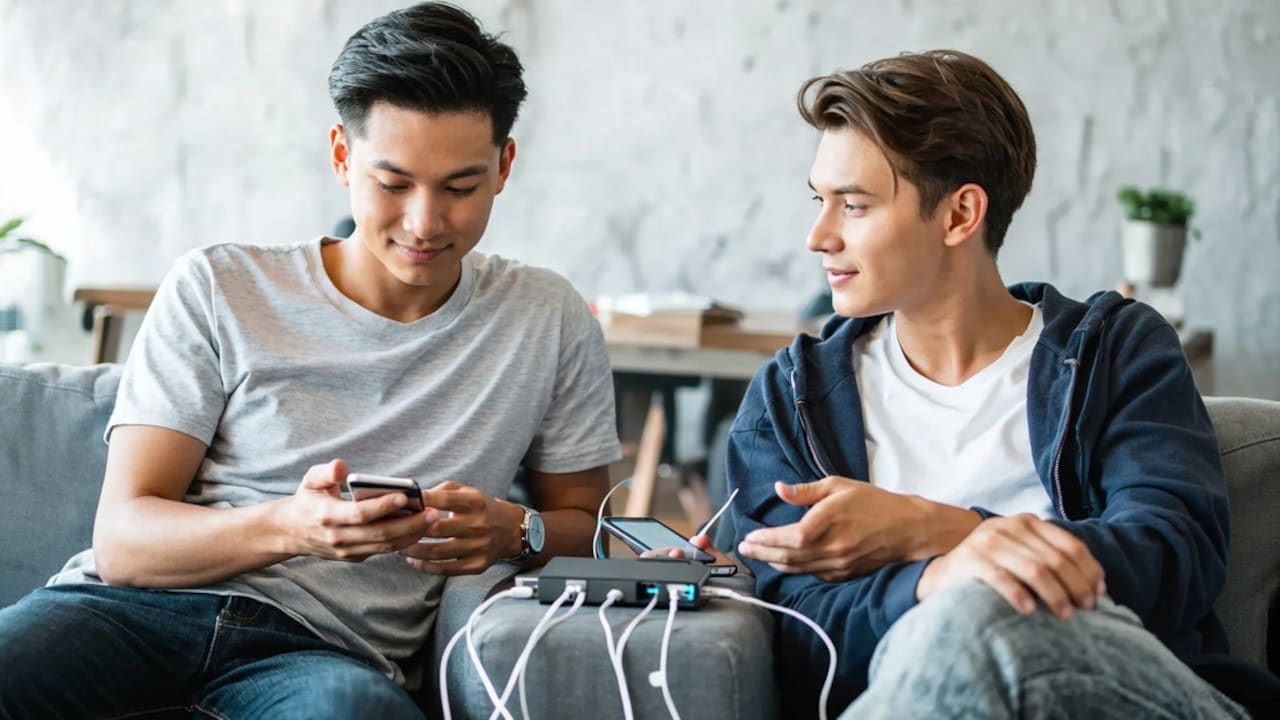
The presence of dirt in the charging pins may lead to one of the earbuds failing to charge. It is necessary to clean the contact pins using dry cotton swabs and ensure that both earbuds fit tightly into the charging case. It is important to use both earbuds in the charging case to ensure that charging indicators light up.
Ways To Prevent Earbud Problems In Future
Tip 1: Keep Them Clean
Regular cleaning will keep you safe from earwax and dirt blocking the speaker and the charging contacts. Clean earbuds after some use.
Tip 2: Charge Them Regularly
Never let your earbuds stay for long periods without any charge. This advice applies to both earbuds. Charging both earbuds on a daily basis ensures battery health.
Tip 3: Store Them In The Charging Case
Earbuds can accumulate dirt, scratches, and accidental damage when left in a pocket or bag. When not in use, always put them back in their charging case.
Tip 4: Avoid Moisture
Keep in mind that heavy rain, steam and humidity are hazardous for your earbuds unless they're rated for it. Over time, moisture can harm internal electronics.
Common Earbud Mistakes To Avoid
1. Ignoring Dirt Build-up
Earwax naturally builds up over time and can block the opening of the speaker, making it sound like one earbud has stopped working. Cleaning your earbuds every couple days helps you keep your sound quality clear. It also prevents debris from reaching the charging contacts.
2. Dropping The Earbuds Often
Several factors could cause damage to the inner components or lead to the detachment of the speakers. The device can be protected by placing it in a case. Even slight falls will eventually affect the functioning of electronics.
3. Inexpensive charging cords
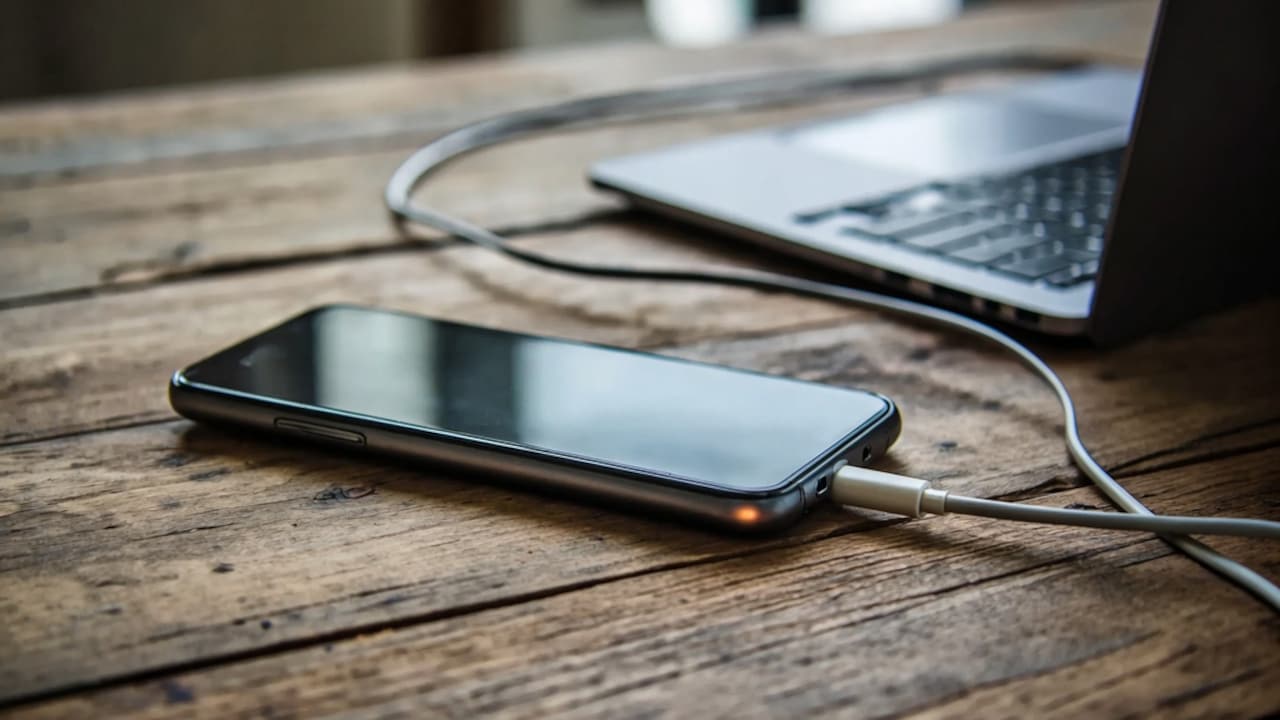
Sometimes, low-quality charging cables or power adapters won't charge the case correctly, causing uneven battery levels between the earbuds. Always use a reliable charging cable that is up to the manufacturer's recommendations. A stable power supply will help keep both earbuds charged evenly and ready to use.
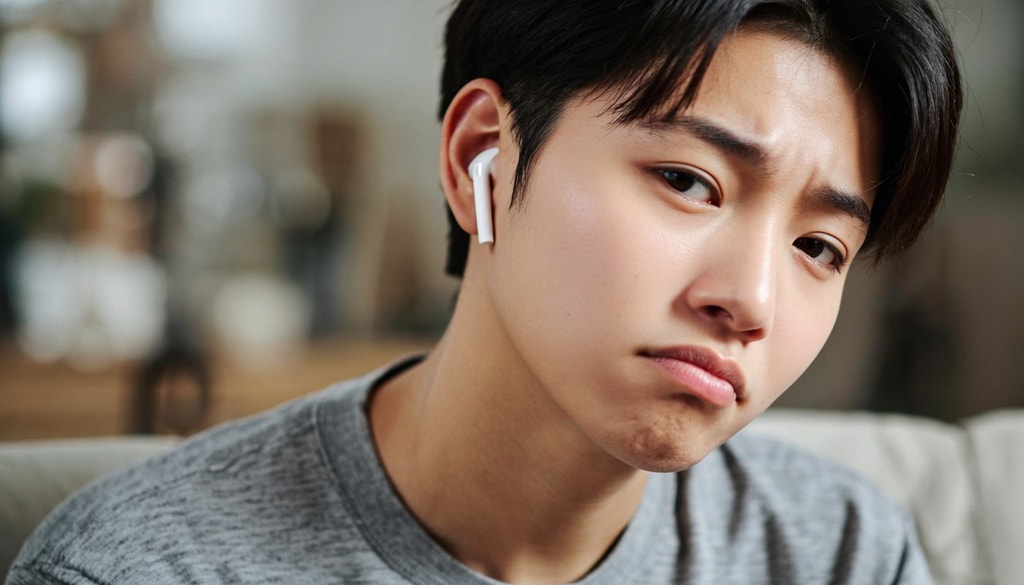
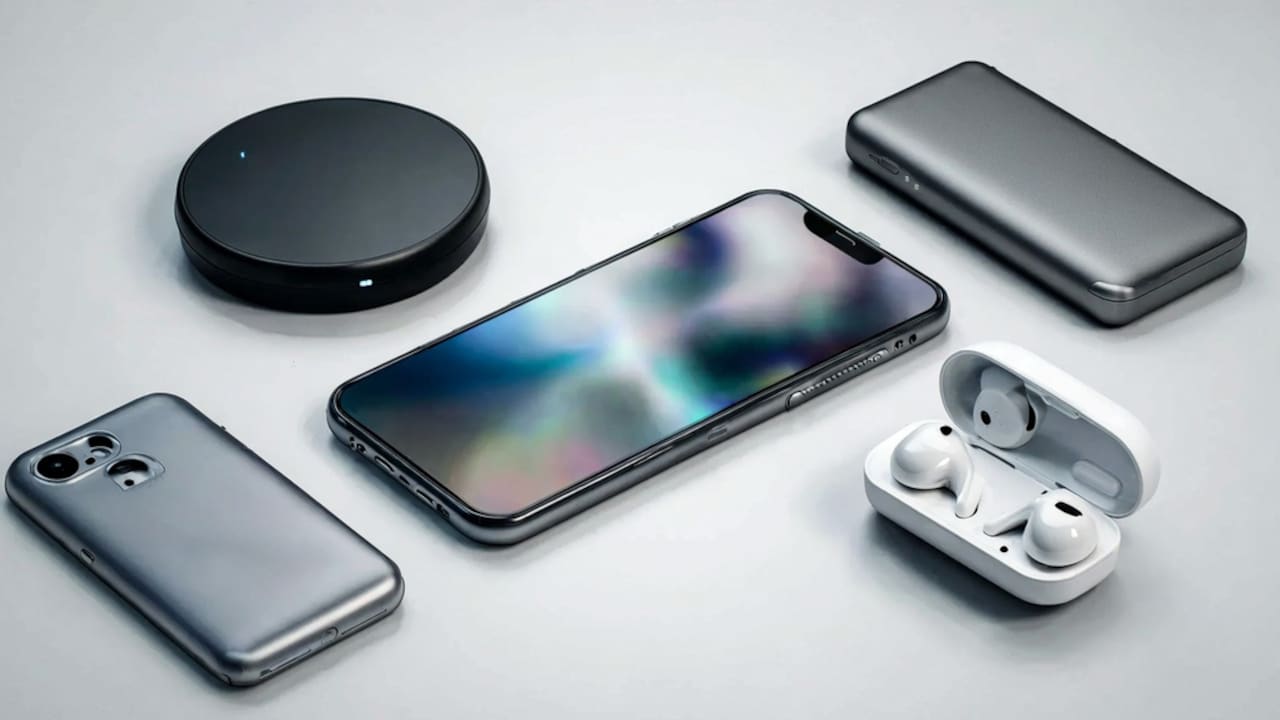
Troubleshoot common earbud issues instantly and browse top-rated replacements for a seamless audio experience.
Photo Credit: iStock
Best Earbud Accessories And Replacements To Buy On Amazon
Portronics Harmonics Twins S3 Smart TWS Bluetooth 5.2 Earbuds
HAMMER New Ultra pods 2026 TWS Wireless Bluetooth Earbuds with Inbuilt Mic
Humble® Wireless Bluetooth Earbuds with Noise Cancellation
OOGE Wavepods 300 TWS Earbuds
Kratos TW02 Wireless Earbuds with 60H Playtime
Mivi DuoPods Marathon Earbuds Wireless
pTron Bassbuds Spark in-Ear TWS Earbuds with Stereo Sound
Amazon Basics TWS Wireless In-Ear Earbuds
Frequently Asked Questions (FAQs)
1. Why won't one of my earbuds function?
There could be several reasons why one earbud is not functioning, including a low battery, earwax or dirt clogging the speaker, issues with Bluetooth connectivity, or minor software errors.
2. Will cleaning help a non-functioning earbud?
It is possible that cleaning can help a non-functioning earbud because dust particles and ear wax can collect around the speaker grills and charging port of the earbud.
3. Is it necessary to reset the earbuds?
If the connection of the earbuds does not work, a factory reset will be needed as the next solution to the problem.
4. Is one earbud going to fail due to the battery issue?
Yes. One issue is when an earbud stops charging and runs out of battery.
5. When do I need to change my earbuds?
If none of the previous solutions work, internal issues in the earbuds likely require attention.
(Disclaimer: This article may include references to or features of products and services made available through affiliate marketing campaigns. NDTV Convergence Limited (“NDTV”) strives to maintain editorial independence while participating in such campaigns. NDTV does not assume responsibility for the performance or claims of any featured products or services.)