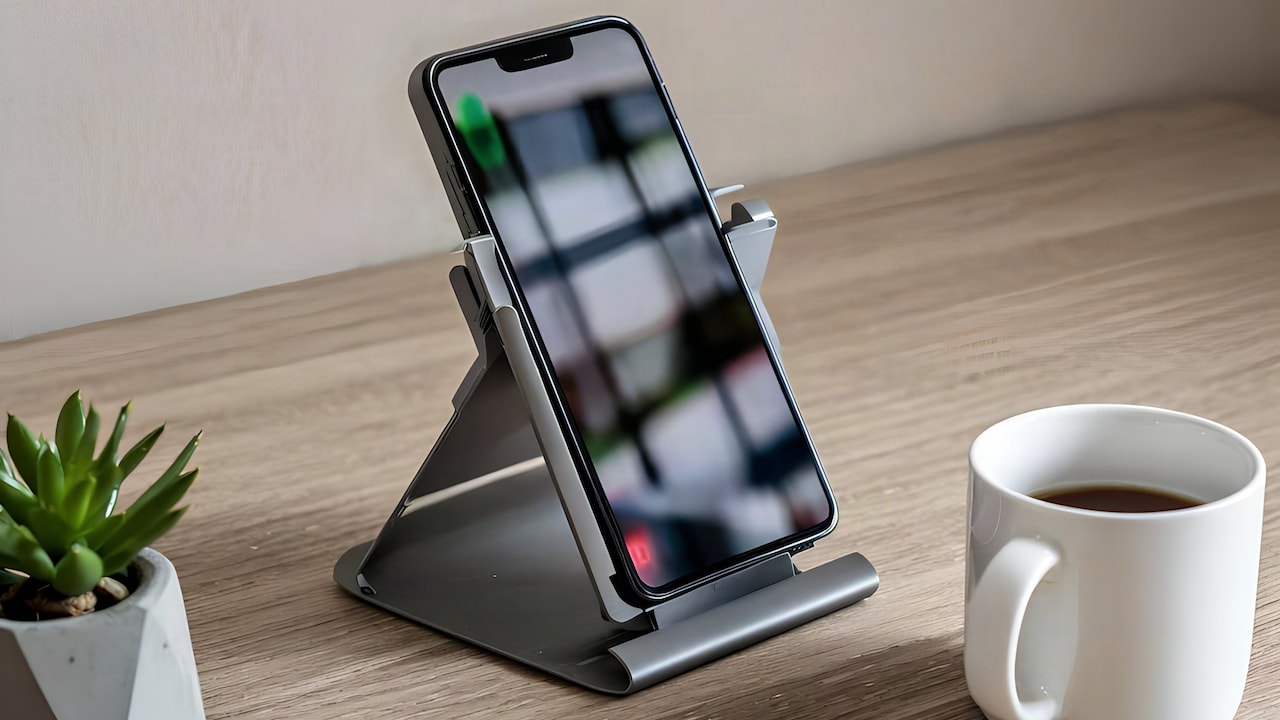
How To Protect Your Phone From Water Damage This Monsoon?
Worried about your phone surviving the rains? Here's how to protect it from water damage this monsoon, from waterproof pouches to quick emergency fixes.
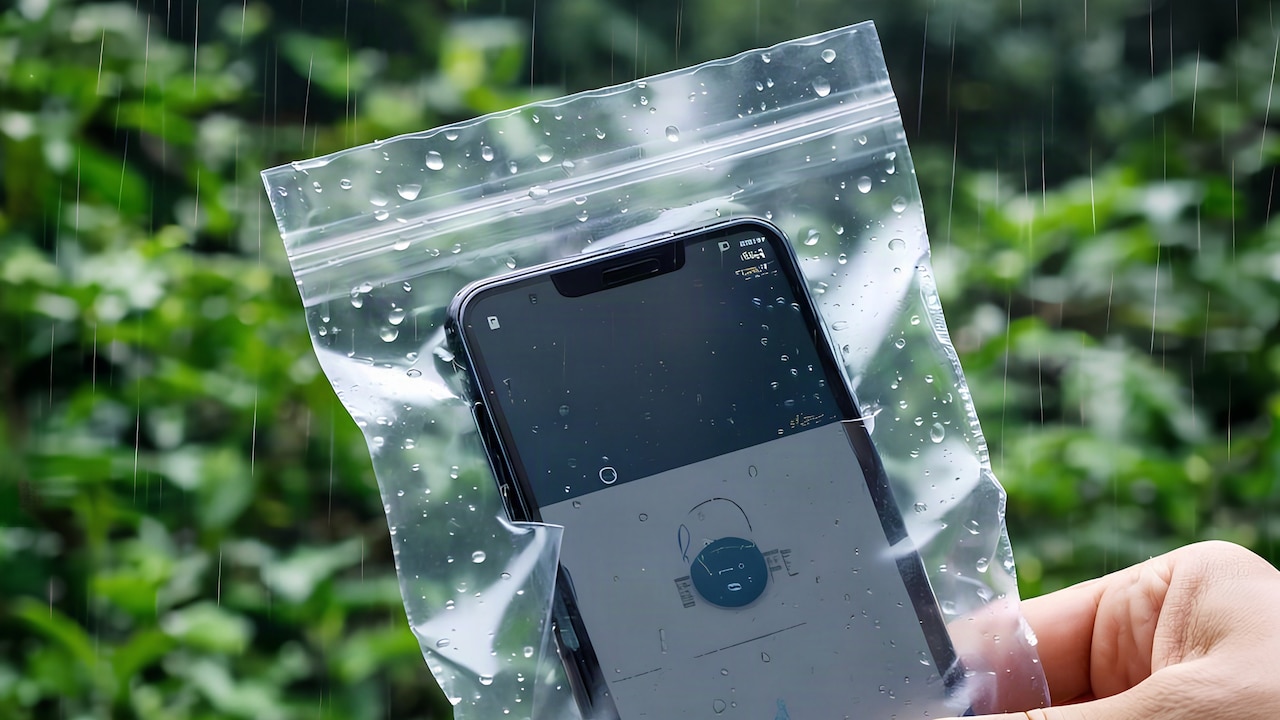
How To Protect Your Phone From Water Damage This Monsoon?
Every year it's the same story. The first heavy showers hit, and somewhere, someone's phone slips out of a wet hand or gets caught in a sudden downpour while they're waiting for an auto. It happens fast, and by the time you realise your screen has gone dark, the damage is usually already done. But here's the thing: most phone water damage isn't really about the rain itself. It's about what we do (or don't do) in the ten seconds before and after the phone gets wet. A few small habits and a couple of cheap phone accessories can be the difference between a scare and a repair bill that costs more than the phone itself. So, in this guide, we'll discuss everything you need to know about how to protect your phone from water damage this monsoon.
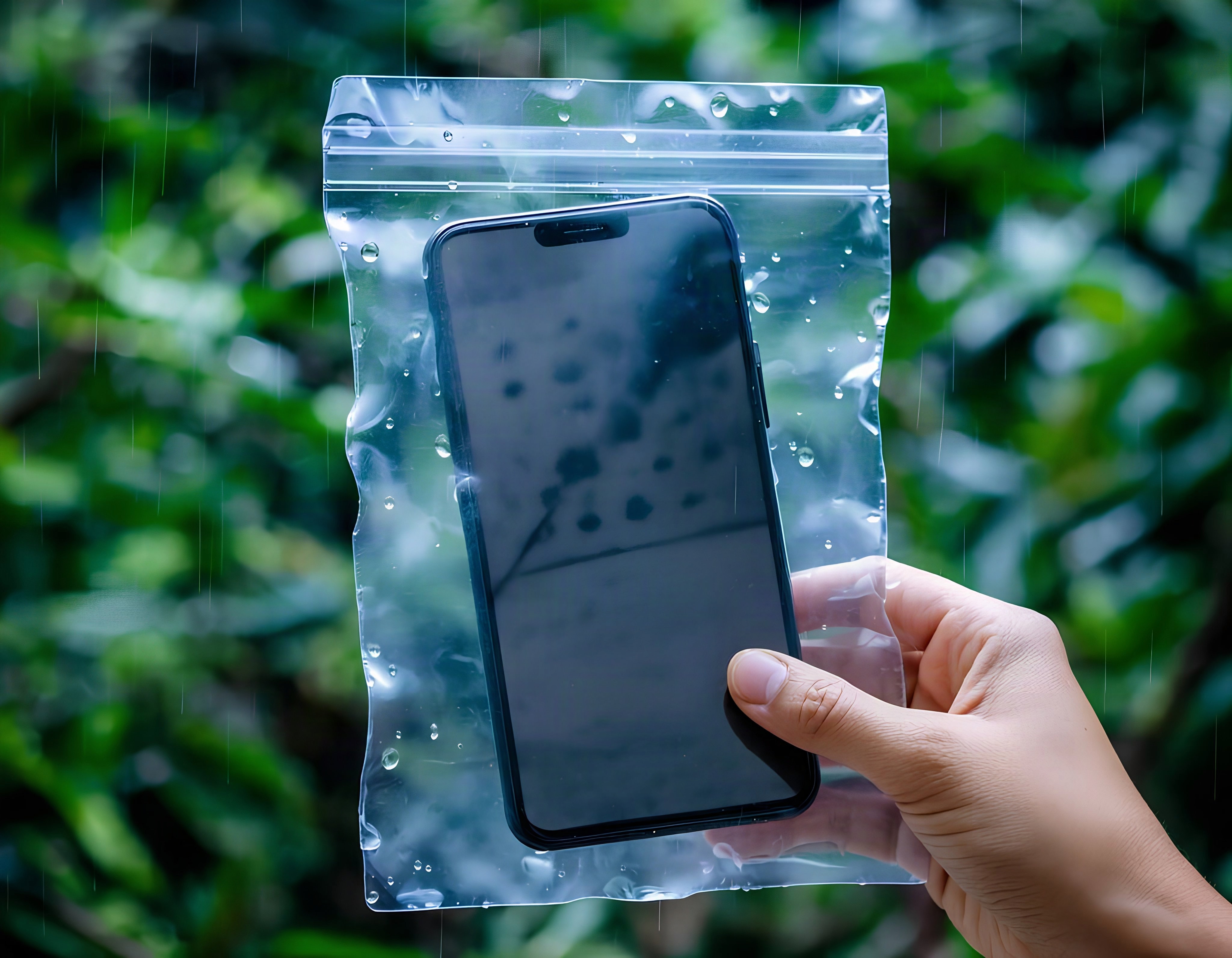
How To Protect Your Phone From Water Damage This Monsoon?; Photo Credit: iStock
Why Monsoon Rain Is Actually Risky For Your Phone
Most phones sold today do carry some kind of water resistance rating, something like IP67 or IP68. That sounds reassuring, and honestly, it mostly is. But an IP rating is tested under controlled lab conditions, using clean, still water. Real monsoon rain presents a unique challenge. It's often mixed with road grime; it hits at an angle when you're walking, and it seeps into ports and speaker grilles over repeated exposure, not just one dunk.
There's also the humidity factor, which barely gets talked about. Moisture doesn't need to soak your phone to cause trouble. Weeks of damp air sitting inside a poorly ventilated bag can slowly corrode charging pins, even if the phone was never technically "wet". Water resistance is beneficial, but it doesn't mean you can stop being cautious.
Also Read: What Are The Best Budget Smartphones Under ₹15,000 In 2026
How To Waterproof Your Phone Before You Step Out
A little prep before you leave the house saves a lot of panic later. These four steps take barely five minutes, but they matter more than most people realise.
1. Get A Waterproof Pouch Or Cover
If you're commuting, trekking, or even just walking to work in heavy rain, a waterproof pouch is genuinely worth the ₹200 to ₹400 it usually costs. Most pouches these days let you use the touchscreen without opening the seal, which means you can still take calls or check maps without exposing the phone at all.
2. Check Your Phone's Actual IP Rating
Not all "water-resistant" phones are equal. An IP67 rating means it can survive being dunked in about a metre of water for thirty minutes, while IP68 goes deeper and longer. Look up your specific model instead of assuming, because two phones from the same brand can carry different ratings depending on the variant.
3. Seal Charging Ports With A Silicone Plug
Charging ports are one of the weakest points on any phone. Small silicone port plugs are inexpensive and stop water and lint from settling inside the port over time, especially useful if you're someone who charges your phone in the car or at a shared desk near a window.
4. Keep A Dry Cloth And Ziplock Bag Handy
This one sounds almost too simple, but it works. A Ziploc bag in your work bag or a two-wheeler's under-seat storage means you always have an emergency option, even when you've forgotten everything else. Wrap the phone, seal it, and you're covered for a sudden cloudburst.
What To Do If Your Phone Gets Wet Anyway
Sometimes, despite every precaution, it still happens. Here's what actually helps in the first hour and what to avoid doing out of panic.
1. Switch It Off Immediately
The single biggest mistake people make is checking if the phone "still works" right after it gets wet. Don't. Power it off as fast as you can, because an active electrical current running through a wet circuit board is what actually causes permanent damage, not the water alone.
2. Wipe And Dry The Outside First
Use a soft, absorbent cloth to gently pat the phone dry, paying attention to the charging port, headphone jack, if there's one, and the speaker grilles. Avoid rubbing hard or using tissue paper, which can leave bits of fibre stuck inside the ports.
3. Use Silica Gel Instead Of The Rice Trick
The old "bury it in rice" advice has been floating around for years, but silica gel packets actually pull out moisture far more effectively than rice does, and they don't leave dust or starch residue behind. Keep a small pouch of desiccant packets at home specifically for emergencies, tucked away with your travel bag or first aid kit.
4. Wait At Least 24 Hours Before Charging
Patience is genuinely the hardest part here. Give the phone a full day, sometimes even two, if it was properly submerged, before you plug it in or switch it on again. Charging too soon while there's still residual moisture inside is what fries the internal components for good.
Simple Habits That Keep Your Phone Safe All Season
Beyond the emergency fixes, a few everyday habits make a real difference across the whole monsoon stretch, not just on the one day it pours unexpectedly.
Get into the routine of checking the weather before you leave, even for short trips. It sounds obvious, but most people skip this step and regret it twenty minutes later, standing under someone else's shop shutter. Also, avoid keeping your phone in a jeans back pocket during commutes, since that's where sweat and rain collect the fastest without you noticing.
Every couple of weeks through the season, it helps to just open your phone case and check for any trapped moisture or fogging near the camera lens, which is usually the earliest warning sign of a slow leak.
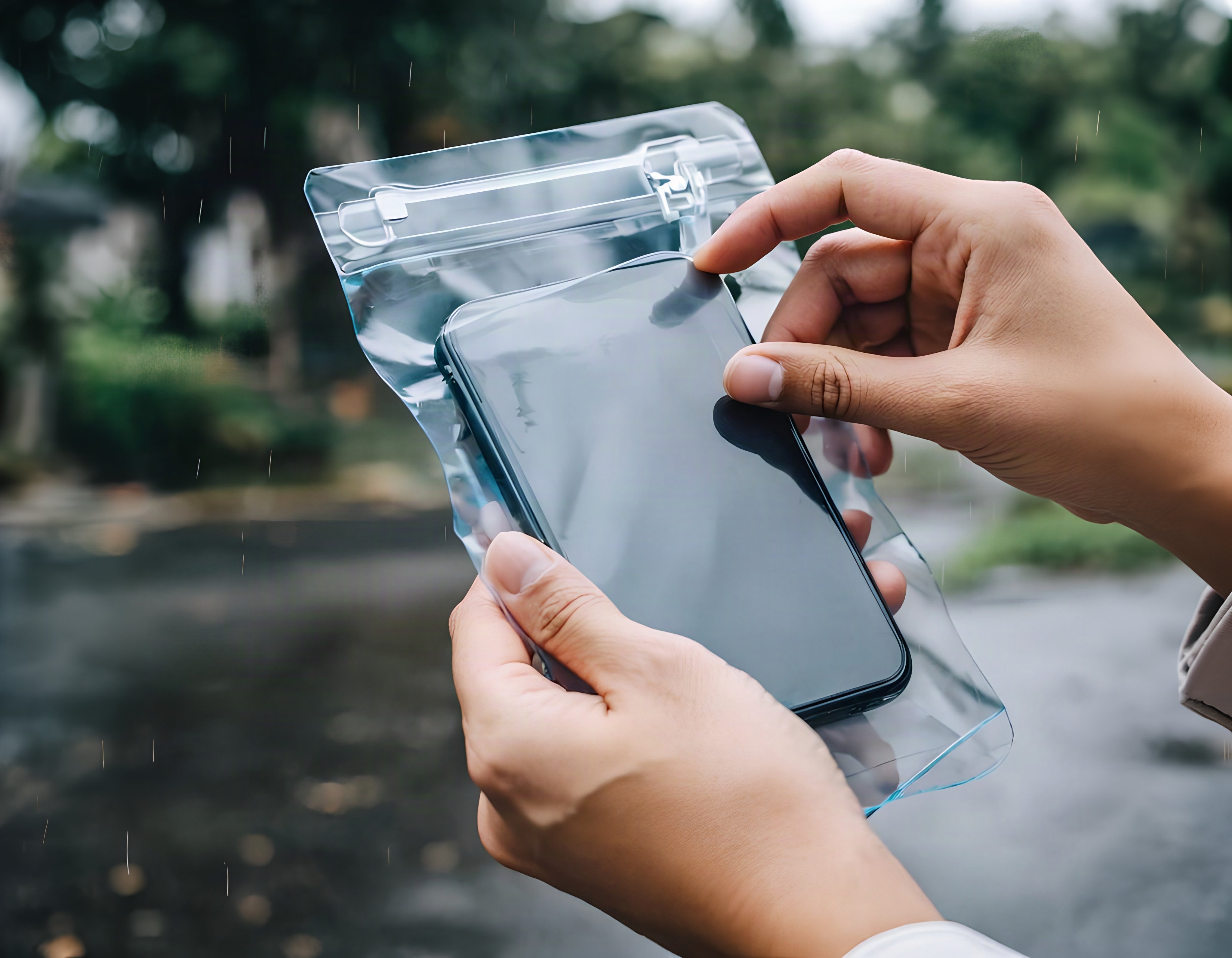
How To Protect Your Phone From Water Damage This Monsoon?; Photo Credit: iStock
Some Waterproof Phone Accessories You May Like
1. Spigen Floating Waterproof Phone Pouch
2. JABU Waterproof Mobile Pouch for Rain Protection
3. skysia Universal Waterproof Pouch
4. Joto Waterproof Phone Pouch Ipx8
5. Case-Mate IP68 Floating Waterproof Mobile Cover w/Crossbody Lanyard
6. ZORBES® IPX8 Waterproof Mobile Pouch for Phones
7. Delzon Waterproof Dry Bag with Phone Case
8. BARROT ScreenPro - Screen & Lens Cleaning Microfibre Cloth
These are water-resistant covers like rain gear and will keep your phone dry from rain, splashes, and moisture. Features designed for convenience and protection, such as floating capability, secure sealing, and touchscreen compatibility, help to safeguard your phone. The best waterproof phone pouches range from budget-friendly to multi-use options, depending on your travel needs, and a good pouch can help keep smartphones and essential belongings safe during rainy adventures. They are an inexpensive addition to any monsoon travel checklist, and they come in many options on Amazon at an affordable rate. Shop now on Amazon
Frequently Asked Questions (FAQs)
1. Can a phone with an IP68 rating still get damaged in monsoon rain?
Yes, although IP ratings are based on lab testing, the reality is that water pressure in monsoon rainfall, as well as water mixed with dust and repeated exposure over weeks, may still result in damage.
2. Is the rice method actually effective for a wet phone?
Rice does absorb moisture. But it's not the most reliable way to dry your phone. Silica gel works faster and provides better results.
3. How long should I wait before charging a phone that got wet?
You should wait at least 24 hours, or longer if the device was completely submerged. Charging your phone too soon after it gets soaked may lead to irreversible internal damage.
4. Are waterproof phone pouches actually touchscreen-friendly?
Yes, most waterproof cases for phones feature a thin layer of plastic that allows you to use the touchscreen normally for texting, making calls, and navigating the map.
5. Does keeping a phone in a jeans pocket protect it from rain?
No. Even though the pockets in your trousers can provide some protection, they also retain moisture and keep your phone wet for a long time.
(Disclaimer: This article may include references to or features of products and services made available through affiliate marketing campaigns. NDTV Convergence Limited (“NDTV”) strives to maintain editorial independence while participating in such campaigns. NDTV does not assume responsibility for the performance or claims of any featured products or services.)