How To Protect Your Smartphone Battery From Degrading Too Fast?
Learn how to protect your smartphone battery from degrading too fast with simple charging habits, heat protection tips, and everyday battery-saving tricks.

How To Protect Your Smartphone Battery From Degrading Too Fast?
There was a time when people used to change phones every 2-3 years without thinking too much. But now smartphones cost a lot of money, and nobody wants their battery to drop from 80% to 12% within just a few hours outside. The problem is, battery degradation happens very slowly. One day, your phone lasts for a full day, and then suddenly you are carrying a charger everywhere you go. Most of this damage actually comes from small daily habits that we keep repeating without even noticing.

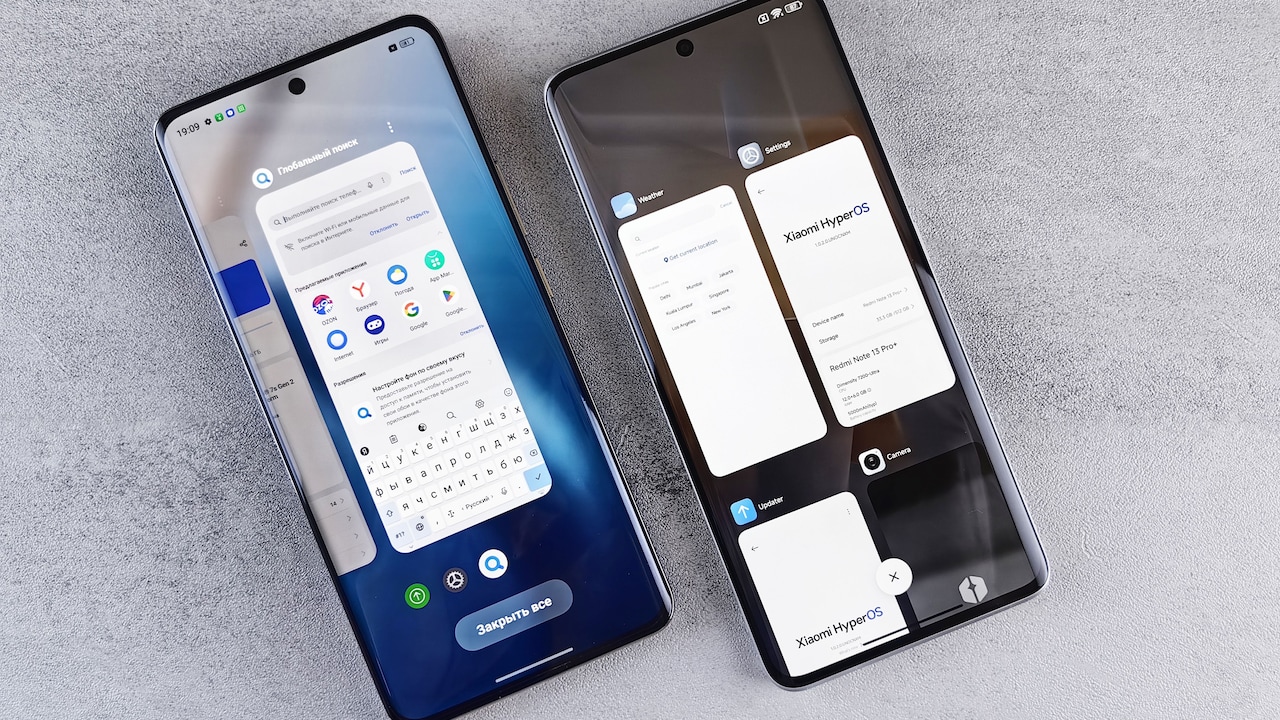
Discover simple daily habits and heat protection techniques to prevent your smartphone battery from degrading.
Photo Credit: iStock
The good news is you don't need to become too careful or stop using your phone normally. Just a few simple changes can help a smartphone battery stay healthy for a much longer time.
Why Smartphone Batteries Degrade Over Time
Smartphones use lithium-ion batteries, and these batteries lose capacity naturally with age. You cannot completely stop battery degradation, but slowing it down is quite possible.
Things like too much heat, constant fast charging, overcharging, and draining the battery to 0% very often put extra stress on it. Even gaming for long hours while charging can heat the phone terribly.
After around two to three years, most batteries start showing a clear decline. But poor charging habits can make battery degradation happen much faster than expected.
Avoid Charging Your Phone To 100% Every Single Time
Many people think charging to 100% is the correct thing to do. It's not exactly very harmful if done occasionally, but doing it daily puts more stress on the battery over time.
1. Try Keeping The Battery Between 20% And 80%
Battery experts usually suggest keeping a phone somewhere between 20% and 80% most of the time. This reduces pressure on battery cells and helps in slowing down long-term wear.
You don't need to obsess over exact percentages, honestly. Even unplugging around 85–90% helps quite a bit.
2. Don't Let Your Phone Die Frequently
Completely draining the battery on a regular basis is also not beneficial. Frequent charging at 1% can accelerate the deterioration of battery health over time.
Modern smartphones are smarter now, but deep discharges still create unnecessary stress over months and years of usage.
Heat Is One Of The Biggest Battery Killers
Heat damages smartphone batteries much faster than most people realise. Occasionally the issue is not the charging itself, but the temperature during charging.
1. Avoid Using Heavy Apps While Charging
When your phone is charging, try not to use anything on it. Rather, try keeping it idle for some time to let it charge. A phone heats while charging, and intense use adds more temperature to the mixture. If possible, try letting your phone charge undisturbed for a while.
2. Don't Leave Your Phone In Hot Places
Leaving a phone inside a parked car, near windows under sunlight, or under pillows while charging can increase battery temperature rapidly.
Indian summers are already harsh enough. Even normal outdoor heat can affect battery performance if the phone stays hot for long periods of time.
Fast Charging Is Convenient, But Don't Overuse It
Fast charging is honestly very useful when you are in a hurry. Ten minutes of charging can sometimes save your day completely. However, relying on it too often tends to produce more heat compared to normal charging mode.
1. Opt For Normal Charging Whenever Possible
Whenever you're charging your phone and don't have to go out, try choosing the normal charging mode. You can change the charging mode from the settings of your phone. Normal charging causes less heat and is beneficial for your battery health.
2. Always Go For High-Quality Chargers And Cables
Always try to get the best quality charger and charging cable when charging your phone. Don't buy cheap or local charging cables or adapters. They may not provide the right voltage for charging and will harm your battery.
Small Settings Can Improve Battery Health Too
Many battery problems are actually linked to background activity, overheating, and constant power usage that occurs without notice.
1. Lower Screen Brightness When Possible
The display is one of the largest consumers of battery power in any smartphone. Keeping brightness at maximum all day drains the battery faster and also generates more heat unnecessarily.
Auto brightness usually works fine for most people now.
Also Read: Flipkart GRWM Sale Steal: Nothing Phone 4a Price Drops To Just ₹34,199
2. Turn Off Features You Don't Need
Bluetooth, GPS, hotspot, and always-on display features quietly use battery in the background. Turning off unnecessary features can reduce charging frequency during the day.
Fewer charging cycles over time means better battery lifespan overall.

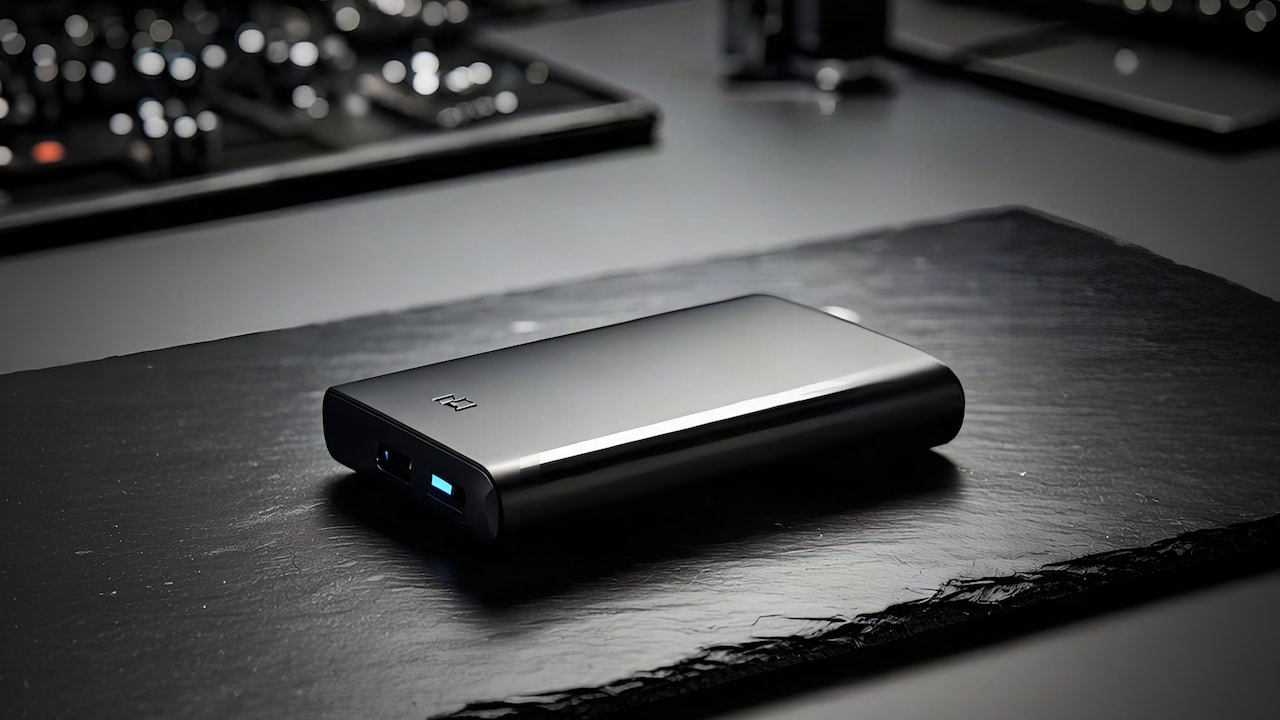
Protect your phone battery from rapid degradation using practical charging adjustments and easy heat-safety tips.
Photo Credit: iStock
You Don't Need To Panic About Battery Health
A lot of battery advice available online sounds too extreme, honestly. Some people act like charging more than 85% once will destroy the phone forever. That is simply not true.
Smartphone batteries are meant to be used. The goal is not perfection; it is just reducing unnecessary stress on the battery. If you avoid overheating, stop draining the battery constantly, and follow decent charging habits, the battery will usually stay healthy for a much longer period.
Most people only start caring about battery health after the phone has already become frustrating to use daily. A few small changes now can easily help smartphones age better over the next few years.
Some Smartphone Battery Protection Products You May Like
1. Portronics Adapto 45 22.5 W Mobile Charger Adapter with Dual Port
2. boAt Type A to C 65W Fast Charging Cable
3. Samsung Original 25W USB Type-C Travel Adaptor
4. Xiaomi 4i 20000mAh 33W Super Fast Charging Power Bank
5. Belkin BoostCharge Braided USB-A to USB-C Fast Charging Cable
6. eller santé® Wireless Charger 3-in-1 23W
7. Mi Original 45W Turbo Fast Charger Adapter With Cable
8. Ambrane 27000mAh 22.5W Fast Charging Powerbank
Frequently Asked Questions (FAQs)
1. Is overnight charging detrimental for smartphone batteries?
Modern smartphones stop charging automatically after reaching full charge, but keeping the phone plugged in overnight daily can still create extra heat and long-term stress on the battery.
2. Does fast charging damage battery health?
Fast charging itself is not dangerous, but excessive heat from repeated rapid charging can slowly affect battery lifespan over time.
3. At what percentage should I charge my phone?
It is generally better to charge a phone before it drops below 20% and unplug it somewhere around 80-90% whenever possible.
4. Why does my phone battery drain faster after 2 years?
Lithium-ion batteries naturally lose capacity with age and charging cycles. Heavy usage and heat can speed up this process quite a lot.
5. Can software updates improve battery life?
Yes. Many updates include battery optimisation fixes, app efficiency improvements, and performance changes that help reduce battery drain.
(Disclaimer: This article may include references to or features of products and services made available through affiliate marketing campaigns. NDTV Convergence Limited (“NDTV”) strives to maintain editorial independence while participating in such campaigns. NDTV does not assume responsibility for the performance or claims of any featured products or services.)