Why Does My Earbud Case Stop Charging After A Few Months
Is your wireless earbud case refusing to charge after a few months? Learn the common causes, easy fixes, and smart ways to protect the battery life.
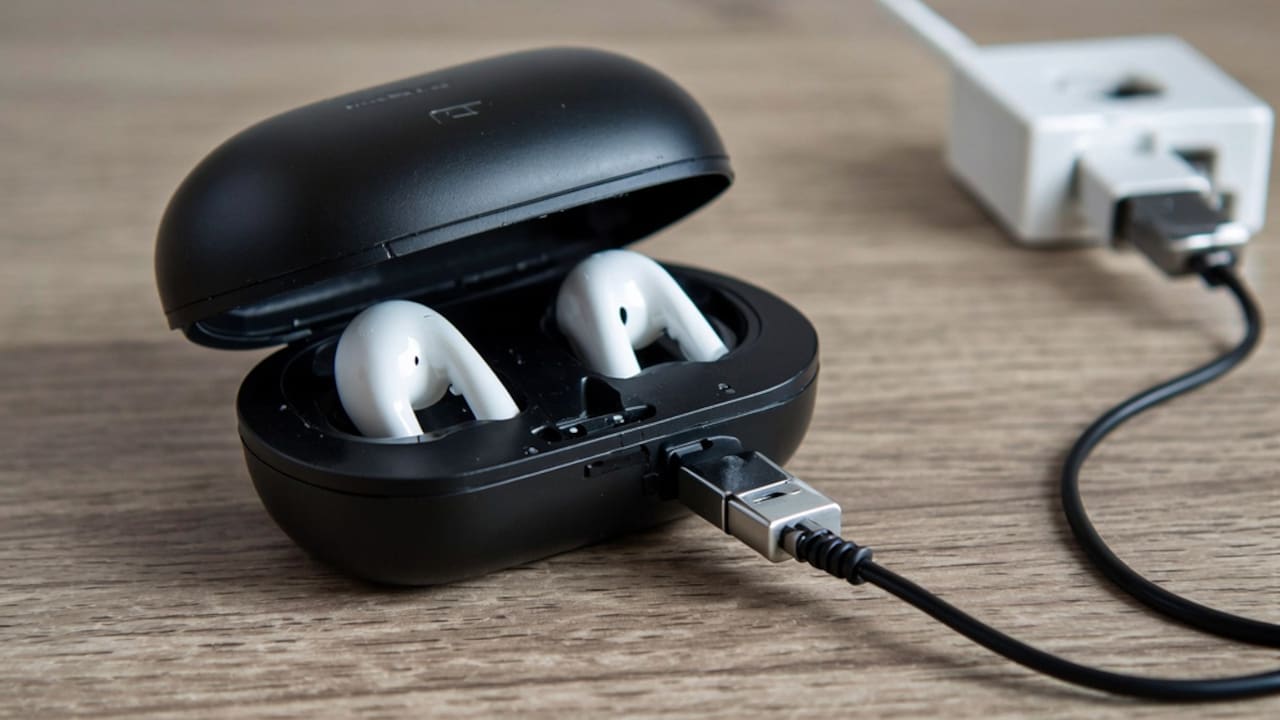
Why Does My Earbud Case Stop Charging After A Few Months
Picture this: you are getting ready for an intense workout, a long daily commute, or an important Zoom call. You reach for your favourite wireless earbuds, open the lid, and realise everything is completely dead. You plug the charging case into the wall, but nothing happens. The LED indicator light either stays completely dark, flashes a weird warning colour, or your earbuds refuse to juice up even after sitting inside the cradle for hours. It is incredibly frustrating, especially when it happens out of nowhere. What makes it even more annoying is when your gear is only a few months old. Naturally, you start wondering if you bought a defective product or if the internal battery has already kicked the bucket.
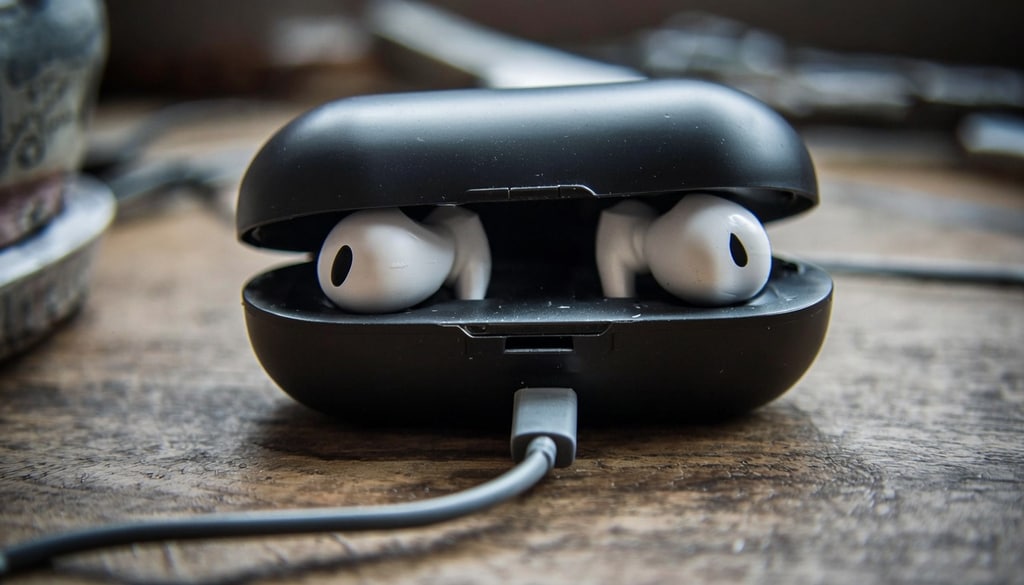
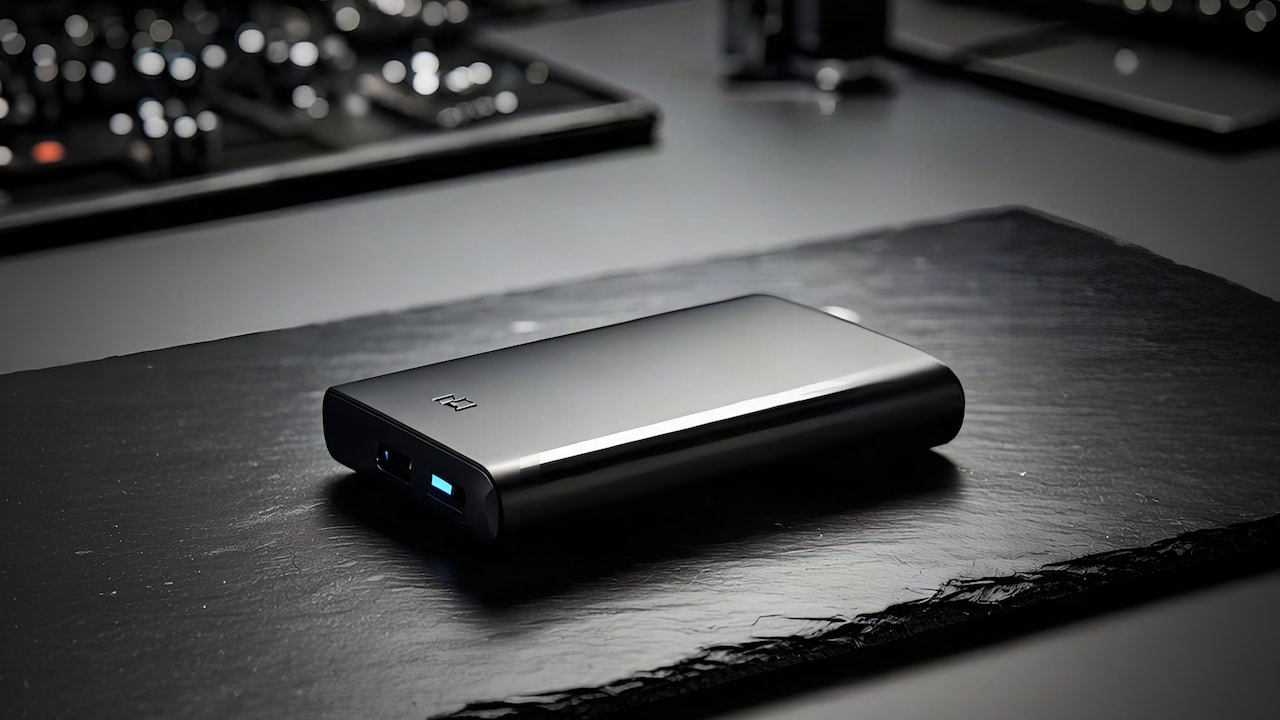
Discover quick fixes and smart tips to protect your wireless earbud case battery life; Photo Credit: iStock
The Good News: A charging case rarely dies without a good reason. More often than not, the culprit is a buildup of everyday pocket grime, a minor charging mishap, bad habits, or simple mobile battery wear and tear. Before you throw them in the trash or start looking up warranty replacement forms, let's dive into exactly what goes wrong behind the scenes and how you can get your case back to working order.
Also Read: 7 Best Earbuds Under ₹1,500 For Small Ears: Comfortable, Secure And Budget-Friendly Picks
Why Earbud Charging Cases Can Develop Problems Over Time
Most of us pay close attention to our earbuds, but the charging case often gets overlooked. It gets tossed into bags, squeezed into pockets, left in cars, and exposed to dust, heat, and everyday wear without a second thought.
What many people don't realise is that the case is packed with delicate components, including a rechargeable lithium-ion battery, charging circuitry, contact pins, and a charging port. These parts work every day to keep your earbuds powered up and ready to use.
Over time, constant exposure to lint, moisture, temperature changes, and repeated charging cycles can affect performance. Thankfully, many charging issues can be fixed with simple maintenance.
How To Fix An Earbud Case That Stops Charging
If your case is giving you the silent treatment, do not panic. Work your way through these simple troubleshooting steps to pinpoint the issue.
Step 1: Inspect Your Charging Cable And Wall Adapter
Always start with the easiest variable to change. Charging cables take a massive beating; they get bent, twisted, and stepped on. Before assuming your earbud case is broken, try swapping out your current USB cable for a fresh one. Additionally, make sure you aren't using a faulty wall brick or a low-powered USB port on an old computer.
Step 2: Clean Out The Charging Port Very Carefully
Take a close look inside the charging port of your case using your phone's flashlight. If you carry your case in your pockets, there is a very high chance a stubborn clump of lint is packed tightly at the bottom of the port, preventing your cable from making solid contact. Take a wooden toothpick or a soft, dry brush and gently scrape out any debris. Avoid using metal needles or paperclips, as these can easily ruin the internal pins.
Step 3: Clean The Metal Contacts Inside The Case
Open the lid and look down into the cradle where your earbuds sit. See those tiny gold or silver pins? Those need to be pristine to transfer power. If they get covered in grease, sweat residue, or dust, the charging process will stall out. Dampen a cotton swab with a tiny drop of rubbing alcohol (make sure it isn't dripping wet) and gently clean those pins, along with the matching metal pads on the earbuds themselves.
Step 4: Keep The Case Away From Extreme Heat
Lithium-ion batteries absolutely hate heat. If you have a habit of leaving your earbud case on a sunny windowsill or inside a roasting hot car during the summer, the internal safety chips might temporarily shut down charging to prevent an explosion. Move the case to a cool, shaded room and let it rest before trying to plug it in again.
Step 5: Check For Trapped Moisture
Think about your routine. Do you finish a sweaty run and immediately pop your damp earbuds back into the case? Over a few months, that trapped moisture creeps into the charging pins and internal electronics, causing subtle corrosion that eventually stops power from flowing. Always dry your earbuds completely before storing them away.
Common Mistakes People Make With Earbud Charging Cases
Are you accidentally killing your device? Watch out for these three common habits that ruin cases prematurely:
1. Running It All The Way To 0%:
Waiting until your case completely dies before plugging it in puts immense stress on lithium-ion chemistry. It is much better to top it off when it hits around 20% to 30%.
2. Neglecting Basic Cleaning:
Treat your case like your phone. If you never clean out the ports and connections, a layer of grime will eventually block the electrical current entirely.
3. Grabbing Whatever Random Charger Is Nearby:
Just because a cable fits into the slot doesn't mean it is safe. High-voltage fast chargers meant for laptops can sometimes overwhelm smaller accessory batteries if the case lacks smart power regulation.
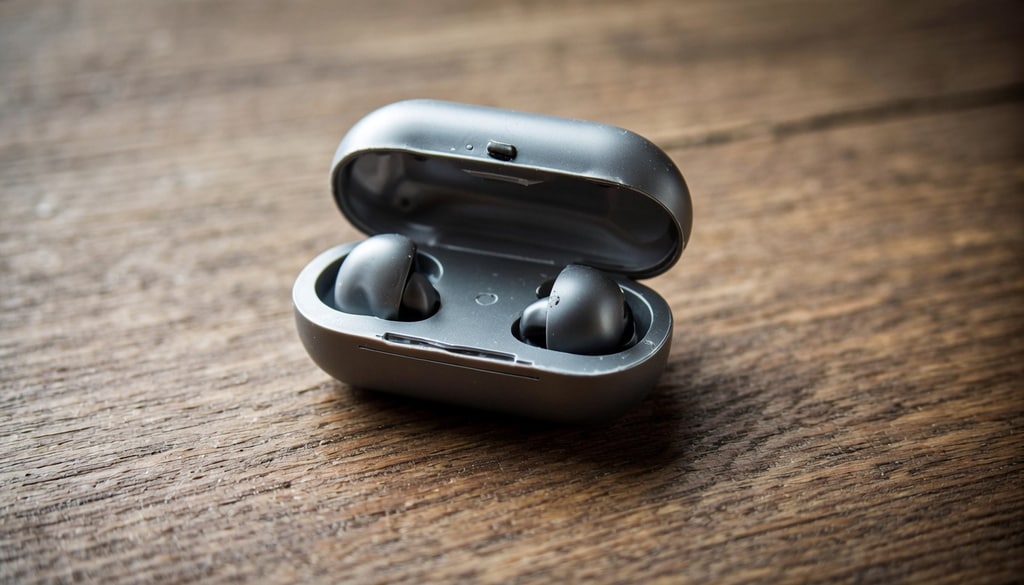
Troubleshoot your non-charging earbud case with these simple steps to restore battery performance; Photo Credit: iStock
Some Earbud Accessories You May Like
1. Meyaar Compatible for AirPods Pro 2nd Generation Case Cover
2. Meliya for AirPods 4th Generation Case with Magnetic Automatic Lock
3. Sounce Case Cover for Apple AirPods 4th Generation Case Cover
4. Meyaar Silicone Case for AirPods Pro 3 Floral Embossed
5. BendJoy Compatible with AirPods 4 Case, Cute TPU Case Cover for AirPods
6. Tobfit Case for AirPods 4 Case Cover 2024 with Lanyard & Keychain
7. NEWTECHNO Compatible AirPod Pro 2 Case
8. FLORICAN Earphone Case – Multi-Purpose Storage Case
Music, calls, or gaming- earbuds should feel like they belong. These budget-friendly picks prove you don't need to compromise comfort for sound quality. From OnePlus's bass-heavy experience to realme's AI-powered clarity, every pair offers something special for smaller ears that deserve better sound and a better fit. Shop now on Amazon.
Frequently Asked Questions (FAQs)
1. Why is my earbud case charging but not charging the earbuds?
This is almost always a contact issue. Sweat, earwax, or dust is likely coating the metal pins inside the case or the pads on the earbuds. Give both areas a thorough clean with a cotton swab and some rubbing alcohol.
2. How long should an earbud charging case battery last?
Under normal conditions, a decent charging case should easily last between two and three years before you notice significant battery drop-off. However, poor charging habits can cut that timeframe down significantly.
3. Can dust stop an earbud case from charging?
Absolutely. Pocket lint and dust act like an insulator. If it gets packed into the bottom of your USB port, your charging cable won't click into place properly, cutting off the electrical connection.
4. Is it safe to charge my earbud case overnight?
While modern charging cases have chips to prevent overcharging, leaving your case plugged into a live outlet for eight to ten hours every single night can generate unnecessary ambient heat, which ages the battery a bit faster.
5. Should I replace the charging case or buy new earbuds?
If your earbuds still hold a great charge and sound perfect, look into buying a standalone replacement case from the manufacturer or a trusted third-party brand. It will save you a ton of cash compared to buying a whole new bundle.
(Disclaimer: This article may include references to or features of products and services made available through affiliate marketing campaigns. NDTV Convergence Limited (“NDTV”) strives to maintain editorial independence while participating in such campaigns. NDTV does not assume responsibility for the performance or claims of any featured products or services.)