Why Phone Batteries Drain Faster After Software Updates
Phone batteries may drain faster after software updates due to background processing, app syncing and changed settings. The issue is often temporary, though bugs or an ageing battery can make it last longer.
Why Phone Batteries Drain Faster After Software Updates
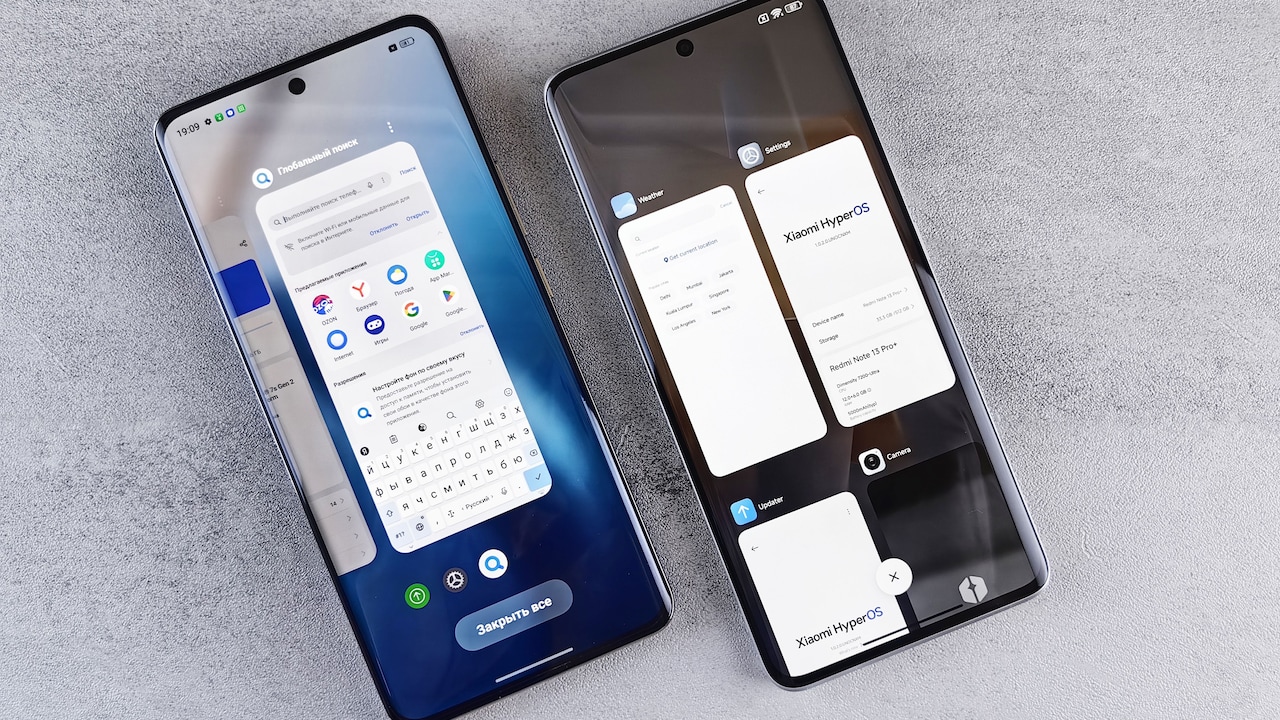
The notification usually arrives at the least convenient moment. A phone announces that a major software update is ready, complete with security improvements, performance upgrades and several features that sound too useful to ignore. The installation finishes, the device restarts, and everything appears normal. Then the battery begins behaving strangely. A full charge that once lasted until dinner now struggles to survive the evening commute. The phone feels warmer inside a pocket. The battery chart shows mysterious activity, even though daily habits have not changed. Suspicion quickly falls on the update.
Why Phone Batteries Drain Faster After Software Updates
Photo Credit: Pexels
That reaction makes sense. The battery drain begins soon after the new software arrives, so the connection appears obvious. However, an update rarely reduces battery life for just one reason. Several processes often start together, from rebuilding search indexes to refreshing cloud data and retraining intelligent features.
Some effects disappear after a few days. Others reveal outdated apps, altered settings or an ageing battery that had already begun losing strength. Understanding these causes can prevent needless panic, rushed repair visits and an unnecessary ₹20,000 phone upgrade.
10 Reasons Your Phone Battery Drains Faster After An Update
The Phone Starts Reorganising Everything
A major software update does more than change icons or add a few menu options. It alters the operating system that manages almost every activity on the phone. After installation, the device often needs to reorganise photos, messages, contacts, files and app information so the new software can find them quickly.
This process resembles rearranging a crowded kitchen after buying new shelves. The room may look tidy from outside, but every jar, steel dabba and spice packet needs a new place. The phone performs a similar digital clean-up.
It may rebuild search indexes, scan stored media and update internal databases. These tasks require processor power, memory and storage activity. All three consume energy. Since much of the work happens quietly, the battery drain can feel unexplained.
The device may also grow warmer than usual. Heat does not automatically signal damage, though excessive or persistent heat deserves attention. During the first day or two, mild warmth often shows that the phone remains busy.
Keeping the device connected to Wi-Fi and charging it overnight can help these background jobs finish sooner.
Apps Need Time To Settle In
Apps do not always adjust gracefully when the operating system changes. A banking app, food delivery platform or social media service may continue using methods designed for the older software. Until developers release compatible updates, some apps can consume more battery than expected.
An app may repeatedly attempt a background task, fail, and immediately try again. The user sees nothing unusual on the screen, but the processor keeps working. In other cases, an app may struggle with notifications, location access or data syncing after the update.
This problem often affects apps that have not received maintenance for months. A forgotten shopping app can suddenly become the most energetic resident of the phone, despite rarely being opened.
Updating all installed apps usually helps. Both major app stores allow users to check for pending updates in one place. Removing unused apps also reduces the chance of an outdated service running quietly in the background.
The battery settings can reveal the main offenders. An app that suddenly consumes a large share of power without heavy use deserves closer inspection. Reinstalling it may fix corrupted files, while uninstalling it may bring immediate peace to both the phone and its owner.
Photos And Files Begin Syncing Again
Cloud services can become surprisingly active after an operating system update. The phone may verify photo libraries, recheck backups, refresh shared albums and compare local files with cloud copies. Even when no new pictures appear, thousands of existing items may need examination.
Anyone with years of festival photos, family videos, screenshots and forwarded greetings can imagine the workload. A gallery containing 30,000 images does not organise itself with a polite snap of the fingers.
Photo applications may also analyse faces, objects, locations and text. This allows searches such as “wedding”, “dog” or “Goa beach” to produce useful results. The feature feels effortless later, but the initial analysis demands significant processing power.
Messaging apps may conduct similar work. They can restore media previews, rebuild chat databases or prepare backups. If mobile data remains active, this syncing may also increase data usage.
The battery drain usually eases once the cloud catches up. A stable Wi-Fi connection and access to a charger can speed up completion. Constantly switching the phone off may delay the process, as unfinished tasks restart later and continue nibbling at the battery.
New Features Often Arrive Switched On
Software updates frequently introduce features that sound helpful but require extra energy. An always-on display, enhanced location tracking, live widgets, animated wallpapers or smarter notifications may activate automatically. Each addition consumes a small amount of power. Together, they can make a noticeable difference.
The problem rarely lies with one dramatic feature. Battery life often fades through dozens of tiny activities. A weather widget refreshes every few minutes. A shopping app checks nearby offers. A fitness service counts movement. A voice assistant listens for its wake phrase. The lock screen displays live cricket scores throughout the afternoon.
None of these tasks appears unreasonable on its own. Yet the battery pays every bill.
After an update, reviewing settings can reveal features that were never requested. Location permissions deserve particular attention. Many apps function perfectly with access allowed only while the app remains open. Background access should serve a clear purpose.
Users should also inspect screen brightness, refresh rates and display timeout settings. Updates sometimes reset preferences or promote visually impressive options. A brighter, smoother screen looks lovely in a showroom, but it may turn the battery indicator into a countdown clock.

Why Phone Batteries Drain Faster After Software Updates
Photo Credit: Pexels
The Battery Meter May Need Recalibration
Sometimes the battery does not drain faster at all. The software simply reads the remaining charge differently after the update. Battery percentage depends on estimates calculated from voltage, usage patterns and charging behaviour. A major software change can temporarily disturb those estimates.
This creates odd situations. The phone may stay at 100 per cent for an unusually long time, then drop quickly. It may fall from 30 per cent to 15 per cent within minutes. In severe cases, the device may switch off while showing some charge.
The battery itself has not gained or lost capacity overnight. The measurement system may need time to relearn its limits.
Using the phone normally for several charging cycles often improves accuracy. There is no need to repeatedly drain a modern battery to zero, as deep discharges can increase wear. Instead, letting the charge fall to around 10 or 15 per cent once, followed by an uninterrupted charge to 100 per cent, may help the software form a clearer estimate.
If unpredictable shutdowns continue, the issue may involve genuine battery deterioration rather than simple recalibration. A diagnostic test can then provide a more reliable answer.
Background Activity Becomes More Aggressive
Phones constantly perform small tasks when the screen remains off. They check messages, fetch emails, update calendars, refresh news feeds and maintain internet connections. Software updates can change how frequently these tasks run or how strictly the system controls them.
An update may reset battery optimisation settings for certain apps. A service that previously slept for most of the day might suddenly wake every few minutes. Push notifications can also become unusually active while apps re-register with the updated system.
Poor mobile signal makes the situation worse. When reception drops inside a lift, basement or crowded train, the phone uses extra energy searching for a stable network. If background apps keep requesting data at the same time, battery consumption rises sharply.
The battery usage page often separates screen activity from background activity. An app with several hours of background use deserves investigation, particularly when it has barely appeared on screen.
Restricting background access can help, though essential apps such as messaging services may deliver notifications late. The better approach involves limiting non-essential apps first. A discount app does not need the same freedom as a payment alert or family group chat.
Enhanced Security Demands Extra Work
Security forms one of the strongest reasons to install software updates. New releases patch vulnerabilities, improve encryption and strengthen protection against malicious apps. These changes benefit users, but they can temporarily increase battery use.
After an update, the phone may rescan installed applications and stored files. It may verify permissions, renew security certificates and check whether saved passwords have appeared in known data breaches. Some devices also update malware detection systems or tighten app isolation.
These activities rarely produce exciting animations. They take place quietly, like a night guard checking every door after new locks arrive.
Security changes may also force apps to reconnect to services. Banking and payment apps may request fresh authentication. Work profiles may reapply company policies. Virtual private network services can rebuild secure connections.
Most security-related battery drain settles quickly. Disabling protection features to save a few percentage points usually creates more risk than benefit. A safer response involves allowing the phone to complete its checks while connected to power.
Persistent drain may still indicate a conflict with a security app, antivirus tool or workplace management service. Updating those applications often resolves the issue without weakening protection.
The Update May Contain A Bug
Not every case of post-update battery drain has an innocent explanation. Software updates sometimes contain bugs. A faulty system service may remain active, an animation may use excessive processing power, or the phone may fail to enter its low-power sleep state.
Even carefully tested software can behave unpredictably across millions of devices. Users run different apps, use different networks and store wildly different amounts of data. A bug that never appeared during testing may affect a specific model, region or usage pattern.
Early reports often emerge through customer support forums and technology publications. However, a few complaints do not prove that every device faces the same problem. Popular updates reach huge numbers of users, so some battery failures will occur by coincidence.
When a widespread issue exists, manufacturers usually release a smaller corrective update. Installing that patch can improve battery performance quickly.
Until then, restarting the phone may stop a stuck process. Resetting network or app preferences can also help in certain cases, though a full factory reset should remain a last resort. Erasing everything to fix a temporary glitch resembles renovating the entire house because one ceiling fan makes a noise.
Also Read: Deals On Phones Under ₹30,000: Brand-Specific Picks For Better Value
Older Batteries Struggle With New Demands
A software update often receives blame for exposing a problem that already existed. Lithium-ion batteries lose capacity as they age. After hundreds of charging cycles, they hold less energy and struggle more during demanding tasks.
Before the update, the phone may have followed a familiar routine that concealed this decline. New software can increase processing demands, introduce brighter visual effects or perform intensive background work. The ageing battery then reveals its weakness.
The timing feels unfair. A phone works acceptably on Monday, updates on Tuesday and begins fading by late afternoon on Wednesday. Yet the battery may have spent months approaching that tipping point.
Many phones provide a battery health reading in the settings. A low maximum capacity, unexpected shutdowns or major performance throttling can indicate physical wear. Battery swelling requires immediate professional attention and the device should not continue charging.
Replacing the battery often costs far less than buying a new phone. Depending on the model and service centre, the expense may range from roughly ₹1,500 to ₹8,000. A fresh battery can restore practical all-day use, provided the rest of the device remains in good condition.
User Habits Change After An Update
New software invites exploration. People spend more time examining redesigned menus, testing camera features, rearranging the home screen and showing friends what has changed. Screen time rises, yet the update receives all the blame for the falling battery percentage.
This effect becomes especially noticeable after large feature releases. A new lock-screen design can lead to an hour of customisation. Fresh photo tools encourage repeated editing. Improved gaming performance provides a perfect excuse for “just one more match”, which mysteriously becomes five.
The screen usually consumes more energy than most background services. High brightness, video streaming, gaming and navigation can drain even a healthy battery quickly. A warm phone after twenty minutes of camera testing may reflect normal heavy use rather than a software fault.
Comparing battery life requires similar conditions. A busy Sunday filled with reels, maps and food delivery apps cannot fairly compete with an ordinary office day.
Checking screen-on time gives useful context. When usage has increased, the battery chart will usually tell the story. The update may still influence efficiency, but changed behaviour often explains part of the difference. Sometimes the newest feature draining the battery is simply curiosity.

Why Phone Batteries Drain Faster After Software Updates
Photo Credit: Pexels
Products Related To This Article
1. Motorola G57 Power 5G (Fluidity, 8GB RAM, 128GB Storage)
2. OPPO A6 Pro 5G Smartphone 8+128GB Brown, 6.75 -inch Screen
3. Samsung Galaxy M56 5G Mobile (Black, 8GB RAM, 128GB Storage)
4. REDMI Note 15 Pro+ 5G (Coffee Mocha, 12GB + 512GB)
5. realme narzo 100 Lite 5G (Thunder Black,6GB+128GB)
6. OnePlus Nord CE6 Lite | 6GB+128GB
7. Samsung Galaxy M17e 5G Mobile (Vibe Violet, 4GB RAM, 128GB Storage)
Faster battery drain after a software update can feel like a small betrayal. The update arrives promising improvement, yet the phone starts searching for a charger before the day ends. In many cases, however, the problem remains temporary.
The device may be rebuilding files, syncing cloud data, analysing photos, updating apps and completing security checks. These processes can continue for several hours or a few days. Normal battery life often returns once the digital housekeeping ends.
Persistent drain deserves a closer look. Battery settings can expose power-hungry apps, unnecessary background activity and newly enabled features. App updates, a restart and sensible permission changes may solve the issue. A later software patch might fix a genuine bug.
When an older phone continues to struggle, the update may have uncovered a worn battery rather than caused the damage. A battery replacement can offer better value than replacing the entire device.
The best response involves patience, observation and a little detective work. The phone is not always becoming worse. Sometimes it is simply settling into its renovated digital home, moving the furniture around and making far more noise than expected.
(Disclaimer: This article may include references to or features of products and services made available through affiliate marketing campaigns. NDTV Convergence Limited (“NDTV”) strives to maintain editorial independence while participating in such campaigns. NDTV does not assume responsibility for the performance or claims of any featured products or services.)