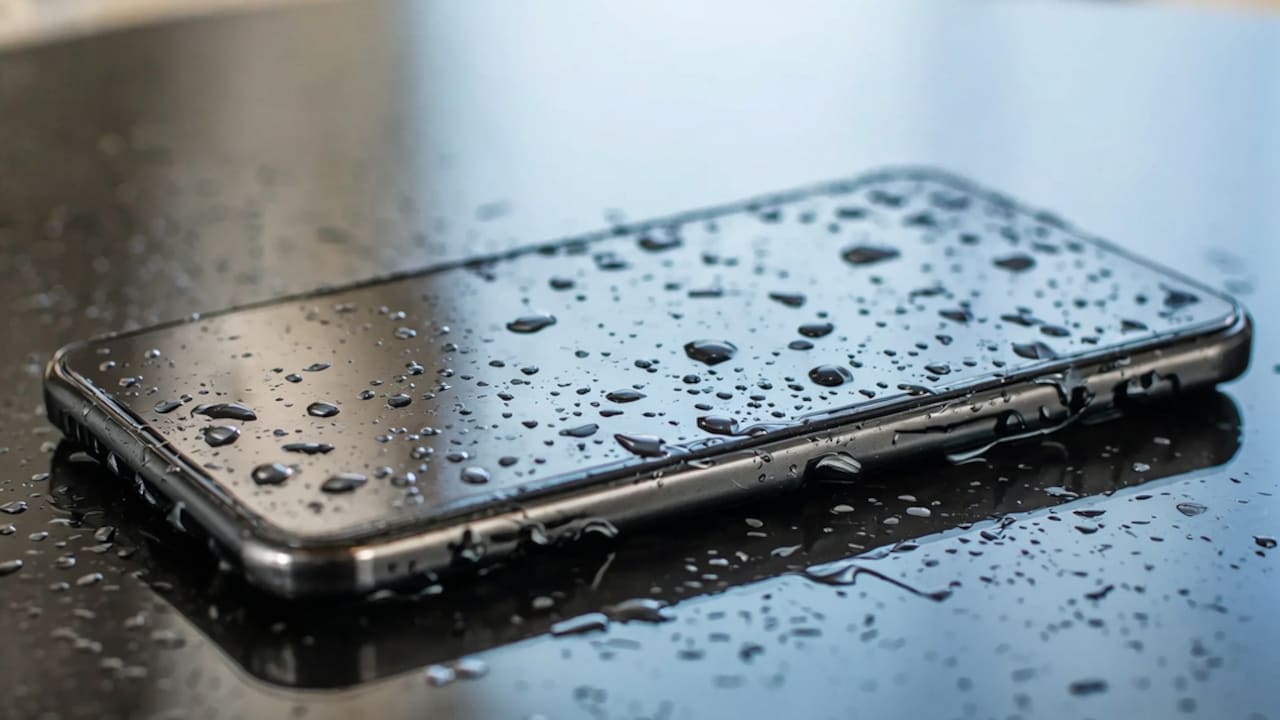
Why Your Phone Tripod Keeps Tipping Over And What Stability Features Matter
Phone tripods tip over due to poor balance, weak locks, narrow legs, slippery feet, or heavy phones. Learn which stability features actually matter before your next shoot, video call, reel, or product demo turns into a screen-cracking disaster.
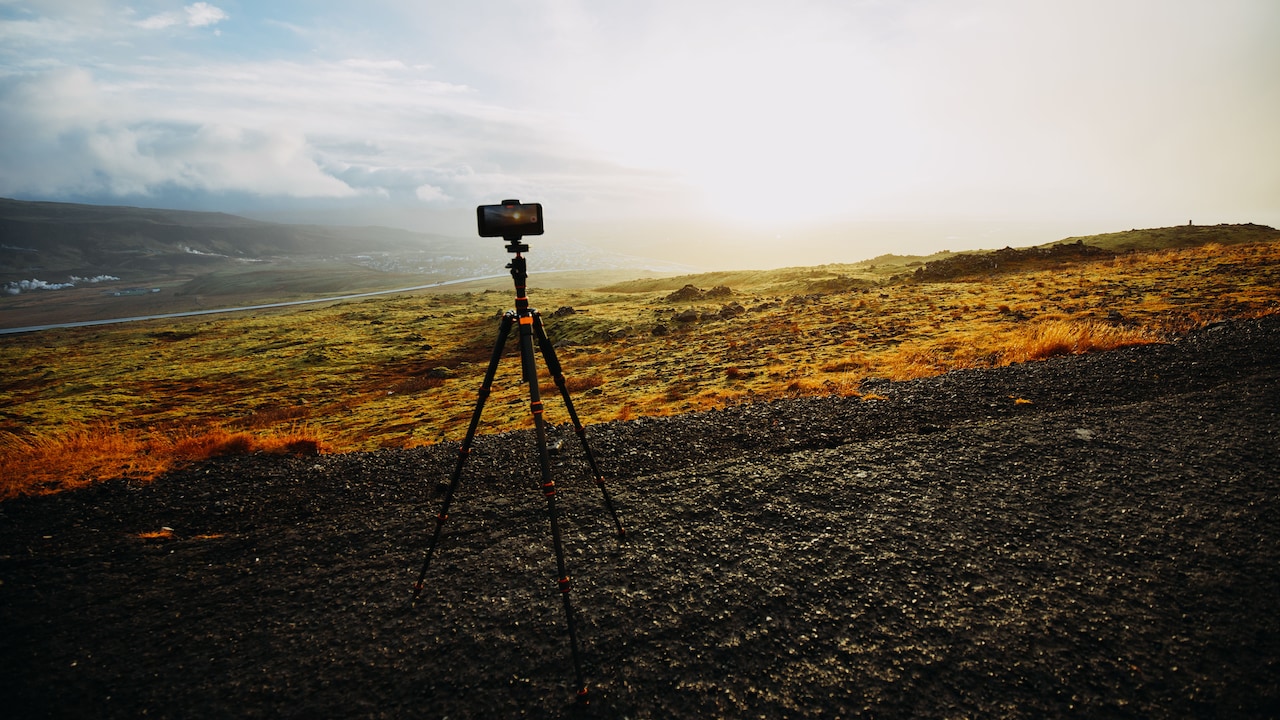
Easy ways to choose a tripod that doesn't tip over while shooting
A phone tripod rarely gets attention until it fails at the worst possible moment. One minute the frame looks perfect. The next minute the phone lands face-down with a thud that can silence an entire room. Anyone who has filmed a dance step on the terrace, a cooking video in the kitchen, or a product reel near a window knows this small heartbreak well. The problem does not always lie with the user. Many tripods look tall, shiny, and “professional” in online photos, yet they struggle with basic balance. A heavy phone, a tilted angle, a loose holder, or a smooth tiled floor can turn a harmless setup into a mini disaster. Add a ring light, power bank cable, or ceiling fan breeze, and the tripod begins its dramatic fall.
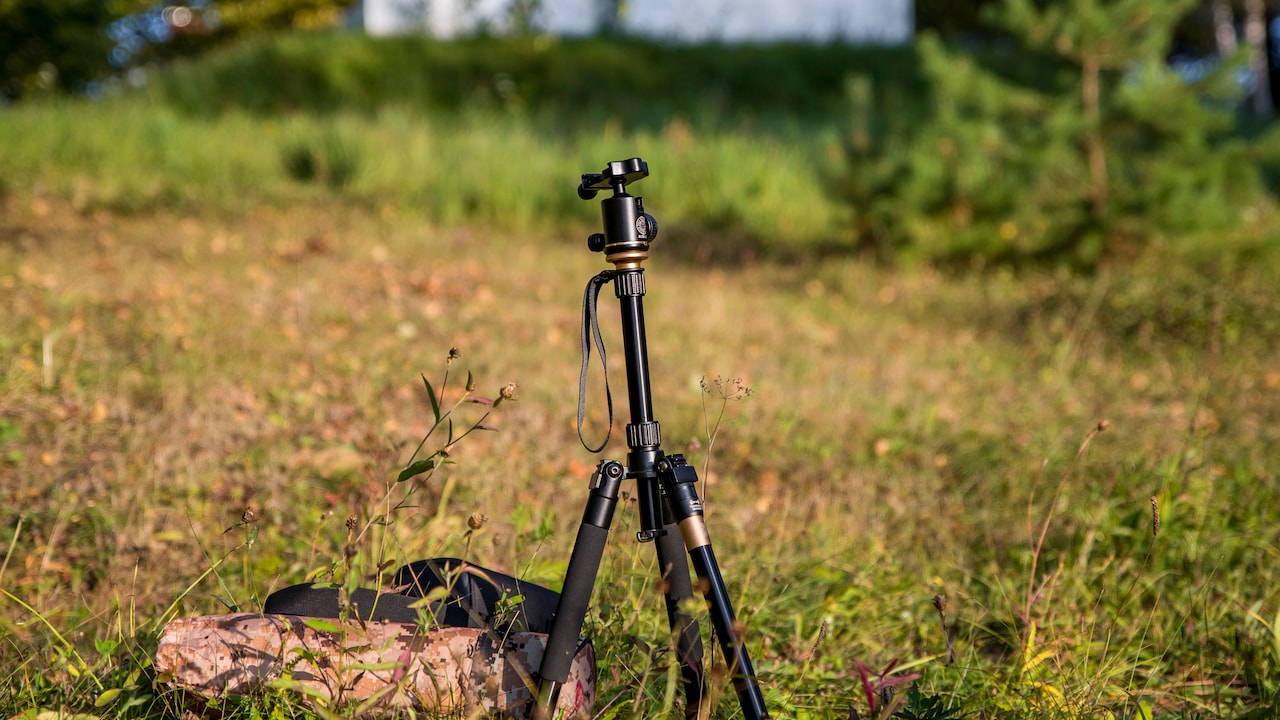
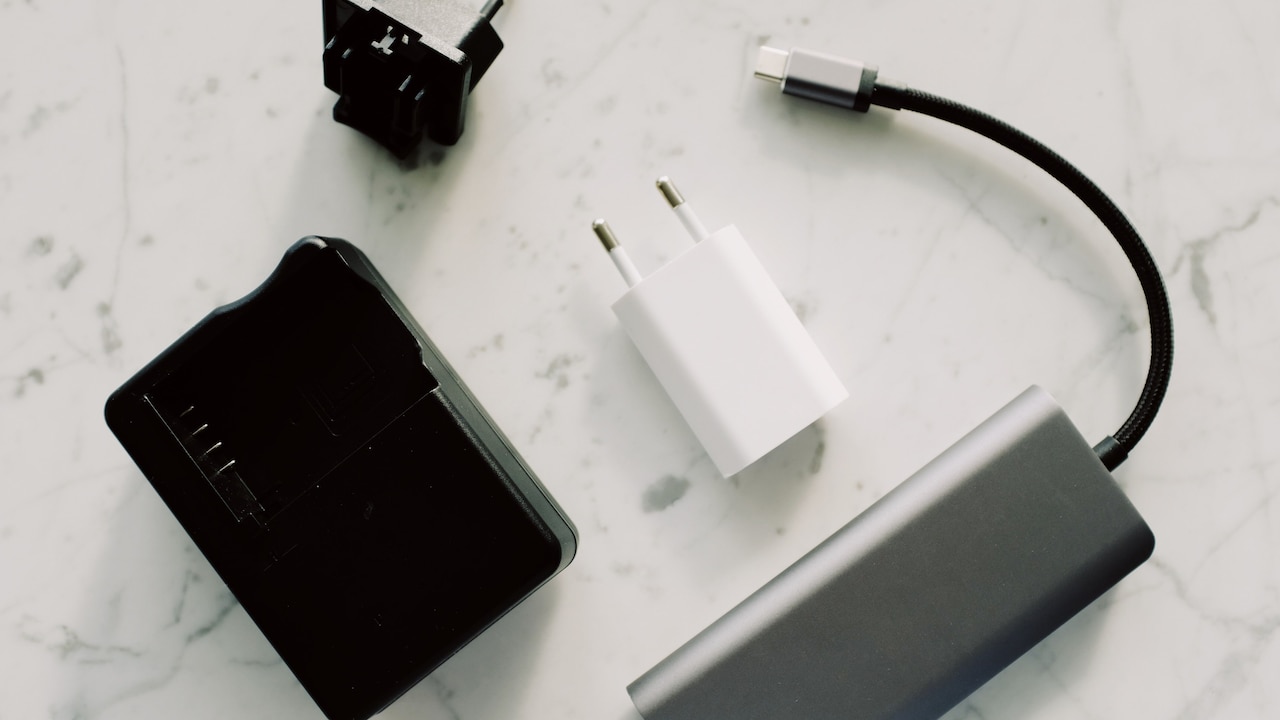
Safety features to consider in a tripod before buying one; Photo Credit: Pexels
Stability comes from design, not luck. A good tripod spreads weight properly, grips the floor, locks firmly, and keeps the phone centred. Height matters, but balance matters more. A tripod that stands calmly at waist level beats one that stretches to the ceiling and trembles like it has seen a ghost.
Also Read: Affordable Camera Tripods For Creators To Shoot Content
Common Reasons Your Phone Tripod Loses Balance
Check The Base Width Before You Blame Your Luck
A tripod stands steady when its legs create a wide, balanced footprint. If the legs sit too close together, the centre of gravity rises and the whole setup becomes easier to topple. This issue becomes obvious when people extend a tall tripod fully and place a heavy phone at the top. The setup may look fine for two seconds, then one light touch sends it leaning like a coconut tree in stormy weather.
A wide base gives the tripod breathing room. The legs should spread enough to support the phone from different angles, especially during vertical filming. Many cheap models keep their legs narrow to save space, but that compact design often costs stability. For home videos, classes, unboxing clips, and reels, the base matters as much as height.
Before buying, check how far the legs open. At home, avoid placing the tripod with one leg tucked under a table or sofa. Give all three legs equal space. This simple habit can save a screen repair bill that costs far more than the tripod itself.
A Heavy Phone Needs A Stronger Tripod
Phones have become larger, heavier, and more camera-heavy over the years. A slim tripod that worked for an old lightweight phone may struggle with a newer device in a thick case. Add a lens attachment, microphone, or charging cable, and the weight increases further. The tripod then behaves like an overworked scooter carrying three people and two school bags.
The phone holder must grip the device without bending. The neck and joints should not droop when the phone turns sideways. Many tripods advertise universal support, but that does not always mean they can hold heavier phones safely. A strong tripod mentions load capacity, has firm clamps, and uses better-quality plastic or metal around the head.
Phone cases also change the balance. A bulky back cover or magnetic wallet can pull the phone away from the centre. Remove unnecessary attachments while filming, especially for overhead shots. When the phone feels heavier than the tripod itself, trouble has already entered the room. Match the tripod to the phone, not the other way round.
Uneven Floors Can Ruin A Perfect Setup
Most homes do not have studio floors. There may be slightly sloping balconies, textured tiles, carpets, terrace patches, cement corners, and those mysterious uneven spots that nobody notices until a tripod stands there. A tripod needs equal pressure on all three legs. If one leg floats, rests on a bump, or sinks into a soft mat, the setup starts wobbling.
Many people place tripods on beds, sofas, plastic stools, or stacks of books to gain height. That may work for a quick video call, but it creates risk during filming. Soft surfaces shift under weight. A tripod on a mattress may slowly lean until the phone decides to perform a free fall.
Rubber feet help on smooth floors, but they cannot fix a bad surface completely. Place the tripod on firm ground whenever possible. If the floor has a slope, keep one leg facing downhill for better support. During terrace shoots, avoid cracked spots and loose tiles. Stability begins under the feet, not at the phone holder.
Centre The Phone Instead Of Fighting Gravity
Gravity does not care about content plans. If the phone sits off-centre, the tripod will pull towards that side. This happens often during portrait filming because the phone extends vertically beyond the holder. It also happens when the tripod head tilts forward for cooking videos, craft demos, or desk recordings. The more the phone leans away from the centre, the more the tripod struggles.
The safest setup keeps the phone's weight directly above the middle of the tripod. When filming from a tilted angle, adjust the legs first, then adjust the phone. Many people do the opposite. They tilt the phone sharply and hope the tripod accepts its fate.
For overhead shots, a regular tripod may not offer enough support unless it has a counterweight or strong boom arm. A simple jugaad, such as hanging a small bag from the centre hook, can improve balance if the tripod supports it. Use only light counterweights and keep them secure. The aim is balance, not a new hazard swinging near the floor.
Loose Locks Turn Small Wobbles Into Big Falls
A tripod has many locking points. Leg clips, twist locks, phone clamps, ball heads, height sections, and angle knobs all need to hold firm. One loose joint can make the whole setup unstable. The tripod may not fall immediately, but it will shake every time someone walks nearby, taps the screen, or adjusts the frame.
Cheap locks wear out quickly because users open and close them often. Plastic clips may crack, twist locks may slip, and ball heads may stop tightening properly. Once this happens, the tripod no longer gives warning. It may look locked, then slowly slide down during a recording. That slow-motion collapse feels especially painful when the perfect take finally happens.
Before every shoot, check each lock with a gentle shake. The tripod should not rattle, droop, or sink. Tighten knobs firmly, but do not force them like a pickle jar lid. Good locks need smooth action and clear resistance. A stable tripod feels confident in the hand before it ever holds a phone.
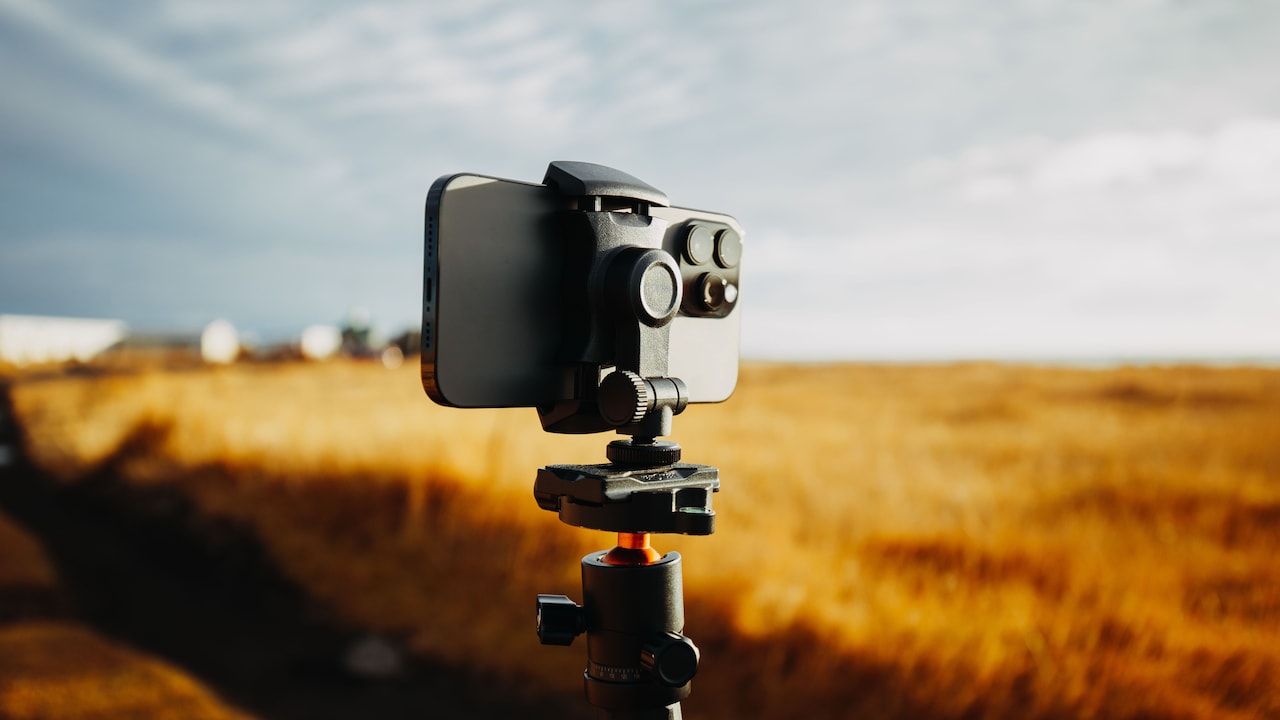
Ensure that the tripod does not have any loose lock or small wobbles; Photo Credit: Pexels
Rubber Feet Matter More Than Fancy Looks
Tripods with shiny finishes and colourful lights often grab attention, but the quiet hero sits at the bottom: the feet. Rubber feet create friction, especially on tiles, marble, laminate flooring, and polished surfaces. Without proper grip, even a well-balanced tripod can slide when bumped. A tiny movement at the base becomes a big movement at the top.
Good rubber feet should feel slightly grippy, not hard and slippery. Wider feet spread pressure better and reduce slipping. Some tripods have pointed feet for outdoor soil or grass, but those do not suit indoor floors. For most homes, rubber gives the safest everyday grip.
Dust also reduces friction. A tripod foot covered in fine floor dust can slide more easily than expected. Wipe the feet occasionally with a damp cloth. It sounds too simple, but it works. During kitchen shoots, watch out for oil on the floor. Even the best tripod cannot perform miracles on a greasy tile. Grip keeps the frame steady and the phone safe.
Height Extension Can Make A Tripod Nervous
Every tripod becomes less stable as it gets taller. That does not mean tall tripods are bad. It means height needs support. When users extend every section fully, especially the thin top sections, the tripod becomes more flexible. The phone may shake in the breeze from a fan or vibrate when someone walks past. The taller the setup, the more the movement shows in the video.
A good tripod uses thicker lower sections and stronger upper sections. It should not bend easily when extended. If the tripod has a centre column, avoid raising it fully unless necessary. Extending the legs gives more stability than stretching only the centre column. Think of it like standing on your toes versus standing with feet planted wide.
For reels, tutorials, and video calls, use the lowest height that gives the right frame. Move the tripod closer or adjust the angle instead of always extending it fully. Stable footage feels more professional than a dramatic height that shakes throughout the clip.
Wind, Fans, And Cables Can Tip The Balance
People often blame the tripod when the real villain is movement around it. A ceiling fan at full speed, a balcony breeze, a charging cable pulling sideways, or a microphone wire hanging off the phone can disturb balance. Lightweight tripods suffer the most because they do not have enough mass to resist outside force.
Outdoor filming makes this worse. A peaceful terrace can suddenly turn breezy. A tripod that stands well indoors may wobble near an open gate, window, or roadside stall. Even passing traffic can create vibration if the surface already feels weak.
Cables deserve special attention. A charging wire stretched towards a socket can pull the phone little by little. During long shoots, keep cables loose and close to the tripod. Tape them lightly to the leg if needed. For outdoor use, choose a tripod with a hook under the centre column. Hanging a small bag can add weight and calm the setup. Stability is not only about the tripod; it is also about the space around it.
The Phone Holder Should Grip Without Crushing
A weak phone holder creates two problems. It may let the phone slip, or it may force the user to position the phone awkwardly. Both situations affect stability. The holder should grip the phone evenly from both sides and keep it straight. If it tilts, twists, or springs back too strongly, the tripod head receives uneven pressure.
Spring-loaded holders feel convenient, but poor-quality springs loosen over time. Screw-type holders often give better control because they tighten gradually. Soft padding inside the clamp also matters. It protects the phone and adds grip. Without padding, the phone may slide, especially if the back cover has a glossy finish.
Check whether the holder supports both landscape and portrait mode without making the tripod lean. Many users shoot vertical videos, so the holder must handle that position confidently. A good holder should feel secure when the phone faces down, up, or sideways. The grip should inspire calm, not make everyone stand nearby with hands ready to catch.
Weight Hooks And Counterbalance Features Add Real Stability
Some tripod features sound boring until they save the phone. A centre hook, weighted base, spreader bar, metal joints, and adjustable leg angles can make a huge difference. These features manage weight and prevent tipping. They matter more than decorative extras, remote buttons, or flashy product names.
A centre hook allows users to hang a small bag for added weight. This helps during outdoor shoots or tall setups. Adjustable leg angles let the tripod sit lower and wider, which improves balance for close-up shots. A spreader or brace between legs stops them from shifting unexpectedly. Metal joints tend to handle repeated adjustments better than weak plastic ones.
Price does not always guarantee stability, but extremely cheap tripods often cut corners in these areas. Spending ₹300 on a flimsy stand may feel smart until it drops a ₹25,000 phone. A sensible tripod should match the value and weight of the device it holds. Stability features may not look exciting, but they bring peace of mind.
Products Related To This Article
1. EUCOS 62" Phone Tripod, Tripod for iPhone & Selfie Stick with Remote
2. POLAM-FOTO Camera Tripod 188cm
3. Kratos Selfie Stick with Tripod Stand
4. Syvo WT 3130 Aluminum Tripod (133 cm)
5. POLAM-FOTO Camera Tripod 188cm/74inch
6. Amazon Basics Lightweight 41-134cm Tripod with Mobile Holder & Carry Bag
7. 170cm Professional Selfie Stick Tripod with Integrated LED Light
A phone tripod tips over because balance gets ignored. The phone may sit too high, too far forward, or too heavy for the stand. The legs may stand too narrow, the feet may slip, the locks may loosen, or the floor may quietly betray the setup. None of these issues looks dramatic at first. Then the tripod leans, the phone falls, and everyone in the room suddenly becomes a slow-motion hero.
The best tripod is not always the tallest or most stylish one. It is the one that spreads its legs wide, grips the floor, locks firmly, holds the phone securely, and handles weight without fuss. Look for a stable base, strong clamps, rubber feet, firm joints, weight hooks, and sensible height control. These features turn a shaky stand into a reliable filming partner.
Before the next reel, class, recipe video, family call, or product shoot, give the tripod a quick stability check. Place it on firm ground, centre the phone, tighten the locks, manage cables, and avoid unnecessary height. A few seconds of care can protect both the phone and the perfect shot. After all, the best tripod does its job quietly: it stands still while the content takes the spotlight.
(Disclaimer: This article may include references to or features of products and services made available through affiliate marketing campaigns. NDTV Convergence Limited (“NDTV”) strives to maintain editorial independence while participating in such campaigns. NDTV does not assume responsibility for the performance or claims of any featured products or services.)