Common Handling And Storage Mistakes That Cause Charging Cables To Fail Early And How To Prevent Them
Charging cables often fail early due to rough pulling, tight bends, poor storage, dust, heat and wrong usage. Small handling changes can make them last longer.
Charging Cables Failing Early? Handling And Storage Errors
Every home has that one charging cable with a dramatic past. It has travelled in school bags, office backpacks, scooter storage boxes, train pockets, bedside corners, and maybe even the sofa gap. One day it charges perfectly. The next day, it needs a special angle, a folded corner, and a silent prayer. Most people blame the cable straight away. “Cheap cable,” someone says. “Bad brand,” another person adds. Yet the truth often sits closer to home. A cable faces daily twisting, pulling, knotting, yanking, bending, and heat. No wonder it starts acting like a moody ceiling fan in peak summer. Charging cables have become lifelines. Phones, earbuds, tablets, power banks, speakers, smartwatches, and even neckband earphones depend on them. A damaged cable can ruin a work call, delay an online payment, or leave someone hunting for a charger at a railway station. The good news feels surprisingly simple. Better handling and smarter storage can stretch a cable's life without spending ₹500 every few months. Small changes matter. A cable may not demand respect like a new phone, but it certainly rewards care.
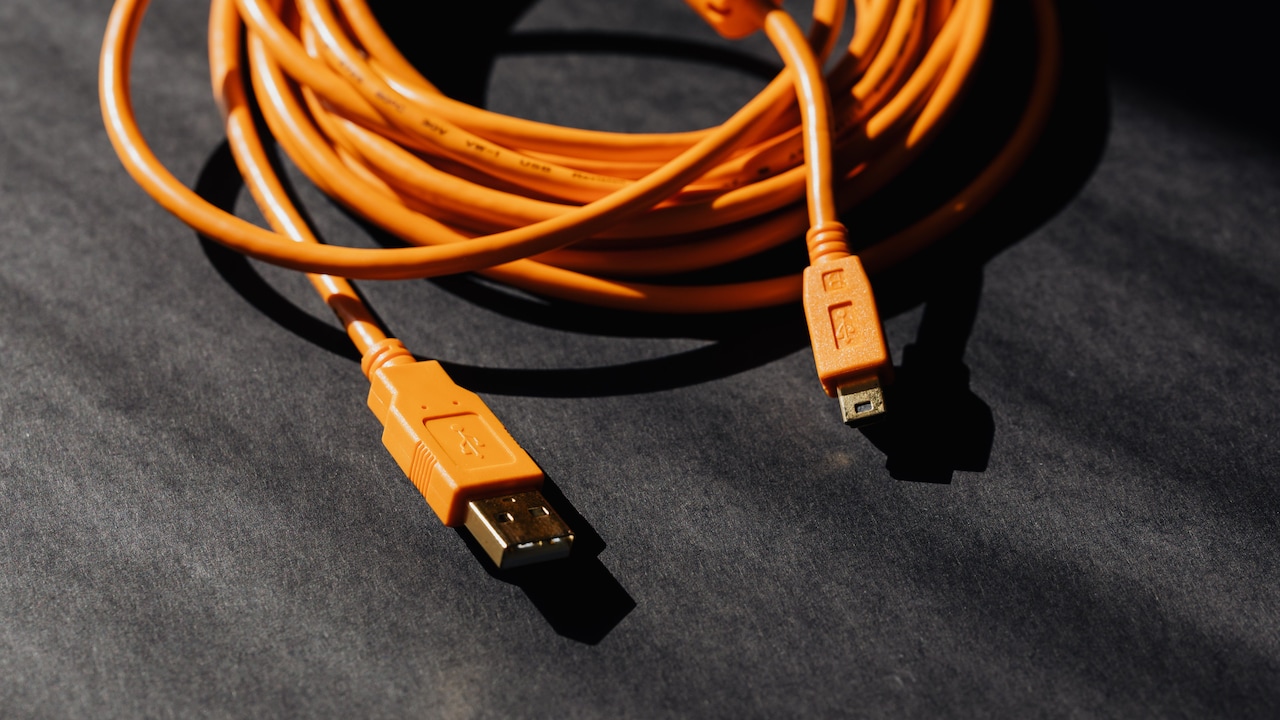
Charging Cables Failing Early? Handling And Storage Errors; Photo Credit: Pexels
Common Handling And Storage Mistakes That Damage Charging Cables
Pulling The Cable Instead Of The Plug
One of the quickest ways to damage a charging cable starts with a tiny everyday habit: pulling it out by the wire. It feels harmless, especially when someone rushes to leave for college, the office, coaching class, or a quick tea break. The phone reaches 72 per cent, the auto has arrived, and the cable gets yanked from the wall socket like a stubborn weed.
That pull hurts the cable from the inside. The wires near the connector carry the most stress. They bend, stretch, and slowly weaken. The outer cover may still look fine, which makes the problem more irritating. The cable then starts charging only when held at a certain angle. That strange “hold it like this” trick signals internal damage.
Always hold the plug or connector, not the wire. This one habit can save many cables from early retirement. It takes less than a second, yet it protects the most delicate part. Think of it like removing a ring from a finger. Pull the ring, not the hand.
Also Read: Upgrade Your Mobile Phone With These Fast-Charging Smart Cables
Bending The Cable Near The Connector
The area near the connector behaves like the ankle of the cable. It bends the most and suffers the most. Many people use phones while charging, then rest the phone on the stomach, pillow, mattress, or table edge. The cable bends sharply near the port and stays under pressure for long periods. Over time, the inner wires start breaking strand by strand.
This damage often appears as a loose connection. The phone charges, stops, charges again, and then plays the familiar sound again and again. The problem may look like a faulty phone port, but the cable often carries the blame.
Avoid tight bends near both ends. Keep a gentle curve instead of a sharp fold. While charging, place the phone where the cable can sit freely. A longer cable may help in some homes, but length alone does not solve rough use. The real trick lies in removing strain from the connector. A relaxed cable lasts longer than one forced into yoga poses all night.
Wrapping Cables Too Tightly
A neatly wrapped cable looks satisfying, especially when it forms a perfect tiny circle. Sadly, tight wrapping can harm it. Many people wind charging cables around adapters, power banks, or fingers with great enthusiasm. The result looks tidy, but the cable remembers every twist. Its inner wires face repeated pressure, and the outer coating may crack near the ends.
Tight wrapping also creates kinks. Once a cable develops a stubborn bend, it rarely returns to its original shape. That bend becomes a weak spot. Later, even normal use can make it fail faster.
A better method uses loose loops. Let the cable follow its natural curve. The loop should feel relaxed, not squeezed. A simple Velcro tie or soft rubber band can hold it together without choking it. Avoid thin thread, metal clips, or tight plastic bands. A cable does not need military discipline. It needs breathing room. Treat it like fresh jalebi in a box: arrange it gently, and do not crush the shape.
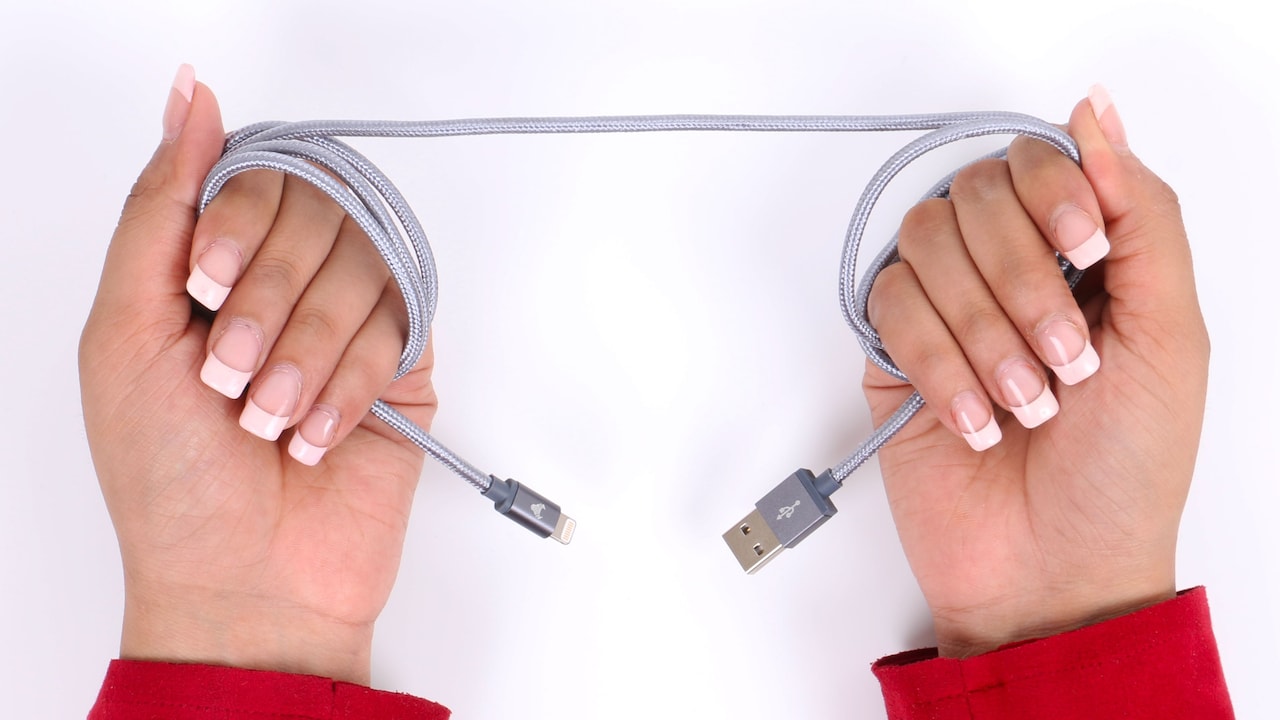
Charging Cables Failing Early? Handling And Storage Errors; Photo Credit: Pexels
Stuffing Cables Into Bags And Drawers
Many charging cables live rough lives inside bags. They share space with keys, coins, pens, lunch boxes, lip balm, notebooks, sunglasses, and sometimes a mystery biscuit packet from last month. In such chaos, the cable bends, twists, and gets pulled every time someone searches for something.
Drawers cause similar trouble. A cable thrown into a drawer may tangle with other chargers, earphones, USB drives, and old bills. Then comes the tug-of-war. Someone pulls one end, another item holds the other, and the cable takes the damage.
Storage needs a small system, not a grand makeover. Keep cables in a pouch, organiser, or separate pocket. Even a small cloth pouch works well. At home, choose one drawer section only for charging items. Keep each cable loosely coiled. This prevents tangling and protects the connectors from scratches and pressure. A cable that travels safely inside a bag has a much better chance of surviving office commutes, metro rides, and weekend trips.
Using Phones While Charging In Awkward Positions
Using a phone while it charges feels normal now. People scroll reels, reply to messages, attend video calls, check cricket scores, order groceries, and watch serials with the cable attached. The issue begins when the phone moves constantly, and the cable bends with every hand movement.
A cable plugged into a phone under tension works harder than it should. Gaming while charging often adds heat, and heat makes cable materials age faster. Sitting far from the socket also pulls the wire tight. That tension travels straight to the connector and charging port.
The simple fix sounds boring but works. Keep the phone close to the socket or use a safe, good-quality longer cable. Avoid stretching the wire across the bed or room. Do not let the cable hang from the phone's port while the device rests on a table edge. When possible, charge first and use later. A phone battery can recover. A broken cable usually cannot. Convenience should not cost a fresh cable every festival season.
Leaving Cables On The Floor
The floor may seem like an innocent place for a cable, but it creates endless trouble. Someone steps on it. A chair rolls over it. A pet chews it. A child pulls it. A broom bends it. A scooter helmet lands on it. By evening, the cable has faced more drama than a daily soap.
Floor damage often starts with the outer cover. Small cuts and flattened areas appear first. After that, dust and moisture can enter. The connector may also collect dirt, especially if the cable lies near windows, balconies, shoe racks, or study tables. Dust inside the connector can cause poor contact and slow charging.
Keep cables off the floor whenever possible. Use a bedside table, wall hook, cable clip, or small charging station. Even a simple adhesive holder near the socket can reduce daily damage. In homes where sockets sit low on the wall, unplug and store the cable after use. A charging cable should not become a floor snake waiting for someone's slipper.
Exposing Cables To Heat And Sunlight
Heat quietly ruins charging cables. Many people leave cables near windows, inside cars, beside hot adapters, or on top of routers. In summer, a parked car can become brutally hot. A cable left on the dashboard or seat can suffer quickly. The outer insulation may become stiff, sticky, or cracked.
Direct sunlight also affects plastic and rubber coatings. Over time, the cable loses flexibility. Once it turns stiff, it starts cracking around bends. Heat near the adapter can add another problem. A poor-quality adapter or overloaded power strip may become warm during charging, and the nearby cable absorbs that heat.
Store cables in a cool, dry place. Keep them away from window ledges, car dashboards, kitchen counters, and warm electronics. Do not cover charging devices with pillows or blankets, as trapped heat harms both cable and device. During travel, avoid keeping cables pressed against power banks that feel hot after heavy use. A cable does not need air-conditioning, but it does need freedom from unnecessary heat.
Ignoring Dust, Moisture, and Dirty Connectors
Charging cables often fail because their connectors get dirty. Dust, pocket lint, oil from hands, and tiny food crumbs can settle around the metal end. In many homes, cables move from dining tables to beds, bags, office desks, and travel pouches. They collect more dirt than expected.
Moisture creates bigger trouble. A cable kept near a water bottle, kitchen slab, bathroom shelf, or damp towel can develop corrosion around the connector. Once corrosion starts, charging may slow down or become unstable. The cable may seem faulty, though the connector simply cannot make clean contact.
Keep connectors dry and clean. Wipe them gently with a soft dry cloth. Never poke metal pins, blades, or safety pins into a charging connector. That can damage the cable or the phone port. Store cables away from water bottles in bags. During the monsoon, use a pouch if the bag often gets damp. A dry connector works better and lasts longer. Clean contact may sound like a tiny detail, but charging depends on tiny details.
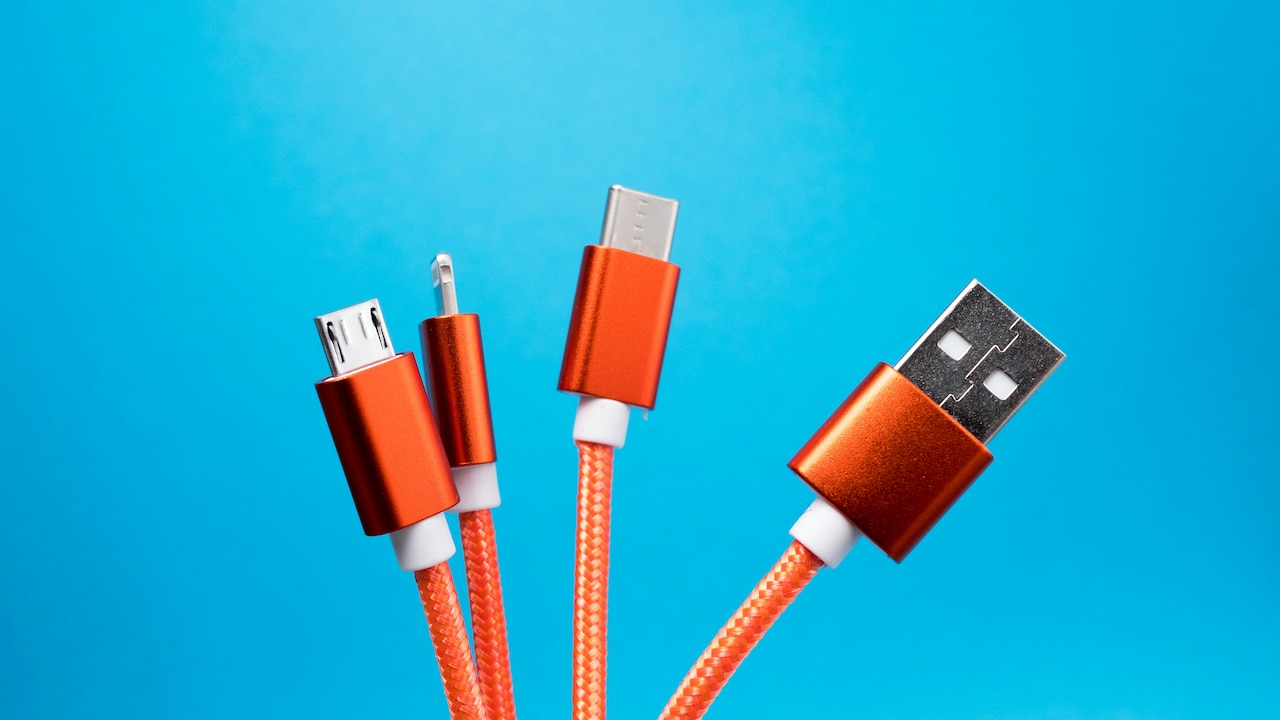
Charging Cables Failing Early? Handling And Storage Errors; Photo Credit: Pexels
Buying Cheap Replacements Without Checking Quality
When a cable fails, the fastest solution often comes from the nearest shop. A cable for ₹99 or ₹149 may look tempting, especially when the phone sits at 4 per cent. Some low-cost cables work for light use, but many cut corners on wire thickness, connector strength, insulation, and safety.
A weak cable may charge slowly, heat up, or fail within weeks. In some cases, it can also affect the adapter or device port. Not every expensive cable deserves praise, and not every budget cable deserves suspicion. Still, quality matters. Look for proper certification, sturdy strain relief near connectors, good reviews, and compatibility with the device. For fast charging, the cable must support the required wattage and data standard.
Spending ₹300 to ₹800 on a reliable cable can make more sense than buying three poor ones in six months. A cable should not feel like a lottery ticket. Choose one that suits the device, charging speed, and daily use. Savings vanish quickly when replacements become a monthly ritual.
Mixing Cables For The Wrong Devices
One drawer usually contains many cables. Some came with phones, some with earbuds, some with power banks, and some belonged to nobody in particular. Since many connectors look similar, people use whichever cable fits. That habit can create confusion and poor performance.
Not every cable handles the same power. A cable meant for basic charging may struggle with fast charging. A thin cable may heat up when paired with a high-watt adapter. Some cables support charging but not data transfer. Others work well with one device but poorly with another. This mismatch can make people think the cable has failed, even when it simply lacks the right capability.
Label cables used for laptops, tablets, fast chargers, and power banks. Keep high-power cables separate. Use the cable that came with the device whenever possible, especially for laptops and fast-charging phones. For shared family charging corners, avoid mixing unknown cables. A little organisation prevents slow charging, overheating, and blame games. In many homes, the real villain is not the cable. It is the mystery cable drawer.
Forcing Connectors Into Ports
A charging connector should slide in smoothly. If it needs force, something has gone wrong. The port may contain dust, the cable may face the wrong direction, or the connector may have bent slightly. Yet people often push harder, especially in dim rooms, buses, trains, or during power cuts. That force can damage both the cable and device.
USB-C connectors have reduced the old “wrong side first” struggle, but damage still happens. A connector pushed at an angle can loosen the cable's metal tip. Repeated rough plugging can also weaken the phone port. Once the port becomes loose, even a good cable may seem unreliable.
Slow down while plugging in. Check the angle. Look for dust or visible bends. Avoid charging in places where the cable may get knocked, such as crowded desks, kitchen counters, or shared sockets behind furniture. Never use a connector that looks cracked, burnt, bent, or unusually loose. A few seconds of care can prevent a repair bill that feels far more painful than buying a new cable.
Products Related To This Article
1. DailyObjects SURGE Kevlar Core 4-in-1 100W Charging Cable
2. Braided USB-C to Compatible with Lightning Fast Charging Cable Compatible
3. Portronics Konnect L POR-1403 Fast Charging 3A Type-C Cable 1.2 Meter
4. PHILIPS DLC4130LI/94 27W iPhone Original Type-C to Lightning Fast Charging Cable
5. Duracell USB Type C To Lightning Apple Certified (Mfi) Braided Sync & Charge Cable
6. COSTAR 3-in-1 USB Fast Charging Cable Nylon Braided Multiple 2.4A Charging Cable
7. One Plus Fast 80W Original USB Type C Data Sync Fast Charging Charger Cable for One Plus
Charging cables do not ask for much. They do not need fancy storage boxes, dramatic cleaning routines, or special treatment worthy of jewellery. They only need gentler handling, cleaner storage, and a little common sense. Most cable failures begin with small mistakes repeated every day: pulling from the wire, bending near the connector, wrapping too tightly, leaving cables on the floor, or stuffing them into overloaded bags.
The humble cable has become part of modern life. It keeps phones alive during office calls, online classes, UPI payments, train journeys, late-night movies, and family video chats. When it fails early, the inconvenience feels bigger than its price.
Better habits can save money and frustration. Hold the plug, not the wire. Store cables loosely. Keep them dry, cool, clean, and away from sharp pressure. Use the right cable for the right device. Replace damaged cables before they create bigger problems.
A charging cable may look ordinary, but it carries daily dependence through a thin line of copper and plastic. Treat it well, and it will quietly do its job for months, maybe years. Treat it badly, and it will choose the worst possible moment to stop working, usually when the battery shows 1 per cent and the cab driver keeps calling.
(Disclaimer: This article may include references to or features of products and services made available through affiliate marketing campaigns. NDTV Convergence Limited (“NDTV”) strives to maintain editorial independence while participating in such campaigns. NDTV does not assume responsibility for the performance or claims of any featured products or services.)