7 Monitors For Home Offices, Online Classes And Casual Entertainment
From compact portable screens to smooth 120Hz panels, these seven monitors can sharpen workdays, simplify online learning and make everyday streaming more enjoyable.
Top 7 Monitors For Work, Study And Casual Entertainment
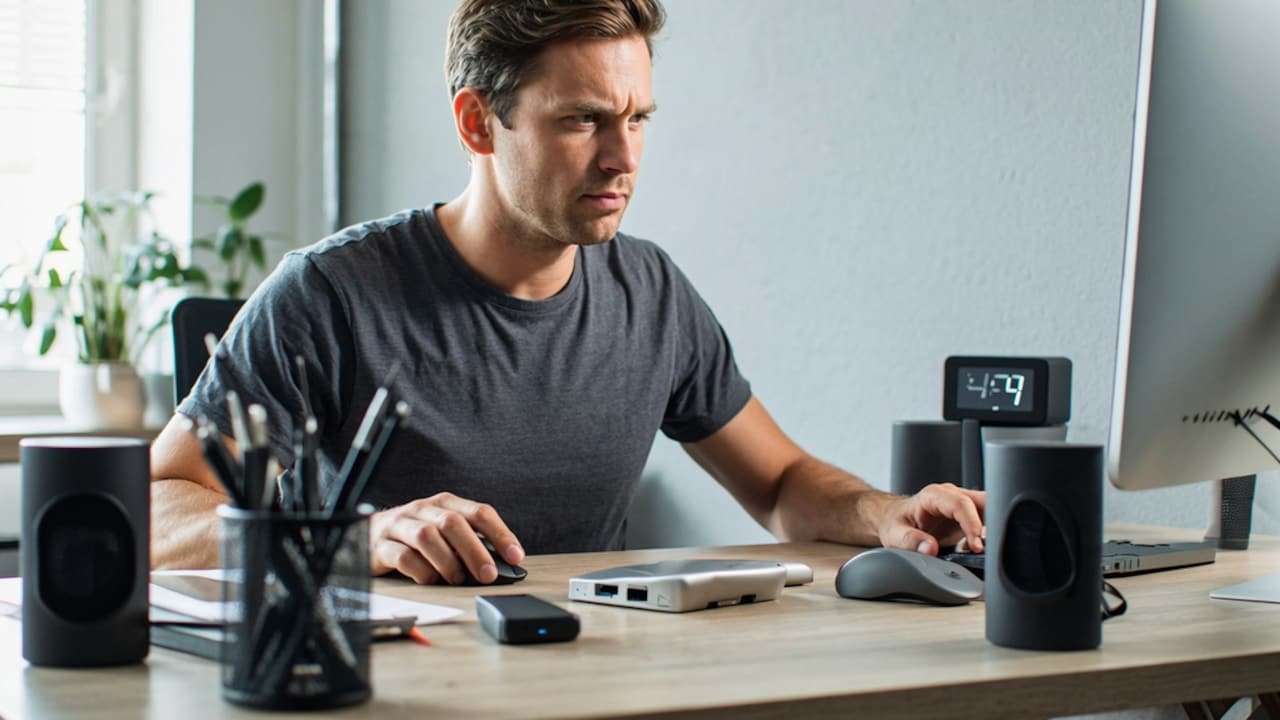
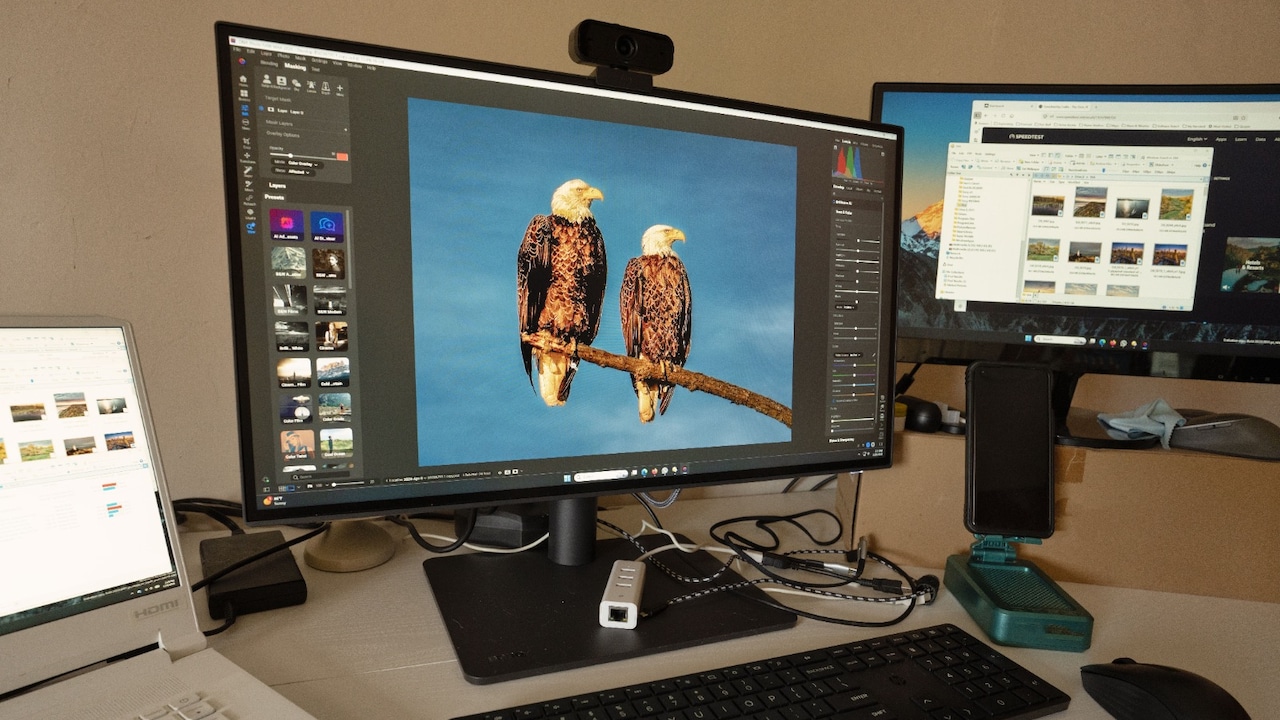
A second screen no longer feels like a luxury reserved for elaborate workstations. Video calls now compete with spreadsheets, presentation slides sit beside research tabs, and online classes often demand notes, reference material and live lectures at once. Even after work ends, the same desk may turn into a streaming corner or a casual gaming setup. That mix of tasks has changed what we expect from a monitor. Size still matters, but refresh rate, eye-comfort features, connectivity, and desk space matter just as much. So, whether we're upgrading a study table or building a flexible home office, the right display can make daily screen time feel noticeably easier.
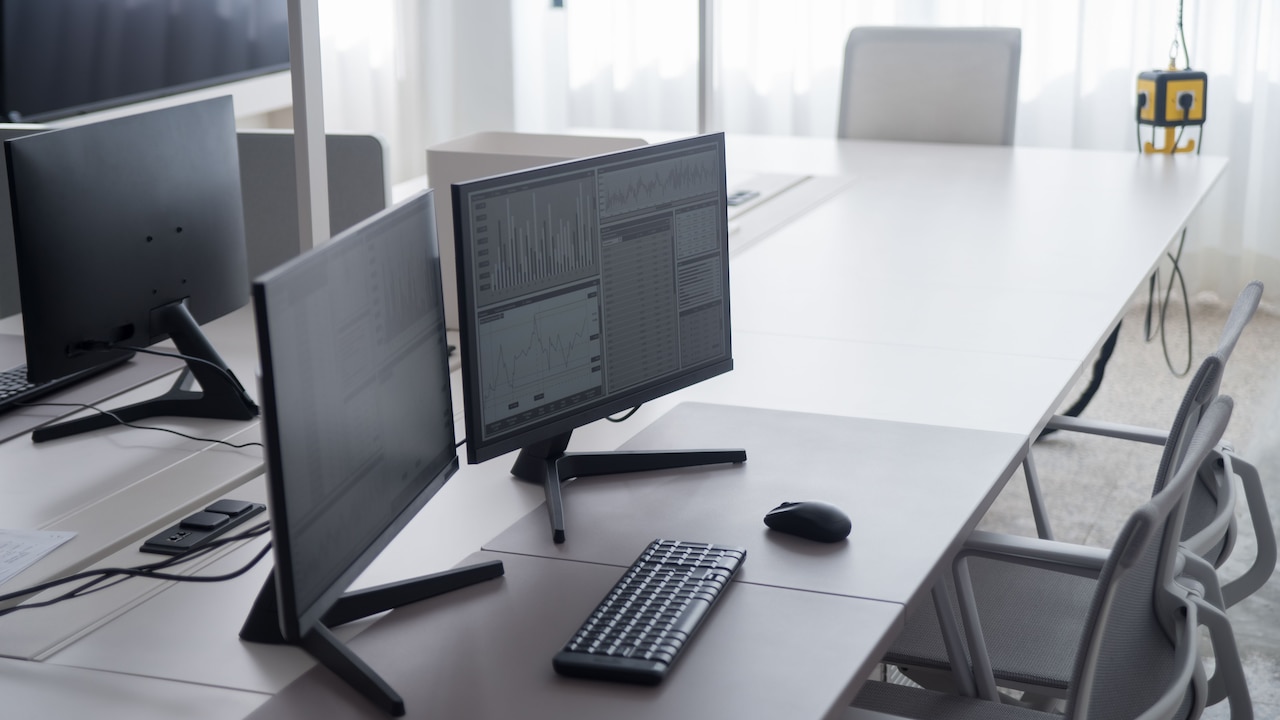
Top 7 Monitors For Work, Study And Casual Entertainment; Photo Credit: Pexels
What To Look For In A Home Monitor
A Full HD monitor usually offers enough sharpness for documents, browsing, video lessons, and films. A higher refresh rate makes scrolling and motion look smoother, while IPS panels often provide better viewing angles. Anti-glare coatings help in bright rooms, and HDMI support keeps connections simple. Ergonomic adjustments also deserve attention when the monitor will stay in use for several hours.
Also Read: 5 Best Monitors for Night Work In 2025 To Reduce Eye Strain And Boost Comfort
Top 7 Monitors For Work, Study And Play
1. Geonix Tri-Screen Portable Monitor
The Geonix Tri-Screen suits users who need more screen space without building a permanent desk setup. Its foldable 14-inch Full HD IPS display attaches to compatible 14-inch to 17-inch laptops and creates a practical dual-screen arrangement.
USB-C and Mini HDMI support make it useful for presentations, travel and remote work. HDR adds extra depth to videos and graphics, while the matte surface helps control reflections. The built-in kickstand gives the screen better stability, and the plug-and-play design avoids a complicated installation process.
2. Acer EK240Y P6
The Acer EK240Y P6 combines everyday productivity features with specifications that also suit casual gaming. Its 23.8-inch Full HD IPS panel offers wide viewing angles, clear text and a spacious layout for documents, online classes and browser-based work.
A 144Hz refresh rate makes scrolling, videos and fast-moving scenes look notably smoother. AMD FreeSync and a 1ms visual response boost further reduce tearing and blur during games. Acer's Flicker-less and BlueLightShield features also support longer study or work sessions. HDMI and VGA ports provide flexible connectivity for newer and older systems.
3. Zebronics Zeb-V19HD
The Zebronics Zeb-V19HD works well for compact desks, basic computer setups and users who don't need a large screen. Its 18.5-inch HD display handles web browsing, documents, digital lessons and everyday video viewing without occupying much space.
The panel supports 16.7 million colours and delivers a standard 16:9 widescreen format. HDMI and VGA inputs make it compatible with a broad range of desktops and laptops. The slim body also supports wall mounting, which can free up valuable room on a crowded study table.
4. BenQ GW2490T
The BenQ GW2490T stands out for its adjustable design and colour-focused display. Its 24-inch Full HD IPS panel covers 99 per cent of the sRGB colour range, making it suitable for presentations, photo editing, content work and entertainment.
The stand supports height adjustment, tilt, swivel and pivot, so users can position the screen more comfortably. A 100Hz refresh rate keeps motion smooth, while Brightness Intelligence technology adjusts the display according to content and surrounding light. Dual HDMI ports and DisplayPort support also make switching between work devices and entertainment systems easier.
5. Samsung 24-Inch Flat IPS Monitor
Samsung's 24-inch flat monitor offers a straightforward balance of work, learning and leisure features. The Full HD IPS panel provides broad viewing angles and clear picture quality, which helps when several people need to view the screen during a lesson, meeting or film.
Its 100Hz refresh rate gives menus, scrolling and casual games a smoother feel than standard 60Hz displays. Eye Saver Mode and reduced flicker support extended use, while Game Mode adjusts visuals for more enjoyable play. The slim design keeps the setup neat, and the tilt stand allows basic viewing-angle changes.
6. Zebronics A122
The Zebronics A122 provides a practical middle ground for users who want Full HD quality on a modest-sized desk. Its 21.5-inch anti-glare screen reduces distracting reflections and delivers enough room for documents, classes, video calls and streaming.
A 100Hz refresh rate improves motion clarity, while the Full HD resolution keeps text and images sharp. The ultra-slim, bezel-less design gives the monitor a modern appearance and helps multi-screen setups feel less cluttered. HDMI and VGA inputs support different devices, and wall-mount compatibility helps save desk space.
7. Acer EK220Q J0
The Acer EK220Q J0 brings smooth performance to a compact 21.5-inch display. Its Full HD VA panel delivers strong contrast, while the 120Hz refresh rate makes scrolling, films and casual gaming feel more fluid.
AdaptiveSync and a 1ms visual response boost help minimise tearing and motion blur. Acer VisionCare features, including Flicker-less, BlueLightShield and ComfyView, aim to make long screen sessions more comfortable. The ZeroFrame design also works well for tidy desks or future multi-monitor arrangements. HDMI and VGA ports keep connectivity simple.
The best monitor depends on how the desk gets used. Portable workers may prefer the Geonix Tri-Screen, while the BenQ model offers stronger ergonomic control. Acer's high-refresh options suit users who mix work with gaming, and the smaller Zebronics screens fit tighter spaces. Whatever the choice, prioritising comfort, connectivity and screen quality will make daily tasks easier and entertainment more enjoyable. Shop now on Amazon
(Disclaimer: This article may include references to or features of products and services made available through affiliate marketing campaigns. NDTV Convergence Limited (“NDTV”) strives to maintain editorial independence while participating in such campaigns. NDTV does not assume responsibility for the performance or claims of any featured products or services.)