Kickstart Your Podcasting Career: 5 Essential Accessories You Need For A Complete Home Setup
A complete home podcasting setup starts with the right accessories. From holding your microphone steady to improving sound quality, these five tools help create clean and professional audio without needing a full studio.
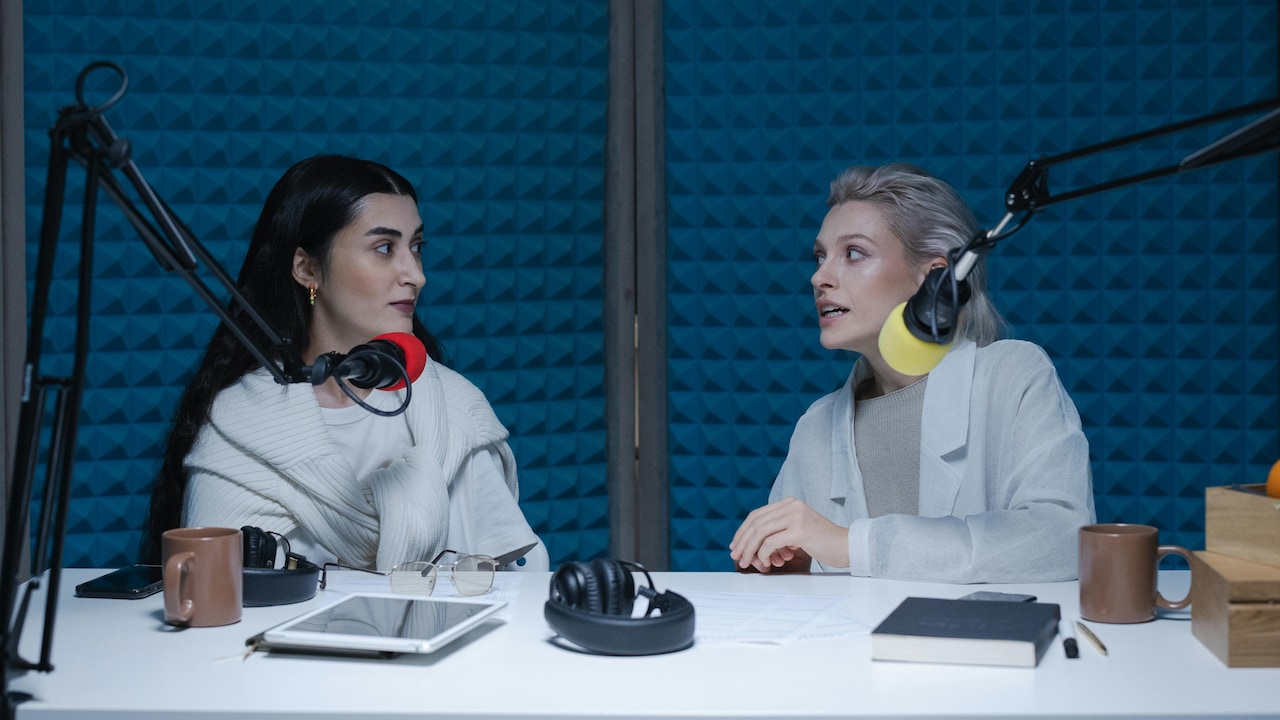
Which essentials do you for a podcast setup at home?
The first episode started with excitement and a simple goal: press record and speak. But within minutes, the sound felt flat, background noise crept in, and the voice did not feel clear enough to hold attention. That moment made one thing clear: podcasting is not just about having something to say; it is also about how it sounds. Good audio builds trust, keeps listeners engaged, and makes a podcast feel real and professional. The journey then shifted from just recording to building a proper home setup. Not a studio with heavy equipment, but a smart, simple space with the right accessories. Each tool played a role in holding the mic steady, blocking noise, improving clarity, and making monitoring easy. That is where these five essential accessories come in. Together, they form the base of a complete home podcasting setup.
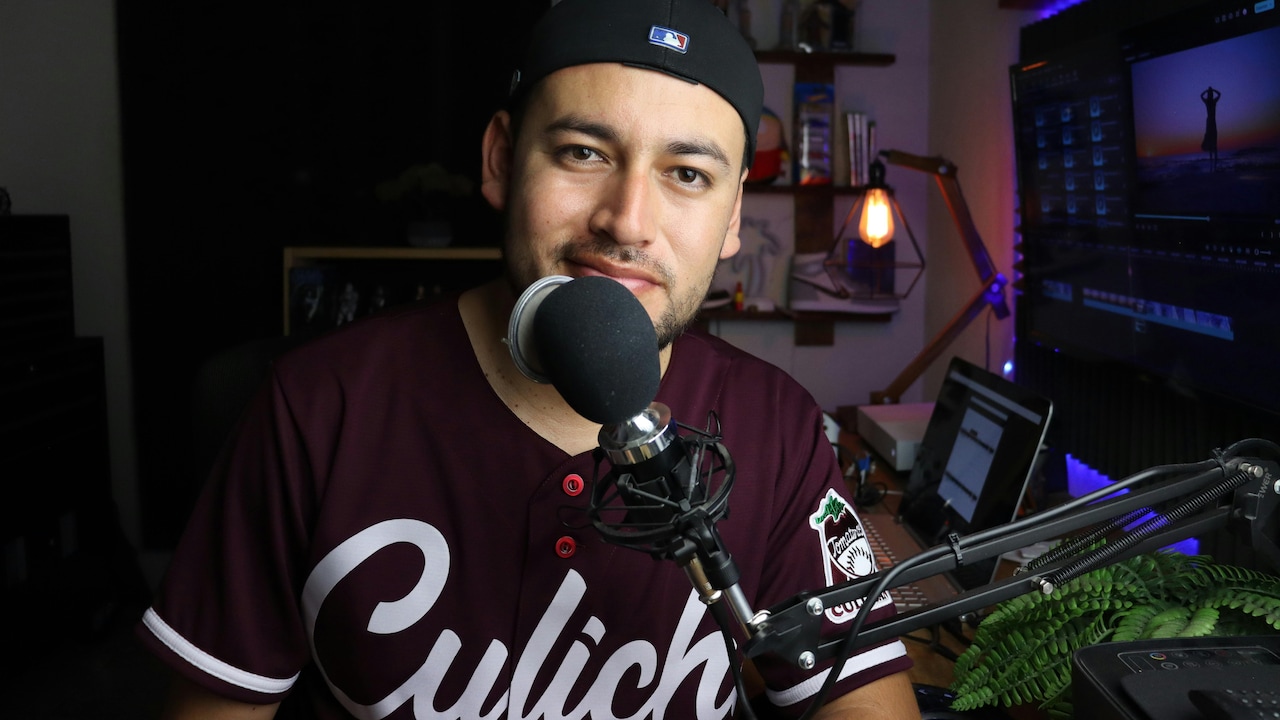
Which essentials do you for a podcast setup at home?
Photo Credit: Pexels
Setting up a podcast at home is less about expensive gear and more about choosing the right basics. With a few key accessories, even a small corner of a room can turn into a reliable recording space. These tools help reduce mistakes, save editing time, and improve sound quality from the very first episode.
Also Read: Top 5 Wireless Earbuds To Buy Right Now
| Product Name | Purpose | How It Helps in Podcasting | Key Benefit | Ideal For |
|---|---|---|---|---|
| Microphone Stand | To hold the microphone in a fixed position. | Keeps the mic steady and at the right distance from the mouth. | Reduces hand noise and voice level changes. | Solo podcasters and long recording sessions. |
| Pop Filter | To block harsh air sounds while speaking. | Prevents popping noises from letters like P and B. | Makes voice sound smoother. | Voice-based podcasts and interviews. |
| Closed-Back Headphones | To monitor audio while recording. | Lets you hear your voice and background noise clearly. | No sound leakage during recording. | Live recording and remote interviews. |
| Shock Mount | To absorb vibrations from the desk or stand. | Stops tapping and movement noise. | Keeps audio clean and stable. | Desk setups and small home spaces. |
| Audio Interface | To connect the microphone to the computer. | Converts sound into digital audio. | Better sound quality and control. | Professional microphones and multi-guest shows. |
Top 5 Essential Podcasting Accessories You Need For A Complete Home Setup
1. Microphone Stand
A microphone stand holds the mic in a fixed position so the voice stays at the same level while recording. It helps avoid handling noise and reduces strain from holding the mic for long sessions. A good stand also allows easy angle adjustment for comfort.
2. Pop Filter
A pop filter is placed between the mouth and the microphone. It blocks harsh sounds caused by letters like “P” and “B”. This makes speech sound smoother and reduces the need for editing.
3. Closed-Back Headphones
Closed-back headphones let the podcaster hear their own voice and background sounds without audio leaking out. This helps in spotting issues while recording and keeps the sound controlled.
4. Shock Mount
A shock mount holds the microphone and absorbs vibrations from the desk or stand. It prevents unwanted sounds caused by tapping, movement, or typing.
5. Audio Interface
An audio interface connects the microphone to a computer and converts sound into digital format. It improves sound quality compared to direct mic connections and allows better control over volume and gain.
Starting a podcast does not require a complex studio or heavy investment. What matters most is building a setup that supports clear, consistent, and clean sound. These five accessories cover the basic needs of any home podcaster and solve most common audio problems. With the right tools, recording becomes easier, editing becomes faster, and the final output sounds more reliable. A good setup builds confidence, and that confidence reflects in every episode. So why wait? Grab these deals from Amazon today
Frequently Asked Questions (FAQs)
1. Do I need all five accessories to start a podcast?
Not mandatory, but they help improve sound quality and workflow.
2. Which accessory is the most important?
The audio interface and microphone stand are the base.
3. Can I podcast without headphones?
Yes, but monitoring becomes difficult.
4. What does a pop filter actually do?
It blocks harsh breath sounds.
5. Is a shock mount really necessary?
It helps if your desk moves or vibrates.
(Disclaimer: This article may include references to or features of products and services made available through affiliate marketing campaigns. NDTV Convergence Limited (“NDTV”) strives to maintain editorial independence while participating in such campaigns. NDTV does not assume responsibility for the performance or claims of any featured products or services.)