How To Choose A Laptop Stand That Doesn't Wobble
Stop your laptop stand from shaking every time you type. This guide explains how to pick a stable, wobble-free stand by checking the base, hinges, material, grip and desk fit, without wasting money.
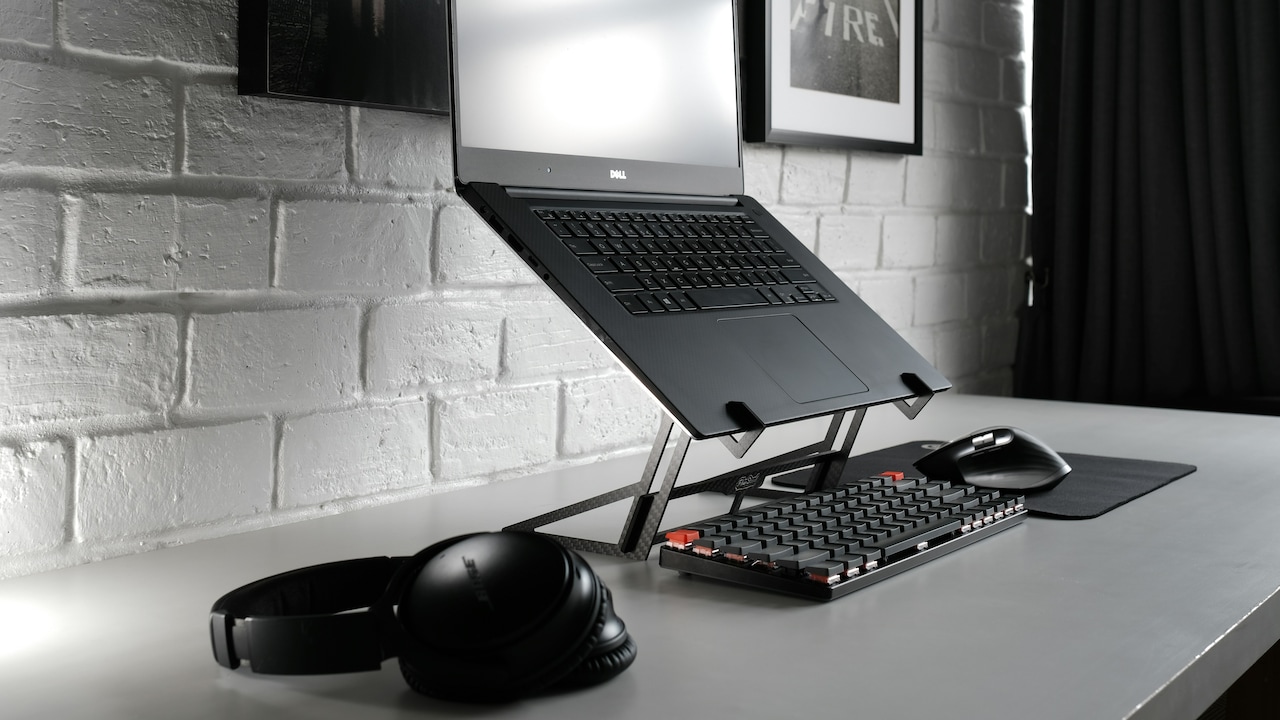
How To Choose A Laptop Stand That Doesn't Wobble: Here Are 10 Things To Check.
A wobbly laptop stand is one of those small annoyances that slowly turns into a daily villain. At first, it seems manageable. Then you join a video call, type a long email, or try to focus on a deadline, and suddenly the screen starts doing a gentle dance. Not the fun kind. The kind that makes you squint, sigh, and question every purchase decision made since last Diwali.
The good news is that choosing a laptop stand that doesn't wobble is not complicated. The bad news is that many stands look stable online but behave like a plastic stool on a cracked footpath once they arrive. Stability depends on design, material, joints, grip, and how well the stand suits your desk and laptop.
This article walks through ten practical points to help pick a laptop stand that stays put. No engineering degree needed. Just a sharp eye, a little common sense, and the willingness to avoid the “₹699 miracle stand” that promises the world and delivers a tremor.
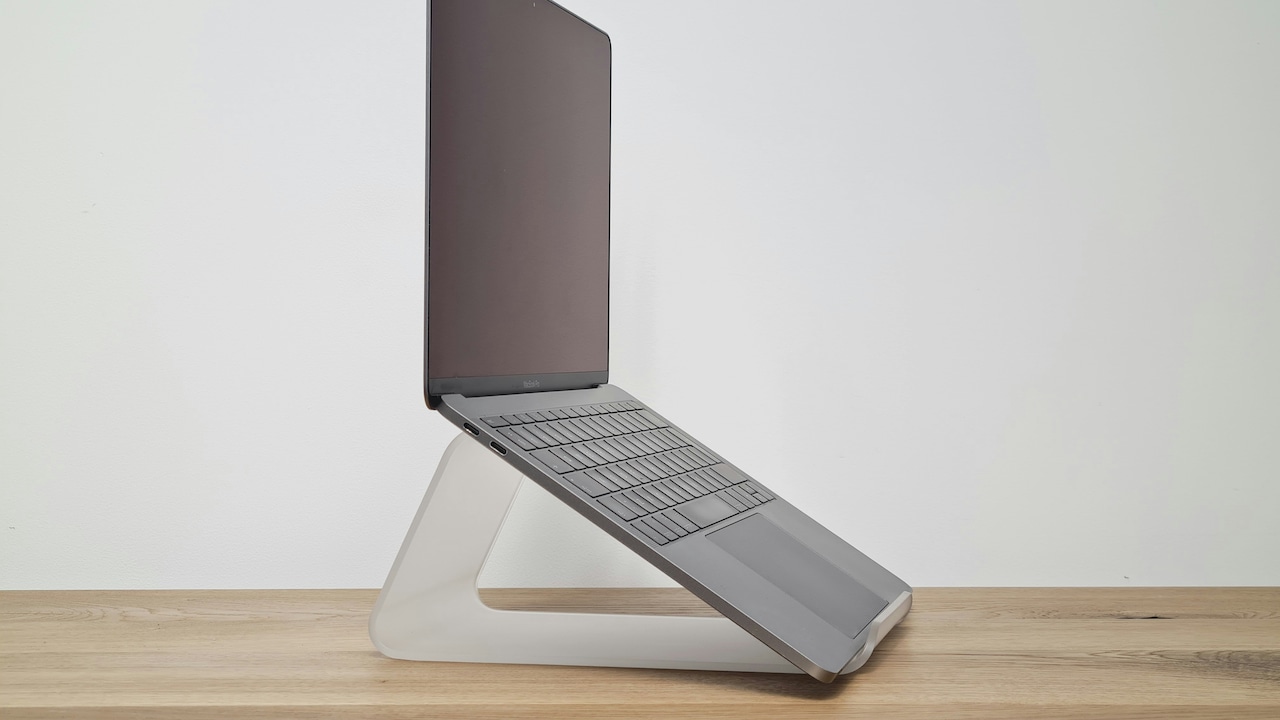
How To Choose A Laptop Stand That Doesn't Wobble
Photo Credit: Unsplash
Key Things To Look For In A Wobble-Free Laptop Stand
1. Start With The Base, Not The Height
Most people shop for laptop stands by looking at height and angles first. That makes sense, neck comfort matters. But wobble rarely starts at the top. It starts at the base.
A stable laptop stand needs a wide, well-balanced foundation. If the base is narrow, the stand becomes top-heavy once the laptop sits on it. Then every keystroke creates movement, especially if the laptop is larger than 14 inches. A good base spreads weight across a larger area, which reduces tipping and vibration.
Look for stands with a broad footprint and a low centre of gravity. If the stand looks like it's standing on “two skinny legs” rather than a proper platform, that's a warning sign. Also, if the stand relies on a single central pillar, it may wobble more than a design with two support arms.
In short, a stand can be tall and still stable, but only if the base has the confidence of a well-built dining table.
2. Choose Metal Over Plastic For Everyday Use
Material matters more than most people admit. Plastic stands can work for occasional use, like watching a film in bed or placing a lightweight device at a slight angle. But for daily typing, meetings, and long work hours, plastic often behaves like a tired chair, fine at first, then creaky and unpredictable.
Aluminium alloy stands tend to offer the best mix of strength and weight. They don't flex easily, and they hold their shape even after months of use. Steel stands can be very stable too, but they may feel heavier and sometimes come with rougher finishing.
Plastic stands, especially the cheap ones, often flex under pressure. The laptop may not fall, but the screen shakes when typing, which is a different kind of irritation. Also, plastic hinges wear out faster. After some time, the stand can start slipping or losing its angle.
If the stand costs ₹500–₹900 and claims to support “all laptops”, it may still be fine. But for stability, metal usually wins the argument.
3. Pay Attention To Hinge Quality And Joint Design
Hinges are where wobble is born. Even a stand with a strong base and a solid metal body can wobble if the hinge mechanism is weak.
A good hinge should feel firm when adjusting angles. It shouldn't feel loose, squeaky, or overly easy to move. Some stands use friction hinges, while others use notched joints with fixed angle settings. Notched joints often feel more stable because they lock into position, but they may offer fewer angle choices.
Friction hinges can be excellent when built well, but they can also be the first thing to fail in low-quality stands. If the hinge loosens over time, the laptop slowly sinks lower, and the stand starts shaking more with every movement.
Also, watch for stands with multiple moving joints. More joints can mean more flexibility, but they also increase wobble points. For most desk setups, a simple stand with one strong hinge and a solid frame gives the best balance.
The best stands feel boring in the hand. That's a compliment.
4. Match The Stand To Your Laptop Size And Weight
A stand isn't “one size fits all”, even if the product description insists it is. A 13-inch laptop behaves very differently from a 16-inch one. And gaming laptops, in particular, can be heavy enough to test the stand's patience.
Check the weight capacity, but don't treat it as gospel. Many brands exaggerate. A stand rated for 10 kg might still wobble under a 2 kg laptop if the design is flimsy.
Also, laptop depth matters. Some laptops have a deeper body, which shifts the weight forward. If the stand's support arms are too short, the laptop sits awkwardly, and the stand becomes unstable. This is especially common with budget stands where the front lip is small, and the support arms are narrow.
A simple rule helps: if the laptop looks like it's “perching” rather than “resting”, wobble will follow. The laptop should sit comfortably with enough support under the base, not just at two tiny points.
5. Check The Anti-Slip Pads Like You Check Tyre Grip
Anti-slip pads sound like a small detail. They aren't. They're the difference between a stable stand and a stand that slowly drifts across the desk like it has its own plans.
A good laptop stand should have rubber or silicone pads in two places: where the laptop rests, and where the stand touches the desk. If either set is missing or too thin, you'll get movement. The laptop might slide during typing, or the stand might shift when you adjust the screen.
The quality of the pads matters too. Cheap pads feel smooth and shiny, and they lose grip quickly. Better pads feel slightly textured and “grippy” to the touch. If the pads are glued poorly, they peel off in a few weeks, and then the wobble begins.
This is where spending a bit more helps. A stand priced around ₹1,200–₹2,500 often has noticeably better grip than ultra-budget options.
A laptop stand without proper pads is like wearing formal shoes in the rain. Technically possible, emotionally painful.
6. Avoid Ultra-Light Stands If You Type A Lot
Portability is tempting. Many stands advertise themselves as foldable, travel-friendly, and feather-light. That sounds great, until you place your laptop on it and start typing.
Very light stands tend to wobble more, especially if the desk surface isn't perfectly flat. They can also shift under pressure because the stand itself doesn't have enough weight to resist movement.
This doesn't mean you need a stand as heavy as a dumbbell. It means the stand should have enough mass to stay planted. A well-designed aluminium stand can still be portable, but it should not feel like it could fly away if the ceiling fan runs at full speed.
If your work includes lots of typing, documents, coding, spreadsheets, and writing, choose a stand that prioritises stability over extreme portability. If you mostly use an external keyboard and the laptop is just a screen, then a lighter stand can work.
For most people, the best choice sits in the middle: portable enough to move, stable enough to trust.
7. Consider Desk Surface And Space Before Buying
Even the best laptop stand can wobble on the wrong desk. Many homes have desks that aren't truly sturdy. Some are foldable. Some have a slight bend. Some are shared with books, cups, chargers, and a snack plate that mysteriously appears at 4 pm.
A stand needs a flat, stable surface. If your desk has a glossy finish, the stand might slide unless it has strong rubber feet. If your desk is small, the stand may sit too close to the edge, increasing wobble risk.
Also, think about what else sits on your desk. If you use a mouse, you'll want space beside the stand. If you use an external keyboard, you'll want space in front. If the stand forces you into a cramped setup, you'll keep bumping it, and wobble becomes part of your routine.
Before buying, measure your desk width and depth. It sounds boring, but it saves money and irritation. A stand should fit your workspace like a good chair fits your posture, quietly and reliably.
8. Look For Triangular Or Reinforced Frame Structures
Design shapes matter. Some laptop stands rely on thin arms and simple joints. Others use triangular frames or reinforced crossbars that add strength without adding bulk.
Triangles are naturally stable structures. That's why bridges, roof supports, and even some furniture designs use triangular bracing. A laptop stand with a triangular side frame often wobbles less because the structure resists bending.
Reinforced stands may also include a thicker spine or a solid back plate. These reduce flex, especially when typing. Some stands include a bar that connects the left and right arms, which helps keep them aligned. Without this, the arms can move slightly out of sync, creating wobble.
Avoid stands that look like they are made of thin metal strips with too many cut-outs. They may look modern, but cut-outs can reduce strength unless the design is engineered properly.
A stable stand doesn't need to look bulky. It just needs a structure that behaves like it respects gravity.
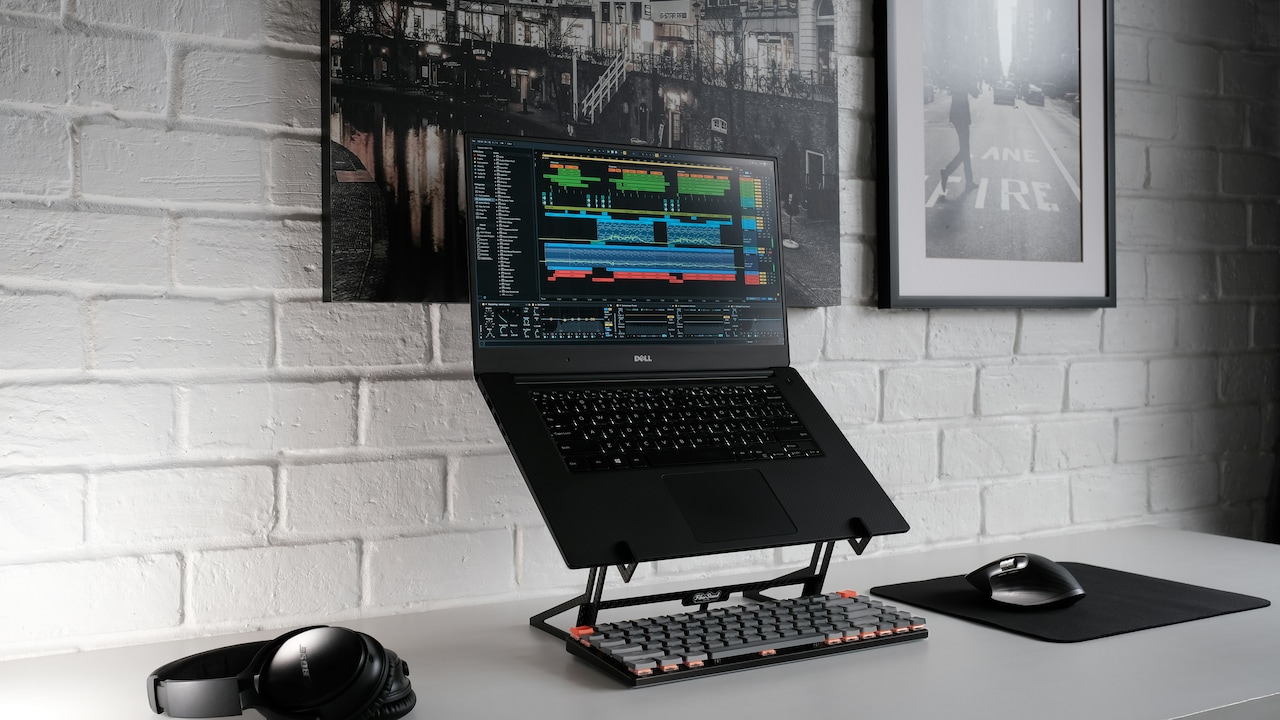
How To Choose A Laptop Stand That Doesn't Wobble
Photo Credit: Pexels
9. Don't Ignore Heat Management And Airflow
This point seems unrelated to wobble, but it matters. Heat management affects how the laptop sits and how you use the stand over time.
If a stand blocks airflow, the laptop heats up. When laptops heat up, fans spin harder, vibrations increase, and the laptop may feel less steady. It's subtle, but it adds to the “shaky desk” feeling, especially on lighter stands.
Also, overheating makes people shift the laptop around more often. You might adjust it, tilt it, or move it slightly for airflow. Every adjustment is another chance for the stand to wobble or slip.
Good stands allow air to flow under the laptop. Open designs, raised platforms, and ventilation gaps help. Some stands even include cut-outs specifically for airflow. The key is balance: enough open space for cooling, but not so much that the structure becomes weak.
A stand should support the laptop like a calm friend, keeping it lifted, cool, and steady, not forcing it into a sweaty struggle.
10. Test Stability With Real-Life Movements, Not Just Photos
Product photos lie politely. They show a stand holding a laptop in a perfect studio setup with perfect lighting and zero typing. Real life includes shaky tables, uneven floors, fast typing, and accidental elbow bumps.
Before finalising a stand, check reviews that mention wobble specifically. Not “looks good” reviews. Not “delivered on time” reviews. Look for comments about typing stability, hinge firmness, and whether the stand stays steady on different surfaces.
If you're buying offline, do a simple test. Place your hands on the laptop and type lightly. Then type normally. Then adjust the angle. A good stand should stay firm through all of it. The screen should not shake like it's reacting to dramatic news.
Also, check if the stand makes noise when you type. Some stands creak slightly, which becomes irritating over long hours. Stability is not only about movement. It's also about the quiet confidence of a stand that doesn't complain.
A laptop stand should feel like it disappears into the setup. If you notice it constantly, something's wrong.
Products Related To This Article
1. Dyazo 6 Angles Adjustable Aluminum Ergonomic Foldable Portable Tabletop Laptop/Desktop Riser Stand Holder Compatible for MacBook
2. Portronics My Buddy K11 Metal Laptop Stand with 360° Rotation
3. STRIFF Laptop Tabletop Stand, Adjustable Laptop Computer Stand
4. TARKAN Laptop Stand for Desk, Heavy Metal Riser Stable Height Elevator with Air Flow for 13-17 Inch Laptops
5. Amkette Ergo Hi-Rise V2 Laptop Stand 360 Rotation
A wobble-free laptop stand isn't a luxury. It's a small upgrade that makes daily work calmer, cleaner, and far less annoying. The right stand protects posture, improves comfort, and helps the laptop feel like part of a proper workstation rather than a balancing act.
The best choice comes down to simple truths: a wide base, solid metal build, strong hinges, good grip, and a design that matches your laptop and desk. Fancy features matter less than stability. A stand that looks stylish but shakes during typing will always lose the popularity contest after a week.
Spend wisely, check reviews that talk about real usage, and avoid stands that feel flimsy in design. A stable laptop stand is one of those purchases that quietly improves your day, no drama, no wobble, and no screen dancing when deadlines hit.
(Disclaimer: This article may include references to or features of products and services made available through affiliate marketing campaigns. NDTV Convergence Limited (“NDTV”) strives to maintain editorial independence while participating in such campaigns. NDTV does not assume responsibility for the performance or claims of any featured products or services.)