How To Improve The Longevity Of Your Laptop Battery
If you can manage to make your laptop's battery last longer, it would benefit its performance and add years to its life. Here's how this goal can be achieved.

How To Improve The Longevity Of Your Laptop Battery
A laptop battery's life is vital and is often harmed by misuse or overcharging. No matter what you use your laptop for, the key is to maintain its battery. Overheating, overcharging, and improper power management settings are common practices among many laptop users that ultimately cause harm to their battery life. However, it is not too difficult to make some small changes in order to extend the life of your laptop battery.

Follow these simple tips to make your laptop battery last longer and work better; Photo Credit: iStock
Importance of Taking Care of Your Laptop Battery
The laptop battery normally loses efficiency with time. However, the efficiency loss can also occur due to some harmful habits. Using your laptop in excessively hot environments, using it for prolonged periods without breaks under high demand, and always charging the battery will cause it to lose efficiency more quickly.
Having an efficient battery guarantees longer battery life and reliable functioning of your laptop since replacing a laptop battery is both costly and difficult, particularly if you have a thin laptop with a built-in battery.
Also Read: Top 5 Laptops for Students With Long Battery Life That Are Not Heavy - Acer, Lenovo and HP
Tips On How To Lengthen Laptop Battery Life Span
Battery care is not difficult; by adopting a few simple habits, you can notice a big difference.
Step 1: Limit The Frequency Of Charging Your Laptop
Constantly plugging your laptop into electricity will increase the chances of putting pressure on the battery, especially if the battery stays charged up to 100% for a long period of time.
A better practice is to periodically disconnect your device from the charger and allow the battery to drain somewhat, after which you can start using it again. Most of today's laptops have such options as battery saver mode, where they limit the charging capacity.
Don't use your laptop while it has zero battery percentage.
Step 2: Turn Off Screen Brightness And Disable Unnecessary Functions
The screen requires a lot of electricity.
Dimming its brightness and disabling any background programs will significantly increase battery life. Programs running in the background consume computing power and energy, even though they are not active.
Disabling unnecessary features like Bluetooth and the keyboard lights could prove beneficial.
Step 3: Prevent Overheating
Overheating is one of the primary reasons causing damage to batteries.
You must leave enough space between your laptop and other objects for proper ventilation. Don't use your laptop on a bed, cushion, or anything that blocks airflow. You can consider the use of cooling pads when doing tasks like playing games.
Step 4: Take Advantage Of Battery Savers Or Power Management Options
There are certain built-in options for laptops that help to save energy from the battery.
These include disabling applications running in the background, along with enhancing the functioning of the computer's CPU. One can also set timers and timeouts for the monitor. Balanced power settings could prove beneficial, too.
Common Errors That Shorten Laptop Batteries' Lifetime
1. Draining the Battery Frequently
If the battery is drained frequently to low capacities, this can pose some challenges for the battery.
It is more beneficial for the battery if its cycles are partially charged rather than fully charged.
2. Overlooking Software Updates
The operating system or software version might also affect the battery's efficiency and energy consumption.
Updating the software is always beneficial in optimising energy consumption and battery performance.
3. Working with High-Performance Mode Consistently
Consistent use of the high-performance mode causes more heat and faster depletion of the battery.
Utilising the proper modes depending on the workload may extend battery life.

Discover easy ways to maximize your laptop's battery life and extend its usable lifespan.; Photo Credit: iStock
How Good Battery Care Affects the Lifespan of Your Laptop
Good battery care not only ensures you enjoy a long lifespan from your battery but also guarantees that you get the best use out of your laptop through its efficient battery. Fewer disruptions during charging, portability, and cost savings are just a few examples of what proper battery care guarantees.
Simple steps, such as keeping your laptop cool, controlling charging patterns, and optimising your settings, significantly contribute to maintaining good battery health over time.
Some Useful Accessories To Maintain Good Battery Condition
1. Portronics My Buddy Air Pro Laptop Cooling Pad
2. Portronics My Buddy K9 Pro 2-in-1 Laptop & Phone Stand with 360° Rotating Base
3. Dyazo Foldable Laptop Stand with 360° Rotating Base
4. ZEBRONICS NC9200, Laptop Cooling Pad
5. TECHIE 6 Fan Laptop Cooling Pad
6. Lapcare Chillmate Powerful Laptop Cooler Pad
7. Kreo Tundra Laptop Cooler Pad with 5 Adjustable Fans
8. RAEGR RapidCool 900 Aluminium Laptop Cooling Pad
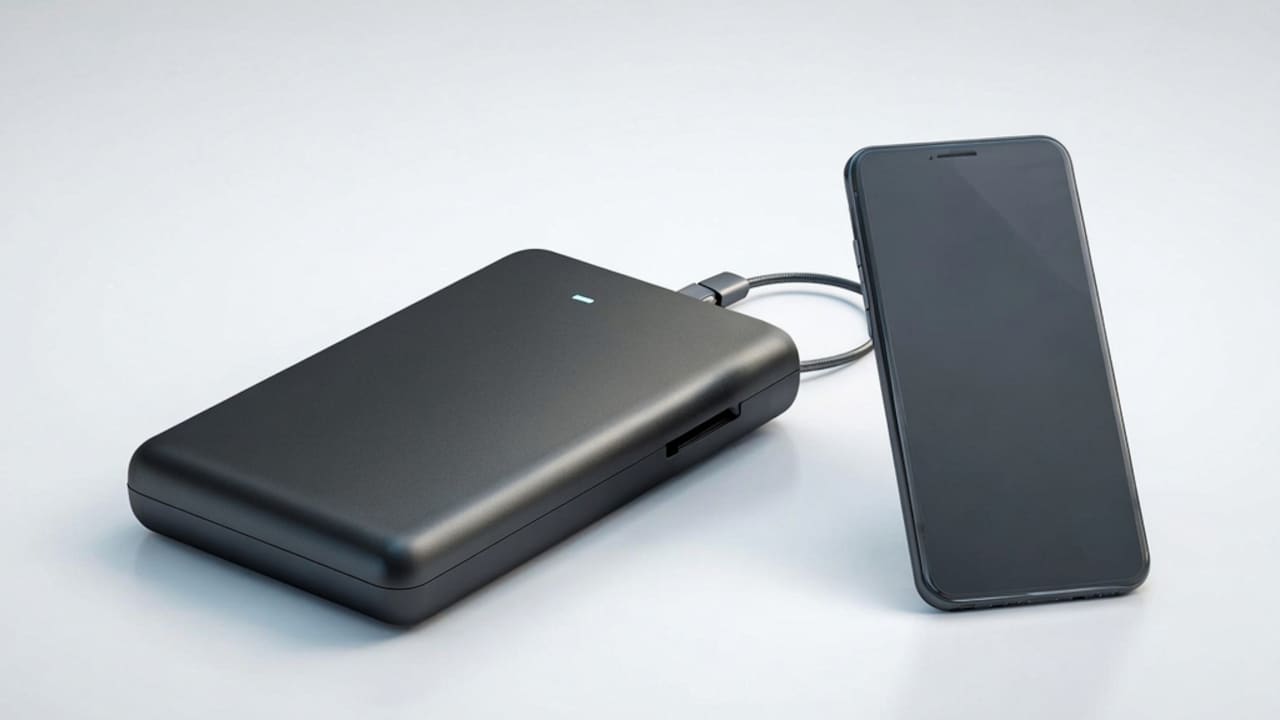
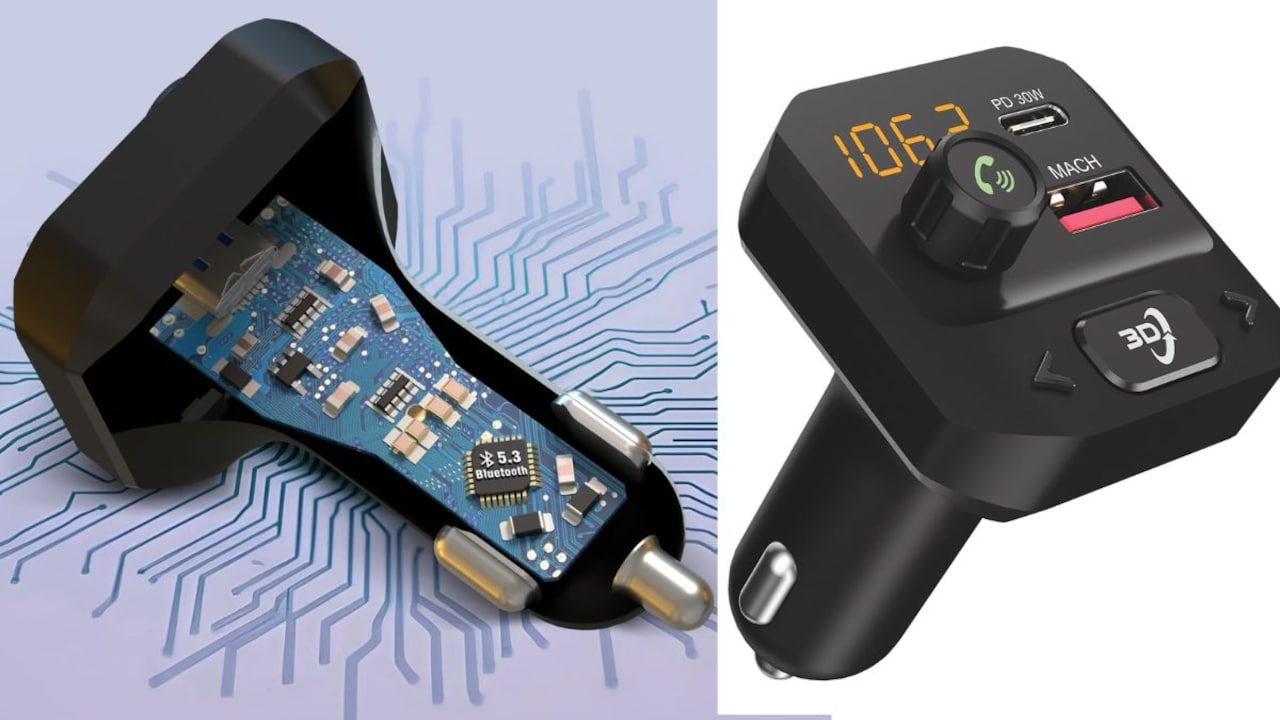
Good battery care keeps your devices ready when you need them. From smart chargers and power banks to cable organisers and surge protectors, the right accessories help stop overcharging, heat, and wear. Small steps today mean longer battery life tomorrow. Do not let poor care cut your device short. Explore useful battery care accessories on Amazon now, choose what suits your gadgets, and keep every charge safe, strong, and lasting.
Frequently Asked Questions (FAQs)
1. What will happen if I keep my laptop plugged in all the time?
If my laptop is constantly plugged in, then there could be a chance of rapid ageing of the battery, but nowadays, most laptops feature a way to counteract this.
2. At what percentage must the battery charge be to keep the laptop?
The best level for the laptop battery charge is 20%-80%.
3. Is there an influence of overheating on the lifetime of the laptop battery?
There is, indeed, an overheating that affects the lifetime of the laptop battery along with the overall performance of the laptop.
4. Do I need to run down the battery of my laptop before charging it again?
This practice is not necessarily needed because I do not have to let my laptop battery fully drain before plugging in again.
5. What is the lifespan of a laptop battery?
It is approximately 2 to 5 years.
(Disclaimer: This article may include references to or features of products and services made available through affiliate marketing campaigns. NDTV Convergence Limited (“NDTV”) strives to maintain editorial independence while participating in such campaigns. NDTV does not assume responsibility for the performance or claims of any featured products or services.)