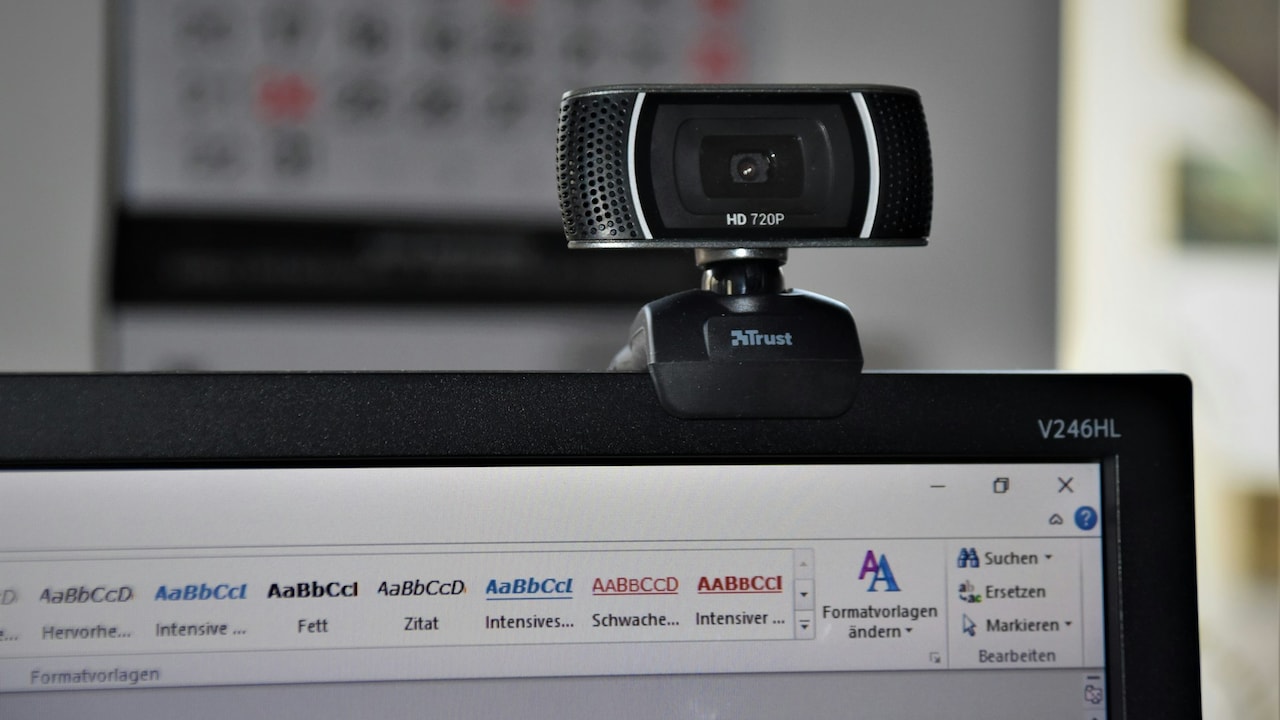
Laptop Buying Guide for Work And Study: How to Choose the Right CPU, RAM and Storage
Confused by CPU, RAM and storage while buying a laptop? This simple guide breaks down the essentials for work and study, helping you choose the right performance without overspending or falling for tech jargon.
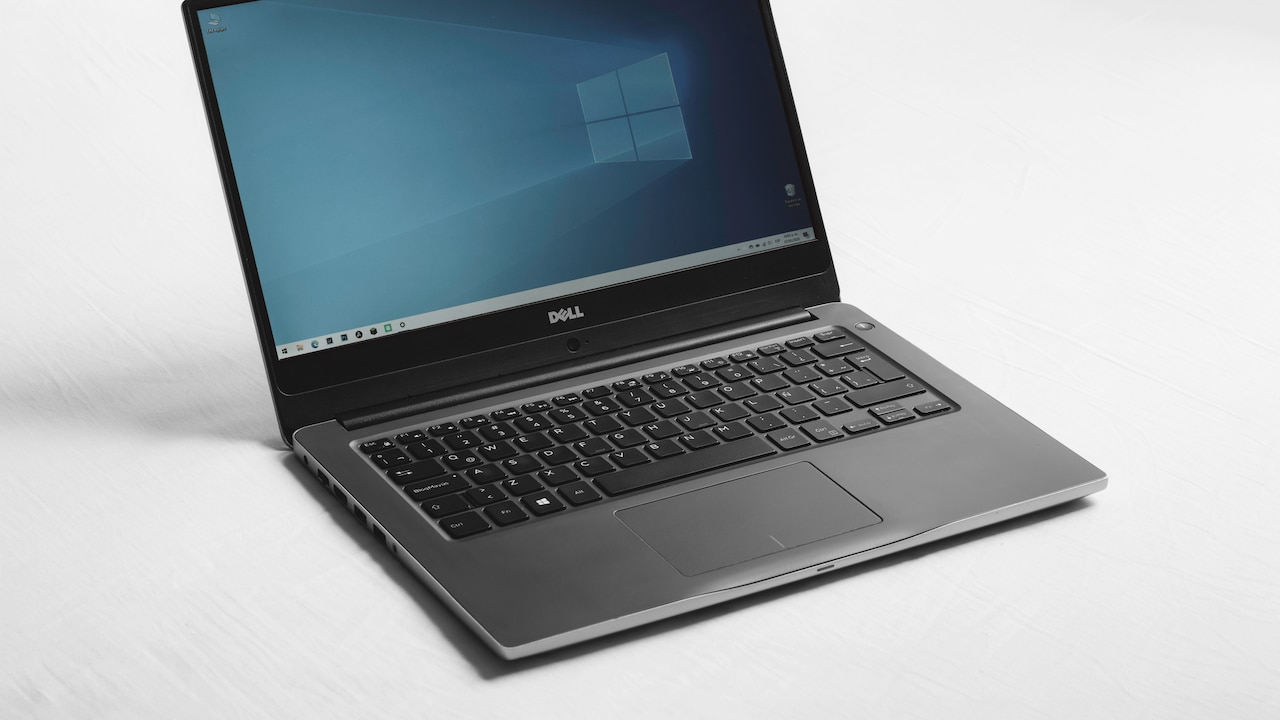
Laptop Buying Guide for Work And Study: CPU, RAM, Storage Explained In Simplified Manner.
A laptop is no longer a luxury. It has become a daily companion. Online classes, office calls, side projects and weekend binge sessions all happen on the same screen. Yet many people still buy laptops based on brand names or flashy offers. That often leads to regret within months.
The real secret lies in understanding three core parts: the CPU, RAM, and storage. These decide speed, multitasking ability and long-term comfort. Get these right and even a mid-priced laptop can feel powerful for years. Get them wrong, and even an expensive machine can feel slow.
This guide simplifies those choices. It explains what actually matters for work and study, what can safely be ignored and where money delivers real value. Think of it as friendly advice from someone who has seen laptops struggle during online exams and freeze during office presentations. Let's make sure that never happens again.

Laptop Buying Guide for Work & Study: CPU, RAM, Storage Simplified; Photo Credit: Pexels
What Really Matters When Choosing a Laptop for Work and Study
1. Understanding the CPU: The Brain of the Laptop
The CPU decides how fast a laptop thinks. It handles calculations, opens apps and keeps everything moving. Most laptops in the market come with Intel or AMD processors. Both work well when chosen correctly.
For everyday tasks like browsing, documents and video calls, an Intel Core i3 or AMD Ryzen 3 works fine. Students and office users who juggle spreadsheets, coding tools or design apps should aim for Core i5 or Ryzen 5. These handle pressure better and stay relevant longer.
Ignore flashy terms like "turbo boost" unless heavy editing or gaming sits on the agenda. Generation matters more than speed numbers. A newer i5 often beats an older i7. Always check the generation number.
Avoid outdated processors sold cheaply. Saving ₹5,000 upfront often leads to frustration later. A good CPU ensures smooth mornings and fewer mid-task freezes.
2. CPU Cores and Threads: Why They Matter More Than Clock Speed
Clock speed sounds impressive, yet cores and threads shape real performance. Each core handles tasks. More cores mean better multitasking.
Dual-core processors struggle today. They choke during video calls while files download in the background. Quad-core CPUs have become the minimum standard for work and study. Six cores add comfort and future-proofing.
Threads help a CPU juggle multiple tasks at once. A processor with more threads feels smoother when several apps stay open. This matters during online classes with browsers, notes and messaging apps running together.
Do not obsess over numbers. Balance matters. A modern quad-core with good efficiency often beats older chips with higher speeds. Choose stability over marketing claims. Productivity loves balance.
Also Read: Avoid These 10 Common Laptop Buying Mistakes Before You Shop Online
3. RAM Explained: How Much Is Enough for Daily Use
RAM acts like a worktable. More space allows more tasks without clutter. Too little RAM slows everything down.
In 2026, 8GB RAM has become the minimum sweet spot. It handles browsers with many tabs, video calls and office apps comfortably. Students working on basic assignments can survive with 8GB, but upgrading later should remain an option.
16GB RAM suits multitaskers, programmers and creative learners. It keeps laptops responsive even under pressure. It also extends the usable life of the machine.
Avoid 4GB RAM laptops unless the budget sits under ₹30,000 and usage stays very light. They struggle quickly. Also check if RAM comes soldered. Upgradable RAM offers flexibility and savings later.
4. RAM Speed and Type: Small Details That Make a Big Difference
Not all RAM performs the same. DDR4 and DDR5 dominate current laptops. DDR5 offers faster speeds and better efficiency, though DDR4 still performs well for most tasks.
Speed numbers like 3200MHz or 4800MHz matter less than capacity for daily use. Yet faster RAM does help smooth multitasking slightly. Think of it as a bonus rather than a deal-breaker.
Dual-channel RAM boosts performance. Two 8GB sticks often outperform a single 16GB stick. Some laptops support this automatically. Others require upgrades.
When buying, check whether RAM sits soldered or removable. Soldered RAM limits future upgrades. Flexibility matters when needs grow. Planning ahead avoids replacement costs later.

Laptop Buying Guide for Work & Study: CPU, RAM, Storage Simplified; Photo Credit: Pexels
5. Storage Basics: SSD vs HDD Made Simple
Storage affects boot time and file access speed. SSDs have changed laptop experiences dramatically. They start systems within seconds and open apps instantly.
HDDs still appear in budget models. They offer more space for less money, yet feel painfully slow. Avoid them unless paired with an SSD.
A 256GB SSD suits students using cloud storage and light apps. 512GB offers comfort for work files, software and offline content. Creative users benefit from 1TB.
NVMe SSDs outperform SATA SSDs. The difference shows during large file transfers and system updates. Many modern laptops use NVMe by default.
Never compromise on SSD quality. A fast laptop with slow storage feels broken. Speed matters more than raw space.
6. Balancing CPU, RAM and Storage: Avoiding Common Traps
Many laptops advertise a strong CPU but cut corners elsewhere. A powerful processor paired with 4GB RAM creates bottlenecks. Similarly, plenty of RAM with a slow HDD wastes potential.
Balance matters. For smooth performance, pair a mid-range CPU with at least 8GB RAM and an SSD. This trio ensures stability.
Avoid paying extra for unnecessary upgrades. Office work rarely needs top-tier CPUs. Instead, invest in RAM and SSD quality.
Look beyond brand hype. Specifications tell the real story. Sales staff often push models with higher commissions. Knowledge protects the wallet.
A balanced laptop feels faster than an unbalanced expensive one. Smart choices always win.
7. Budget Planning: Getting the Best Value for ₹
Budgets shape decisions. Under ₹40,000 limits options. Aim for SSD storage and 8GB RAM at minimum. Compromises may appear on display quality or build.
Between ₹50,000 and ₹70,000 sits the value zone. Solid CPUs, good RAM and fast storage coexist here. Most work and study needs find satisfaction in this range.
Above ₹80,000 enters premium territory. Better screens, lighter builds and longer battery life appear. Performance gains slow compared to price jumps.
Spend where it matters. Speed and reliability beat fancy extras. A laptop should serve daily needs, not impress on paper alone.

Laptop Buying Guide for Work & Study: CPU, RAM, Storage Simplified; Photo Credit: Pexels
8. Real-Life Usage Scenarios: Matching Specs to Daily Life
A college student attends online lectures, writes assignments and streams content. An i5 or Ryzen 5, 8GB RAM and 512GB SSD work perfectly.
A working professional manages emails, spreadsheets and presentations. Add multitasking and video calls. 16GB RAM adds comfort here.
A creative learner edits photos or videos. CPU power matters more. Six-core processors and 16GB RAM are becoming essential.
Avoid overbuying. Needs evolve, yet extreme specs rarely justify costs. Honest self-assessment prevents waste.
9. Longevity and Upgradability: Thinking Beyond Year One
A laptop should last at least four to five years. Upgradability helps extend life. Check whether RAM and storage can be upgraded later.
Thermal design also affects longevity. Thin laptops look sleek, but sometimes throttle under load. Balanced cooling matters.
Software updates grow heavier each year. Extra RAM today saves headaches tomorrow. Planning ahead costs less than replacement later.
Warranty and service availability matter too. Repairs should not feel like treasure hunts. Reliability counts.
10. Final Checklist Before Buying
Before checkout, review the essentials. Confirm CPU generation. Check RAM capacity and upgrade options. Ensure SSD presence and size.
Look at ports. USB-A, USB-C and HDMI still matter for daily work. Battery life claims often exaggerate. Real-world reviews help.
Avoid impulse purchases during flashy sales. Calm decisions save money and regret. A laptop remains a long-term companion.
Confidence comes from understanding, not discounts. Knowledge empowers smart buying.
Products Related To This Article
1. HP 15, AMD Ryzen 3 7320U (8GB DDR4, 512GB SSD) FHD
2. ASUS Vivobook Go 14, AMD Ryzen 3 7320U
3. Lenovo IdeaPad Slim 1 AMD Ryzen 5 5500U 15.6
4. MSI Thin A15, Ryzen 5 7535HS
5. acer Aspire Lite, Intel Core i5 13th Gen - 1334U
Buying a laptop no longer needs to feel confusing. CPU, RAM and storage form the foundation of performance. Understanding them transforms shopping into a confident decision.
Work and study demand reliability more than raw power. Balanced specifications deliver smooth days and stress-free nights. Smart choices protect budgets and productivity.
Technology keeps evolving, yet the basics remain constant. Choose wisely today and enjoy years of effortless use tomorrow.
(Disclaimer: This article may include references to or features of products and services made available through affiliate marketing campaigns. NDTV Convergence Limited (“NDTV”) strives to maintain editorial independence while participating in such campaigns. NDTV does not assume responsibility for the performance or claims of any featured products or services.)