Laptop Overheating Issues: Why Thin Laptops Struggle With Heat Management
Thin laptops look sleek but often overheat under daily use. This article explains why slim designs struggle with heat management and what buyers should know before choosing portability over performance.

Thin Laptop Overheating Explained: Design Flaws, Heat Issues, And Performance Impact.
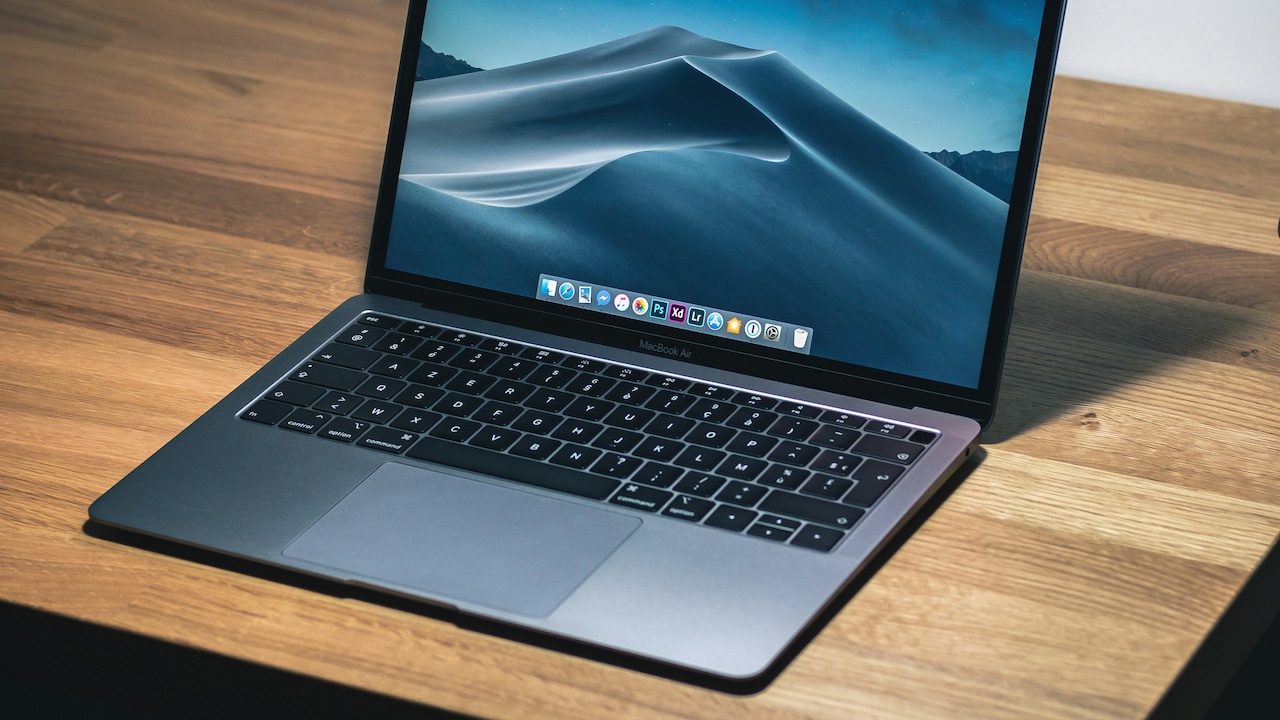
Thin laptops have become the poster children of modern computing. They slide easily into backpacks, look sharp during presentations, and promise power without bulk. For students attending online classes, professionals juggling spreadsheets, and creators editing videos late at night, these machines feel like the perfect match.
Yet reality often bites. After an hour of work, the base heats up. The fan kicks in loudly. The system slows down just when deadlines loom. Many users blame poor quality or bad luck. The truth sits deeper in the design itself.
Heat is the silent enemy of electronics. Managing it demands space, airflow, and smart engineering. Thin laptops, by nature, lack breathing room. This article breaks down the reasons behind overheating, using relatable examples from daily life. It also explains why this issue persists despite premium pricing and sleek marketing.
Laptop Overheating Issues: Why Thin Laptops Struggle With Heat Management
Photo Credit: Pexels
Why Sleek Laptops Heat Up Faster Than Expected
1. The Obsession With Slim Design
Modern buyers often judge laptops by thickness before performance. A thinner body feels premium and futuristic. Brands know this and chase millimetres like gold. Sadly, heat does not care about aesthetics.
Slim designs reduce internal space. That space once housed larger fans, wider vents, and copper heat pipes. When designers shave off thickness, cooling components shrink too. Smaller fans move less air. Narrow vents clog faster with dust. Heat builds up quickly.
Picture a pressure cooker without a proper whistle. Steam has nowhere to escape. The same happens inside ultra-thin laptops. During simple tasks like browsing or writing emails, the system copes. Push it with video calls, photo editing, or coding, and temperatures rise sharply.
Many users feel disappointed when a ₹90,000 laptop struggles with basic multitasking. The issue lies not in price but in priorities. Slimness wins over thermal comfort, and users pay the price with warm palms and noisy fans.
2. Powerful Processors in Tiny Spaces
Modern processors deliver incredible performance. They run complex tasks, handle graphics, and manage background apps with ease. This power generates heat. In thicker laptops, cooling systems handle it better.
Thin laptops cram powerful chips into compact frames. The processor works hard, but the heat struggles to escape. Thermal throttling steps in to protect components. Performance drops suddenly. Apps lag. Frames stutter during video playback.
This feels frustrating, especially during important meetings or exams. The laptop looks capable but behaves sluggishly under pressure. Users often mistake this for ageing hardware, even when the device is new.
The mismatch between processor power and cooling capacity causes this problem. Manufacturers push high-end chips to attract buyers. They rarely explain the thermal trade-offs. As a result, users end up with machines that promise speed but deliver heat.
3. Reduced Airflow and Vent Placement
Airflow keeps laptops cool. Fans pull in cool air and push out hot air. Thin laptops struggle here. Limited space restricts airflow paths. Vents become smaller and fewer.
Some designs place vents underneath. This looks clean, but causes trouble. Place the laptop on a bed, sofa, or lap, and airflow stops. Heat builds rapidly. The system responds with louder fans and reduced speed.
In warm climates, this issue worsens. Ambient temperatures already run high. Poor airflow leaves no margin for error. Even simple tasks can push internal temperatures beyond comfort levels.
Users often blame themselves for poor handling. The real culprit lies in design choices that favour looks over function. A laptop should work reliably on a desk, bed, or café table. Thin designs often fail this simple test.
4. Smaller Batteries and Heat Concentration
Thin laptops use compact batteries to save space. Smaller batteries discharge faster under load. This creates heat in a concentrated area. Unlike thicker models, heat spreads less evenly.
When charging, the situation worsens. Charging generates heat. Running heavy apps while plugged in adds more. The slim chassis traps this warmth. The base becomes uncomfortable to touch.
Many users notice laptops heating more while charging. This causes anxiety during long work sessions. Nobody enjoys balancing a warm machine during a video call.
Battery longevity also suffers. Heat degrades battery health over time. After a year, users see reduced backup and faster drain. Replacing batteries costs money, often ₹6,000 or more, depending on the model.
5. Compromised Cooling Materials
Effective cooling needs quality materials. Copper heat pipes, thermal pads, and proper paste help transfer heat away from components. Thin laptops use smaller, lighter versions of these materials.
Cost pressures add another layer. To keep prices competitive, manufacturers sometimes compromise on thermal solutions. The result shows after months of use. Dust builds up. Thermal paste dries. Heat transfer weakens.
Users rarely open laptops for maintenance. Thin designs make cleaning harder. Screws hide under rubber feet. Opening the body risks damage. Over time, cooling efficiency drops further.
This creates a cycle of rising temperatures and falling performance. What starts as mild warmth becomes constant overheating. The laptop feels tired long before its time.
6. Graphics Performance Without Proper Cooling
Many thin laptops boast integrated or entry-level graphics. These chips help with design work, casual gaming, and video editing. Graphics processing generates significant heat.
In thicker machines, dedicated cooling handles this load. Thin laptops rely on shared cooling systems. The processor and graphics fight for thermal headroom. Both suffer.
During tasks like editing a short video or running design software, heat spikes occur. The system throttles performance to stay safe. Rendering slows. Fans roar. Deadlines feel closer.
Marketing often highlights graphics capability without explaining cooling limits. Users expect smooth performance and feel let down. The issue again traces back to physical constraints, not user error.
Laptop Overheating Issues: Why Thin Laptops Struggle With Heat Management
Photo Credit: Pexels
7. Software Optimisation and Background Load
Hardware tells only half the story. Software plays a big role in heat management. Poorly optimised apps consume resources unnecessarily. Background processes run silently and add load.
Thin laptops feel this strain more. Limited cooling leaves little room for inefficiency. Multiple browser tabs, auto-sync tools, and system updates combine to push temperatures up.
Users often multitask heavily. Online meetings run alongside documents, browsers, and messaging apps. The system copes initially but heats up over time.
Regular software updates help, but awareness matters too. Closing unused apps reduces heat. Adjusting performance settings helps. Still, thin laptops remain less forgiving than thicker alternatives.
8. Environmental Factors and Daily Usage
Climate affects electronics deeply. Warm weather raises baseline temperatures. Thin laptops struggle more in such conditions. Fans spin faster. Batteries drain more quickly.
Power cuts add another twist. Users rely on battery power. Laptops heat up while trying to maintain performance. Charging resumes later, adding more heat.
Dust also plays a role. Urban environments contribute fine dust particles. These clog vents and fans. Thin laptops, with narrow vents, suffer faster.
Simple habits like regular cleaning and using flat surfaces help. Yet design limitations persist. The environment exposes the weakness of slim machines more clearly than marketing brochures ever will.
9. User Comfort and Long-Term Health
Overheating affects more than performance. It impacts comfort. Warm keyboards distract. Hot bases discourage lap use. Noise disrupts focus.
Extended exposure to heat also affects posture. Users shift positions to avoid warmth. This causes strain over time. Students and professionals spend hours daily on laptops. Comfort matters.
Long-term heat damages internal components, too. Storage drives, batteries, and processors degrade faster. What starts as a mild inconvenience turns into expensive repairs.
Users often upgrade sooner than planned. A laptop meant to last five years struggles after three. Thin design choices shorten practical lifespan, despite premium pricing.
10. The Trade-Off Buyers Must Understand
Thin laptops are not failures. They serve specific needs well. Portability, style, and light usage suit them. Problems arise when expectations mismatch reality.
Understanding trade-offs helps buyers choose wisely. Those who travel often and handle light tasks benefit from slim machines. Heavy users need better cooling, even if it adds weight.
Price alone does not guarantee thermal comfort. A ₹1,20,000 laptop can overheat if the design prioritises form over function. Buyers should consider usage patterns honestly.
Awareness empowers better decisions. Heat management deserves as much attention as screen size or storage. A slightly thicker laptop often delivers calmer performance and longer life.
Laptop Overheating Issues: Why Thin Laptops Struggle With Heat Management
Photo Credit: Pexels
Products Related To This Article
1. ASUS Vivobook Go 14, AMD Ryzen 3 7320U
2. HP 15, AMD Ryzen 3 7320U (8GB DDR4, 512GB SSD) FHD
3. Lenovo IdeaPad Slim 1 AMD Ryzen 5 5500U 15.6" HD Thin and Light Laptop
4. acer Aspire Lite 12th Gen Intel Core i3-1215U Premium Metal Laptop
5. Dell 15 Laptop, 14th Gen Intel Core 3 100U Processor
Thin laptops reflect modern tastes. They look elegant and promise freedom from bulky bags. Yet their struggle with heat management reveals a hard truth. Physics does not bend for fashion.
Overheating stems from tight spaces, limited airflow, powerful components, and environmental factors. These machines juggle too much in too little room. Users feel the impact through noise, warmth, and slowing performance.
Understanding these limitations changes expectations. It encourages smarter buying choices and healthier usage habits. Thin laptops still have their place. They shine when used within their comfort zone.
In the end, balance matters. Technology works best when design and function walk together. Heat reminds everyone that beauty alone cannot keep a system cool.
(Disclaimer: This article may include references to or features of products and services made available through affiliate marketing campaigns. NDTV Convergence Limited (“NDTV”) strives to maintain editorial independence while participating in such campaigns. NDTV does not assume responsibility for the performance or claims of any featured products or services.)