Mechanical Keyboards For Beginners: Everything You Need To Know Before Switching
Mechanical keyboards are no longer just for gamers. This beginner’s guide explains how they work, what to buy, and what to avoid before switching, helping first-time users make a confident choice.
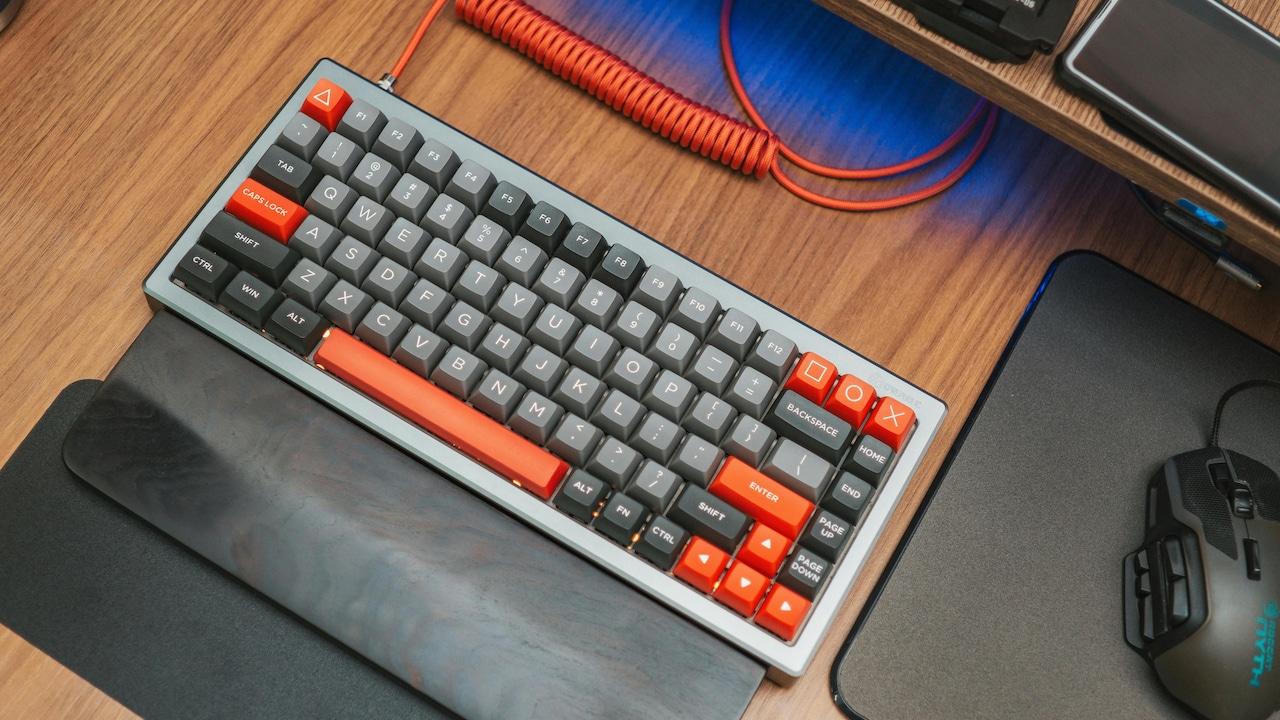
Mechanical Keyboards For Beginners: A Complete Guide To Switches, Layouts And Other Buying Tips.
Most people grow up using flat, squishy keyboards that come free with desktops or laptops. They do the job, but they rarely spark joy. Mechanical keyboards change that relationship. Every key press feels deliberate. Every click feels earned. For some, it is love at first sight. For others, it takes a little adjustment.
The rise of remote work, gaming cafés, and content creation has pushed mechanical keyboards into the spotlight. Friends compare key sounds. Office desks start to glow with subtle RGB lights. Suddenly, a keyboard becomes a personality statement.
Still, beginners often hesitate. Are mechanical keyboards too loud? Are they only for gamers? Do they cost a fortune? This article answers those questions and more. By the end, switching will feel less like a gamble and more like a well-informed upgrade.
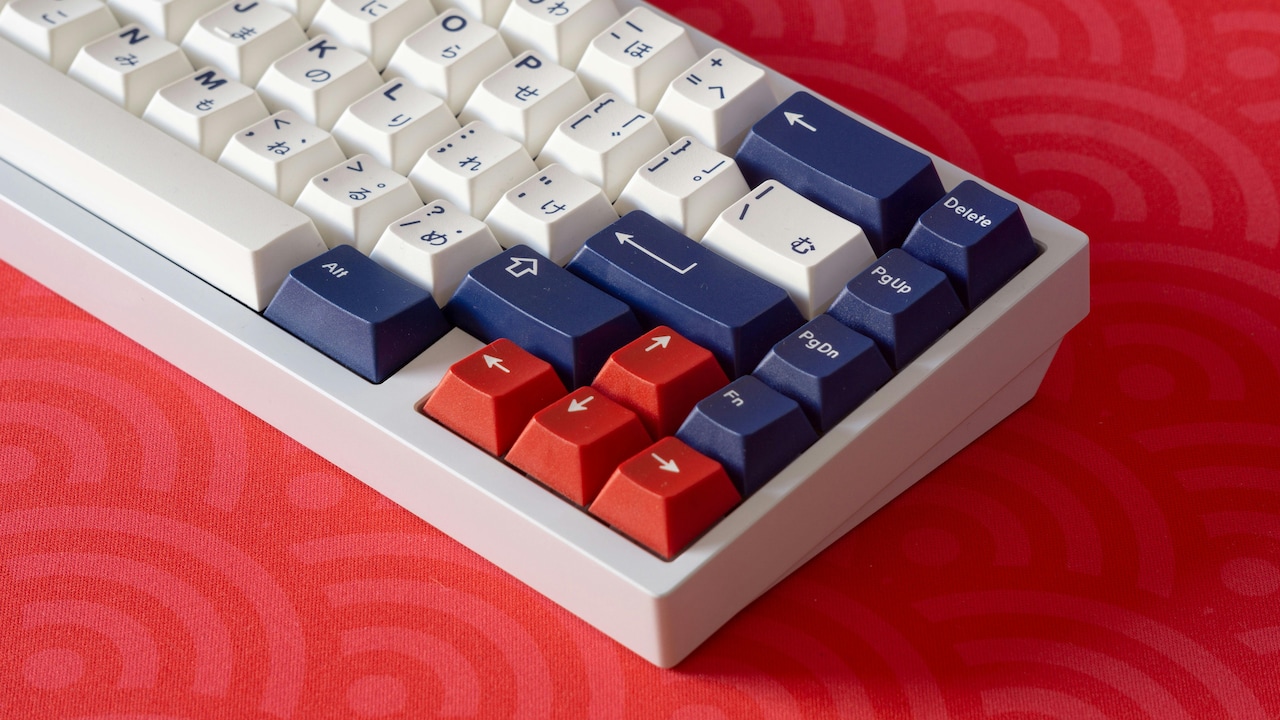
Mechanical Keyboards For Beginners: Everything You Need To Know; Photo Credit: Pexels
Before You Buy: The Basics That Make All The Difference
1. What Makes a Keyboard ‘Mechanical'?
A mechanical keyboard uses individual mechanical switches under every key. Each switch contains moving parts that register a keystroke the moment a certain point is reached. This differs from regular membrane keyboards, which rely on a rubber sheet that collapses when pressed.
That small difference changes everything. Mechanical switches offer better accuracy, faster response, and a consistent feel. Every key behaves the same way, whether typing an email or smashing the spacebar during a late-night gaming session.
There is also a sensory side. The sound and feel can feel oddly comforting, like the click of a pen or the shut of a car door. Some find it motivating. Others simply enjoy the rhythm.
Durability plays a big role, too. Mechanical switches often last for 50 million key presses or more. That means years of daily use without keys feeling tired or unresponsive. For anyone who types for hours, this reliability matters more than expected.
2. Understanding Mechanical Switch Types Without the Jargon
Switches often scare beginners away. Names like Blue, Brown, and Red sound mysterious, but the concept stays simple.
Clicky switches produce a loud, satisfying click with every press. They feel lively and energetic but can annoy others nearby. Tactile switches offer a gentle bump without the noise. They strike a balance between feedback and peace. Linear switches feel smooth from top to bottom and stay quiet, making them popular for gaming and shared spaces.
Choosing a switch feels personal. Some prefer audible feedback that confirms every word typed. Others want silence during late-night work calls. The best approach involves trying a few options at a store or borrowing a friend's keyboard for a few minutes.
No switch ranks as the best. The right one fits typing habits, surroundings, and personal taste. That realisation alone removes much of the pressure beginners feel.
Also Read: 5 Best Wireless Keyboards Under ₹1,500 for Seamless Work-from-Home Setup
3. Layouts and Sizes: Finding the Right Fit for the Desk
Mechanical keyboards come in different sizes. Full-size boards include a number pad. Tenkeyless models remove it, saving space. Compact layouts shrink even further, sometimes dropping arrow keys or function rows.
Desk size matters here. Smaller desks benefit from compact keyboards, leaving room for a mouse and a notebook. Larger setups can accommodate full-size boards without issue.
Work habits influence this choice too. Those who work with numbers daily may miss the number pad. Gamers often prefer smaller layouts for more mouse movement space. Compact boards also travel better, fitting easily into backpacks.
Beginners often assume smaller means harder to use. That fear fades quickly. Many adapt within days and enjoy the cleaner desk look. The key lies in choosing a layout that supports daily tasks rather than chasing trends.
4. Build Quality: Why Weight and Materials Matter
A mechanical keyboard should feel solid. Lightweight boards may slide during intense typing sessions. Heavier keyboards stay planted, offering stability and confidence.
Materials play a role here. Plastic cases cost less and still perform well. Metal or aluminium frames feel premium and resist flex. Keycaps also matter. Cheap ones shine quickly and wear down. Better keycaps feel textured and last longer.
This does not mean spending ₹20,000 right away. Plenty of well-built keyboards sit in the ₹4,000 to ₹7,000 range and offer excellent value. Checking reviews and user feedback helps identify sturdy models without overspending.
A solid keyboard feels reassuring. It signals durability and care in design. Over time, that feeling turns into trust, which matters when typing forms the backbone of daily work.
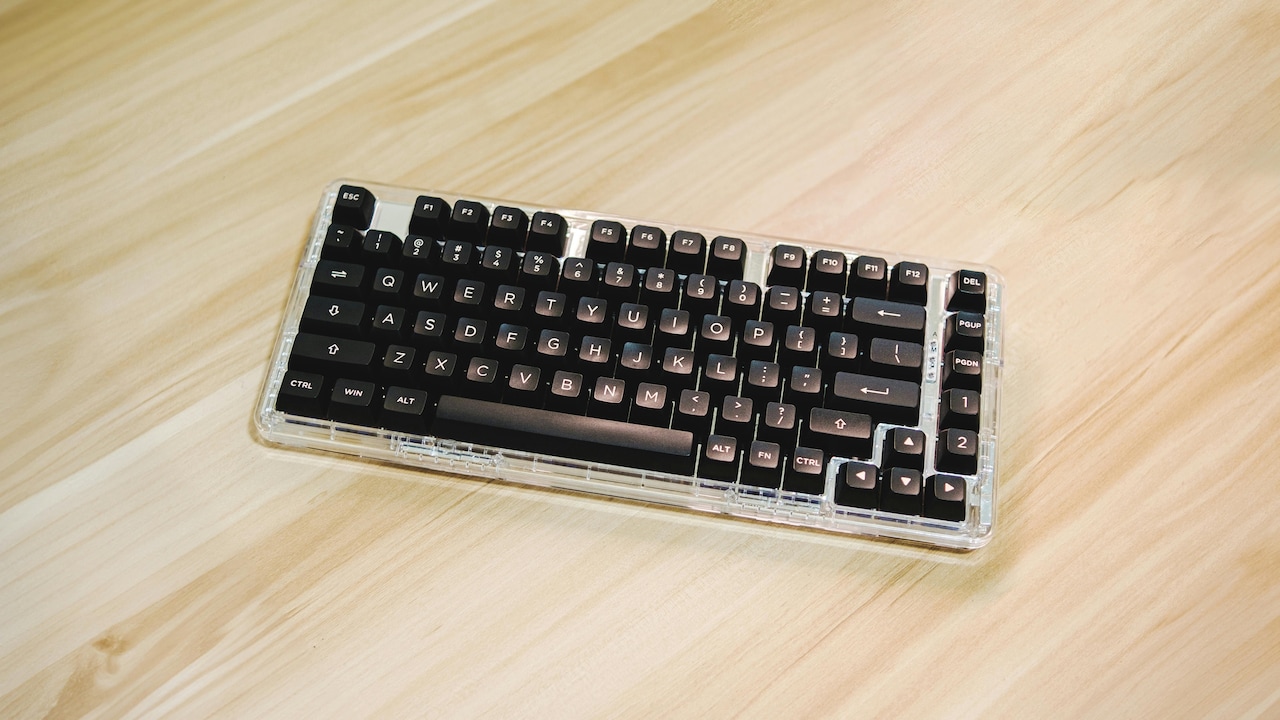
Mechanical Keyboards For Beginners: Everything You Need To Know; Photo Credit: Pexels
5. Wired or Wireless: Convenience Versus Reliability
Wired mechanical keyboards dominate the market. They offer zero lag, no charging worries, and consistent performance. Plug in and type. Simple.
Wireless options have improved a lot. Bluetooth and wireless dongles now deliver stable connections and long battery life. They suit minimal setups and multi-device use. Switching between a laptop, tablet, and phone becomes effortless.
Battery life varies widely. Some keyboards last for weeks. Others need frequent charging, especially with lights turned on. That detail matters more than expected during busy weeks.
For beginners, wired keyboards feel safer. They remove one variable from the experience. Wireless models suit those who value clean desks and portability. Both options work well. The decision depends on lifestyle rather than performance alone.
6. Noise Levels: Keeping Peace at Home and Work
Mechanical keyboards carry a reputation for noise. While some sound like popcorn machines, others remain surprisingly quiet.
Noise depends on switch type, keycap material, and typing style. Linear switches paired with soft keycaps reduce sound significantly. Desk mats and wrist rests also absorb vibrations.
This matters in shared homes and offices. Late-night typing should not wake sleeping family members. Video calls should not echo with clicks.
Quiet mechanical keyboards exist and perform beautifully. Beginners should not let noise myths stop them. A little research goes a long way in finding a keyboard that respects shared spaces while still delivering that mechanical feel.
7. Customisation: From Simple Tweaks to Full Obsession
Mechanical keyboards invite personalisation. Some users stop at choosing keycap colours. Others dive deep into custom cables, lubricated switches, and artisan keycaps shaped like tiny works of art.
Beginners need not worry about any of this. Most keyboards work perfectly out of the box. Still, knowing that customisation exists adds excitement.
Swapping keycaps refreshes a keyboard instantly. Changing colours or fonts can match moods or seasons. Even small tweaks make the keyboard feel personal.
This hobby grows organically. Many start with curiosity and end up enjoying the creative outlet. Others stay practical and enjoy the keyboard as it is. Both paths remain valid and enjoyable.
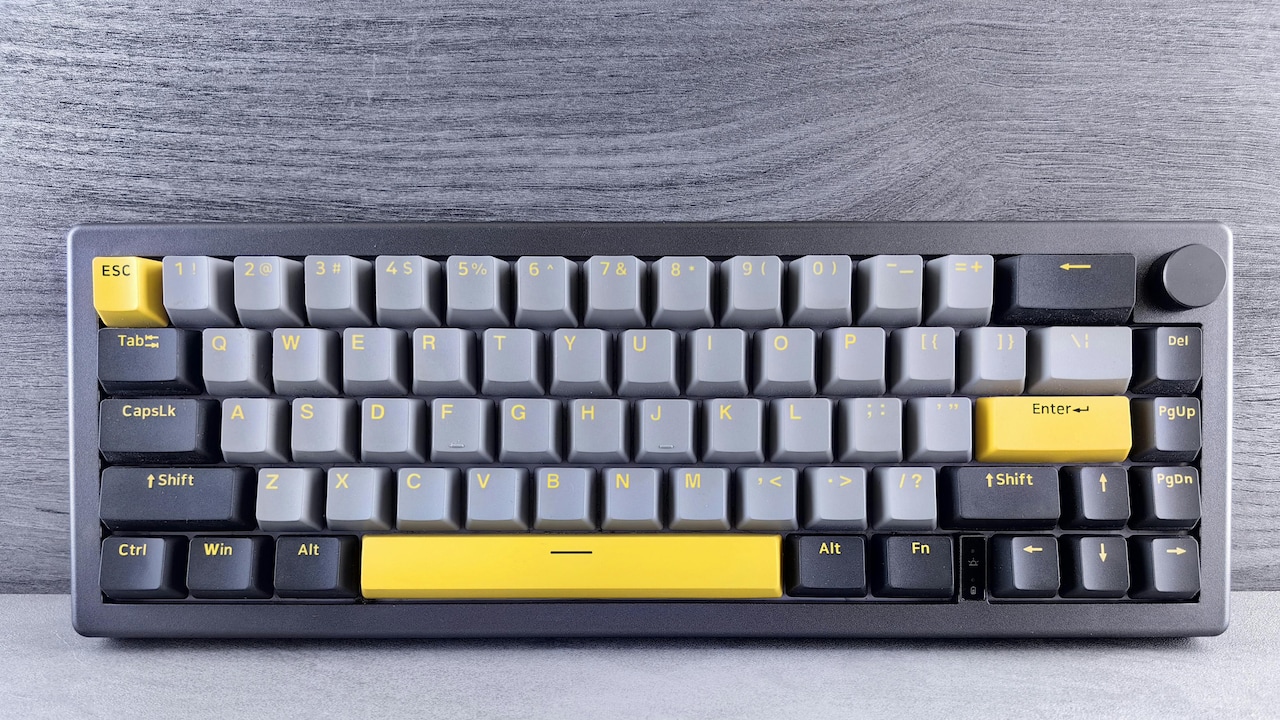
Mechanical Keyboards For Beginners: Everything You Need To Know; Photo Credit: Pexels
8. Ergonomics and Typing Comfort Over Long Hours
Comfort often becomes the deciding factor. Mechanical keyboards encourage better typing posture. The defined key travel reduces accidental presses and finger strain.
Some models include adjustable feet or split designs that support wrist alignment. Wrist rests add further comfort, especially during long sessions.
Switch choice affects comfort, too. Heavy switches may tire fingers faster. Lighter ones reduce effort. Beginners should pay attention to finger fatigue during the first week.
Typing should feel enjoyable, not exhausting. Mechanical keyboards often improve comfort over time as fingers adapt. Many users report fewer errors and faster typing speeds after switching.
9. Price Expectations and Value for Money
Mechanical keyboards range from budget-friendly to eye-wateringly expensive. Price depends on brand, features, and build quality.
Entry-level models around ₹3,000 offer a solid introduction. Mid-range keyboards around ₹6,000 to ₹8,000 strike a great balance. Premium models cross ₹15,000 with advanced features and materials.
Beginners should resist chasing the most expensive option. Value matters more than bragging rights. A well-reviewed mid-range keyboard often delivers the best experience.
Think of it as an investment in daily comfort. A keyboard used for hours each day deserves thoughtful spending. The right choice pays off in satisfaction and longevity.
10. Common Beginner Mistakes and How to Avoid Them
Many beginners rush the decision. Buying based on looks alone leads to regret. Others choose the loudest switches without considering their surroundings.
Skipping research ranks as another mistake. Reviews, sound tests, and user opinions offer valuable insight. Ignoring return policies can also cause trouble if the keyboard feels wrong after a few days.
Patience helps. Mechanical keyboards reward thoughtful choices. Taking time to understand preferences prevents disappointment.
Mistakes happen, and that is fine. The community remains welcoming and full of advice. Learning forms part of the journey, and even a less-than-perfect first keyboard still teaches valuable lessons.
Products Related To This Article
1. daWg HighKEY 718, 75% Wireless Mechanical Keyboard
2. Ant Esports MK1200 Mini 60% Wired Mechanical Gaming Keyboard
3. Archer Tech Lab Mechanical Gaming Keyboard with Clicky Responsive Outemu Blue Switches
4. HP GK400F Mechanical Gaming Keyboard
5. AULA F75 75% Wireless Mechanical Keyboard
Switching to a mechanical keyboard feels like upgrading from instant coffee to a carefully brewed cup. The difference may seem subtle at first, but it grows with time. Better feel, improved comfort, and lasting durability change daily typing experiences.
The world of mechanical keyboards welcomes beginners with endless options. That variety should excite rather than intimidate. With the right information, the switch becomes enjoyable and rewarding.
Choosing the right keyboard means understanding personal needs, workspace realities, and budget limits. Once those align, typing transforms from a routine task into a small daily pleasure.
Mechanical keyboards do not promise perfection. They promise intention. And sometimes, that makes all the difference.
(Disclaimer: This article may include references to or features of products and services made available through affiliate marketing campaigns. NDTV Convergence Limited (“NDTV”) strives to maintain editorial independence while participating in such campaigns. NDTV does not assume responsibility for the performance or claims of any featured products or services.)