The Surprisingly Simple Ways To Check Your Paytm Wallet Balance In Seconds
A quick and quirky guide to help you check your Paytm wallet balance instantly using methods that fit your lifestyle, whether you're commuting, relaxing at home, or juggling family errands.
How To Check Paytm Wallet Balance Quickly
Checking your Paytm wallet balance has become one of those small but essential tasks that keep your digital life running smoothly. Whether you are paying for a quick snack, booking a cab, or managing everyday bills, knowing your balance helps you avoid last minute surprises. Thankfully, Paytm offers several simple ways to check your balance within seconds. These include in-app options, website access, offline SMS services, and more. Each method is quick, practical, and designed for different lifestyles, making it easy to stay informed wherever your day takes you.
How To Check Paytm Wallet Balance Quickly
Photo Credit: co-pilot
As digital payments continue to grow in popularity, keeping track of your balance has never been more important. Whether your internet connection is strong or patchy, Paytm ensures there is always a way to view your wallet balance. The app remains the fastest method, but backup options like SMS and missed call alerts are incredibly handy during travel or poor connectivity. With recent regulatory updates and app design changes, it helps to know exactly where to look. This guide breaks down every method clearly so you can choose what suits your routine best.
Paytm Mobile App Method
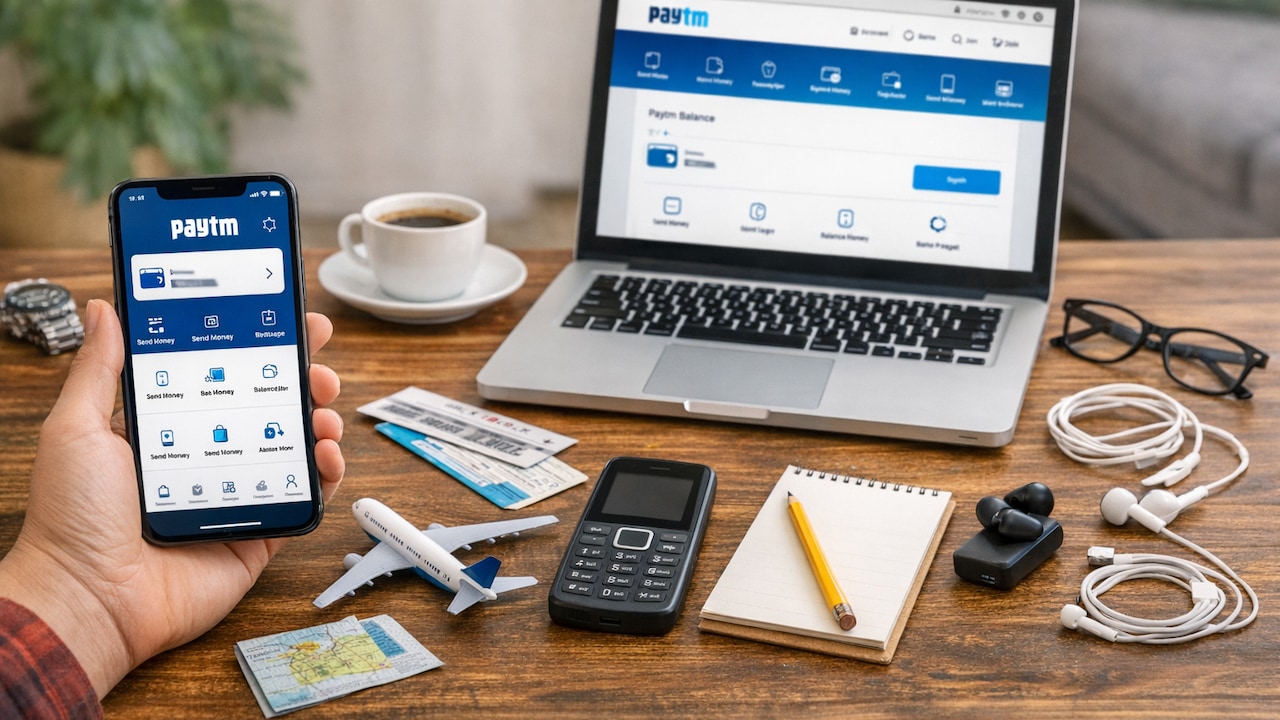
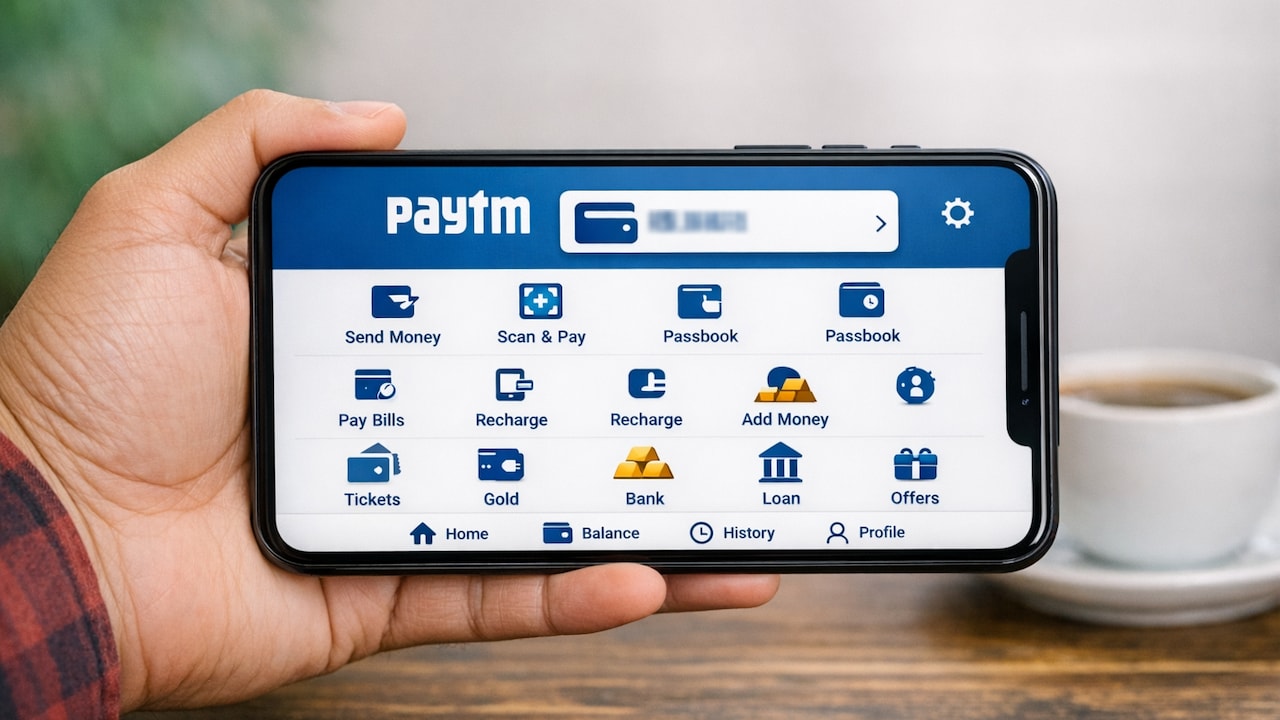
The Paytm mobile app remains the fastest and most seamless way to check your wallet balance, making it ideal for fast-paced lifestyles. All you need to do is open the app and tap on “Balance and History” located at the top right corner, where your wallet balance appears instantly. This method works identically on both Android and iPhone devices, thanks to Paytm's unified interface design. Often, the balance even shows directly on the home screen without needing extra taps, making it exceptionally convenient. I often check mine during my morning metro ride when I am planning quick payments for the day.
Also Read: Transactions With Paytm's "Hide Payment" Feature: Private, Simple And Built For Real Life
Using The Paytm Website
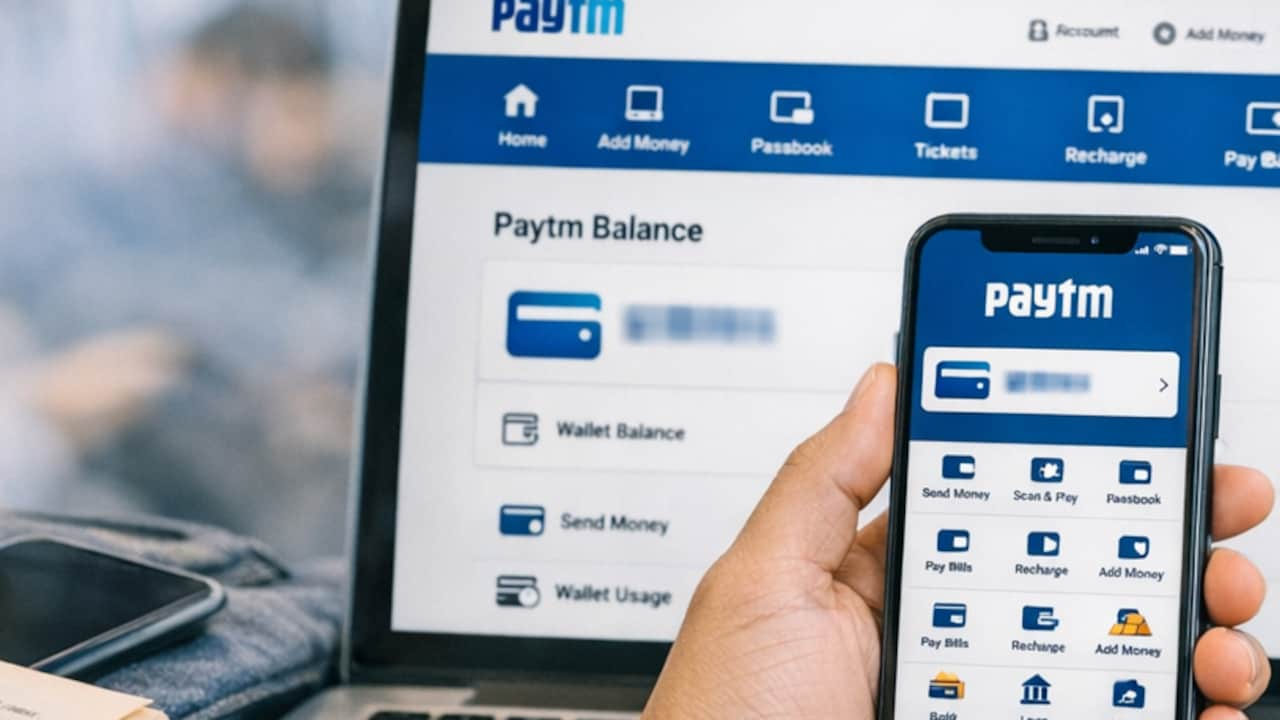
If you prefer a larger screen or you are already working on your laptop, checking your Paytm wallet balance through the website is another convenient option. Simply log in to your Paytm account, navigate to the balance section, and the details appear clearly on your dashboard. This method is ideal when multitasking at work or while browsing online shopping deals at home. It requires a stable internet connection, but the speed and clarity of information make it user-friendly. I often use the website version at my desk when organising monthly budgets and maintaining digital payment records.
How To Check Paytm Wallet Balance Quickly
Photo Credit: co-pilot
Where To Find Balance Inside The App
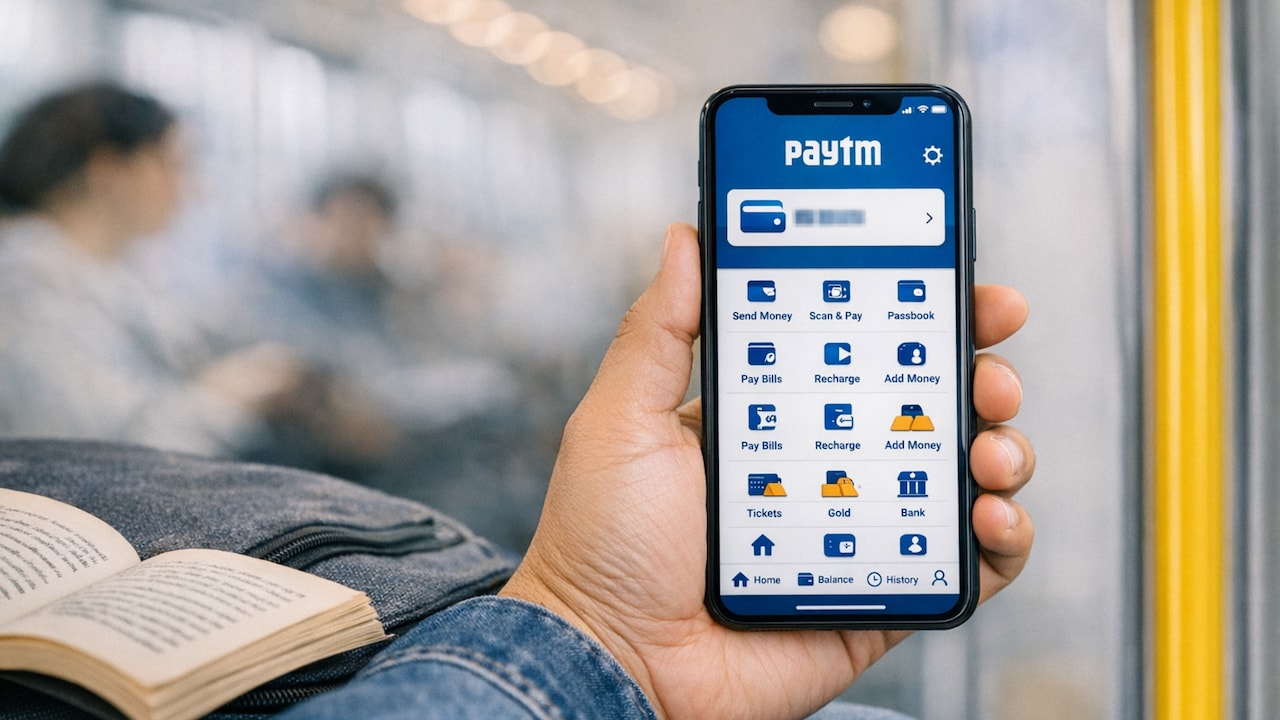
Sometimes, users get confused after Paytm's interface updates, but locating your balance remains straightforward. Once inside the app, you can tap on “Balance and History” to view wallet details or find it displayed at the top of the homepage. The app layout is identical across devices, reducing the learning curve even after updates. This consistency helps when switching phones or when you assist family members in navigating Paytm. I personally find the top-bar quick view especially helpful during brunch outings when I need to confirm my balance before splitting the bill digitally.
Also Read: Paytm Gold: Start Investing With Just ₹1
Troubleshooting Balance Visibility Issues
On rare occasions, your wallet balance may fail to display due to app glitches or network lag. Paytm's support tools can help fix visibility issues swiftly, especially through the “Balance and History” section where users can raise queries for instant assistance. You can also check transaction history, download UPI statements, and verify payments to ensure your balance is accurate. Clearing cache or updating the app often resolves minor hiccups. I have had moments during busy shopping days where a quick app refresh saved me from unnecessary confusion at billing counters.
How To Check Paytm Wallet Balance Quickly
Photo Credit: co-pilot
Checking your Paytm wallet balance is quick, convenient, and tailored for every type of user. Whether you prefer the speed of the mobile app, the reliability of SMS, or the clarity of the website, each method meets a different daily need. With digital payments becoming routine, staying aware of your wallet balance helps you plan better and avoid disruptions. Paytm's simple tools and support features make the process smooth even during connectivity issues. Choose the method that fits naturally into your lifestyle and enjoy effortless financial awareness as part of your everyday routine.
Frequently Asked Questions (FAQs)
Q1. What is the quickest way to check my Paytm wallet balance?
The Paytm mobile app is the fastest method and displays your balance instantly once you tap “Balance and History”. It is ideal for quick checks during commutes or errands.
Q2. Can I check my Paytm balance without the internet?
Yes, you can use SMS or missed call services to view your balance without internet access. These options are particularly helpful when travelling or in low-network areas.
Q3. Why is my Paytm wallet balance not showing?
This may happen due to network issues or app glitches. Updating the app, refreshing the page, or using Paytm's support options in “Balance and History” usually resolves the problem.
Q4. Does the Paytm website also show wallet balance?
Yes, logging into the Paytm website on a laptop or desktop allows you to view your wallet balance quickly. It is ideal when you are already working online.
Q5. Are the balance checking methods the same for Android and iPhone?
Yes, Paytm maintains a consistent interface across devices. The steps for checking your wallet balance are identical on both Android and iPhone.
(Disclaimer: This article may include references to or features of products and services made available through affiliate marketing campaigns. NDTV Convergence Limited (“NDTV”) strives to maintain editorial independence while participating in such campaigns. NDTV does not assume responsibility for the performance or claims of any featured products or services.)