Transactions With Paytm's "Hide Payment" Feature: Private, Simple And Built For Real Life
Discover how Paytm's 'Hide Payment' feature lets you tuck away selected transactions from your visible history for added privacy without deleting records. Learn what it does, why it matters, how to hide or unhide payments, and smart tips for shared devices, surprises, and sensitive purchases.
Transactions With Paytms Hide Payment Feature: Private, Simple And Built For Real Life
If you've ever wished a particular payment didn't show up in your scrolling transaction list, maybe a birthday surprise, a pharmacy expense, or a personal purchase you'd rather not broadcast, Paytm's new ‘Hide Payment' feature is designed exactly for that. It lets you move specific payments out of your main history view into a protected section, so casual glances at your phone won't reveal everything you've paid for. Importantly, it doesn't delete or alter the transaction; you can bring it back whenever you like.
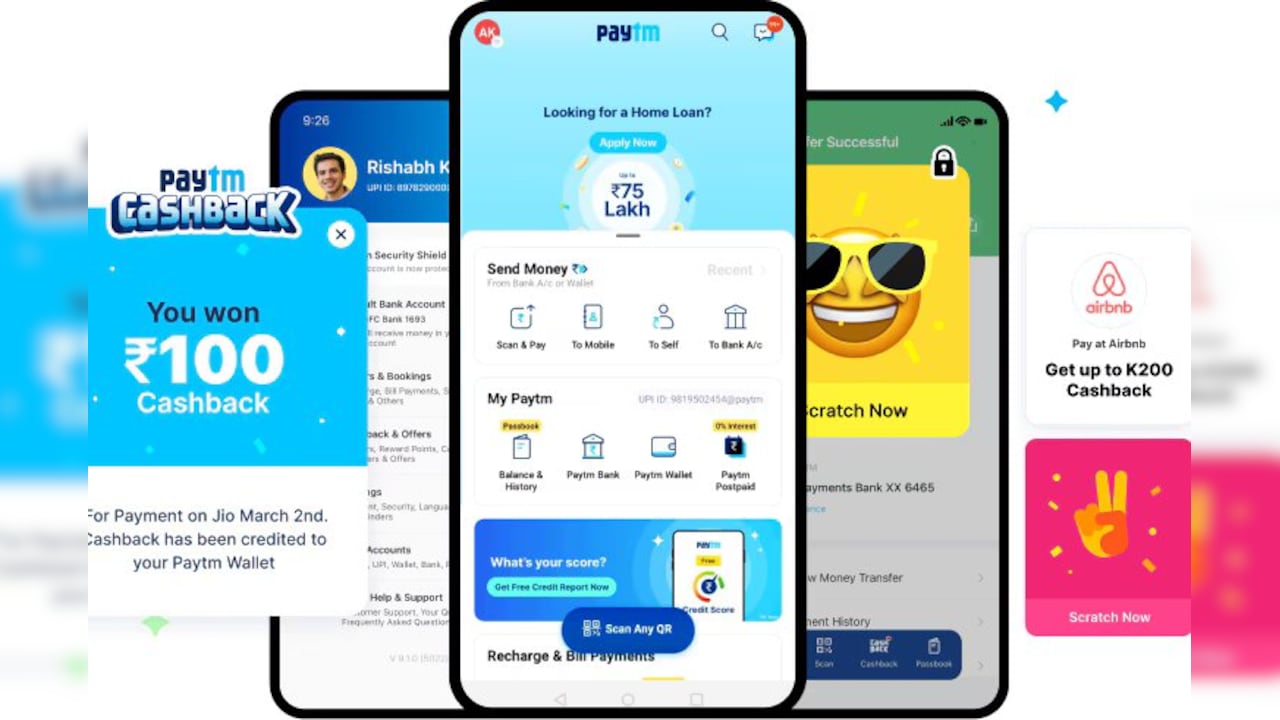
Use Hide Payments on Paytm to keep sensitive payments out of sight.
Photo Credit: Paytm
Launched as part of Paytm's ongoing app revamp, this feature addresses a growing demand for granular privacy controls in UPI‑based apps, especially in households where phones are shared or where users want a cleaner, more discreet view of their spending. Paytm has publicly framed ‘Hide Payment' as a response to customer feedback, and several tech outlets note the company's claim that it's the first UPI app to offer this capability.
What Is Paytm's “Hide Payment” Feature?
Hide Payment allows you to conceal selected transactions from your primary payment history within the Paytm app. These transactions can conveniently and easily be moved to a locked section accessible only after PIN or biometric verification (Face ID or fingerprint), ensuring privacy while preserving a complete, unaltered record of your financial activity. In other words, it's visibility control, not deletion.
Why This Matters (And For Whom)
1. Surprises and gifts: Planning a birthday treat or anniversary gift? Hide the payment so your partner doesn't stumble upon it while checking a prior bill split or QR payment.
2. Personal or sensitive purchases: Pharmacy, health, or wellness transactions can be sensitive. Keeping them out of the regular feed adds comfort, especially on shared devices.
3. Shared phones or family devices: In many homes, phones are shared for small tasks. Hide Payment ensures casual screen‑scrollers don't see every purchase.
4. Cleaner, decluttered history: Some users prefer a streamlined view, focusing only on routine spends in the main list. You can keep the rest organised yet accessible.
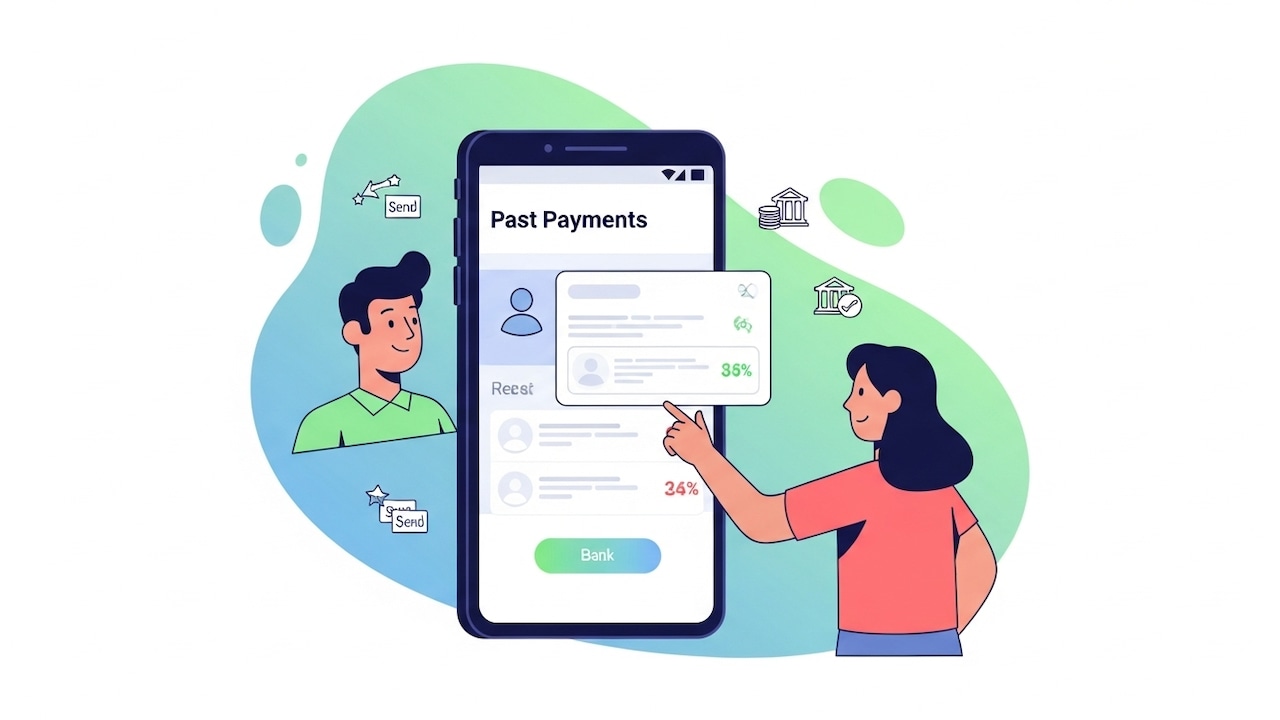
Paytm's Hide Payments feature lets you manage your payment history your way.
Photo Credit: Paytm
How To Hide A Transaction In Paytm: A Step‑By‑Step Guide
The flow is intentionally simple and gesture‑based:
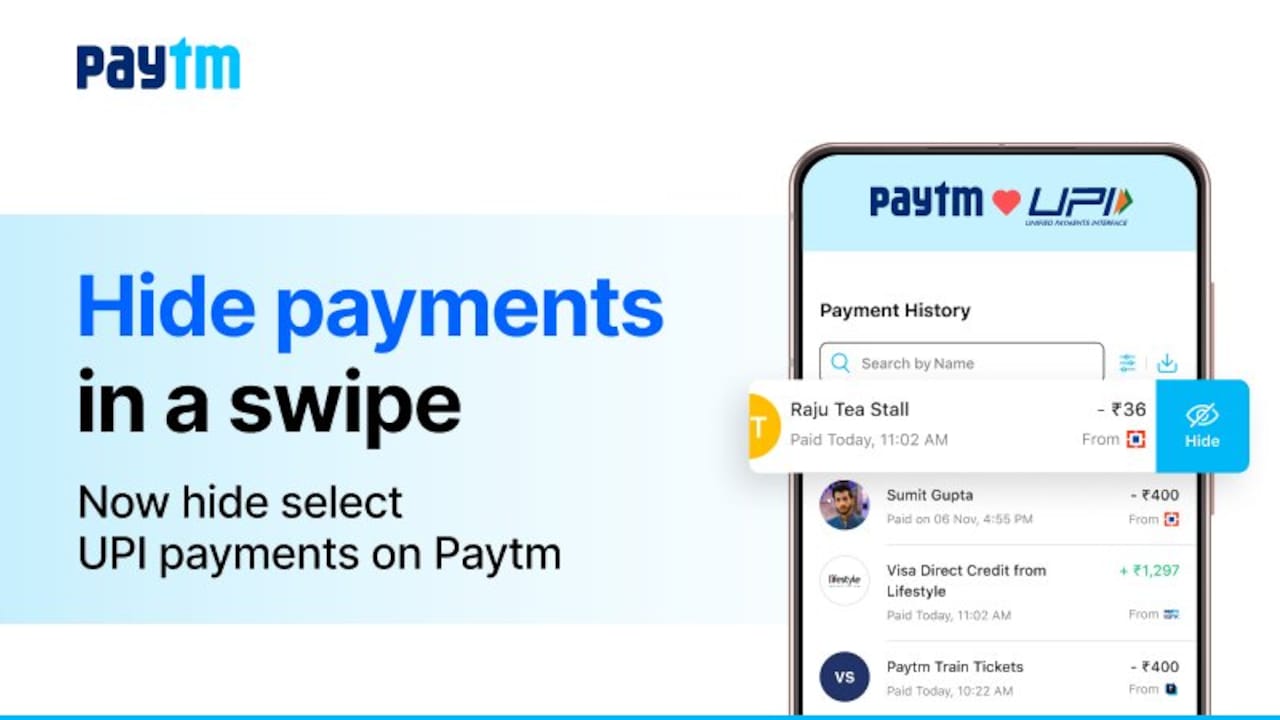
- Open Paytm and go to the Balance & History section
- Navigate to the section that lists your recent payments
- Swipe left on the transaction you want to hide
- Tap “Hide” to confirm (“Yes, Hide Payment”)
The payment leaves your primary history view and moves instantly into a protected section of your profile. Most guides emphasise that the feature is part of recent app updates; if you don't see the option, update the Paytm app to the latest version.
Also Read: How To Pay Credit Card Bills Using Paytm: A Step-By-Step Guide, Tips And Rewards
How To View Hidden Transactions And “Unhide”
When you need to review or restore:
- Navigate to the Balance & History section and click on the three‑dot menu (top‑right)
- Choose “View Hidden Payments.”
- Authenticate by entering your phone's PIN or use biometric verification (finger/face) to access the protected list.
- Swipe left on the entry and tap “Unhide”
The transaction returns to your main history instantly.
What ‘Hide Payment' Is Not
- Not deletion: Hidden payments remain stored within Paytm and in your bank records; they're simply not visible in the regular feed until you unhide.
- Not stealth banking: Your bank statement (or UPI‑linked account) will still reflect the transaction. Hide Payment affects in‑app visibility only, not external records.
- Not a mass hide: Current coverage indicates you can hide entries individually, not “hide all” in one go.
Feature Specifics: Security, Access, And App Design
Paytm's Hide Payment entries sit inside a restricted area accessed via PIN or biometric, offering an extra security layer on top of the phone's own screen lock. This aligns with user expectations for privacy controls that don't compromise transparency: everything is still logged, just shielded from casual viewing.
The feature arrived alongside Paytm's UI refresh and quality‑of‑life improvements (faster navigation, better search, AI‑powered insights). While those enhancements are not required for hiding payments, they complement the experience by making the Balance & History section easier to use.

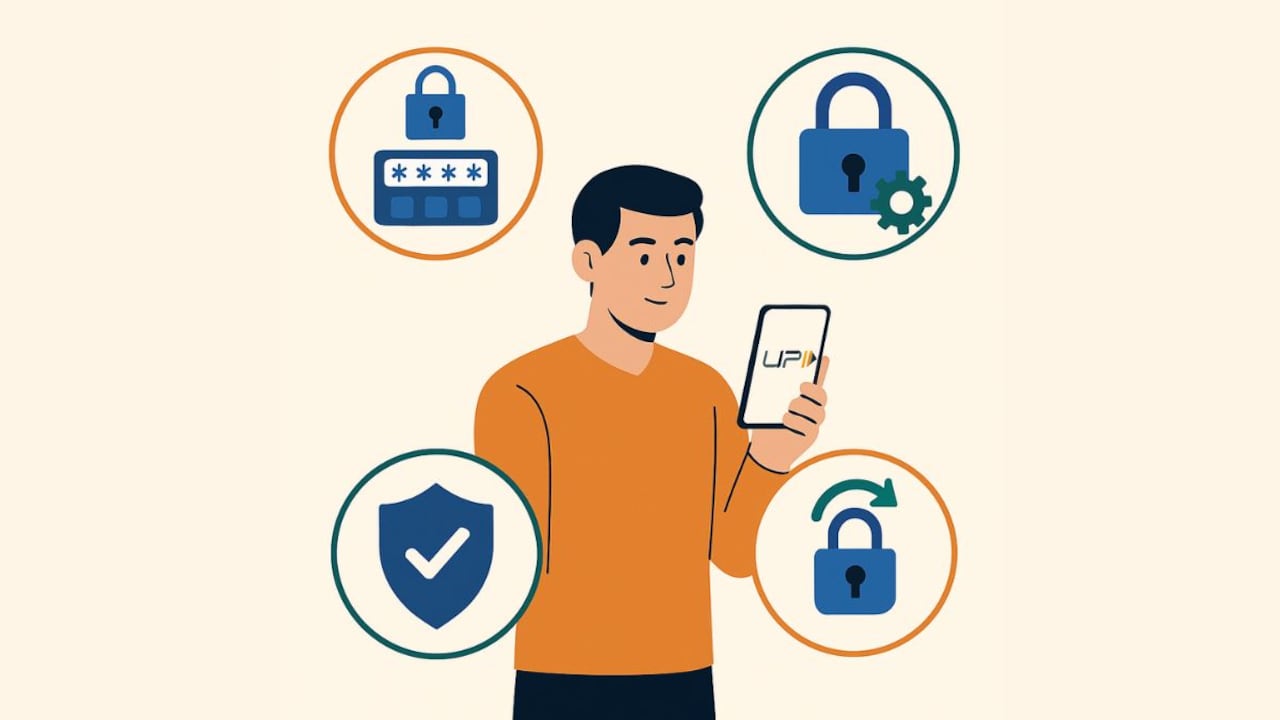
Hide selected payments on Paytm for a cleaner, more private transaction view.
Photo Credit: Paytm
Privacy, Security, And Ethics: A Quick Note
Hide Payment is an ethically responsible privacy tool when used to prevent accidental disclosure, avoid spoiling surprises, or maintain personal boundaries on shared devices. It should not be used to mislead dependents or evade legitimate oversight where transparency is required (e.g., corporate expenses). Remember: your financial institutions and statements retain complete records. Use the feature to protect your dignity and autonomy, not to obfuscate obligations.
For best results, pair Hide Payment with baseline safeguards:
- Keep your Paytm app updated
- Enable biometrics and app lock (where available)
- Don't share OTPs or PINs, ever
Also Read: 7 UPI Features That Make Everyday Payments Effortless
How Hide Payment Matters Beyond Clutter Control
The Hide Payment option isn't just about aesthetics, it's about privacy and personalisation. For users who share their device or screen during transactions, this feature adds a layer of discretion by concealing sensitive entries without deleting them. It also helps maintain a clean transaction history for those who prefer a focused view of active payments. Importantly, hidden items remain accessible through a secure section, ensuring transparency and auditability. This balance of privacy and control reflects Paytm's commitment to user trust and flexibility while managing financial data.
Frequently Asked Questions (FAQs)
Q1. Can I unhide my Paytm transactions later?
Yes. Use View Hidden Payments in Balance & History, authenticate, and Unhide the entry. It returns to your main history view instantly.
Q2. Does hiding affect refunds or disputes?
No. Hiding a payment in Paytm does not delete or modify the transaction, it simply moves it to a secure PIN or biometric-protected section for privacy. The original record remains intact, so refunds, chargebacks and dispute processes work as usual.
Q3. Will hidden payments vanish from my bank statement?
No. Bank statements and UPI account records still show the transaction. Hide Payment only changes Paytm's in‑app visibility.
Q4. Is the Hide Payment feature available to everyone?
Not immediately, Paytm introduced this feature in phases, so some users may receive it later than others. To check if it's available for you, make sure your Paytm app is updated to the latest version.
Q5. Can I mass‑hide all transactions?
Currently, the feature is limited to individual entries; there's no “hide all” switch.
(Disclaimer: This article may include references to or features of products and services made available through affiliate marketing campaigns. NDTV Convergence Limited (“NDTV”) strives to maintain editorial independence while participating in such campaigns. NDTV does not assume responsibility for the performance or claims of any featured products or services.)