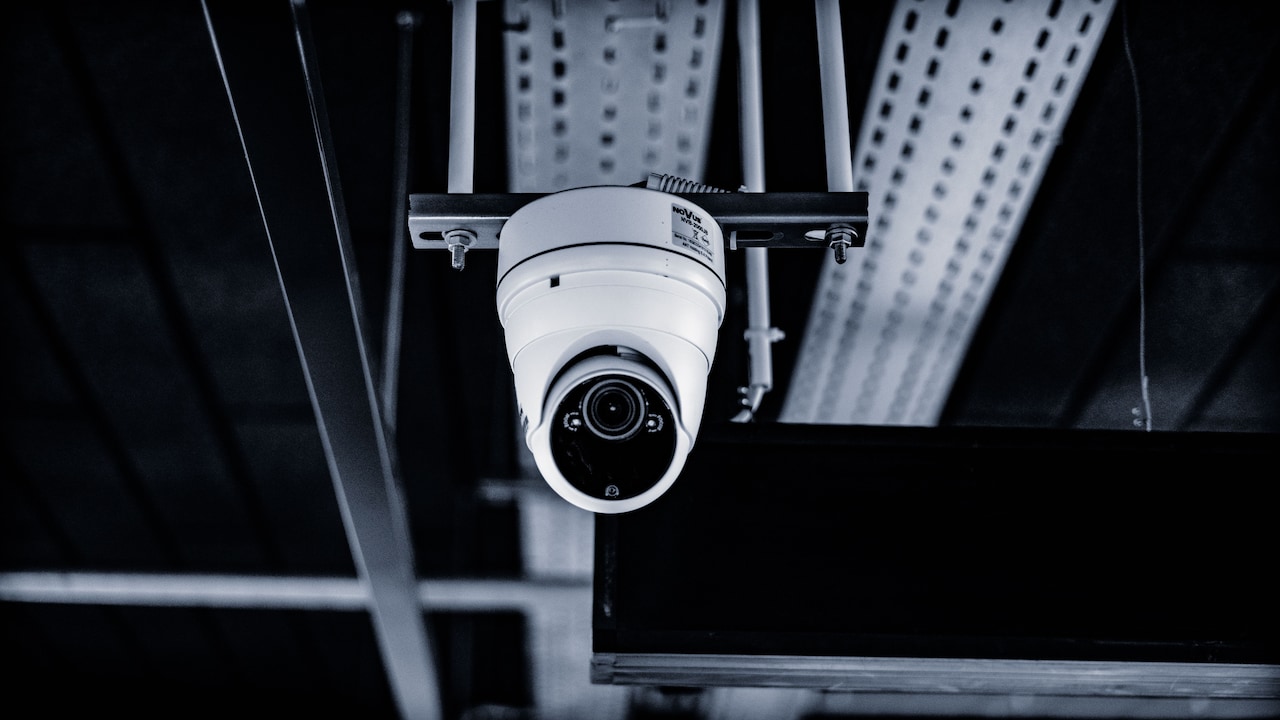
Why Night Vision Looks Blurry On Some Security Cameras And What To Check
Blurry night vision on security cameras often comes from dirty lenses, weak infrared light, glare, poor focus or bad placement. Here’s what to check before replacing your camera.
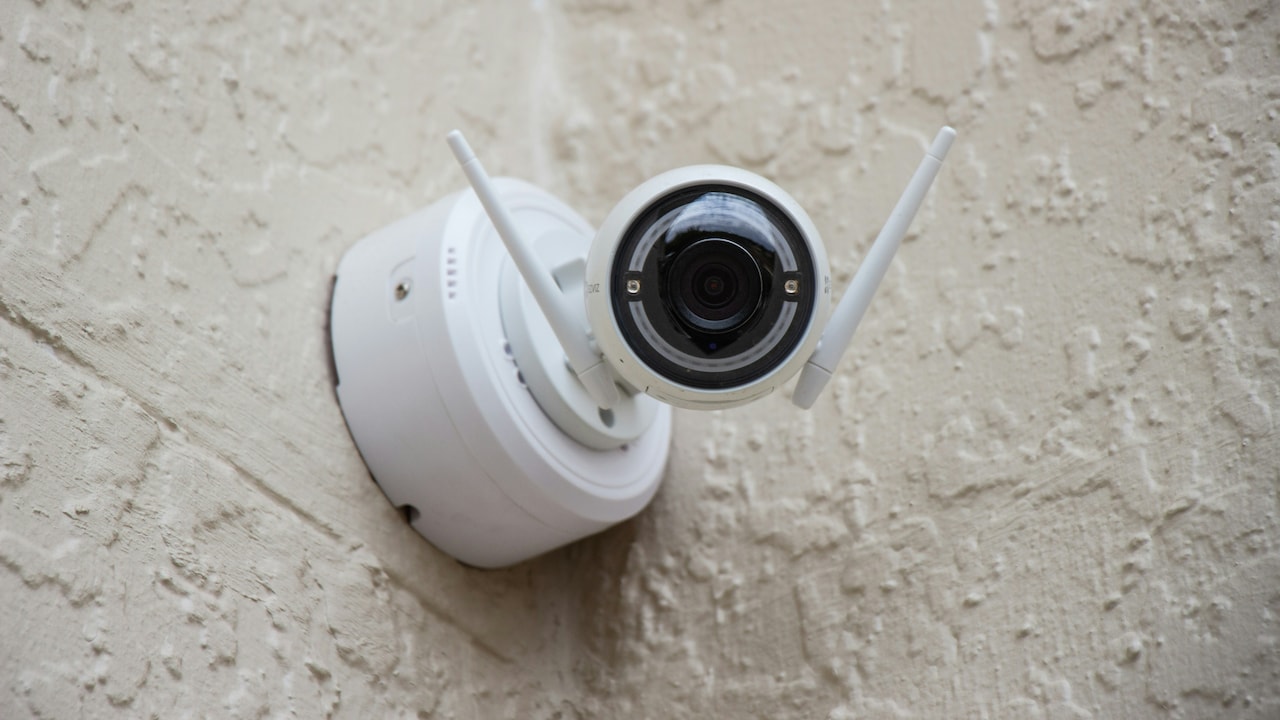
Blurry Night Vision On Security Cameras: Common Causes And Checks
A security camera has one main job: to show what happened when no one stood there to watch. During the day, most cameras do this job without much drama. Faces look clear, number plates appear readable, and the lane outside the gate seems sharp enough. Then night falls, the tube light near the staircase starts flickering, the dog barks at nothing, and suddenly the same camera begins showing a blurry ghost show. Many people notice this problem only after something important happens. A parcel goes missing from the doorstep. A scooter gets scratched near the parking area. Someone rings the bell late at night and walks away. Everyone rushes to check the footage, only to find a cloudy figure moving like a shadow in an old film. That moment can feel annoying, especially when the camera looked perfectly fine in the showroom or app demo.
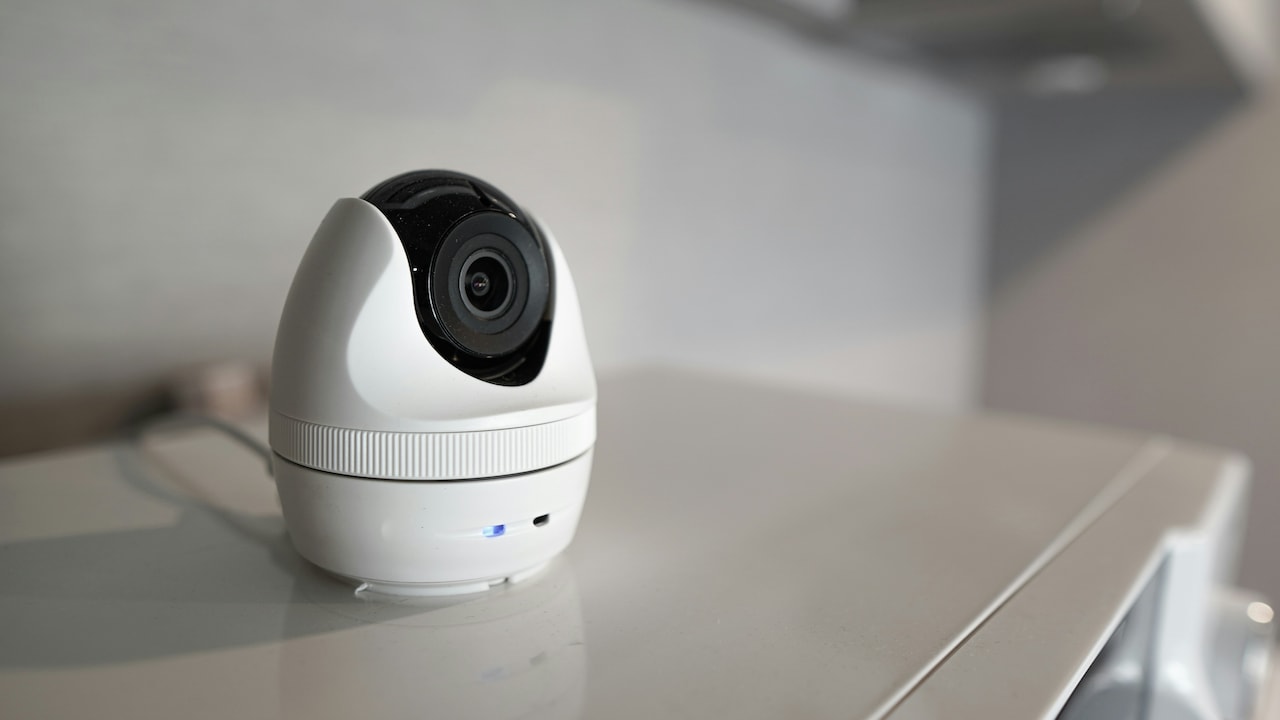
Blurry Night Vision On Security Cameras: Common Causes And Checks; Photo Credit: Pexels
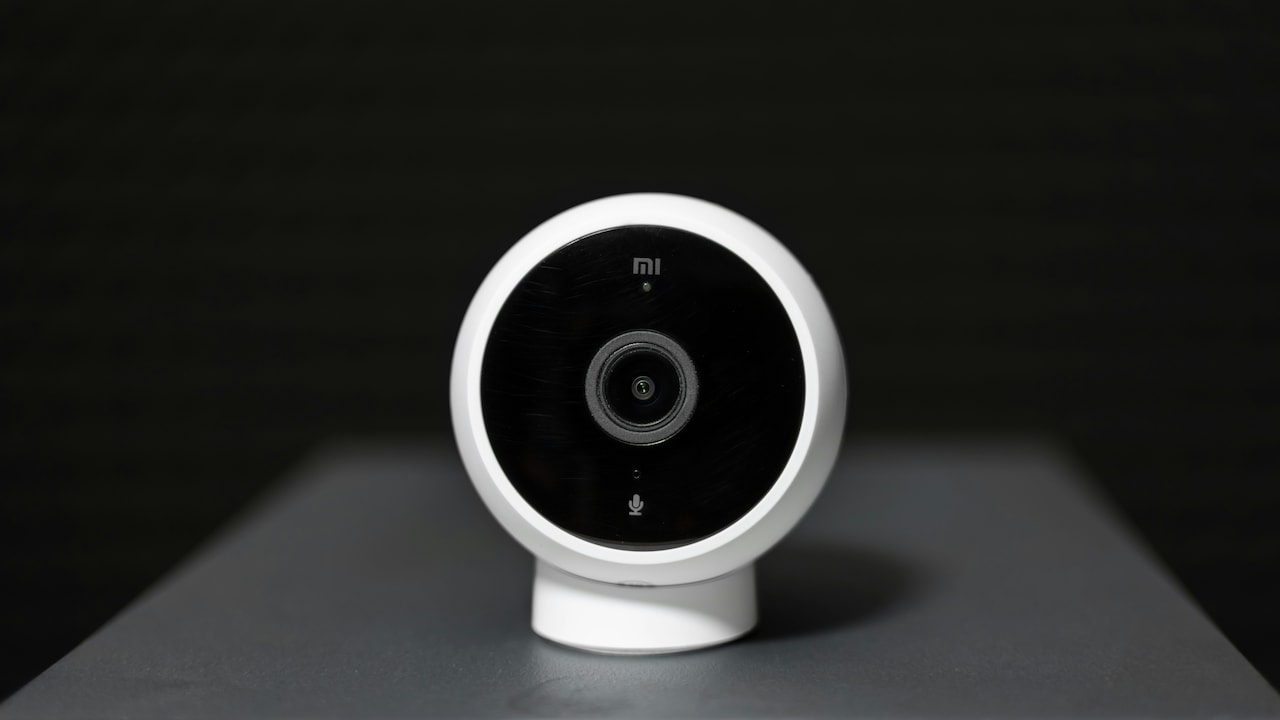
Night vision does not work like human eyesight. Most security cameras use infrared light, digital processing, and small image sensors to make darkness visible. When any part of this setup struggles, the picture loses sharpness. The reason may hide in something as tiny as dust on the lens or as obvious as a streetlight shining straight into the camera. Here are ten common reasons night vision looks blurry on some security cameras and what to check before spending money on a replacement.
Common Reasons Security Camera Night Vision Looks Blurry
Dirty Lens Or Protective Cover
The simplest problem often creates the most dramatic blur. A security camera lens sits outside through heat, dust, rain, pollution, spider webs and the occasional curious pigeon. During the day, a little dust may not look too bad because sunlight helps the camera. At night, infrared light hits that dust and scatters across the lens. The result looks like fog, halos or a soft white glow.
This happens a lot near main roads, parking entrances, balconies and shop shutters. Fine dust settles quickly, especially after construction work nearby or dry summer winds. Even a thin oily layer from pollution can make night footage look as if someone rubbed butter on the screen.
Check the lens and dome cover first. Use a clean microfibre cloth, not an old banyan or kitchen towel, because rough fabric can scratch the surface. For stubborn marks, use a small amount of lens-safe cleaner. Also look for water spots after rain. A camera worth ₹3,000 can look worse than a toy if its cover stays dirty for weeks. Clean glass often brings back clarity instantly.
Also Read: Top 5 Security Cameras Without Constant Wi-Fi: What to Look For
Infrared Light Bouncing Back Into The Lens
Most night vision cameras use infrared LEDs around the lens. These LEDs throw invisible light into the scene, and the sensor turns that light into a visible black-and-white image. This works well in open spaces. Trouble starts when infrared light reflects back into the lens.
A nearby wall, pillar, ceiling, metal gate, glass pane or even a white nameplate can bounce the light straight back. The camera then sees its own glare instead of the area ahead. The footage may look washed out in the centre, cloudy around the edges or bright on one side and dark on the other.
This issue appears often in narrow corridors, staircases, lifts, shop entrances and small balconies. A camera mounted too close to a wall may blind itself every night. During installation, it may look neat and compact, but after dark the picture turns useless.
Check the camera view after sunset, not just during daytime installation. Move the camera slightly away from reflective surfaces. Adjust the angle so the infrared light spreads into open space. Sometimes even a few centimetres make a big difference. Night vision needs breathing room, not a wall hugging the lens like an overfriendly neighbour.
Camera Placed Behind Glass
Keeping a camera safely behind a window sounds clever. It protects the device from rain, theft and dust. Unfortunately, glass and night vision rarely become best friends. When infrared LEDs switch on, the glass reflects that light straight back into the camera. Instead of the gate, road or balcony outside, the camera records glare, smudges and strange white patches.
This problem becomes worse if the glass has fingerprints, grill shadows, dust, stickers or tinted film. The camera may show a decent picture during the day, so the issue feels confusing. At night, the reflection takes over and the footage becomes blurry or almost blank.
Many people try to solve this by wiping the window, but that only helps a little. The real fix involves switching off the camera's built-in infrared LEDs and using an external light outside the glass. A small outdoor LED light can help the camera see without reflecting into itself. Better still, mount the camera outside in a weatherproof housing.
If the camera must stay indoors, press it close to the glass and block reflections from room lights. Curtains, TV glow and tube lights behind the camera can also spoil the view. Glass protection may feel safe, but clear footage matters more.
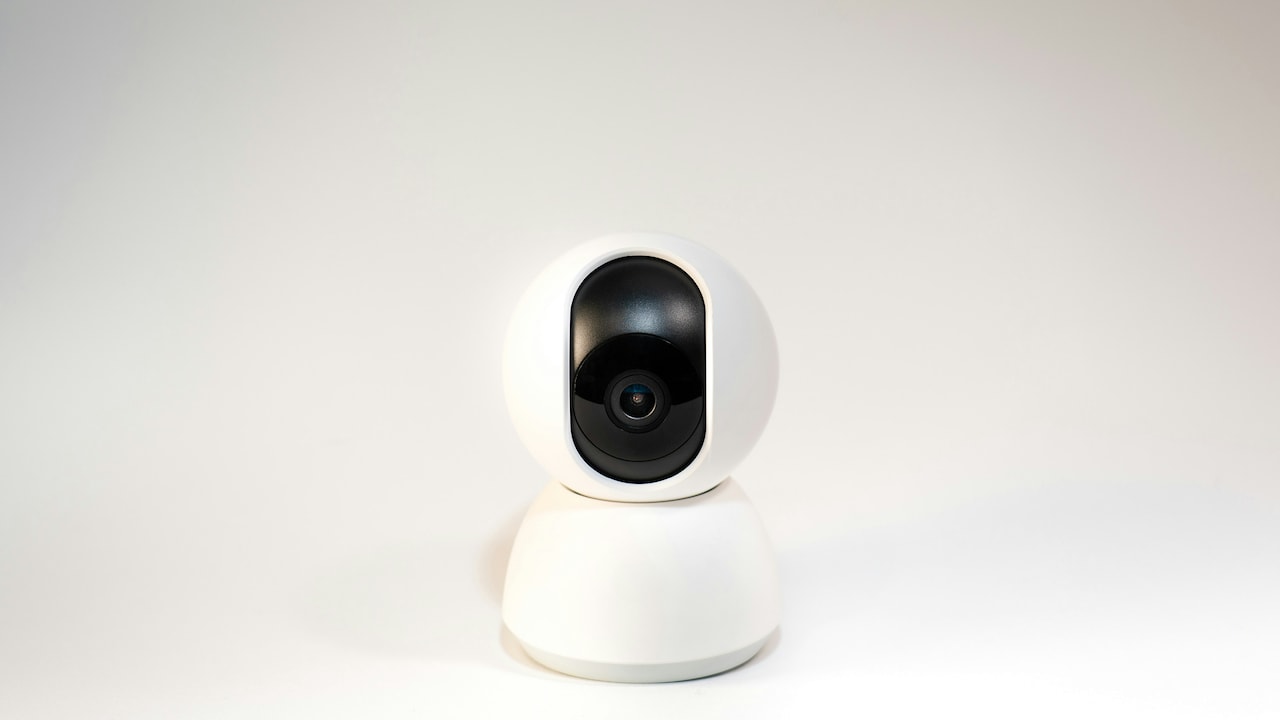
Blurry Night Vision On Security Cameras: Common Causes And Checks; Photo Credit: Pexels
Focus Not Set Properly
Some cameras have fixed-focus lenses, while others allow manual or motorised focus. A camera can look sharp in daylight but soft at night if the focus does not suit low-light conditions. Infrared light focuses slightly differently from visible light. That means a lens adjusted casually during the day may miss perfect sharpness after dark.
This issue usually shows up as a uniformly soft image. Nothing looks crisp, whether near or far. Faces lack edges, number plates smear, and objects seem slightly melted into the background. People may blame internet speed or recording quality, but the real culprit could be the lens itself.
Check whether the camera has a focus ring, zoom function or app-based focus control. If it does, adjust the focus at night while watching live footage. Do not rely only on daytime sharpness. For a camera covering a gate, focus on the distance where people usually stand. For parking areas, focus around the vehicle entry point.
In some low-cost models, the lens may loosen over time because of vibration, heat or poor assembly. A technician can usually reset it quickly. Good focus turns a vague night shadow into useful evidence, and that difference matters when every detail counts.
Weak Infrared Range
Every night vision camera claims a certain infrared range, such as 10 metres, 20 metres or 30 metres. Those numbers often come from ideal testing conditions, not from a dusty lane, open terrace, crowded parking area or compound with uneven lighting. When the infrared light cannot reach far enough, distant objects look blurry, dark or grainy.
A small indoor camera cannot cover a large open courtyard just because the box says “night vision”. It may brighten the first few metres while the far end remains muddy and unclear. This becomes a problem near gates, warehouses, farm entrances, school corridors and apartment parking zones.
Check the camera's actual night view distance. Stand at different points after dark and see where faces stop looking clear. If the important area lies beyond the camera's infrared reach, reposition the device or add extra lighting. A modest LED floodlight can improve clarity more than upgrading the camera blindly.
Also remember that rain, mist, dust and insects reduce infrared performance. A camera that works well in winter may struggle during monsoon nights. Infrared light is useful, but it has limits. Match the camera's range with the real size of the area, not just the number printed on the packet.
Low Resolution Or Poor Sensor Quality
Night vision depends heavily on the camera sensor. A higher resolution does not always guarantee better night footage, but poor sensor quality almost always shows up after dark. Cheap cameras may produce acceptable daytime video because bright sunlight hides their weakness. At night, the same sensor struggles to collect enough light, and the image becomes grainy, soft or blocky.
This problem often appears in very low-priced cameras bought only by comparing megapixels. A camera may claim 1080p or even higher, yet still deliver weak night detail because the sensor, lens and image processing lack quality. The picture may look like a black-and-white watercolour painting, especially when someone moves.
Check sample footage before buying a camera, especially night samples from real users. For existing cameras, compare daytime and night recordings. If daylight footage looks sharp but night video stays poor despite cleaning, repositioning and lighting, the sensor may be the limitation.
For homes and small shops, a reliable mid-range camera often beats a flashy bargain model. Spending ₹1,000 less can feel smart on purchase day and painful on the day footage becomes important. Clear night vision needs more than a big number on the box.
Blurry Night Vision On Security Cameras: Common Causes And Checks; Photo Credit: Pexels
Too Much Digital Noise Reduction
Security cameras use digital noise reduction to clean up grainy footage in low light. This feature sounds useful, and it often is. But when the camera applies too much of it, the image loses fine detail. Faces start looking waxy, hair becomes a dark patch, and moving people turn into soft shapes.
Noise reduction works by smoothing the picture. A little smoothing removes grain. Too much smoothing removes details along with it. Some cameras also create motion blur because they slow down the shutter speed at night to collect more light. The scene looks brighter, but moving objects leave trails. A person walking through the frame may look like a shadow dragging a bedsheet.
Check the camera app or DVR settings for options such as noise reduction, shutter speed, exposure, WDR, gain or night mode. Lowering noise reduction slightly may bring back detail, though the image may look grainier. That trade-off can still help because a sharp, slightly grainy face beats a smooth blur.
Avoid over-brightening the image through settings. A brighter picture does not always mean a better picture. Security footage needs useful detail, not a pretty moonlit postcard.
Poor Internet Or Recording Compression
Blurry night vision does not always come from the camera lens. Sometimes the live view looks bad because the app shows a compressed stream. Many Wi-Fi cameras reduce video quality when the internet connection weakens. At night, the image already contains more noise, and compression makes it worse. Details break into blocks, faces smear, and movement looks choppy.
This happens often when cameras sit far from the router, behind thick walls or near electrical interference. A camera near the gate may struggle if the Wi-Fi router sits inside a bedroom two floors away. The recording may look different from the live view, so check both before judging.
Open the highest quality stream in the app, if available. Some apps show “smooth” mode by default to reduce data use. Switch to “HD” or “clear” mode and compare. Also check the recorded file from the memory card or DVR, not only the phone screen. If the recording looks better than live view, the network causes the blur.
For important cameras, use a wired connection where possible. A stable cable may not sound exciting, but it often beats Wi-Fi drama. Security should not depend on whether the router had a good mood that night.
Moisture, Fog Or Condensation Inside The Camera
Outdoor cameras face heat, humidity, rain and sudden temperature changes. Over time, moisture can enter the housing through weak seals, loose screws or damaged cable joints. Once moisture gets inside, the lens or inner dome may fog up. Night vision then looks cloudy, even after cleaning the outside.
Condensation can appear after heavy rain, during humid nights or when the sun heats the camera during the day and the air cools quickly after sunset. The footage may look normal at first, then slowly turn misty. Tiny water droplets scatter infrared light and create a dull glow across the picture.
Check for fog inside the lens cover. If the outer surface looks clean but the blur remains, inspect the inside if the camera design allows it. Do not open a sealed camera casually, as that may damage the waterproofing. A technician can dry it properly, replace silica gel packets and reseal the housing.
Also check cable entry points. Water often travels along cables and sneaks into the camera body. Good installation includes proper sealing, downward cable loops and weatherproof junction boxes. A camera can survive rain only when the whole setup respects rain, not just the camera shell.
Insects, Spider Webs And Night-Time Visitors
Infrared LEDs attract insects, and insects attract spiders. That tiny wildlife chain can ruin night footage beautifully. A spider web near the lens reflects infrared light and creates bright streaks, soft haze or moving shadows. Moths, mosquitoes and small flies can look huge when they pass close to the camera. On footage, they may appear like glowing orbs, leading to many unnecessary ghost stories in family WhatsApp groups.
This issue is common near gardens, balconies, warehouses, street-facing shops and farmhouses. During the day, the web may look almost invisible. At night, infrared light turns it into a shining curtain. Even one thread across the lens can soften the image.
Check the area around the camera, not just the lens. Clean nearby corners, brackets and cable gaps where spiders build webs. Avoid using sticky substances or harsh sprays directly on the camera. Keep outdoor lights slightly away from the lens area so insects gather elsewhere.
Regular cleaning helps more than most people expect. A camera mounted and forgotten for months will slowly become part of the local ecosystem. Night vision needs a clear path, not a private insect festival.
Bad Angle And Harsh Light Sources
A camera can look blurry at night because it faces the wrong kind of light. Headlights, streetlights, shop signs, reflective tiles and polished car surfaces can confuse the sensor. The camera tries to balance bright and dark areas, and the important details get lost. A person standing near a bright gate light may become a dark silhouette, while the light blooms into a large glowing patch.
This happens often at building entrances, petrol pump areas, parking gates and shopfronts. A camera pointed straight towards vehicle headlights will struggle every evening. Even a shiny white wall can bounce too much light into the frame.
Check the camera angle after dark when real lights are on. Move it slightly higher, lower or sideways to avoid direct glare. Enable WDR or HDR if the camera supports it, as this helps balance bright and dark sections. However, do not expect software to fix a terrible angle completely.
A small adjustment can change everything. Instead of pointing the camera towards the brightest light, angle it towards the path people actually use. Security cameras do not need dramatic lighting. They need practical lighting, like a well-run chai stall: bright enough to see faces, not so bright that everyone squints.
Products Related To This Article
1. Trueview 3MP 4G Mini PT Security Camera with SIM Support
2. CP PLUS 3MP Smart Wi-Fi CCTV Camera
3. Qubo Smart Cam 360° 3MP [2026 Edition] by Hero Group
4. Guard Well 4+4MP Smart WiFi PTZ CCTV Camera for Home Outdoor
5. MANOMAY Protect Pro 3MP 4G SIM Security Camera
6. Camate Arc Duo 3+3MP Dual-Lens (2.4/5 GHz Wi-Fi Connectivity) Wireless CCTV Security Camera
7. CP PLUS 2MP Full HD Wi-Fi CCTV Camera for Home with Motion Tracking
Blurry night vision can make a security camera feel useless at the exact moment it should prove its worth. Yet the problem does not always mean the camera has failed. Dust, glass reflection, wrong angles, weak infrared light, poor focus, insects, moisture, compression and harsh lighting can all spoil night footage. Many of these issues need simple checks rather than expensive replacements.
The best approach starts after sunset. Look at the live view in real conditions. Clean the lens, check for reflections, test the distance, inspect the lighting and compare live footage with recorded video. Small changes often deliver big improvements. A camera shifted a few centimetres away from a wall, cleaned with care or supported by a modest outdoor light can suddenly produce far clearer footage.
Security works best when it stays boring. Clear footage, steady recording and sensible placement may not sound glamorous, but they bring peace of mind. Whether the camera watches a flat entrance, shop counter, warehouse gate or parking spot, night vision deserves regular attention. Darkness already hides enough. The camera should not add more mystery to it.
(Disclaimer: This article may include references to or features of products and services made available through affiliate marketing campaigns. NDTV Convergence Limited (“NDTV”) strives to maintain editorial independence while participating in such campaigns. NDTV does not assume responsibility for the performance or claims of any featured products or services.)