Level Up Your Play: Top Rated Gamepad Innovations In 2026 On Flipkart
Discover top gamepads that give better grip, easy setup, and smooth play for phones, PCs, and consoles in 2026. You'll find wired and no-wire options with soft buttons, strong battery life, and steady links for racing, action, and sports games from Flipkart.
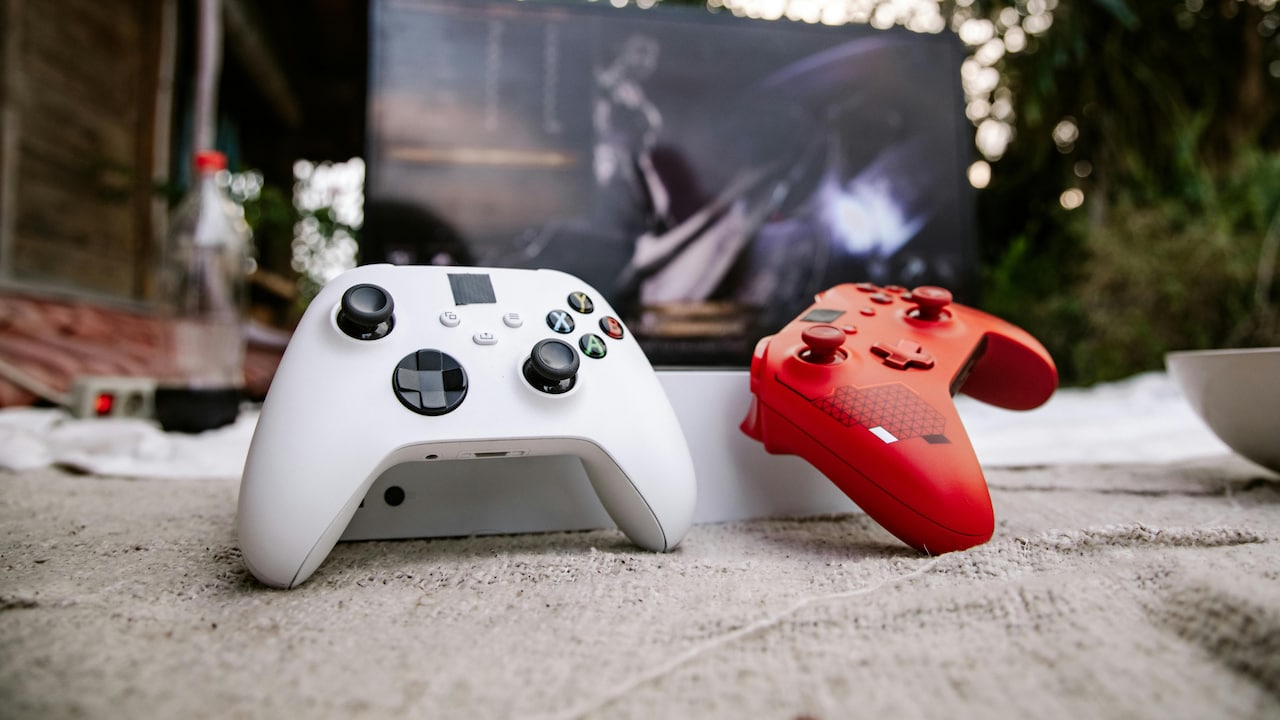
Top-rated gamepad innovations in 2026 on Flipkart
A good gamepad can change how you play, even if you are new to gaming. It fits in your hands, helps you move fast, and makes every game feel smooth. Today's gamepads work with mobile phones, laptops, TVs, and consoles, so you do not need many devices. The buttons are soft to press, and the sticks move with ease. Many now come with both wired and no-wire use, so you can sit back or stay close to the screen. Playing well starts with the right tool in your hand. In 2026, gamepads will have better grip, longer use time, and quick links to your device.
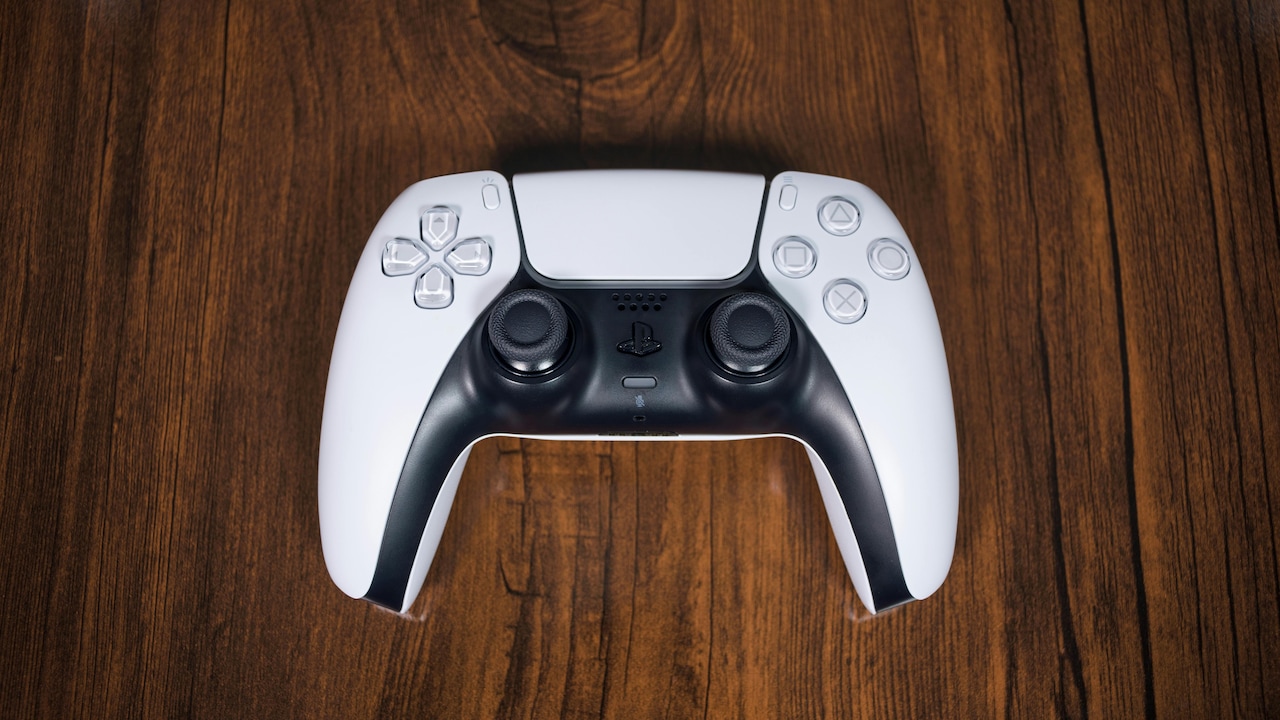
Top-rated gamepad innovations in 2026 on Flipkart; Photo Credit: Pexels
You can pick top-rated gamepads that work for daily play and long sessions. They are made for comfort, simple setup, and steady play without breaks. Find one that fits your style and budget. If you like racing, action, or sports games, the right gamepad gives you more control and less stress on your fingers. Let's see what's new this year.
Also Read: Top 5 Gaming Controllers, From Zebronics And More, That Work Perfectly Across PC And Console
| Product Name | Special Feature | Warranty/ Battery Life | User Rating | Price |
|---|---|---|---|---|
| EVOFOX One S Universal 3-Mode Wireless & Wired Gamepad | 3-mode use | 1 Year / Up to 10 hrs | 4.4/5 | |
| EVOFOX One S Universal 3-Mode Wireless & Wired Gamepad | Multi-device link | 1 Year / Up to 12 hrs | 4.4/5 | |
| SONY CFI-ZCT2W01 Bluetooth Gamepad | Bluetooth play | 1 Year / Up to 15 hrs | 4.6/5 | |
| SONY PS5 DualSense Wireless Controller Bluetooth Gamepad | DualSense comfort | 1 Year / Up to 12 hrs | 4.6/5 | |
| Sony PS5 DualSense Wireless Controller | Advanced grip | 1 Year / Up to 12 hrs | 4.6/5 |
Top-Rated Gamepad That Gives Comfort, Control, and Long Play Time At Home
1. EVOFOX One S Universal 3-Mode Wireless & Wired Gamepad
This gamepad works with a wire and without a wire, so you can choose how to play. It links to phones, PCs, and TVs with ease. The grip feels good in the hand for long games. Buttons are soft and quick to press. Good for people who play on more than one device.
Key Features:
- Works with wire and no-wire modes
- Links to phone, PC, and TV
- Soft buttons for easy pressing
- Good grip for long play
- Simple set-up with most devices
2. EVOFOX One S Universal 3-Mode Wireless & Wired Gamepad
This version gives you the same easy use across many screens. It has a steady link and quick action with no delay. The shape fits small and big hands well. You can charge and play at the same time. A smart pick for daily gaming at home.
Key Features:
- 3 ways to connect
- Fast response with no lag
- Fits most hand sizes
- Play while charging
- Works on many platforms
ACCG3P98NDJQGUPH
3. SONY CFI-ZCT2W01 Bluetooth Gamepad
This gamepad uses a no-wire link for free movement while you play. It has a clean shape that feels light in the hand. The sticks and buttons give smooth control in fast games. Set-up is quick with most screens. Good for people who want a simple, neat design.
Key Features:
- No-wire Bluetooth link
- Light and clean build
- Smooth sticks and buttons
- Quick to set up
- Steady for fast games
4. SONY PS5 DualSense Wireless Controller Bluetooth Gamepad
This gamepad is made for smooth, comfy play over long hours. The grip keeps your hands from getting tired. It links fast and stays steady with no breaks. The feel of the buttons and triggers helps in action and sports games. Works well for daily and weekend play.
Key Features:
- Comfortable hand grip
- Fast, steady no-wire link
- Smooth button feel
- Good for long sessions
- Quick charge support
5. Sony PS5 DualSense Wireless Controller
This controller gives clear control and a soft feel for all game types. It fits well in the hand and does not slip during play. The battery lasts for many hours of use. Link is quick and does not drop in the middle of a game. A strong choice for regular players.
Key Features:
- Clear, soft control feel
- Non-slip grip design
- Long battery life
- Quick, stable link
- Made for daily gaming
The right gamepad makes play easy, smooth, and fun for everyone at home. With new designs in 2026, you get a better grip, a longer battery, and quick links for all your devices. Whether you like wire or no-wire, there is a simple pick that fits your game and budget. Pick your fit, and start your next game with more control and comfort today. Shop now on Flipkart
Frequently Asked Questions (FAQs)
1. Will one gamepad work on my phone and laptop?
Yes, many gamepads now support phones, PCs, and TVs with wired or wireless use. Check the product page to see all supported devices.
2. How long does the battery last on a no-wire gamepad?
Most last between 8 and 15 hours on a full charge. The use of time depends on how you play and the game type.
3. Is a wired gamepad better than a no-wire one for fast games?
Both work well, but wired has no delay at all. No-wire is good for comfort, and most new ones have very low delay.
4. Can I use a gamepad if I am new to gaming?
Yes, gamepads are simple to learn and easy on the hands. Start with basic games to get used to the buttons and sticks.
5. Do I need to install anything to use a gamepad?
Most gamepads work right after you link them, with no extra steps. Some devices may ask for a quick one-time setup.
(Disclaimer: This article may include references to or features of products and services made available through affiliate marketing campaigns. NDTV Convergence Limited (“NDTV”) strives to maintain editorial independence while participating in such campaigns. NDTV does not assume responsibility for the performance or claims of any featured products or services.)