How To Remove Earwax And Moisture From Earbuds After Monsoon Use
Wondering why your wireless earbuds sound quiet during the rainy season? Discover how to safely dry moisture and remove earwax build-up without ruining them.
How To Remove Earwax And Moisture From Earbuds After Monsoon Use
There is a weird thing about the monsoon season; it seems to have a personal vendetta against our daily gadgets. Suddenly, your phone throws "moisture detected" warnings, your backpack feels perpetually damp, and your go-to wireless earbuds just don't punch as hard as they usually do. If you have noticed that your music sounds muddy or unusually quiet after a couple of rainy days, trust me, you are not the only one dealing with this issue.

When you mix heavy humidity, sweaty commutes, unexpected raindrops, and the natural wax your ears produce, you get a recipe for poor earbud performance. Even if you bought a pair with a solid waterproof rating, that won't stop moisture from slowly creeping onto the surfaces over time. The truth is, a massive chunk of audio issues during the rainy season aren't actually hardware failures at all; they are just caused by a clogged speaker grille.
Also Read: 7 Best Earbuds Under ₹1,500 For Small Ears: Comfortable, Secure And Budget-Friendly Picks
So, how do you get rid of that sticky earwax and trapped dampness without accidentally killing your favourite pair of buds? And how do you keep them running strong until the skies clear up? Let's break it down in a way that won't wreck your tech.
Why Do Earbuds Collect More Earwax And Moisture During The Monsoon?
The air surrounding us is the primary factor. When it rains, the humidity skyrockets, meaning your earbuds are essentially sitting in a steam room even if you never actually step out into the downpour. When you combine the sticky air with your body heat, workout sweat, and standard earwax, you create an ideal environment for grime.
Now, earwax itself isn't a bad thing; your body makes it to protect your ears. However, problems arise when tiny particles of earwax transfer onto the delicate mesh of your earbud speaker. The heavy moisture in the air softens that wax, turning it into a literal magnet for dust and pocket lint. Before you know it, the tiny holes in the grille are blocked, and your audio ends up sounding like it's playing from underwater.
This is precisely why a pair of buds that sounded incredible a month ago can suddenly feel incredibly quiet once the rainy season kicks into high gear.
How To Remove Earwax From Earbuds Safely?
Getting rid of earwax build-up requires a bit of patience, not raw power. The most frequent blunder folks make is reaching for whatever sharp tool happens to be nearby, which almost always ends up tearing a hole straight through the fragile speaker mesh. To do this right without breaking anything, just follow these five simple steps.
Step 1: Slide Off The Silicone Tips
If your pair features those rubbery tips, go ahead and pull them off gently before doing anything else. Clearing them out of the way opens up a direct line of sight to the actual speaker grille and prevents a lot of clumsy handling.
Step 2: Wash And Soak The Tips
Once separated, drop those silicone pieces into a bowl of lukewarm water mixed with a tiny drop of dish soap. Wash away any grime, but make sure they are completely dry before sliding them back onto the plastic housing. Even a single hidden water droplet can seep into the internal wiring later.
Step 3: Brush Away The Crust With Gravity
A clean, soft-bristled brush is essential for the next phase. Hold the earbud completely upside down so the main speaker mesh faces the floor, and start sweeping the bristles lightly across the opening. Facing it downward lets gravity pull the loose flakes away rather than shoving them deeper into the machine.
Step 4: Flick, Don't Scrub
Keep your movements light and casual as you clean. Focus on flicking the dry residue outward from the edges instead of grinding the bristles into the mesh, which only packs the debris tighter.
Step 5: Final Polish With Microfiber
Once the loose junk is gone, use a dry microfibre cloth to wipe down the outer shells. This removes remaining skin oils and smudges. Keep things dry; if a stain is stubborn, a barely moistened edge of the cloth is all you need.

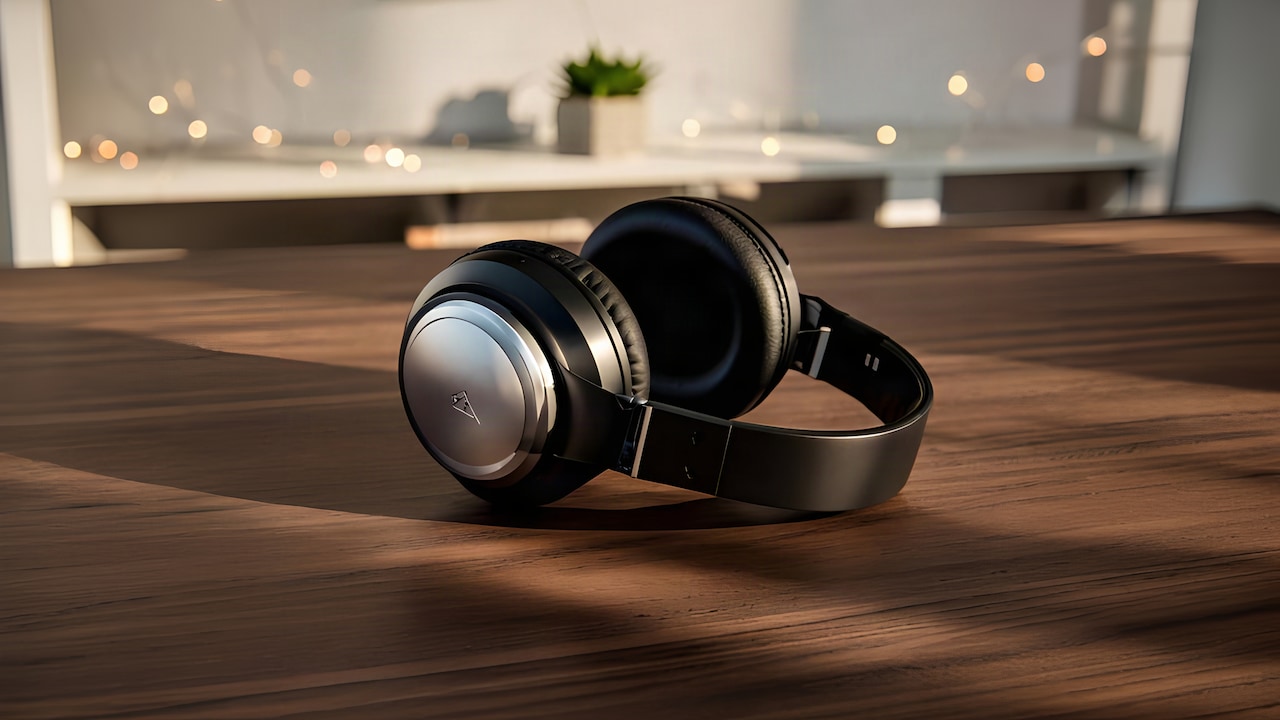
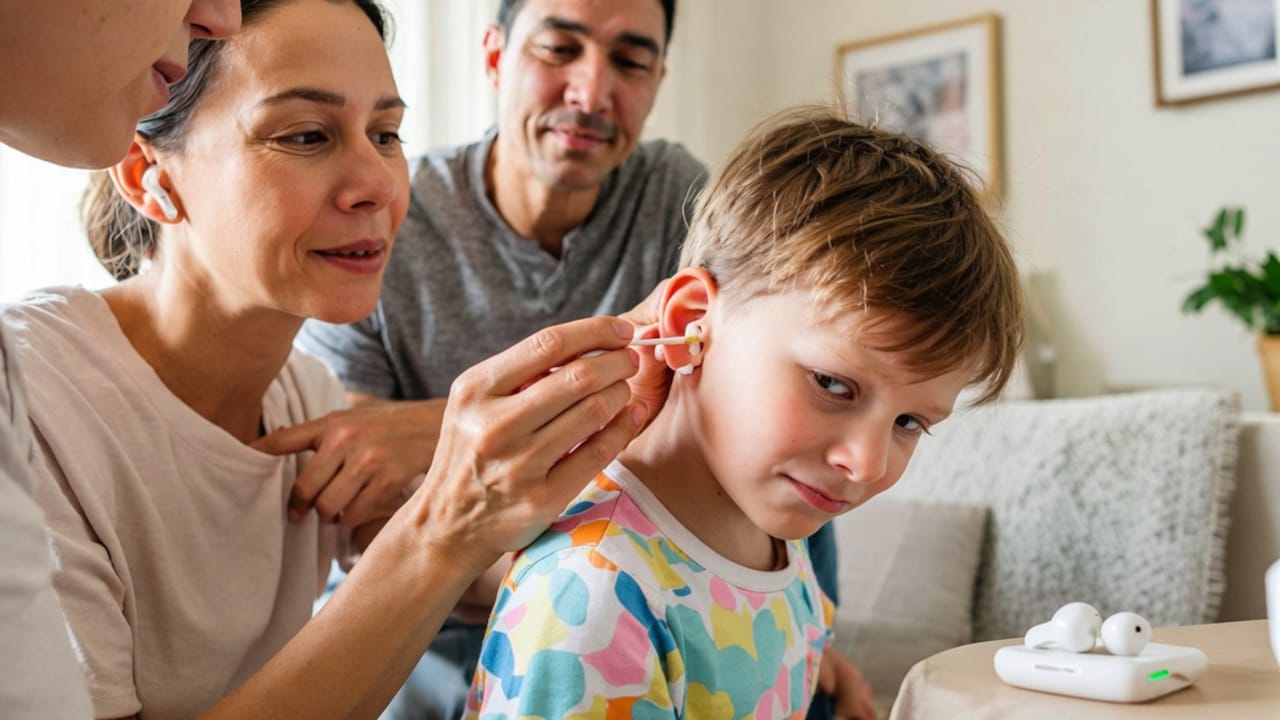
Learn to safely remove wet earwax build-up and dry quiet rainy season wireless earbuds.
Photo Credit: iStock
Common Mistakes People Make While Cleaning Earbuds
Interestingly enough, most earbuds don't die from daily wear and tear; they die during careless cleaning attempts. Avoid these classic traps if you want your pair to survive the season:
1. Using sharp tools:
Relying on needles, safety pins, or toothpicks is not advisable. The protective mesh can be cut through, and once that little barrier cracks, your sound quality can be completely ruined.
2. Docking damp buds:
Tucking sweaty or damp earbuds straight back into the charging case is a major mistake. It turns the case into an enclosed, humid greenhouse, and that can corrode the charging pins over time.
3. Going Overboard with Liquids:
Never pour alcohol or water directly onto your earbuds. Liquid travels fast and will find its way into the seams, destroying the circuitry. Keep your cleaning solutions strictly on the cloth, never on the device.'
Regular use of earbuds can make them dirty and full of wax. But what's not normal is not cleaning them thoroughly at least once a week. The good news is that there are various earbuds cleaning kits and supplies available online. They remove earwax, dust, dirt, and other pollutants to keep them working like new. So, the next time your device needs a cleaning session, don't refrain from using these smart solutions.
Some Earbud Cleaning Products You May Like
If you want to make this process a lot easier, there are a bunch of handy tools designed specifically for the job:
1. Sound Earphone Cleaning Pen for Airpods
2. Elfora 7-in-1 Electronic Cleaner kit
3. Ambrane 7-in-1 Cleaning Kit All-in-One
4. Amazon Basics Clean N 19-in-1 Smart Gadget Cleaning Kit
5. Sounce Professional 8-in-1 Cleaning Kit
6. DailyObjects 5-in-1 Capsule Gadget Cleaning Tool Kit
7. Portronics Clean G 20 in 1 Multipurpose Device Cleaner Cleaning Kit
8. Zerfa 7 in 1 Electronic Cleaner Kit
Frequently Asked Questions (FAQs)
1. Can earwax permanently damage earbuds?
Not usually. Usually, earwax just sits on the outer mesh and suffocates the sound. A proper, gentle cleaning will almost always restore your volume to its original level.
2. Is it safe to clean earbuds with alcohol?
Yes, it is safe but don't overdo it. It's alright to moisten a microfibre cloth with a small bit of isopropyl alcohol to sanitise the exterior, but you should never drop it or just pour it directly onto the speaker mesh or the charging points; even “a little” can be too much.
3. Why do my earbuds sound quieter during the monsoon?
Mostly it's the humidity. That extra water vapour floating around can blend with the dust and earwax you already have, and it ends up forming a thicker film over the speaker mesh, so the sound waves get damped.
4. Can I use a hairdryer to dry wet earbuds?
No, the hot air blast is way too concentrated; it can melt glue, warp plastic casings, and it can permanently degrade the small lithium-ion batteries inside. Better just let them air dry naturally.
5. How often should I clean my earbuds during the rainy season?
If you use them daily, give them a quick check and a gentle wipe once every one to two weeks. That helps stop moisture build-up and sticky earwax from ruining your listening vibe or making them quieter over time.
(Disclaimer: This article may include references to or features of products and services made available through affiliate marketing campaigns. NDTV Convergence Limited (“NDTV”) strives to maintain editorial independence while participating in such campaigns. NDTV does not assume responsibility for the performance or claims of any featured products or services.)