What To Do If Your Phone Gets Wet While Traveling This Monsoon
Wondering what to do if your phone gets wet while travelling this monsoon? Here are some simple steps that can save your device and prevent permanent damage.

Easy ways to keep you smartphone safe in monsoon
Monsoon trips always look super fun on Instagram until suddenly a random downpour hits exactly when you are checking Google Maps or clicking photos. One minute you are enjoying chai with mountain views, and the next minute your phone is completely soaked. And panic is the first reaction for most people. Some shake the phone very aggressively, and some throw it directly into rice.

Essential tips to protect your device from water damage during your rainy season travels.
Photo Credit: iStock
But many of these common tricks can actually make the situation worse. If someone is travelling anywhere in India during the monsoon season, whether in Goa, Munnar, or even just daily commuting in Mumbai, knowing what to do when the phone gets wet can easily save ₹20,000 or more on repairs.
Also Read: How To Dry Out A Phone That Got Wet In The Rain In India
Why Water Damage Is More Serious Than You Think
A wet phone does not always stop working immediately. That is actually what makes it so tricky. Sometimes everything looks completely normal for a few hours, and then suddenly the screen starts flickering, or the speakers start behaving weirdly.
Water can slowly reach the internal components and cause corrosion inside. Humidity during Indian monsoons makes the situation even worse because moisture can remain trapped inside for many days.
But if one acts quickly enough, there is still a decent chance of saving the device.
Things You Should Do Immediately
1. Switch Off Your Phone Right Away
Even if the phone looks completely fine, turn it off immediately. Electricity and water are not friends at all. Keeping the device switched on increases the chances of short circuits happening inside. Avoid checking notifications or clicking one last photo. Just power it down immediately.
2. Remove Everything Attached To It
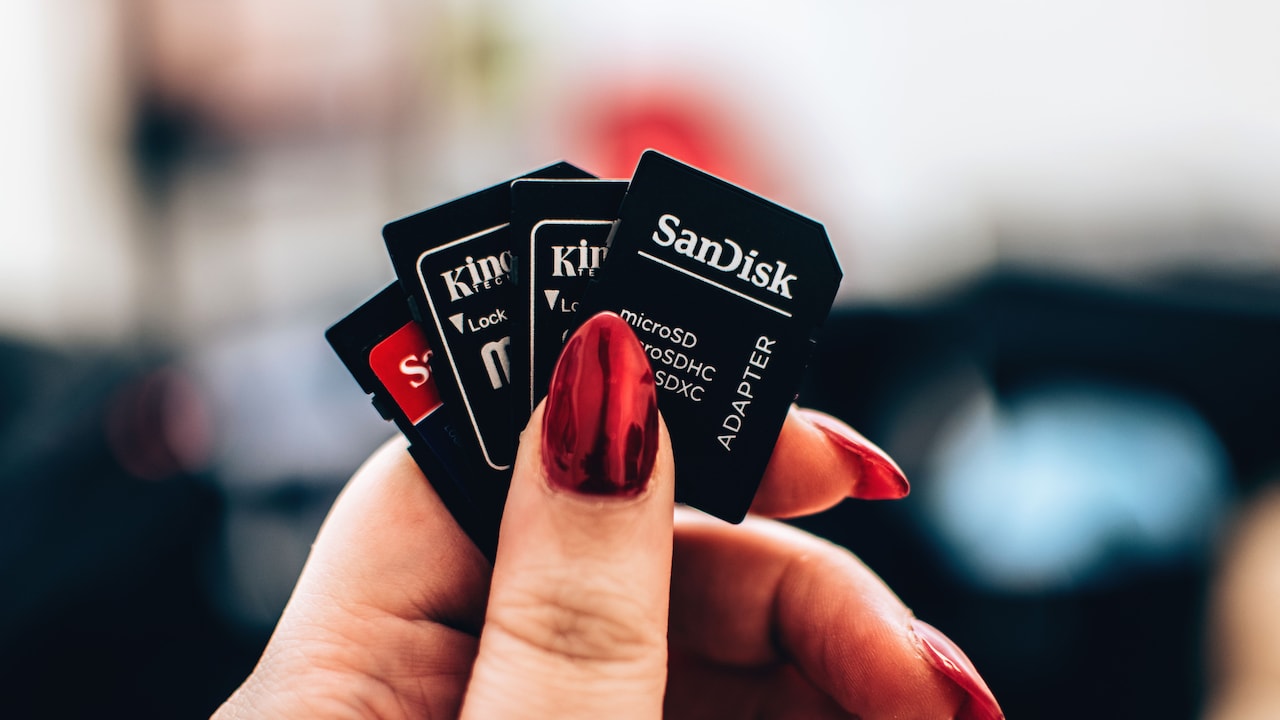
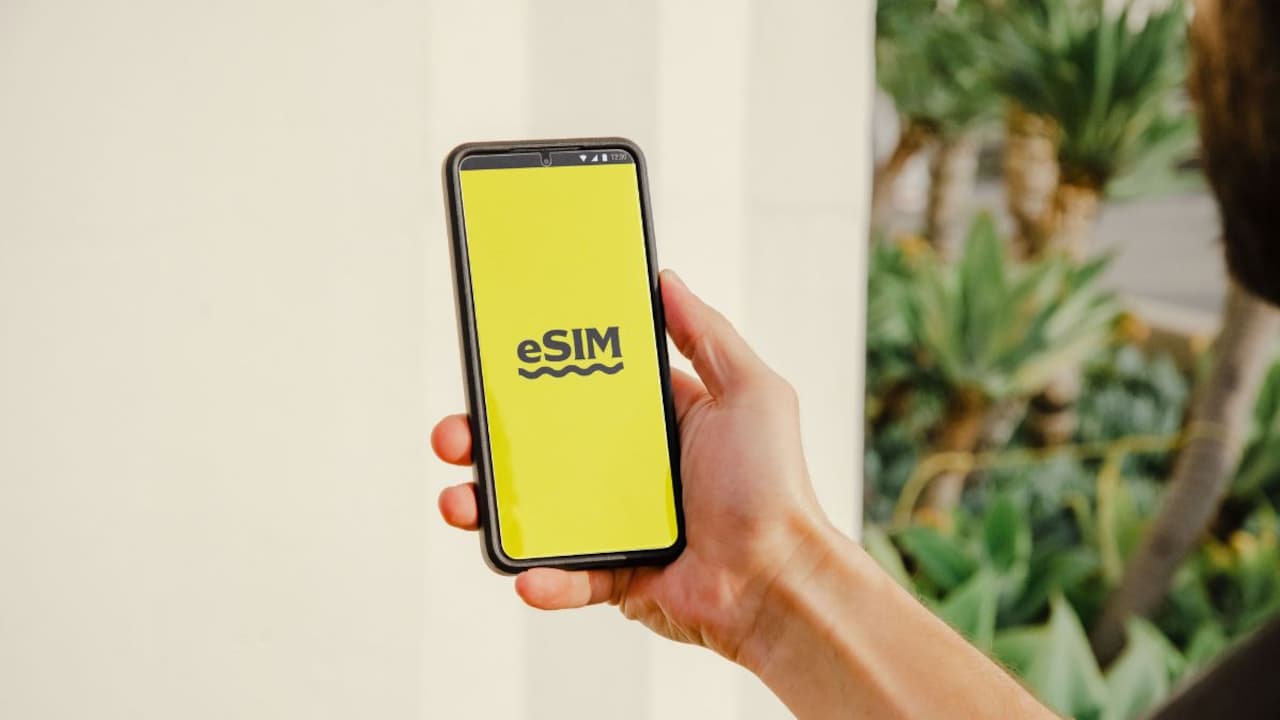
Take out the SIM from your phone, and take out the memory card if you have one. If your phone comes with a removable battery, remove that also. This helps the trapped moisture to escape faster from inside.
3. Wipe The Exterior Carefully
Use a clean cloth or tissue and dry the surface gently. Do not shake the phone violently because water can travel more deeply inside. Patience honestly helps much more than panic in this situation.
Things You Should Never Do
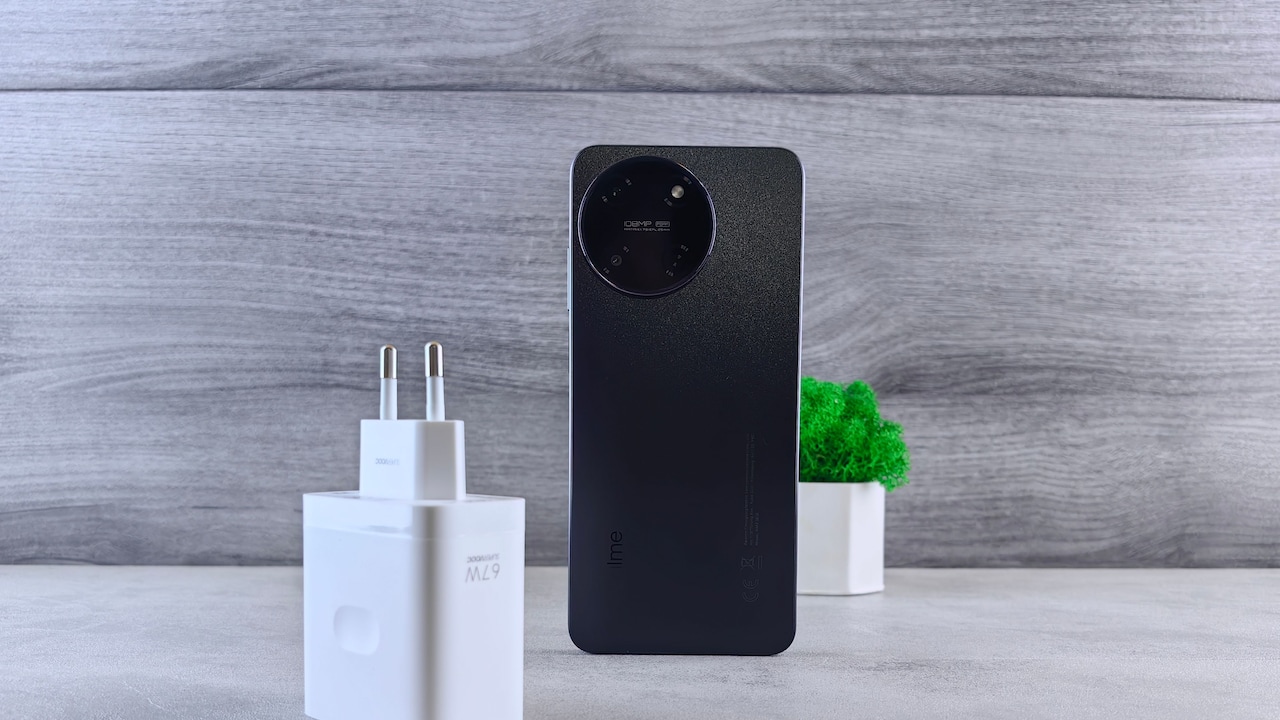
1. Don't Plug In The Charger
This one mistake ruins so many phones every monsoon season. Even if the battery is very low, do not charge it at all. Modern phones sometimes show a moisture detection warning on the screen. That warning should always be taken seriously.
2. Don't Use A Hair Dryer
Hot air can push moisture further inside and damage the delicate parts easily. Excessive heat is not helpful here at all. Natural drying is always a much safer option.
3. Don't Believe The Rice Trick Completely
Rice absorbs some moisture from around the phone but not really from inside the ports or motherboard properly. It is not a magic solution. Silica gel packets actually work much better if someone has them available nearby.
How To Dry Your Phone Properly?
1. Keep It In A Dry And Ventilated Place
Always take and keep your phone in a place that has no moisture and is also dry. Good airflow helps moisture to evaporate naturally without any damage. Leave it completely untouched for at least 24 to 48 hours. Yes, waiting feels very annoying, but it is worth it.
2. Use Silica Gel Packets If Possible
Those small packets that come inside shoe boxes and electronics packaging are surprisingly very useful. Put the phone inside an airtight container along with a few silica gel packs. They absorb moisture much better than uncooked rice, honestly.
3. Test Everything Slowly
Once the phone seems completely dry, turn it on carefully. Check the display, charging port, camera, speakers, and microphone one by one.
Sometimes one feature may behave a little weird, even if everything else works fine. Keep observing for at least a few days.
Ways To Protect Your Phone During Monsoon Trips
Monsoon travel in India means the weather will always remain unpredictable. So prevention matters more than any repair.
1. Use Waterproof Accessories
A waterproof pouch costing somewhere between ₹300 and ₹800 can easily save a ₹50,000 smartphone. That is honestly a fantastic deal. These pouches are quite useful during beach trips, trekking, boating, or sudden rain showers.
2. Carry A Ziplock Bag
Simple and very cheap solution. One ziplock bag kept inside a backpack can become an emergency shield whenever rain suddenly appears. Many frequent travellers actually swear by this trick alone.
Even if the phone survives, data loss can still happen occasionally. Keep photos and important documents backed up to Google Drive or iCloud before every trip. Losing memories honestly hurts more than losing the gadget itself occasionally. And the next time you step out in monsoon, try these easy tips to protect your smartphone from rain.

Follow these quick actions to prevent permanent liquid damage to your phone while traveling.
Photo Credit: iStock
Some Waterproof Phone Accessories You May Like
1. Spigen Floating Waterproof Phone Pouch
2. Joto Waterproof Phone Pouch Ipx8
3. JABU Waterproof Mobile Pouch for Rain Protection
4. Delzon Waterproof Dry Bag with Phone Case
5. skysia Universal Waterproof Pouch
6. Case-Mate IP68 Floating Waterproof Mobile Cover w/Crossbody Lanyard
7. BARROT ScreenPro - Screen & Lens Cleaning Microfibre Cloth
8. ZORBES® IPX8 Waterproof Mobile Pouch for Phones
FAQs
1. Can a phone survive after getting wet?
Yes, many phones do survive if switched off quickly and dried properly before using again.
2. How long should I wait before turning on a wet phone?
Ideally, one should wait at least 24 to 48 hours. Rushing this step can cause serious internal damage.
3. Is rainwater dangerous for smartphones?
Any type of water is dangerous for smartphones if your phone is not waterproof. It can short-circuit your phone and can even cause a fire. If it is exposed to a lot of water, then it will stop working completely
4. Should I visit a service center even if my phone works?
If charging issues, speaker problems, or screen flickering are noticed, getting it checked by the service centre is a good idea.
5. Are waterproof phones completely safe in the rain?
Not really. Water-resistant phones can handle splashes fine, but prolonged exposure to water can still cause damage eventually.
(Disclaimer: This article may include references to or features of products and services made available through affiliate marketing campaigns. NDTV Convergence Limited (“NDTV”) strives to maintain editorial independence while participating in such campaigns. NDTV does not assume responsibility for the performance or claims of any featured products or services.)