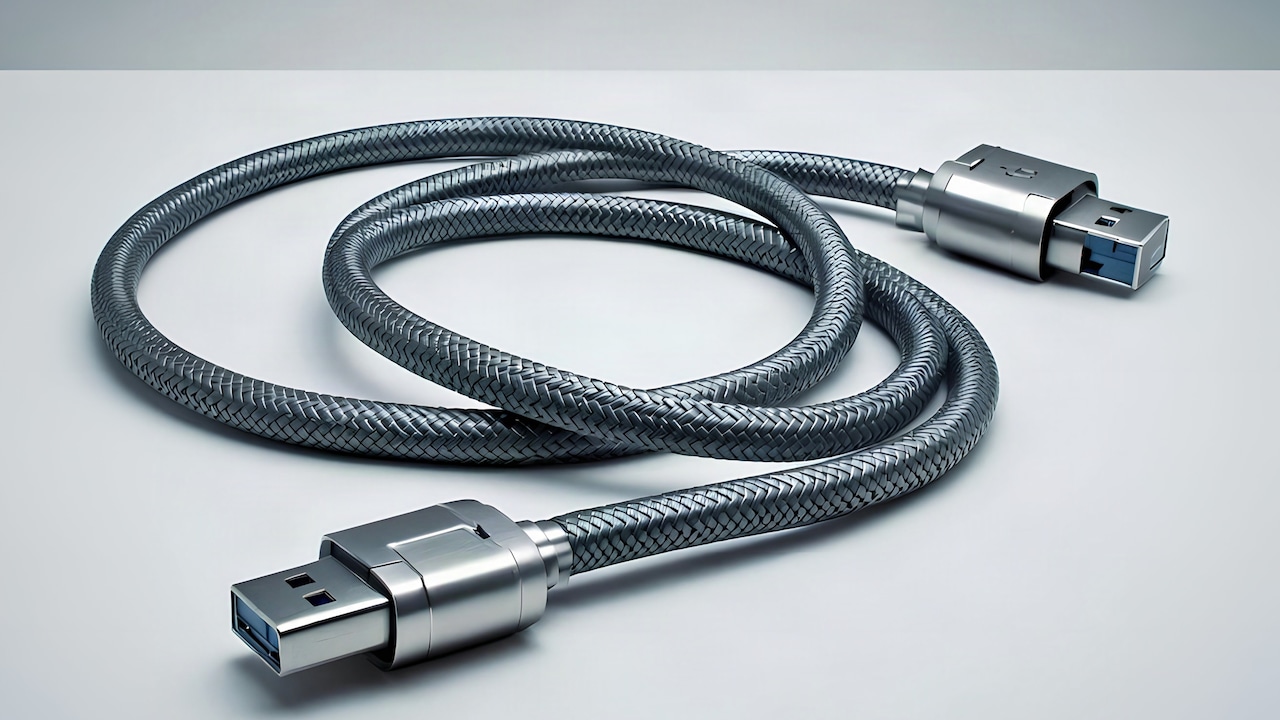
Why Your Power Bank Charges So Slowly: Common Causes And Simple Fixes
Slow charging power banks can be frustrating, especially when time matters. This article explains the real reasons behind sluggish charging and shares practical, easy fixes to help devices power up faster and smarter.
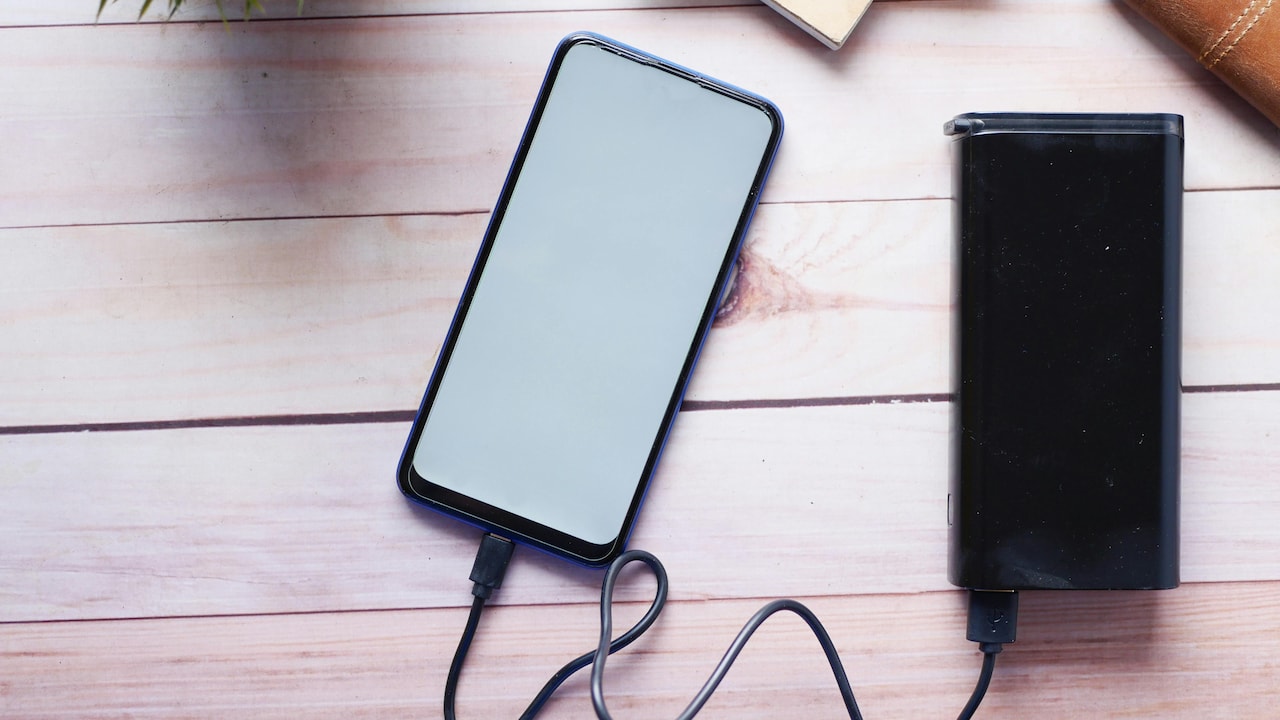
Why Some Power Banks Charge Slower Than Expected: Reasons And Tips To Fix The Problem.
Power banks feel like modern-day lifesavers. A compact box in a backpack can rescue a dying Mobile phone during long commutes, weddings, train journeys, or sudden power cuts. Yet many users notice something odd. The power bank itself takes ages to recharge, or it charges the phone painfully slowly. Promises on the box sound impressive, but real life tells another story.
The reasons rarely involve defects alone. Charging speed depends on several small factors that quietly work together. A cheap cable, an ageing battery, or even a hot afternoon can slow things down. Add rushed habits and marketing jargon, and disappointment becomes common.
Understanding how power banks actually work makes a huge difference. With the right knowledge, small changes can save time, protect devices, and stretch the value of money spent. The following sections break down the most common reasons behind slow charging and share practical tips that fit daily life, without technical jargon or fuss.
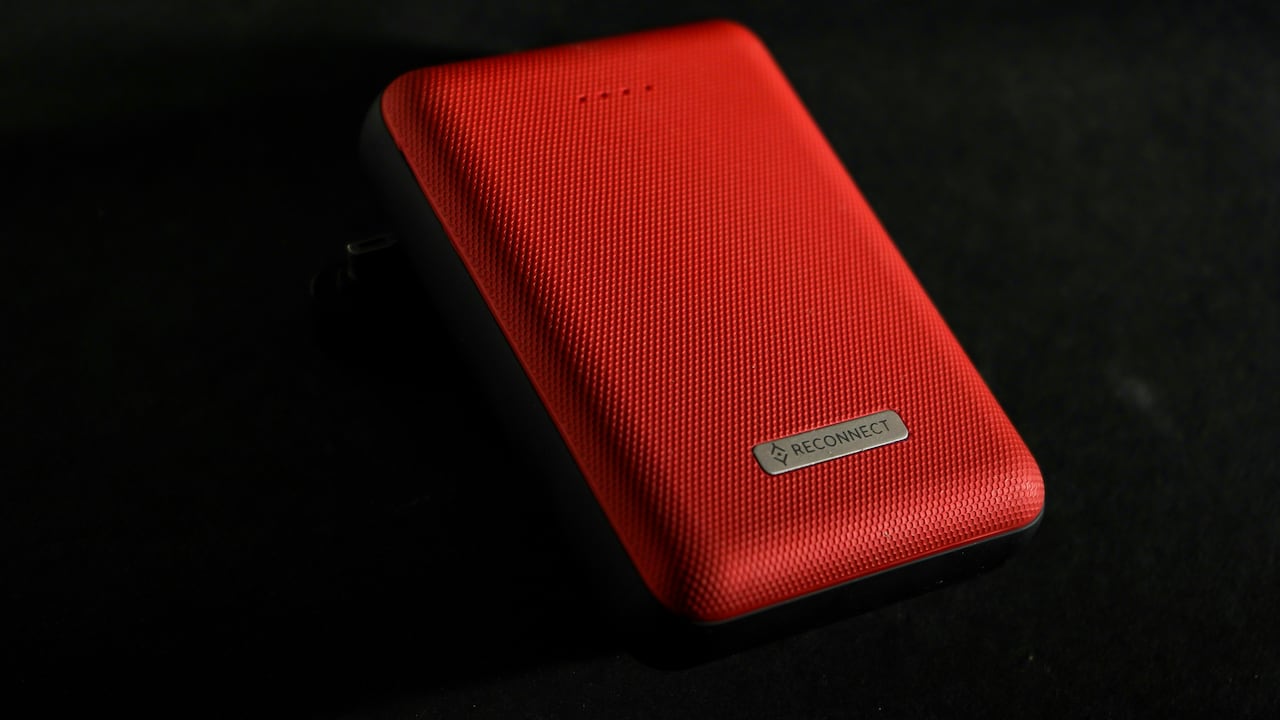
Why Your Power Bank Charges So Slowly: Common Causes And Simple Fixes; Photo Credit: Pexels
What's Really Slowing Down Your Power Bank? Key Reasons Explained
1. Output Power Mismatch Between Power Bank and Device
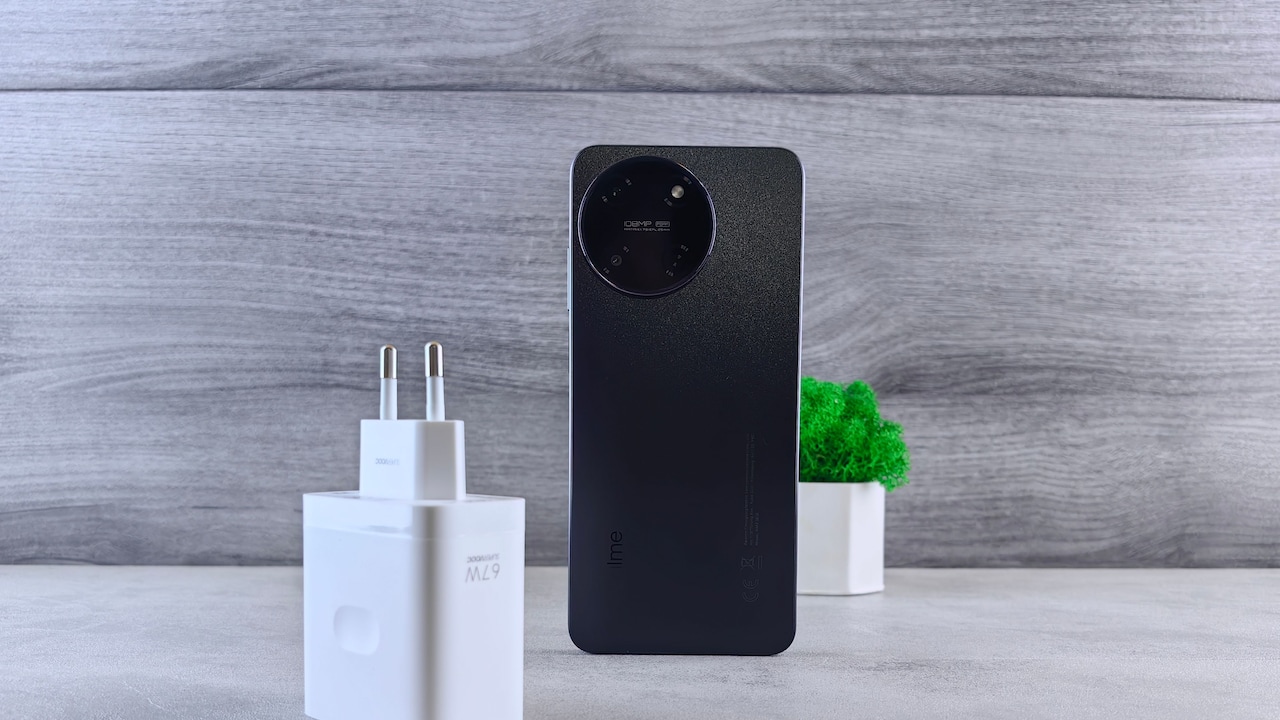
One of the most common reasons for slow charging hides in plain sight. The power bank and phone often speak different “charging languages”. Every phone expects a certain power output, measured in watts. When the power bank delivers less, charging slows down.
Many older or budget power banks offer only 5W or 10W output. Modern smartphones often expect 18W or more for fast charging. When paired together, the phone politely settles for slower speeds. No warnings appear. The battery icon fills at a snail's pace.
Checking the output rating printed on the power bank helps. Look for labels such as 5V/2A or 9V/2A. Matching these with the phone's charging needs matters more than brand names. Using the correct port also helps, as some power banks reserve fast output for one specific slot.
Upgrading to a power bank that supports fast-charging standards can cut charging time dramatically. The difference feels especially noticeable during rushed mornings or train delays.
2. Low-Quality or Damaged Charging Cables
Cables rarely get the attention they deserve. Many users blame the power bank while the real culprit twists quietly in a pocket. Thin, worn, or cheap cables struggle to carry enough current, slowing charging speed.
A cable that looks fine on the outside may hide broken internal wires. Bending near the connector often causes damage. Charging still happens, but painfully slowly. Sometimes the phone disconnects and reconnects, adding to the frustration.
Fast charging needs cables that support higher current. Not all cables do. Free cables bundled with gadgets often prioritise cost over performance. Swapping to a thicker, certified cable can feel like magic. Charging speeds improve instantly.
Keeping one good-quality cable reserved for power bank use helps. Avoid wrapping cables too tightly or pulling them out by force. A little care goes a long way and saves both time and money in the long run.
Also Read: 5 Best Chargers And Power Banks To Buy During Amazon's Great Republic Day Sale
3. Power Bank Capacity Myths and Marketing Confusion
Big numbers sell well. A 20,000mAh label looks impressive, but it often creates unrealistic expectations. Many users expect faster charging simply because the capacity sounds massive. In reality, capacity and charging speed remain separate things.
Large-capacity power banks store more energy, but they often take longer to recharge themselves. Filling a big tank needs more time, especially when using standard chargers. Losses during energy conversion further reduce usable output.
Power banks also split power when charging multiple devices. Charging two phones at once slows each one down. The power spreads thin, like sharing one cup of tea between two people.
Understanding actual needs helps. For daily office use, a smaller fast-charging power bank may work better than a bulky one. Reading beyond the headline numbers avoids disappointment and leads to smarter buying decisions.
4. Heat and Environmental Factors
Charging and heat share an uneasy relationship. Batteries dislike high temperatures. On hot afternoons, power banks are used to protect internal components. This safety feature prevents damage but tests patience.
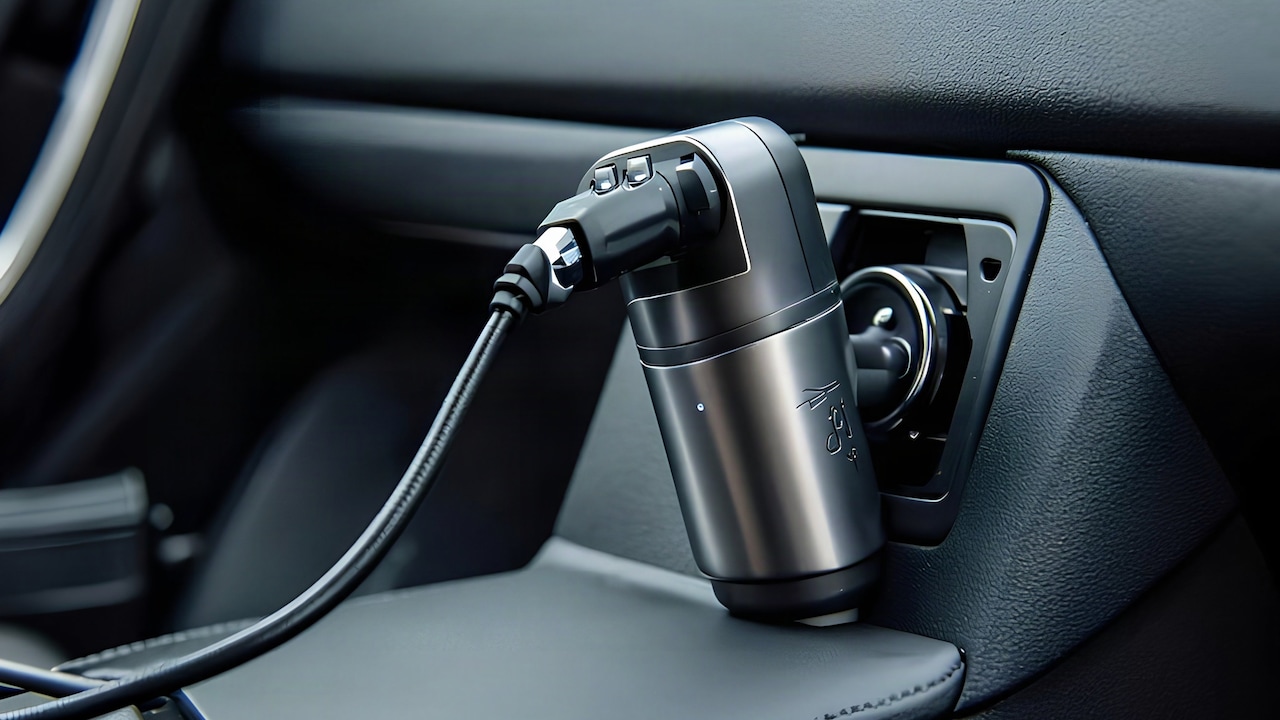
Leaving a power bank on a car dashboard or near a window makes things worse. Heat builds up quickly, especially during summer. The device responds by reducing power flow. Charging crawls.
Using a power bank while charging also generates heat. Streaming videos or playing games adds extra stress. The combined warmth triggers further slowdowns.
Charging in a cool, shaded place helps. Removing phone covers during charging improves heat dissipation. Small changes like these can restore normal charging speed and extend battery life at the same time.
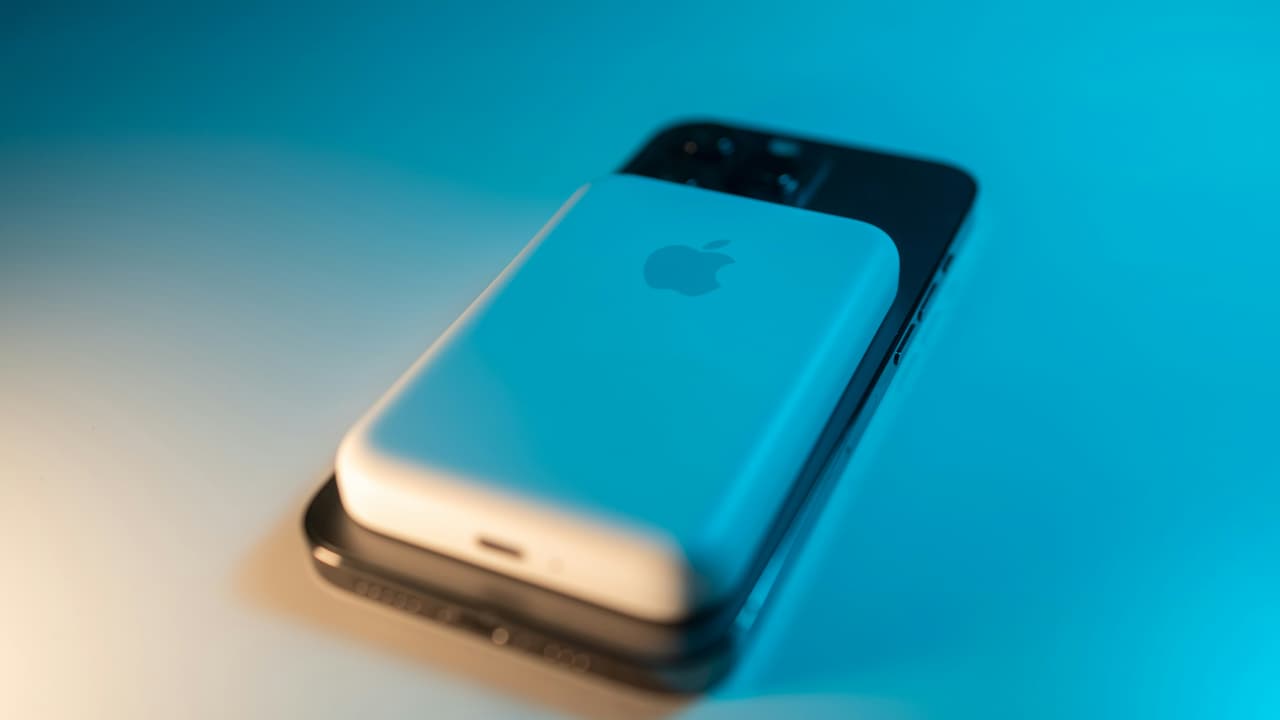
Why Your Power Bank Charges So Slowly: Common Causes And Simple Fixes; Photo Credit: Pexels
5. Input Charging Limitations of the Power Bank
Many power banks charge slowly, not because they want to, but because they can't charge any faster. The input port sets the limit. Older models rely on micro-USB inputs capped at lower power levels.
Using a high-speed wall charger with a low-input power bank makes little difference. The bottleneck remains. The power bank accepts only what it can handle, no matter how powerful the adapter.
Modern power banks with USB-C input support faster recharging. This feature matters more than output in daily use. Nobody enjoys waiting overnight for a power bank to fill up.
Checking input specifications before buying saves hours later. Pairing the power bank with a compatible fast wall charger completes the setup. Faster input means quicker readiness for the next outing.
6. Battery Age and Natural Wear
Batteries age quietly. Over time, chemical changes reduce their ability to hold and deliver power efficiently. An older power bank may still work, but charging slows down noticeably.
Frequent full discharges and constant overnight charging speed up wear. Budget models degrade faster due to lower-quality cells. After a couple of years, performance drops feel unavoidable.
Signs of ageing include reduced capacity, longer charging times, and quicker drain. At this stage, no cable or charger can fully fix the issue. Replacement becomes the most practical option.
Treating a power bank gently extends its life. Avoid letting it drop to zero often. Store it partially charged when not in use. These habits keep charging speeds consistent for longer.
7. Charging Multiple Devices at Once
Sharing feels nice, but power banks struggle with generosity. Plugging in two or three devices divides the available output. Each device receives less power, slowing charging across the board.
This situation becomes common during group travel. Everyone gathers around one power bank, hoping for a quick top-up. Instead, all phones crawl forward together.
Some high-end power banks manage power distribution better. Many budget models do not. They simply split the output equally, regardless of device needs.
Charging one device at a time ensures the fastest results. When sharing becomes unavoidable, prioritising the most urgent device helps. Planning avoids awkward moments and drained batteries.
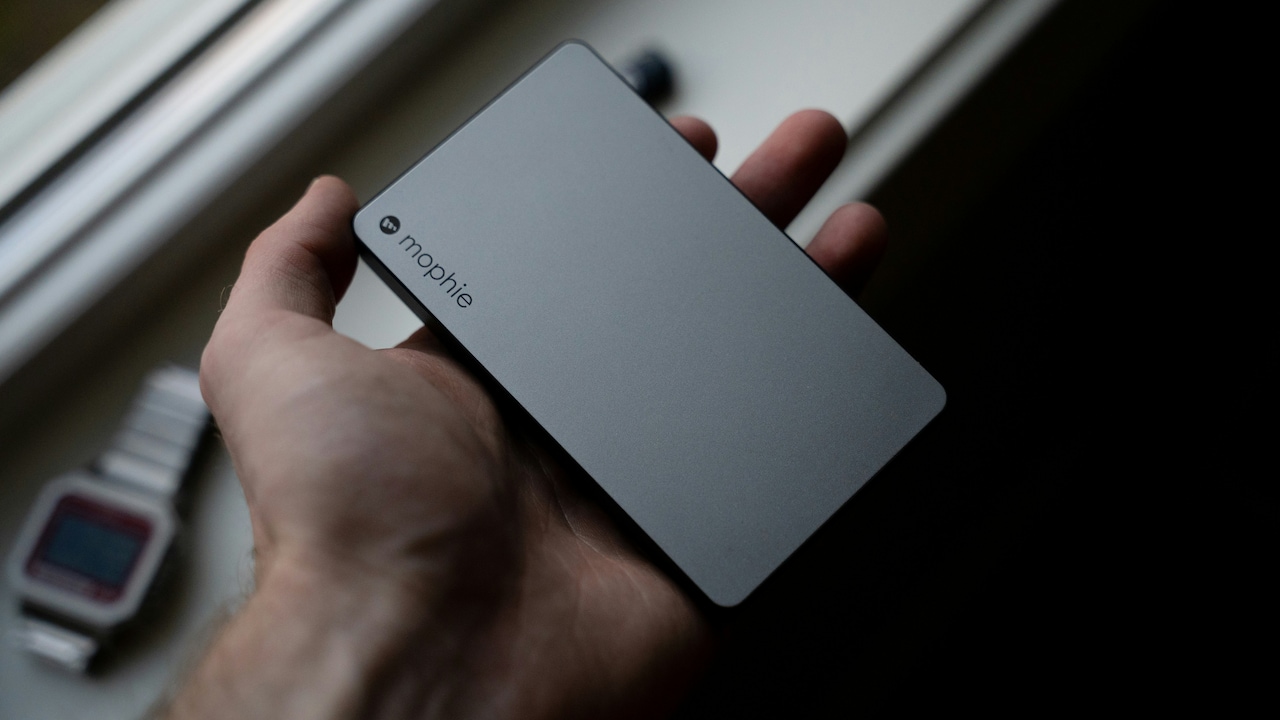
Why Your Power Bank Charges So Slowly: Common Causes And Simple Fixes; Photo Credit: Pexels
8. Using the Phone While Charging
Scrolling through social media while charging feels harmless. In reality, it slows everything down. The phone uses power as fast as it receives it, especially during videos or games.
The power bank works harder, heat builds up, and charging efficiency drops. The battery percentage inches up reluctantly, testing patience.
Letting the phone rest during charging makes a big difference. Even short breaks from usage speed things up. Airplane mode helps when calls and messages can wait.
This small habit change proves especially useful during emergencies. A short pause now leads to a faster, more reliable charge when it matters most.
9. Poor Power Source Used to Recharge the Power Bank
Not all wall sockets deliver equal power. Old wiring, loose connections, or shared sockets reduce charging speed. Plugging a power bank into a weak source results in painfully slow recharging.
Charging from laptops or car USB ports also limits speed. These sources prioritise safety over power output. The power bank accepts energy slowly, no matter how long it stays connected.
Using a reliable wall charger connected to a stable socket improves results. Avoid overcrowded extension boards when possible. A direct connection works best.
Choosing the right charging environment saves time and prevents unnecessary stress before trips or long days out.
10. Lack of Fast-Charging Protocol Compatibility
Fast charging relies on communication between devices. When the power bank and phone do not support the same protocol, they fall back to basic speeds.
Many phones support specific fast-charging standards. A mismatch leads to disappointment, even with high-quality hardware. Everything connects, but nothing accelerates.
Checking compatibility before purchase avoids this issue. Manufacturers usually list supported standards clearly. Matching them ensures promised speeds become reality.
Investing a little time in understanding compatibility pays off daily. Faster charging feels less like a luxury and more like a reliable convenience.
Products Related To This Article
1. Ambrane 10000mAh Slim & Compact Powerbank with in-Build Type C Cable
2. Amazon Basics 20000 mAh Power Bank
3. Xiaomi Power Bank 4i 20000mAh 33W Super Fast Charging PD
4. Lifelong Electronics 20000mAh 22.5W Fast Charging Power Bank
5. Portronics Luxcell B 10K 10000 mAh 22.5W Fast Charging Power Bank
Slow-charging power banks rarely fail without reason. Small factors add up quietly, from cables and heat to compatibility and habits. Understanding these details turns frustration into control.
With the right cable, a suitable charger, and mindful usage, charging speed improves noticeably. Choosing the right power bank based on real needs matters more than chasing big numbers. Simple care extends battery life and keeps devices ready when they matter most.
In a world that runs on screens and signals, reliable charging feels essential. A little knowledge ensures that power banks live up to their promise, one fast charge at a time.
(Disclaimer: This article may include references to or features of products and services made available through affiliate marketing campaigns. NDTV Convergence Limited (“NDTV”) strives to maintain editorial independence while participating in such campaigns. NDTV does not assume responsibility for the performance or claims of any featured products or services.)