Corners Still Dusty? Here's Why Robot Vacuums Miss Spots and How to Fix It
Robot vacuums often miss corners due to sensor limits, weak side brushes, poor mapping, and clutter. Learn why it happens and how to fix it with simple tweaks for cleaner edges and better coverage.
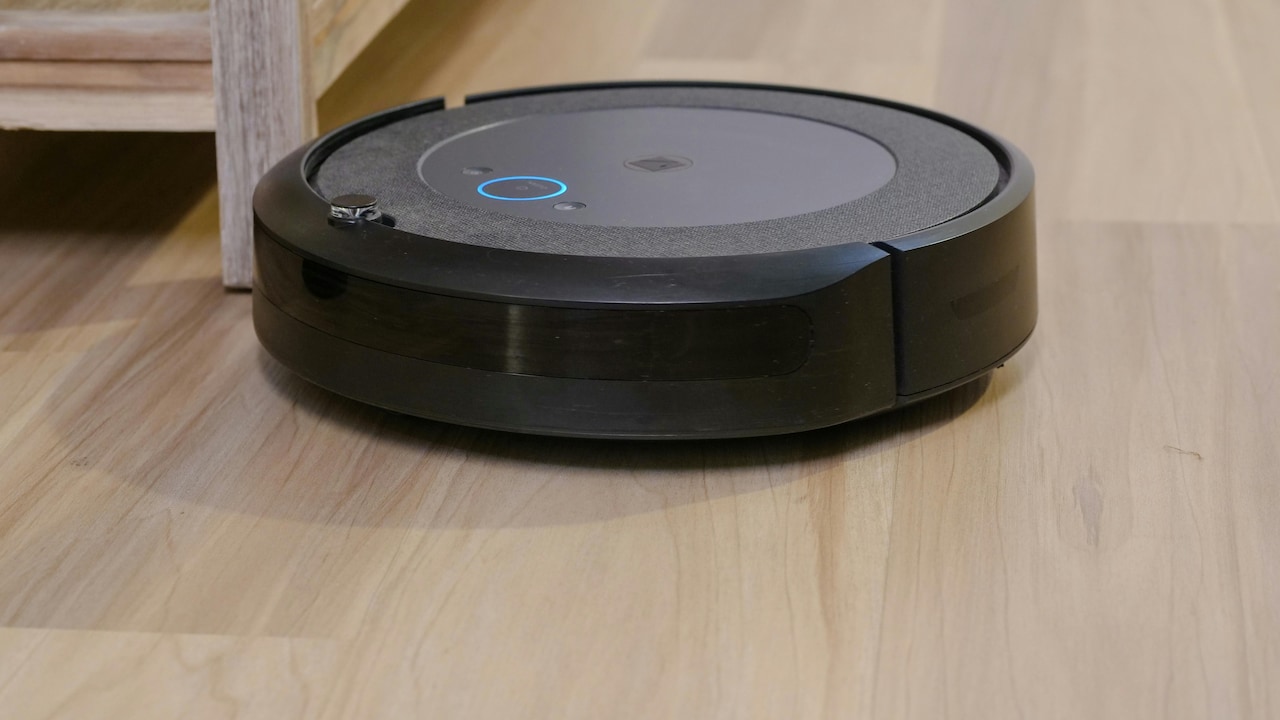
Learn easy ways to fix a robot vacuum cleaner that often misses spots during cleaning.
There's a special kind of irritation that comes from watching a robot vacuum glide confidently across the floor… and then completely ignore the very corner that's been bothering you for three days.
It feels personal. Like the machine looked at the dust, judged it, and said, “Not my problem.”
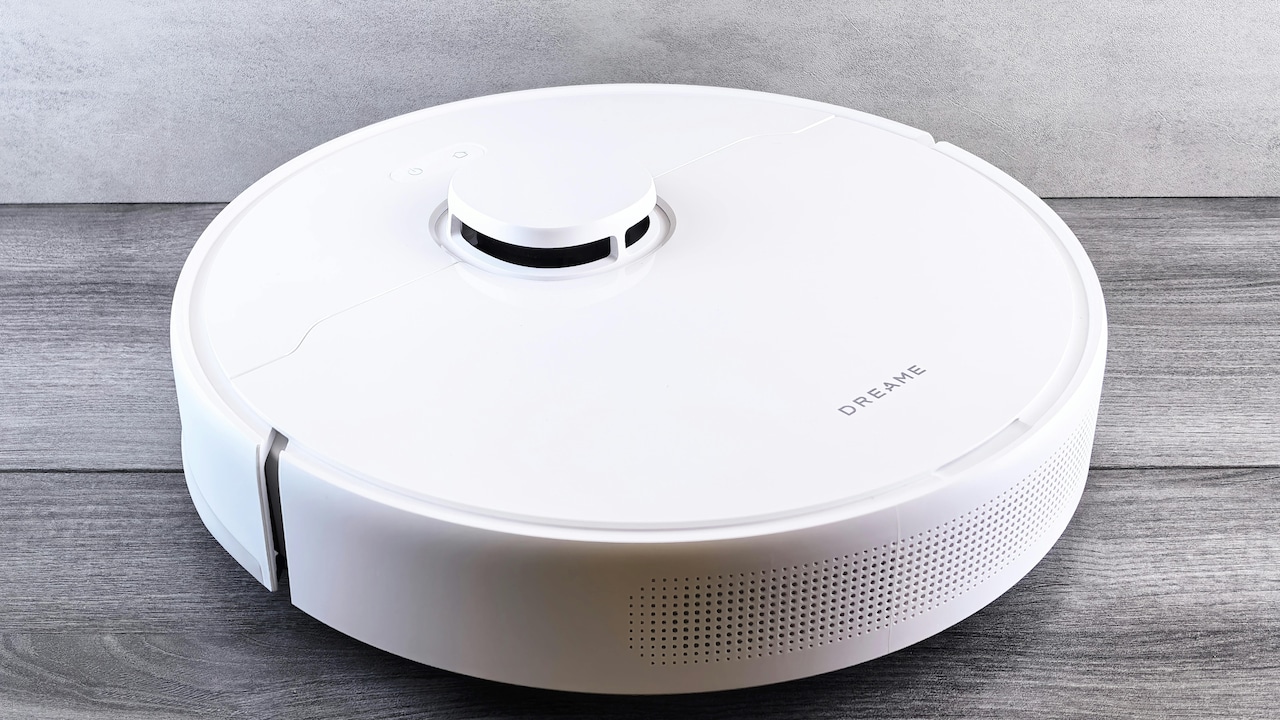
Explore common reasons why robot vacuums often miss spots while cleaning; Photo Credit: Pexels
Robot vacuums are genuinely brilliant for daily upkeep. They pick up hair, dust, crumbs, and the mystery grit that appears even when nobody wears shoes inside. But they're also imperfect. Corners, edges, tight spaces, and certain floor types can confuse them. Some models behave like they're cleaning a showroom floor, not a real home with chairs, cables, and the occasional dropped biscuit.
The trick is not to expect magic. The trick is to understand the reasons behind the misses and set things up so the robot performs like it actually wants to keep your home clean.
Also Read: Top 5 Smart Robot Vacuum Cleaners For Pet Hair On Hardwood Floors And Carpets
The 10 Most Common Reasons Robot Vacuums Miss Spots And The Fixes That Work
1) Corners Are Physically Hard For Round Robots
Most robot vacuums are round, and corners are… not. That's the whole story, but also not the whole story.
A circular robot can't push its main brush directly into a sharp 90-degree corner. It can only reach as far as its edge allows, and then rely on side brushes to flick dust into the suction path. That works on light dust, but not on heavier debris like rice grains, small stones, or damp bits stuck near the skirting.
This is why a home can look clean overall, yet corners still look like they've been neglected. It's not that the robot didn't go there. It did. It just didn't make proper contact.
To fix this, the best approach is to make corners a “weekly deep clean zone” rather than expecting daily perfection. Many robot vacuums also have an “edge clean” mode. That mode makes the robot follow walls more closely and spend more time along edges. It's not glamorous, but it works.
If the model has a D-shape design, it tends to do better in corners. But even then, side brush quality matters more than the shape alone.
2) Side Brushes Can Be The Silent Troublemakers
Side brushes look harmless. They spin. They sweep. They appear to be doing their job. But side brushes are often the main reason corners stay dusty.
Over time, the bristles bend. They flatten. They lose stiffness. Some twist into odd angles like they've had a stressful week. When that happens, instead of sweeping debris inward, they start flicking it away. Yes, away. Dust gets pushed deeper into the corner like the robot is hiding evidence.
Hair tangles are another issue. In homes where long hair is common, the side brush can get wrapped so tightly that it barely spins. The robot still moves, so it looks like cleaning is happening, but it's basically doing a dramatic walk-through.
Fixing this is refreshingly low-tech. Clean the side brush once a week. Replace it every few months, depending on usage. Most replacements cost far less than expected, and they make a noticeable difference.
If corners are always missed, a fresh side brush often solves the problem in under five minutes. It's one of the cheapest upgrades you can do.
3) Your Furniture Layout Is Secretly Blocking The Robot
Robot vacuums are polite. Too polite.
If a chair leg is at an awkward angle, the robot may tap it once and decide that the entire zone is risky. If a sofa has a low skirt, the robot may approach, hesitate, and then back away like it's been told off. And if the dining table area has too many closely placed legs, the robot might treat it like a maze and give up halfway through.
This is why many homes end up with a “cleaned centre” and a “messy perimeter”. The robot spends most of its time in the open area where it can move smoothly.
The fix is not to redesign your home. It's to make tiny changes before a run. Push chairs in. Keep stools upside down on the table if possible. Move one light chair away from a corner that always gets missed. Even shifting a small side table by 10 cm can open up a path.
A helpful trick is to watch one full cleaning run. Not every day, just once. It's mildly entertaining, and it shows exactly where the robot hesitates or avoids. That's your problem zone.
4) Dark Rugs And Shiny Floors Confuse Sensors
Some robot vacuums behave perfectly on plain tile and then act possessed on a dark rug.
This is not drama. It's physics.
Many robots use cliff sensors to avoid falling down stairs. Those sensors sometimes mistake dark surfaces for a drop. So the robot reaches the edge of a black mat, panics, and reverses like it just saw a ghost. This can also happen on glossy marble or highly reflective floors where light behaves unpredictably.
The result is a weird cleaning map where the robot avoids certain patches completely. In some homes, it becomes very consistent: it cleans everywhere except that one rug near the door, which then becomes a permanent dust magnet.
To fix this, check the app for “no-go zones” and sensor settings. Some models allow carpet sensitivity adjustments. Others allow “carpet boost” to be toggled. If the rug is the issue, try folding it temporarily during a cleaning cycle. If the robot suddenly cleans that area, you've found the culprit.
For shiny floors, keep the sensors clean. A thin layer of dust on a sensor can cause the robot to misread surfaces. Wipe them gently every week. It's boring, but it stops the robot from behaving like it's in a thriller film.
5) Mapping Errors Lead To Skipped Zones
Mapping is the robot vacuum's memory. And like human memory, it's not always reliable.
Sometimes the robot creates a map while the house is messy. Chairs are out. Doors are closed. A mat is folded. Then later, when the environment changes, the robot still behaves according to the old map. It may think a corner is blocked even when it's clear. It may think a room ends earlier than it does. It may mark an area as inaccessible because it bumped into a bucket once.
If you've ever watched a robot vacuum stop at an invisible boundary, you've seen this problem.
The fix is usually simple: remap. Do a fresh mapping run when the floors are as clear as possible. Keep doors open. Remove clutter. Push chairs in. Let the robot “learn” the space properly.
Also, avoid picking up and moving the robot mid-clean. That confuses the map and can cause the robot to treat entire zones as already cleaned. If the robot is stuck, help it, but then restart the cleaning cycle.
A clean map is the difference between “mostly fine” and “shockingly good”.
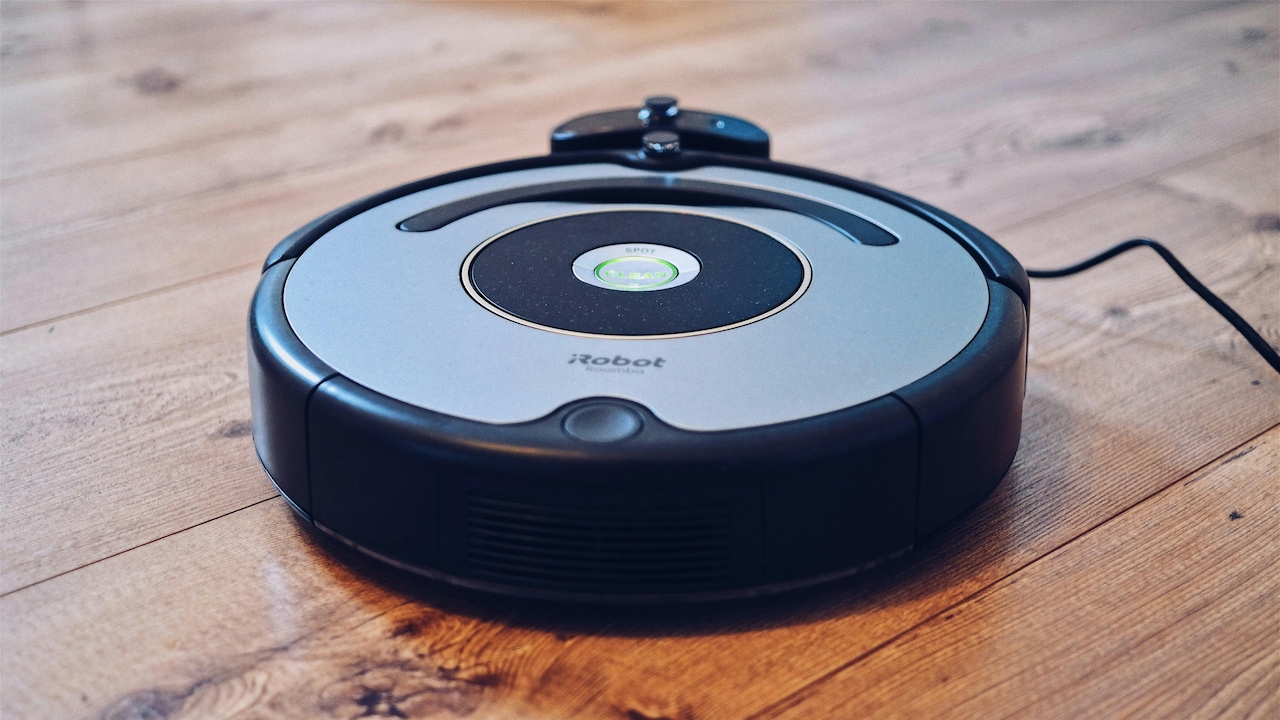
Mapping can also cause robot vacuums miss certain spots every time you use them; Photo Credit: Pexels
6) Low Battery Makes Robots Rush The Last Part
Robot vacuums are like people on a deadline. They get sloppy when time is running out.
If the robot is low on battery, many models try to finish quickly or return to the dock early. This often results in missed corners, incomplete room coverage, and patchy cleaning along the edges.
In smaller homes, this doesn't show up much. But in larger flats or homes with multiple rooms, the robot may clean the centre areas first and leave the corners for later. Then the battery drops, and the corners lose.
To fix this, schedule cleaning when the robot is fully charged. If it's a big home, run it more frequently so it doesn't have to tackle everything at once. Daily runs reduce the workload, and the robot spends less time struggling with heavy debris.
If the model supports “resume cleaning after charge”, enable it. That feature allows the robot to return, recharge, and continue from where it left off. Without it, the robot may start over and never properly reach the last zones.
Also, check the battery health. After a couple of years, battery capacity drops. A replacement battery can feel like giving the robot a second life.
7) Suction Settings And Cleaning Modes Matter More Than Expected
Many people set up the robot once and never touch the settings again. That's understandable. Nobody wants to spend their evening adjusting suction levels.
But settings matter.
If the robot is set to a quiet mode, it may not have enough suction to pull debris from corners. It may glide over fine dust and leave a faint layer behind. It may also struggle on textured tile or uneven grout lines, where dirt hides like it pays rent.
Some robots also have different navigation modes: quick clean, deep clean, edge clean, and spot clean. Quick clean is great for daily maintenance, but terrible for corners. Deep cleaning often makes the robot move more slowly and overlap paths, which improves coverage.
The fix is to use different modes for different days. Quiet mode works on weekdays when you want basic upkeep. Deep clean works once or twice a week when you want proper results.
If your home has a lot of dust, raising the suction for the first 10 minutes of a run can help. It clears the heavier debris early and prevents the robot from pushing it around later.
It's not about maxing everything all the time. It's about choosing the right setting for the mess you actually have.
8) Brushes And Filters Clog Faster Than People Realise
Robot vacuums are small machines doing big work. They clog easily, especially in homes with hair, fabric lint, and fine dust.
A clogged filter reduces suction. A tangled roller brush stops lifting debris. A packed dustbin forces dirt to spill back onto the floor. And the saddest part is that the robot often continues cleaning as if everything is fine.
Corners are the first to suffer when suction drops. That's because corners need stronger airflow to pull debris out. If suction is weak, the robot will still clean open areas reasonably well, but edges and corners will look unchanged.
The fix is maintenance, but not the exhausting kind.
Empty the bin after every run if your home is dusty. Clean the filter weekly. Wash it only if the model allows washable filters. Replace filters every few months. Remove hair from the roller brush regularly.
If you want a realistic benchmark, check the dustbin after one run. If it's more than half full, the robot needs more frequent emptying. A robot vacuum is not a magic dust storage unit. It's a cleaner with a tiny stomach.
9) Thresholds, Mats, And Door Lips Create Invisible Barriers
A robot vacuum can climb small thresholds, but not all thresholds. And not all robots.
Many homes have door lips, uneven tile transitions, thick mats, or small steps between rooms. To a human, it's nothing. To a robot, it can be a mountain.
When the robot fails to cross into a room or a corner area, it doesn't always show an error. It might try once, fail, and then decide that the zone is inaccessible. Then the room becomes a permanent blind spot.
This is especially common near balconies, kitchens, and bathrooms, where floor levels can change slightly. It's also common with thick doormats, especially the rubber-backed ones that curl at the edges.
Fixing this can be surprisingly easy. Replace thick mats with low-profile ones. Flatten curled edges. Use a small threshold ramp if needed. Some people even use a thin strip to smooth a transition.
Also, check the wheels. If the wheels are dusty or hair-wrapped, grip reduces. The robot struggles to climb even small lips.
Once the robot can move smoothly between zones, cleaning becomes more consistent, and missed spots are reduced dramatically.
10) The robot isn't failing; your expectations are just too high
This point stings a bit, but it's the one that saves the most frustration.
Robot vacuums are excellent at maintenance cleaning. They are not perfect replacements for a full deep clean. Corners, behind heavy furniture, and tight spaces will always be tricky. Even the most expensive models sometimes miss things. It's not laziness. Its limitation.
The real win is not spotless corners every single day. The real win is that the home stays consistently clean with less effort. Dust reduces. Hair doesn't gather into tumbleweeds. The floor feels better underfoot. Guests can drop in without a panic clean.
A helpful way to think about it is this: a robot vacuum is like having a helpful assistant who sweeps daily. But once a week, a proper human sweep still finishes the job.
If you accept that balance, robot vacuums become far more satisfying. Instead of staring at one missed corner and feeling annoyed, you notice the bigger picture: the home is cleaner overall, and your time is yours again.
And that's worth more than perfect corners.
Products Related To This Article
1. Lefant M210 Robot Vacuum Cleaner, 2200Pa Strong Suction
2. DREAME F10 Black 2 in 1 Robot Vacuum Cleaner & Mop
3. Eureka Forbes SmartClean Auto Bin Turbo
4. ILIFE A30 Pro Robotic Vacuum Cleaner with Self-Empty Station
5. NARWAL Freo X Ultra Robot Vacuum & Mop Combo
If your robot vacuum keeps missing corners and leaving dusty edges behind, it's not broken. It's doing what most robot vacuums do when faced with real homes: awkward corners, chair legs, rugs, thresholds, and dust that refuses to cooperate.
The fix isn't one magic setting. It's a combination of small changes: fresh side brushes, better mapping, cleaner sensors, the right suction mode, and a little bit of furniture discipline before a run. Once those are in place, the robot stops behaving like a confused tourist and starts cleaning like it actually belongs there.
Corners may still need a quick manual touch-up now and then. But when the rest of the floor stays consistently clean, that small compromise feels fair.
Because honestly, the dream was never a perfect robot. The dream was not having to sweep every single day.
(Disclaimer: This article may include references to or features of products and services made available through affiliate marketing campaigns. NDTV Convergence Limited (“NDTV”) strives to maintain editorial independence while participating in such campaigns. NDTV does not assume responsibility for the performance or claims of any featured products or services.)