5 Wireless Mouse That Feel Smoother For Long Working Hours
Looking for a smoother workday? These five wireless mice offer better comfort, precise tracking, and reliable performance, perfect for long hours at your desk without the usual strain.
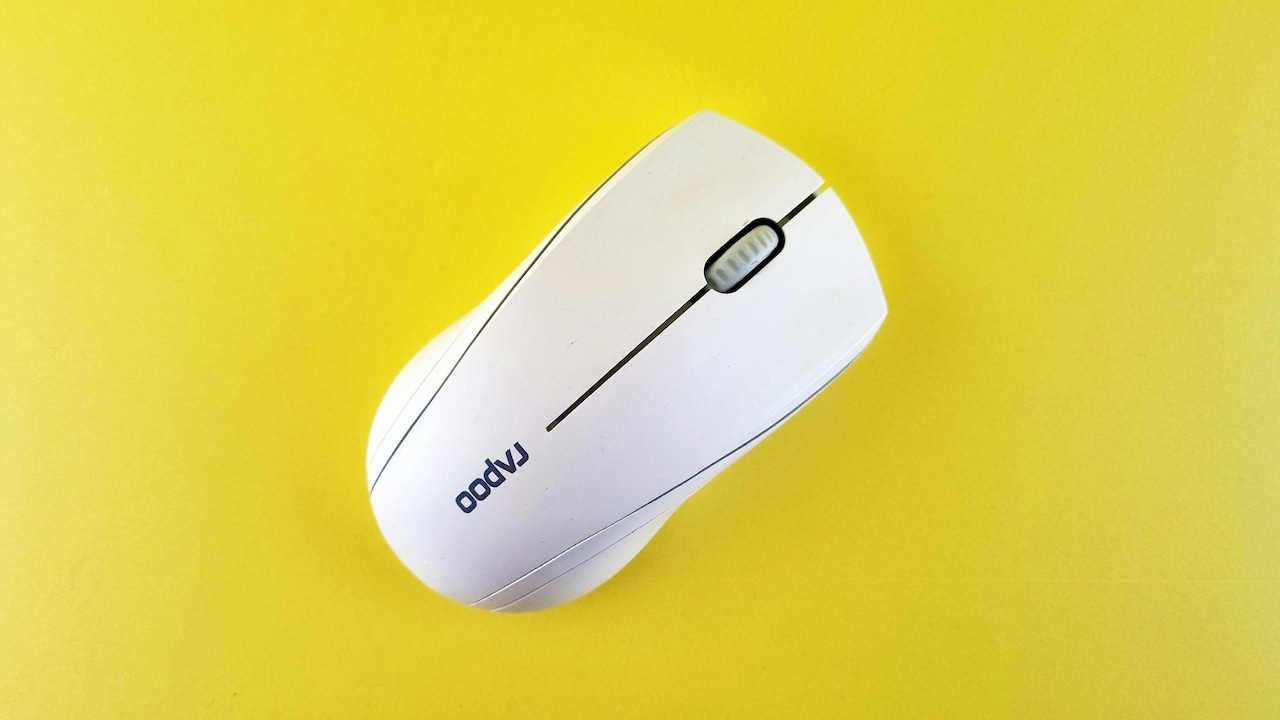
Top 5 Wireless Mice For Comfort And Precision During Long Workdays
A recent workplace survey revealed something unexpected: most desk-related fatigue doesn't come from long meetings or endless emails, but from subtle discomfort in everyday tools. That slight wrist strain, the uneven cursor movement, or even the irritating click sound can add up over hours. So, upgrading a wireless mouse isn't just about convenience; it's about preserving focus and comfort through the day. With more people working across laptops, tablets, and even phones, the right mouse now needs to multitask as well as its user. That's where these five wireless picks stand out; they feel smooth, responsive, and built for long stretches without frustration.

5 Wireless Mice That Feel Smoother For Long Working Hours
Photo Credit: Pexels
Why A Smooth Wireless Mouse Matters For Daily Work
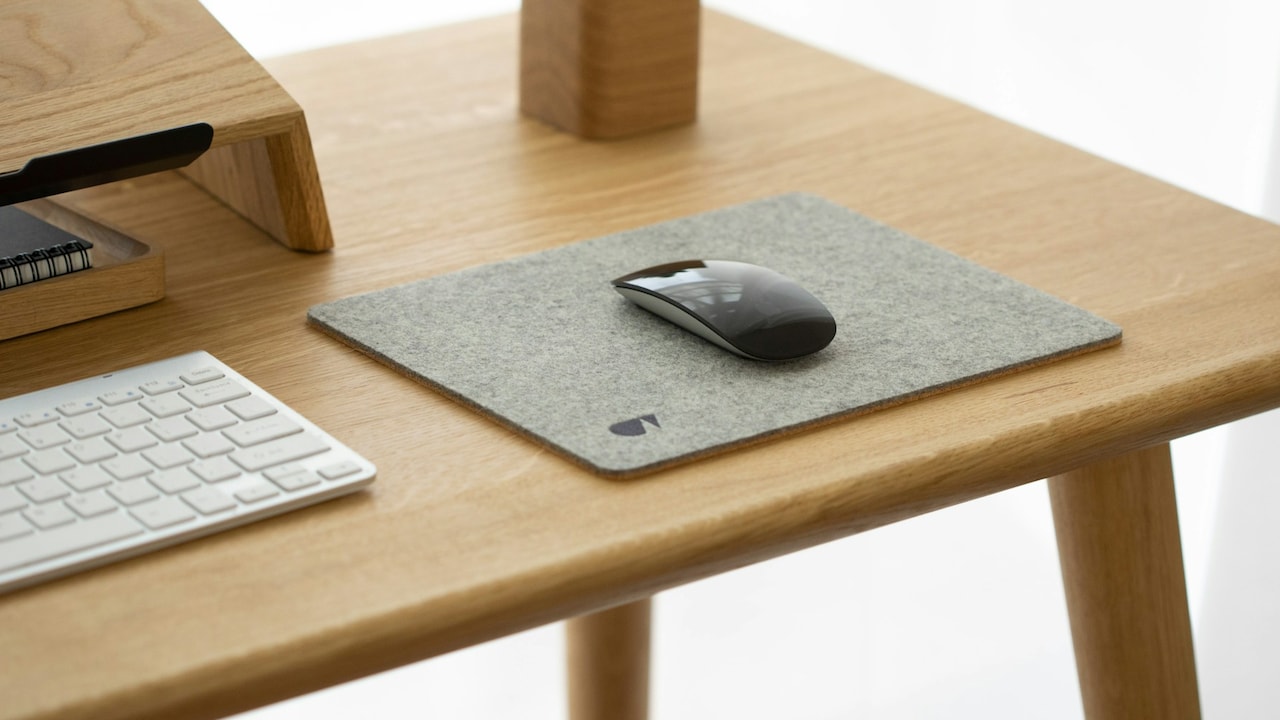
A smooth wireless mouse isn't just a luxury anymore. It plays a direct role in productivity. When cursor movement feels precise and lag-free, tasks like editing documents, designing graphics, or even browsing become quicker. Also, ergonomic design helps reduce wrist strain during long sessions.
Modern wireless mice now offer features like adjustable DPI, silent clicks, and multi-device connectivity. These small upgrades make a big difference. So, choosing the right one can improve both comfort and efficiency without much effort.
Top Picks For Smooth And Comfortable Workdays
1. Portronics Toad One
This mouse balances style and functionality with ease. It supports dual wireless modes, Bluetooth and 2.4 GHz, which makes switching between devices seamless. The ergonomic design sits comfortably in the palm, even during extended use. It also includes adjustable DPI settings, which help fine-tune cursor sensitivity for different tasks. The RGB lighting adds a playful touch, while the rechargeable battery ensures uninterrupted work for days.
2. Logitech M196
Logitech keeps things simple yet effective here. The M196 connects via Bluetooth without needing a dongle, which frees up ports on compact laptops. Its lightweight and ambidextrous design suits both left- and right-handed users. What stands out is its smooth tracking across various surfaces, making it reliable even without a mouse pad. Also, its durable build and long battery life make it a dependable everyday companion.
Also Read: What Is Mouse Polling Rate? How 125Hz vs 1000Hz Affects Smoothness And Lag
3. ZEBRONICS Dash Pro
For those who prefer a no-fuss option, this one delivers steady performance. The Dash Pro features a three-level DPI adjustment, allowing smooth cursor control whether working on spreadsheets or browsing. Its lightweight body reduces strain during long hours, and the ergonomic shape supports natural hand positioning. The power-saving mode also helps extend battery life, making it practical for regular use without constant battery changes.
4. Lenovo 600 Silent Mouse
This mouse focuses on quiet efficiency. Its silent buttons eliminate the constant clicking noise, which can be distracting in shared spaces or late-night work sessions. The compact design fits easily into a laptop bag, yet still offers a comfortable grip. With adjustable DPI levels and the ability to connect to multiple devices, it handles multitasking smoothly. The long battery life also means fewer interruptions during busy weeks.
5. Arctic Fox Pureview Transparent Mouse
This one adds a bit of personality to the desk setup. The transparent design stands out immediately, but it's not just about looks. It supports triple-mode connectivity, allowing quick switching between devices. The ergonomic build ensures a comfortable grip, while adjustable DPI levels provide precise tracking. Its rechargeable battery lasts for weeks, and the built-in battery display helps keep track of usage. It's a stylish yet practical choice for long hours.
A smooth wireless mouse can quietly transform the workday. It reduces strain, improves accuracy, and keeps things flowing without interruption. Whether the priority is silent clicks, multi-device support, or ergonomic comfort, these five options cover different needs. Choosing the right one isn't complicated; it's about finding what feels natural and keeps work effortless. Shop now on Amazon
(Disclaimer: This article may include references to or features of products and services made available through affiliate marketing campaigns. NDTV Convergence Limited (“NDTV”) strives to maintain editorial independence while participating in such campaigns. NDTV does not assume responsibility for the performance or claims of any featured products or services.)