Does Raising Your Laptop Always Improve Ergonomics? 10 Common Myths Explained
Raising your laptop may help posture, but it is not a complete ergonomic fix. From standing desks to costly chairs, this guide breaks down 10 common myths and explains what actually makes a workspace more comfortable.
Does Raising Your Laptop Help? 10 Ergonomics Myths Explained
The modern desk has become a small laboratory of productivity. There is the laptop stand, the wireless keyboard, the lumbar cushion, the bottle of water, perhaps a desk plant fighting bravely for sunlight, and usually one charging cable that refuses to stay where it belongs. Alongside all that equipment comes a steady stream of ergonomic advice. Raise the laptop. Sit perfectly straight. Keep both feet planted. Buy an expensive chair. Never work from the sofa. Some tips contain useful logic, but desk comfort rarely follows such rigid rules. Bodies move. Tasks change. A person typing for three hours needs something different from someone jumping between calls, spreadsheets and handwritten notes. Even height, eyesight and desk depth alter what feels comfortable. Good ergonomics does not mean creating one mathematically perfect pose and holding it until dinner. It means reducing unnecessary strain while making movement easy. So before placing a laptop on another stack of old exam guides, it is worth separating useful principles from popular desk folklore.
Does Raising Your Laptop Help? 10 Ergonomics Myths Explained; Photo Credit: Pexels
10 Desk-Setup Myths That Could Be Making You Less Comfortable
1. Raising Your Laptop Always Improves Posture
Raising a laptop can help, but height alone solves only half the problem.
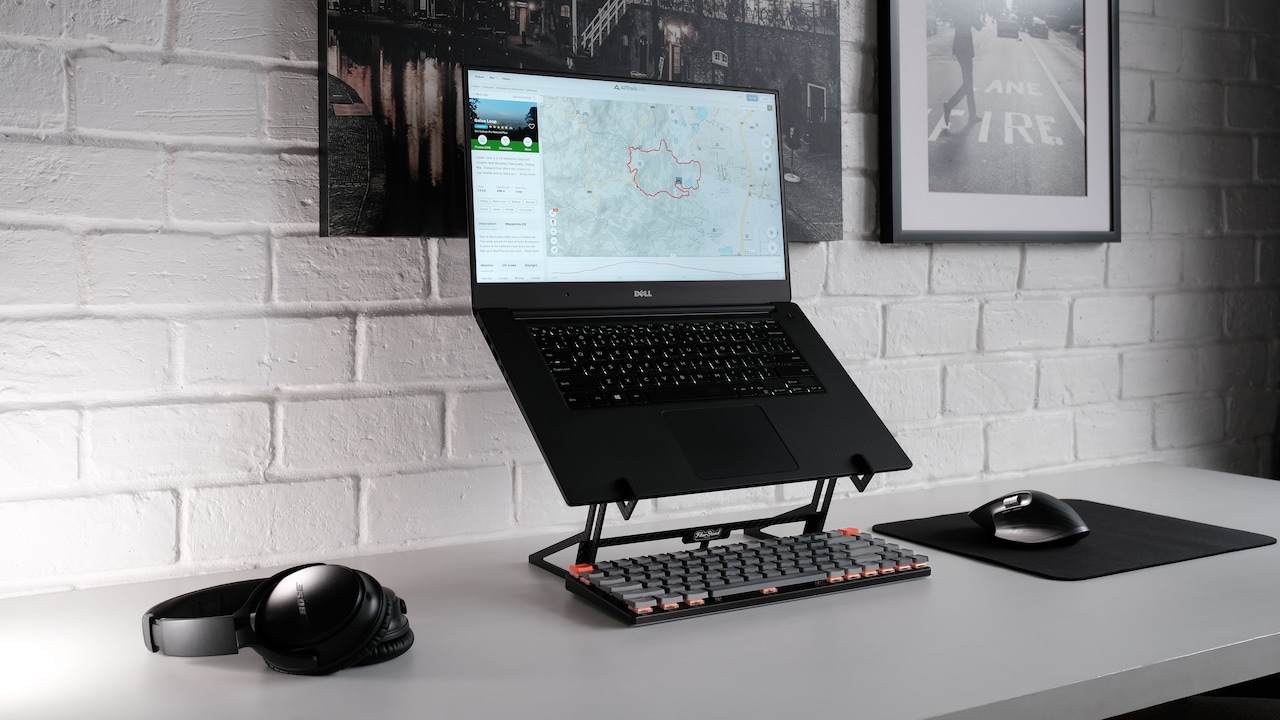
A low laptop screen often encourages the head to drift forward and the neck to bend. Elevating the display closer to eye level can reduce that tendency. Trouble begins when the keyboard rises with it. Suddenly, the shoulders lift, elbows float awkwardly and wrists bend towards the keys. The neck may feel better while the arms begin filing their own complaint.
For longer work sessions, a raised laptop usually works best with a separate keyboard and mouse. That arrangement allows the screen and hands to sit at different heights.
There is no need to turn the setup into an engineering project either. A sturdy laptop stand works, but so can a secure platform already available at home.
The important question is not, “Is the laptop higher?” It is, “Can the head, shoulders, arms and wrists stay comfortable together?”
Ergonomics works as a system. Fixing one body part while annoying three others hardly counts as progress.
Also Read: Work, Study And Stream: Top 10 Budgeted Laptops To Buy
2. Sitting Perfectly Straight Is The Healthiest Position
“Sit up straight” may be one of the most familiar instructions ever delivered across a household. Unfortunately, holding a military-style posture throughout an eight-hour workday does not guarantee comfort.
A useful sitting position usually keeps the spine supported without forcing it into stiffness. The back can rest against the chair, the shoulders can relax, and a slight recline may feel more natural than sitting bolt upright.
More importantly, no single position deserves the title of perfect posture.
Even a technically excellent sitting position can become uncomfortable when held for too long. Muscles enjoy variation far more than statuesque discipline. Leaning back during a call, sitting forward briefly while concentrating and standing up between tasks can all form part of a sensible routine.
Think of posture as a playlist rather than one song on repeat.
The goal is not to freeze the body into an impressive-looking shape. It is to avoid spending hours collapsed, twisted or tense while still allowing natural movement throughout the day.
Comfortable posture changes. That is not bad form; that is how bodies work.
Does Raising Your Laptop Help? 10 Ergonomics Myths Explained; Photo Credit: Pexels
3. An Expensive Ergonomic Chair Will Fix Everything
A ₹50,000 office chair can offer excellent adjustability, but it cannot rescue a poorly arranged workstation on its own.
Imagine sitting in a premium chair while using a desk that sits too high. The shoulders may still rise towards the ears while typing. Place the monitor too far to one side and the neck may still spend hours turned like someone watching television from the wrong seat at a family gathering.
Chair quality matters, but fit matters more.
Seat height should allow stable support for the feet. The backrest should support the torso comfortably. Armrests should not force the shoulders upwards or prevent the chair from moving close enough to the desk. Seat depth also matters because a chair that presses behind the knees can become irritating surprisingly quickly.
A modest chair adjusted well may feel better than an expensive model adjusted badly.
Before blaming the furniture, check how the chair, desk, screen and input devices work together. Ergonomics rarely comes from one heroic purchase.
Sometimes the most valuable improvement costs nothing more than ten minutes of sensible adjustment.
4. Your Screen Must Sit Exactly At Eye Level
“Top of the screen at eye level” often appears as a universal ergonomic commandment. In reality, comfortable screen height varies.
Most people naturally look slightly downward while working. Positioning the main viewing area a little below direct eye level can therefore feel comfortable. A screen placed too high may encourage the chin to lift, which can create its own neck strain.
Screen size complicates the rule further. A large monitor requires a different setup from a compact laptop. People who wear progressive lenses may also prefer a lower display because their viewing zones affect head position.
Distance matters just as much as height.
If text looks tiny, the body often moves towards the screen without conscious thought. Soon the head sits several centimetres in front of the shoulders. Increasing text size may help more than raising the monitor another two inches.
A sensible screen position lets the head remain relaxed while the eyes view most content without effort.
Treat eye level as a starting point, not a sacred measurement. Comfort gets the final vote.
5. Both Feet Must Stay Flat On The Floor
Keeping the feet supported can improve comfort, but that does not mean both soles must remain glued to the floor from 9 am until logout.
For some people, a chair height that suits the desk leaves their feet dangling slightly. In that situation, lowering the chair may create a new problem by placing the keyboard too high. A footrest can provide support without disturbing the rest of the setup.
People also shift positions naturally. One foot may move backwards. Legs may stretch forward for a few minutes. Crossing the ankles briefly is unlikely to destroy an otherwise sensible workstation.
Problems usually come from long periods in the same awkward position rather than occasional movement.
Foot support matters because it can reduce pressure and help the body feel stable while sitting. The exact position can change through the day.
A small footrest need not look like specialist laboratory equipment either. A stable, appropriately sized platform can do the job.
The principle is simple: support the body, but do not treat natural movement as an ergonomic crime.
Does Raising Your Laptop Help? 10 Ergonomics Myths Explained; Photo Credit: Pexels
6. Standing Desks Are Automatically Healthier
Standing desks have become office-status symbols in some workplaces, complete with motors that glide upwards with impressive seriousness. Yet replacing eight hours of sitting with eight hours of standing misses the point.
Standing for long stretches can bring its own discomfort. Feet may ache, legs can feel tired and people often begin leaning heavily against the desk after a while.
The real advantage of an adjustable desk lies in changing positions.
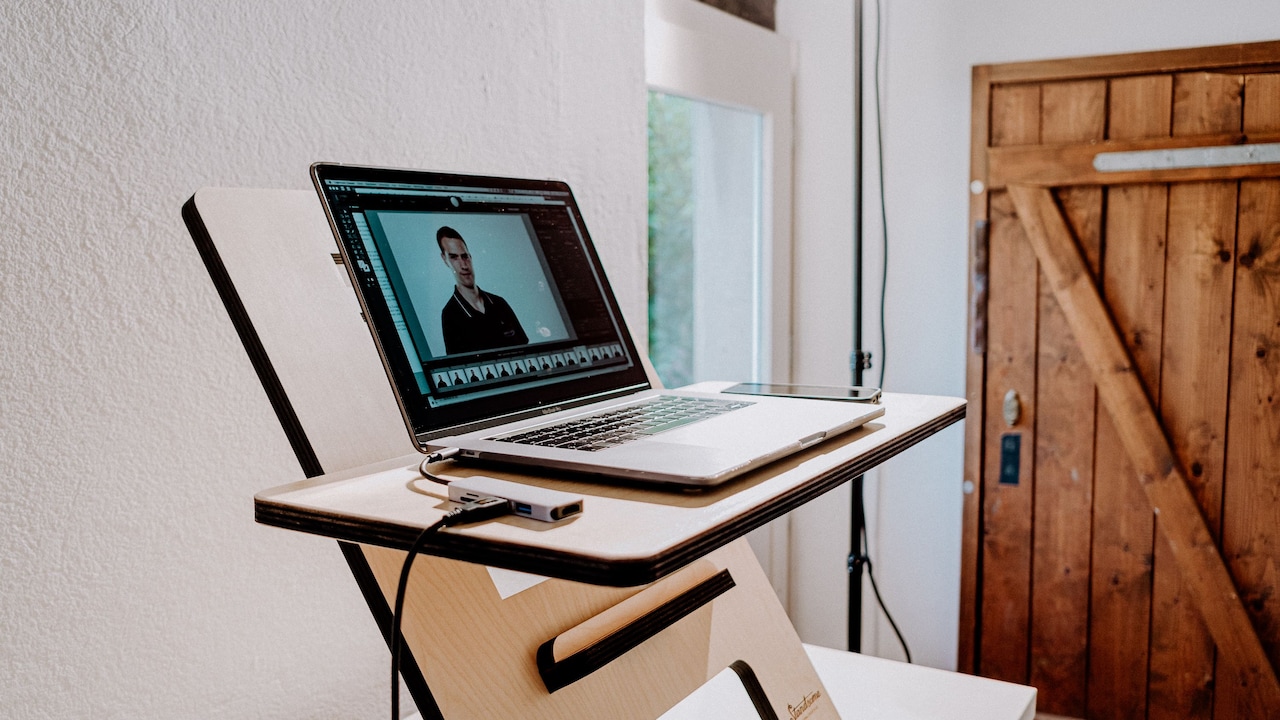
A person might sit while writing a detailed report, stand during a short meeting, then walk while taking a phone call. That variation reduces the amount of time spent in one posture.
Standing height also needs attention. A desk set too high may raise the shoulders. One set too low can encourage slouching. The keyboard should generally remain within easy reach without forcing the wrists or shoulders into awkward angles.
No motorised desk? The principle still works. Regularly leaving the chair, fetching water or taking calls while standing introduces movement.
The healthiest desk may not be a standing desk. It may simply be one that makes changing position easy.
7. Wrist Rests Should Support Your Wrists While Typing
The name “wrist rest” creates understandable confusion. Surely the wrists should rest on it while typing?
Not necessarily.
Pressing the wrists firmly into a padded support while typing can create uncomfortable pressure and may encourage awkward hand angles. A support often works better during pauses, when the hands are not actively moving across the keyboard.
While typing, the hands should reach the keys comfortably without excessive bending upwards, downwards or sideways. Keyboard height plays a major role here. If the desk sits too high, adding an enormous cushion in front of the keyboard does not address the original problem.
Soft surfaces can still make a desk more comfortable, especially around hard edges. The aim should be gentle support rather than pinning the wrists in place.
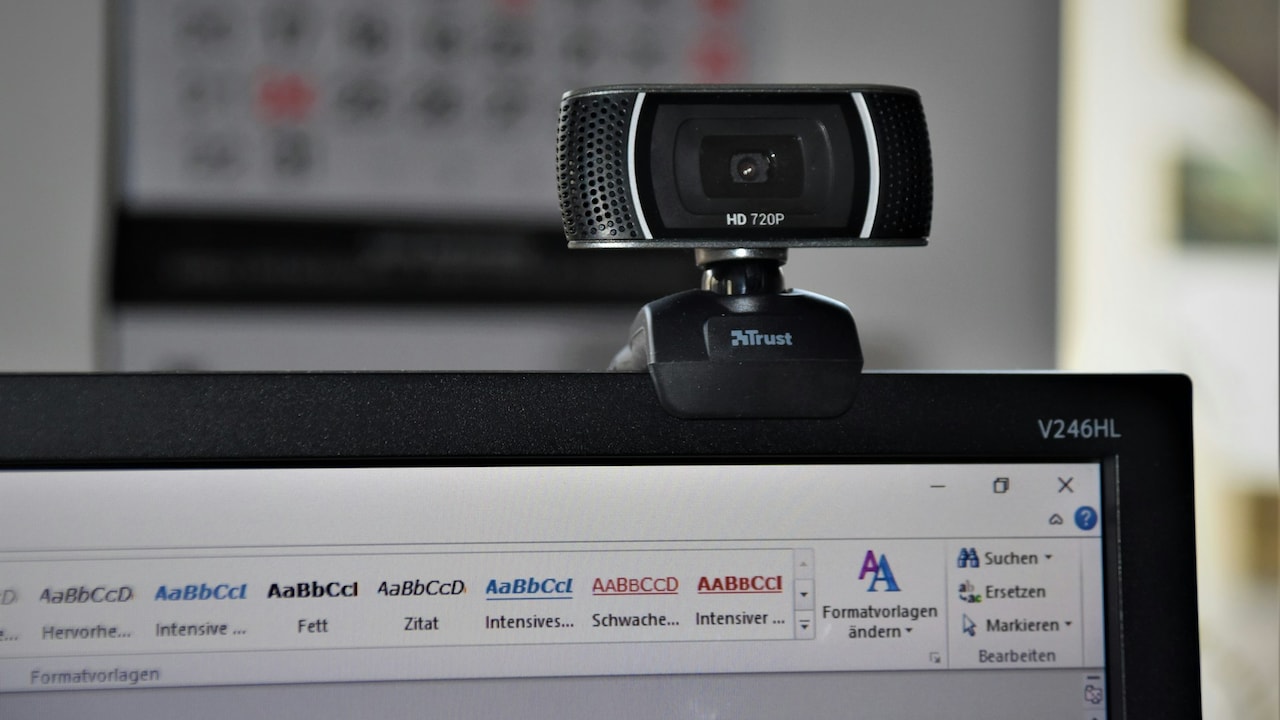
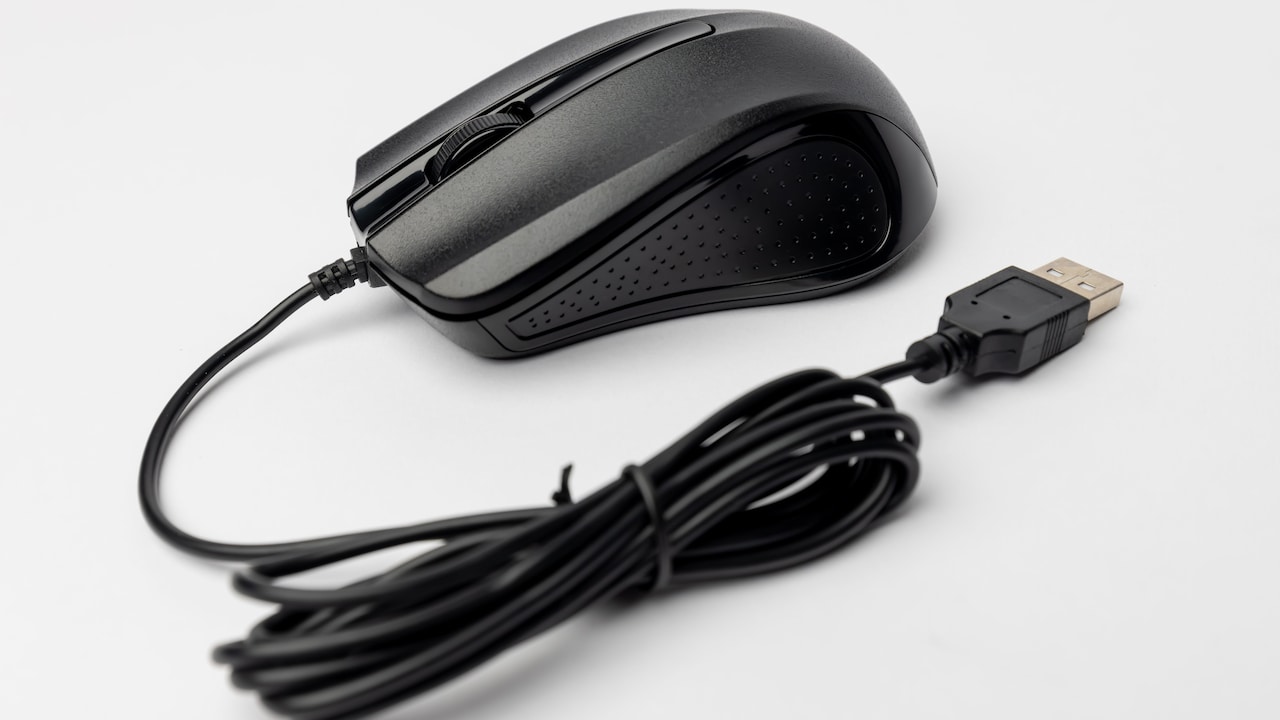
Mouse position matters too. A mouse sitting far from the keyboard forces the arm to keep reaching outward, particularly during spreadsheet-heavy days when the cursor appears to travel more than a suburban commuter.
Keep frequently used devices close.
Comfort usually improves when the arms can stay relaxed and movement feels easy rather than restricted.
8. A Bigger Monitor Is Always Better For Productivity
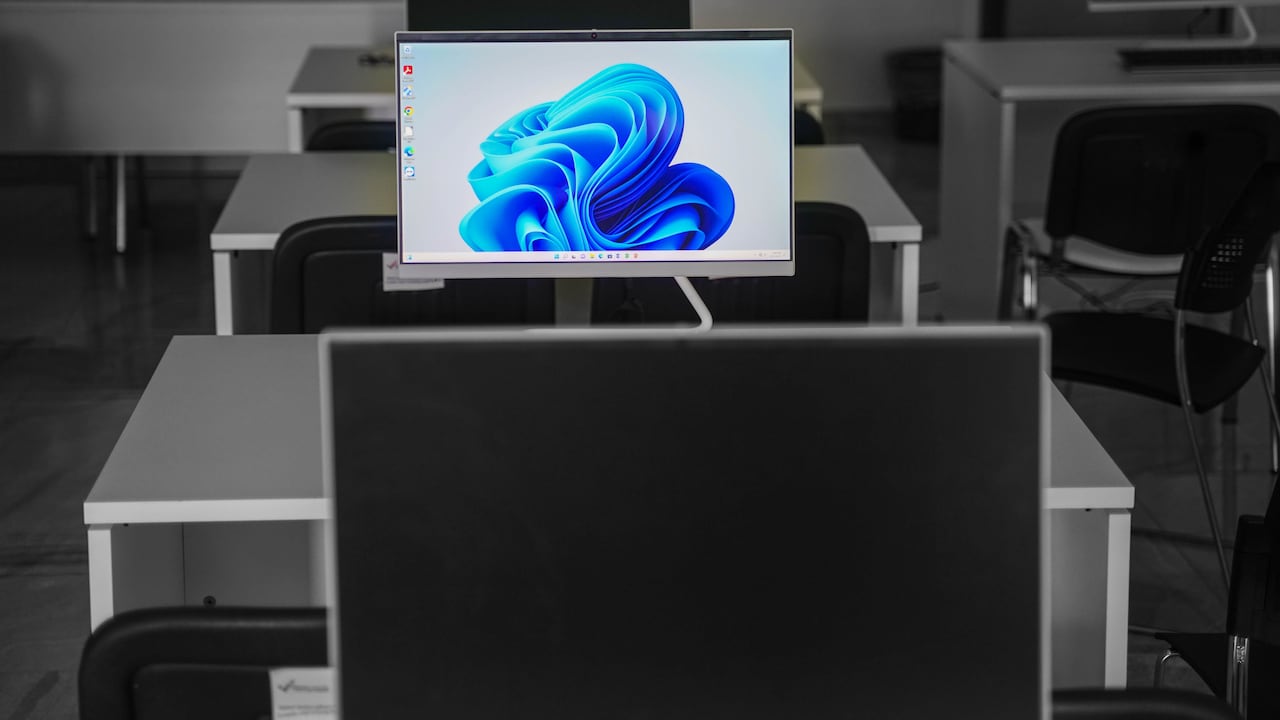
A generous screen can make spreadsheets, design work and multitasking easier. That does not mean the largest monitor that fits through the doorway offers the best ergonomic experience.
A very wide display positioned too close may require constant head turning. A huge screen placed too high can make the neck tilt upwards. Meanwhile, small text on a large, high-resolution monitor may still encourage leaning forward.
Bigger works best when desk depth and viewing distance support it.
The screen should allow comfortable viewing without forcing repeated exaggerated movements. For dual monitors, placement should reflect how often each one gets used. If both receive equal attention, positioning them symmetrically can make sense. If one serves as the main display, keeping it directly in front usually reduces unnecessary neck rotation.
Window management can also outperform hardware upgrades. Sensible text scaling, larger fonts and fewer chaotic tabs may bring more comfort than adding another monitor.
There is nothing wrong with enjoying a dramatic screen setup. Just remember that the neck has no interest in specifications.
Productivity depends on how easily the display can be used, not how cinematic it looks.
9. Working From A Sofa Is Always Bad For Your Back
A sofa is not automatically an ergonomic disaster zone. Spending every working day curled into one corner with a laptop balanced on the stomach, however, can become uncomfortable quickly.
Sofas encourage relaxed postures, which explains their charm after a long day. They rarely provide ideal support for extended typing sessions. Soft cushions can let the pelvis sink, while a laptop placed on the thighs pulls the gaze downward.
Still, context matters.
Reading a document for twenty minutes from a sofa differs greatly from completing a six-hour presentation there. Short changes of location can even provide useful variation during the day.
When working away from the main desk, simple adjustments help. Supporting the laptop securely, keeping the screen reasonably visible and avoiding tightly twisted positions can make short sessions more comfortable.
The bed follows similar logic. Answering a few messages there does not trigger an ergonomic emergency. Turning it into a permanent office usually creates more challenges.
Instead of dividing furniture into “good” and “bad”, consider duration, task and posture. The body handles variety well. It struggles more with awkward positions repeated for hours.
10. Good Ergonomics Means Buying More Accessories
Desk accessories have developed an impressive talent for multiplying. One ergonomic purchase can quickly lead to a monitor arm, vertical mouse, split keyboard, footrest, seat cushion, document holder and something mysterious marketed as a “posture solution”.
Some accessories genuinely help. None deserve automatic entry onto every desk.
The best setup starts with the problem, not the product.
If the neck feels strained because the screen sits too low, raising it may help. If the feet lack support, a footrest might make sense. If the mouse causes repeated reaching, simply moving it closer could solve the issue without spending ₹1.
This approach also prevents desks from becoming crowded with solutions looking for problems.
Ergonomics often comes down to surprisingly ordinary details: sensible screen placement, relaxed shoulders, supported sitting, comfortable reach and regular movement.
Equipment should serve those principles rather than replace them.
Before clicking “Buy Now”, change one thing and see how the body responds over several work sessions. A smarter desk does not need to resemble a gadget showroom.
Sometimes the best ergonomic accessory is enough space to move.
Products Related To This Article
1. PLIXIO Adjustable Laptop Stand with 360° Rotating Base Tabletop
2. Dyazo 6 Angles Adjustable Aluminum Ergonomic Foldable Portable Tabletop
3. 6 Angles Adjustable Aluminum Laptop Stand
4. Amkette Ergo Hi-Rise V2 Laptop Stand 360 Rotation
5. Laptop Stand, Height-Adjustable, Foldable
6. Zebronics NS5500 Rotatable Laptop Cooling Stand
7. AGARO Metal Laptop Stand, 360° Rotating, Ergonomic, Height & Angle Adjustable
A comfortable workspace rarely comes from following one rigid rule. Raising a laptop can help, but not when it pushes the keyboard towards shoulder height. Standing can feel refreshing, but not when it becomes another position held for hours. An expensive chair can support the body beautifully, yet it cannot compensate for a badly placed screen or unreachable mouse.
The common thread behind good ergonomics is variation.
The body prefers movement, reasonable support and equipment that matches the person using it. Small adjustments often matter more than dramatic desk transformations. Move the screen. Change the chair height. Bring the mouse closer. Increase the font size. Stand during a call. Then notice what actually feels different.
That last step matters because desk setups are personal. Height, vision, work habits, available space and daily tasks all shape what feels comfortable.
So yes, raise the laptop when it improves the overall setup. Just do not assume higher automatically means healthier.
The most ergonomic desk is not the one that looks perfect in a productivity reel. It is the one that lets the person using it finish the day without feeling as though their neck, shoulders and wrists have completed a separate shift of their own.
(Disclaimer: This article may include references to or features of products and services made available through affiliate marketing campaigns. NDTV Convergence Limited (“NDTV”) strives to maintain editorial independence while participating in such campaigns. NDTV does not assume responsibility for the performance or claims of any featured products or services.)