Laptop Height Rule: How to Set Up Your Stand to Fix Neck Pain
Neck pain from laptop use isn’t normal. Follow the laptop height rule, raise the screen to eye level, keep your hands low, and set up your stand properly to stop hunching and reduce daily strain.
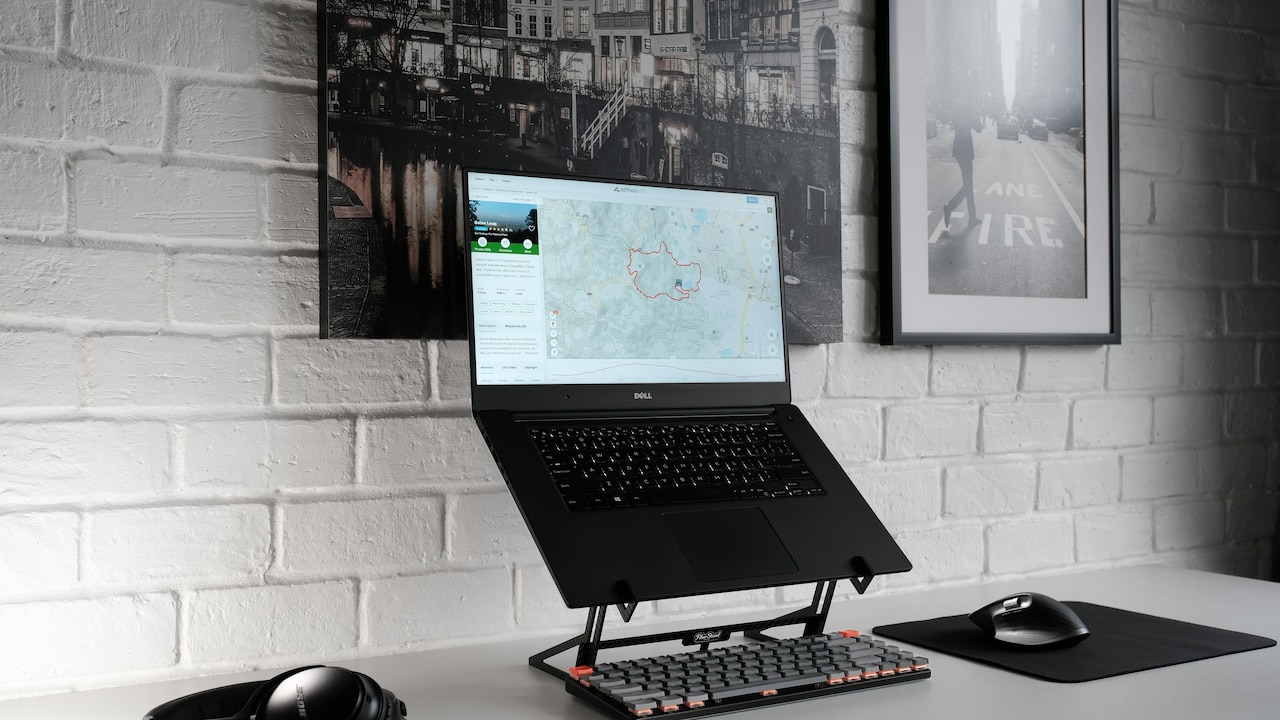
Laptop Height Rule: All You Need To Know About How to Set Up Your Laptop Stand to Fix Neck Pain.
Laptops are brilliant. They let you work from the dining table, the sofa, a co-working space, or even the passenger seat during a long trip (not while driving, obviously). But laptops have one tiny flaw that causes a lot of big drama: the screen and keyboard are stuck together.
So when the keyboard for a laptop feels comfortable, the screen is too low. And when the screen is at a healthy height, the keyboard is suddenly somewhere near your ribs. That's how people end up hunched like they're protecting a secret recipe.
The result? Neck pain. Shoulder tightness. Headaches. That dull ache between the shoulder blades that makes you roll your shoulders every five minutes like you're trying to start a scooter.
The good news: this is one of the most fixable problems in daily life. No complicated routines. No expensive chairs. Just the right laptop height, a few smart tweaks, and a setup that stops your neck from working overtime.
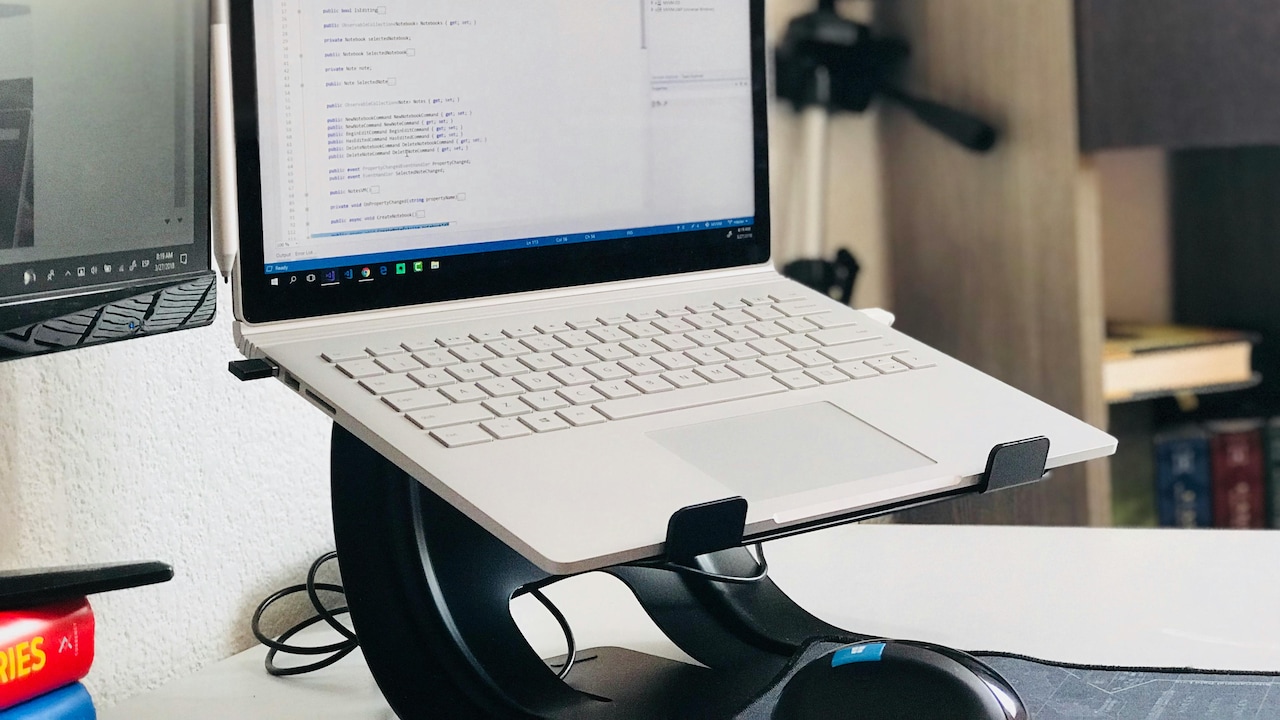
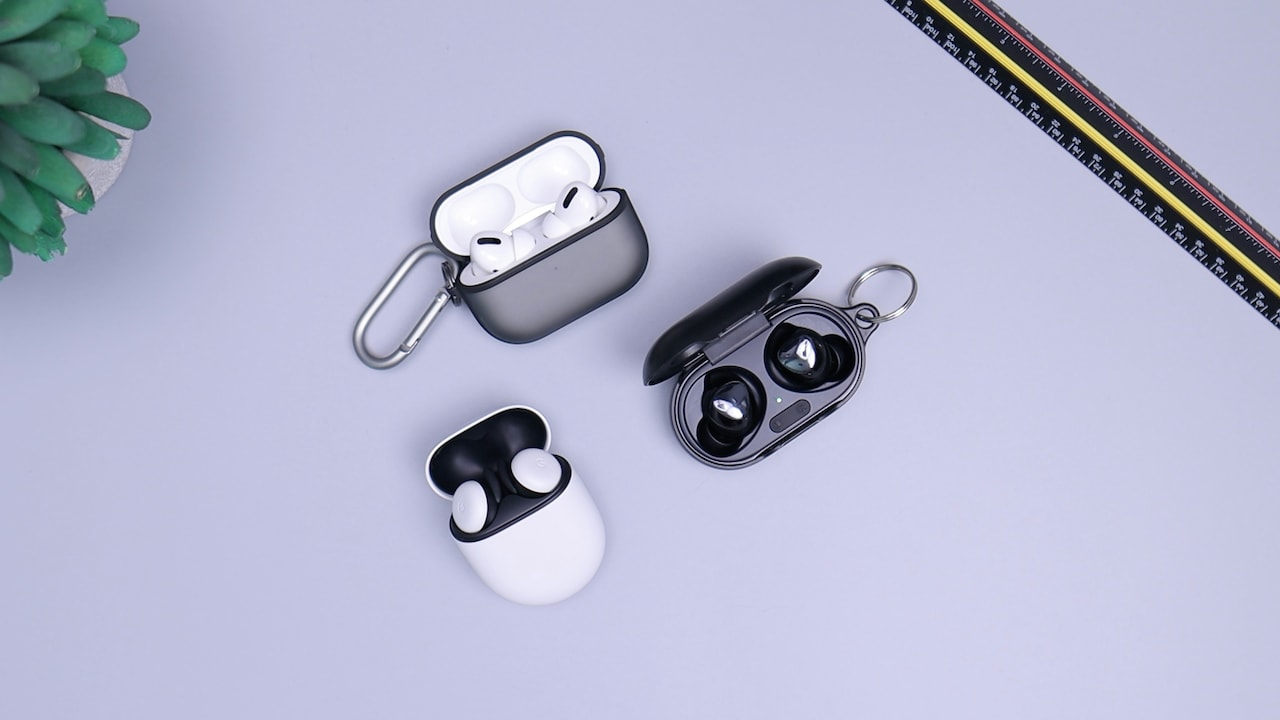
Laptop Height Rule: How to Set Up Your Stand to Fix Neck Pain; Photo Credit: Pexels
The 10-Step Laptop Height Setup That Stops Neck Pain
1) Understand the Laptop Height Rule: And Why Your Neck Cares
The laptop height rule is not complicated, but it is brutally important: the top of your laptop screen should sit at or just below eye level when you're sitting upright. That's it. That's the whole secret.
Neck pain usually starts because the head keeps tipping forward to look down. The head is not light. It feels light because it sits nicely balanced when the posture is good. But the moment it leans forward, the neck muscles panic and start holding that weight like a stressed-out friend carrying everyone's shopping bags.
That “small” bend becomes hours of strain. Over time, the neck stiffens, the shoulders creep up, and the upper back rounds. Then even after you shut the laptop, your body stays in that shape like it's saved as a default setting.
The rule works because it brings the screen to your eyes, so your head stays stacked over your shoulders. Less strain, fewer headaches, and a lot less end-of-day misery.
2) Set Screen Height First, Not the Keyboard
Most people set up their laptop by placing it on the desk and adjusting their chair. That feels logical. It's also how neck pain wins.
Instead, start with the screen. Decide where your eyes should land, then raise the laptop until the screen matches that height. If you do this properly, you'll immediately notice something: the keyboard is now too high and awkward to type on. Perfect. That means you're doing it right.
This is where people get annoyed and give up. They say, “But then how will I type?” as if the laptop is personally sabotaging them.
Here's the trick: treat the laptop like a monitor. The laptop becomes your screen. Typing becomes a separate job. This is why external keyboards exist, and why even a basic ₹700–₹1,200 keyboard can change your daily comfort more than a fancy chair.
Screen first. Keyboard second. This one shift alone fixes most neck pain from laptop use.
Also Read: Top 5 Laptop Stands For Better Desk Alignment And Daily Comfort At Work
3) Choose the Right Stand Height (Without Guessing)
Laptop stands come in all shapes: foldable aluminium ones, chunky plastic ones, fancy wooden ones, and DIY setups made from textbooks that have not been opened since school.
But the right height is not about brand. It's about your sitting position.
Sit upright. Relax your shoulders. Look straight ahead. Now imagine your laptop screen is floating in front of you. That's where it needs to be. If the top of the screen is too low, your chin drops. If it's too high, your neck tilts back like you're watching a ceiling fan.
A good stand usually raises the laptop by 15–25 cm, but don't get stuck on numbers. Bodies and chairs vary. A dining chair is not the same as an office chair. A bed setup is a completely different beast.
If you don't have a stand, stack sturdy books. Just make sure the base is stable, and the laptop won't wobble every time you breathe.
Your neck wants to be calm. Not suspense.
4) Fix Your Distance: The “Arm's Length” Rule
Height is only half the story. Distance matters just as much.
Place the laptop too close, and you'll crane your neck forward like you're trying to read tiny print on a shampoo bottle. Place it too far and you'll lean in anyway because your eyes want clarity.
A simple rule works well: keep the screen roughly an arm's length away. Not a dramatic superhero arm's length. Just a natural reach with your elbow slightly bent.
Now check the text size. If you're squinting, you'll still lean forward even with perfect height. Increase your zoom. Make fonts bigger. Your eyes are not supposed to struggle for your productivity.
A lot of neck pain is not posture weakness. It's a vision problem disguised as posture.
Set the distance, adjust the zoom, and suddenly your neck stops acting like it's on duty 24/7.
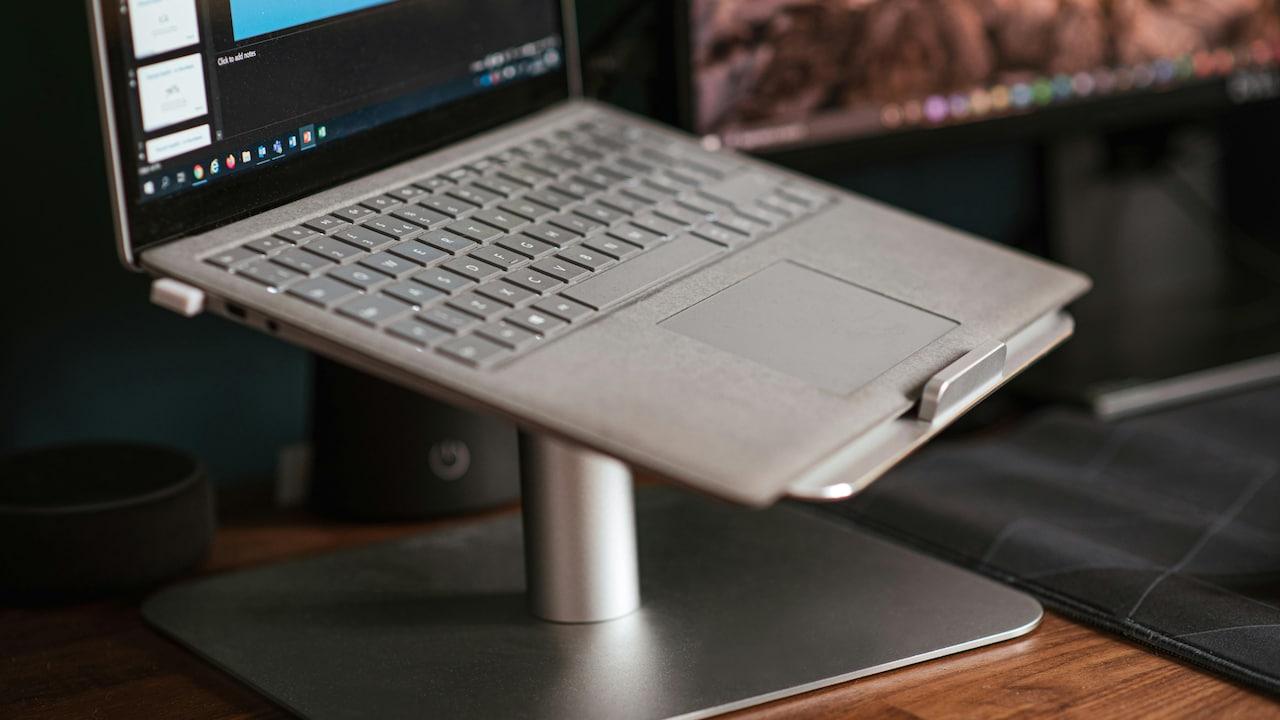
Laptop Height Rule: How to Set Up Your Stand to Fix Neck Pain; Photo Credit: Pexels
5) Keep Your Elbows Happy: External Keyboard and Mouse Setup
Once the screen is at the right height, typing directly on the laptop becomes awkward. Your shoulders lift. Your wrists bend. Your elbows float in the air like you're playing an invisible harmonium.
That's why the real laptop height rule comes with a partner rule:
Raise the screen, then lower the hands.
Use an external keyboard and mouse. Even the simplest ones work. Your elbows should sit close to your body, bent around 90 degrees. Your forearms should rest comfortably on the desk, not hang in mid-air.
If you're using a mouse, keep it close. If it sits too far away, your shoulder reaches forward repeatedly, which creates that annoying knot near the shoulder blade.
A good setup makes your arms feel boring. And boring is great. Pain usually arrives when your body has to do extra work for basic tasks.
6) Stop Perching: Adjust Chair Height and Back Support
A stand can fix your screen height, but if you're sitting like a perched crow, your neck will still suffer.
The chair height should allow your feet to rest flat on the floor. Knees roughly at hip level. If your chair is too high, you'll dangle your feet and slide forward. If it's too low, you'll hunch.
Now check your back. You don't need a luxury chair. You need support. A small cushion behind your lower back helps. Even a folded towel works. The goal is to stop the lower back from collapsing, because when the lower back collapses, the upper back rounds, and then the neck juts forward.
Posture is a chain reaction. The neck is just the final complaint department.
If you fix the chair and back support, the neck stops getting blamed for everything.
7) Get the Angle Right: Tilt the Screen, Don't Bend the Neck
Many laptop stands raise the device but leave the screen angle unchanged. That's where a sneaky problem begins.
If the screen is upright but your eyes are looking slightly down, the neck stays neutral. That's ideal. But if the screen reflects light, you'll tilt your head. If the angle is wrong, you'll crane forward.
Tilt the screen so it faces you directly, without glare. If you see reflections of a tube light or window, fix the angle or shift the laptop slightly.
This matters more than people think. Glare makes the eyes strain. Eye strain makes the head move forward. The head moving forward makes the neck tense. Then the shoulders join in like they were waiting for an invitation.
A good screen angle feels effortless. You shouldn't need to “hold” your head in place. It should simply sit there, calm and balanced.
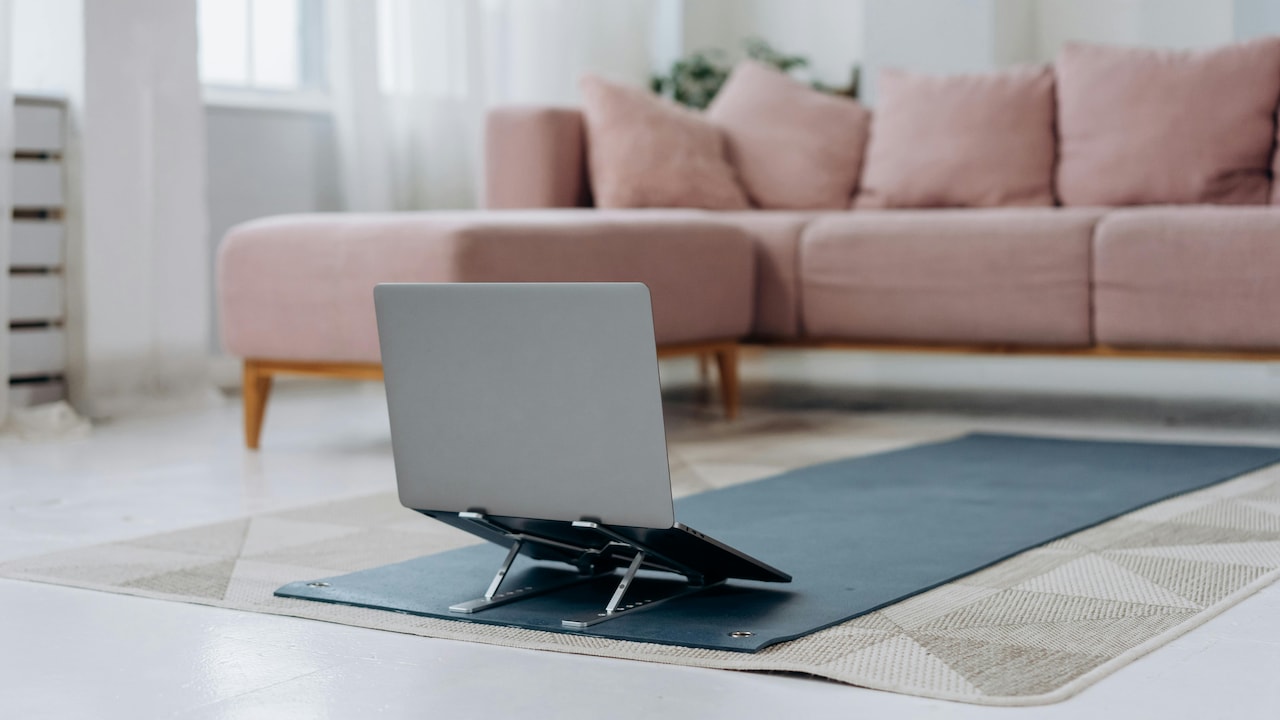
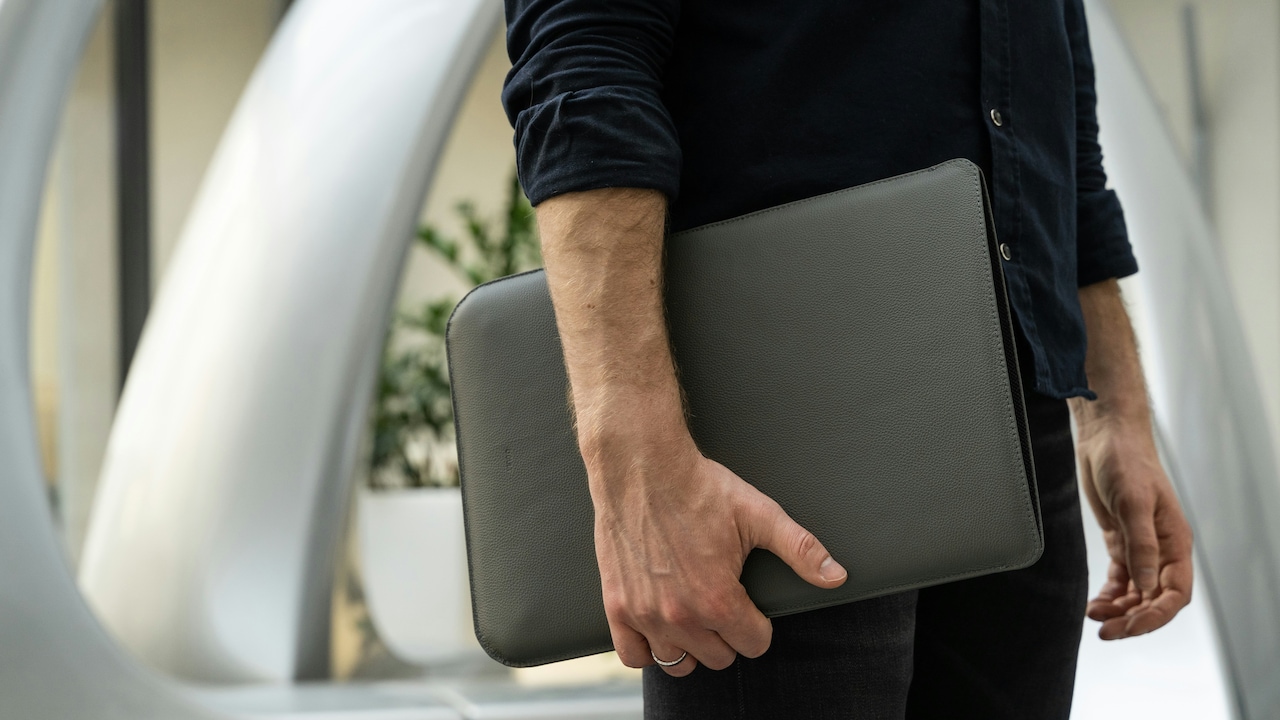
Laptop Height Rule: How to Set Up Your Stand to Fix Neck Pain; Photo Credit: Pexels
8) Work Anywhere Without Wrecking Your Neck (Sofa, Bed, Café)
The biggest lie in modern life is: “Work from anywhere.” Yes, you can. But your neck will send you a complaint letter.
Sofa work is the worst because it encourages slouching. Bed work is even worse because your spine twists like a phone charging cable. Café work can be okay, but tables and chairs often sit at odd heights.
If you must work in these places, use the same principles:
- Raise the screen (even with a bag, books, or a sturdy box)
- Use an external keyboard if possible
- Support your back with a cushion
- Keep your feet supported
In a café, avoid tiny stools if you're doing long sessions. Choose a chair with back support. If the table is too low, you'll hunch. If it's too high, your shoulders will lift.
The goal is not perfection. The goal is to reduce strain. Even a 60% improvement makes a big difference by evening.
9) The 30-30 Rule: Microbreaks That Actually Work
Even a perfect setup can't protect you if you stay frozen for hours.
The neck hates stillness. It loves gentle movement. That's why microbreaks are not optional; they're maintenance.
Try this: every 30 minutes, take 30 seconds. Roll your shoulders. Look left and right. Look up. Stand up if you can. Shake your hands out like you're flicking water off them.
This isn't a fitness routine. It's a reset button.
People often think they need a long workout to “undo” laptop pain. That helps, but it's not the main fix. The main fix is stopping the strain from building up in the first place.
Your body responds better to frequent small relief than to one dramatic stretch session at 10 pm while complaining about life.
Also, your brain will like these breaks too. Neck pain and mental fatigue often travel together like close cousins.
10) Common Mistakes That Keep Neck Pain Alive
Neck pain often stays because of small mistakes that feel harmless.
One big mistake: raising the laptop but continuing to type on the built-in keyboard. That forces the shoulders up and the wrists into odd angles. It swaps neck pain for shoulder pain. Not a good trade.
Another mistake: using a stand but placing the laptop off-centre. If the screen is slightly to one side, the neck rotates subtly for hours. The pain becomes lopsided, and you'll start cracking your neck like bubble wrap.
Also, many people ignore lighting. If the screen is dim or full of glare, the head leans forward. And if you keep checking your phone between tasks, your neck spends half the day looking down anyway.
Finally, don't blame “weak posture” too quickly. Most people don't need a posture lecture. They need a better setup and fewer hours in one position.
Your neck isn't dramatic. It's just tired of being asked to do a job that furniture should be doing.
Products Related To This Article
1. Dyazo 6 Angles Adjustable Aluminum Ergonomic Foldable Portable Tabletop Laptop
2. PLIXIO Adjustable Laptop Stand with 360° Rotating Base Tabletop Ergonomic Foldable Portable Holder Compatible for MacBook
3. Zebronics-NS1000 Laptop Stand Featuring Foldable Design
4. STRIFF Laptop Tabletop Stand, Adjustable Laptop Computer Stand
5. PLIXIO Adjustable Laptop Stand with 360° Rotating Base Tabletop Ergonomic Foldable Portable Holder Compatible for MacBook
Neck pain from laptop use is not a mystery. It's usually a simple mismatch between your screen height and your eye level. The laptop stand height rule fixes that by bringing the screen up where it belongs.
Raise the screen. Keep it at arm's length. Tilt it to reduce glare. Then use an external keyboard and mouse so your arms can relax. Add basic chair support and microbreaks, and you've covered almost every major cause of laptop-related neck pain.
The best part is how quickly this works. Often, the body responds within days. The shoulders drop. The neck stops feeling like a tight rope. Work feels lighter.
A laptop stand isn't just an accessory. It's a peace treaty between your body and your workload. And honestly? Your neck deserves that treat.
(Disclaimer: This article may include references to or features of products and services made available through affiliate marketing campaigns. NDTV Convergence Limited (“NDTV”) strives to maintain editorial independence while participating in such campaigns. NDTV does not assume responsibility for the performance or claims of any featured products or services.)