Slow Internet? Why a Range Extender Is Probably Making It Worse
Range extenders often cut your Wi-Fi speed in half, confuse devices, and increase lag. Here’s why they usually make slow internet worse, and what actually fixes weak coverage.
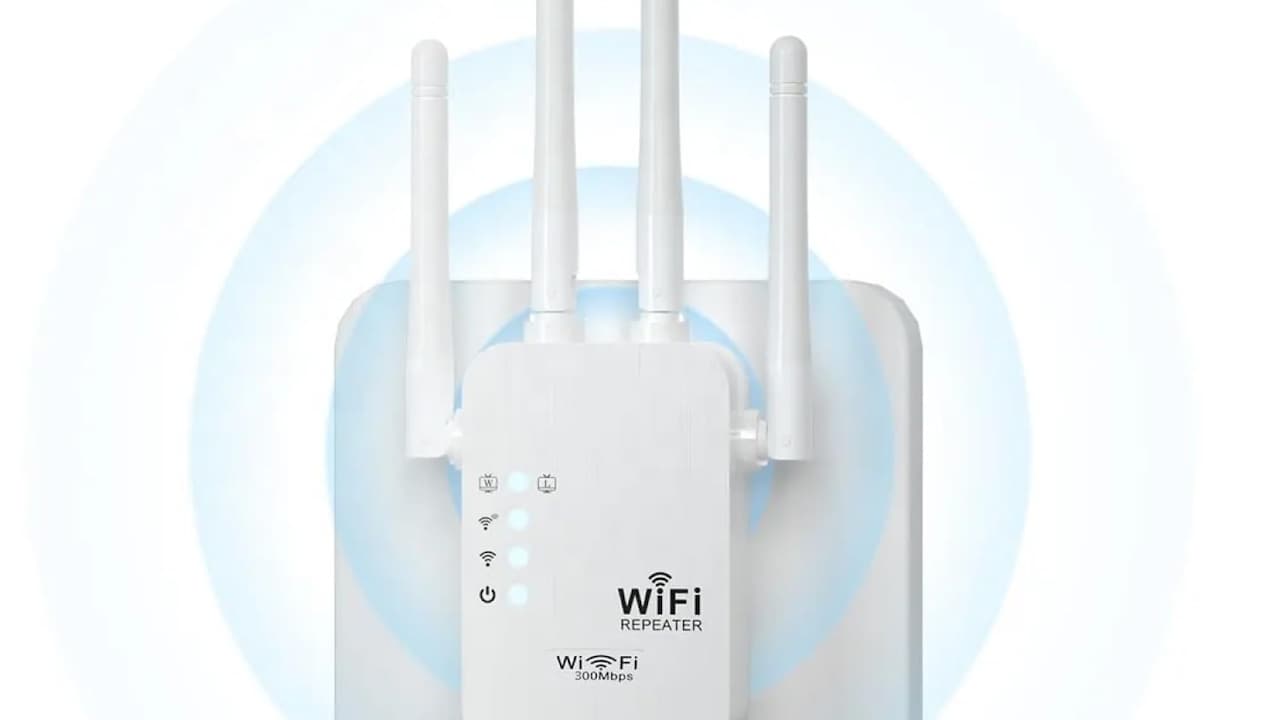
Slow Wi-Fi at Home? Here Are 10 Reasons Why Your Range Extender Isn't Working.
Nothing tests patience like slow internet. A movie buffers at the climax. A video call freezes mid-sentence. Online payments hang just long enough to cause panic. In response, many households rush to buy a Wi-Fi range extender. The box promises stronger signals, wider coverage, and smooth browsing. It sounds like the perfect fix.
Reality tells a different story. After installation, the signal icon looks full, yet speeds crawl. Devices cling to the wrong network. Simple tasks take longer than before. Confusion follows, then frustration.
The problem lies in how range extenders work and how modern homes use the internet. Streaming, gaming, work calls, and smart devices all compete for bandwidth. A tool designed for older, simpler networks struggles to keep up.
This article breaks down why range extenders often make Wi-Fi worse, not better. It also explores smarter alternatives that suit today's connected homes. No jargon overload, no sales pitch. Just clear explanations, relatable moments, and practical advice that saves time, money, and sanity.
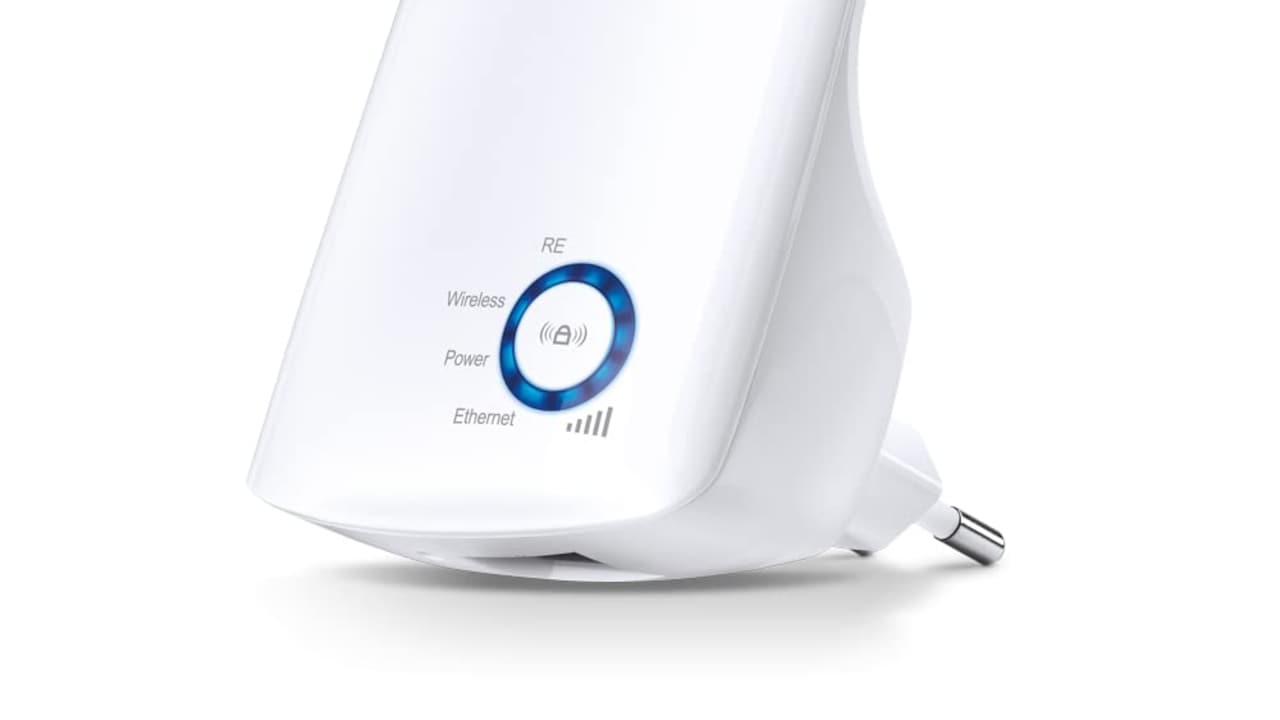
Slow Wi-Fi at Home? 10 Reasons Your Range Extender Isn't Working
Photo Credit: Amazon
The Real Reasons Your Extender Is Slowing You Down
1. The Half-Speed Problem Nobody Mentions
Range extenders work like messengers running back and forth between the router and devices. Every message takes two trips. That simple design cuts available speed almost in half. The extender receives data, then sends it again. Each step uses the same wireless channel.
Imagine ordering tea at a crowded stall where the server repeats every order twice before pouring. The line slows, tempers rise, and nobody enjoys the drink. Wi-Fi behaves the same way.
Streaming platforms demand steady speeds. Video calls need consistency more than raw numbers. When an extender halves throughput, even a decent connection feels sluggish. Speed tests near the extender may look fine, yet real-world use suffers.
This issue worsens during peak hours. Evening usage spikes. Neighbours jump online. The extender struggles to keep up, amplifying congestion rather than easing it. The promise of stronger Wi-Fi turns hollow fast.
2. Strong Signal, Weak Performance
Phones and laptops love strong signals. They cling to the network that shows more bars, even if that network performs poorly. Range extenders exploit this quirk. They shout loudly but think slowly.
A device may connect to the extender because the signal looks excellent. Behind the scenes, that extender talks to the router through a weak link. The result feels like shouting instructions through a closed door.
This mismatch causes slow loading, dropped calls, and lag. The device trusts the signal indicator, not the actual speed. Users blame the internet provider, restart the router, and curse the weather. The extender quietly sits there, looking helpful.
In homes with thick walls or multiple floors, this problem multiplies. The extender masks the real issue: poor placement or outdated networking gear. A louder signal does not equal a faster connection.
3. Network Switching Drives Devices Mad
Many extenders create a separate Wi-Fi name. One network belongs to the router. Another belongs to the extender. Devices must choose between them. That choice rarely goes smoothly.
Walking from the living room to the bedroom should feel seamless. Instead, the phone clings to the weaker network. Pages stall. Videos buffer. Manual switching becomes a daily ritual.
Smart devices struggle even more. Televisions, speakers, and cameras dislike network changes. They drop connections, fail to respond, or need frequent resets. The house starts to feel less smart and more stubborn.
This constant switching creates friction. It turns simple browsing into a chore. The extender, meant to simplify life, adds another layer of management. Seamless connectivity remains a dream, not a reality.
4. Old Tech Meets Modern Usage
Range extenders gained popularity when the internet use looked very different. Email, light browsing, and occasional downloads dominated. Today's homes juggle 4K streaming, cloud backups, online classes, and video meetings at the same time.
Extenders lack the intelligence to manage this load. They treat all data equally. A background update can choke a video call. A large download can ruin a gaming session.
Modern routers use smarter traffic handling. They prioritise real-time tasks and balance devices. Extenders often ignore these improvements. They act as blunt tools in a world that demands finesse.
As internet plans get faster, the gap widens. A ₹1,200 extender cannot magically stretch a high-speed connection without compromise. Expectations rise, but the technology stays stuck in the past.
5. Placement Problems Ruin Everything
Placement decides success or failure. Many extenders end up plugged into the nearest socket, not the right location. A corner behind a sofa or near a microwave blocks signals and creates interference.
An extender needs a strong connection to the router first. Placing it too far away means it repeats a weak signal. That weak signal spreads further, carrying its flaws everywhere.
Homes with multiple floors face extra trouble. Signals struggle to travel vertically. An extender on the wrong level becomes a useless decoration with blinking lights.
People rarely adjust placement after setup. Once plugged in, it stays there. Performance issues linger, blamed on providers or devices. The real fix involves careful positioning, which often feels tedious and confusing.
6. Interference Turns Wi-Fi into a Mess
Wi-Fi shares space with many household items. Bluetooth speakers, cordless phones, baby monitors, and even microwaves crowd the airwaves. Range extenders add another voice to the chaos.
Instead of reducing interference, extenders can amplify it. They repeat noise along with data. Congested channels grow busier. Speeds dip unpredictably.
In apartment buildings, neighbouring networks overlap. Each extender competes for limited space. The result feels like trying to hold a conversation in a packed market.
Modern routers can shift channels and adapt. Basic extenders rarely adjust well. They stick to one channel, regardless of conditions. Interference builds, and performance drops, especially during busy hours.
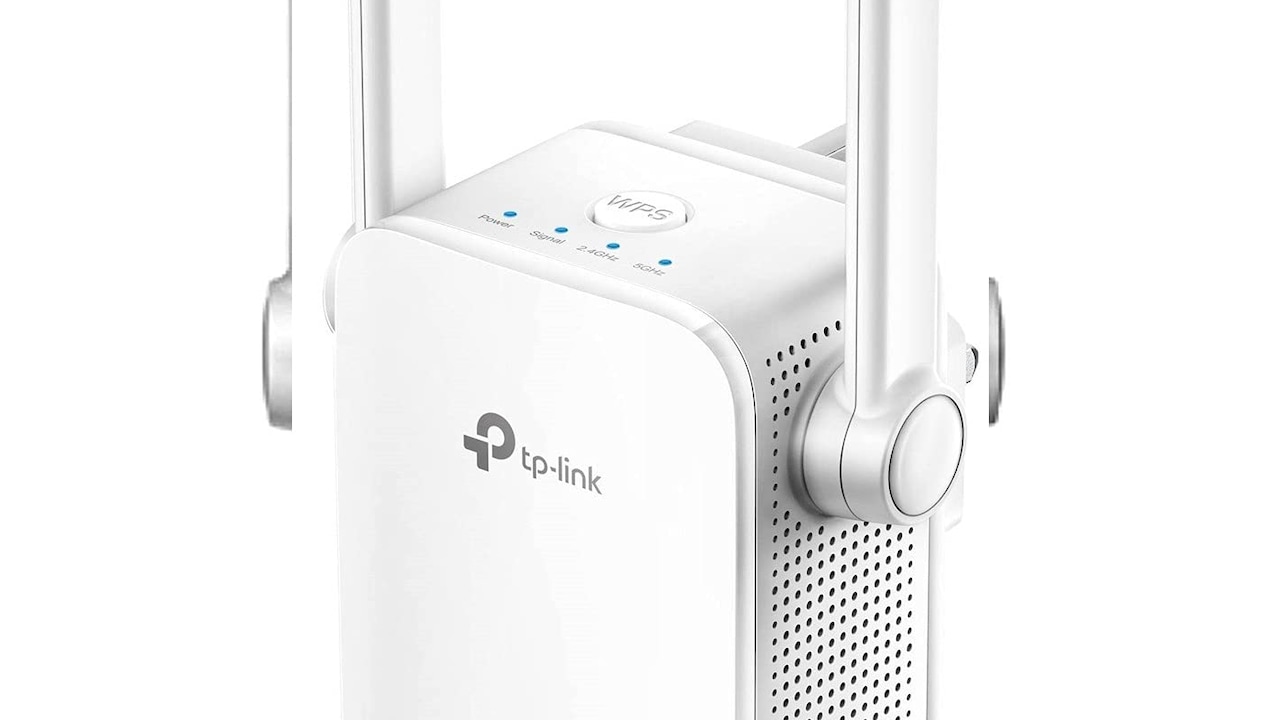
Slow Wi-Fi at Home? 10 Reasons Your Range Extender Isn't Working
Photo Credit: Amazon
7. Security Gets Overlooked
Security rarely tops the checklist when buying an extender. Yet many models lag behind in updates. Weak security settings create openings for misuse.
Some extenders ship with outdated encryption. Others rely on manual updates that never happen. A vulnerable extender exposes the entire network.
Public awareness around online safety has grown. Payments, work data, and personal conversations flow through home networks daily. A weak link undermines that trust.
Replacing a router feels expensive. Buying a cheap extender feels harmless. The hidden cost lies in compromised security and peace of mind. Faster internet means little without safety to match.
8. False Economy at Checkout
Range extenders attract buyers with low prices. ₹1,000 to ₹2,000 feels reasonable compared to upgrading a router. The savings seem obvious.
Over time, that bargain fades. Slow speeds waste hours. Dropped calls disrupt work. Frustration builds. Another extender gets added. Then another.
The total spend creeps up. Performance remains inconsistent. A proper solution costs more upfront but saves money and stress later.
This pattern mirrors many household fixes. Quick patches delay real solutions. The extender becomes a bandage on a deeper problem, not a cure.
9. Mesh Systems Change the Game
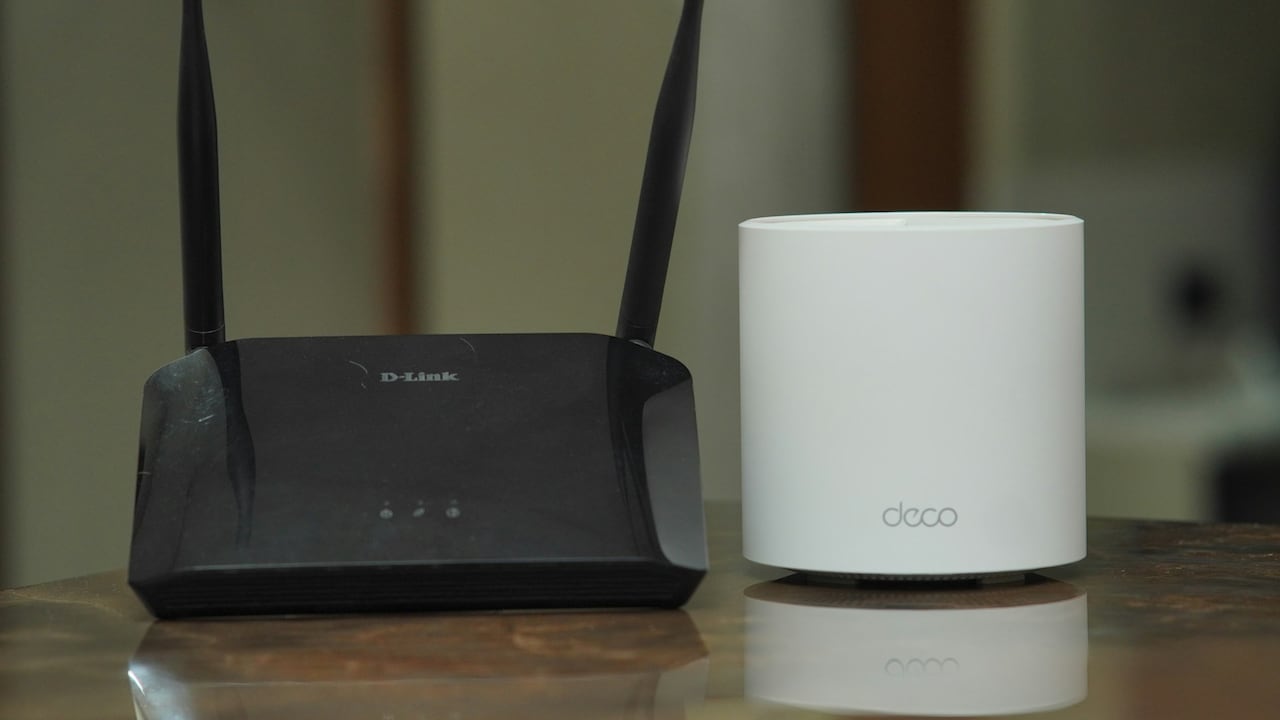
Mesh Wi-Fi systems approach coverage differently. Multiple nodes work together as one network. Devices move freely without switching. Speed stays consistent.
Each node communicates intelligently. Data takes the best path. Interference drops. Coverage improves across floors and rooms.
Setup feels simpler than expected. Apps guide placement and optimisation. The network adapts automatically as usage changes.
The cost sits higher than a single extender. Yet the experience feels leagues apart. Smooth streaming, stable calls, and reliable connections justify the investment.
For homes that rely heavily on internet access, mesh systems offer relief from constant tweaking and troubleshooting.
10. When an Extender Still Makes Sense
Extenders are not villains in every scenario. Small homes with light usage may benefit. A single dead spot far from the router can improve slightly with careful placement.
Temporary setups also suit extenders. Short-term rentals or occasional use justify the lower spend. Expectations must remain realistic.
Understanding limitations makes all the difference. An extender cannot perform miracles. It stretches coverage, not speed.
Knowing when to use one prevents disappointment. Knowing when to avoid one saves frustration. Awareness turns a common gadget from a source of blame into a conscious choice.
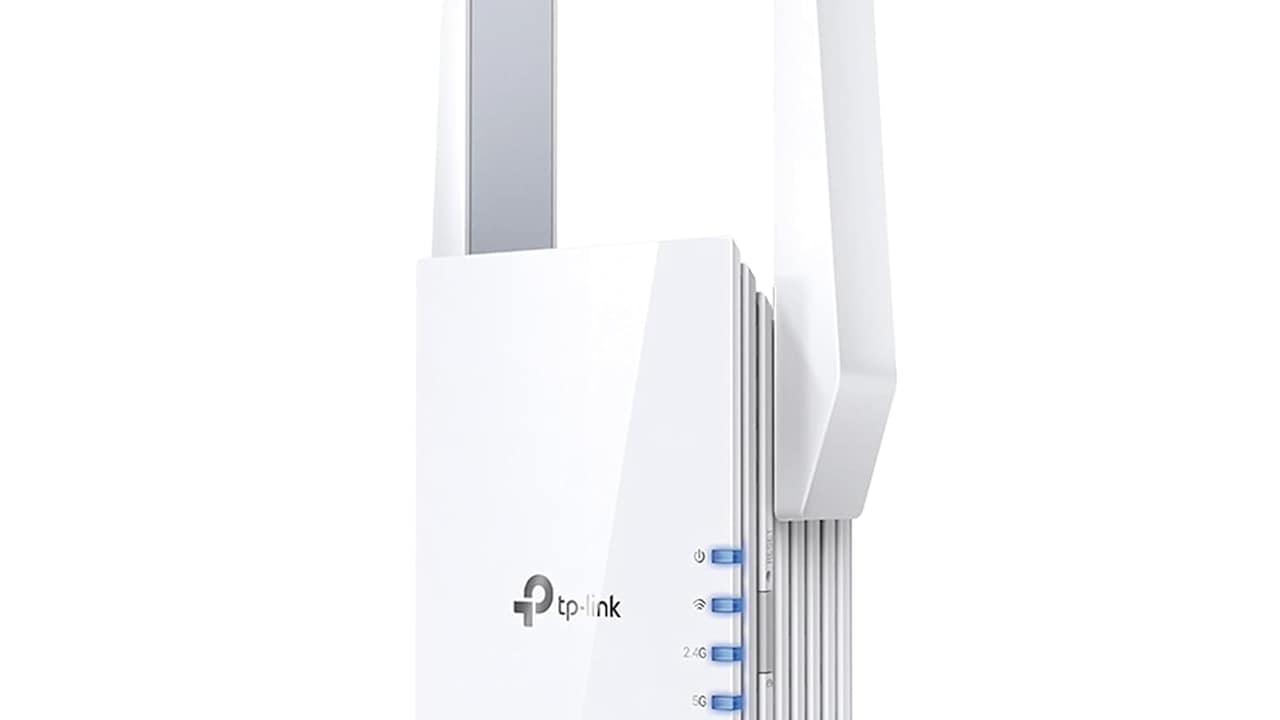
Slow Wi-Fi at Home? 10 Reasons Your Range Extender Isn't Working
Photo Credit: Amazon
Products Related To This Article
1. TP-Link TL-WA850RE N300 Wireless Range Extender
2. HI-Focus 300 Mbps Wi-Fi Range Extender (2.4 GHz)
3. TP-Link | AC1200 WiFi Range Extender
4. WiFi Extender, WiFi Extenders Signal Booster for Home Up to 5000 sq.ft and 50 Devices
5. Dual Band 1200Mbps WiFi Range Extender
Slow internet often feels mysterious. Blame shifts between providers, weather, and fate. The humble range extender rarely takes centre stage, yet it plays a bigger role than expected.
Designed for simpler times, extenders struggle with modern demands. They cut speeds, confuse devices, amplify interference, and create false confidence. The result feels like progress on the surface, disappointment underneath.
Better solutions exist. Smarter placement, upgraded routers, and mesh systems address root causes instead of masking symptoms. They cost more upfront but deliver consistency and peace of mind.
Before buying another blinking box, pause and assess the real need. Strong Wi-Fi comes from smart design, not louder signals. A smoother online life starts with choosing tools that work with the network, not against it.
(Disclaimer: This article may include references to or features of products and services made available through affiliate marketing campaigns. NDTV Convergence Limited (“NDTV”) strives to maintain editorial independence while participating in such campaigns. NDTV does not assume responsibility for the performance or claims of any featured products or services.)