Webcam Resolution vs. Quality: Why 1080p Doesn't Guarantee Better Video
Buying a 1080p webcam doesn’t guarantee sharp video. Resolution is just one piece of the puzzle. Lighting, sensors, lenses, and compression matter far more than pixel count.
Is Your 1080p Webcam Not Clear? Here's Why Resolution Doesn't Mean Better Video Quality.
A familiar scene: someone joins a video call looking crisp and cinematic. Another person joins with a 1080p webcam… and somehow looks like they're broadcasting from a moving bus during a dust storm.
That moment creates confusion. The box clearly said Full HD. The listing had bold text. The price felt premium. So why does the video still look average?
Because webcams are not judged by resolution alone. Resolution is easy to market and easy to understand. Quality is harder to explain, so it often gets ignored. Real webcam quality depends on how well the camera handles light, colour, focus, motion, and the messy reality of indoor rooms.
And yes, a cheaper 720p webcam can sometimes look better than an overpriced 1080p model. It's annoying, but it's also fixable once the right details are understood.
Webcam Quality Explained: Why 1080p Can Still Look Blurry on Video Calls
Photo Credit: Pexels
Why 1080p Isn't the Whole Story: What Really Affects Webcam Video Quality
1) Resolution is just the size of the picture, not the beauty of it
1080p tells how many pixels a webcam captures: 1920 by 1080. That's the shape and size of the image. It does not promise sharpness, accurate colours, or clean details.
Think of it like ordering a big plate of biryani. A bigger portion does not guarantee better taste. If the rice is dry or the masala is weak, the extra quantity only gives more disappointment.
Many webcams output 1080p, but the image can still look soft because the lens is poor, the sensor is tiny, or the processing is lazy. Pixels can't rescue a weak foundation.
Also, most video calls shrink the video feed anyway. On a typical meeting grid, nobody sees the full 1080p. The platform scales it down. So even if the webcam captures a high-resolution image, viewers might see a compressed, smaller version.
Resolution matters, but it is not the star of the show. It's more like the stage size, the performance still depends on the actor.
2) Sensor size: the quiet hero behind good video
A webcam sensor is the part that collects light. Most built-in laptop webcams and many budget external webcams use tiny sensors. Tiny sensors struggle in indoor lighting, especially at night.
When the sensor is small, it collects less light. Less light means more noise. Noise is that ugly grain that makes faces look rough and backgrounds look like they have a moving texture.
A webcam can still claim 1080p using a small sensor, but it will produce a noisy 1080p image. That's not an upgrade. That's just a higher-resolution mess.
This is why some phones look amazing in low light even at “only” 1080p video. Their sensors are larger and smarter.
For a webcam, a slightly lower resolution with a better sensor often looks more natural. Skin tones look smoother, and details look real rather than sharpened like a cheap filter.
If a webcam listing screams “1080p” but stays suspiciously quiet about sensor quality, that silence usually means trouble.
3) Lighting beats resolution every single time
There's a reason content creators obsess over lights. Lighting is the secret sauce. A well-lit face on a 720p webcam can look better than a dim face on a 1080p webcam.
Indoor lighting often comes from a tube light above or behind. That creates harsh shadows under the eyes and makes the camera work harder. The webcam then increases exposure and adds digital gain. The result: grain, blur, and washed-out colours.
A simple desk lamp placed in front can do more than spending ₹3,000 extra on a higher resolution webcam. Even a ring light, the kind people use for reels, can turn a basic webcam into something that looks professional.
Natural light is even better. Sitting facing a window gives the sensor plenty of clean light, so the webcam doesn't need to “cheat” using noise reduction.
In short: a 1080p webcam in bad lighting will still look bad. A 720p webcam in good lighting will look surprisingly premium.
4) The lens matters more than the number on the box
The lens is the eye of the webcam. A bad lens produces a soft image, no matter how many pixels sit behind it.
Some webcams use plastic lenses that introduce blur, distortion, and weird softness around the edges. So yes, the video is technically 1080p, but it looks like someone wiped the camera with a sleeve.
A good lens captures detail cleanly. It also handles glare and reflections better. That matters a lot in rooms with bright overhead lights.
Another issue is fixed focus. Many cheaper webcams have a fixed focus lens designed for one distance. If the webcam is too close or too far, the image looks soft. People often blame “1080p quality” when the real issue is that the lens is not focusing properly.
A solid lens is the difference between looking sharp and looking like a painting. Resolution can't compensate for optical weakness.
5) Compression: the quality thief during video calls
Even if a webcam captures a perfect 1080p image, video call platforms compress it heavily. Compression is what makes video travel smoothly over the internet.
Compression removes detail to save bandwidth. It often turns hair into a fuzzy blob, smooths out textures, and creates blocky artefacts during movement.
This is why someone can look decent while sitting still, but the moment they wave or laugh, the video turns into a pixel festival.
Bandwidth also matters. If the connection dips, platforms reduce video quality. Many people pay for a premium webcam but use unstable Wi-Fi. That's like buying expensive shoes and walking through a flooded street.
Some webcams handle compression better because they have better encoding or cleaner output. But no webcam can defeat extreme compression.
So if the goal is “better video calls”, improving internet stability can sometimes give a bigger upgrade than buying a higher resolution camera.
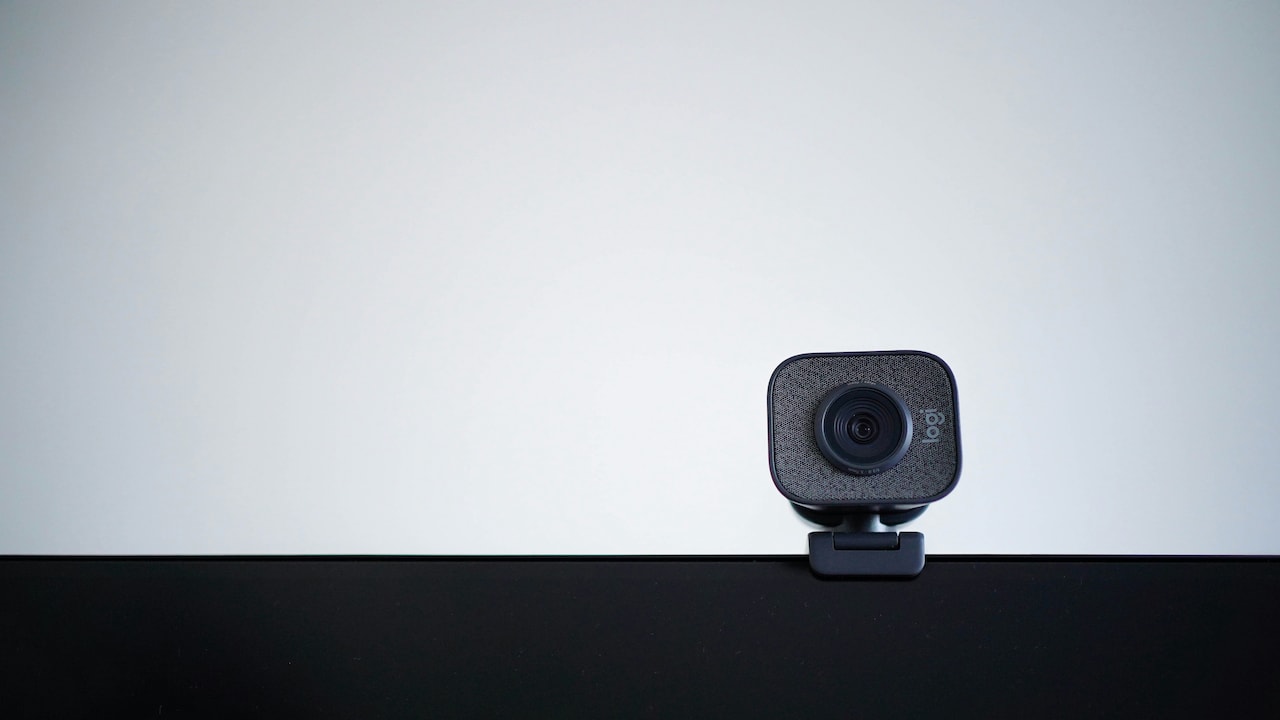
Webcam Quality Explained: Why 1080p Can Still Look Blurry on Video Calls
Photo Credit: Pexels
6) Autofocus can make 1080p look worse, not better
Autofocus sounds like a luxury feature. In reality, bad autofocus is a nightmare.
Some webcams hunt for focus constantly. They shift in and out, especially when a hand moves or when lighting changes. This creates a pulsing effect. It's distracting and makes the video look cheaper, not better.
In a meeting, the face should stay stable. If the webcam keeps refocusing, it makes the person look blurry every few seconds. That defeats the whole point of 1080p.
Fixed focus webcams can actually look better if the focus distance suits the setup. They stay consistent and don't wobble.
A good autofocus system is smooth and confident. A bad one behaves like it drank too much coffee.
Before choosing a webcam, it helps to check whether the autofocus is reliable. Otherwise, a 1080p camera becomes a 1080p blur machine.
7) Frame rate affects how “real” the video feels
Resolution is about detail. Frame rate is about motion.
Many webcams advertise 1080p but only deliver 30 frames per second, sometimes less in poor lighting. Some drop to 15 fps indoors. That makes movement look choppy.
A choppy 1080p feed feels worse than a smooth 720p feed. People might not describe it technically, but they feel it. The video looks less natural, less alive.
Frame rate also affects perceived sharpness. When motion is smooth, the brain interprets the image as clearer. When motion stutters, the video looks cheap.
This matters for teachers, presenters, and anyone who gestures a lot. It also matters during interviews, where a smooth feed gives a more confident impression.
A webcam that offers stable 30 fps in indoor lighting is often a better buy than a webcam that claims 1080p but struggles once the sun sets.
8) Colour science and dynamic range decide whether you look healthy or haunted
Ever seen someone on a webcam and thought: Why do they look grey? Or orange? Or slightly green?
That's colour processing. Many webcams struggle with skin tones. They overdo contrast, crush shadows, or blow out highlights.
Dynamic range is the ability to handle bright and dark areas at the same time. If someone sits near a window, a webcam with poor dynamic range will either expose the face and blow out the background, or expose the background and turn the face into a silhouette.
This is why some people look like a dramatic villain in a low-budget film during afternoon calls.
Better webcams manage light and colour more naturally. They keep faces bright without destroying the background.
Resolution does nothing here. A 1080p camera with poor colour processing can make someone look sickly. A well-tuned 720p camera can make someone look fresh and professional.
This is the difference between “high definition” and “high quality”.
9) Low-light performance: the real test of a webcam
Most webcams look fine in perfect lighting. The real test is a regular room in the evening.
In low light, webcams use noise reduction. Noise reduction removes grain, but it also removes detail. It smooths the face, but not in a flattering way. It creates a waxy look.
Then the webcam tries to sharpen the image to bring detail back. The result is a strange mix: smooth skin with harsh edges, like a bad beauty filter.
Some webcams also slow the shutter in low light, which creates motion blur. So every small head movement becomes a soft smear.
This is where a 1080p webcam can look worse than expected. The extra pixels become extra noise.
A webcam with better low-light performance will look cleaner, even if the resolution is the same. This is why some models look “premium” instantly. They don't panic when the lighting gets normal.
10) Smart buying: what to look for instead of chasing 1080p
A webcam should be chosen like a daily-use tool, not like a spec sheet trophy.
Instead of only focusing on 1080p, look for real-world strengths: good low-light performance, stable exposure, accurate skin tones, and consistent focus.
Also consider how the webcam will be used. For video calls, stable lighting and a clean output matter more than ultra-high resolution. For streaming, a good microphone and colour accuracy matter too.
Sometimes the best upgrade is not the webcam. It can be a ₹600 ring light, a better seating position, or moving the laptop so the face is lit from the front.
A funny truth: people spend ₹5,000 on a webcam and sit with a bright window behind them. Then they wonder why the video looks terrible. The webcam is not magic. It's just a camera.
The smartest approach is balanced: decent resolution, strong sensor and lens, and good lighting. That combination wins every time.
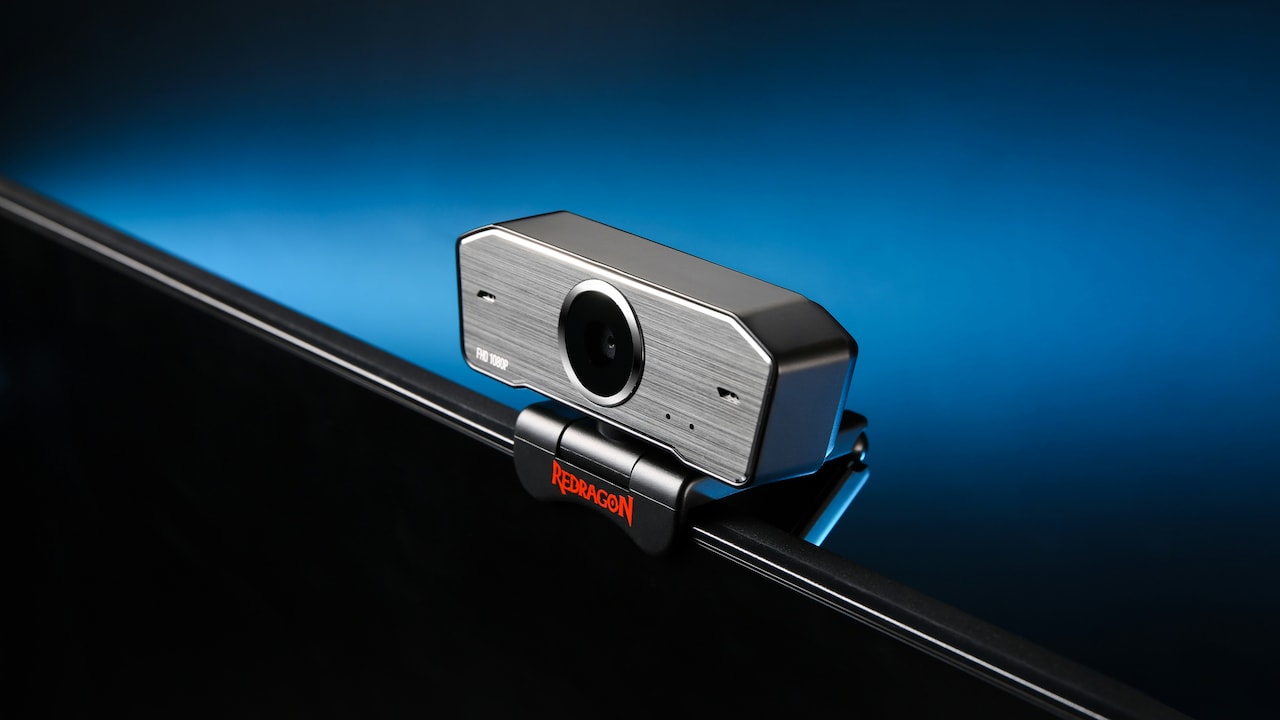
Webcam Quality Explained: Why 1080p Can Still Look Blurry on Video Calls
Photo Credit: Pexels
Products Related To This Article
1. Logitech Brio 100 Full HD 1080P Webcam for Meetings and Streaming
2. Kreo Owl Full HD 1080P 60 FPS Webcam with Auto-Focus and Built-in Dual Digital Mic
3. Logitech Brio 100 Full HD 1080P Webcam for Meetings and Streaming
4. Zebronics FHD USB Webcam, 30FPS, 2P2G Lens
5. eMeet S600 4K Webcam for Streaming - Sony 1/2.5'' Sensor
6. Lenovo 300 FHD Webcam with Full Stereo Dual Built-in Mics
7. Insta360 Link 2C - 4K Webcam for PC/Mac
1080p is not a lie, it's just incomplete. It tells the size of the video, not the quality of the experience.
Real webcam quality depends on light, sensor size, lens clarity, processing, autofocus, compression, and how video call platforms handle the feed. A 1080p webcam can still look noisy, blurry, or unnatural if those pieces are weak.
The good news is that better video is often easier than expected. A small lighting upgrade, a stable internet connection, and a webcam with good low-light performance can make a bigger difference than chasing bigger numbers.
So the next time a product listing screams “1080p”, treat it like a loud neighbour. Listen politely, but don't assume it's telling the full story.
(Disclaimer: This article may include references to or features of products and services made available through affiliate marketing campaigns. NDTV Convergence Limited (“NDTV”) strives to maintain editorial independence while participating in such campaigns. NDTV does not assume responsibility for the performance or claims of any featured products or services.)