That "Fast Charger" Is Not Really Fast: This Is What To Check
Your fast charger may not be the problem. Slow charging often comes down to poor cables, dust-filled ports, overheating, software settings, or battery health. Here is what actually affects charging speed before you buy another charger.
That "Fast Charger" Is Not Really Fast: This Is What To Check
Few modern disappointments feel as oddly personal as plugging in a phone labelled “fast charging” and watching it gain just 12 per cent in half an hour. It feels a bit like ordering express delivery and receiving the parcel three days later with a cheerful apology. Fast charging has become a major selling point, plastered across smartphone boxes, online sales banners, and flashy electronics counters. Yet many people discover that their so-called rapid charger performs with all the urgency of an old ceiling fan in peak summer.
The truth is simple. Fast charging is not one magical feature. It is a delicate teamwork between the charger, cable, phone, software, power source, and even room temperature. If one link weakens, the whole process slows down. Marketing often highlights the maximum possible speed, but daily reality tends to involve more practical limitations.
That expensive adapter may not be the villain after all. Sometimes, the issue hides in a frayed cable, a dusty charging port, or background apps greedily draining power. Understanding these details can save money, reduce frustration, and perhaps prevent unnecessary arguments with customer service. Before assuming the charger is fake or faulty, several factors deserve closer attention.
That "Fast Charger" Is Not Really Fast: This Is What To Check
Photo Credit: Pexels
Why Your Fast Charger May Be Slowing You Down
The Wattage May Not Match The Promise
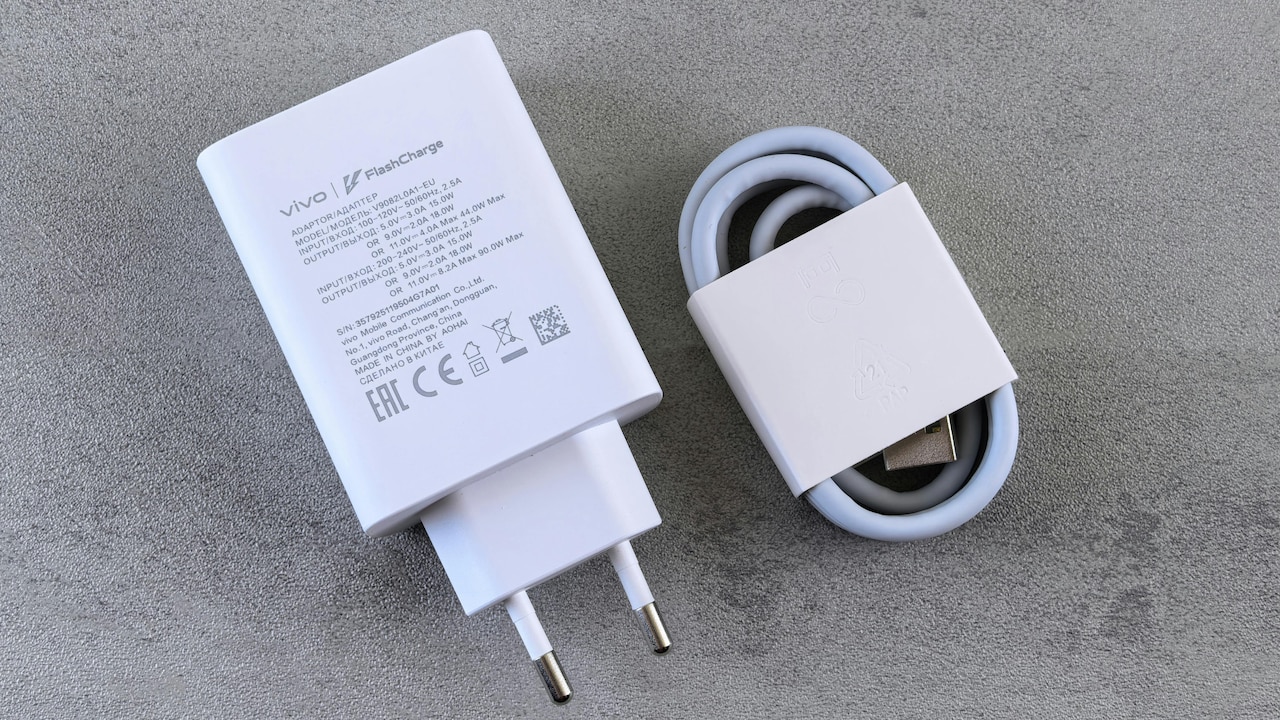
Many chargers boast impressive numbers like 65W or 120W, but those figures can be misleading without context. A charger only delivers maximum wattage if the phone supports that exact speed. Using a 65W charger on a device designed for 18W will not suddenly transform charging into a Formula One pit stop.
Manufacturers often advertise peak performance under ideal lab conditions, which rarely mirror everyday use. Real-world charging speeds depend on device compatibility and battery health. Some phones also reserve top speeds for official chargers only, meaning third-party options may quietly underperform.
Checking the charger's output specifications matters. Small print often reveals voltage and amp combinations that determine actual performance. For example, a charger may support 65W, but only for laptops, while smartphones receive much less.
Spending ₹3,000 on a premium charger without verifying device compatibility can feel painfully unnecessary. The charger itself may work perfectly, but mismatched expectations create disappointment. Reading technical details before purchase helps avoid this trap and ensures charging speed aligns with reality rather than advertising fantasy.
The Cable Can Secretly Slow Everything Down
The cable often plays the role of the overlooked sidekick, yet it can completely sabotage charging speed. Even the most powerful charger cannot perform properly with a poor-quality or outdated cable.
Cheap cables frequently lack the internal wiring needed for higher power transfer. Some only support basic charging speeds despite looking identical to premium alternatives. That budget cable from the local market for ₹150 may save money upfront, but cost precious hours later.
Wear and tear also matter. Bent connectors, internal wire damage, or loose fittings can reduce efficiency significantly. A cable may still charge, but at a painfully slower pace.
Fast charging standards such as USB Power Delivery or proprietary technologies often require certified cables. Without them, the charger and phone may automatically reduce speed as a safety measure.
Choosing a high-quality cable from a trusted brand is less glamorous than buying a new gadget, but it often makes a bigger difference. Sometimes the simplest solution is not replacing the charger at all, but retiring that tired old cable that has survived too many twists, folds, and accidental chair-wheel encounters.
Charging Port Dust Is More Troublesome Than Expected
Phones travel everywhere. Pockets, bags, desks, car dashboards, and occasionally beneath sofa cushions. Over time, charging ports collect dust, lint, and tiny debris that interfere with proper cable connection.
A blocked port can create inconsistent charging, slower speeds, or repeated disconnections. It may appear that the charger is weak when the real culprit is simply pocket fluff staging a silent rebellion.
This issue often develops gradually, making it easy to overlook. Charging still works, but not efficiently. Many users only notice after frustration builds.
Cleaning the port carefully with a wooden toothpick or soft brush can restore proper contact. Metal tools should stay far away to avoid damage. Professional cleaning also remains an option for stubborn build-up.
Ignoring this simple maintenance can lead to unnecessary charger replacements or repair costs. In many cases, a five-minute clean-up solves what seemed like a major hardware failure. It is hardly the most exciting fix, but sometimes a better charging speed comes down to basic housekeeping rather than advanced technology.
Background Apps Drain Power While Charging
Charging speed is not just about power entering the battery. It also depends on how much energy the phone consumes simultaneously. Running multiple apps, location services, streaming videos, or gaming while plugged in can significantly slow battery gain.
Imagine trying to fill a bucket while someone keeps scooping water out. The process becomes slower, no matter how powerful the tap.
Many users expect fast charging while scrolling social media, attending video calls, or watching cricket highlights. In reality, these activities generate battery drain and heat, reducing charging efficiency.
Background apps can also quietly consume resources without obvious signs. Automatic updates, cloud backups, or excessive notifications may continue working behind the scenes.
Switching to airplane mode or locking the screen often speeds up charging noticeably. It may not feel convenient, but the difference can be surprisingly dramatic.
A charger may perform exactly as intended, while the device itself prevents optimal results. Before blaming the adapter, checking app activity and usage habits can reveal whether the phone is simply too busy to recharge efficiently.
Heat Is The Silent Enemy Of Fast Charging
Fast charging generates heat, and excessive heat triggers protective systems inside smartphones. These safeguards reduce charging speed to protect battery health and prevent long-term damage.
This means charging in hot weather, direct sunlight, or poorly ventilated spaces can dramatically slow the process. Leaving a phone under a pillow or inside a parked car while charging practically invites sluggish performance.
Heat management has become increasingly important with powerful charging technologies. Devices monitor temperature constantly and adjust speed accordingly. If a phone feels unusually warm, slower charging may actually signal healthy battery protection.
Using the phone heavily while charging worsens this issue further. Gaming, navigation apps, or video streaming can turn the device into a miniature tandoor.
Removing thick phone cases during charging can help reduce heat build-up. Charging in cooler environments also supports better performance.
Many assume slower charging means defective hardware, but temperature often tells a different story. Sometimes, giving the phone a cooler resting place works better than upgrading equipment.
Power Source Quality Makes A Huge Difference
Not all power outlets deliver equal performance. Charging from wall sockets generally offers better speed than laptop USB ports, car chargers, or public charging stations.
Laptop ports often provide limited output, while older extension boards or unstable electrical connections can reduce charger effectiveness. Public charging points at airports, cafés, or railway stations may prioritise compatibility over speed.
Voltage fluctuations can also affect charging consistency. In areas where power supply varies, charging speeds may dip unexpectedly. Surge protectors and quality sockets can improve stability.
Using a branded charger through a weak source is a bit like pouring premium fuel into a scooter with a clogged engine. The full potential simply never arrives.
Wall adapters connected directly to reliable outlets remain the best option for maximum speed. If charging feels suspiciously slow, switching sockets may solve the issue faster than replacing accessories.
People often focus entirely on the charger itself while ignoring where the power actually comes from. Yet the source can be just as important as the hardware plugged into it.
That "Fast Charger" Is Not Really Fast: This Is What To Check
Photo Credit: Pexels
Software Settings May Limit Charging Speed
Modern smartphones increasingly include software controls that manage charging behaviour. Features like optimised charging, battery protection modes, or scheduled charging can intentionally slow speeds to preserve long-term battery life.
These settings often work quietly in the background. A phone may pause at 80 per cent overnight or reduce charging speed during certain hours. While beneficial for battery health, they can create confusion when users expect maximum speed.
System updates may also alter charging performance. New battery management tools sometimes prioritise efficiency over speed.
Checking battery settings can uncover hidden restrictions. Some devices even offer options to disable protective limits temporarily when faster charging is urgently needed.
Ignoring software settings can lead to unnecessary hardware purchases. Spending ₹4,000 on a new charger when a simple battery mode toggle solves the issue would sting.
Technology increasingly balances speed with sustainability, which means software deserves just as much attention as cables and chargers. Sometimes the charger is fast, but the phone has other plans.
Battery Age Changes Charging Behaviour
Like all hardworking things, smartphone batteries age over time. Older batteries lose efficiency, hold less charge, and often charge more slowly than newer ones.
After years of daily use, battery chemistry naturally degrades. Protective systems may further reduce charging speed to minimise strain on worn components.
This means even a top-tier fast charger cannot fully compensate for battery ageing. A phone purchased several years ago may never match its original charging performance, regardless of accessories.
Signs of battery wear include overheating, rapid discharge, or inconsistent charging percentages. If these symptoms appear, battery replacement may offer better value than repeatedly buying new chargers.
Battery health checks, often available in system settings or service centres, provide clearer insight. Investing ₹1,500 to ₹4,000 in a battery replacement may restore practical performance more effectively than expensive charging gear.
Sometimes, the charger is not slow at all. The battery simply no longer responds like it once did. Recognising this distinction prevents wasted money and unnecessary frustration.
Counterfeit Accessories Flood The Market
The electronics market overflows with chargers that look premium but fail spectacularly in real use. Counterfeit products often mimic branded packaging while delivering poor performance, inconsistent power, or even safety risks.
Low-cost deals can feel tempting, especially when prices appear dramatically lower than official options. A charger advertised at half price may seem like a smart bargain until charging speed disappoints or the device overheats.
Fake chargers frequently cut corners on safety standards and internal components. They may claim support for fast charging but fail to provide a stable output.
Buying from authorised retailers or trusted online platforms significantly reduces this risk. Reviews and certification labels also help verify authenticity.
Saving ₹800 initially can become expensive if a counterfeit charger damages a phone or battery. In this case, caution is not paranoia; it is practical wisdom.
Fast charging depends on precision engineering, not flashy branding alone. A suspiciously cheap charger often delivers exactly what its price suggests.
Also Read: Power Up On The Go: Top 10 Laptop Powerbanks You Can Grab At Attractive Prices
Brand-Specific Charging Standards Matter
Many smartphone brands now use proprietary charging technologies designed specifically for their own devices. This means one brand's fast charger may not fully support another's maximum speed.
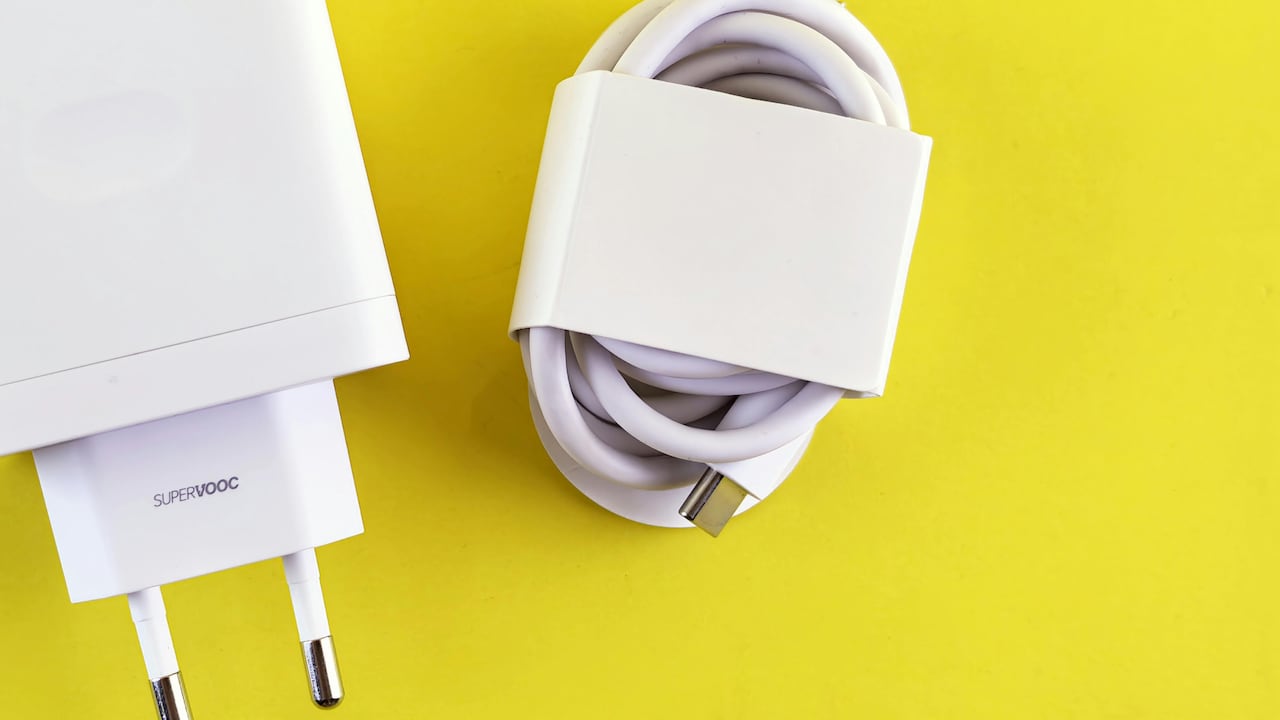
A charger may technically work across devices but deliver reduced performance without matching protocols. Terms like Quick Charge, SuperVOOC, Warp Charge, or USB Power Delivery all represent different standards.
This complexity can confuse buyers who assume wattage alone guarantees compatibility. In reality, charging standards must align for the best results.
Checking supported protocols before purchase avoids disappointment. Universal compatibility exists, but peak performance often requires brand-specific optimisation.
Using original accessories may cost more, yet they frequently provide better consistency. Spending extra on the right charger can prove more practical than endlessly experimenting with mismatched alternatives.
Modern charging technology has become impressively advanced, but also slightly complicated. Understanding these standards helps separate true speed from marketing exaggeration.
That "Fast Charger" Is Not Really Fast: This Is What To Check
Photo Credit: Pexels
Products Related To This Article
1. DR VAKU® 65W Charger Type C Fast Adapter with Multi Port Dual PD Charging GaN Technology for MacBook Laptop
2. One Plus 100W Original Power Adapter with Type-C Cable Ultra-Fast Charger Compatible with One-Plus 12
3. Kratos 65W Fast Charger Adapter & USB-A to Type C Cable Combo
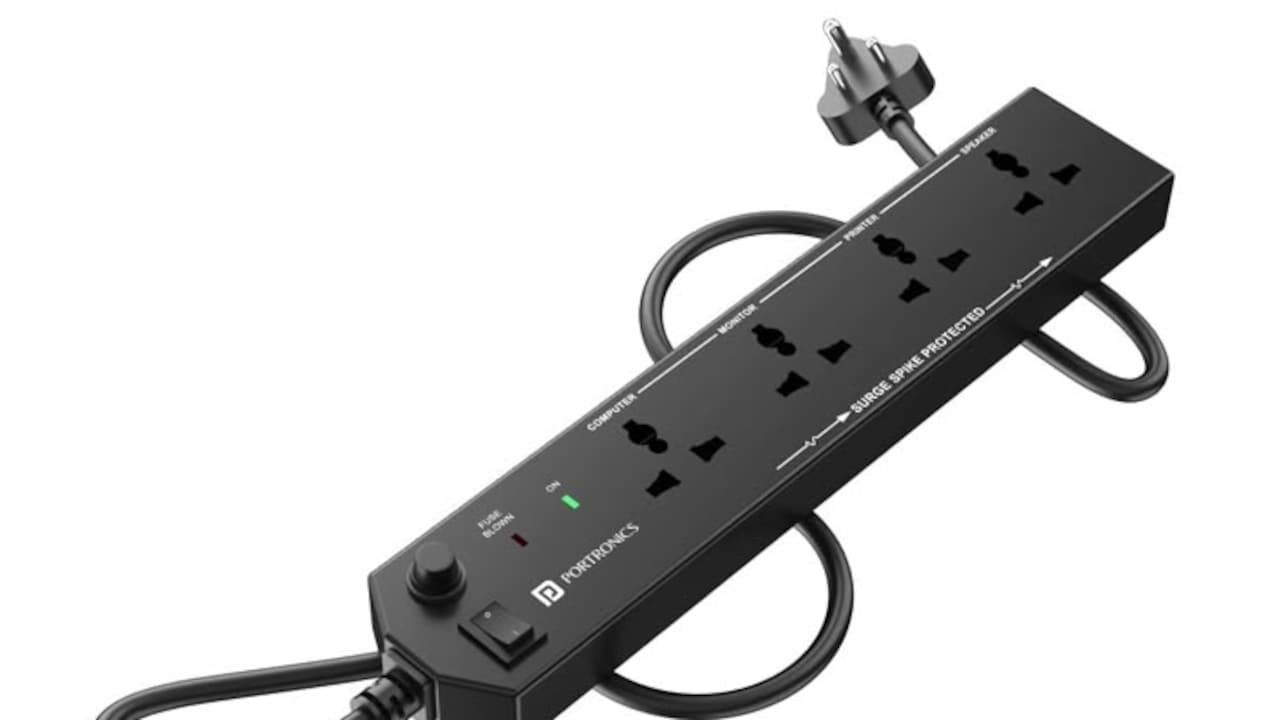
4. UltraProlink 6 in1 Power Hub Surge Protector
5. 45W SUPERVOOC Fast Charger with Type-C Cable
Fast charging is rarely as simple as plugging in and powering up. While flashy labels promise remarkable speed, actual performance depends on a web of factors working together. Charger wattage, cable quality, software settings, battery health, device temperature, and charging standards all shape the final result.
Before blaming a charger for sluggish performance, a closer look often reveals simpler issues hiding in plain sight. A dusty port, ageing battery, counterfeit accessory, or overloaded phone may be the real obstacle.
In a world obsessed with speed, understanding the details can save time, money, and unnecessary irritation. Rather than chasing every new charger release, smarter troubleshooting often delivers better results.
Because sometimes, that “fast charger” is genuinely fast. It just needs the rest of the setup to keep up.
(Disclaimer: This article may include references to or features of products and services made available through affiliate marketing campaigns. NDTV Convergence Limited (“NDTV”) strives to maintain editorial independence while participating in such campaigns. NDTV does not assume responsibility for the performance or claims of any featured products or services.)