Why Dual-Band Wi-Fi Routers Struggle at Home and How to Improve Connectivity
Dual-band Wi-Fi routers promise faster internet but often disappoint due to interference, poor placement and device overload. This article explains why performance drops and how to fix connectivity issues at home.
Why Dual-Band Wi-Fi Routers Often Struggle and Ways to Improve Home Connectivity.
Evenings often follow a familiar script. A web series streams in the living room, a video call runs in the bedroom, and someone checks office emails on a phone. Then comes the spinning wheel. Dual-band Wi-Fi routers, marketed as smart solutions for modern homes, sometimes fail at crucial moments. The frustration feels universal.
Dual-band routers broadcast signals on two frequencies, 2.4 GHz and 5 GHz. On paper, this setup sounds perfect. One band covers distance, the other delivers speed. In practice, walls, devices, and neighbours interfere. Many households expect plug-and-play magic, yet Wi-Fi behaves more like a living thing that needs attention.
Understanding why these routers struggle helps regain control over home connectivity. Small tweaks often deliver big improvements, sometimes without spending more than ₹0. The following sections unpack common issues and offer simple ways to improve performance, using relatable examples from everyday life.
Slow Internet Despite a Dual-Band Router? Heres Whats Going Wrong
Photo Credit: Pexels
What Really Slows Down Dual-Band Wi-Fi In Everyday Homes
1. Overcrowded 2.4 GHz Band and Smarter Channel Selection
The 2.4 GHz band feels like a busy street during peak hours. Every router, Bluetooth speaker, and even microwave competes for space. Most devices default to this band because it travels farther and penetrates walls easily. The result often includes slower speeds and sudden drops.
Routers usually auto-select channels, yet automation does not always pick the quietest option. Manual channel selection often improves performance instantly. Free router apps or built-in settings display channel congestion. Choosing a less crowded channel reduces interference and improves stability.
Shifting older devices, such as smart bulbs or budget phones, to 2.4 GHz while reserving 5 GHz for laptops and TVs creates balance. This simple traffic management clears digital congestion. Think of it like redirecting scooters away from a main road to keep cars moving smoothly.
Small adjustments in channel choice often save the cost of a router upgrade, which can range from ₹3,000 to ₹8,000.
2. Limited Range of the 5 GHz Band and Strategic Placement
The 5 GHz band offers speed but lacks stamina. Walls, doors, and cupboards weaken the signal quickly. Many homes place routers near entrances or tucked behind televisions, which limits reach.
Central placement works best. Positioning the router in an open area, preferably elevated, allows signals to spread evenly. Avoid corners and metal objects, which absorb signals. A shelf in the living room often works better than a hidden corner near the main door.
Antennas also matter. Adjusting them vertically and horizontally improves coverage. Some users assume antennas work automatically, yet a small twist can make a noticeable difference.
For larger homes, range extenders or mesh systems help, though repositioning often solves the issue without spending ₹5,000 or more. Wi-Fi behaves like sound. Obstacles muffle it, while open spaces let it travel freely.
3. Too Many Connected Devices and Network Overload
Homes today host more devices than ever. Phones, laptops, smart TVs, cameras, watches, and even refrigerators demand bandwidth. Dual-band routers handle traffic better than single-band models, yet overload still occurs.
Each device requests attention from the router. When too many devices connect at once, the router struggles to prioritise tasks. Streaming and gaming suffer first. Lag appears, and frustration follows.
Regularly disconnecting unused devices helps. Old phones, unused tablets, and forgotten gadgets often cling to Wi-Fi quietly. Router dashboards list connected devices, making clean-up easy.
Quality of Service settings also help. These settings prioritise video calls or streaming over background downloads. Enabling them ensures smoother performance during important moments, such as office meetings or online classes.
Managing devices costs nothing and saves nerves. Think of the router as a host at a dinner table. Too many guests need better organisation, not necessarily a bigger table.
4. Outdated Firmware and Missed Performance Fixes
Routers run on software, just like phones. Manufacturers release updates to fix bugs, improve security, and enhance performance. Many users skip updates, either from habit or fear of change.
Outdated firmware often causes random drops and slow speeds. Checking for updates takes minutes through the router's settings page or companion app. Installing updates keeps the router running smoothly and securely.
Some updates improve band steering, which helps devices switch between 2.4 GHz and 5 GHz automatically. Others patch vulnerabilities that hackers exploit. Security and speed often go hand in hand.
Setting reminders every three months ensures updates stay current. This simple habit often extends the router's lifespan by years, delaying a ₹6,000 replacement.
Ignoring firmware updates resembles driving a car without servicing. It may run for a while, but trouble eventually appears at the worst time.
5. Poor Band Steering and Device Compatibility Issues
Dual-band routers promise automatic switching between bands, yet band steering does not always work well. Some devices cling stubbornly to weaker signals instead of switching to stronger ones.
Older phones and budget gadgets often lack modern Wi-Fi standards. They struggle to communicate effectively with newer routers. This mismatch leads to inconsistent speeds and frequent drops.
Separating network names for 2.4 GHz and 5 GHz often solves the problem. Clear labels, such as “Home_2G” and “Home_5G,” allow manual control. Devices then connect to the most suitable band.
Upgrading critical devices, like work laptops or primary phones, sometimes delivers better results than upgrading the router. A ₹15,000 phone upgrade often improves connectivity more than a ₹7,000 router change.
Compatibility matters. Technology works best when all parts speak the same language.
6. Interference from Household Electronics
Wi-Fi signals face competition from everyday electronics. Microwaves, cordless phones, baby monitors, and even old Bluetooth speakers emit signals that disrupt connectivity.
The 2.4 GHz band suffers most from this interference. Placing the router away from such devices reduces signal noise. Even shifting the router a few feet can improve stability.
During heavy microwave use, such as reheating dinner, Wi-Fi drops often occur. Switching streaming devices to the 5 GHz band during these times helps.
Using wired connections for stationary devices, like smart TVs or gaming consoles, also reduces wireless load. Ethernet cables cost little and offer stable speeds.
Treat Wi-Fi like a conversation. Too many voices in the room make it hard to hear. Reducing electronic chatter clears the air.
7. Inadequate Router Hardware for Modern Usage
Not all dual-band routers suit modern demands. Entry-level models struggle with high-definition streaming, gaming, and multiple users. Limited RAM and older processors slow down traffic handling.
Routers bought years ago may lack support for newer standards like Wi-Fi 5 or Wi-Fi 6. These standards improve speed, efficiency, and device handling.
Checking router specifications reveals limitations. If the router supports only basic standards, performance bottlenecks appear regardless of internet speed.
Upgrading hardware makes sense when consistent issues persist despite optimisation. Spending ₹8,000 to ₹12,000 on a mid-range router often delivers noticeable improvements.
However, upgrades should follow troubleshooting. Many homes replace routers prematurely when simple fixes could solve the problem.
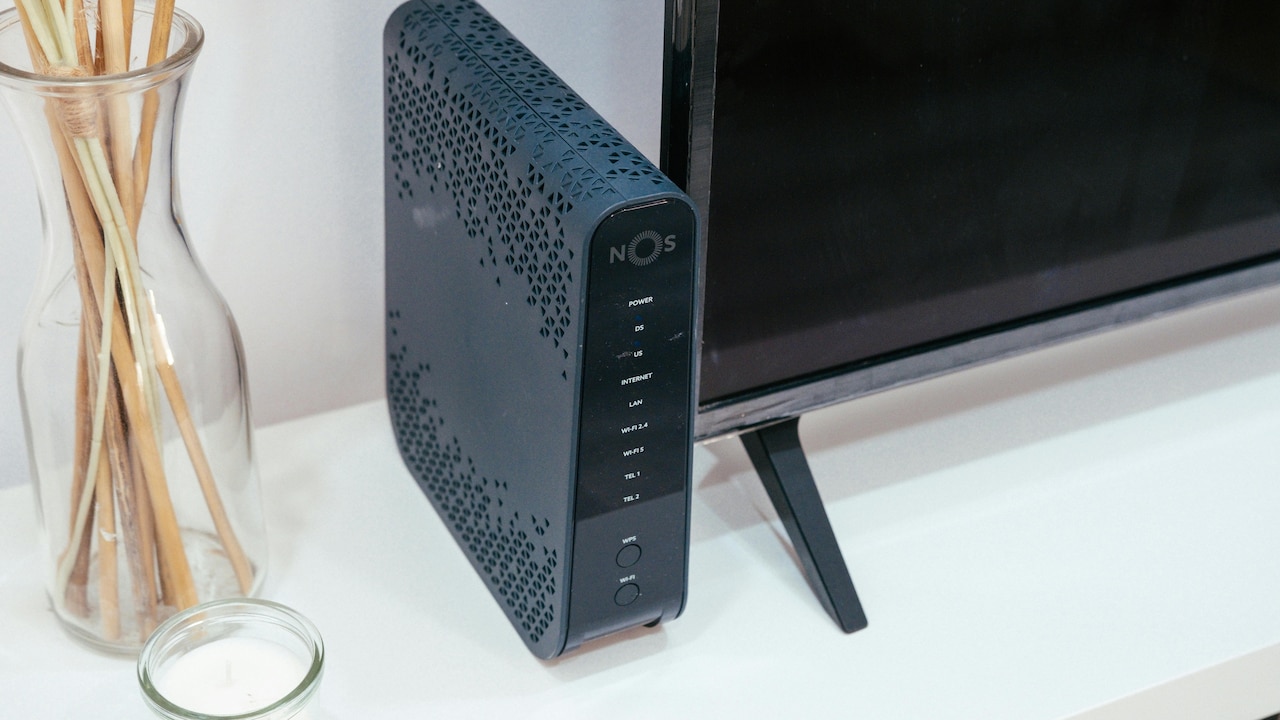
Slow Internet Despite a Dual-Band Router? Heres Whats Going Wrong
Photo Credit: Pexels
8. Thick Walls and Building Materials
Modern homes use concrete, metal reinforcements, and dense bricks. These materials block Wi-Fi signals effectively. Dual-band routers, especially on 5 GHz, struggle to penetrate such barriers.
Signal strength drops sharply across rooms separated by thick walls. Bedrooms often suffer most, leading to complaints during late-night browsing.
Mesh systems offer a solution by placing multiple nodes around the home. These nodes communicate with each other, extending coverage seamlessly. Entry-level mesh systems start around ₹10,000.
For smaller homes, powerline adapters also help. They use electrical wiring to transmit data, bypassing walls entirely.
Understanding the home's layout helps plan Wi-Fi placement better. Walls may stand firm, but smart planning finds ways around them.
9. Internet Plan Limitations and Misplaced Expectations
Sometimes the router takes the blame for slow internet when the plan itself limits speed. Streaming multiple videos on a basic plan strains available bandwidth.
Checking actual speeds through wired connections clarifies the issue. If speeds fall below promised levels, contacting the service provider helps.
Upgrading plans often costs less than expected. An additional ₹300 to ₹500 per month may double speeds, improving overall experience.
Routers distribute available speed; they cannot create more. Understanding this prevents unnecessary hardware purchases.
Clear expectations reduce frustration. Technology performs best when aligned with realistic usage needs.
10. Lack of Regular Maintenance and Awareness
Wi-Fi performance declines over time without care. Dust buildup, overheating, and outdated settings all contribute. Many routers sit untouched for years.
Restarting the router once a week clears memory and refreshes connections. This simple act often resolves minor glitches. Cleaning vents prevents overheating, which affects performance.
Reviewing settings occasionally ensures optimal configuration. Turning off unused features, such as guest networks, reduces load.
Awareness plays a key role. Learning basic router functions empowers users to troubleshoot confidently.
Wi-Fi thrives on attention. A little care keeps connectivity smooth, much like regular maintenance keeps a home running comfortably.
Products Related To This Article
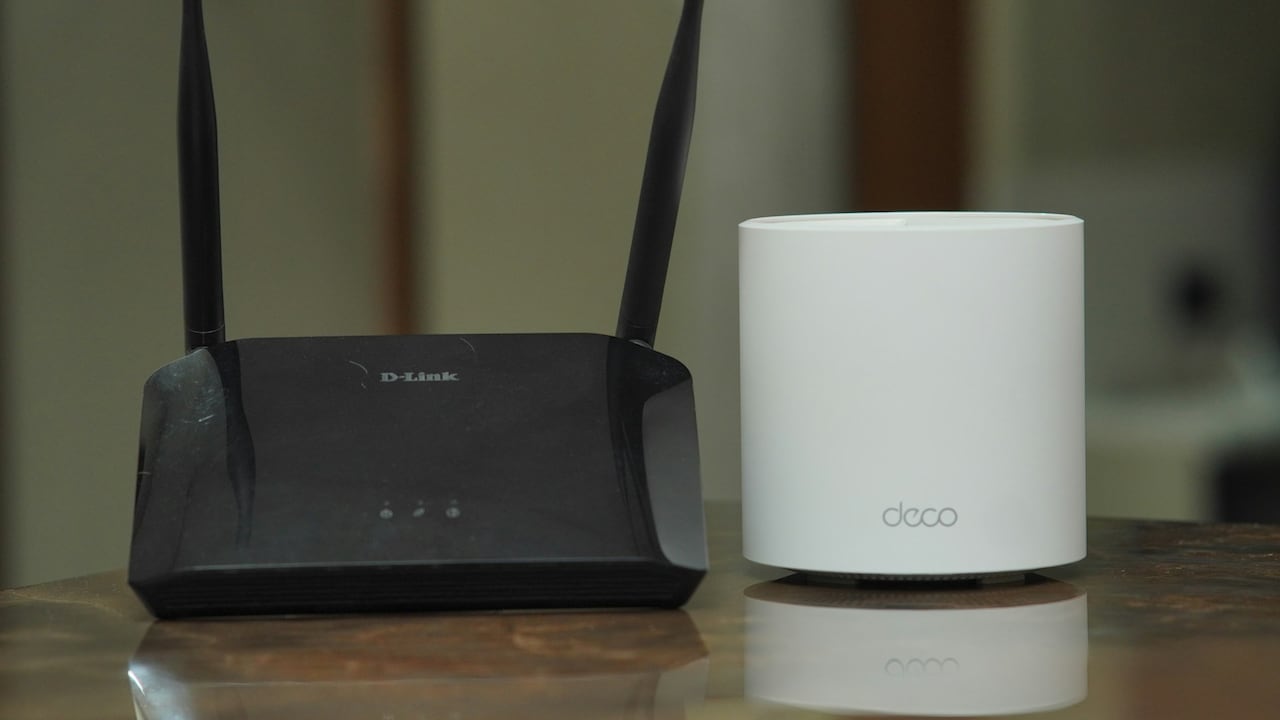
1. TP-Link Deco X50(2-Pack) AX3000 Whole Home Dual Band Mesh Wi-Fi 6 System
2. D-Link DIR-825 |High Speed 1200Mbps Dual Band Wi-Fi Router
3. Tenda AC5 V3 AC1200 Wireless Dual Band WiFi Router
4. Conbre CPE MT-300H 4G Mobile Sim Based Wi-Fi Router
5. TP-Link Archer AC1200 Archer C6 Wi-Fi Speed Up to 867 Mbps/5 GHz
6. ASUS RT-AX53U (AX1800) Dual Band WiFi 6 Extendable Router
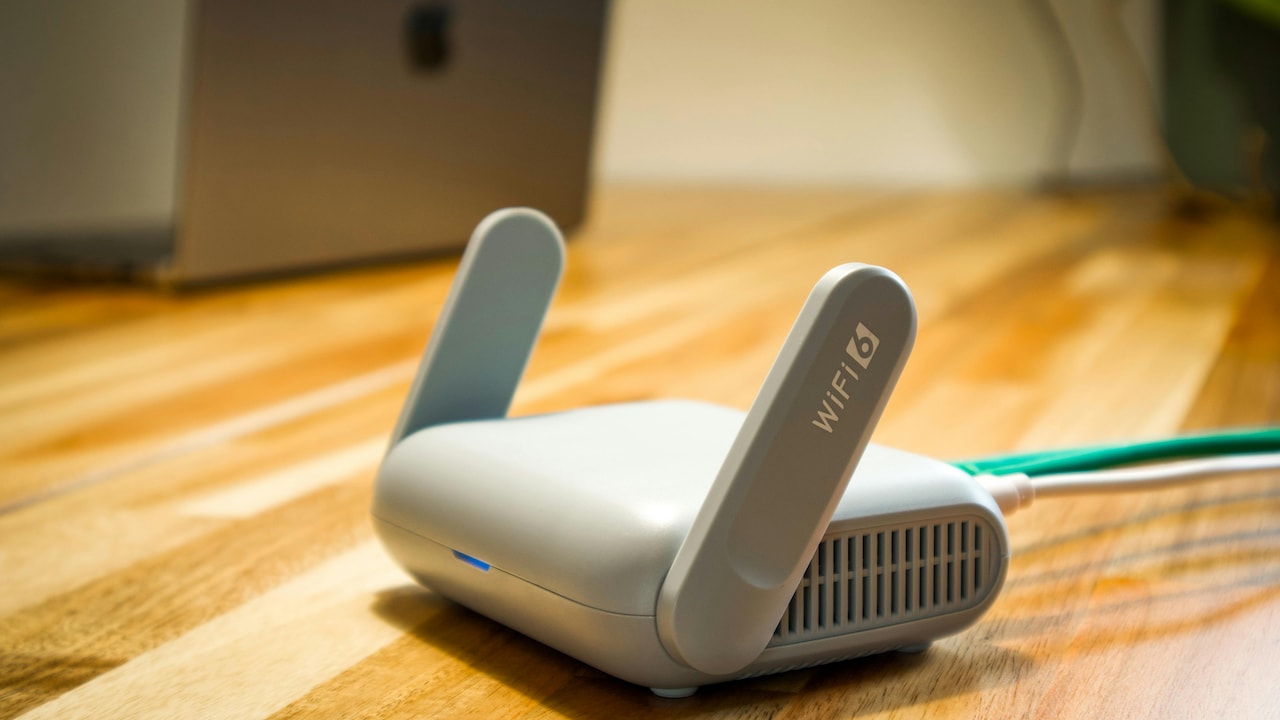
7. TP-Link Ultra-Portable Wi-Fi 6 AX1500 Dual_Band Travel Router TL-WR1502X
Dual-band Wi-Fi routers promise convenience, yet real-world conditions test their limits daily. Interference, placement, device overload, and outdated settings often cause struggles. Thankfully, solutions rarely demand advanced technical skills or heavy spending.
Simple actions, such as repositioning the router, managing devices, updating firmware, and understanding home layouts, deliver noticeable improvements. When upgrades become necessary, informed choices save money and frustration.
Reliable connectivity supports work, entertainment, and everyday communication. Treating Wi-Fi as a system rather than a plug-and-forget gadget transforms the experience. With a little patience and awareness, smooth browsing returns, and the spinning wheel finally disappears.
(Disclaimer: This article may include references to or features of products and services made available through affiliate marketing campaigns. NDTV Convergence Limited (“NDTV”) strives to maintain editorial independence while participating in such campaigns. NDTV does not assume responsibility for the performance or claims of any featured products or services.)