Why is Your Power Bank Charging So Slowly? Capacity And Cable Mistakes To Check
Capacity confusion, weak adapters, poor cables or bad habits often cause slow power bank charging. This article breaks down common mistakes and simple checks to restore faster, more reliable charging.
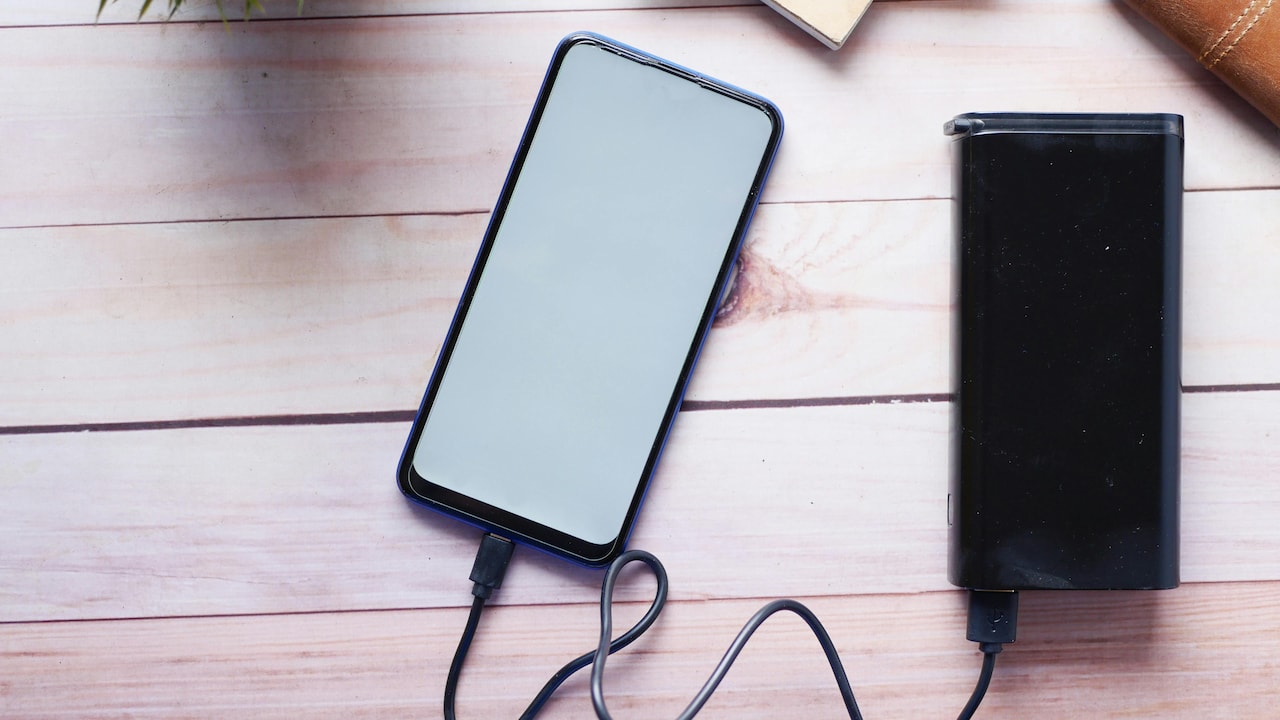
Is Your Power Bank Charging Taking Too Long? Simple Capacity and Cable Errors Explained Here.
A power bank usually enters life with big hopes. It sits in a bag, ready to rescue a phone during traffic jams, long train rides, or power cuts at home. Then frustration sets in. Hours pass, the indicator light crawls forward, and the device still feels half-empty. Many assume the power bank has aged or failed. In reality, slow charging often links to simple capacity misunderstandings and cable errors. These mistakes sneak in easily because packaging shouts big numbers while daily habits rush decisions.
Charging speed depends on more than plugging into a socket. The wall adapter, cable quality, power bank size, and even room temperature play roles. Understanding these details saves time, money, and patience. A few checks can turn a sluggish charger into a dependable companion again. The following sections break down the most common issues, one by one, with relatable examples and clear solutions.

Power Bank Charging Slowly? Capacity and Cable Mistakes You Should Check; Photo Credit: Pexels
Small Oversights That Can Dramatically Slow Power Bank Charging
1. Confusing Capacity Numbers With Real Charging Time
Capacity numbers printed on power banks often mislead. A label showing 20,000mAh looks powerful, yet a larger capacity means longer charging time. Many expect a big power bank to fill up as fast as a phone. Reality works differently. Higher capacity cells need more energy and time to reach full charge.
Energy loss also occurs during conversion. A 20,000mAh power bank never delivers the full number to devices. Heat and voltage conversion eat a portion. This loss affects charging speed, too. When a large unit connects to a low-power adapter, the wait stretches even more.
People often plug such power banks overnight and still wake up to half-filled indicators. That situation feels annoying, but makes sense. A big tank needs a strong tap. Checking the input rating printed on the power bank helps. Matching that rating with a suitable charger shortens charging time noticeably. Understanding capacity as storage, not speed, changes expectations and habits for the better.
2. Using a Weak Wall Adapter Without Realising
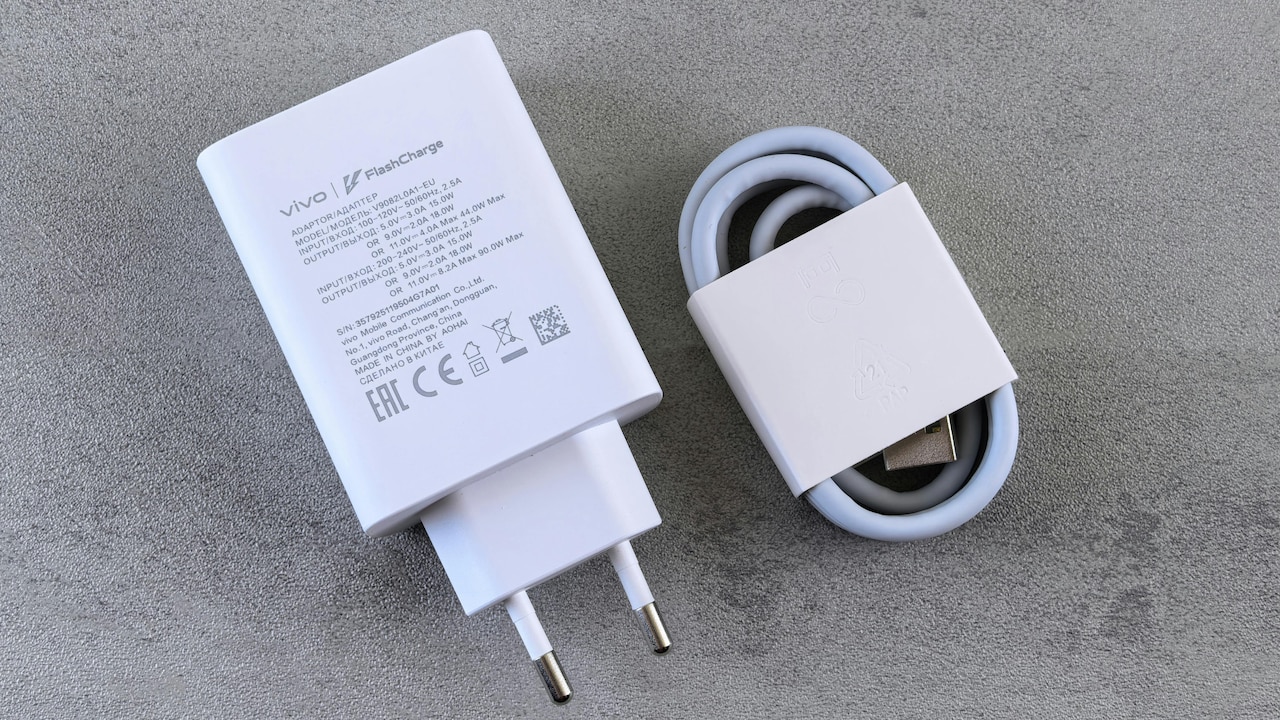
The wall adapter matters more than many realise. A basic adapter rated at 5W or 10W struggles to fill modern power banks. It sends energy slowly, like pouring water through a narrow straw. Many households still use old phone chargers bought years ago for ₹300 or less. Those chargers suit basic phones but fail to keep up with newer accessories.
Power banks often support 18W, 22.5W, or even higher input. When paired with a weak adapter, charging slows down dramatically. The power bank accepts only what the adapter can give. No magic happens.
Checking the adapter label takes seconds. Look for output numbers like 5V/2A or 9V/2A. Higher numbers mean faster charging. Investing ₹800–₹1,200 in a good adapter saves hours every week. Faster charging also reduces heat buildup, which helps the battery stay healthy for longer.
Also Read: Top 5 Power Banks With True Capacity And Fast Charging Performance
3. Ignoring Cable Quality And Length
Cables look simple, yet they cause major charging problems. Thin, cheap, or old cables restrict power flow. Frayed wires inside create resistance, which slows charging and generates heat. Many keep using a cable that “still works,” even when charging crawls.
Long cables add another issue. A two-metre cable feels convenient on the bed or sofa, but the length increases resistance. Power drops before it reaches the power bank. The result shows up as slow or unstable charging.
Quality cables support higher current and fast-charging standards. They cost more, often ₹500–₹900, but last longer and perform better. Shorter cables usually charge faster, too. Choosing a sturdy, certified cable often fixes slow charging instantly. That small swap saves frustration without touching the power bank itself.
4. Charging Through Laptops Or Extension Boards
Plugging a power bank into a laptop USB port feels handy during work hours. Unfortunately, laptop ports provide limited power. Many deliver only 5W or less. That output suits data transfer, not charging large batteries. As a result, power banks take ages to fill.
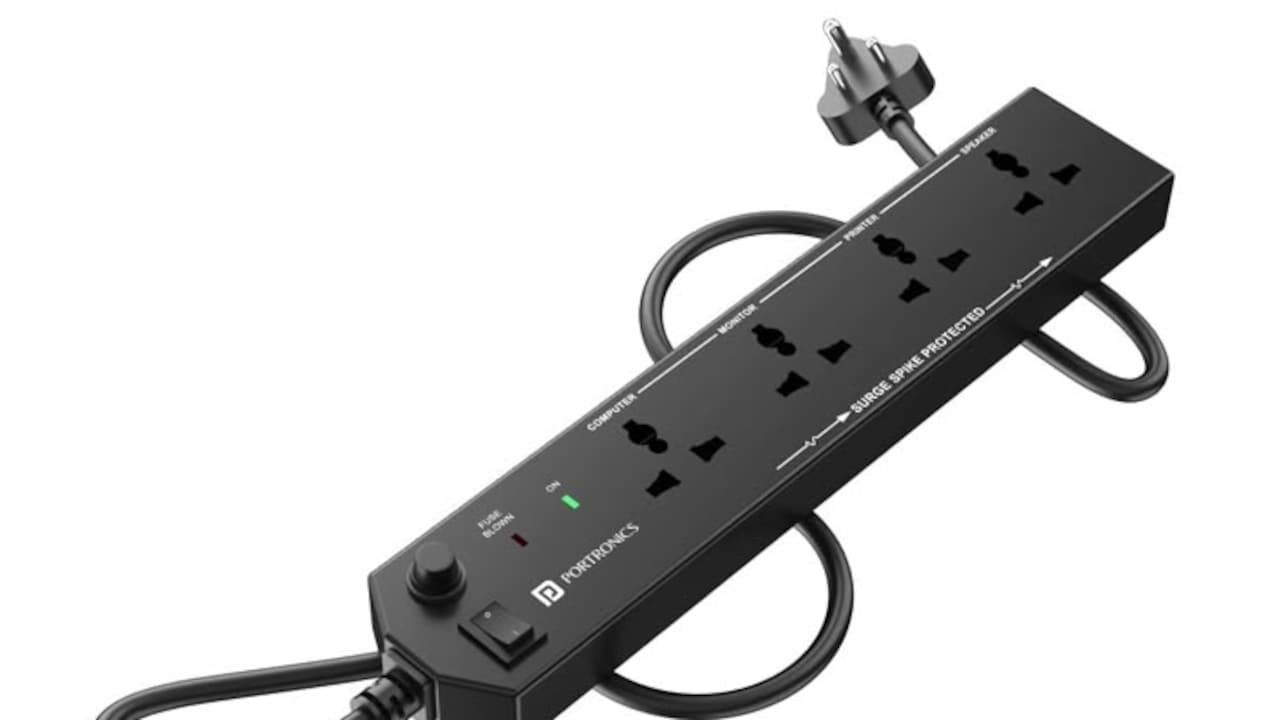
Extension boards can cause similar trouble. Cheap boards distribute power unevenly, especially when several devices draw current at once. Voltage drops slow charging without clear warning signs.
Direct wall charging works best. Plugging straight into a socket with a strong adapter ensures steady power flow. During travel, hotel USB ports often behave like laptop ports. They look helpful, but charge painfully slowly. Choosing the right source speeds things up far more than swapping the power bank itself.

Power Bank Charging Slowly? Capacity and Cable Mistakes You Should Check; Photo Credit: Pexels
5. Charging While Using The Power Bank
Many charge a power bank while it charges a phone. This habit feels efficient but causes slow progress. Energy splits between filling the internal battery and powering the connected device. Heat rises, and charging speed drops.
Some power banks support pass-through charging, but even then, efficiency falls. The internal circuitry works harder, which affects speed and long-term battery health. The indicator light may blink for hours without much movement.
Charging the power bank alone works best. Let it fill before connecting devices. This simple patience saves time later. A fully charged power bank performs better and lasts longer. Avoiding multitasking during charging often brings a noticeable improvement.
6. Temperature Playing Spoilsport
Batteries dislike extreme temperatures. Heat slows charging and damages cells over time. Cold conditions also reduce efficiency. Leaving a power bank in a hot car or near a window in summer affects performance badly.
During charging, heat builds naturally. When the surrounding temperature rises too, the charging circuit slows down to protect the battery. This safety feature feels annoying, but it prevents long-term harm.
Charging in a cool, shaded place helps. Avoid covering the power bank with pillows or clothes. Let air circulate freely. Simple care improves speed and battery life together. Treating the device gently pays off in consistent performance.
7. Dirt And Loose Ports Blocking Power Flow
Charging ports collect dust and lint easily, especially inside bags and pockets. Over time, debris blocks proper contact between the cable and port. Charging becomes slow or unstable. Sometimes the connection breaks with a slight movement.
Loose ports cause similar trouble. Frequent plugging and unplugging wear the internal connectors. Power flow weakens, even with a good cable and adapter.
Cleaning ports gently with a dry brush or compressed air helps. Avoid metal pins or liquids. If the port feels loose, professional repair may help, but replacement often costs ₹700–₹1,500. Regular cleaning and careful handling prevent these issues before they start.
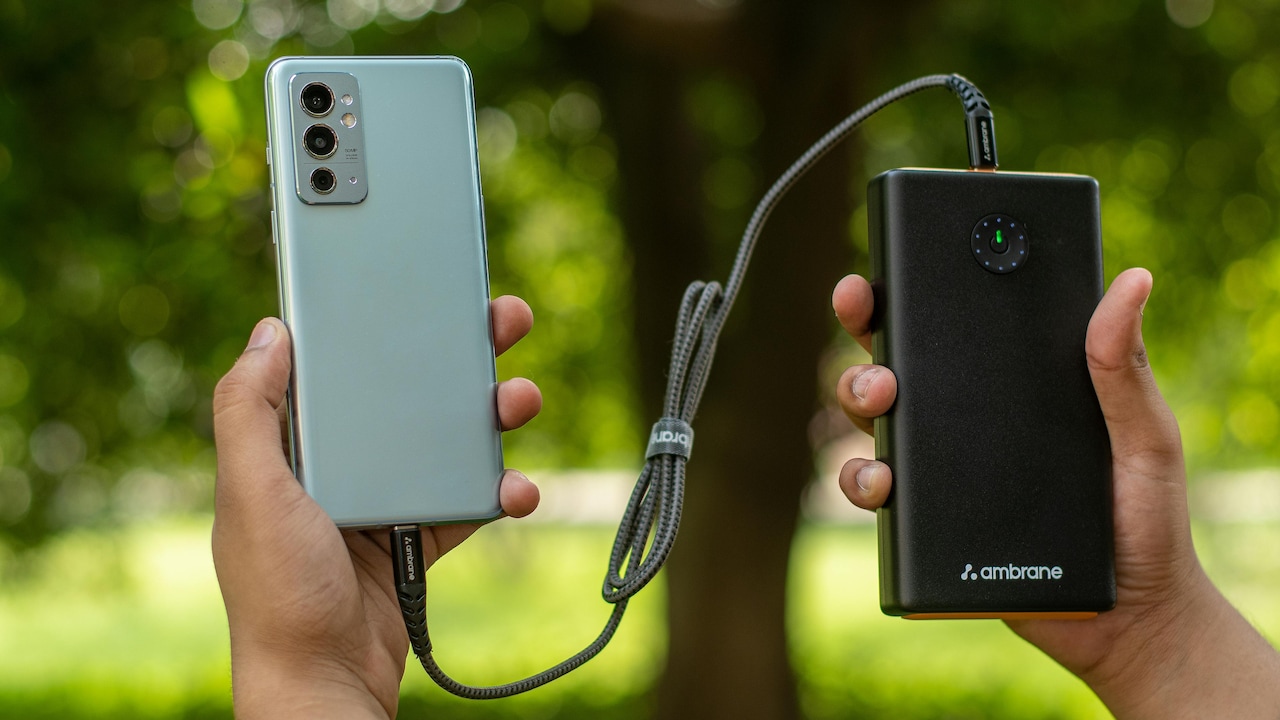
Power Bank Charging Slowly? Capacity and Cable Mistakes You Should Check; Photo Credit: Pexels
8. Outdated Charging Standards Holding Things Back
Charging technology evolves quickly. Older power banks lack support for fast-charging protocols used by modern adapters. Even with a powerful charger, the power bank may accept energy slowly due to outdated circuitry.
Labels like Quick Charge or Power Delivery indicate compatibility. Without these standards, charging speed stays limited. This mismatch confuses many users who expect miracles from new chargers.
Checking specifications before buying helps avoid disappointment. When an older power bank struggles daily, upgrading makes sense. Spending ₹1,500–₹2,500 on a newer model often saves hours over months. Technology moves fast, and batteries feel the impact first.
9. Expecting Full Speed From Every Socket
Not all wall sockets behave equally. A fluctuating power supply affects charging speed. Voltage drops during peak hours slow everything connected. This issue shows up often in busy neighbourhoods during evenings.
Charging late at night or early morning sometimes feels faster for this reason. Using a surge protector with voltage regulation helps maintain a steady flow. While this factor stays outside personal control, awareness helps manage expectations.
A slow charge does not always signal a faulty power bank. Sometimes, the socket itself limits performance. Trying a different outlet often reveals the truth quickly.
10. Age And Battery Wear Finally Catching Up
Batteries age silently. After hundreds of charge cycles, capacity drops and internal resistance rises. Charging slows, and heat increases. Even the best care cannot stop this process forever.
A power bank older than three years often shows these signs. Indicators behave erratically, and full charges take longer. At this stage, no cable or adapter can restore the original speed.
Replacing an ageing unit makes sense. Newer models charge faster, hold energy better, and include safety upgrades. Retiring an old power bank feels bittersweet, but reliability matters more than nostalgia when a phone battery hits 5%.
Products Related To This Article
1. URBN 20000mAh 35W Turbo Fast Charging Power Bank
2. Lifelong Electronics 20000mAh 22.5W Fast Charging Power Bank
3. Portronics Luxcell B 10K 10000 mAh 22.5W Fast Charging Power Bank
4. Xiaomi Power Bank 4i 20000mAh 33W Super Fast Charging PD
5. Ambrane Magsafe Wireless 10000Mah Fast Charging USB Type-C Input Power Bank
Slow charging feels irritating, especially when time runs short. Yet the cause often hides in everyday habits and small oversights. Capacity confusion, weak adapters, tired cables, and poor charging conditions slow things down quietly. Paying attention to these details transforms the experience.
A power bank works best when treated as a system, not a single gadget. Matching capacity with the right charger, choosing quality cables, and charging patiently make a big difference. With a few smart checks, that once-sluggish power bank can return to duty, ready to rescue devices when they need it most.
(Disclaimer: This article may include references to or features of products and services made available through affiliate marketing campaigns. NDTV Convergence Limited (“NDTV”) strives to maintain editorial independence while participating in such campaigns. NDTV does not assume responsibility for the performance or claims of any featured products or services.)