Why Your Laptop Slows Down After 1 Year: Storage Type (SSD vs HDD) Is The Real Reason
Most laptops don’t slow down because they age; they slow down because of storage. SSDs stay fast, while HDDs struggle over time. Here’s why your laptop feels slower after a year.
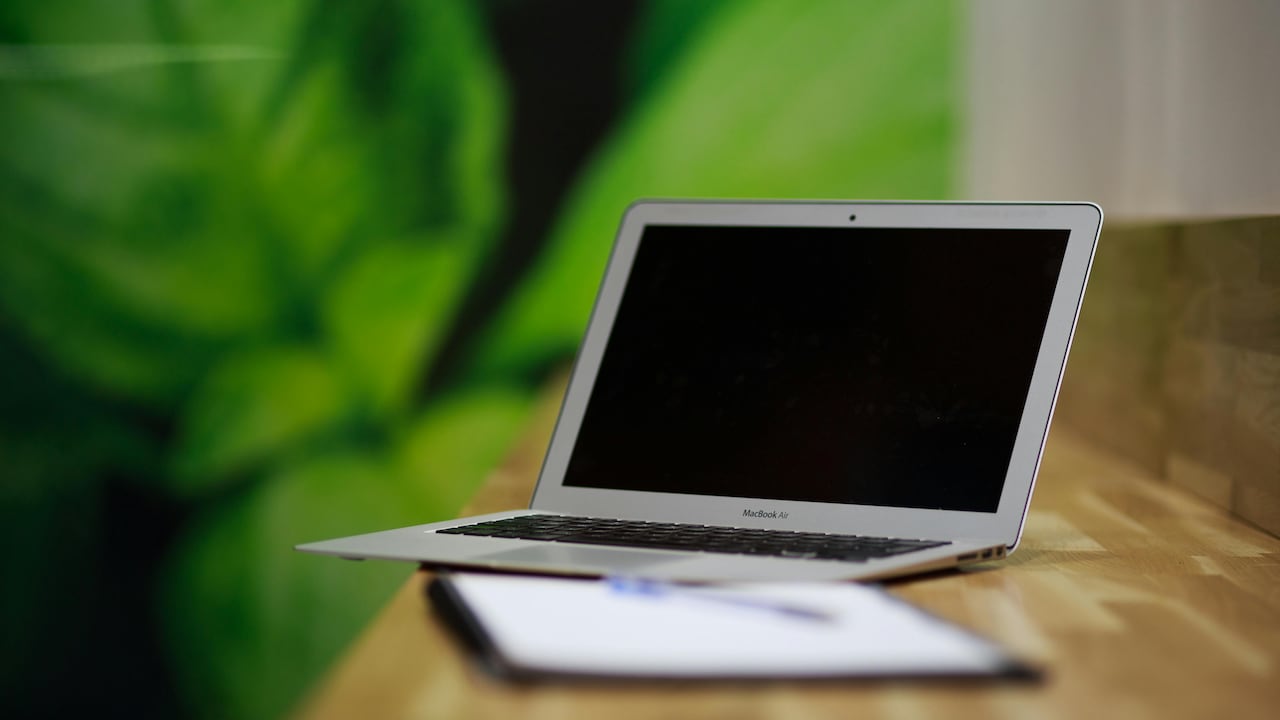
Laptop Getting Slow? The Real Reason Is SSD vs HDD Storage
There's a familiar moment most laptop users face. The device that once powered through tasks now pauses, thinks and then reluctantly obeys. Opening files takes longer. Boot time stretches. Even typing feels oddly delayed, as though the machine has lost its enthusiasm.
At first, suspicion falls on apps, viruses, or heavy usage. Some even accept it as fate: “all laptops slow down after a year.” Yet that explanation barely scratches the surface.
Behind the scenes, one component quietly determines whether a laptop ages gracefully or turns sluggish: storage. Not just how much space exists, but the kind of drive installed, SSD or HDD.
Why Your Laptop Slows Down After 1 Year: Storage Type (SSD vs HDD) Is The Real Reason
Photo Credit: Pexels
This difference isn't just technical jargon. It shapes daily experience. From opening a ₹500 Excel file to launching video calls before a meeting, storage defines speed. And over time, that gap widens.
So why does this happen? Why do some laptops still feel snappy after years, while others struggle within months? The answer lies in how these storage types work, how they wear, and how modern software interacts with them.
Also Read: 5 Portable Laptop Powerbanks That Work For High-Power Devices
The Real Reasons Your Laptop Slows Down Over Time
How Storage Type Shapes Everyday Performance
Most people notice performance in small, everyday actions. Turning on the laptop before work. Opening a browser to check cricket scores. Switching between tabs while attending an online class.
An SSD handles these actions almost instantly. It reads data electronically, with no moving parts. An HDD, on the other hand, behaves like an old music player with spinning discs and a mechanical arm. Every request requires physical movement.
At the start, this difference feels minor. A new HDD laptop still feels “fast enough.” But over time, small delays stack up. Each file request, each background process, each update adds friction.
After a year, those micro-delays turn into noticeable lag. What once took a second now takes five. Multiply that across dozens of daily tasks, and frustration builds quickly.
Storage type doesn't just affect speed; it shapes how smooth or stressful everyday computing feels.
Why HDDs Naturally Slow Down Over Time
Hard drives age like well-used machines. The spinning platter collects data across its surface. Over time, files scatter across different locations, forcing the read head to travel longer distances.
This process, known as fragmentation, slows things down. Imagine searching for pages of a book scattered across different rooms. That's how an HDD handles files after months of usage.
Wear and tear also play a role. Mechanical parts degrade. Even tiny inefficiencies, barely noticeable at first, compound over time.
Background processes make things worse. Software updates, cached data, temporary files, all pile up. The HDD struggles to keep up, juggling multiple requests physically.
By the end of a year, the system feels heavier, not because it lacks power, but because its storage can't keep pace with demand.
SSDs: Why They Stay Faster For Longer
SSDs operate differently. They store data in flash memory, with no moving parts. This allows near-instant access, regardless of where the data sits.
Even after months of use, an SSD doesn't suffer from fragmentation in the same way. Data retrieval remains quick and consistent.
Modern SSDs also include smart management features. They organise data efficiently, clean unused blocks, and maintain performance automatically.
This means that even after a year, an SSD-equipped laptop feels close to its original speed. Boot times stay short. Apps launch quickly. Multitasking remains smooth.
Of course, no device stays perfect forever. But compared to HDDs, SSDs age more gracefully. They don't just start fast, they stay fast.
The Hidden Impact Of Software Updates
Software rarely stays still. Operating systems update regularly. Apps grow larger and more complex. Security features add layers of processing.
On an SSD, these changes barely affect daily use. The drive handles increased demands with ease.
On an HDD, however, updates feel heavier. Each new feature adds more read and write operations. The drive struggles to keep up, especially when multiple processes run at once.
After a year, the gap becomes obvious. The same update that feels seamless on an SSD causes noticeable lag on an HDD.
This creates a misleading perception. Many assume the laptop has become “old” or “underpowered.” In reality, the storage simply can't handle modern software demands efficiently.
Multitasking: Where The Gap Widens
Modern usage rarely involves one task at a time. A typical day includes streaming music, attending meetings, editing documents, and browsing simultaneously.
SSDs thrive in this environment. They handle multiple requests at once without slowing down.
HDDs struggle. Each task competes for the drive's attention. The mechanical arm jumps between locations, increasing delays.
Initially, this feels like minor lag. After months, it becomes a constant annoyance. Switching tabs takes longer. Apps freeze briefly. The system feels overwhelmed.
This difference explains why some laptops feel “fine” for simple use but collapse under multitasking pressure.
Storage isn't just about speed; it determines how well a system handles modern workloads.
Why Your Laptop Slows Down After 1 Year: Storage Type (SSD vs HDD) Is The Real Reason
Photo Credit: Pexels
Boot Time And Startup Fatigue
Nothing tests patience like a slow startup. Press the power button, and then wait and wait.
An SSD boots within seconds. Even after a year, the startup remains quick.
An HDD slows down noticeably. As more programs load during startup, the drive struggles to read everything efficiently.
Over time, a startup becomes a ritual. Switch on the laptop, make tea, return, and hope it's ready.
This isn't just an inconvenience. It reflects how storage impacts system responsiveness from the very first moment of use.
Fast startup sets the tone for productivity. Slow startup drains momentum before work even begins.
Heat, Power, And Performance Stability
HDDs consume more power and generate more heat due to their moving parts. Over time, this affects performance stability.
As heat builds, systems throttle performance to prevent damage. This adds another layer of slowdown.
SSDs run cooler and more efficiently. They maintain stable performance even during heavy use.
After a year, this difference becomes clearer. HDD-based systems may feel inconsistent, sometimes smooth, sometimes sluggish.
SSDs offer reliability. Performance stays predictable, reducing frustration during important tasks like presentations or exams.
Storage Full? That's Where Problems Begin
As storage fills up, performance drops. This affects both SSDs and HDDs, but the impact differs.
On an HDD, a nearly full drive increases fragmentation. Data spreads out, forcing longer search times.
On an SSD, performance dips slightly when space runs low, but not dramatically.
After a year, many laptops approach storage limits. Photos, videos, apps, and updates consume space quickly.
An HDD at 80–90% capacity feels significantly slower. An SSD handles this scenario better, though it still benefits from free space.
This explains why clearing storage sometimes improves performance, especially on HDD systems.
Budget Choices And Long-Term Cost
At purchase, HDD laptops often cost less. A ₹40,000 device with an HDD may seem like a better deal than a ₹45,000 SSD model.
But this saving comes with hidden costs. Slower performance leads to frustration, reduced productivity, and sometimes early replacement.
Many users end up upgrading to an SSD later, spending additional money and effort.
In contrast, choosing an SSD upfront provides consistent performance for years. It reduces the need for upgrades and improves the daily experience.
What seems like a small saving at purchase often turns into a higher cost over time.
The Psychological Effect Of A Slow Laptop
A slow laptop doesn't just affect productivity; it affects mood.
Waiting for files to open, dealing with freezing apps, restarting systems repeatedly, it creates a subtle but constant irritation.
Over time, this frustration shapes habits. People avoid using certain apps. They delay tasks. Work feels heavier than it should.
An SSD changes this experience. Quick responses create a sense of flow. Tasks feel smoother. Technology fades into the background instead of becoming a barrier.
After a year, this difference becomes deeply noticeable. One system feels like a reliable companion. The other feels like a daily challenge.
Why Upgrading Storage Changes Everything
Many assume fixing a slow laptop requires buying a new one. Often, that's unnecessary.
Switching from an HDD to an SSD transforms performance dramatically. Boot times drop. Apps open faster. Multitasking improves instantly.
This upgrade costs far less than replacing the entire device. For many, it feels like getting a brand-new laptop without spending ₹50,000 or more.
Even older systems benefit. Storage acts as a bottleneck. Remove it, and the rest of the hardware performs better.
This simple change highlights how critical the storage type truly is.
Why Your Laptop Slows Down After 1 Year: Storage Type (SSD vs HDD) Is The Real Reason
Photo Credit: Pexels
Products Related To This Article
1. Primebook 2 Pro 2026 (New Launch)
2. HP Omnibook 5 OLED (Previously Pavilion)
3. ASUS Vivobook Go 15 (2026),AMD Ryzen 5 40, AMD Radeon iGPU
4. HP 15, 13th Gen Intel Core i3-1315U
5. Lenovo IdeaPad Slim 3, 12th Gen Intel Core i5-12450H
A slowing laptop isn't always a sign of ageing hardware or heavy usage. More often, it reflects the limitations of its storage.
HDDs, with their mechanical nature, struggle to keep up with modern demands. Over time, fragmentation, wear, and software complexity slow them down.
SSDs, by contrast, offer speed, consistency, and resilience. They handle growth gracefully, maintaining performance even after a year or more.
The difference isn't subtle, it shapes everyday experience. From startup speed to multitasking, storage defines how a laptop feels.
Choosing the right storage isn't just a technical decision. It's an investment in smoother, less frustrating computing.
So the next time a laptop starts to lag, don't blame time alone. Look inside. The real reason might be spinning quietly beneath the surface.
(Disclaimer: This article may include references to or features of products and services made available through affiliate marketing campaigns. NDTV Convergence Limited (“NDTV”) strives to maintain editorial independence while participating in such campaigns. NDTV does not assume responsibility for the performance or claims of any featured products or services.)