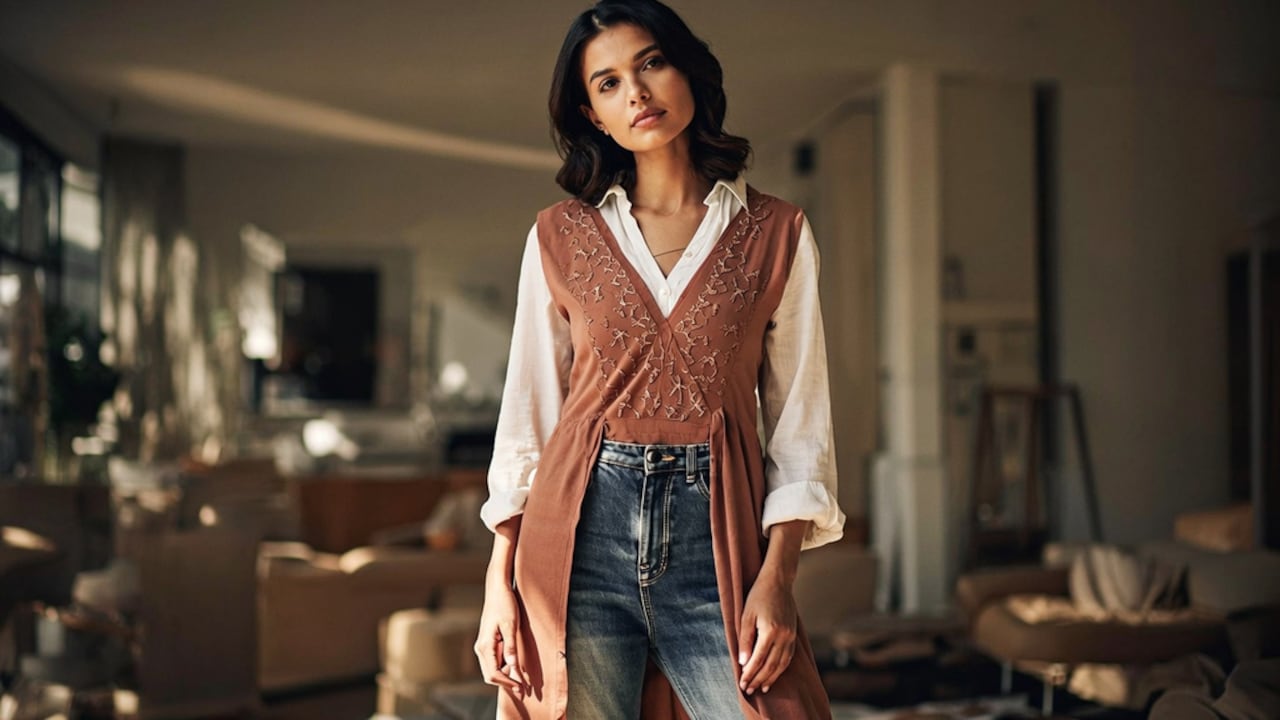
How To Pick A Work Tote That Fits A Laptop Without Looking Bulky
Want a work tote that fits a laptop without looking like a gym bag? Here is how to pick the right one, plus the features that keep it slim and polished all day.
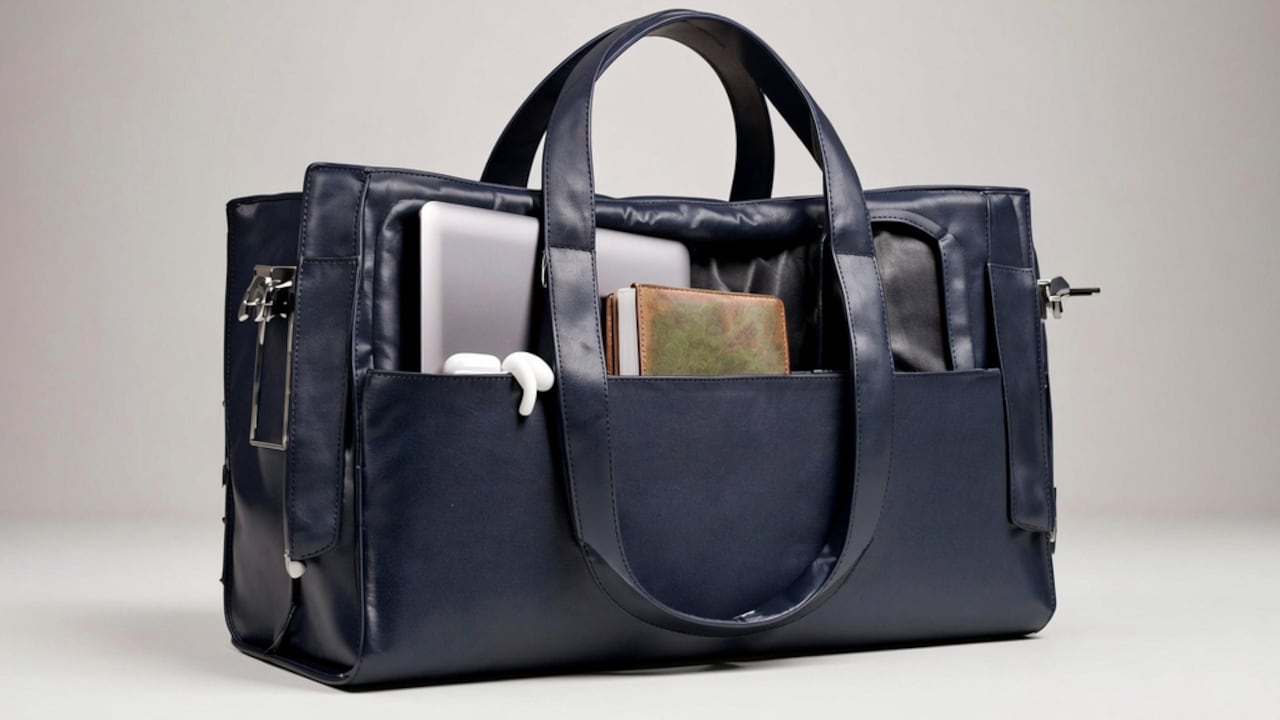
Find the right tote bag of your dreams for work with these easy tips
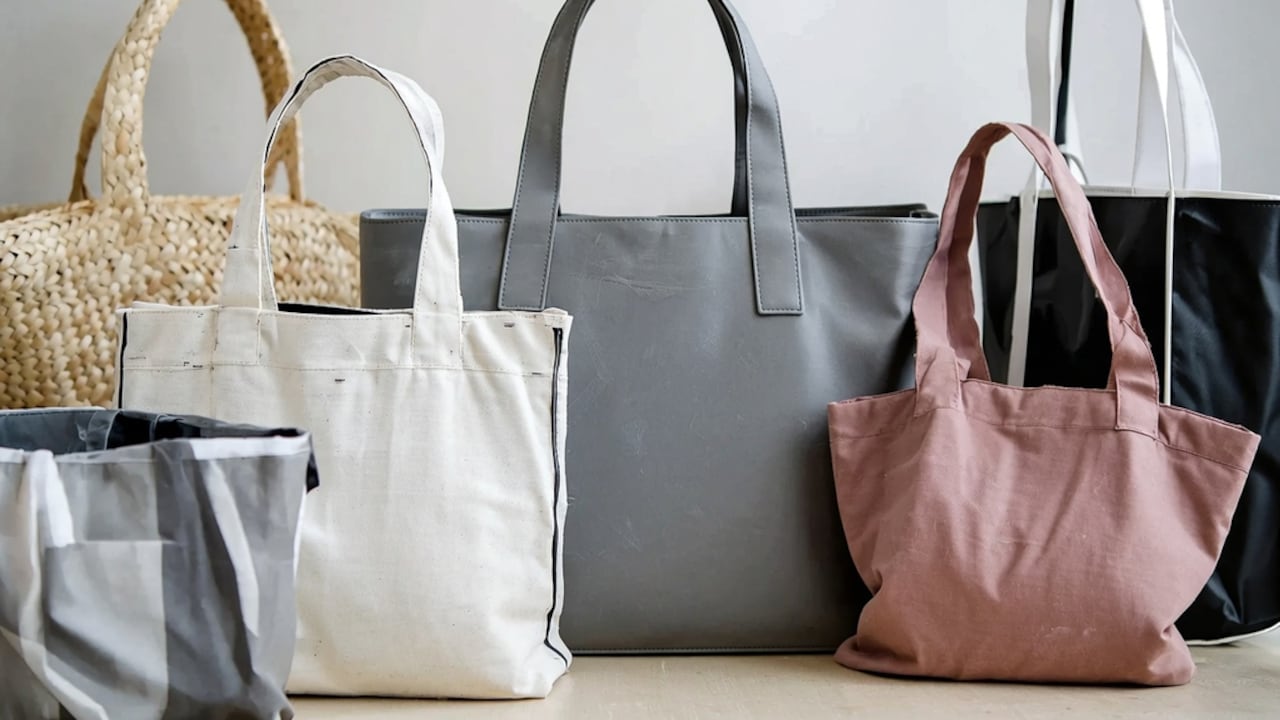
Most laptop bags look exactly like laptop bags: padded, boxy, unmistakably functional. A work tote that hides a 15-inch machine while still reading as a proper bag, not a carry case, is what everyone wants. It exists. You just need to know what to look for. The trick is not the size, it is the structure. A flat tote that sits upright and maintains its shape appears slimmer than a floppy oversized tote, even when both are used to carry the same laptop.
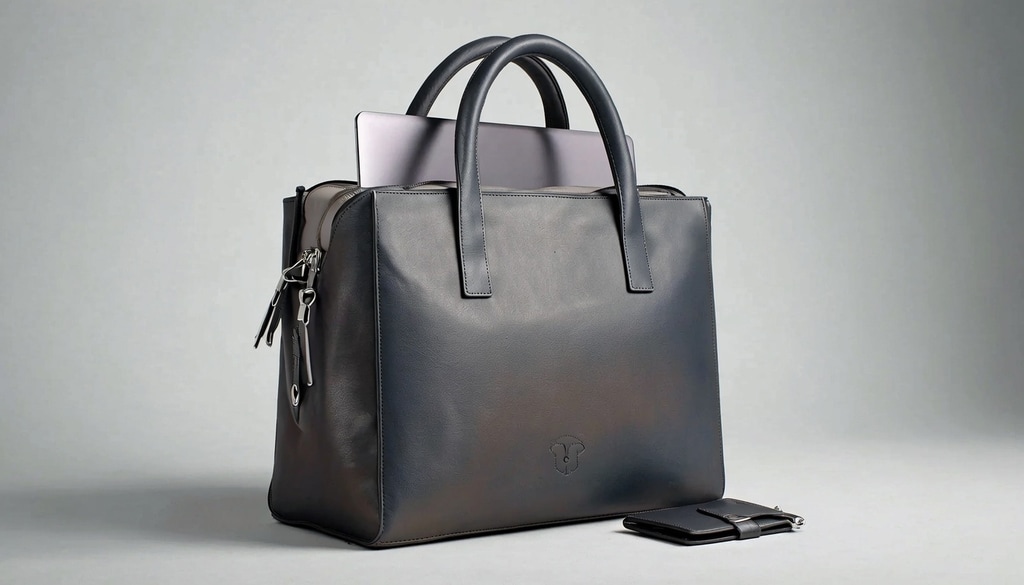
Find the perfect laptop work tote that stays slim, organized, and professional all day long.
Photo Credit: iStock
Why Most Laptop Bags Look Bulky In The First Place
The padded laptop sleeve is usually the culprit. When the sleeve runs the full width and height of the bag and the laptop fills it completely, the bag sits out from the body and takes on the shape of whatever is inside it. That rectangular outline is what reads as a laptop bag instead of a tote.
Also Read: Top 5 Tote Bags For Work That Hold Everything Under ₹1000
Soft, unstructured fabric worsens this. A bag that flops against the thigh looks larger than it is. The fix: enough internal structure to hold the bag's shape, and a laptop sleeve that sits flat against the back panel rather than pushing outward.
The Shape And Size Rule That Changes Everything
The best indicator is whether the brand lists a dedicated back-panel laptop sleeve. That sleeve holds the machine flush against the body-facing side, keeping the front of the bag flat.
On size: wider is almost always worse than taller. A tote that is taller than it is wide has a narrow visual footprint even when fully packed, while a wide flat bag fans out and looks stuffed. For most 13 to 15-inch laptops, a bag measuring roughly 30 to 35 cm wide and 35 to 40 cm tall is the right zone. Anything over 40 cm wide starts picking up that grocery-bag silhouette.
What Materials And Structure Actually Do
Structure is the underrated factor. A bag with semi-rigid panels holds its shape all day rather than slumping by 3pm. PU leather and thick canvas hold structure better than thin polyester or soft faux leather.
1. Hardware And Closure Details
Top-zip closures with a flat flap over them read as more polished than open-top totes that let the contents show. The zip keeps the bag closed tight so nothing shifts outward and contributes to bulk. Similarly, metal hardware, zippers with proper pulls, and D-rings with solid clasps all signal structure without adding weight.
2. The Shoulder Strap Question
Wide, flat straps distribute the laptop's weight evenly and let the bag hang closer to the body. Thin chain straps dig in and cause the bag to swing outward. For a tote carrying a laptop, anything narrower than 2 cm is a daily inconvenience rather than a style detail.
3. Colour And Print Do Real Work
Dark solids and muted prints make totes look more compact. Bright colours and busy patterns draw the eye to the outline of the bag, emphasising its size. If a bag is borderline in size, a neutral colour nearly always pulls it back to an acceptable level.
4. Avoiding The Red Flags
Extra pockets on the outside, particularly the wide zippered panels across the front, add visual depth and make bags appear thicker. Interior organisation is always better than exterior pockets for a tote that needs to look slim.
How To Choose A Work Tote That Carries A Laptop Well
Step 1: Measure Your Laptop First
Bag listings use screen size, but screen size and physical dimensions are different. A 15.6-inch laptop can be anything from 36 to 38 cm wide. Measure the actual machine and add 2 cm on each side for the sleeve to work comfortably without forcing a zip.
Step 2: Look For A Back-Panel Or Dedicated Laptop Sleeve
This is the most important filter. A dedicated sleeve against the back panel distributes weight to the body-facing side and keeps the front of the bag flat and unaffected by the laptop inside.
Step 3: Check The Base Width In The Dimensions
The depth or base width figure in the listing tells you how much the bag will stick out from your side. Under 12 cm is the comfortable range for a tote that appears slim. Over 15 cm and it starts looking like an overnight bag regardless of the fabric.
Step 4: Choose Structure Over Softness
Hold or press the sides of a bag in a store. If it collapses immediately, it will look stuffed once the laptop is inside. Semi-rigid panels, reinforced corners, and a firm base are the signals of a bag that will hold its silhouette through the working day.
Step 5: Prioritise Internal Over External Pockets
An interior that has enough pockets for chargers, a water bottle, and documents is far better than the same number of pockets on the outside. Every exterior pocket is a visual layer that adds apparent depth.
Step 6: Try The Loaded Test
In a store, load the bag with the actual weight you carry and watch where it lands when you lift it onto your shoulder. If a bag swings outward or has gaps at the top, it indicates that it will appear bulky when in use, even if it looks fine when empty.
Step 7: Consider A Detachable Strap
A bag that converts between a top-handle tote and a crossbody gives you the silhouette of a tote at the desk and the practicality of a crossbody on the commute. The laptop sits closer to the body in crossbody mode, which makes the whole look more compact.
Step 8: Neutral Colours Are Worth Prioritising
For a daily carry, a black, dark brown, or deep navy bag is easier to keep looking clean and pairs with everything without clashing. A structured tote in a neutral colour can carry a laptop, a lunch box, and files and still look like a deliberate outfit choice rather than an overloaded carry.
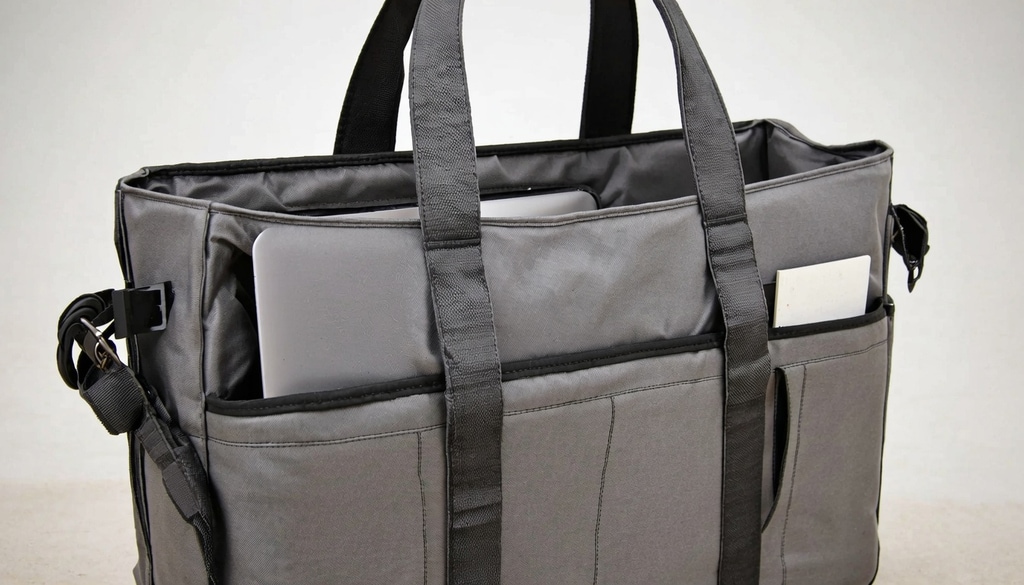
Upgrade your daily commute with a polished, laptop-friendly work tote designed to stay sleek and professional.
Photo Credit: iStock
Some Work Totes Worth Considering
1. XaVi Expandable Messenger Bag With Laptop Compartment
2. TCRAZY Shoulder Bag With Detachable Strap
3. Abstract Women's Leather Office Tote With Adjustable Strap
4. DailyObjects Recycled Everyday Tote
5. Womanix Shoulder Briefcase Handbag
6. Jacquard Compartment Spacious Shoulder Tote
7. FATMUG Women's 15.6-Inch Laptop Bag
8. London Stylish Women's Office Bag
Frequently Asked Questions (FAQs)
1. What size tote fits a 15-inch laptop without looking huge?
Look at the base depth more than the height. A bag 35 to 38 cm wide with a depth under 12 cm carries a 15-inch machine without reading as a luggage piece.
2. Is PU leather or canvas better for a work tote?
Both hold structure, but thick waxed canvas handles daily bumps and rain better, while PU leather photographs cleaner and tends to look more polished in a formal office setting. Pick for your environment.
3. Does the laptop compartment need to be padded?
A padded sleeve adds protection but also adds thickness. If your laptop already has a sleeve, an unpadded back panel can keep the bag slimmer. The structure of the bag matters more than the padding for daily protection.
4. Can I use a tote as a laptop bag every day?
Yes, as long as it has a dedicated laptop section. General totes without a fixed laptop compartment let the machine slide and shift, which is both uncomfortable and puts stress on the hinge.
5. What colour work tote looks least bulky?
Dark solids, especially black and dark navy, reduce visual bulk. They also show less scuff, pair with more outfits, and hold up better through daily use than lighter shades that show dirt faster.
(Disclaimer: This article may include references to or features of products and services made available through affiliate marketing campaigns. NDTV Convergence Limited (“NDTV”) strives to maintain editorial independence while participating in such campaigns. NDTV does not assume responsibility for the performance or claims of any featured products or services.)