Laptop Bag Mistakes That Cause Wear And Tear And Shorten Device Life
Daily packing habits quietly damage laptops. From overstuffed bags to loose chargers, small mistakes shorten device life. This article breaks down common errors and simple ways to protect laptops on the move.
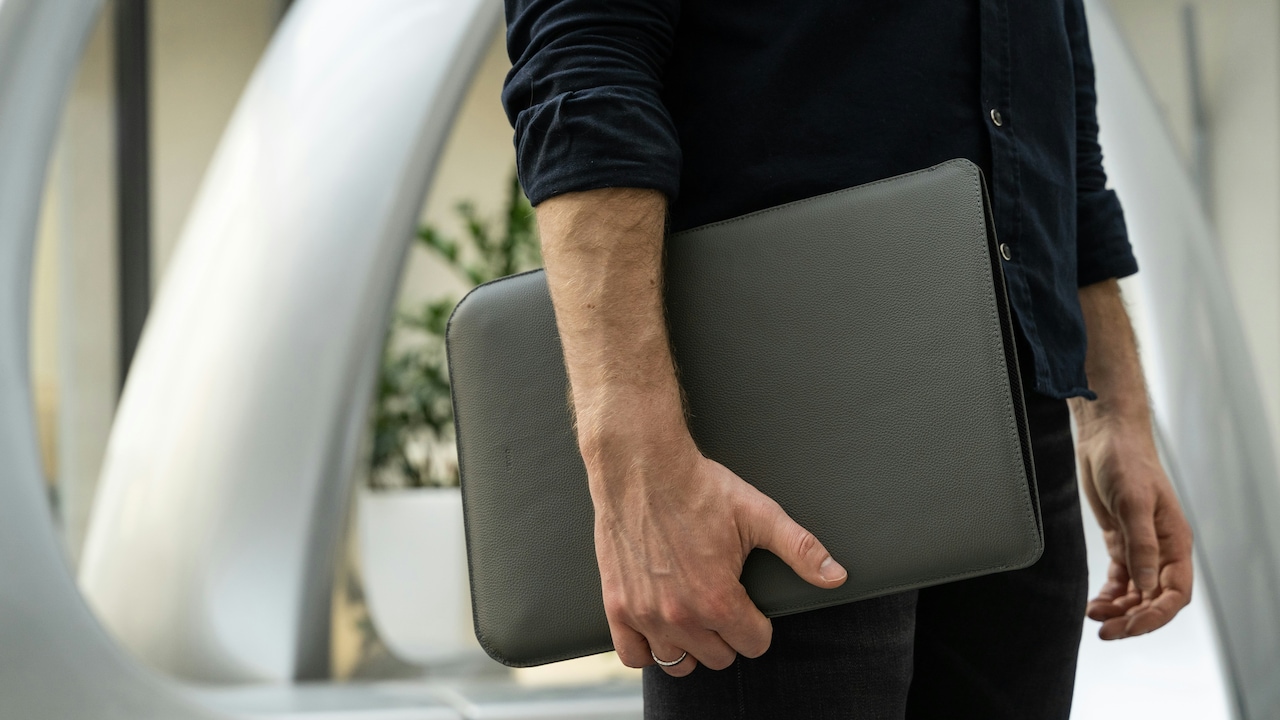
Laptop Bag Wear And Tear: Know The Packing Habits That Damage Devices And Shorten Lifespan.
A laptop rarely enjoys a quiet life. It gets shoved into bags during morning rush hours, balanced on knees during commutes, and unpacked in a hurry before meetings. The bag meant to protect it often becomes the very reason it suffers. Zips strain, padding flattens, and pressure builds from all sides. Over time, small packing choices lead to cracked screens, loose ports, and batteries that drain faster than expected.
Most people blame wear and tear on age. In reality, habits play a bigger role. The way a device gets packed, carried, and handled daily decides how long it stays healthy. A laptop bag works like a helmet. It protects only when used correctly. The following sections break down ten common packing habits that quietly damage devices, along with practical insights rooted in everyday routines.
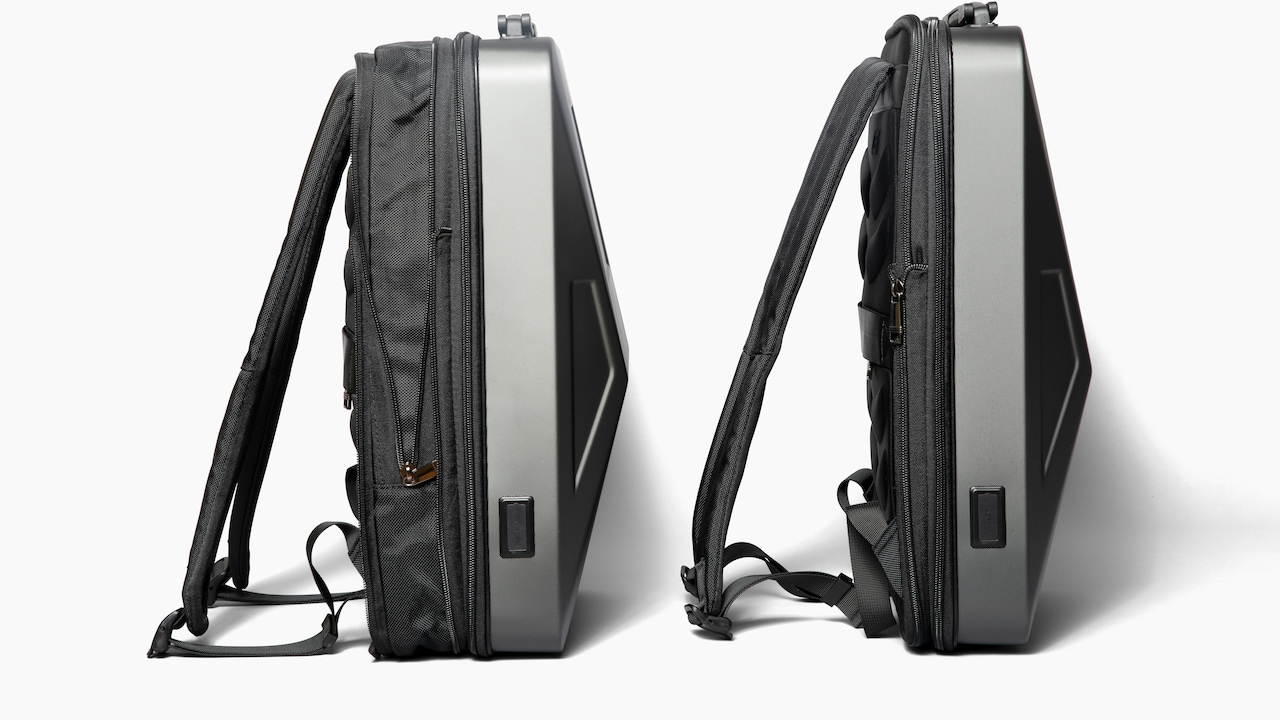
Laptop Bag Wear And Tear: Packing Habits That Damage Devices; Photo Credit: Pexels
Small Packing Habits That Cost Laptops Their Long Life
1. Overstuffing the Laptop Bag
A laptop bag often turns into a travelling cupboard. Files, lunch boxes, notebooks, water bottles, umbrellas, and sometimes even groceries squeeze in. This constant pressure bends the bag's structure. Padding loses shape and stops absorbing shock. The laptop then takes the hit every time the bag drops onto the floor or gets pushed under a seat.
Overstuffing also strains zips and seams. Once these weaken, the bag no longer closes properly. Dust and moisture slip in unnoticed. Screens suffer the most. A single hard edge from a diary pressed against the lid can create hairline cracks. Repairs for cracked screens often cost ₹6,000 or more, an expense that feels unnecessary in hindsight.
A simple rule helps. If closing the zip needs effort, the bag holds too much. Laptops need breathing space. A lighter bag protects both the device and the shoulders carrying it through long days.
2. Skipping the Dedicated Laptop Sleeve
Many bags claim to support laptops but lack a proper sleeve. Without a snug compartment, the device floats around. It bumps against keys, coins, and chargers with every step. This constant friction wears out ports and scratches surfaces.
A dedicated sleeve acts like a shock absorber. It keeps the laptop in place and cushions sudden movements, especially during crowded bus rides or bumpy auto journeys. Without it, the bag's outer padding alone rarely offers enough protection.
Some users avoid sleeves to save space. That choice often backfires. Internal damage builds slowly. Loose hinges, bent frames, and keyboard issues start appearing. A good sleeve costs far less than repeated repairs. Spending ₹800 once feels wiser than spending ₹4,000 later. A sleeve also makes unpacking quicker, which helps during security checks and rushed mornings.
Also Read: Work Bags That Fit Laptops? Here Are 7 That Will Not Look Bulky
3. Carrying Loose Chargers and Cables
Chargers often get tossed into bags without a second thought. Thick cables press against laptop edges. Metal pins scrape surfaces. Over time, ports loosen and charging becomes unreliable.
Loose cables tangle easily. Pulling them out in a hurry leads to sudden jerks. This damages connectors and sometimes the charging port itself. Many laptops face charging issues not because of battery failure, but due to worn-out ports.
Using a small pouch for cables keeps things organised. It prevents pressure on delicate parts and saves time. Wrapping cables loosely also extends their life. A charger that costs ₹2,000 deserves better than being crushed under books. Order inside a bag creates calm outside. It also reduces the daily frustration of untangling wires before work begins.
4. Placing Heavy Items on Top
Gravity never rests. Heavy items placed on top of a laptop press down constantly. Water bottles, power banks, and hardback books exert uneven force. Screens bow inward. Hinges weaken slowly.
This habit often starts out of convenience. The laptop goes in first. Everything else piles on top. During travel, the bag gets flipped and rotated. Pressure shifts but never disappears.
Even a small steel bottle can crack a screen if the bag drops. Liquid spills pose another risk. One loose cap can soak through the fabric and reach the keyboard. Repairs after liquid damage often exceed ₹10,000 and sometimes make replacement the only option.
Packing heavy items away from the laptop, preferably in separate compartments, reduces risk. The laptop deserves the safest spot, not the most burdened one.
Laptop Bag Wear And Tear: Packing Habits That Damage Devices; Photo Credit: Pexels
5. Ignoring Weather Conditions
Weather changes fast. Sudden showers surprise commuters daily. Yet many laptop bags lack water resistance. Fabric absorbs moisture quickly. Zips act like tiny channels guiding water inside.
Moisture affects internal circuits. Corrosion starts silently. Keys stop responding. Screens flicker. These issues appear weeks later, making the cause easy to miss.
A plastic cover or rain sleeve offers cheap protection. Some people rely on umbrellas alone, forgetting splashes from roads and fellow commuters. A waterproof bag or cover costs little compared to the damage avoided. Even humidity causes trouble over time. Airing the bag at home helps. Leaving it damp invites mould and odour.
Protecting against the weather feels boring until the day rain wins. Preparation turns a potential disaster into a forgettable drizzle.
6. Packing the Laptop While Still Warm
After long work sessions, laptops heat up. Fans run hard. Components expand slightly. Packing the device immediately traps heat inside the bag.
Heat shortens battery life. It also affects internal wiring and adhesives. Over time, performance drops. Fans grow louder. Unexpected shutdowns become common.
Allowing a few minutes for cooling makes a difference. This pause also helps mentally switch off from work. Rushing to pack saves minutes but costs months of device life.
Warm laptops inside padded bags feel like wrapped ovens. Heat has nowhere to escape. A simple habit of waiting avoids long-term damage. It also keeps the bag lining intact. Heat weakens synthetic fabrics, leading to faster wear and tear.
7. Using Worn-Out or Poor-Quality Bags
A bag ages quietly. Padding compresses. Straps thin out. The base loses stiffness. Yet many continue using bags long past their prime.
A sagging bag offers little protection. The laptop rests against hard surfaces. Straps snapping mid-journey pose safety risks, too. Cheap bags often cut corners on padding and stitching. They look fine but fail under daily stress.
Replacing a bag every few years feels unnecessary until a device breaks. A sturdy bag costs ₹2,000 to ₹3,000. That investment protects a laptop worth several times more.
Checking the bag's condition regularly helps. Flattened padding and frayed seams signal trouble. A good bag supports posture, comfort, and device safety. It works silently but deserves attention.
8. Carrying the Bag Carelessly
How a bag gets carried matters as much as what goes inside. Swinging it over the shoulders, dropping it onto the floor, or sliding it under the seats creates repeated shocks.
Backpacks thrown onto the ground send vibrations straight to the laptop. Shoulder bags banging against hips during walks add side impacts. These movements feel harmless, but add up.
Using both straps for backpacks balances the weight. Placing the bag gently on surfaces reduces shock. Simple awareness changes habits. Treating the bag like fragile cargo rather than luggage extends device life.
Crowded spaces test patience. Still, a little care goes a long way. The laptop inside absorbs every careless move, even when damage stays invisible for months.
9. Forgetting Cleanliness Inside the Bag
Dust, crumbs, and tiny debris settle inside bags unnoticed. Over time, these particles enter ports and keyboards. Keys stick. Ports clog. Fans suck in dust, reducing cooling efficiency.
Food inside bags invites ants and spills. Even sealed snacks crumble. Sugary residue attracts moisture. Cleaning the bag monthly prevents these issues.
Turning the bag upside down and shaking it helps. A quick vacuum works better. Wiping compartments with a dry cloth keeps things fresh.
Clean bags feel better to use. They smell nicer and protect devices more effectively. Neglecting cleanliness turns a protective space into a hazard zone. A few minutes of cleaning saves hours at repair shops.
10. Relying on One Bag for Everything
One bag often carries everything from gym clothes to gadgets. Mixing purposes creates risk. Sweat from clothes adds moisture. Shoes bring dirt. Laptops suffer silently.
Dedicated laptop bags exist for a reason. They separate electronics from other items. Using one bag for all needs seems efficient, but invites trouble.
Switching bags based on purpose reduces wear. It also keeps items organised. A laptop deserves a clean, dry environment. Gym gear and groceries deserve their own space.
This habit feels small but changes outcomes. Devices last longer. Bags stay cleaner. Daily routines feel smoother. Sometimes, the smartest move involves owning one extra bag.
Products Related To This Article
1. HP Large 32 L Laptop Backpack X Entry Light weight Upto 15.6 Inch
2. Straplt 13.5-14 Inch Laptop Sleeve Bag Case Briefcase for Notebook Computer Ultrabook MacBook Air
3. top lait Large 35 L Laptop Backpack Durable Laptop Backpack for College Office Use
4. PROVOGUE Large 35 L Laptop Backpack unisex Spacy with rain cover and reflective strip
5. Alifiya Bag With Handle Laptop Sleeve/Cover
Laptop damage rarely comes from dramatic accidents. It grows from small, repeated habits. Overpacked bags, loose chargers, ignoring weather conditions, and careless handling slowly wear down devices. These habits feel normal until repair bills arrive.
A laptop bag should protect, not punish. Thoughtful packing, regular cleaning, and timely upgrades make a real difference. Simple changes cost little but save thousands of rupees and countless hours of work.
Caring for a device begins with caring for the bag that carries it. When packing habits improve, laptops respond with longer life, better performance, and fewer unpleasant surprises. A little attention today keeps technology reliable tomorrow.
(Disclaimer: This article may include references to or features of products and services made available through affiliate marketing campaigns. NDTV Convergence Limited (“NDTV”) strives to maintain editorial independence while participating in such campaigns. NDTV does not assume responsibility for the performance or claims of any featured products or services.)