How To Pay Credit Card Bills Using Paytm: A Step-By-Step Guide, Tips And Rewards
Learn how to pay your credit card bill using Paytm in a few taps. This detailed guide provides stepbystep instructions and all you need to know about security, fees, loyalty rewards, and practical troubleshooting.
Pay Credit Card Bills Using Paytm
Credit card bills often arrive at busy moments. Rather than switching between multiple banking apps or waiting for traditional channels, the Paytm app enables you to settle your dues quickly and securely within a familiar interface. Paytm supports major card networks such as Visa, Mastercard, RuPay, American Express and Diners Club, and accepts payments using several methods in one place, including UPI, debit card and net banking. Once a payment is complete, confirmations are shown immediately and posting to your card account typically follows within minutes, subject to the issuer's processing. With saved card management, reminders and a clear order history, Paytm enables a predictable and error-free monthly routine that considerably reduces friction.
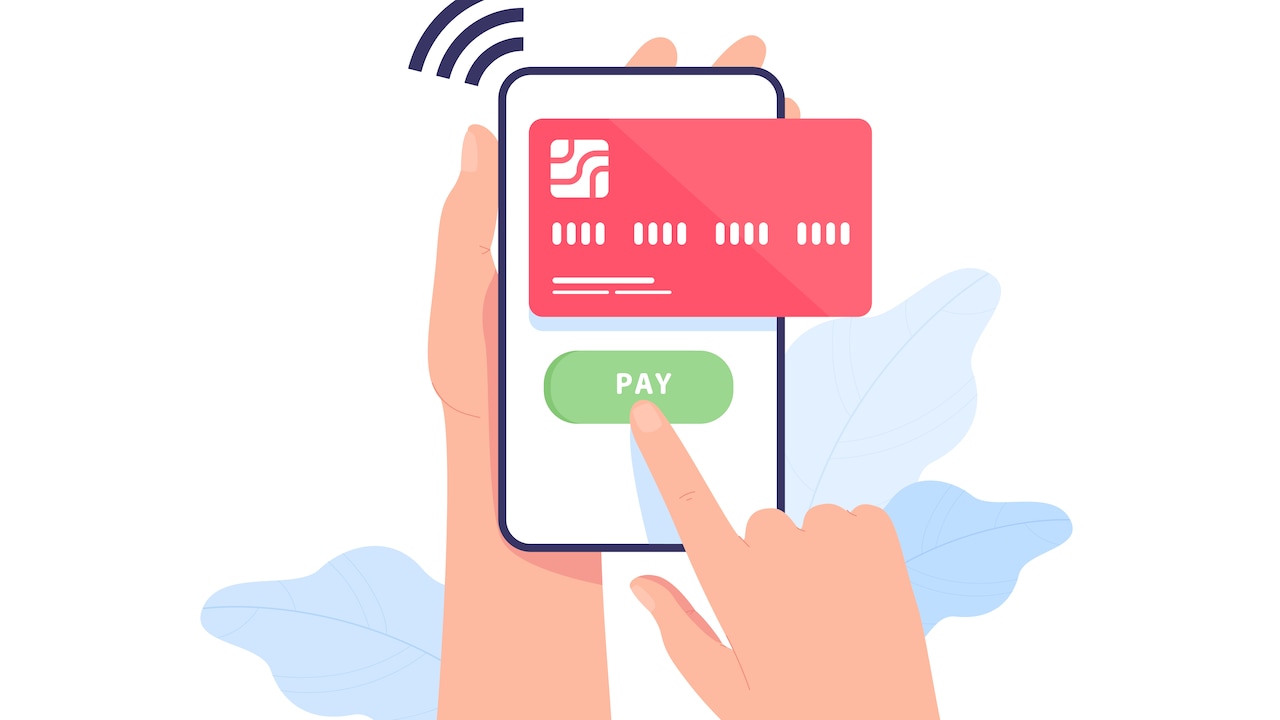
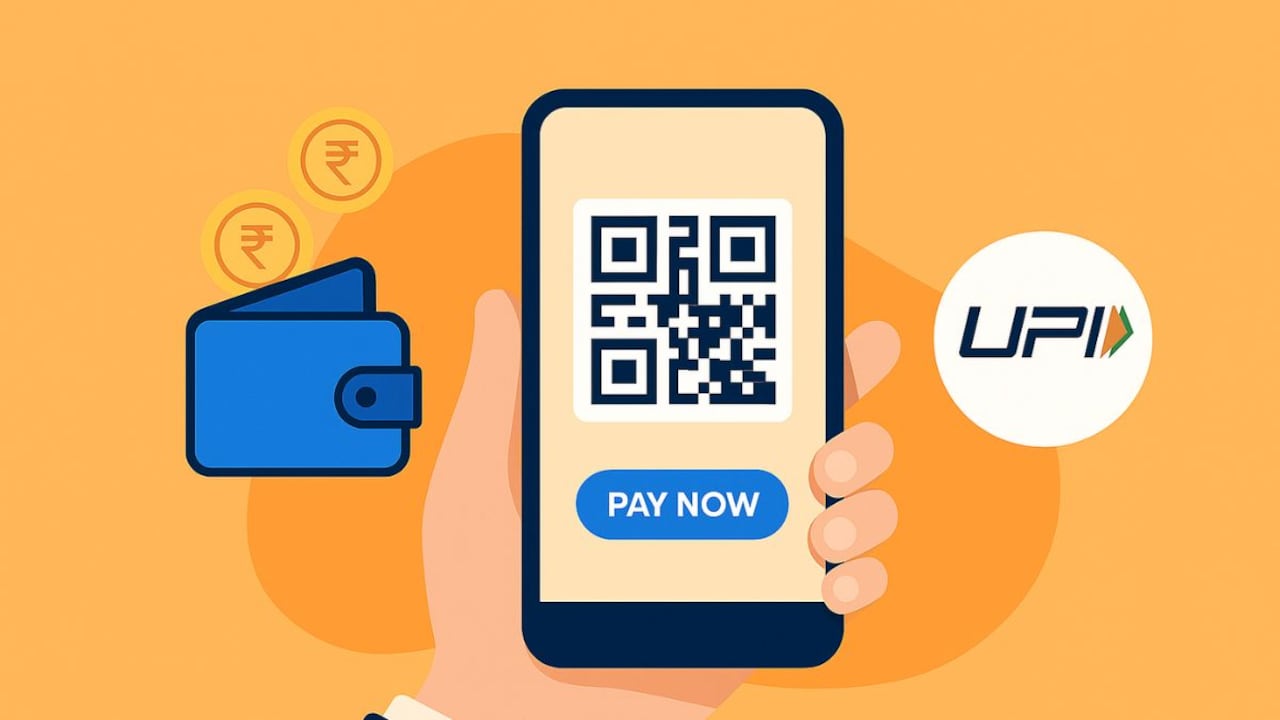
Paying credit card bills using Paytm is super easy.
Photo Credit: Freepik
What Paytm Supports
Card networks and banks: The Paytm app accepts payments for cards issued on the Visa, Mastercard, RuPay, American Express and Diners Club networks, and you may add more than one card to organise payments in a single view. When you enter a card number, Paytm auto‑detects the network and the associated bank to simplify the process and reduce errors.
Payment methods: You may pay using UPI, debit card, or net banking, selecting the option that suits you for each cycle. These methods are presented in the checkout flow and can be added or adjusted as needed.
Posting and confirmation: Successful payments generate immediate confirmations in the app, and funds are typically posted to your card account within minutes, depending on the card issuer's processing speed and time.
Reminders and saved cards: You can save card details securely for efficiency and set credit card bill reminders in Paytm, helping you avoid late fees and maintain a consistent record of on‑time payment.
Step‑By‑Step Guide To Paying Your Credit Card Bill On Paytm
- Open Paytm and sign in: Ensure you have the latest version of the app installed.
- Navigate to Credit Card Bill Payment: From the home screen, scroll to Recharge and Bill Payments and select Credit Card.
- Select a saved card or add a new card: If you have used a card previously, it will appear under Credit Card Bill Payment. Tap Pay Bill. To pay for a different card, choose Pay Bill for other Credit Card, enter the card number, and allow Paytm to auto‑detect network and bank details
- Enter the amount: Type the amount you intend to pay. You may clear the full statement balance or a partial amount, as appropriate to your plan for the cycle.
- Choose a payment method: Select UPI, debit card, or net banking. Add a new method if required.
- Authenticate and confirm: Complete the payment using the required authorisation, for example, an OTP for card payments or your UPI PIN for UPI transactions. You will see confirmation within the app upon success.
- Save the receipt: Refer to Order History for proof of payment. Paytm's Help Centre provides guidance on safe practices and the official support route, in case you require any assistance.
Security: Features You Can Benefit From
- Encryption and secure gateways: Paytm's payment gateway section explains how data encryption, secure socket layers and ongoing risk assessments protect sensitive information during payments. These technical layers work behind the scenes to keep your data safe and transactions reliable.
- Two‑factor authentication: Paytm defines two-factor authentication as requiring a second verification step, such as an OTP, biometric verification, or a security PIN. This added layer is standard in digital payments, which is why you enter an OTP for card transactions or a PIN for UPI.
- Tokenisation of saved cards: As per RBI guidelines, when you save a card on Paytm, your real card number isn't stored. It's replaced with a secure token after your consent and a quick verification. This keeps your card details safe during future payments.
- Customer vigilance: Paytm's Help Centre urges customers never to share passwords, card PINs or OTPs, and to ignore unsolicited communications. If anything looks suspicious, use the official in‑app support channel to report and resolve issues.
Fees And Payment Choices
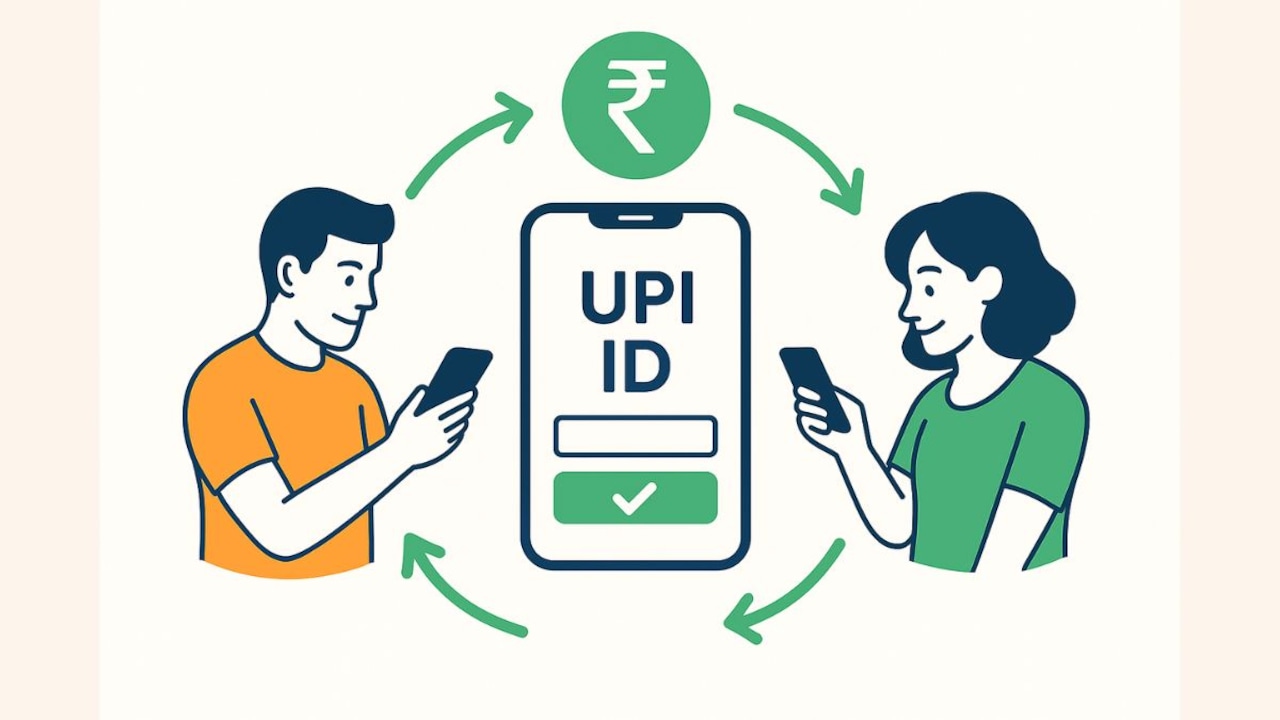
For everyday customer payments, UPI is free. Paytm's blogs and Government communications confirm that there is no Merchant Discount Rate charged to customers for UPI transactions. This clarity makes UPI an efficient choice when you want speed, immediate posting and zero customer fees.
Other payment methods may be subject to bank‑specific conditions or campaign‑specific terms shown in the app at checkout. Review any displayed notices and the Offers section before confirming a payment.
Also Read: 7 UPI Features That Make Everyday Payments Effortless
Gold Coins And Cashbacks
For every payment made through Paytm, you earn Gold Coins worth 1% of the transaction value. When you pay using a credit card or RuPay credit card on UPI for Scan & Pay or other transactions, your rewards double to 2%. This is one of the most rewarding ways to earn more coins. The more you use Paytm for everything, from everyday expenses to larger purchases, the faster your Gold Coin balance grows.
Practical Habits For Smooth Month‑Ends
- Set reminders early: Configure bill reminders a few days before the due date, so you have time to select your preferred payment method.
- Use UPI for speed and zero customer fees: This is suitable when you want fast posting and simplicity.
- Save card details securely: Paytm auto‑detects the network and bank name from the card number, helping you avoid manual errors next time
- Check Offers before paying: Rewards are campaign‑based and governed by terms, caps and exclusions. Review the in‑app details and loyalty documentation.
- Keep a record of confirmations: Screenshots and Order History are useful for tracking and reconciliation.
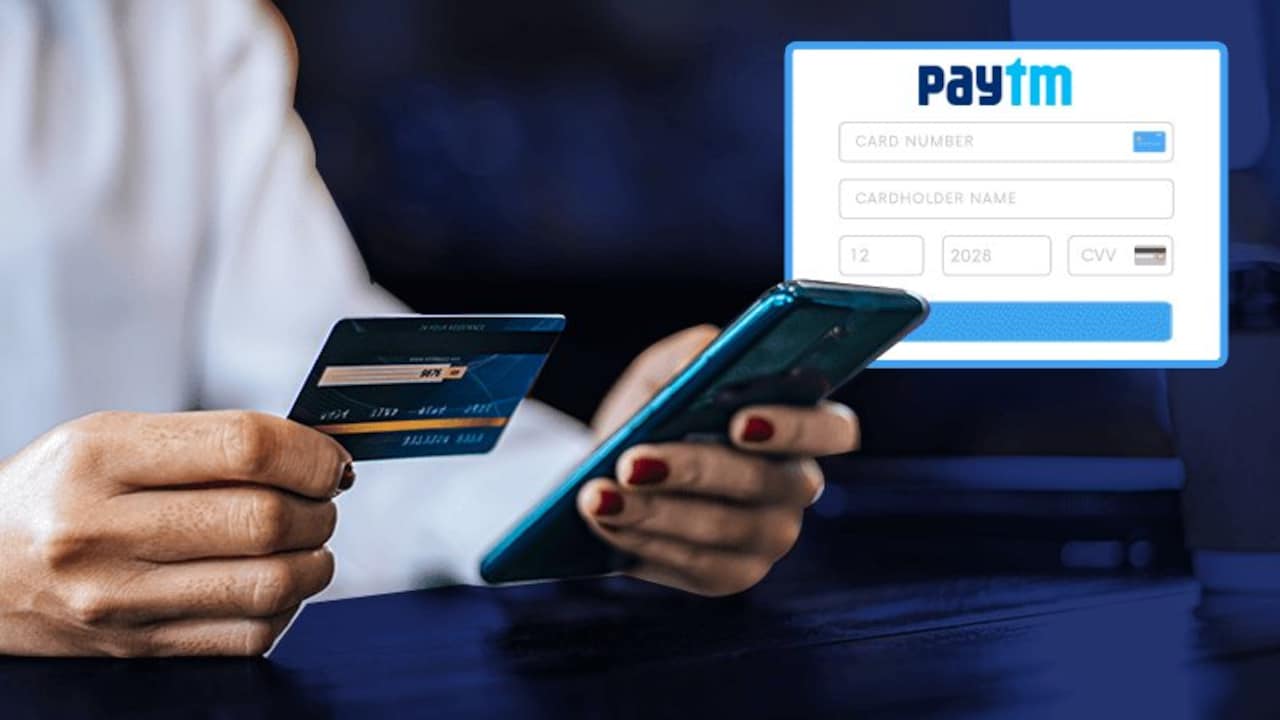
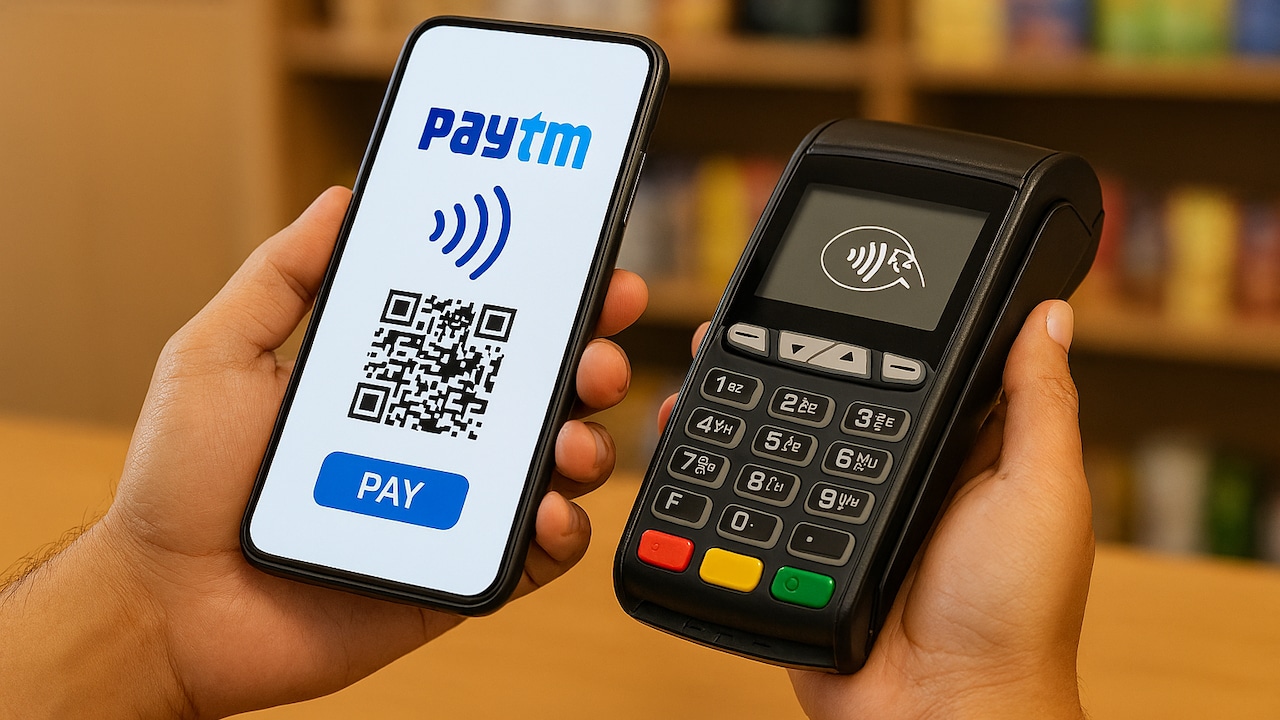
You need to connect your card to pay credit card bills using Paytm.
Photo Credit: Paytm
Troubleshooting: If Something Goes Wrong
Here are a few common issues that may arise and some practical solutions to address them.
- Pending or failed status: Check the Order History first. Many pending statuses resolve automatically after a short interval. If a payment fails, give it some time before retrying using a different method.
- Debited but not reflected: Allow a brief window for issuer reconciliation. If posting does not complete, raise a ticket using the in‑app 24x7 Help. The Help Centre sets clear expectations and encourages customers to rely on official support channels.
- App not loading: Clear the app cache and ensure you have the latest version installed. If the issue persists, then reinstall the app or check for device compatibility.
- Incorrect transaction details: Verify the details entered before confirming any payment. If an error occurs, contact support immediately with the transaction ID for quick resolution.
- Security reminders: Do not share OTPs, passwords or PINs with anyone. Report suspicious communications via official channels only.
Can Paytm Postpaid Be Used To Pay Credit Card Bills?
Paytm Postpaid is described by Paytm as a short‑term credit line on UPI for everyday merchant payments where UPI is accepted. It is not positioned as a tool for credit card bill repayment. Treat Postpaid as a way to manage routine expenses at UPI merchants, not as a substitute for clearing credit card dues.
Paytm provides a practical, secure way to manage credit card bill payments within a single app. With support for multiple card networks and payment methods, immediate confirmations and short posting times, reminders for due dates, and clear records in Order History, the monthly task becomes predictable and efficient. For extra value, consult Offers and the Loyalty Programme, and for peace of mind, follow Paytm's security guidance and in‑app support if you need help. Use UPI for speed and zero customer fees, keep receipts, and build a steady routine of timely payments.
Frequently Asked Questions (FAQs)
Q1. Is it safe to pay credit card bills via Paytm?
Yes. Paytm uses layered protections such as data encryption and secure gateways, two‑factor authentication for transaction approval, and RBI‑mandated tokenisation for saved‑card flows. In addition, customer guidance in the Help Centre encourages safe practices.
Q2. Which credit cards can I pay in Paytm?
Paytm supports payments for a variety of cards on the Visa, Mastercard, RuPay, American Express and Diners Club networks from almost all major Indian banks. You may add more than one card to manage bills together.
Q3. Which payment methods are available?
UPI, debit card, or net banking are available options in the flow. Choose the method that suits your needs for that cycle.
Q4. How long does posting take?
You will see instant confirmation in the app on success. Posting to your credit card account typically occurs within minutes, subject to the card issuer's processing.
Q5. Are there any charges?
UPI remains free for customers, with no MDR on person‑to‑merchant UPI payments. Other methods may show bank or campaign‑specific conditions in the app. Always check the payment screen and offer terms before proceeding.
Q6. How do rewards work for bill payments?
For every payment made through Paytm, you earn Gold Coins worth 1% of the transaction value. When you pay using a credit card or RuPay credit card on UPI for Scan & Pay or other transactions, your rewards double to 2%.
Q7. What if a payment is debited but not credited?
Check Order History and allow a brief time for reconciliation. If crediting does not occur, raise a ticket via 24x7 Help and follow the official guidance.
(Disclaimer: This article may include references to or features of products and services made available through affiliate marketing campaigns. NDTV Convergence Limited (“NDTV”) strives to maintain editorial independence while participating in such campaigns. NDTV does not assume responsibility for the performance or claims of any featured products or services.)