How To Improve Smartwatch Step Tracking Accuracy: 10 Practical Tips
Make your smartwatch track everything with accuracy by keeping in mind these 10 helpful tips. No fancy upgrades needed, just better usage for more reliable daily tracking.
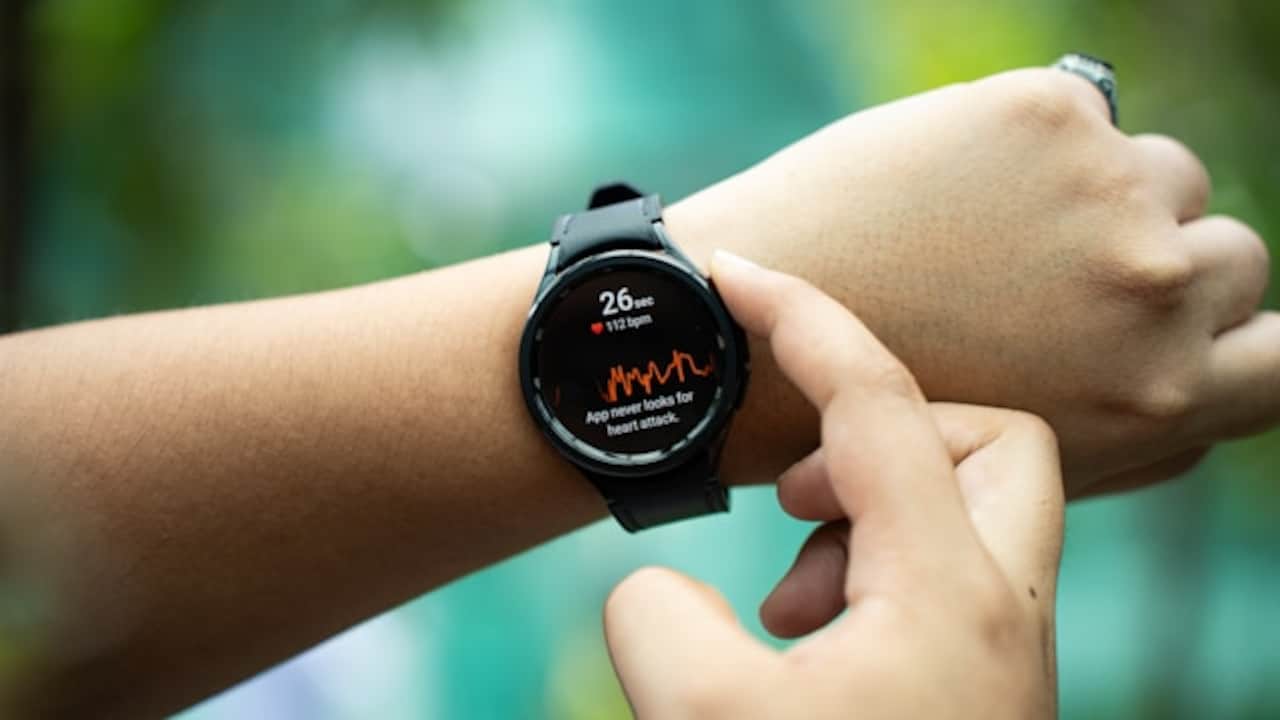
How to Make Your Smartwatch Step Count More Accurate with These Usage Tips.
Smartwatches have become the new daily companion. They sit on the wrist through office calls, traffic jams, grocery runs, and the occasional “today I'll finally start fitness” motivation burst. And for many people, step count is the number that matters most. A smartwatch is simple, it's visible, and it feels like progress.
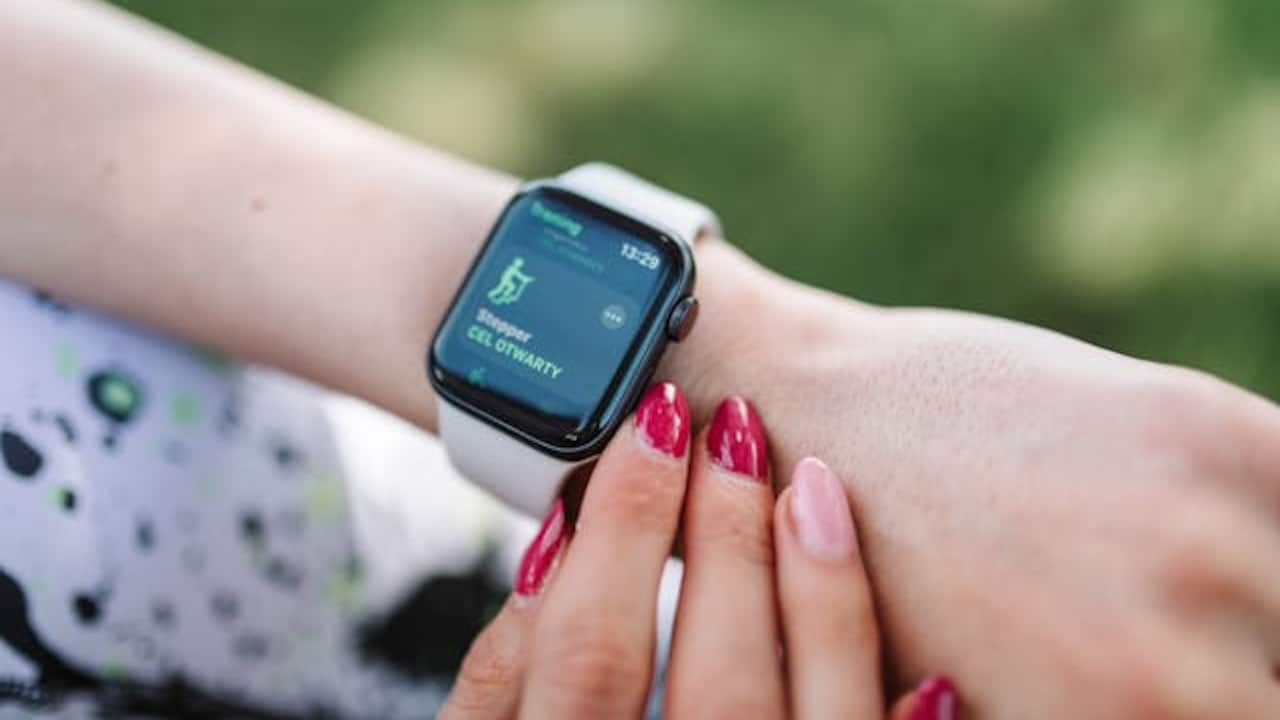
Make your smartwatch track precisely with these 10 simple tips; Photo Credit: Pexels
But step tracking can also be oddly dramatic. Some days, the smartwatch overcounts like it's trying to flatter you. Other days, it undercounts like it's offended by your existence. A short walk to the local shop somehow becomes 1,800 steps, while a long evening walk feels like it barely registered. That's frustrating, especially when you're trying to build consistency.
Step tracking works using motion sensors like accelerometers and gyroscopes, plus algorithms that guess what counts as a step. That means small changes in how you wear the watch or how you move can throw the number off. The aim isn't perfect accuracy; no consumer wearable gets that all the time. The aim is reliable accuracy, so the number is close enough to trust. Let's fix the usual culprits.
Also Read: 5 Best Fitness Trackers Of 2026 Under ₹2,000
Simple, Practical Tips To Help Your Smartwatch Track Steps More Reliably Every Day
1) Wear The Watch Correctly, Not Casually
A smartwatch isn't a bracelet. It's a sensor. And sensors are picky.
Many people wear their watches loose because it feels more comfortable, especially in hot weather. But a loose watch slides around and creates extra movement that can confuse the step algorithm. It can also lose proper contact with the skin, which affects tracking stability.
Wear it about one finger above the wrist bone, not directly on top of it. Tighten it enough that it doesn't wobble when you swing your arm, but not so tight that it leaves a mark. If it feels like it's cutting off circulation, it's too tight. If it rotates freely, it's too loose.
This matters even more if your day includes a mix of walking and non-walking movements. For example, commuting in a bus that jerks around can trick a loose watch into counting “phantom steps”. A stable fit reduces false positives and makes your numbers more believable.
2) Set The Correct Wrist And Dominance Settings
This is one of those settings that feels boring until it quietly ruins everything.
Most watches ask whether you wear it on the left or right wrist and whether that wrist is your dominant hand. If this is wrong, the watch may interpret your natural hand movement incorrectly.
The dominant hand moves more during daily life. It gestures more, holds a phone, stirs tea, opens doors, and waves at people across the street. If your watch thinks your dominant hand is your non-dominant hand, it may treat those extra movements as steps, especially during tasks like cooking or cleaning.
The fix is simple: go into your smartwatch settings or companion app and set wrist location and hand dominance correctly. It takes two minutes. The benefit lasts for years.
It's the fitness equivalent of fixing a loose ceiling fan that's been rattling for months. Once corrected, everything suddenly feels calmer.
3) Update Height, Weight, And Stride Length Properly
Many people skip this step because it feels like homework. But it's not optional if accuracy matters.
Step tracking is not only about counting steps. It also estimates distance and calories using your stride length. Stride length depends on height, walking speed, and body mechanics. If your height and weight are outdated, your watch's estimates can drift.
If you set up your watch years ago and haven't updated anything since, it might still think you weigh what you weighed before the last festival season. That's not judgment. That's life.
Some watches allow manual stride length entry. If yours does, consider setting it based on a simple test. Walk 20 steps at your normal pace, measure the distance, then divide. Even a rough estimate helps.
Accurate stride data won't magically fix every miscount, but it improves consistency, especially when comparing outdoor walks, treadmill sessions, and daily movement.
4) Calibrate Using Outdoor Walks, Not Guesswork
Smartwatches learn. But they need good training data.
If your watch supports calibration, the best way to do it is with a steady outdoor walk using GPS. Choose a familiar route, something like a park loop, a long footpath, or even a quiet stretch near home. Walk at a natural pace for 15 to 20 minutes.
Outdoor calibration helps the watch match your arm swing patterns with real distance. It improves step detection, stride estimates, and overall tracking.
Avoid calibrating during crowded market walks where you stop every few seconds. Also, avoid calibrating during phone-heavy walks, where you're constantly checking messages. Calibration works best when your movement is smooth and predictable.
Think of it like teaching a child how to count. You don't do it in a noisy wedding hall. You do it in a calm environment where the basics can sink in.
5) Keep The Watch Clean And The Sensors Clear
This tip sounds too simple, but it matters more than people expect.
Sweat, dust, sunscreen, and everyday grime build up on the underside of the watch. Over time, this affects how well the watch sits on the skin and how stable it feels during movement. It can also mess with other tracking features that share sensor input, like heart rate.
Wipe the watch back regularly with a soft cloth. If you've been out in humid weather or after a workout, clean it gently. Don't use harsh chemicals. A slightly damp cloth works well.
Also, check the strap. A strap that's stretched out or cracked won't hold the watch steady. That instability increases false movement signals.
A smartwatch can cost ₹2,000 or ₹20,000, but if it's sliding around on a sweaty wrist like a loose bangle, it will behave like a confused gadget either way.
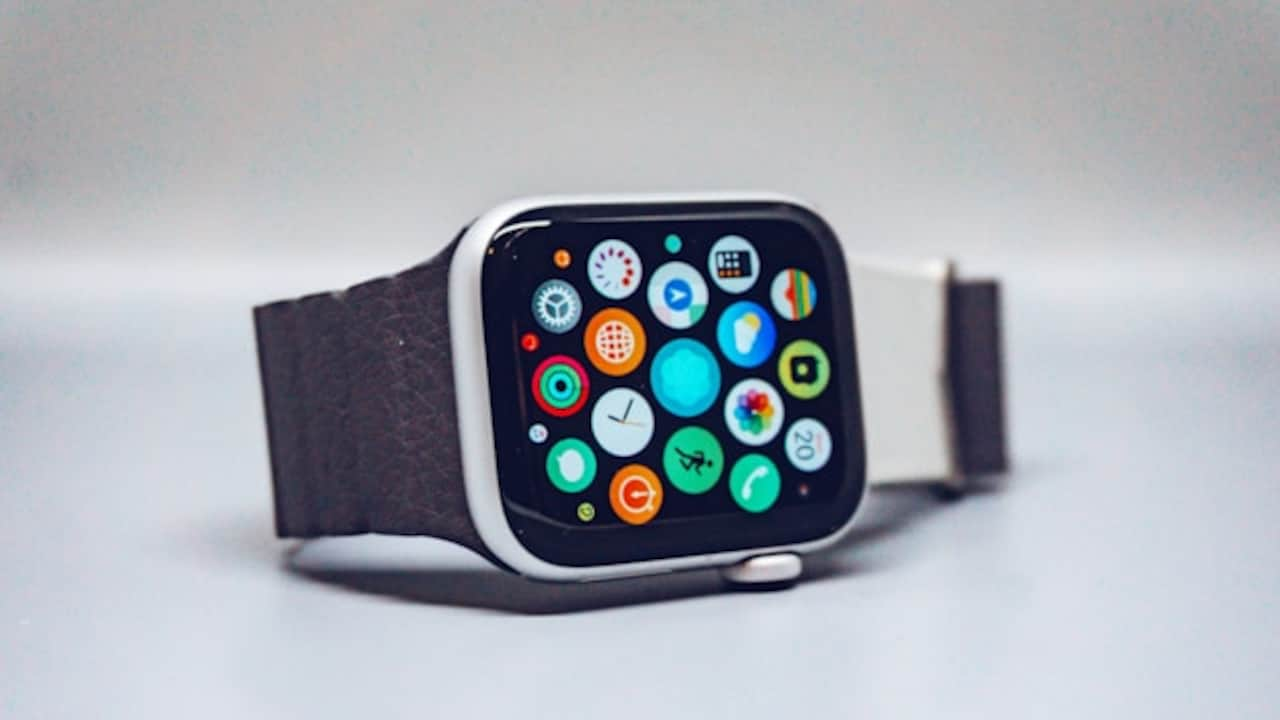
Clean your smartwatch every day to remove sweat, dust, sunscreen, and everyday grime; Photo Credit: Unsplash
6) Walk Naturally And Let Your Arms Swing
This is the tip that annoys people because it feels like blame. But it's not to blame. It's physics.
Most step algorithms depend heavily on arm swing patterns. If you walk with your hands in your pockets, carry a bag in your watch hand, or hold a phone steadily while scrolling, your arm swing is reduced. The watch may undercount because it doesn't detect the usual rhythm.
This is why some people notice their watch counts fewer steps during mall walks, where they often hold shopping bags or keep their hands busy. It's also why step counts drop during airport walks, where luggage handling changes your posture.
If you want accurate steps, allow your watch arm to swing naturally for at least part of your walk. If you must carry something, switch hands occasionally.
A small trick: if you're on a treadmill and holding the rail, your step count will almost always be low. Not because the watch is bad, but because your arm is acting like a statue.
7) Use The Right Activity Mode At The Right Time
Many people rely only on automatic step tracking. That's fine for daily life. But for purposeful walking sessions, using the right mode can improve accuracy.
If you're doing a dedicated brisk walk, start a “Walk” workout mode if your watch offers it. This often increases sensor sampling and makes the algorithm more attentive. Some watches also use GPS and heart rate together to validate movement.
Automatic tracking can be conservative. It may ignore short bursts, pauses, and changes in pace. Workout mode usually handles these better.
The difference becomes obvious when walking in stop-and-go environments like traffic-heavy areas or crowded promenades. Without workout mode, the watch may miss steps during slow movement and overcount during sudden arm gestures.
It's like the difference between casually listening to music and switching on noise-cancelling headphones. The same ears, but a sharper focus.
8) Reduce False Steps From Daily Hand Movements
Smartwatches can be hilariously optimistic. Stirring a pot, folding clothes, drumming fingers on a desk, or even animated conversations can create motion patterns that resemble steps.
This is especially common if the watch is on the dominant hand. It's also common in jobs that involve a lot of hand activity, teaching, retail, kitchen work, or even long hours of typing.
To reduce false steps, focus on two things: fit and settings. A stable fit reduces extra bounce. Correct dominance settings reduce misclassification.
Also, be mindful during activities that cause repetitive wrist movement. For example, chopping vegetables can create a rhythmic motion that some watches interpret as walking. The step count then looks impressive, but it's not exactly the kind of fitness achievement that deserves a victory dance.
If your watch has an option for “activity recognition” sensitivity, set it to balanced rather than high. High sensitivity is often a recipe for inflated numbers.
9) Don't Mix Devices Unless You Understand Syncing Rules
Many people use a smartwatch plus a phone pedometer app. It sounds like double tracking should be better, but it often creates messy data.
Some apps merge steps from both devices. Others choose one as the primary source. Some accidentally double-count. The result is confusing: your watch says 7,200 steps, your phone says 6,400, and the health app proudly announces 11,900, like it just invented maths.
If you want consistent step counts, pick one primary tracker. If you prefer the watch, let the watch be the main step source. Disable step tracking on the phone app if possible, or adjust permissions so it doesn't write step data.
Also, check your health platform settings. Many watches sync to Google Fit or other health apps, and those apps may combine data.
Clean data gives clean trends. And trends matter more than one dramatic day of “mystery marathon” steps.
10) Focus On Patterns, Not Perfection
This is the most important tip, and also the one people forget the fastest.
No consumer smartwatch counts steps perfectly all the time. Even expensive models can be thrown off by unusual movement, uneven terrain, or different walking styles. The goal is not to chase a magical “100% accurate” number. The goal is to make the tracking consistent enough that it reflects reality most days.
If your watch is off by 5% to 10%, that's normal. What matters is whether it tracks changes reliably. If your steps rise from 4,000 to 7,000 over a few weeks, that's real progress even if the exact number isn't perfect.
It helps to think of step count like the fuel gauge in a car. It's not a laboratory instrument. It's a practical indicator. If it's wildly wrong, fix it. If it's close enough, use it to guide habits.
And honestly, if the watch adds 300 bonus steps because you danced a little while waiting for the kettle to boil, maybe that's not the worst kind of inaccuracy.
Products Related To This Article
1. Noise Twist Round dial Smart Watch with Bluetooth Calling
2. Fire-Boltt Talk Round Smart Watch 1.39″ TFT Display with Bluetooth Calling
3. Fastrack Limitless Glide X 1.83" Smart Watch with Ultra UV HD Display
4. Boat Wave Call 3 Smartwatch 1.83” HD Display with Animated Watch Faces
5. GOBOULT Newly Launched Pyro Smartwatch 1.43''AMOLED Screen
A smartwatch can be a fantastic daily motivator, but it needs the right conditions to do its job properly. Step counting depends on fit, settings, calibration, and the small quirks of how people move through real life, crowded streets, uneven pavements, phone calls, shopping bags, and all.
The good news is that accuracy doesn't require expensive upgrades. It usually requires smarter usage. Wear the watch properly, set the correct wrist and dominance, keep your personal details updated, calibrate with outdoor walks, and avoid the most common sources of false steps. Most importantly, track patterns instead of obsessing over tiny errors.
Once your smartwatch starts giving reliable numbers, step tracking becomes less of a gimmick and more of a quiet daily guide. And that's when it stops being a gadget and starts feeling like a useful habit.
(Disclaimer: This article may include references to or features of products and services made available through affiliate marketing campaigns. NDTV Convergence Limited (“NDTV”) strives to maintain editorial independence while participating in such campaigns. NDTV does not assume responsibility for the performance or claims of any featured products or services.)