Why Your Phone Heats Up During Video Calls? Top Accessories That Can Fix It
Phone heating during video calls is more common than you think. Discover why it happens and the simple accessories that can keep your device cool, efficient, and running smoothly.

What causes phones to heat during video calls and how to fix it
A familiar scene unfolds during a long video call. The conversation flows, faces flicker on screen, and somewhere between discussing deadlines or wedding plans, the phone begins to warm up. At first, it feels harmless, almost comforting during a chilly evening. But soon, the warmth intensifies, performance dips, and battery drains faster than expected.
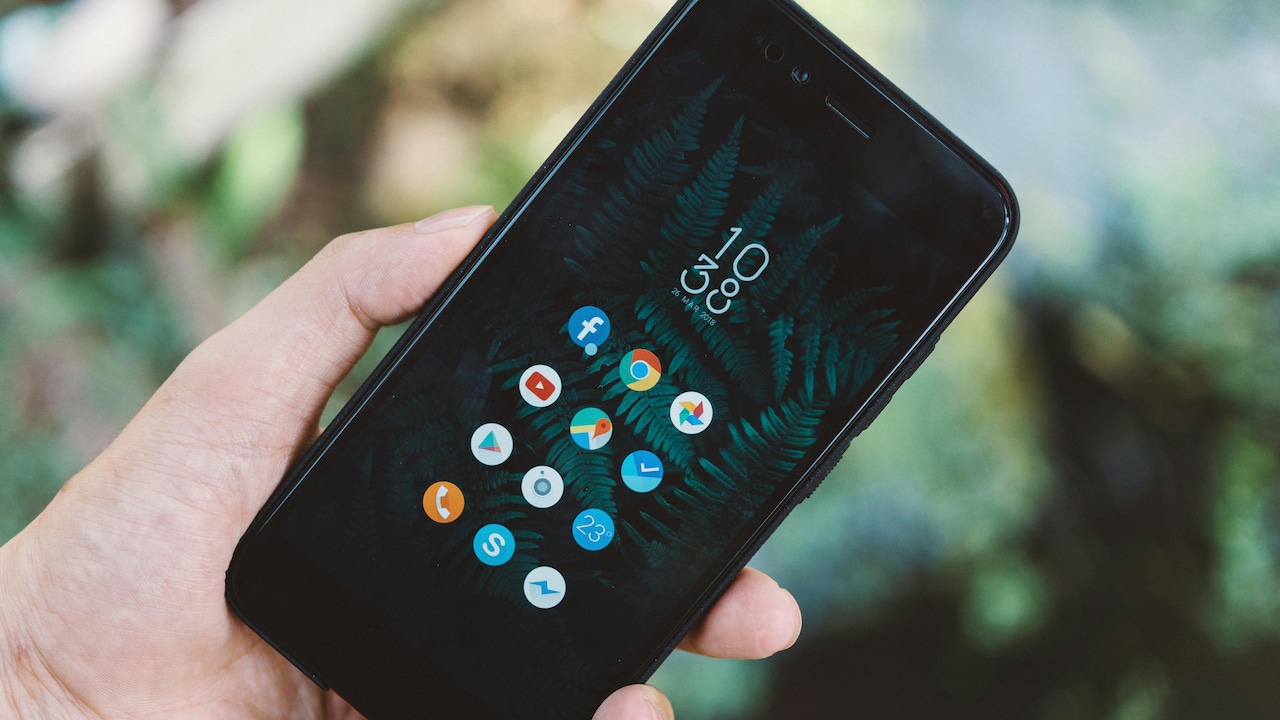
Common causes of phones overheating during video calls; Photo Credit: Pexels
This isn't just a random quirk of technology. Smartphones today are powerful machines squeezed into slim designs, and video calls push them to their limits. Cameras, processors, screens, and internet connections all work overtime at once. Add warm weather, patchy networks, or a thick phone case, and the device starts to struggle.
Fortunately, solutions exist that go beyond switching off the camera or ending the call early. A range of smart accessories can help manage heat, improve performance, and make video calls smoother and more enjoyable. Understanding both the problem and the fix can turn a frustrating experience into a seamless one.
Also Read: Best Smartphone Deals Based On What You Actually Use (Battery, Camera, And Work Apps)
What Really Causes Your Phone To Heat Up During Video Calls
The Science Behind Phone Heating During Calls
Video calls demand intense multitasking. The phone's processor handles video encoding, audio syncing, and real-time data transfer all at once. Meanwhile, the camera remains active, constantly capturing and processing visuals. This combination generates heat, much like running multiple heavy apps simultaneously.
Modern smartphones rely on compact chips designed for efficiency, but they still produce heat under pressure. Unlike laptops, phones lack built-in fans, so they depend on passive cooling. When heat builds up faster than it can dissipate, the device warms noticeably.
Environmental factors make things worse. A warm room, direct sunlight, or even holding the phone tightly can trap heat. Network instability adds another layer, as the phone works harder to maintain connection quality.
This explains why a quick call feels fine, but a one-hour video meeting turns the device into a pocket-sized furnace. It's not a defect; it's physics at play inside a compact machine.
The Role Of Network Strength In Overheating
Weak network signals quietly contribute to overheating. When connectivity drops, the phone increases its effort to maintain call quality. It boosts transmission power, retries data packets, and constantly searches for better signals.
In areas with fluctuating connectivity, this process becomes continuous. The phone keeps switching between networks or signal bands, increasing workload on internal components. The result is more heat generation.
Urban environments with dense buildings or crowded networks often worsen this issue. During peak hours, when everyone jumps on calls, devices work even harder to stay connected.
Switching to a stable Wi-Fi connection can significantly reduce this strain. A consistent signal allows the phone to operate efficiently without constant adjustments.
Accessories like Wi-Fi extenders or signal boosters may not seem directly related to phone temperature, but they indirectly help by reducing the workload on the device. Better connectivity often means cooler performance.
Bright Screens And Battery Drain
Video calls require the screen to stay on continuously, usually at higher brightness levels. A bright display consumes significant power, and with increased power consumption comes increased heat.
High-resolution screens add to the challenge. While they deliver crisp visuals, they demand more processing power. During video calls, the display refreshes constantly, showing moving images rather than static content.
Battery usage spikes during these sessions. Charging the phone while on a video call compounds the issue. The battery generates heat while charging, and the processor adds more on top of it.
Reducing brightness slightly can make a noticeable difference. Using adaptive brightness settings also helps balance visibility and heat generation.
A simple accessory like a matte screen protector can reduce glare, allowing lower brightness settings without compromising visibility. Small adjustments like these can keep temperatures under control without affecting call quality.
Why Phone Cases Can Trap Heat
Phone cases protect devices from drops and scratches, but they can also act like insulation. Thick or poorly ventilated cases trap heat, preventing it from escaping.
Materials like rubber and silicone are especially prone to retaining warmth. During long calls, heat builds up inside the case, making the phone feel hotter than it actually is.
Removing the case during extended video calls can improve heat dissipation. However, constantly taking off the case isn't always practical.
This is where ventilated or heat-dissipating cases come in. Designed with airflow channels or special materials, they allow heat to escape more efficiently.
Some cases even include built-in cooling layers that absorb and spread heat evenly. Investing ₹500–₹1,500 in such a case can significantly improve comfort during long usage sessions.
Cooling Fans: A Gamer's Secret Turned Everyday Fix
Cooling fans, once popular among mobile gamers, have found a new audience among frequent video callers. These small clip-on devices attach to the back of a phone and actively cool it using a fan or thermoelectric system.
They work by pulling heat away from the device and dispersing it into the surrounding air. This keeps the phone's temperature stable even during extended calls.
While they may look like an over-the-top solution, they prove surprisingly effective. Prices typically range from ₹800 to ₹2,500, depending on features.
For professionals attending multiple video meetings daily, this accessory can be a game-changer. It prevents overheating, maintains performance, and even extends battery life.
It may not win any style awards, but it delivers practical results where it matters most.

Cooling fans can prevent overheating and maintain performance of your smartphone; Photo Credit: Pexels
Phone Stands Improve Airflow And Comfort
Holding a phone during a long video call not only feels tiring but also contributes to overheating. Hands block airflow and transfer body heat to the device.
A simple phone stand solves this problem elegantly. By keeping the phone upright and exposed to air, it allows heat to dissipate naturally.
Phone stands also improve posture and viewing angles, making calls more comfortable. Whether attending a work meeting or catching up with friends, a stable setup enhances the experience.
Affordable options start as low as ₹200, making them one of the most accessible solutions. Adjustable stands offer added flexibility, allowing users to find the perfect angle.
This small accessory often goes unnoticed, yet it plays a significant role in keeping devices cool and users comfortable.
External Clip-On Heat Sinks For Better Cooling
Heat sinks aren't just for computers anymore. Compact versions designed for smartphones attach to the back and help spread heat across a larger surface area.
By dispersing heat evenly, they prevent hotspots and reduce overall temperature. Some models combine heat sinks with fans for enhanced cooling performance.
These accessories work particularly well during long video calls or streaming sessions. They keep the phone running smoothly without throttling performance.
Prices range between ₹700 and ₹2,000, depending on build quality and features. While not as common as phone stands, they offer a practical solution for those who frequently face overheating issues.
For users who rely heavily on video communication, this investment can make daily usage far more comfortable.
Power Banks And Smart Charging Practices
Charging habits directly affect phone temperature. Using a low-quality charger or power bank can lead to inefficient charging and excess heat generation.
During video calls, charging the phone simultaneously increases workload on the battery. This combination often leads to noticeable heating.
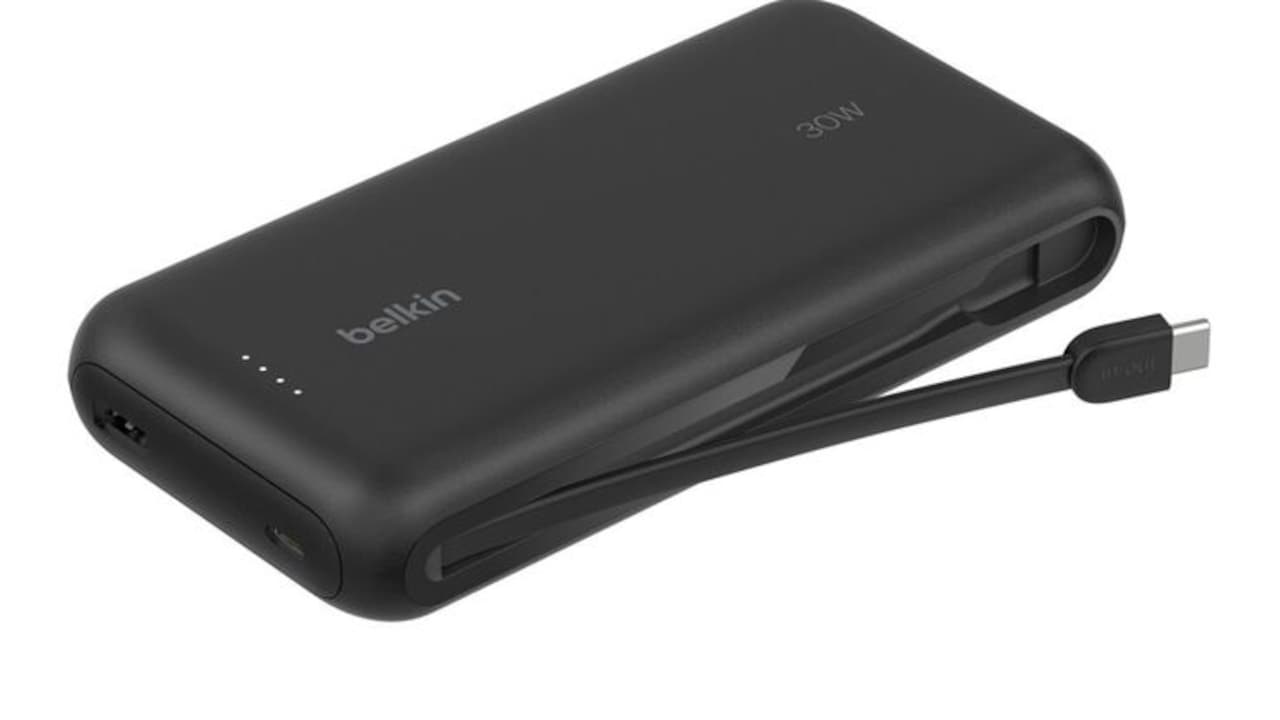
Using a reliable power bank with temperature control features can help manage this issue. Modern power banks regulate power flow, preventing overheating during charging.
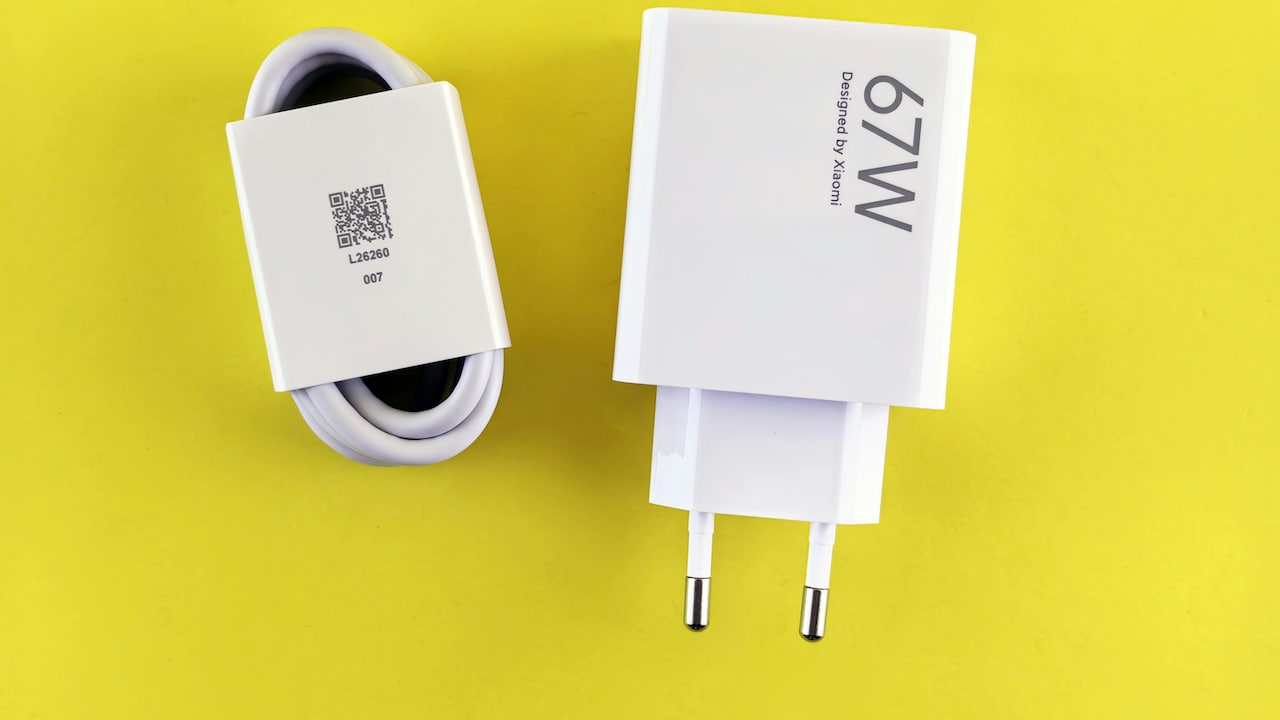
Choosing certified chargers and avoiding overnight charging also contributes to better temperature management.
A good power bank, priced around ₹1,000–₹3,000, ensures steady performance without adding unnecessary heat. It's a simple yet effective way to maintain device health.
The Impact Of Background Apps And Storage
Phones often run multiple apps in the background, even during video calls. These apps consume processing power and contribute to heat generation.
Storage also plays a role. A nearly full phone struggles to manage data efficiently, leading to increased workload on the processor.
Closing unused apps before starting a video call can reduce strain on the device. Regularly clearing storage and uninstalling unnecessary apps helps maintain smooth performance.
While this isn't an accessory-based solution, it complements other cooling methods. A well-maintained phone generates less heat and performs better overall.
Combining good digital habits with the right accessories creates a balanced approach to managing overheating.
Choosing The Right Accessories For Daily Use
Not every accessory suits every user. Someone attending occasional video calls may only need a phone stand, while a professional handling multiple meetings daily might benefit from cooling fans or heat sinks.
Budget also plays a role. Fortunately, effective solutions exist across price ranges. A combination of affordable tools often delivers better results than a single expensive gadget.
The key lies in understanding personal usage patterns. Frequent callers should prioritise cooling solutions, while casual users can focus on simple adjustments.
Accessories should enhance convenience, not complicate it. The goal is to create a setup that feels natural and efficient.
When chosen wisely, these tools transform video calling from a frustrating experience into a smooth and enjoyable routine.
Products Related To This Article
1. OnePlus 15R
2. iQOO Z11x 5G (Prismatic Green, 6GB RAM, 128 GB Storage)
3. Samsung Galaxy F17 5G, Violet Pop
4. REDMI Note 15 5G
5. realme C71 4G Smartphone 6GB+128GB Sea Blue, 6.745 inch Screen
Phone heating during video calls isn't a mystery; it's a result of powerful technology working within tight limits. Cameras, processors, screens, and networks all collaborate in real time, generating heat along the way.
While the problem feels unavoidable, the solutions are both practical and accessible. From simple phone stands to advanced cooling fans, the right accessories can make a noticeable difference. Small changes in usage habits further enhance these benefits.
In a world where video calls have become part of daily life, comfort and performance matter more than ever. A cooler phone doesn't just feel better; it works better too. And sometimes, the difference between frustration and ease lies in a small accessory sitting quietly on a desk.
(Disclaimer: This article may include references to or features of products and services made available through affiliate marketing campaigns. NDTV Convergence Limited (“NDTV”) strives to maintain editorial independence while participating in such campaigns. NDTV does not assume responsibility for the performance or claims of any featured products or services.)