Top Tips For Reducing Fast Smartphone Battery Drain At Home Versus Normal Outdoor Performance
Smartphone battery draining too fast at home? Learn simple, practical ways to reduce indoor drain and improve performance outdoors with easy tweaks to settings, apps, and daily habits.
Top Tips For Reducing Fast Smartphone Battery Drain At Home Versus Normal Outdoor Performance
A familiar scene unfolds every evening. The phone, charged to 100% just a few hours ago, suddenly dips below 20% while resting on a bedside table. No heavy gaming, no endless scrolling, just a quiet drain that feels almost mysterious. Meanwhile, during a long commute or a day out, the same phone sometimes performs better despite constant use.
This curious contrast between indoor and outdoor battery behaviour often goes unnoticed. Yet, subtle factors, Wi-Fi signals, background apps, brightness levels, and even room temperature, play a significant role. Understanding these everyday influences can help extend battery life without expensive upgrades or constant charging.
The good news? A few thoughtful adjustments can make a noticeable difference. No need for complicated tools or technical jargon. Just practical habits, small tweaks, and a bit of awareness. Think of it as giving the phone a better routine, one that keeps it running longer, whether lounging at home or navigating busy streets.
10 Smart Ways To Fix Fast Smartphone Battery Drain At Home And Improve Daily Performance
Photo Credit: Pexels
Practical Ways To Reduce Battery Drain At Home And Improve Outdoor Performance
Understand Why Battery Drain Feels Worse At Home
At home, phones often sit in a comfort zone, plugged into Wi-Fi, surrounded by familiar networks, and rarely switched off. Ironically, this comfort can lead to faster battery drain. Constant syncing, app updates, and notifications keep the device quietly busy. Unlike outdoor usage, where attention stays focused on specific tasks, indoor use tends to be scattered and passive.
Picture a lazy Sunday afternoon. The phone lies nearby while streaming music, downloading app updates, and backing up photos, all at once. These background activities quietly consume power. Add a weak Wi-Fi signal from another room, and the phone works even harder to stay connected.
Understanding this pattern helps shift habits. Instead of assuming heavy usage drains the battery, it becomes clear that idle activity can be just as demanding. A quick glance at battery usage stats often reveals surprising culprits, apps running quietly in the background long after use.
Manage Wi-Fi And Network Switching Smartly
Wi-Fi feels like a battery saver, but only when the signal remains stable. At home, especially in larger flats or multi-storey houses, signals fluctuate. Phones constantly search for stronger connections, switching between Wi-Fi and mobile data. This invisible juggling act drains power faster than expected.
During a typical evening, moving from the living room to the kitchen may weaken the Wi-Fi signal. The phone reacts instantly, boosting its antenna power or switching networks. Multiply this across hours, and the battery quietly takes a hit.
A simple habit can help: turn off Wi-Fi when not needed or stay closer to the router during heavy usage. For those working from home, placing the router strategically can make a surprising difference. Stable connectivity reduces the phone's effort, conserving energy without sacrificing convenience.
Control Screen Brightness With Awareness
Indoor lighting often tricks users into keeping screen brightness higher than necessary. Artificial lighting, reflections, and habit all play a role. Unlike outdoor conditions, where brightness adjustments feel obvious, indoor settings often lead to unnecessary power consumption.
Imagine watching short videos at night with brightness set to maximum. The screen consumes a significant portion of battery power, even though the room barely needs that intensity. Over time, this habit drains energy faster than most apps.
Switching to adaptive brightness or manually lowering it indoors can extend battery life noticeably. Modern screens remain clear even at lower settings, especially in dim environments. It's a small adjustment that quickly becomes second nature, like dimming room lights before bedtime.
Limit Background Apps And Silent Activity
Many apps refuse to rest quietly. Social media platforms, shopping apps, and even news alerts keep refreshing in the background. At home, where Wi-Fi remains active, these apps operate freely without restrictions, consuming both data and battery.
Consider how often notifications appear without any direct interaction. Each alert signals background activity, checking updates, syncing content, or fetching new information. Multiply this by dozens of apps, and the battery feels the strain.
Taking control of background activity can significantly reduce drain. Restricting unnecessary apps or turning off auto-refresh for non-essential services helps the phone focus on what truly matters. It's not about limiting usage, but about cutting down the noise behind the scenes.
Also Read: Why Watches Refuse To Die In The Age Of Smartphones And Screens
Optimise Charging Habits At Home
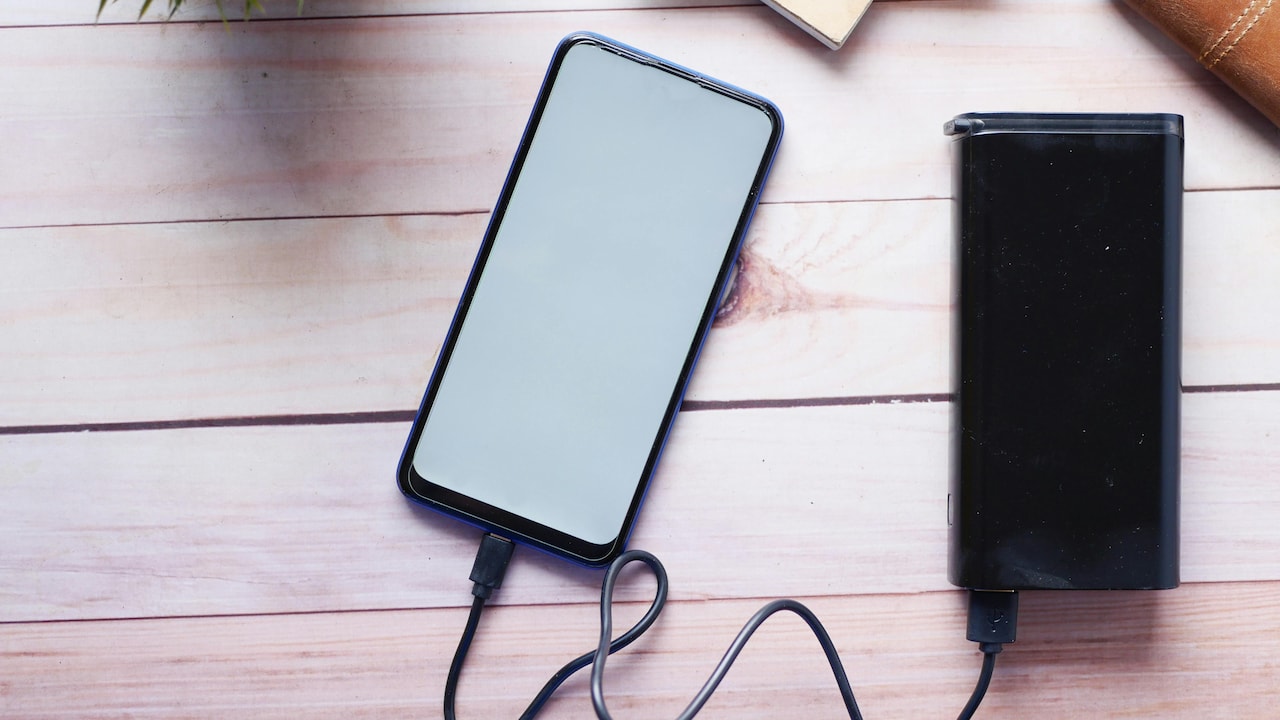
Charging habits often worsen battery health over time. Keeping the phone plugged in overnight or constantly topping it up during the day may feel convenient, but it affects long-term performance. Batteries prefer balance, not extremes.
Picture a phone sitting at 100% for hours while still connected to the charger. This habit generates slight heat and gradual wear. Over months, battery capacity declines, leading to quicker drain even during light use.
Charging between 20% and 80% tends to maintain healthier performance. Occasional full charges remain fine, but avoiding constant overcharging makes a difference. Think of it like maintaining a vehicle; steady care ensures smoother performance over time.

10 Smart Ways To Fix Fast Smartphone Battery Drain At Home And Improve Daily Performance
Photo Credit: Pexels
Reduce Location Services Indoors
Location services play a crucial role outdoors, especially for navigation and travel apps. At home, however, they often run unnecessarily. Apps continue tracking location in the background, even when the device remains stationary.
This becomes evident when weather updates, delivery apps, or maps refresh location data repeatedly. Each request uses GPS, Wi-Fi, and mobile networks, draining battery subtly but steadily.
Turning off location services for non-essential apps indoors can conserve power without affecting daily convenience. Keeping it active only for important functions ensures the phone doesn't waste energy tracking a location that rarely changes.
Adjust Notifications And Sync Frequency
Notifications create a sense of urgency, but they also trigger frequent activity. Emails syncing every minute, apps checking updates constantly, and alerts lighting up the screen all contribute to battery drain.
Imagine a phone buzzing every few minutes with updates that don't require immediate attention. Each notification wakes the screen, activates processors, and consumes power.
Reducing sync frequency for emails or limiting notifications to essential apps can ease this burden. The phone becomes quieter, less demanding, and far more efficient. It also brings a surprising side benefit: fewer distractions during the day.
Keep Apps And Software Updated Wisely
Updates often promise better performance and improved battery efficiency. However, automatic updates at inconvenient times can drain power quickly, especially on slower connections at home.
Picture an app updating quietly in the background while the phone struggles with weak Wi-Fi. The process takes longer, consumes more energy, and leaves the battery noticeably lower.
Updating apps during stable connections or scheduled times ensures smoother performance. Regular updates also fix bugs that may cause unnecessary battery drain. It's a balance between staying updated and avoiding unnecessary strain.
Be Mindful Of Temperature And Environment
Temperature affects battery performance more than expected. Indoors, especially during hot afternoons or near charging devices, heat builds up quickly. Warm conditions reduce battery efficiency and increase drain.
Think of a phone left near a window or under a pillow while charging. Heat accumulates, causing the battery to work harder. Over time, this impacts both performance and lifespan.
Keeping the phone in a cool, ventilated space helps maintain optimal performance. Avoiding excessive heat ensures the battery operates efficiently, whether at home or outside.
Use Battery Saver Modes Strategically
Battery saver modes often get ignored until the battery drops dangerously low. However, using them proactively can make a significant difference, especially during long days at home with intermittent use.
These modes limit background activity, reduce performance slightly, and extend battery life without noticeable impact on basic tasks. Activating them during periods of low usage, such as late evenings, helps conserve energy effectively.
Instead of waiting for the warning alert, using battery saver as a routine feature transforms it into a helpful tool rather than a last resort.
10 Smart Ways To Fix Fast Smartphone Battery Drain At Home And Improve Daily Performance
Photo Credit: Pexels
Products Related To This Article
1. Samsung Galaxy M56 5G Mobile (Light Green,8GB RAM,256GB Storage)
2. Redmi 15 5G Sandy Purple 8GB + 256GB
3. OnePlus Nord CE5
4. realme NARZO 80 Pro 5G
5. iQOO Z10R 5G (Aquamarine, 8GB RAM, 256GB Storage)
Smartphone battery drain rarely stems from a single cause. It's a blend of habits, settings, and everyday patterns, many of which go unnoticed. At home, where usage feels relaxed and less demanding, hidden factors quietly consume power.
By understanding these subtle influences, small changes become powerful solutions. Adjusting brightness, managing background apps, and optimising connectivity all contribute to better battery performance. No drastic measures required, just mindful habits and a bit of attention.
In the end, a smartphone works best when treated with care. Like a trusted companion, it responds well to thoughtful use. And with the right approach, that frustrating low-battery warning might just appear a little less often.
(Disclaimer: This article may include references to or features of products and services made available through affiliate marketing campaigns. NDTV Convergence Limited (“NDTV”) strives to maintain editorial independence while participating in such campaigns. NDTV does not assume responsibility for the performance or claims of any featured products or services.)