Robotic Vacuum Cleaner Maintenance Guide: Costs, Care, And What to Expect
Robotic vacuum cleaners simplify daily cleaning, but they still need regular care. This guide breaks down how much maintenance they really require, from filters to batteries, along with realistic upkeep costs and practical tips.
Robotic Vacuum Cleaner Maintenance Guide: Know How Much Upkeep They Really Need.
Robotic vacuum cleaners have quietly rolled their way into modern homes, gliding under sofas, dodging table legs, and saving precious time. They feel like a small luxury at first. Press a button, head out for work, and return to clean floors. Yet, after the initial excitement fades, a common question pops up during chai breaks and family discussions: how much effort do these machines actually demand?
Many assume robotic cleaners work endlessly without attention. Reality paints a slightly different picture. These devices behave more like dependable scooters than self-driving cars. Regular check-ups keep them running smoothly, while neglect can shorten their lifespan. The good news is that maintenance rarely feels like a chore. Most tasks take minutes, not hours.
Understanding upkeep also helps decide whether a robotic vacuum suits a household. Flats with pets, homes near dusty roads, or spaces with long hair on carpets may need extra care. This guide explores every aspect of maintenance in a clear, relatable way, so expectations stay realistic and the investment feels worthwhile.

Robotic Vacuum Cleaner Maintenance: How Much Care Do They Actually Need?; Photo Credit: Pexels
Breaking Down the Real Maintenance Behind Robotic Vacuum Cleaners
1. Dustbin Emptying: The Small Task with a Big Impact
Emptying the dustbin forms the most frequent maintenance task. Robotic vacuum cleaners collect fine dust, hair, crumbs, and mystery particles that seem to appear out of nowhere. In compact flats, the bin may fill up after two or three cleaning cycles. Homes with pets or heavy footfall may need daily emptying.
Skipping this step reduces suction power. The robot still moves around, but the cleaning quality drops sharply. Some models send notifications when the bin fills up, which feels helpful until ignored for a week. Overflowing bins can also clog internal filters, leading to extra work later.
The process itself remains simple. Slide out the bin, tap contents into a larger dustbin, and give it a quick wipe. The entire routine takes less than two minutes. No gloves required, unless preferred. Over a year, this habit saves money by preventing motor strain. Replacement motors can cost anywhere between ₹3,000 and ₹6,000, making those quick bin checks feel well worth the effort.
2. Filter Cleaning: Breathing Easy Starts Here
Filters act as the lungs of robotic vacuum cleaners. They trap fine dust and allergens, keeping indoor air cleaner. Over time, these filters clog up, especially in homes near busy roads or construction zones. When filters choke, suction drops, and cleaning sessions grow longer.
Most robotic cleaners use HEPA or washable foam filters. Washable filters need rinsing every one or two weeks, depending on usage. Drying them completely before reinserting matters. Damp filters encourage odours and reduce efficiency. Non-washable filters require replacement every three to six months.
Filter maintenance often gets ignored because dirt hides inside. Yet clean filters improve performance instantly. Homes with children or elders benefit even more from proper filtration. Replacement filters usually cost between ₹500 and ₹1,500 annually, depending on brand and model. Compared to the comfort of dust-free floors and easier breathing, this feels like a modest expense rather than a burden.
3. Brush Care: Where Hair Tangles Tell a Story
Main brushes and side brushes do the heavy lifting. They sweep dirt into the suction path and reach corners that human brooms often miss. Over time, hair wraps around brush shafts, forming tight coils that reduce movement. Long hair and pet fur accelerate this process.
Weekly brush checks prevent headaches later. Removing tangled hair takes patience but little skill. Most models include a small cleaning tool that slices through stubborn knots. Ignoring brush maintenance leads to uneven cleaning patterns and strange noises during operation.
Side brushes wear out faster because they scrape along walls and furniture. Replacing them every six to twelve months keeps edge cleaning sharp. A set of replacement brushes typically costs around ₹800 to ₹1,200. That small investment maintains the neat look of corners and prevents the robot from scattering dust instead of collecting it.
4. Wheel and Sensor Cleaning: Helping the Robot See and Move Better
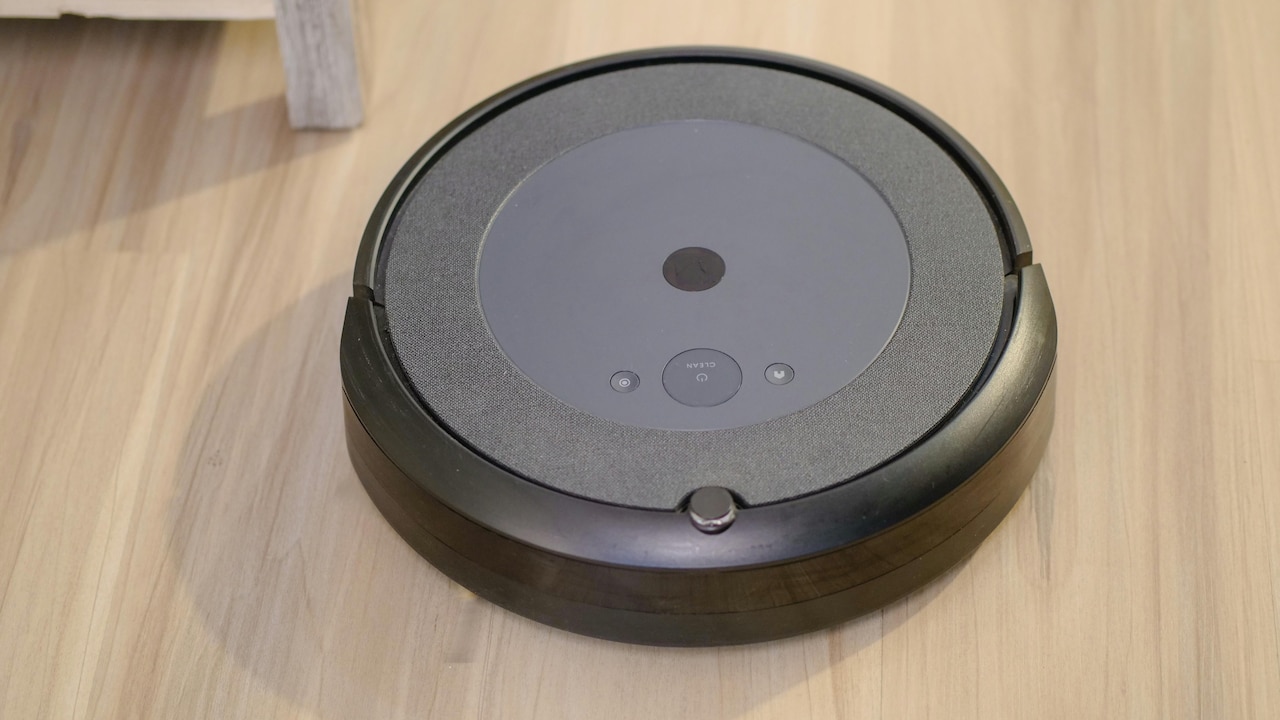
Robotic vacuum cleaners rely on wheels and sensors to navigate rooms gracefully. Dust buildup on wheels affects movement, while dirty sensors confuse navigation. The robot may bump into furniture repeatedly or miss entire sections of the floor.
Monthly cleaning keeps things smooth. Turn the robot upside down, remove trapped debris from the wheels, and wipe sensors gently with a dry cloth. No chemicals needed. Just a bit of care and attention.
Homes with floor mats or uneven surfaces benefit greatly from clean wheels. Sensors also struggle with greasy dust found in kitchens, making occasional checks essential. Neglecting this area often leads owners to believe the robot has become “less intelligent,” when it simply needs a wipe. This task takes under five minutes and restores confidence in the device's smart features instantly.
Robotic Vacuum Cleaner Maintenance: How Much Care Do They Actually Need?; Photo Credit: Pexels
5. Battery Health: The Heartbeat of the Machine
Battery performance defines how long a robotic vacuum cleaner can work before returning to its dock. Over time, battery capacity drops naturally. Poor charging habits accelerate this decline. Keeping the robot constantly plugged in may sound convenient, but it stresses the battery in the long run.
Most manufacturers recommend letting the robot complete full cycles occasionally. Running it until the battery drops below 20% and then charging fully helps maintain capacity. Cleaning the charging contacts monthly also ensures efficient power transfer.
Battery replacements become necessary after two to three years, depending on usage. Costs range from ₹2,500 to ₹5,000. Extending battery life through simple habits delays this expense. Scheduling cleaning sessions wisely, instead of multiple short runs, also reduces strain. Treating the battery kindly pays off with consistent performance and fewer interruptions.
6. Software Updates: The Invisible Maintenance Task
Robotic vacuum cleaners rely heavily on software. Navigation algorithms, obstacle detection, and mapping accuracy improve through updates. Ignoring these updates leaves the robot stuck with outdated instructions, much like using an old map in a rapidly changing city.
Most modern models update automatically through companion apps. Checking for updates once a month ensures access to improvements and bug fixes. Updates often enhance battery efficiency, improve corner cleaning, or fix random glitches.
Software maintenance feels effortless compared to physical cleaning. Yet its impact remains significant. Homes with complex layouts notice smoother navigation after updates. Keeping Wi-Fi stable during updates prevents failures. This invisible upkeep costs nothing and adds noticeable value, making it one of the easiest ways to extend the robot's usefulness.
7. Mopping Module Care: Avoiding Unwanted Odours
Robotic vacuum cleaners with mopping functions need extra attention. Water tanks, mop cloths, and nozzles require regular cleaning. Leaving water inside the tank between uses leads to unpleasant smells and mineral buildup.
Emptying the tank after every mopping session becomes essential. Washing mop cloths prevents bacterial growth and staining. Most clothes are machine washable, making upkeep easy. Replacing mop pads every six months maintains hygiene and cleaning quality.
Using filtered water reduces scale buildup, especially in areas with hard water. Replacement mop pads usually cost around ₹600 to ₹1,000 annually. Proper care ensures the mopping feature remains a benefit rather than a nuisance. Clean floors should never come with odd smells.
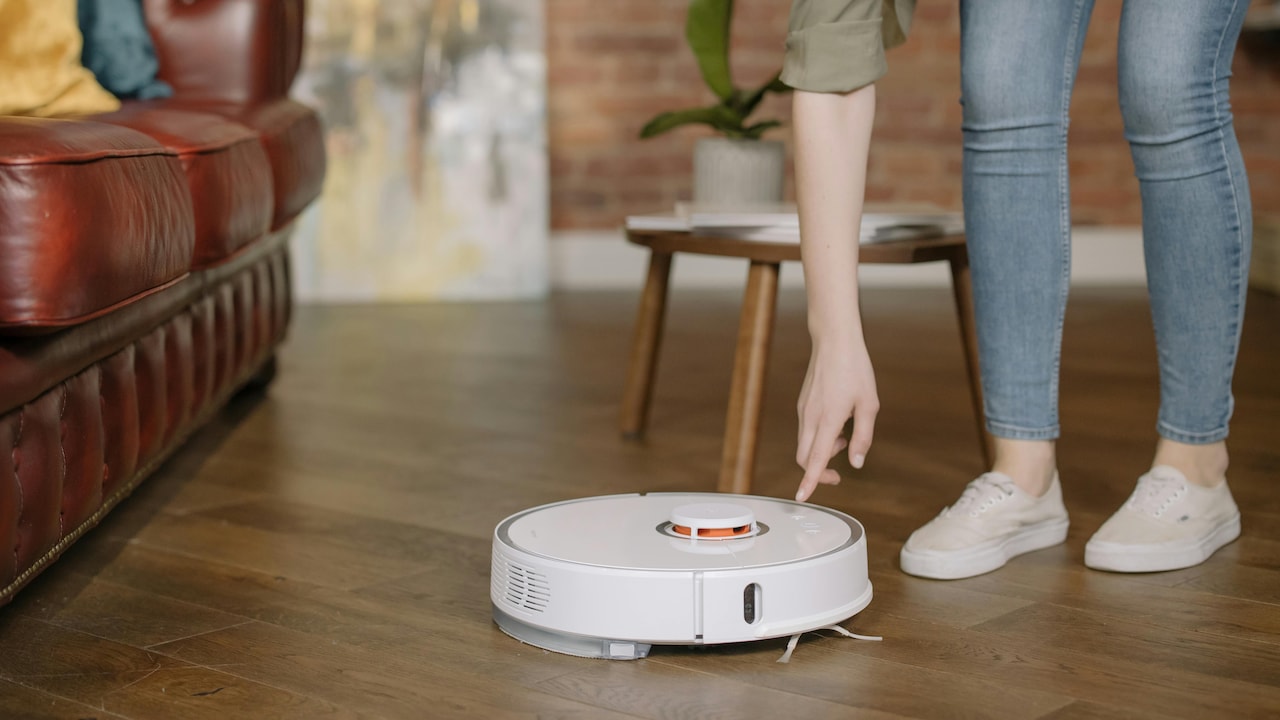
Robotic Vacuum Cleaner Maintenance: How Much Care Do They Actually Need?; Photo Credit: Pexels
8. Storage and Placement: Small Choices, Big Difference
Where a robotic vacuum cleaner rests between sessions matters more than expected. Charging docks placed near direct sunlight or damp areas affect battery health and sensor accuracy. A cool, dry corner near a power socket works best.
Clutter around the dock confuses the robot during docking attempts. Clear space ensures smooth returns after cleaning. Lifting the robot occasionally and cleaning the dock area prevents dust accumulation.
During long breaks, such as extended travel, storing the robot with a partially charged battery helps preserve battery life. Covering it loosely keeps dust away while allowing airflow. These simple storage habits protect the device quietly, without adding extra steps to daily routines.
9. Replacement Parts and Costs: Planning Saves Money
Robotic vacuum cleaners include consumable parts that wear out naturally. Brushes, filters, mop pads, and batteries need periodic replacement. Planning for these expenses avoids surprises.
Annual maintenance costs usually range between ₹2,000 and ₹4,000 for most households. Premium models may cost slightly more. Compared to traditional vacuum cleaners that require bags or frequent servicing, robotic cleaners remain economical.
Buying genuine replacement parts ensures compatibility and performance. Third-party parts cost less but may affect cleaning quality. Keeping track of replacement schedules helps maintain efficiency and extends the robot's lifespan beyond five years, making the initial investment feel justified.
10. Emotional Payoff: Why Maintenance Feels Worth It
Maintenance often sounds dull until its benefits show up. A well-maintained robotic vacuum cleaner glides quietly, cleans thoroughly, and rarely causes frustration. Floors stay clean even during busy weeks, freeing time for family, rest, or hobbies.
Neglected robots behave unpredictably. They miss spots, make odd noises, or stop mid-session. That annoyance outweighs the few minutes saved by skipping maintenance. Caring for the robot builds a sense of partnership rather than ownership.
The emotional payoff matters. Clean floors without daily sweeping feel liberating, especially in fast-paced households. Maintenance transforms the robot from a novelty into a reliable helper. That reliability brings peace of mind, which often feels priceless.
Products Related To This Article
1. ECOVACS DEEBOT N30 White 2-in-1 Robot Vacuum Cleaner & Mop
2. Eureka Forbes SmartClean Auto Bin S2
3. MILAGROW Imap15 AI Plus, Lidar, Convertible Robotic Vacuum Cleaner
4. ILIFE A30 Pro Robotic Vacuum Cleaner with Self-Empty Station
5. DREAME L10 Prime Robot Vacuum and Mop, Self-Cleaning Dual Mop Pads with Auto Drying
Robotic vacuum cleaners do not demand constant attention, but they do ask for consistency. A few minutes each week keep them performing at their best. Dustbin emptying, filter cleaning, brush care, and occasional checks form the backbone of upkeep. Software updates and mindful charging habits add longevity without effort.
Maintenance costs remain reasonable, especially when spread over months. More importantly, proper care prevents frustration and extends the machine's life. In return, these smart devices offer cleaner floors, saved time, and a lighter daily workload.
The real question shifts from how much upkeep they need to whether those small habits feel worthwhile. For most households, the answer arrives quietly, right after stepping onto a clean floor at the end of a long day.
(Disclaimer: This article may include references to or features of products and services made available through affiliate marketing campaigns. NDTV Convergence Limited (“NDTV”) strives to maintain editorial independence while participating in such campaigns. NDTV does not assume responsibility for the performance or claims of any featured products or services.)