Cooling Pads For Gaming Laptops: Do They Really Reduce Heat?
Gaming laptops heat up fast. Cooling pads promise relief, but do they actually work? This is a clear look at whether they reduce heat or just add noise to your setup.
Cooling Pads For Gaming Laptops: Do They Really Reduce Heat?
Gaming laptops have come a long way. Sleek designs now house powerful GPUs, high refresh rate displays, and processors that rival desktops. Yet, with all that power comes a familiar problem, heat. Anyone who has played a long session of a demanding title like a battle royale or an open-world RPG knows the feeling of a keyboard warming up like a tawa on a Sunday morning.
The issue isn't just comfort. Excess heat can throttle performance, reduce frame rates, and even shorten the lifespan of expensive components. That's where cooling pads step in, often marketed as an easy fix. Place the laptop on top, plug it in, and let the fans do the magic. Sounds simple enough.
But reality rarely follows marketing promises. Some swear by cooling pads, while others dismiss them as glorified stands with noisy fans. So, do they actually work? Or do they simply give peace of mind without real results? Let's dig deeper into the science, the practicality, and the everyday experience of using cooling pads.
Cooling Pads For Gaming Laptops: Do They Really Reduce Heat?
Photo Credit: Pexels
What You Need To Know Before Buying A Cooling Pad
How Gaming Laptops Generate Heat
Gaming laptops pack high-performance hardware into compact spaces. That combination alone creates a thermal challenge. Unlike desktops, which allow generous airflow and larger cooling systems, laptops operate within tight confines. Heat builds up quickly, especially when both CPU and GPU run at full capacity.
During gaming sessions, components work overtime. The processor calculates game logic, while the graphics card renders visuals at high speeds. This continuous workload produces heat, which internal fans try to push out through vents. However, dust accumulation, restricted airflow, and ambient room temperature can make this process less efficient.
In many homes, especially during warmer months, the surrounding temperature already sits above comfort levels. Add a gaming laptop to the mix, and the system struggles even more. This leads to thermal throttling, where the system intentionally slows down to prevent damage. Frame drops follow, and the smooth gaming experience takes a hit.
Understanding this heat generation is essential before judging cooling pads. They don't replace internal cooling systems. Instead, they aim to support them. Whether they succeed depends on several factors, including design, airflow, and usage habits.
What Exactly Is A Cooling Pad
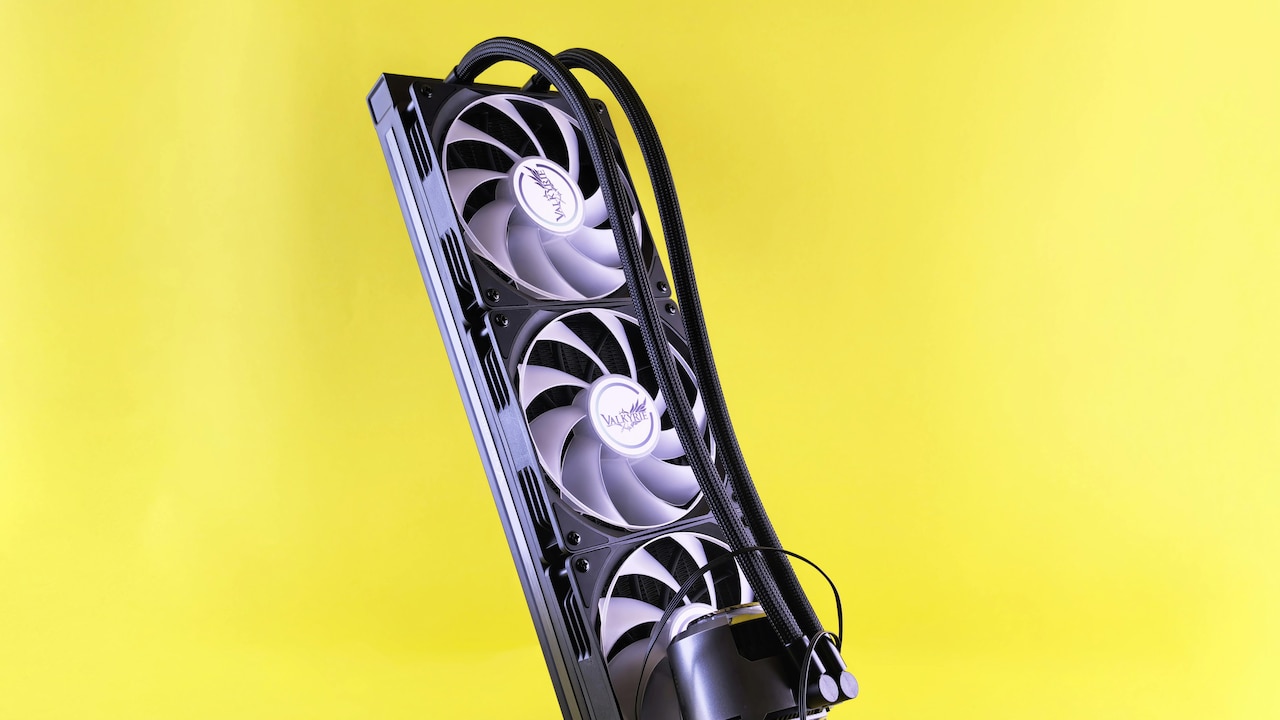
A cooling pad is essentially a platform designed to sit beneath a laptop. It usually includes built-in fans, powered through USB, that push air towards the underside of the device. Some models also feature adjustable height settings, LED lighting, and multiple fan speed controls.
At first glance, the concept seems straightforward. More airflow should equal lower temperatures. However, the effectiveness depends heavily on how well the airflow aligns with the laptop's ventilation system. If the fans blow air into solid areas without vents, the benefit becomes minimal.
Cooling pads also serve a secondary purpose. They elevate the laptop, creating space underneath for better natural airflow. Even without active fans, this elevation alone can improve cooling slightly compared to placing a laptop directly on a bed or soft surface.
Prices vary widely. Basic models start around ₹800, while premium options can go beyond ₹3,000. The difference often lies in build quality, fan size, noise levels, and additional features. However, price does not always guarantee better cooling performance.
Understanding what a cooling pad actually does helps set realistic expectations. It supports airflow, but it cannot magically transform a heating laptop into an ice-cold machine.
Also Read: Laptop Tables vs Full Desks: Which Set Up Improves Productivity?
Do Cooling Pads Actually Lower Temperatures
The short answer is yes, but with conditions. Cooling pads can reduce temperatures, though the extent varies. On average, a good cooling pad may lower temperatures by 3°C to 8°C. That might not sound dramatic, but even a small drop can prevent thermal throttling.
In practical scenarios, results depend on laptop design. Devices with bottom vents benefit the most because the cooling pad's airflow directly feeds into the system. Laptops with side or rear vents may not experience the same improvement.
Another factor involves fan quality. Larger fans tend to move more air at lower noise levels, making them more effective. Smaller, faster-spinning fans can create noise without delivering meaningful cooling.
Real-world usage also plays a role. During casual browsing or light gaming, the difference may feel negligible. However, during long gaming sessions or heavy workloads like video editing, the cooling pad can help maintain consistent performance.
While cooling pads do not perform miracles, they can offer measurable improvements. The key lies in pairing the right pad with the right laptop setup.
The Role Of Airflow And Vent Placement
Airflow acts as the backbone of any cooling system. Without proper direction and movement, even powerful fans fail to deliver results. Cooling pads rely heavily on how well they complement the laptop's existing airflow design.
Most gaming laptops feature intake vents at the bottom and exhaust vents at the sides or rear. When a cooling pad pushes air upwards, it feeds fresh air into these intake vents. This helps internal fans operate more efficiently.
However, not all laptops follow the same layout. Some models draw air from unconventional positions, making cooling pads less effective. In such cases, the airflow from the pad may simply bounce off the base without entering the system.
Placement also matters. Using a laptop on a flat desk with a cooling pad creates better airflow compared to using it on a soft surface like a bed. Soft surfaces block vents, trapping heat regardless of external cooling efforts.
Understanding airflow patterns can make a noticeable difference. Instead of relying solely on the cooling pad, aligning it with the laptop's ventilation design ensures better results.
Impact On Gaming Performance
Temperature directly affects performance. When a laptop overheats, it reduces clock speeds to protect internal components. This leads to lower frame rates, stuttering, and inconsistent gameplay.
Cooling pads help maintain stable temperatures, which can prevent or delay thermal throttling. As a result, performance remains more consistent during extended gaming sessions. The difference becomes particularly noticeable in demanding games that push hardware to its limits.
However, expectations should remain realistic. A cooling pad will not boost performance beyond the laptop's capabilities. It simply helps the system perform at its intended level for longer durations.
For gamers who enjoy marathon sessions, especially during weekends or late-night gaming runs, this consistency matters. No one wants a crucial match ruined by sudden frame drops.
While the improvement may not feel dramatic in short sessions, over time, the benefits become clear. Stable temperatures translate to stable performance, and that alone makes cooling pads worth considering.
Cooling Pads For Gaming Laptops: Do They Really Reduce Heat?
Photo Credit: Amazon
Noise Levels And Comfort
Cooling pads introduce an additional source of noise. While some models operate quietly, others can sound like a small desk fan running at full speed. This can become distracting, especially in quiet environments.
Fan size and build quality influence noise levels. Larger fans tend to produce less noise while moving more air. Cheaper models with smaller fans often create a noticeable hum, which may annoy users during long sessions.
Comfort also plays a role. Cooling pads elevate laptops, improving typing posture and reducing strain on wrists. This ergonomic advantage often goes unnoticed but adds value over time.
In warm climates, the added airflow can also make the laptop surface feel cooler to the touch. This improves overall comfort, particularly during extended use.
Choosing a cooling pad with adjustable fan speeds can help balance cooling and noise. Lower speeds work for regular tasks, while higher speeds can kick in during intense gaming.
Are Expensive Cooling Pads Worth It
Price often creates confusion. Some believe higher cost guarantees better performance, but that isn't always true. While premium cooling pads offer better materials and quieter fans, their cooling efficiency may not differ drastically from mid-range options.
A ₹1,500 cooling pad can perform nearly as well as one priced at ₹3,000 if the airflow design aligns well with the laptop. The extra cost usually goes towards aesthetics, RGB lighting, and additional features.
That said, build quality matters. Cheaper models may wear out faster or develop noisy fans over time. Investing in a reliable brand can save money in the long run.
The best approach involves balancing budget and functionality. Instead of chasing the most expensive option, focus on airflow design, fan size, and durability.
Spending wisely ensures value without unnecessary extras.
Alternatives To Cooling Pads
Cooling pads are not the only solution. Simple changes can also reduce heat. Elevating the laptop using a stand improves airflow without requiring power. Regular cleaning removes dust that blocks vents and reduces cooling efficiency.
Thermal paste replacement can also make a significant difference, though it requires technical knowledge. Some users undervolt their CPUs to reduce heat generation without sacrificing performance.
Room temperature plays a surprisingly large role. Using a fan or air conditioning can lower the ambient temperature, helping the laptop stay cooler.
These alternatives often complement cooling pads rather than replace them. Combining multiple approaches can deliver better results than relying on a single solution.
Exploring these options helps create a well-rounded cooling strategy.
When A Cooling Pad Makes The Most Sense
Cooling pads prove most useful in specific scenarios. Long gaming sessions, heavy workloads, and warm environments all increase the need for additional cooling support.
Students and professionals who use gaming laptops for both work and entertainment often benefit the most. Switching between tasks like editing, coding, and gaming can push systems hard throughout the day.
For those who frequently travel, cooling pads offer a portable solution. They provide consistent airflow regardless of location, whether at home, in a hostel, or at a café.
However, casual users may not notice significant benefits. If the laptop rarely heats up or handles only light tasks, a cooling pad may feel unnecessary.
Understanding usage patterns helps determine whether the investment makes sense.
Cooling Pads For Gaming Laptops: Do They Really Reduce Heat?
Photo Credit: Amazon
Products Related To This Article
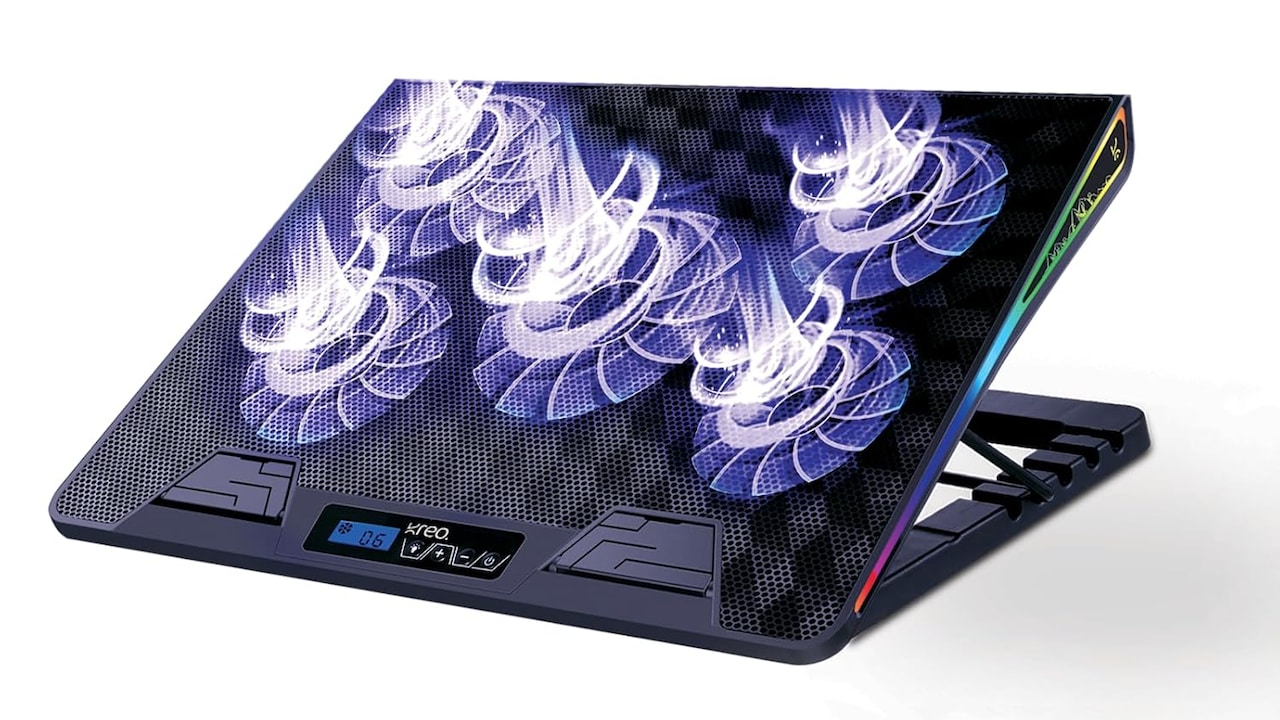
1. Kreo Tundra Laptop Cooler Pad with 5 Adjustable Fans
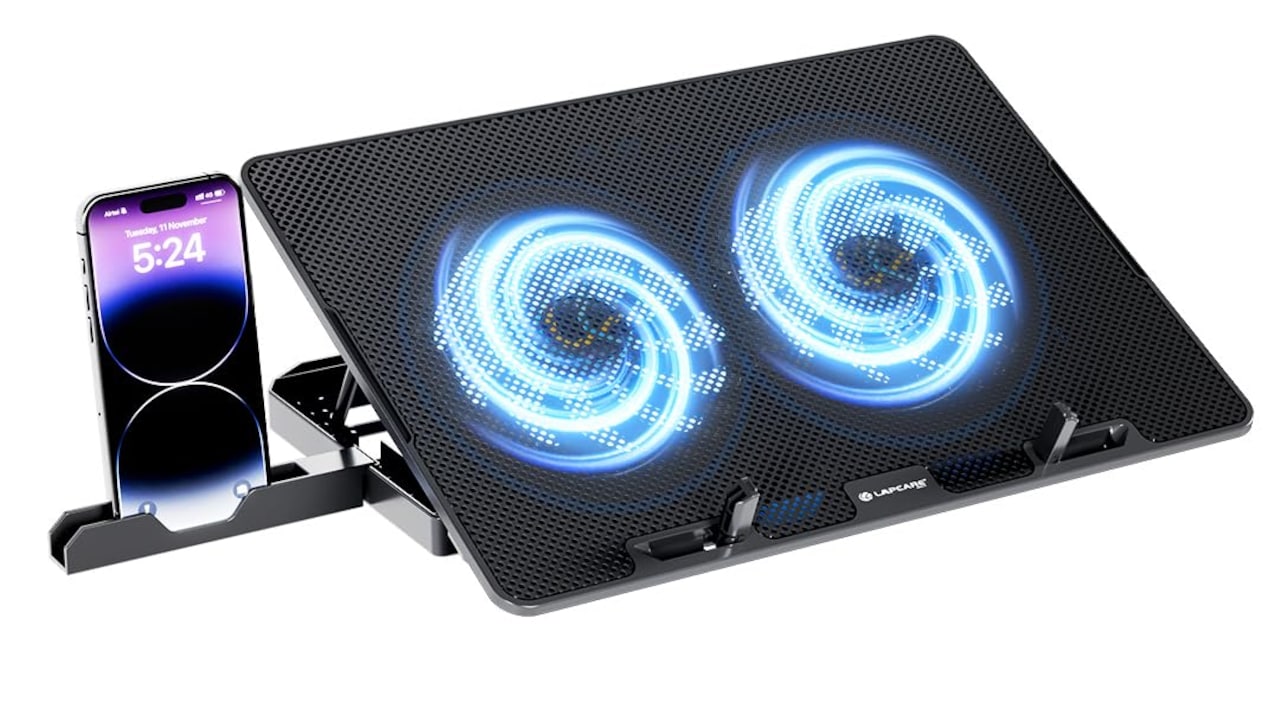
2. Lapcare Chillmate Powerful Laptop Cooler Pad with Dual 125mm Fans
3. Kreo Tundra Laptop Cooler Pad with 5 Adjustable Fans
4. Dyazo Foldable Metal Laptop & Mobile Stand with Dual Cooling Fans
5. Lapcare Chillmate Powerful Laptop Cooler Pad with Dual 125mm Fans
Cooling pads are not magic devices, but they are far from useless. They offer modest temperature reductions, improve airflow, and help maintain consistent performance during demanding tasks. While they won't transform a heating laptop into a perfectly cool machine, they can ease the strain on internal cooling systems.
The real value lies in realistic expectations. A good cooling pad supports performance, enhances comfort, and extends usability during long sessions. Combined with proper maintenance and smart usage habits, it becomes part of a broader cooling strategy.
For gamers and power users, especially those dealing with frequent overheating, a cooling pad can be a worthwhile addition. For others, simpler solutions might suffice.
In the end, the decision depends on how the laptop is used. Heat remains an inevitable companion of powerful machines. Managing it wisely makes all the difference between frustration and smooth, uninterrupted gameplay.
(Disclaimer: This article may include references to or features of products and services made available through affiliate marketing campaigns. NDTV Convergence Limited (“NDTV”) strives to maintain editorial independence while participating in such campaigns. NDTV does not assume responsibility for the performance or claims of any featured products or services.)