Curved Monitors For Work: Productivity Boost Or Just A Fancy Distraction?
Curved monitors promise better focus and comfort, but do they truly boost productivity or just look impressive? A closer look reveals whether the curve adds real value to everyday work.
Curved Monitors For Work: Productivity Boost Or Just A Fancy Distraction?
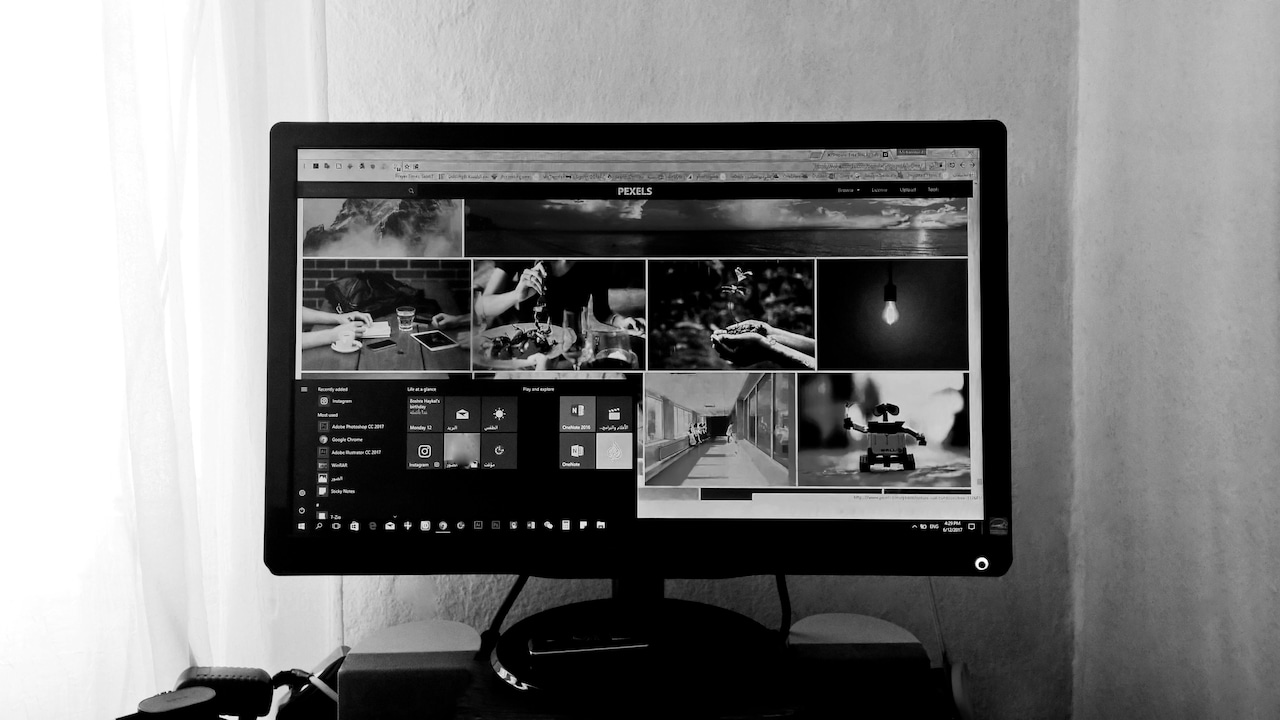
Walk into any electronics store today, and those sleek, curved monitors command attention. They look futuristic, almost cinematic, like something borrowed from a high-end trading floor or a designer studio. Over the past few years, they have quietly slipped into workspaces, especially as remote work reshaped how people build their desks at home.
The appeal is obvious. A curved screen wraps around the field of vision, offering immersion that flat panels cannot quite match. Marketing promises less eye strain, improved focus, and a smoother multitasking experience. For someone juggling spreadsheets, presentations, endless emails, and the occasional streaming break, it sounds like a dream.
Curved Monitors For Work: Productivity Boost Or Just A Fancy Distraction?
Photo Credit: Pexels
Yet, not everyone feels convinced. Some see it as an unnecessary upgrade, especially when a decent flat monitor costs far less. Others worry that the curve might distort visuals or simply take up too much desk space. And then there is the question of value, does spending ₹25,000 or more on a curved display actually make work easier, or does it just make the desk look impressive? The answer sits somewhere in between. Let's unpack the reality, one curve at a time.
What Really Matters When Switching To A Curved Monitor
The Visual Immersion Advantage
A curved monitor does not just sit on a desk; it pulls the viewer in. The gentle arc aligns with the natural curvature of the human eye, creating a sense of depth that feels surprisingly comfortable. For tasks that require long hours of focus, this subtle shift can make a noticeable difference.
Consider a typical workday filled with spreadsheets and documents. On a flat screen, the edges often feel slightly distant, especially on larger displays. With a curved monitor, those edges tilt inward, bringing everything into a more consistent viewing distance. This reduces the need to constantly adjust posture or shift gaze.
Designers and video editors often appreciate this immersive feel, as it allows them to stay engaged with their work for longer periods. Even for routine office tasks, the experience feels less fragmented. It is as if the screen gently encourages concentration without demanding it.
However, immersion is a double-edged sword. While it enhances focus, it can also make it easier to lose track of time. A quick glance at emails can turn into an hour-long deep dive without realising it. Whether that counts as productivity or distraction depends entirely on how the tool is used.
Multitasking Made Easier Or More Chaotic?
Curved monitors often come in ultra-wide formats, which means more screen real estate. This sounds perfect for multitasking, and in many cases, it is. Multiple windows can sit side by side without feeling cramped, reducing the constant need to switch tabs.
Imagine working on a presentation while referencing data from a spreadsheet and keeping a chat window open. On a standard monitor, this setup feels cluttered. On a curved ultra-wide screen, everything spreads out neatly, almost like having two monitors without the awkward bezel in between.
Yet, this abundance of space can sometimes lead to chaos. With so much room, there is a temptation to open more windows than necessary. Instead of improving efficiency, it can create a cluttered digital workspace that feels overwhelming.
The key lies in discipline. A curved monitor offers the potential for smoother multitasking, but it does not automatically enforce it. Without mindful use, it can quickly turn into a playground of distractions.
Comfort And Eye Strain: Myth Or Reality?
One of the strongest selling points of curved monitors is reduced eye strain. The idea is simple: since the screen follows the natural curve of the eyes, it creates a more uniform viewing distance. This reduces the need for constant refocusing, especially on larger displays.
For those spending eight or more hours in front of a screen, this can feel like a blessing. The difference may not be dramatic at first, but over time, the eyes feel less fatigued. Reading text or scanning documents becomes smoother, almost effortless.
However, the benefit varies from person to person. For smaller monitors, the curve makes little difference. In fact, some users find it unnecessary or even slightly uncomfortable. The advantage becomes more noticeable on larger screens, where flat panels can feel too wide.
Lighting and posture still play a bigger role in eye comfort than the shape of the screen. A curved monitor helps, but it is not a magic solution. Without proper breaks and ergonomic setup, strain will find its way in regardless of the screen type.
Curved Monitors For Work: Productivity Boost Or Just A Fancy Distraction?
Photo Credit: Pexels
Desk Space And Practicality
A curved monitor demands attention and space. Unlike flat screens that sit neatly against a wall, curved displays extend outward, occupying more desk depth. For compact workspaces, this can be a challenge.
In a typical home setup, where the desk doubles as a dining table or study area, fitting a large curved monitor can feel impractical. It requires careful planning, from positioning to cable management.
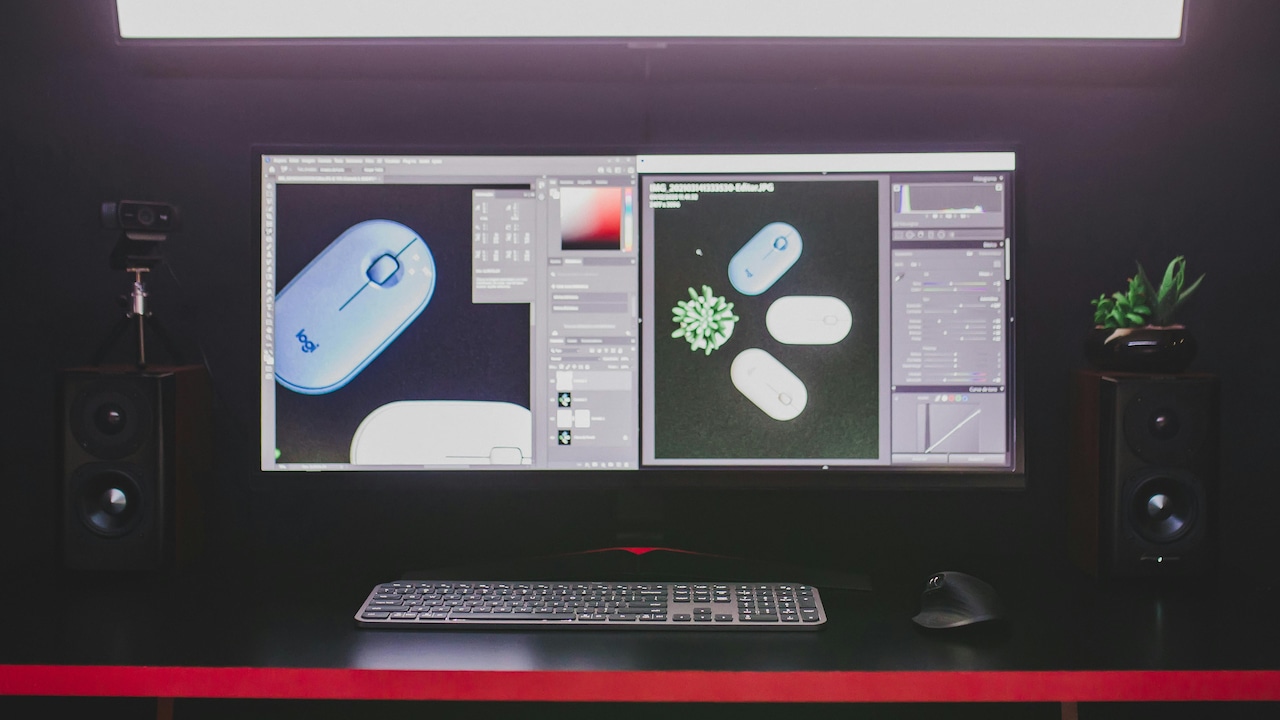
On the flip side, it can replace a dual-monitor setup. Instead of juggling two screens with separate stands, a single curved monitor provides a cleaner, more streamlined look. This can actually save space in the long run, especially when paired with a minimal stand or wall mount.
The practicality depends on the workspace itself. In a spacious setup, the curved monitor feels like an upgrade. In a cramped corner, it can quickly become a bulky inconvenience.
Aesthetic Appeal And Workplace Psychology
There is no denying the visual appeal of a curved monitor. It transforms a desk into something that feels modern, even aspirational. For many, this aesthetic boost translates into a psychological one.
A well-designed workspace often encourages better work habits. Sitting down at a sleek, organised desk with a curved display can create a sense of motivation. It feels like stepping into a professional environment, even when working from home.
This psychological effect should not be underestimated. Small changes in surroundings can influence mood and productivity more than expected. A visually pleasing setup can make long work hours feel less tedious.
However, aesthetics alone cannot justify the investment. A beautiful monitor that does not suit the work style will eventually feel like an expensive decoration. The real value lies in balancing form with function.
Also Read: Do Bigger Screens Reduce Productivity? Why Large Monitors Can Slow Your Work
The Learning Curve Of The Curve
Switching to a curved monitor is not entirely seamless. There is an adjustment period, especially for those used to flat screens. At first, the curvature may feel unusual, even slightly disorienting.
Text and images near the edges can appear subtly different, though most users adapt quickly. Within a few days, the curve starts to feel natural, almost invisible.
For tasks that require precise visual alignment, such as graphic design or architectural work, this adjustment can take longer. Some professionals prefer flat monitors for their predictable geometry.
The transition is less about difficulty and more about habit. Once the eyes and brain adapt, the curved screen becomes just another tool. The question is whether the benefits justify this initial shift.
Cost Versus Value
Curved monitors often come with a higher price tag. A decent model can cost anywhere between ₹20,000 and ₹60,000, depending on size and features. This raises an important question, does the investment pay off?
For professionals who spend long hours at their desk, the added comfort and screen space can be worth the cost. Over time, the benefits may outweigh the initial expense, especially if it improves workflow and reduces fatigue.
For casual users, however, the value becomes less clear. A flat monitor at half the price can deliver similar performance for everyday tasks. The curve, in this case, feels more like a luxury than a necessity.
The decision ultimately depends on usage. The more demanding the work, the more sense the investment makes.
Gaming Influence On Work Culture
Curved monitors gained popularity in the gaming world, where immersion plays a crucial role. This influence has carried over into workspaces, blurring the line between productivity tools and entertainment devices.
The immersive experience that enhances gaming can also make work feel more engaging. Tasks that once felt monotonous may gain a subtle sense of involvement.
At the same time, the gaming heritage of curved monitors can introduce distractions. The same screen used for work can easily be tempted with a quick game or a streaming session.
This dual identity is both a strength and a weakness. It adds versatility but also demands discipline. A curved monitor does not decide how it is used; the user does.
Collaboration And Viewing Angles
Curved monitors are designed for a single viewer. The optimal experience sits right in front of the screen. For collaborative work, this can pose a challenge.
When multiple people gather around the screen, the viewing angles become less consistent. Those sitting at the sides may find the image slightly distorted or harder to see.
In contrast, flat monitors offer more uniform visibility from different angles, making them better suited for group discussions or presentations.
For individual work, the curved design works beautifully. For shared tasks, it may require adjustments, such as repositioning or using additional displays.
Future Trends And Longevity
Technology rarely stands still, and curved monitors are no exception. As display technology evolves, features like higher resolutions, better refresh rates, and improved ergonomics continue to emerge.
Curved monitors are likely to remain relevant, especially as remote work becomes more common. The demand for comfortable, immersive setups is not going away.
At the same time, innovations in flat-panel technology may narrow the gap. Improved screen designs and software solutions could offer similar benefits without the curve.
Investing in a curved monitor today means betting on a trend that is still evolving. It is not a fleeting gimmick, but it is also not the final word in display technology.

Curved Monitors For Work: Productivity Boost Or Just A Fancy Distraction?
Photo Credit: Pexels
Products Related To This Article
1. Zebronics 31.5 Inch FHD Curved Gaming Monitor with 220Hz
2. Samsung 27" (68.5cm) 100Hz Curved Monitor
3. LG 32MR50C 80 cm (31.5 Inch) Full HD Curved (1920x1080) VA PC Monitor
4. FRONTECH 27-Inch (68.58 cm) Curved Gaming LED Monitor
5. MSI MAG 342CQRF E20 34-Inch UWQHD
Curved monitors sit at an interesting intersection of function and flair. They offer genuine advantages in immersion, multitasking, and comfort, particularly for those who spend long hours at their desks. At the same time, they carry a sense of luxury that can make them feel more like a lifestyle upgrade than a strict necessity.
The truth is simple. A curved monitor can boost productivity, but only when it aligns with the user's needs and habits. Without that alignment, it risks becoming an expensive distraction.
Choosing one is less about following trends and more about understanding how work actually happens. For some, the curve will feel like a natural extension of their workflow. For others, a flat screen will do the job just as well.
In the end, the curve does not define productivity. The person sitting in front of it does.
(Disclaimer: This article may include references to or features of products and services made available through affiliate marketing campaigns. NDTV Convergence Limited (“NDTV”) strives to maintain editorial independence while participating in such campaigns. NDTV does not assume responsibility for the performance or claims of any featured products or services.)