Why TWS Earbuds Keep Disconnecting Indoors And How To Fix Bluetooth Interference
TWS earbuds often disconnect indoors due to Bluetooth interference from Wi-Fi, walls, and electronic devices. This article explains the causes and shares simple fixes to improve connection stability at home.
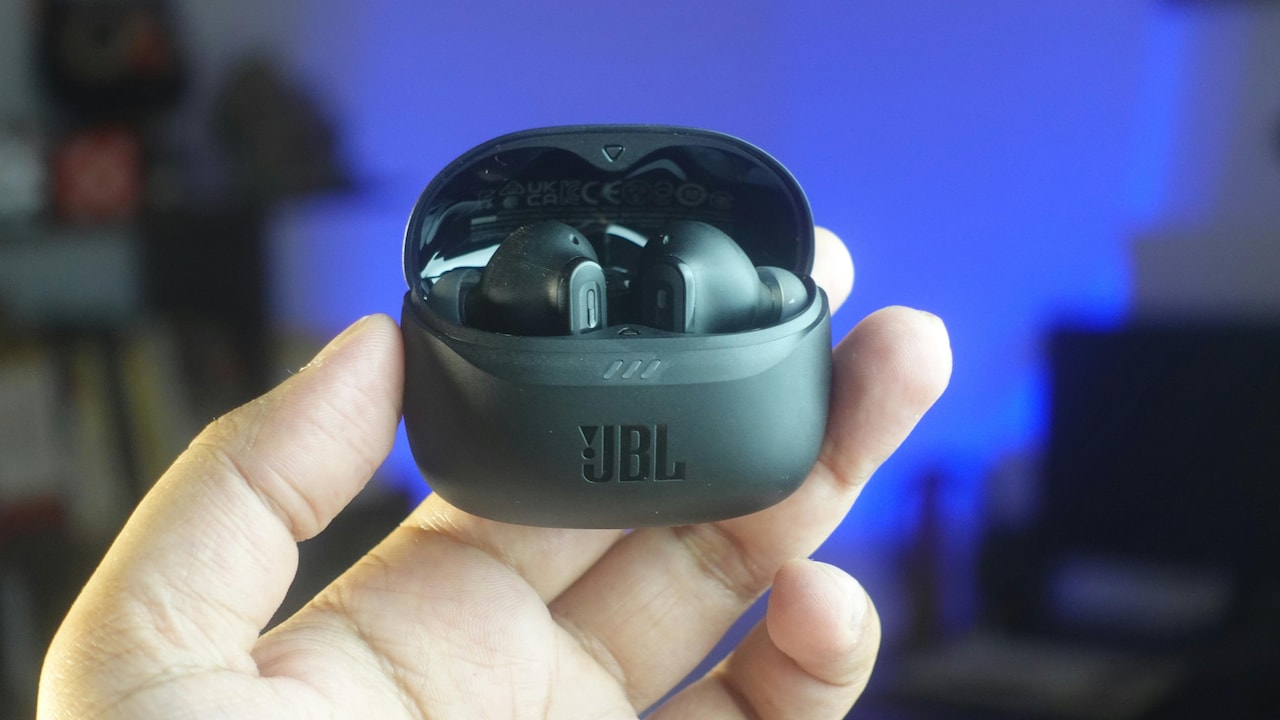
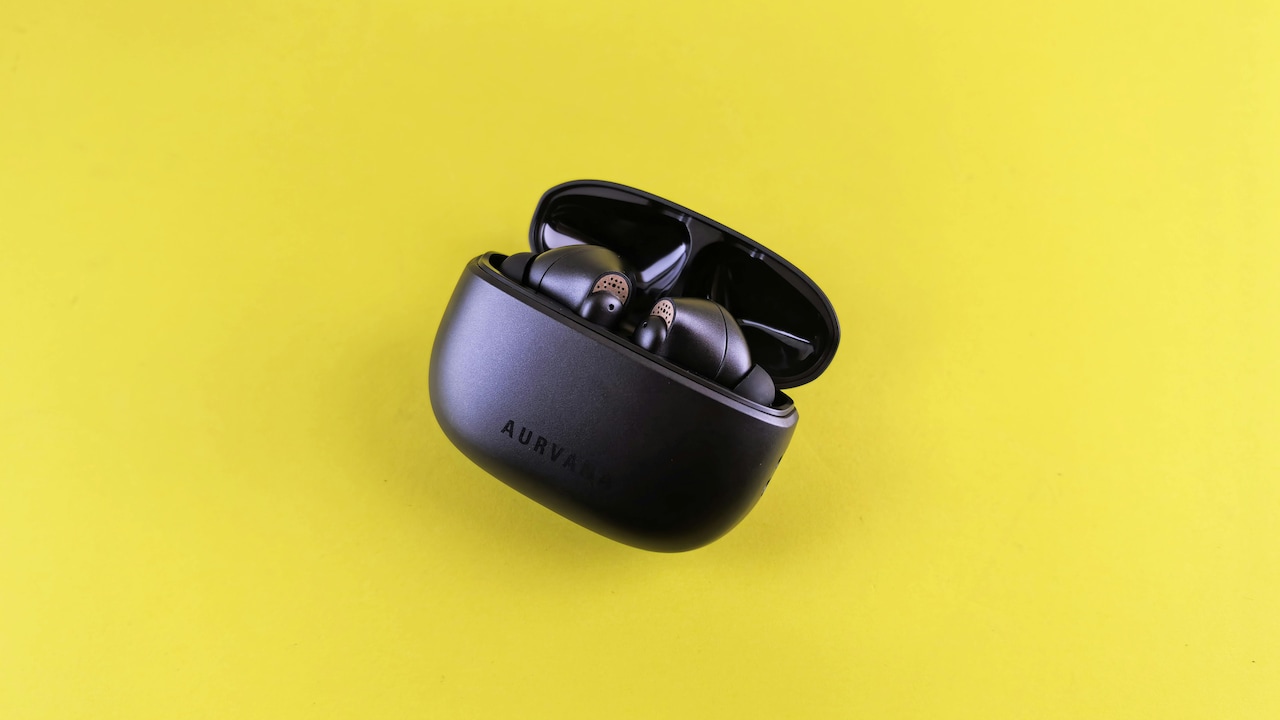
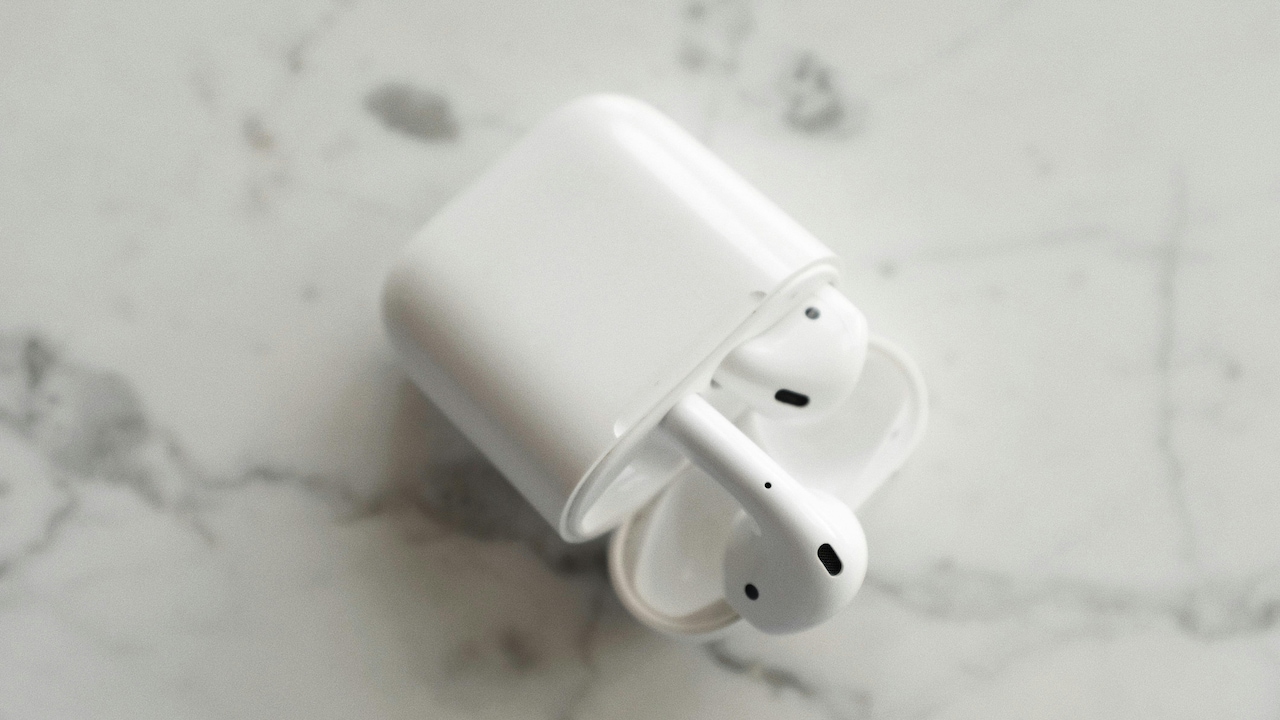
Why TWS Earbuds Keep Disconnecting Indoors: Bluetooth Interference Causes And Top Fixing Tips.
TWS earbuds have become daily companions. Morning calls, online classes, evening playlists, and late-night podcasts all flow through these tiny devices. Yet many users notice a strange pattern. Outdoors, the connection feels smooth. Indoors, the sound stutters, drops, or vanishes without warning.
This issue sparks confusion and mild rage in equal measure. A pair of earbuds costing ₹2,000 or even ₹10,000 should behave better, right? Sadly, the problem often has less to do with price and more to do with the invisible chaos floating through indoor spaces.
Homes today overflow with wireless signals. Routers blink, smart TVs hum, microwaves buzz, and neighbours stream endlessly. Bluetooth struggles to hold its ground in this crowded battlefield. Understanding the causes helps reclaim stable sound and sanity.
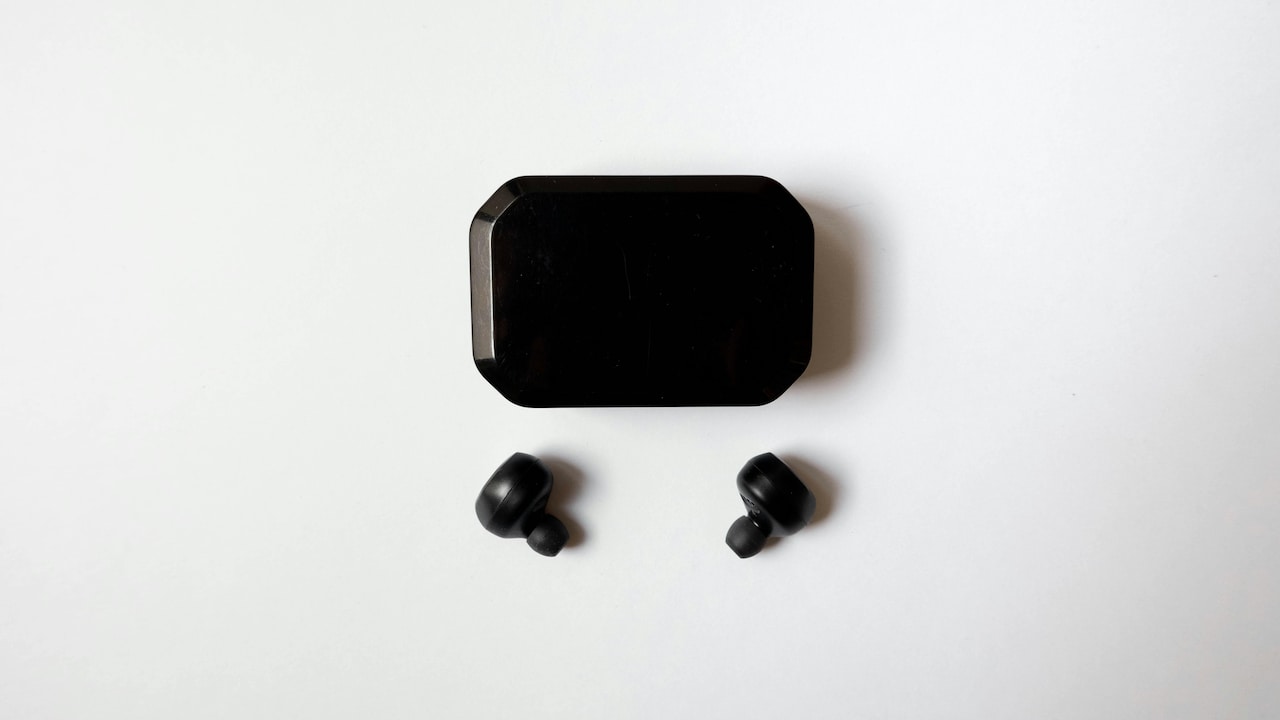
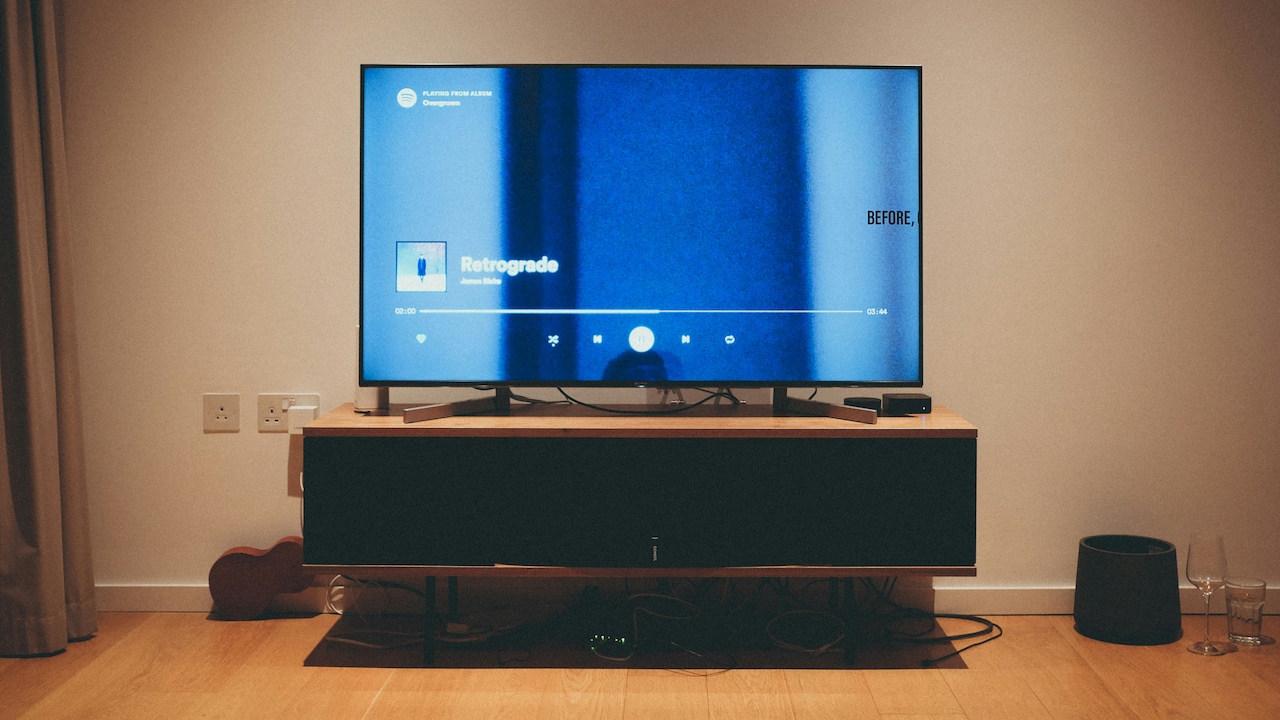
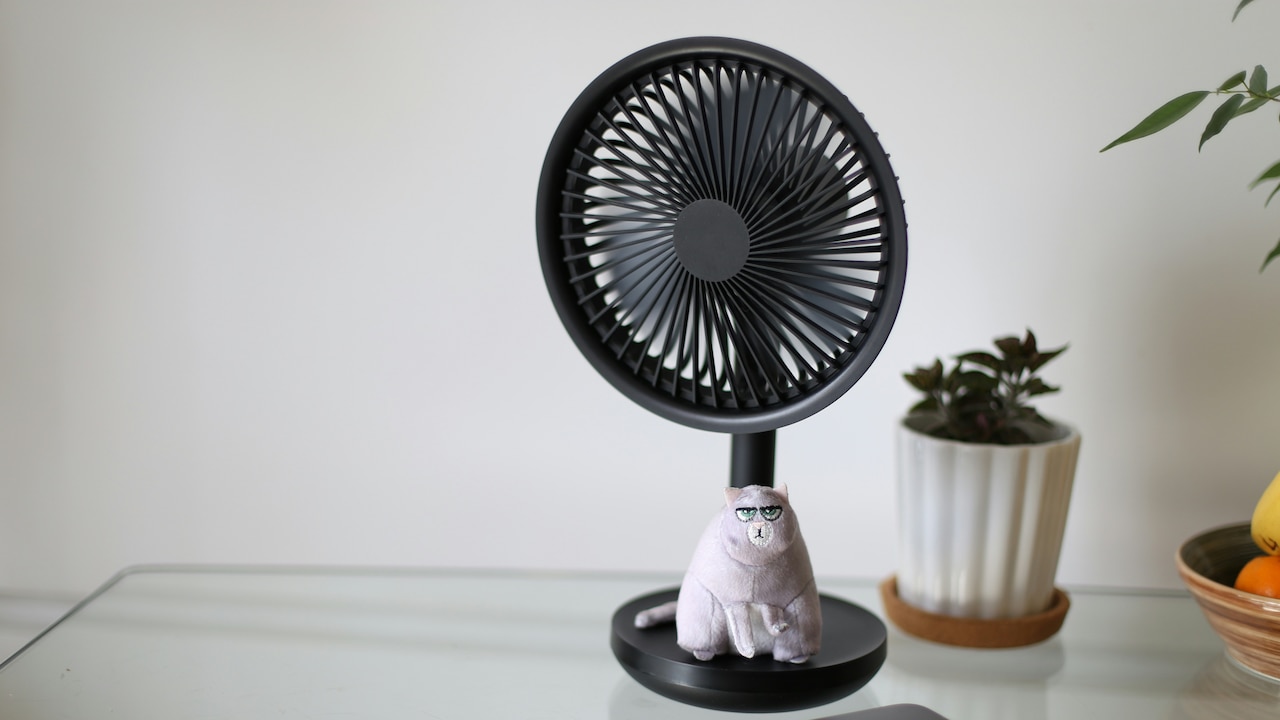
Bluetooth Interference Indoors: Why TWS Earbuds Disconnect And What To Do; Photo Credit: Pexels
What Actually Causes Indoor Bluetooth Dropouts In TWS Earbuds
1. Overcrowded Bluetooth Frequencies At Home
Bluetooth operates on the 2.4GHz frequency band. That same band supports Wi-Fi routers, smart bulbs, cordless phones, baby monitors, and even some wireless keyboards. Indoors, these devices cluster together, creating digital traffic jams.
Every active device competes for a slice of the same spectrum. When too many signals overlap, Bluetooth loses priority. The result shows up as crackling audio, delayed sound, or sudden disconnections. Apartment buildings worsen this chaos, as neighbouring routers leak signals through walls.
A simple fix starts with awareness. Turning off unused Bluetooth devices reduces noise. Switching Wi-Fi routers to the 5GHz band also frees space for earbuds. Even moving a few steps away from the router can restore clarity.
2. Wi-Fi Routers Acting Like Invisible Bullies
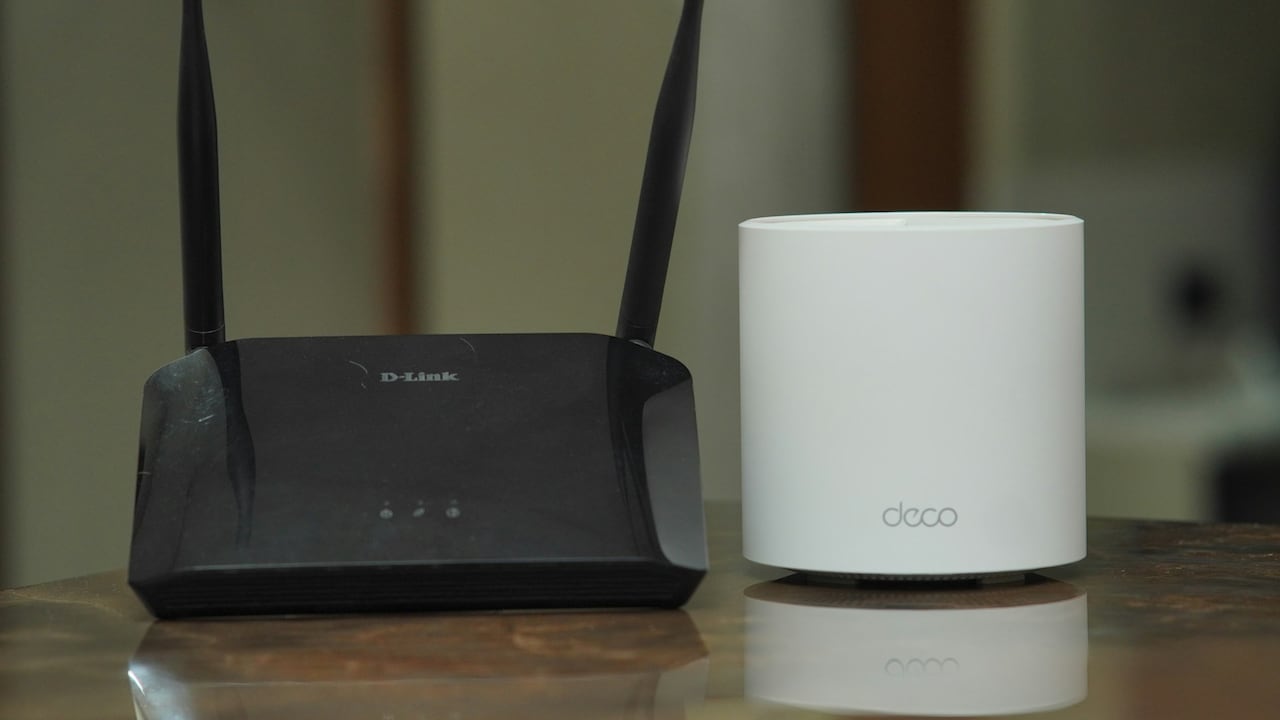
The humble Wi-Fi router plays a major role in indoor disconnections. Positioned at the centre of the home, it constantly broadcasts strong signals. Bluetooth, much weaker by design, struggles nearby.
Streaming videos, video calls, and cloud backups push routers to work harder. That increased activity raises interference levels. Earbuds caught in this crossfire lose stability, especially during calls or gaming.
Placing the router away from listening areas helps. Shifting it to a higher shelf or corner reduces direct interference. Changing router channels through settings can also improve harmony between Wi-Fi and Bluetooth.
Also Read: 5 Best Wireless Earbuds for Calls and Music: Clear Sound, Long Battery Life, Comfortable Fit
3. Thick Walls, Doors, and Furniture Blocking Signals
Concrete walls, wooden doors, metal cupboards, and even large mirrors absorb or reflect wireless signals. Indoor spaces often include all of these obstacles. Bluetooth signals weaken each time they pass through solid objects.
Earbuds perform best with a clear line of sight to the phone. Keeping the phone in a back pocket, behind a wall, or under a pillow strains the connection. Sound dropouts soon follow.
Simple habits make a difference. Keeping the phone on a table nearby improves stability. Avoiding pockets during calls or workouts indoors also helps. Homes with thicker walls benefit most from reducing physical barriers between phone and earbuds.
4. Microwave Ovens and Kitchen Chaos
The kitchen hides a surprising culprit. Microwave ovens also use the 2.4GHz frequency. When running, they emit strong signals that disrupt Bluetooth connections nearby.
Ever noticed earbuds glitching during reheated leftovers? That disruption comes straight from the microwave's electromagnetic output. Kitchens packed with smart appliances add further interference.
Using earbuds away from the kitchen during microwave use avoids the issue. If calls often drop while cooking, stepping into another room restores balance. Small lifestyle adjustments save plenty of irritation.
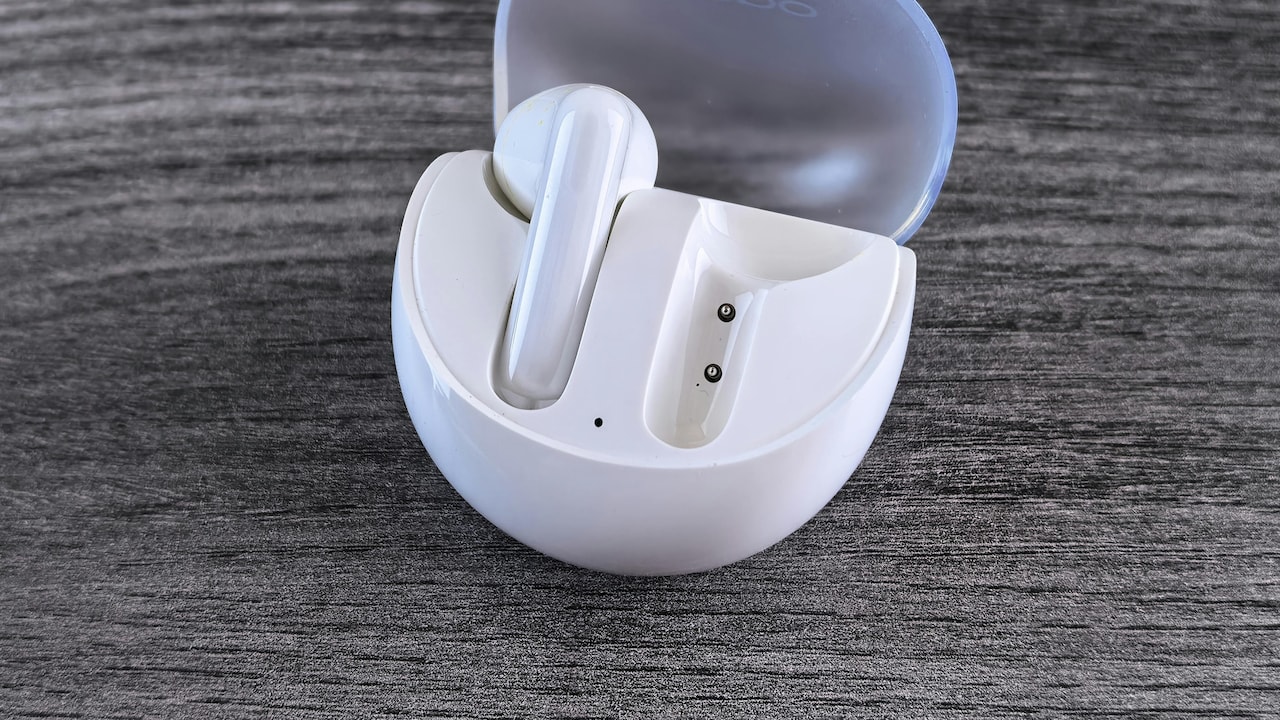
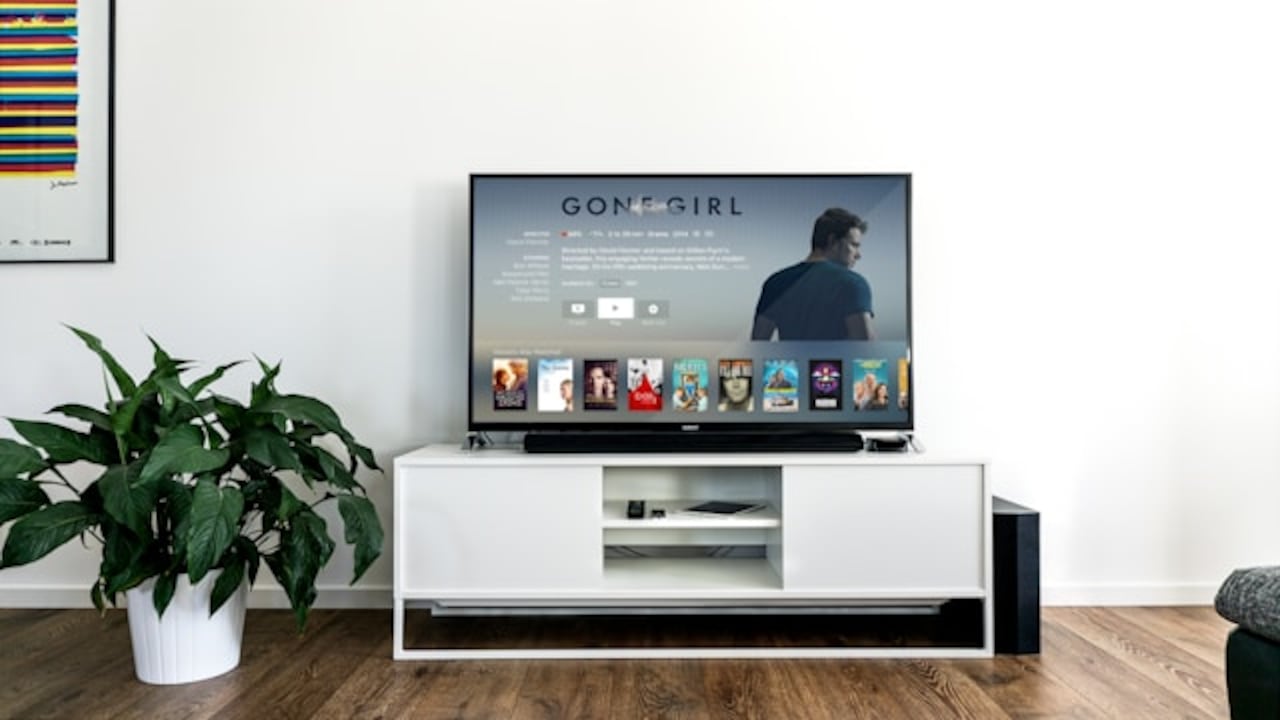
Bluetooth Interference Indoors: Why TWS Earbuds Disconnect And What To Do; Photo Credit: Pexels
5. Low Battery Levels Triggering Instability
Battery health directly affects Bluetooth performance. As earbud batteries drain, signal strength weakens. One earbud may disconnect before the other, breaking stereo balance.
Charging cases also matter. A poorly charged case may fail to recharge earbuds fully, leading to uneven battery levels. This imbalance causes random disconnections and syncing issues.
Keeping earbuds charged above 30% improves consistency. Regularly cleaning charging contacts ensures proper power flow. Replacing ageing earbuds after heavy use may also become necessary, especially after two years of daily charging cycles.
6. Outdated Software and Firmware Glitches
Software plays a silent yet crucial role. Phones and earbuds rely on firmware updates to fix bugs and improve compatibility. Skipping updates invites connection problems.
Older Bluetooth versions struggle with newer devices. Firmware glitches may cause sudden drops, especially after phone system updates. Many users blame hardware when the software is the real culprit.
Checking for updates through companion apps or phone settings often resolves recurring issues. Restarting both phone and earbuds after updates helps reset connections. A few minutes of maintenance saves hours of annoyance.
7. Cheap Building Wiring and Electrical Noise
Electrical wiring inside buildings generates electromagnetic interference. Poor-quality wiring, common in older constructions, amplifies this noise. Elevators, power backups, and air conditioners add further disturbance.
Bluetooth signals passing through these noisy environments lose clarity. Sudden drops occur without warning, especially during peak electricity usage hours.
Listening closer to windows or balconies sometimes improves reception. Switching rooms may also help. While rewiring homes sounds unrealistic, understanding the source reduces confusion and misplaced blame on earbuds.
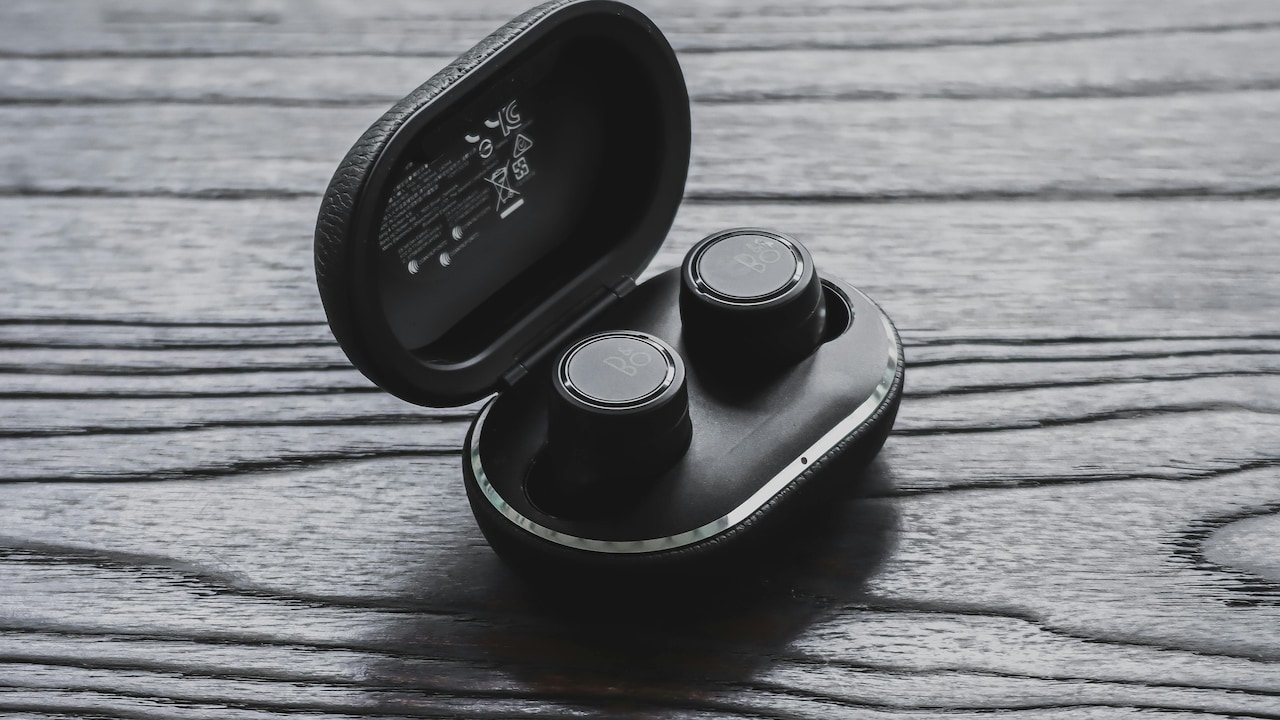
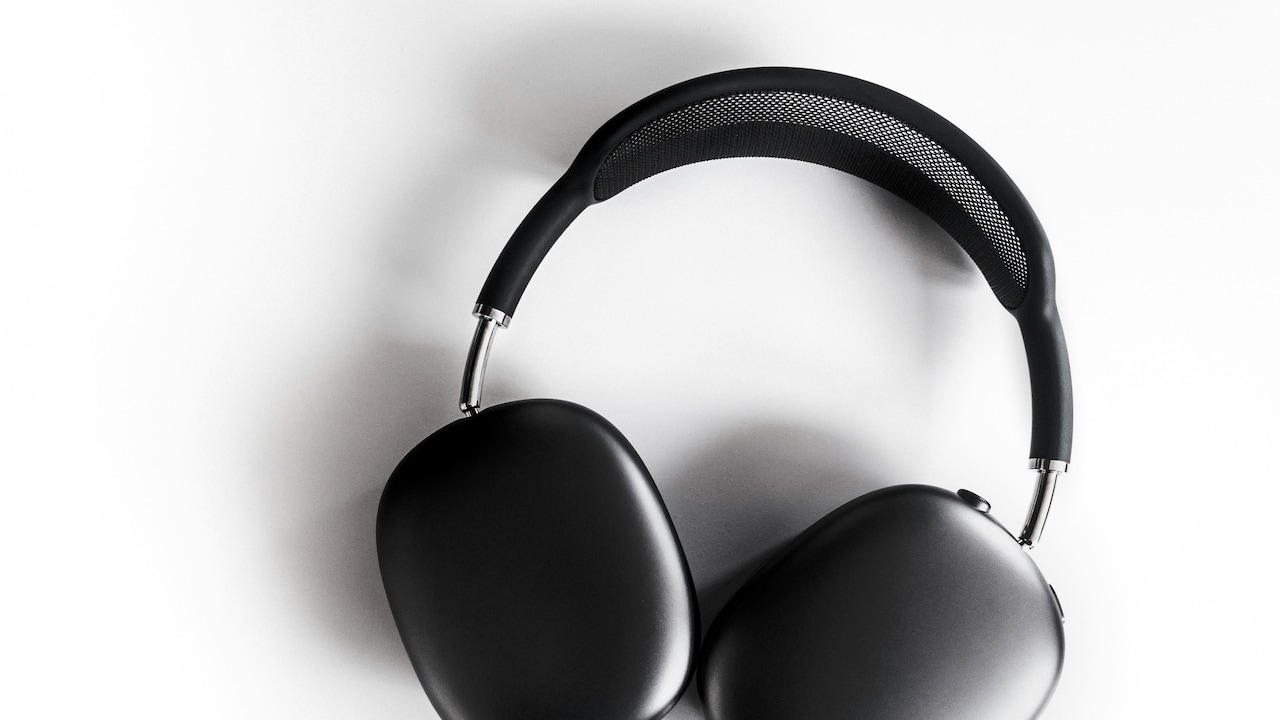
Bluetooth Interference Indoors: Why TWS Earbuds Disconnect And What To Do; Photo Credit: Pexels
8. Too Many Apps Running in the Background
Smartphones juggle tasks constantly. Music streaming, fitness tracking, notifications, location services, and social media all demand attention. Background apps consume Bluetooth resources and processing power.
Low-end phones struggle more under this load. Bluetooth connections drop when the system prioritises other tasks. Gaming or video calls alongside music streaming push limits further.
Closing unused apps improves stability. Turning off battery optimisation for Bluetooth apps prevents aggressive background restrictions. A clutter-free phone offers smoother audio.
9. Poor Fit and Earbud Placement
Earbuds rely on proximity and orientation. Poor fit causes one earbud to lose contact intermittently. Sweat or loose placement worsens the problem during movement.
True wireless designs often use one earbud as the master. If that earbud loses signal, the entire connection collapses. This issue appears more indoors due to interference stacking.
Using the correct ear tips ensures stability. Switching master earbuds through app settings balances usage. Adjusting fit improves both comfort and connection reliability.
10. Expectations Versus Reality of Bluetooth Technology
Bluetooth technology prioritises convenience over perfection. It was never designed for flawless performance in signal-heavy environments. Marketing often promises magic, while reality delivers compromises.
Understanding limitations helps manage frustration. Even premium earbuds face interference indoors. Stability depends on the environment as much as the brand or price.
Choosing earbuds with newer Bluetooth versions improves resilience. Using wired options for critical calls remains sensible. Technology works best when expectations align with reality.
Products Related To This Article
1. boAt Airdopes 300, Cinematic Spatial Audio, 50HRS Battery
2. OnePlus Nord Buds 3r TWS Earbuds up to 54 Hours Playback
3. HAMMER Ultra Pods True Wireless Earbuds with in-Built Mic
4. GOBOULT Y1 Pro Ear Buds Wireless with 60H Playtime
5. Fire-Boltt Aero Pro TWS Earbuds Custom EQ, Wireless Bluetooth 5.4
6. Samsung Galaxy Buds Core (Black) Galaxy AI Enabled in-Ear TWS with ANC
B0FDGVNSLH
7. Amazon Basics Pro Series ANC Wireless in Ear Earbuds
Indoor spaces may feel calm, but invisible signals wage constant war. TWS earbuds sit right in the middle, trying to deliver music through chaos. Disconnections rarely signal faulty products alone. Interference, environment, habits, and software all play their part.
Small changes bring big improvements. Adjusting router settings, updating software, charging regularly, and placing phones thoughtfully restore balance. Awareness transforms frustration into control.
TWS earbuds still offer remarkable freedom. With a little patience and smarter usage, indoor listening can feel just as seamless as outdoor strolls—minus the sudden, awkward silence.
(Disclaimer: This article may include references to or features of products and services made available through affiliate marketing campaigns. NDTV Convergence Limited (“NDTV”) strives to maintain editorial independence while participating in such campaigns. NDTV does not assume responsibility for the performance or claims of any featured products or services.)