How To Pick A Smartwatch For Small Wrists Without An Oversized Dial
Find the right smartwatch for small wrists by comparing case size, weight, strap fit and display shape, without ending up with an oversized dial that feels bulky or looks out of proportion.
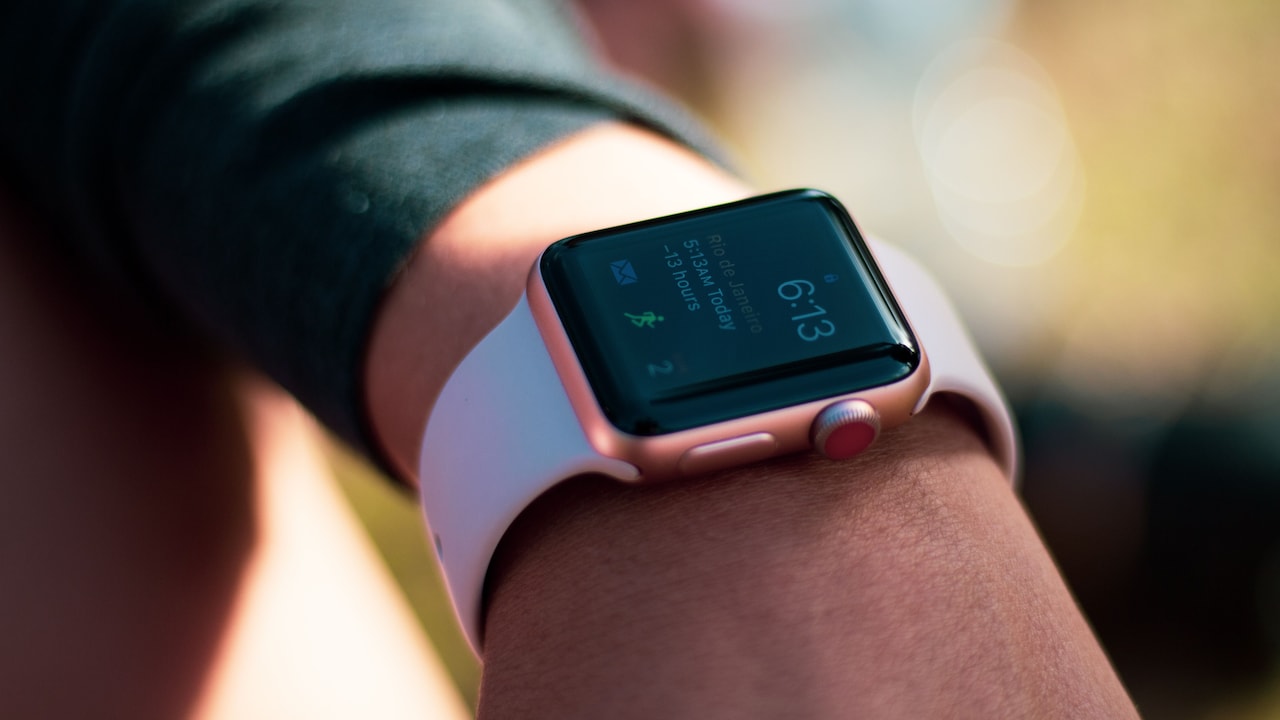
Expert tips to find the right smartwatch for small wrists
Smartwatches have become everyday companions. They count steps during a morning walk, display messages during crowded commutes and gently remind wearers to stand after hours at a desk. Some even track sleep, heart rate and workouts with impressive detail. Yet many popular models seem designed with large wrists in mind. Their broad screens, chunky frames and thick straps may look stylish in advertisements, but they can feel awkward on a slender wrist. The dial may extend beyond the wrist bone. The sensors may lose contact with the skin. A heavy case may also slide around during exercise or leave an uncomfortable mark by evening.
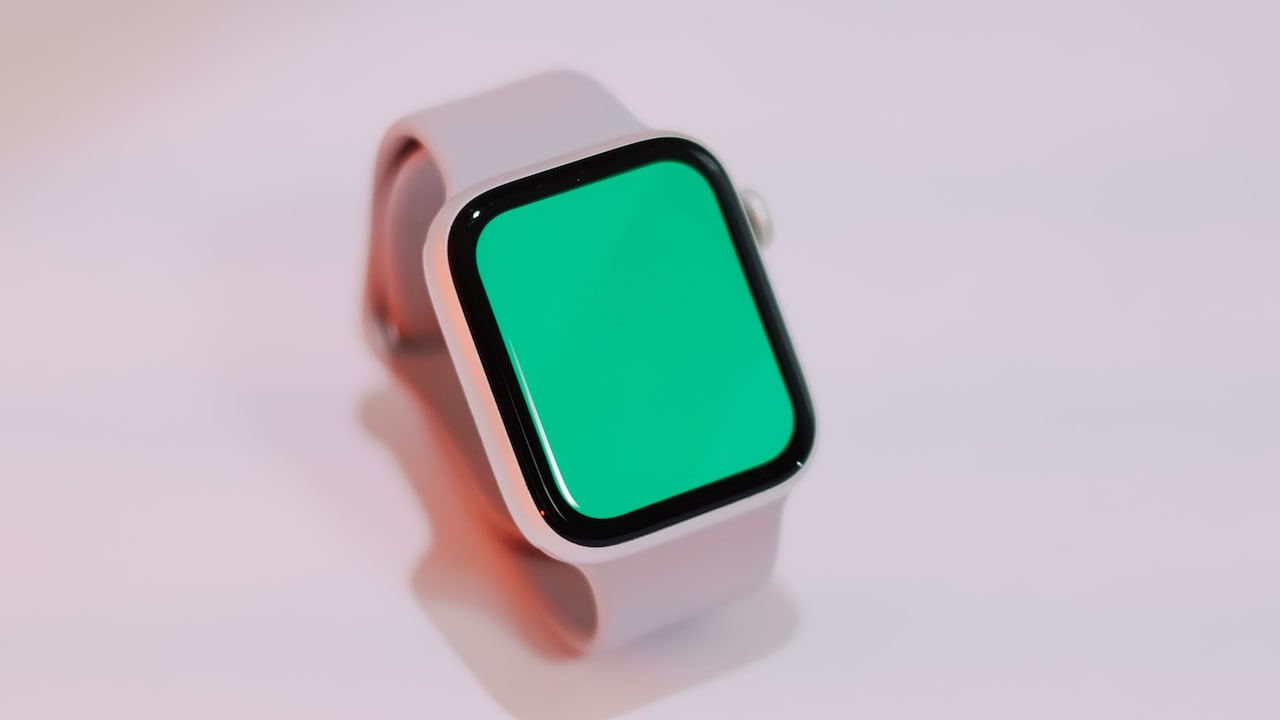
Tips to choose a smartwatch for small wrists; Photo Credit: Pexels
The good news is that a smaller wrist does not require fewer features. Several compact smartwatches offer bright displays, reliable fitness tools and polished designs. The key lies in looking beyond marketing photographs and understanding how different measurements affect real-world comfort.
Also Read: Top 10 Smartwatches In India For Health Tracking In 2026
A well-fitted smartwatch should feel secure, balanced and easy to forget. It should complement the wrist rather than dominate it. The following ten factors can help shoppers find that sweet spot.
Key Factors To Consider Before Choosing A Smartwatch
Measure Your Wrist Before Comparing Watches
Choosing a smartwatch without measuring the wrist is a little like buying footwear by guessing the size. The result may work, but comfort becomes a matter of luck.
Use a soft measuring tape and wrap it around the wrist just below the wrist bone. Keep it comfortably snug rather than tight. A piece of string also works. Mark the meeting point, then measure the string against a ruler. Wrist circumference gives a useful starting point, though wrist width matters too.
Two people may have the same wrist circumference but different wrist shapes. A flatter wrist can support a slightly wider case, while a rounder wrist may make the same watch look bulkier. Measuring the flat upper surface can therefore prevent surprises.
As a general guide, watches with cases between 38 mm and 42 mm often suit smaller wrists better than models above 44 mm. However, case diameter alone does not tell the whole story. Square watches and round watches distribute their size differently.
Write down the wrist measurement before shopping online or visiting a store. That small step quickly filters out models that may look impressive on screen but resemble a serving tray once worn.
Focus On Case Size Rather Than Screen Size
Smartwatch brands often highlight screen size because larger displays attract attention. A big, colourful panel looks appealing in product photographs and makes text easier to read. However, the total case size determines how the watch actually sits on the wrist.
A 1.4-inch screen may sound manageable, but thick borders can make the full watch noticeably wider. Another model may offer a similar display within a slimmer frame. Always check the case dimensions in millimetres rather than relying only on the advertised screen measurement.
For smaller wrists, a case width of around 38 mm to 42 mm usually creates a balanced appearance. Compact square models can also work well if the lugs remain short and the corners stay rounded. Anything much larger deserves a proper trial before purchase.
Pay attention to both width and height. Some rectangular watches appear narrow but stretch too far along the wrist. The case should remain within the wrist's edges when viewed from above.
A watch can still provide a useful display without becoming oversized. Thin bezels, efficient layouts and adjustable text sizes often matter more than sheer screen area. A neatly designed compact screen usually feels more elegant than a giant dial that spends the day catching shirt cuffs.
Check The Lug-To-Lug Length
Case diameter gets most of the attention, but lug-to-lug length often decides whether a watch fits properly. The lugs are the small extensions that connect the watch case to the strap. When they extend too far, the strap cannot curve naturally around a narrow wrist.
A watch may have a modest 40 mm dial yet still feel oversized because of long, rigid lugs. From above, the ends may hang beyond the wrist. This creates an awkward gap underneath the strap and makes the watch wobble during movement.
Look for the lug-to-lug measurement in the technical specifications. For smaller wrists, shorter dimensions usually provide a closer and more secure fit. Integrated straps and curved lugs can also help the watch follow the wrist's shape.
Product photographs rarely reveal this detail clearly. Front-facing images can make almost every watch look perfectly proportioned. Side views give a more honest picture. They show whether the strap drops down immediately or stretches outward before bending.
During a shop trial, press one finger gently against the watch face and move the wrist. The case should remain stable without needing an uncomfortably tight strap. Good proportions feel natural. Poor ones turn every hand movement into a reminder that the watch is there.
Choose A Thin And Lightweight Case
A compact dial can still feel bulky if the case is thick or heavy. Thickness affects comfort more than many buyers expect, especially during long workdays, workouts and sleep tracking.
A thick smartwatch often sits high above the wrist. It can bump against table edges, catch on sleeves and feel top-heavy while walking. During summer, a large case may also trap heat underneath, creating irritation or sweat marks.
Look for a slim profile and check the listed weight. A difference of just a few grams can become noticeable after several hours. Lightweight aluminium cases often suit everyday wear, while stainless steel tends to feel heavier and more formal. Neither material is automatically better, but the weight should match the intended use.
People who plan to wear the watch overnight should pay particular attention to thickness. Sleep tracking loses its charm when the device feels like a small biscuit tin on the wrist.
Try moving the arm naturally while wearing the watch. Type on a keyboard, bend the wrist and adjust a sleeve. The case should not dig into the hand or rotate constantly.
A lightweight watch usually looks more refined on a slender wrist. It also encourages regular use, which matters far more than owning a feature-packed device that spends most of its time inside a drawer.
Pick The Right Strap Width
The strap plays a major role in how large or small a smartwatch appears. A wide, thick strap can make even a compact watch look bulky. A narrow strap usually creates a cleaner and more balanced outline.
For smaller wrists, straps between 18 mm and 20 mm often work well, depending on the case. The strap should match the watch without overpowering it. A huge case on a thin strap looks unstable, while a small case on a broad strap can resemble protective sports equipment.
Material matters too. Soft silicone suits exercise and humid weather because it handles sweat well. However, thick silicone can feel stiff at first. Nylon straps offer flexibility and easy adjustment, while leather creates a dressier appearance for office wear or celebrations.
Check the number and spacing of adjustment holes. Some standard straps simply do not tighten enough for slender wrists. A loose smartwatch may slide, misread heart rate or knock against nearby objects. Loop-style and hook-and-loop straps often provide more precise sizing.
Replaceable straps add useful flexibility. A breathable band can handle morning walks, while a slim leather option can work for a family function. The right strap does more than hold the watch in place. It changes the entire visual proportion of the device.
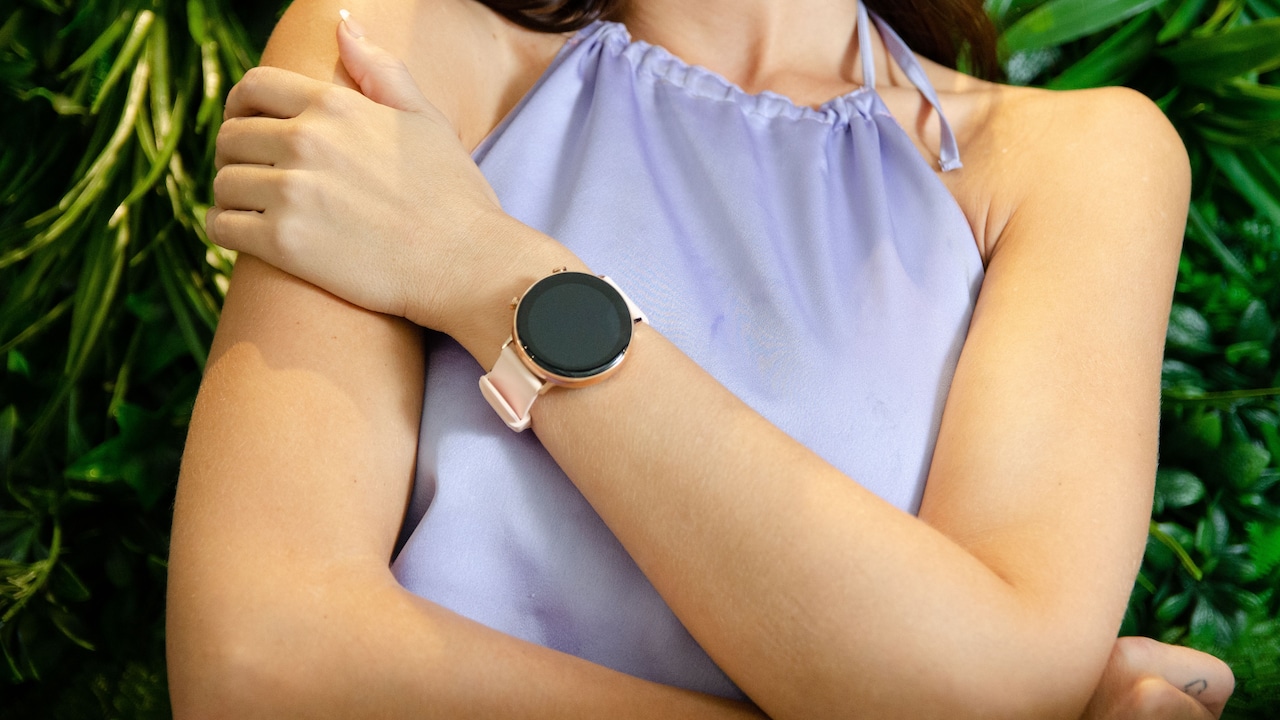
Avoid thick straps that can make your wrist look broad and bulky; Photo Credit: Pexels
Consider Round And Square Displays Carefully
Round and square smartwatches can both suit smaller wrists, but each shape creates a different impression. The better choice depends on personal style, wrist shape and how the interface presents information.
Round watches resemble traditional timepieces. Their curved edges often look softer and less imposing, even when the diameter appears similar to a square model. They pair easily with formal clothing and may feel more familiar to anyone moving from an analogue watch.
Square watches use screen space efficiently. Messages, menus and fitness statistics often fit more neatly because text naturally follows straight lines. However, a large square case can look broader than expected on a narrow wrist, especially when the corners are sharp.
Rounded square designs offer a useful middle path. They provide practical screen space while avoiding a harsh, boxy appearance. Slim bezels also help keep the overall footprint under control.
Consider the wrist's shape when deciding. A flatter wrist may carry a square watch comfortably, while a round watch may sit more naturally on a curved wrist.
Style also matters. The best watch should feel appropriate at the gym, at work and during a festive dinner. A compact shape that blends into different settings will usually prove more satisfying than a dramatic design that looks exciting for only a week.
Examine Button And Crown Placement
Buttons and rotating crowns rarely appear on size checklists, yet poor placement can make a smartwatch uncomfortable. On a large case, a protruding crown may press into the back of the hand whenever the wrist bends.
This issue becomes more noticeable on smaller wrists because the watch sits closer to the hand. During push-ups, cycling or even typing, a badly positioned button can dig into the skin. The annoyance starts small and grows steadily through the day.
Try wearing the watch on the preferred wrist and bend the hand backwards gently. The crown should not leave a deep mark or trigger accidental presses. Some models allow the display orientation to flip, which lets wearers position the crown on the opposite side. This simple setting can greatly improve comfort.
Low-profile buttons usually work better than large, decorative controls. They should remain easy to operate without making the case look wider.
Touchscreen responsiveness also matters. A compact watch with reliable touch controls may require fewer physical buttons, keeping the design neat. However, people who exercise outdoors may still prefer a usable crown or button for sweaty hands.
Small details often separate a pleasant smartwatch from an irritating one. A well-placed crown disappears into everyday use. A poorly placed one behaves like a tiny door handle attached to the wrist.
Look For Adjustable Text And Interface Options
A smaller smartwatch should not force the wearer to squint. Compact screens work best when the software allows text, icons and complications to adapt comfortably.
Check whether the watch offers adjustable font sizes. Larger text can make notifications and health data easier to read without requiring a larger case. Clear typefaces, strong contrast and sensible spacing often improve readability more than an extra few millimetres of screen.
Watch faces also affect visual comfort. A crowded face packed with weather, steps, heart rate, battery level and calendar reminders may look impressive but become difficult to read. A simpler layout can make a small display feel calmer and more useful.
Choose models that allow complications or widgets to be customised. Place frequently used information on the main screen and move less important details into menus. This prevents the display from turning into a railway station noticeboard during rush hour.
Brightness matters as well. The screen should remain visible under strong daylight without draining the battery too quickly. Automatic brightness adjustment helps during changing conditions.
A compact watch succeeds when its interface respects the available space. Good software makes the screen feel efficient. Poor software makes even a large display feel cramped. The aim is not to squeeze everything onto the dial, but to show the right information at the right moment.
Prioritise Fit Over Extra Features
Smartwatch shopping can quickly become a competition between feature lists. One model promises advanced training metrics. Another offers dozens of sports modes, voice tools and detailed health reports. Yet none of these features matters if the watch feels uncomfortable.
Start with the essentials. Think about how the watch will actually be used. A person who wants step counting, call alerts and sleep tracking may not need a bulky adventure watch designed for mountain navigation. Choosing only the required functions often leads to a smaller, lighter and more affordable device.
Battery life deserves practical thought too. Compact watches sometimes carry smaller batteries, but efficient software can still deliver several days of use. A slightly shorter battery life may be a fair trade for better comfort. On the other hand, daily charging can become annoying when travelling or managing a busy routine.
Avoid paying extra for sensors or tools that will rarely be used. A comfortable watch worn every day provides more value than an impressive model left at home.
Set a clear budget in ₹ before comparing options. This reduces the temptation to chase unnecessary upgrades. Fit should remain the first filter, followed by reliability, features and appearance. Technology should adapt to the wearer, not demand a larger wrist.
Always Try The Watch Before Deciding
Specifications provide guidance, but the wrist delivers the final verdict. Whenever possible, visit a shop and try the shortlisted watch before buying it.
Wear the device for several minutes rather than glancing at it in a mirror. Fasten the strap as it would be worn normally. Check whether the case stays centred, whether the strap has enough adjustment and whether the sensors sit flat against the skin.
Move the wrist through everyday motions. Type a short message, rotate the hand, lift a bag and bend the elbow. Notice any pressure near the wrist bone or hand. A watch that feels slightly uncomfortable in the shop may become far more irritating after eight hours.
Look at the device from different angles. The dial should not extend beyond the wrist's edges. The strap should curve smoothly without large gaps. Ask for a smaller case option when available, even if the salesperson recommends the larger display.
For online purchases, study the return policy before placing the order. Keep the packaging intact until the fit feels certain. Reading customer reviews from people with similar wrist sizes can also help, though personal comfort remains subjective.
The best smartwatch rarely announces itself with the biggest screen. It simply sits correctly, feels effortless and becomes part of the day.
Products Related To This Article
1. Fastrack Limitless Glide X 1.83" Smart Watch with Ultra UV HD Display
2. Fire‑Boltt Rise Smart Watch 1.85″ HD Display with Bluetooth Calling
3. Noise Twist Go Round dial Smartwatch with BT Calling
4. GOBOULT Newly Launched Mustang Stallion Smart Watch
5. Titan AiRA 1.70" AMOLED Metal Case Square Display Smart Watch with Silicone Strap Stress Monitoring
6. Boat Wave Call 3 Smartwatch 1.83” HD Display with Animated Watch Faces
7. CrossBeats Armour Pro AI Premium Smart Watch
Finding a smartwatch for a smaller wrist does not require settling for a basic device or sacrificing useful features. It requires attention to proportions.
Case width provides a starting point, but thickness, weight, lug-to-lug length and strap design often make a greater difference. A compact display with thoughtful software can remain bright, readable and practical. The right strap can improve both comfort and appearance, while sensible button placement prevents daily irritation.
Most importantly, fit should take priority over impressive specifications. A smartwatch succeeds when the wearer reaches for it every morning without hesitation. It should stay secure during a walk, remain comfortable at a desk and look polished during an evening out.
Oversized dials may dominate shop displays, but bigger does not always mean better. On a smaller wrist, restraint often creates the strongest style. A well-proportioned smartwatch looks modern without shouting for attention. It does its job quietly, sits neatly beneath a sleeve and proves that smart design has very little to do with size.
(Disclaimer: This article may include references to or features of products and services made available through affiliate marketing campaigns. NDTV Convergence Limited (“NDTV”) strives to maintain editorial independence while participating in such campaigns. NDTV does not assume responsibility for the performance or claims of any featured products or services.)