10 Phone-Mount Mistakes That Make Heavy Smartphones Wobble, Tilt Or Fall
Heavy smartphones can wobble, tilt or fall when mounts are poorly chosen or fitted. Discover 10 common phone-mount mistakes and simple ways to keep your device steady, secure and easy to view on every drive.
10 Phone-Mount Mistakes That Make Heavy Smartphones Wobble Or Fall
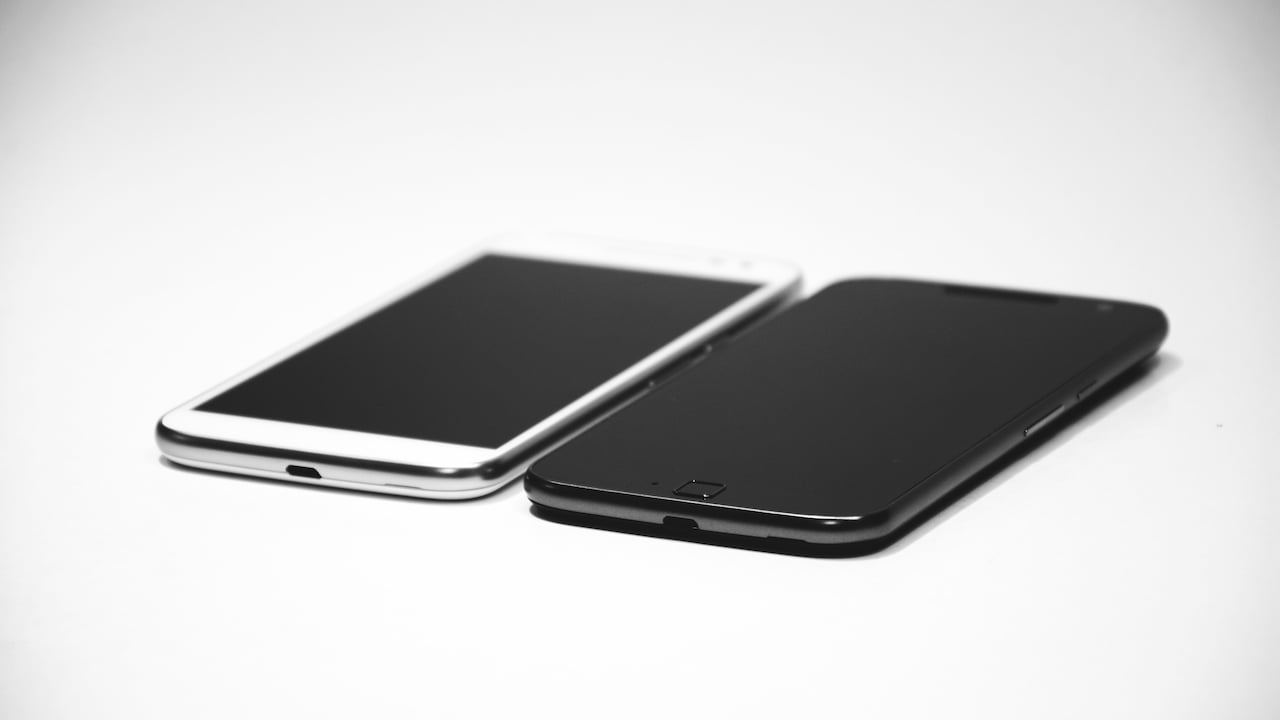
Modern smartphones have grown larger, heavier and far more capable. A single device now handles navigation, music, calls, payments and countless daily tasks. Unfortunately, that extra size and weight can make life difficult for an ordinary phone mount. The problem often becomes obvious during a drive. The phone looks perfectly secure while the car is parked. Then comes a speed breaker, a rough patch of road or one enthusiastic turn, and the screen begins nodding like it has opinions about the journey. A few kilometres later, the mount droops. In the worst case, the phone lands near the gear lever or on the floor. It is easy to blame the mount, but installation and everyday habits often contribute just as much. Heavy phones place greater stress on clamps, joints, magnets and suction mechanisms. A small setup mistake can therefore have a surprisingly large effect. Understanding these common errors can help a phone stay steady, readable and safely positioned, whether the mount sits on a dashboard, windscreen or air vent.
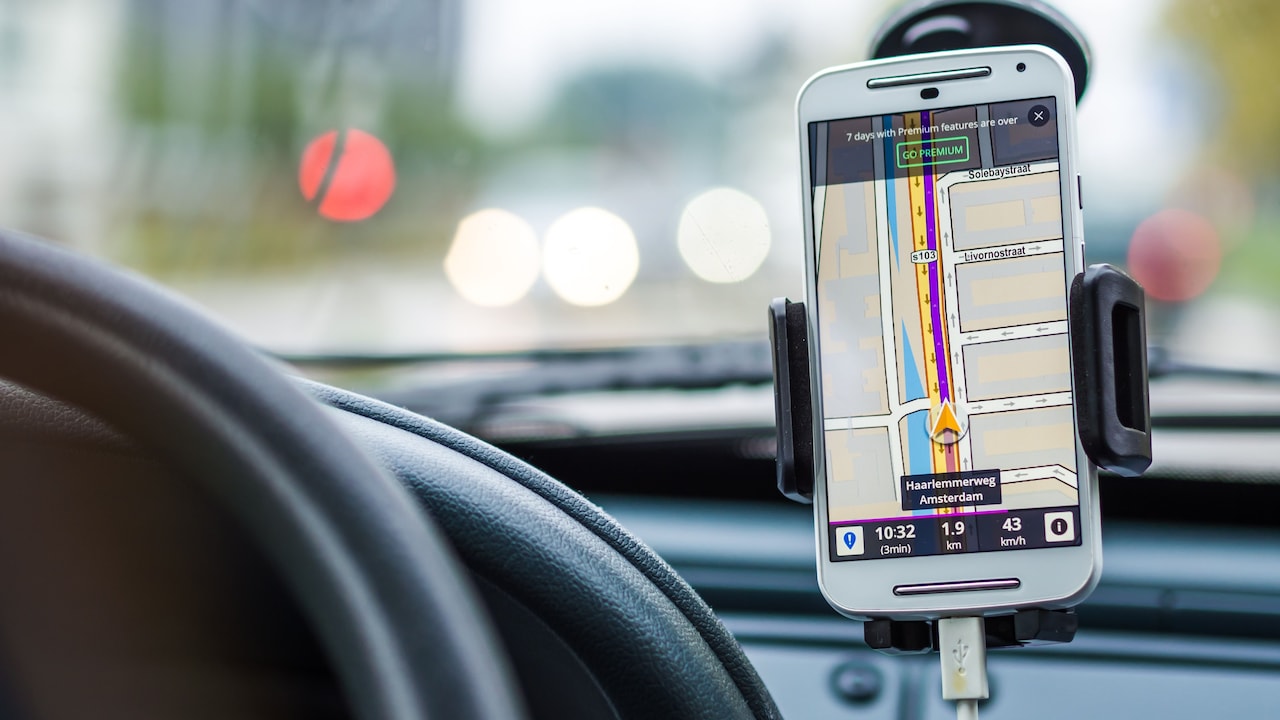
10 Phone-Mount Mistakes That Make Heavy Smartphones Wobble Or Fall; Photo Credit: Pexels
Why Heavy Smartphones Put Phone Mounts To The Test
1. Choosing A Mount That Cannot Handle The Phone's Weight
Not every phone mount can comfortably support a large smartphone. This becomes especially important when the device has a thick protective case, camera bump or additional accessory attached to the back.
A lightweight mount may hold the phone perfectly on a desk and still struggle inside a moving car. Road vibration repeatedly pulls against the clamp and joints. Over time, the mounting arm may begin to sag or rotate downwards.
The mistake often happens because buyers focus on screen size rather than total weight. A large phone in a rugged case can weigh considerably more than expected. Add a wallet attachment or magnetic ring and the load rises again.
Before buying, check the mount's stated weight capacity where available. A sturdy locking mechanism and firm hinge usually matter more than a flashy design. Saving ₹300 on a weak mount can feel pointless after watching a far more expensive phone bounce against the centre console. A mount should comfortably handle the device rather than merely survive it.
2. Fixing The Suction Cup To A Dusty Dashboard
Suction mounts depend on clean contact. Dust, dashboard polish, oil and tiny particles can prevent the suction cup from creating a reliable seal.
The frustrating part is that a dirty surface may still feel secure at first. Press the mount down and everything seems fine. Hours later, heat and vibration gradually weaken the seal. Then, without much warning, the whole setup can detach.
Before installing a suction mount, clean the chosen area thoroughly with a suitable surface-safe cloth. The suction pad should also be free from lint and grime. Allow both surfaces to dry before attaching the mount.
Dashboard texture matters too. Deeply grained or curved surfaces may not provide enough contact for strong suction. A dedicated adhesive dashboard pad can offer a flatter base when the mount manufacturer recommends one.
This mistake becomes particularly common after interior detailing. A beautifully polished dashboard may look showroom-ready, yet the slippery residue can be terrible for suction.
Clean contact is not glamorous, but it is the foundation of a secure installation.
3. Extending The Mounting Arm Too Far
Adjustable arms are convenient because they bring the phone closer to the driver. Unfortunately, stretching an arm to its maximum length can also magnify every bump and vibration.
Think of the mount like a lever. The farther the phone sits from the mounting point, the more force its weight places on the joint. A heavy smartphone at the end of a long arm can therefore bounce significantly more than the same phone positioned closer to the dashboard.
This does not mean adjustable arms are a bad choice. The problem comes from using more extension than necessary.
Keep the arm as short as practical while maintaining comfortable visibility and access. If the phone still feels too far away, reconsider the mounting location instead of simply extending the arm another few centimetres.
A long arm may look impressive in product photos, but real roads are less cooperative. Potholes, patched tarmac and sudden braking quickly reveal weak geometry.
A compact setup usually feels more stable and puts less strain on hinges, suction cups and locking collars.
10 Phone-Mount Mistakes That Make Heavy Smartphones Wobble Or Fall; Photo Credit: Pexels
4. Leaving Ball Joints Slightly Loose
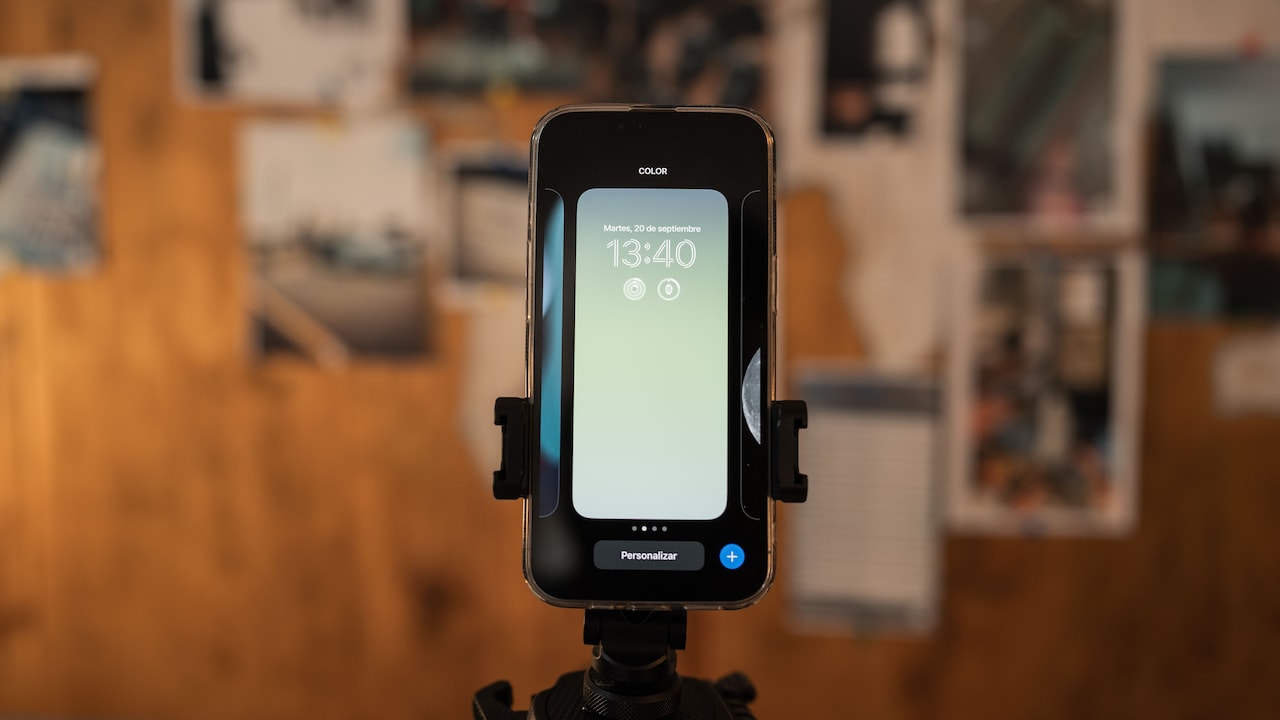
Many phone mounts use a ball-and-socket joint because it allows the screen to rotate and tilt freely. That flexibility is useful until the locking ring remains slightly loose.
A joint can feel tight when adjusted by hand yet slowly droop under the continuous weight of a large phone. The screen gradually points towards the gear lever, forcing repeated readjustment during the drive.
Once the viewing angle has been set, tighten the joint firmly according to the manufacturer's instructions. The phone should resist gentle pressure without changing position.
However, avoid treating the locking ring like a stubborn pickle jar. Excessive force can damage plastic threads or crack the housing. The goal is secure tension, not mechanical revenge.
If a correctly tightened joint still slips, the internal mechanism may be worn or unsuitable for the phone's weight. Continuing to tighten it harder rarely provides a lasting solution.
A healthy mount should hold its chosen angle without constant attention. If the joint needs adjustment after every rough road, something in the setup needs fixing.
5. Clamping The Phone Over Buttons Or Curved Edges
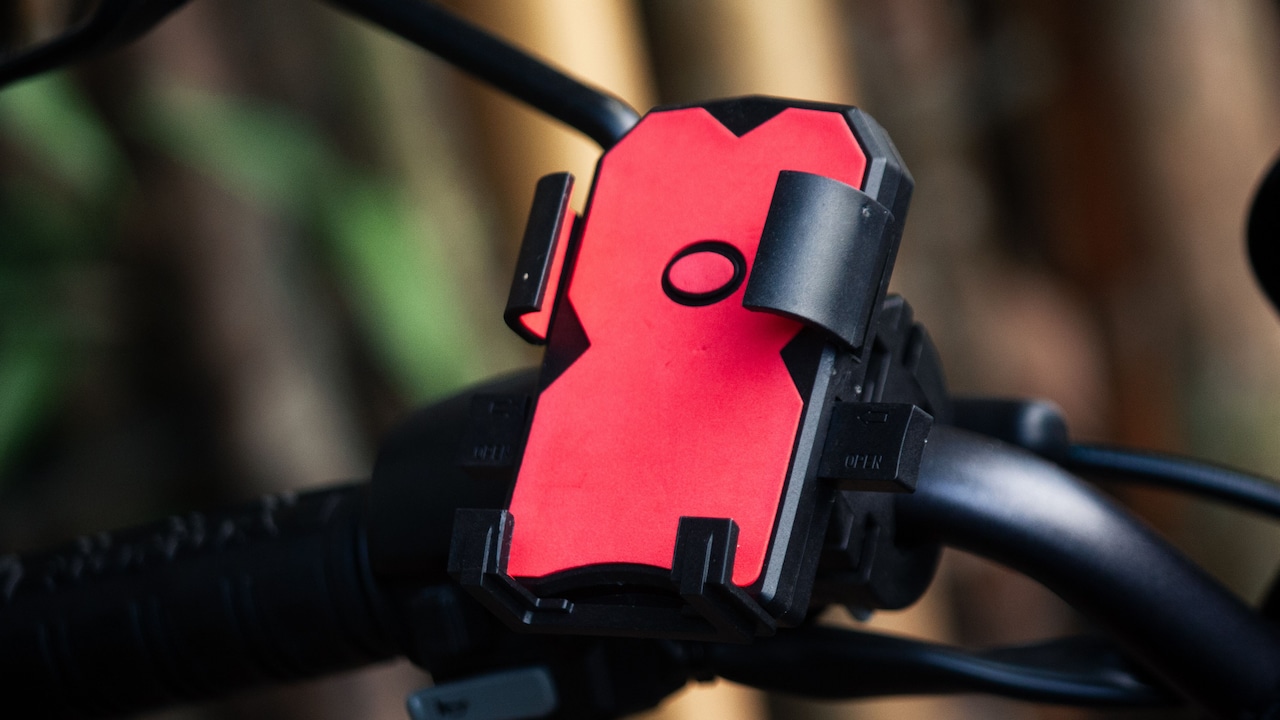
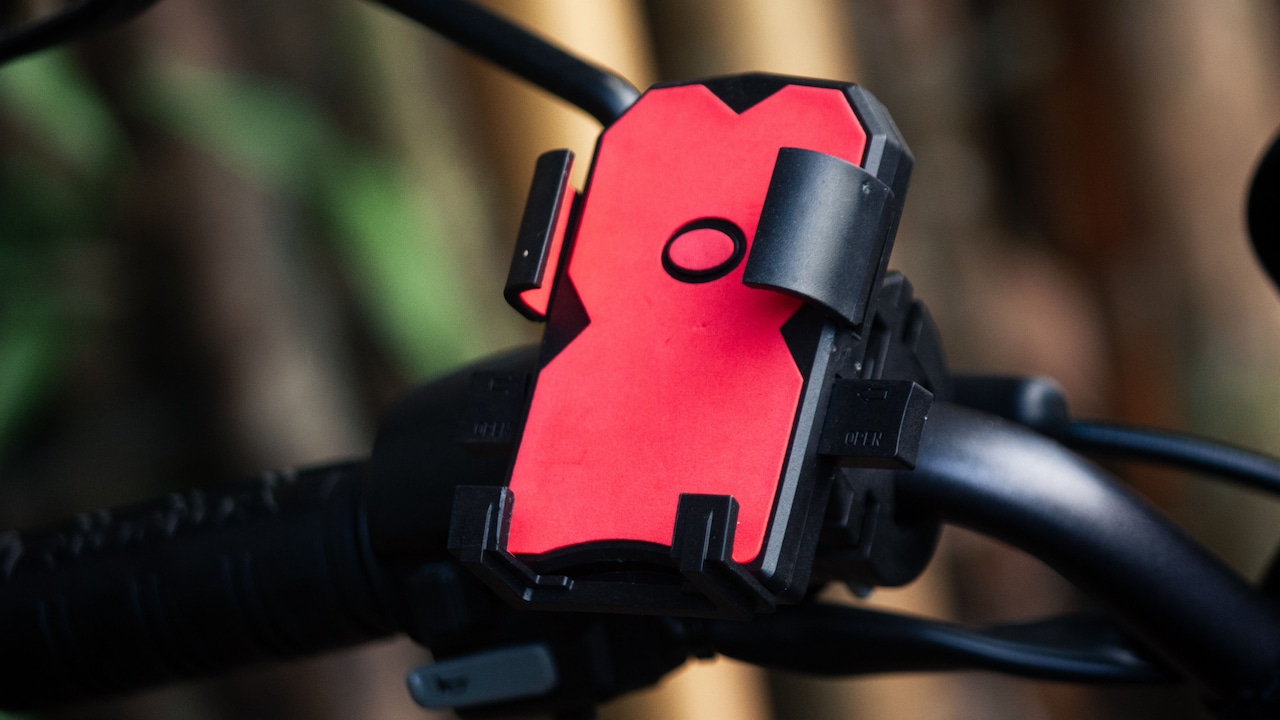
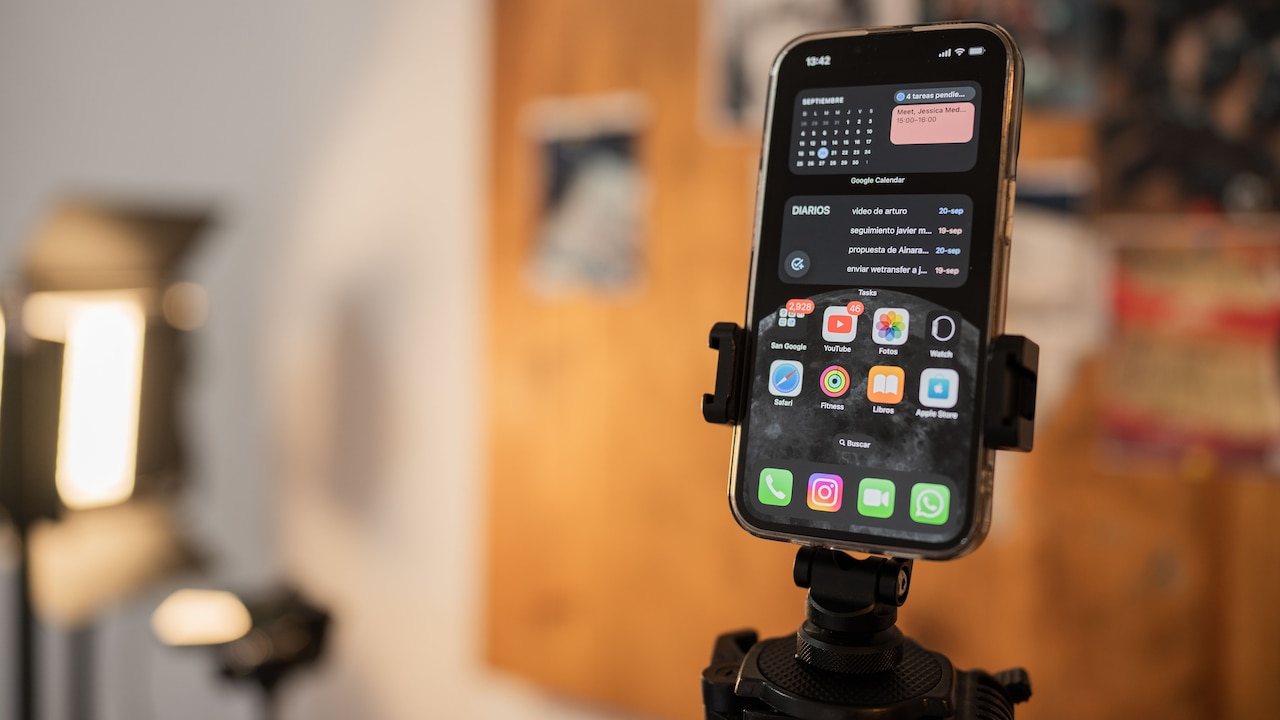
Side clamps work best when they grip solid, flat sections of a phone or case. Problems begin when the clamp sits directly over the power button, volume controls or sharply curved edges.
The phone may appear secure, but the clamp could have only limited surface contact. A sharp bump can then push the device upwards or sideways, allowing it to slip.
Button placement creates another annoyance. A clamp pressing the power button can repeatedly lock the screen. Pressing the volume key throughout a journey can produce equally entertaining results, particularly when navigation instructions suddenly become loud enough for the next lane to hear.
Place the phone carefully before tightening the holder. Check whether both arms sit evenly and whether the lower support feet carry part of the weight.
Thick cases deserve extra attention because their contours can change where the mount makes contact.
A secure grip should feel balanced rather than forced. The phone should sit naturally inside the cradle without resting on controls or balancing against a narrow edge.
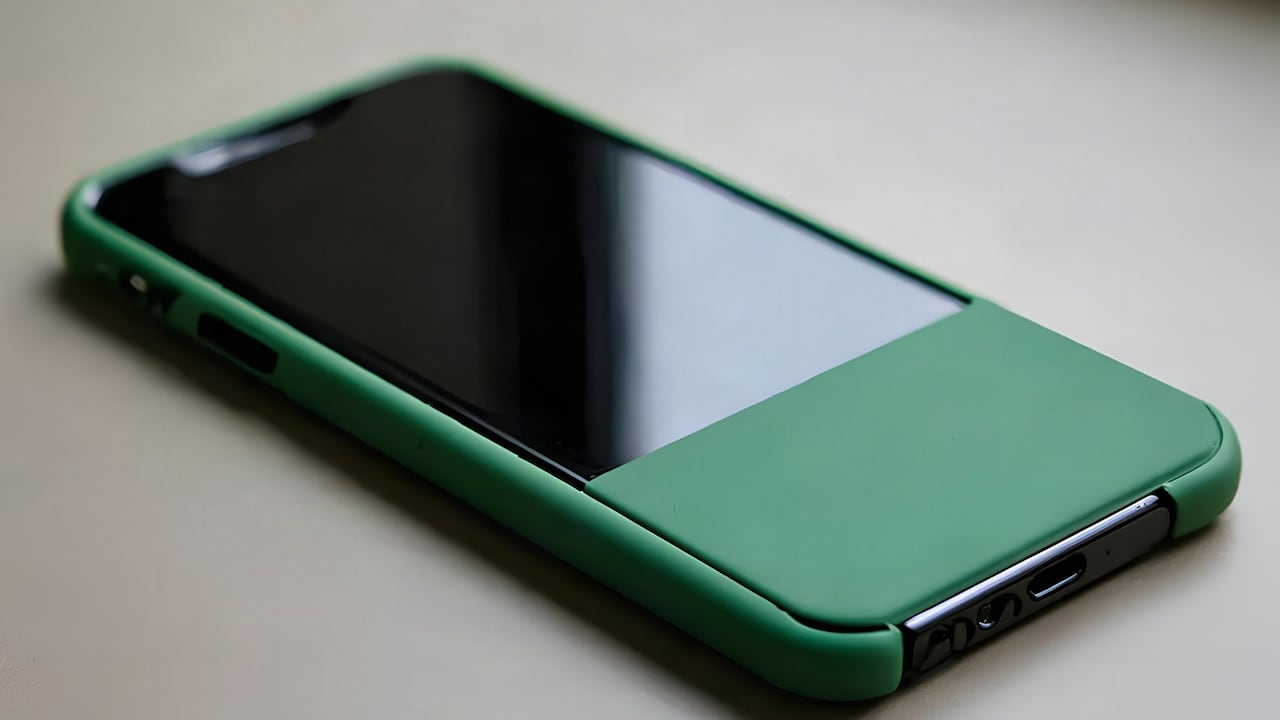
6. Ignoring The Effect Of A Bulky Phone Case
A protective case can make a phone easier to grip by hand while making it harder for a mount to hold securely.
Rugged cases, wallet covers, kickstands and thick camera protectors may prevent mounting arms from reaching the phone properly. In magnetic systems, extra thickness can also increase the distance between the phone and the magnet, weakening the hold.
Removing the case every time the phone enters the car is hardly convenient, so compatibility matters from the beginning.
When choosing a mount, consider the phone exactly as it is used every day. Measure its width and thickness with the case fitted rather than relying on the phone manufacturer's bare-device dimensions.
For magnetic mounts, use the plate or compatible magnetic system recommended for the setup. Randomly stacking plates, stickers and rings can create an awkward connection that looks secure but shifts under vibration.
That chunky case may have saved the phone from several drops already. It deserves respect. The mount simply needs enough capacity and contact area to accommodate it properly.
7. Attaching A Vent Mount To A Weak Air-Vent Slat
Air-vent mounts offer easy installation and keep the phone away from the windscreen. However, the vent itself becomes part of the support system.
Thin or flexible vent slats can bend under the weight of a large smartphone. Some mounts may also rotate as the vehicle moves, especially when the phone sits far from the vent surface.
Before attaching a vent mount, check whether the slats feel sturdy. A secure clip should grip properly without forcing the vent into an unnatural angle. Mounts with additional support feet can reduce movement by resting against the dashboard below the vent.
Care is particularly important with circular vents because they may rotate freely. A heavy phone can slowly pull the entire vent downwards even when the clip remains firmly attached.
Heat deserves attention as well. Strong hot air blowing directly at a phone for long periods is not ideal, especially while the device is charging or running navigation.
Vent mounts can work brilliantly, but only when the vent is strong enough to share the load.
10 Phone-Mount Mistakes That Make Heavy Smartphones Wobble Or Fall; Photo Credit: Pexels
8. Placing The Phone Too High Or Too Far To One Side
A stable mount can still become troublesome if installed in the wrong location. Position affects both visibility and the amount of movement the phone experiences.
Placing a suction mount near the edge of the windscreen or at an awkward dashboard angle may force the arm to stretch or twist. That creates extra leverage and can increase wobble.
The better position is usually one that keeps the phone within comfortable sight while allowing the mounting arm to remain compact. It should not obstruct the driver's view, interfere with controls or sit where an airbag could deploy.
This is where enthusiasm sometimes gets ahead of practicality. A dramatic, floating-screen position may look impressive in a parked car. On a rough city road, the same setup can shake like a small television antenna in a storm.
Experiment with placement before committing to adhesive pads or permanent mounting discs.
Good positioning reduces vibration, keeps the screen easier to glance at and places less mechanical stress on the mount. Stability often starts with choosing a sensible location.
9. Forgetting To Recheck The Mount After Temperature Changes
Car interiors experience dramatic temperature swings. A dashboard can become extremely hot after sitting in afternoon sun, then cool considerably once the air conditioning starts.
These changes can affect suction cups, adhesives and plastic joints. Materials expand, soften and contract. A mount that felt rock-solid in the morning may therefore become slightly loose later.
Checking the mount occasionally takes only a few seconds. Press the suction base gently, inspect adhesive pads and make sure locking joints have not loosened.
This becomes particularly useful before a long highway journey. Continuous vibration at speed can exploit tiny weaknesses that short city trips never reveal.
Avoid repeatedly removing and reattaching adhesive mounts unless the product is designed for it. Each removal can reduce bonding strength.
Temperature is easy to overlook because nothing appears visibly wrong. Yet a softened adhesive pad or weakened suction seal may be waiting for the next pothole to announce itself.
A quick inspection is far less dramatic than searching beneath a seat for a fallen phone at a traffic signal.
10. Continuing To Use A Worn-Out Mount
Phone mounts do not last forever. Springs weaken, rubber pads harden, clips loosen and plastic joints wear down after repeated use.
The decline usually happens gradually. A phone that once stayed perfectly still begins to vibrate slightly. Months later, the mount needs tightening more often. Eventually, the device starts tilting after every speed breaker.
That progression is easy to ignore because the mount still technically works. But repeated slipping is a warning rather than a personality trait.
Inspect older mounts for cracks, loose hinges, worn grip pads and weak springs. A suction cup that has become stiff or misshapen may no longer create a dependable seal.
Replacing a failing mount can also be more economical than risking damage to a costly smartphone. Spending ₹800 or ₹1,500 on a solid replacement looks reasonable compared with repairing a cracked display.
A phone holder performs a simple job, but that job depends on physical grip. Once the mechanism loses strength, nostalgia is not enough to keep a heavy phone in place.
Products Related To This Article
1. Spigen Magnetic Air Vent Car Mobile Holder [Super Strong Magnet]
2. Overhead Mobile Stand for Desk
3. Sounce Mobile Phone Chest Strap Mount GoPro Chest Harness Holder
4. Like Star 360° Degree Mobile Phone Holder with Universal
5. MOBILIFE Magnetic Neck Phone Holder Flexible Hands-Free POV Neck Mount
6. TELESIN Fun Shot Magnetic Phone Camera Holder
7. TECHONTO® 360° Degree Cell Phone Holder with Adjustable Clamp Phone Tripod Mount Adapter Compatible
A heavy smartphone mount does not automatically need an oversized or complicated mounting system. It simply needs a mount that suits its weight, case and installation location.
Many wobbling problems come from small mistakes: dirty suction surfaces, loose joints, excessive arm extension, poor vent support or a clamp sitting in the wrong place. Temperature changes and everyday wear can make those weaknesses worse.
The best setup should almost disappear during a journey. The phone stays steady, the screen remains easy to glance at and there is no need to rescue the device after every pothole.
Give the mount a proper installation, keep the phone's real weight in mind and inspect the mechanism once in a while. A few minutes of attention can prevent plenty of dashboard drama, and save an expensive smartphone from an unexpected trip towards the floor mat.
(Disclaimer: This article may include references to or features of products and services made available through affiliate marketing campaigns. NDTV Convergence Limited (“NDTV”) strives to maintain editorial independence while participating in such campaigns. NDTV does not assume responsibility for the performance or claims of any featured products or services.)