Why Does My Sunscreen Leave A White Cast On Photos?
Wondering why sunscreen leaves a white cast in photos? Learn how mineral filters, flash, application and formula choice affect it, plus ways to avoid it.
Why Does My Sunscreen Leave A White Cast On Photos?
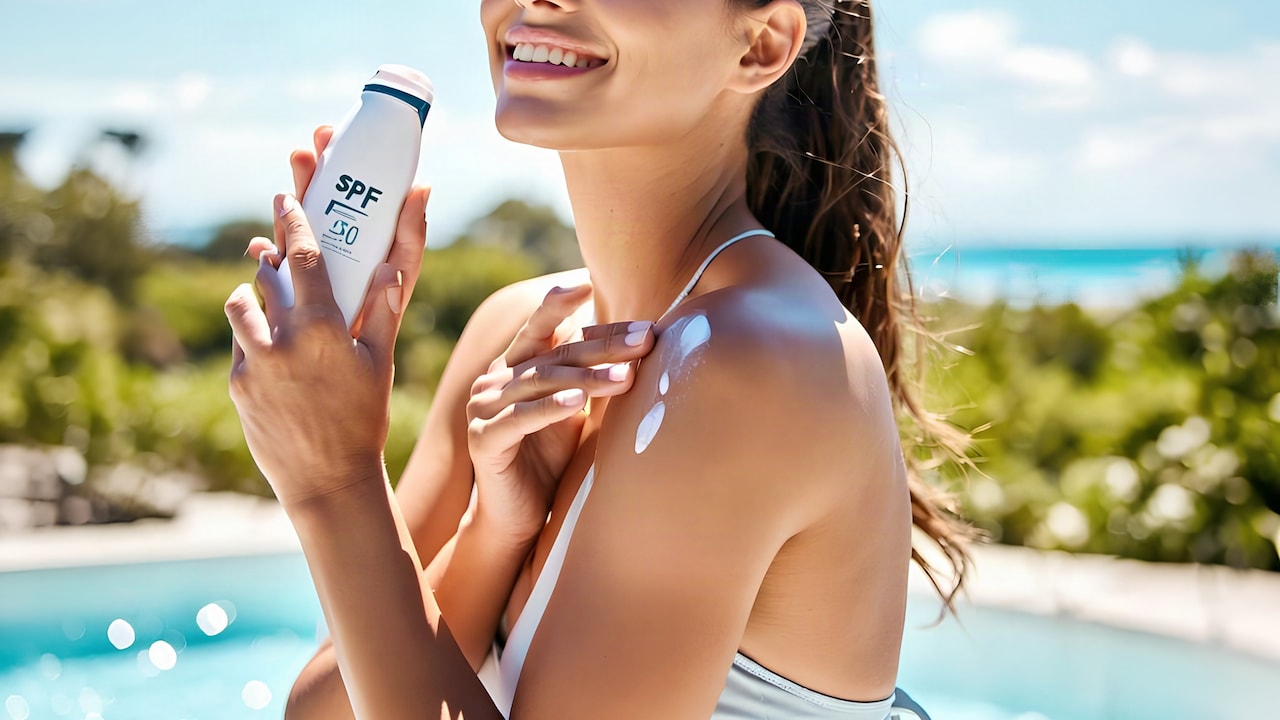
There is nothing quite like getting ready, applying your sunscreen, taking a picture, and then wondering why your face suddenly looks several shades lighter. In the mirror, everything seemed fine. In the photo, however, the sunscreen appears to have a mind of its own. This is noticeable in flash photography, where the light can make a slight sunscreen residue look way more obvious. So why does sunscreen still leave a white cast on photos, even when it appears invisible on your skin in person? The answer comes down to the sunscreen's ingredients, how it sits on the skin, and the light hitting your face.
Is Mineral Sunscreen Always Responsible For White Cast?; Photo Credit: iStock
Why Does Sunscreen Look Whiter In Photos?
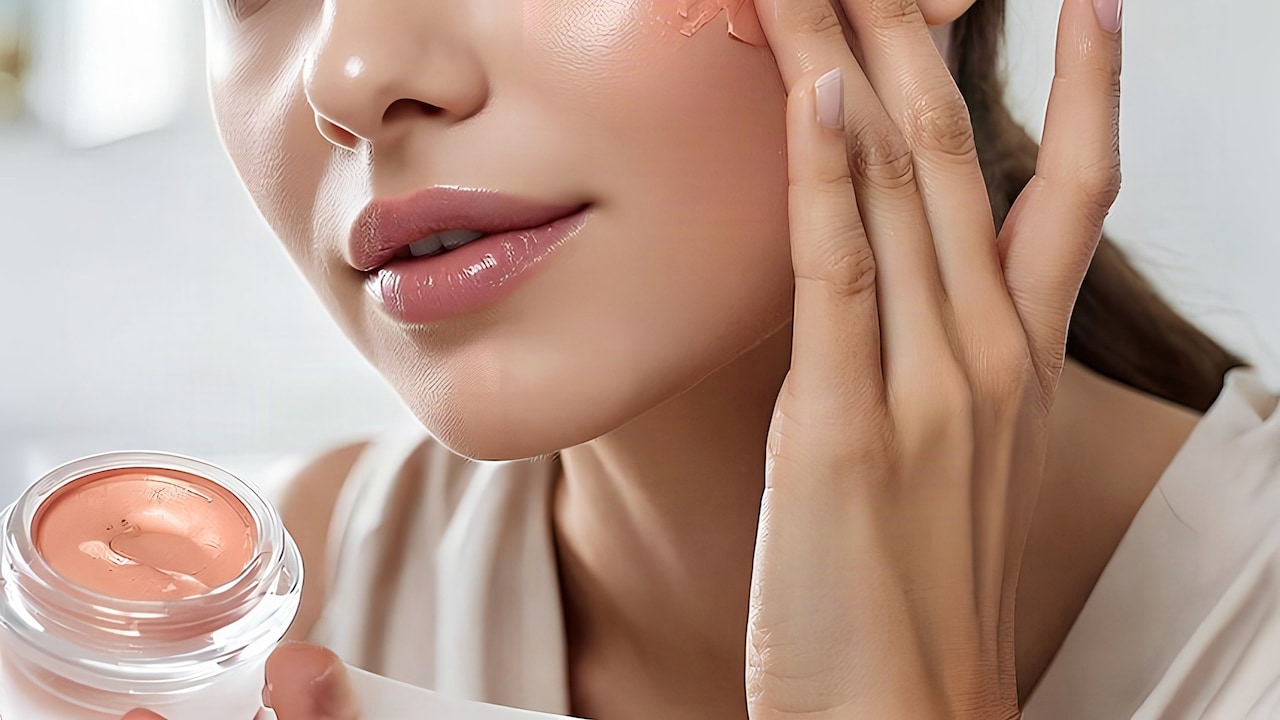
The most common reason is the presence of mineral UV filters, particularly zinc oxide and titanium dioxide. These ingredients work by sitting on the skin and scattering UV radiation, but they can also scatter some visible light. That can create a pale, chalky or slightly grey appearance.
A camera flash can make this effect more noticeable. The strong, direct light hits the particles that are sitting on the skin and then goes back toward the camera, so it creates what many people call sunscreen flashback.
This does not really mean your sunscreen is ineffective. The white cast is often an optical effect, not a sign that the product or your application is faulty.
Also Read: Top 5 Gel Sunscreens Under ₹1000 For A No-White-Cast Finish
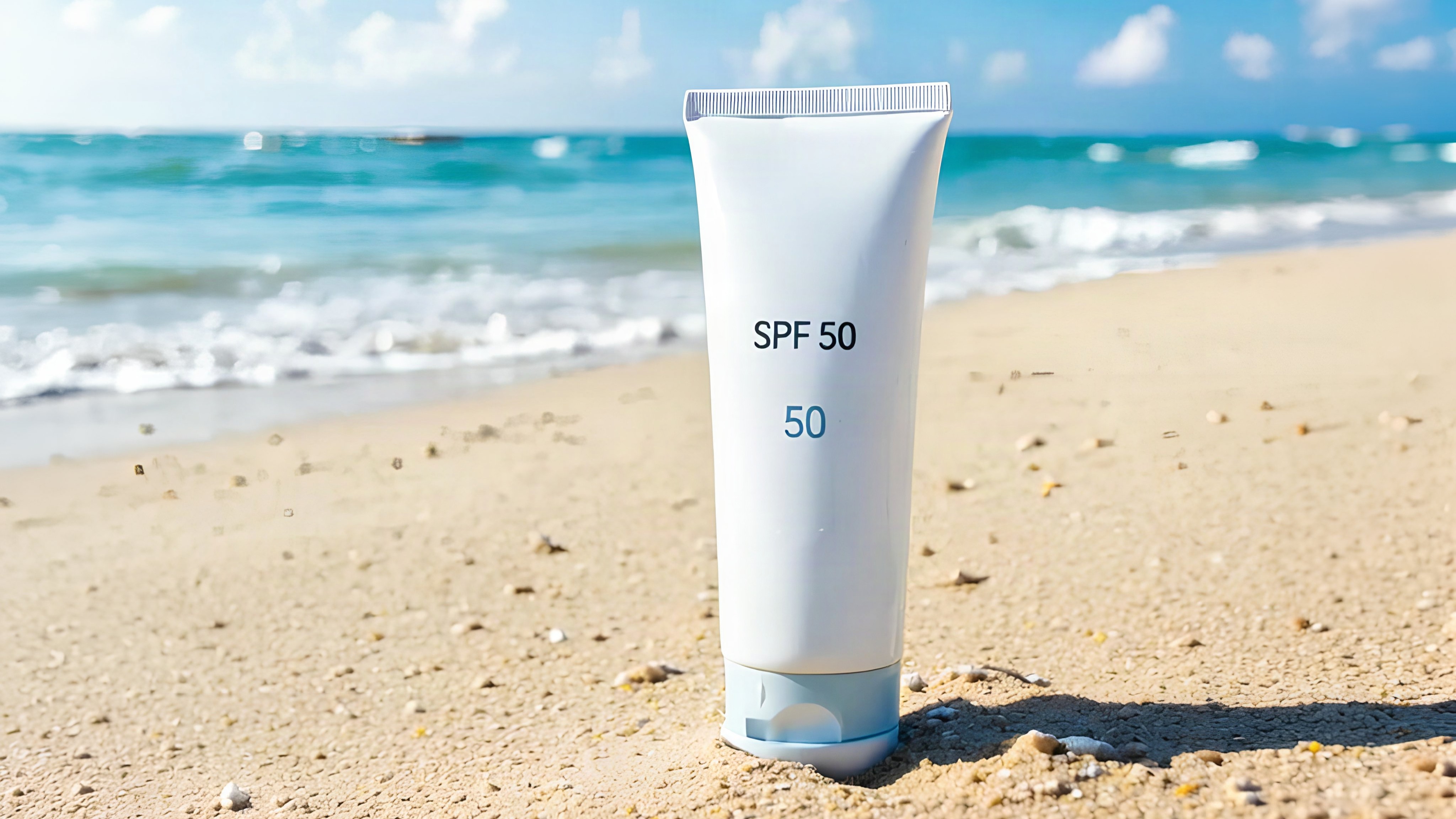
Is Mineral Sunscreen Always Responsible For White Cast?
Not necessarily. Mineral sunscreens are more likely to show a cast, because zinc oxide and titanium dioxide are solid particles, but how strong it looks really depends on the formulation, the particle size, the concentration and also how evenly the product spreads out on skin.
Some newer mineral formulas use smaller particles or even better dispersion tech so the finish seems less noticeable. Tinted mineral sunscreens can help too, because pigments counteract that pale grey look a bit.
So just spotting the phrase “mineral sunscreen” on a label does not automatically mean you will end up with a white face in every single photograph.
Why Is White Cast More Noticeable On Some Skin Tones?
A sunscreen that looks almost invisible on fair skin can appear noticeably white, grey or even slightly bluish on medium-to-deep skin tones. The reason is simple: the lighter particles create more contrast against darker skin.
This is also why a sunscreen may look perfectly acceptable in the mirror but suddenly appear much more obvious under a camera flash.
Tinted formulas can be particularly useful here because the added pigment can visually neutralise some of the pale residue.
8 Steps To Reduce Sunscreen White Cast In Photos
Step 1: Check The Sunscreen Filters
Start with the ingredient list rather than judging a sunscreen solely by its texture. Zinc oxide and titanium dioxide are the main filters associated with a traditional white cast, while many dissolved organic filters are less likely to produce the same visible effect.
If photographs are an important consideration, look for formulas marketed as transparent, invisible, sheer or no-white-cast. Remember that these claims can vary by skin tone, so checking real-life swatches can be more useful than relying on the label alone.
Step 2: Apply Sunscreen In An Even Layer
Uneven application can make reflective patches show up a bit more obvious in photos. Instead of leaving those thicker streaks or concentrated zones around the nose, cheeks, and hairline, just spread the sunscreen out in a consistent manner across the whole face.
Step 3: Give It Time To Set
Taking a photo right after you apply sunscreen might snag the product before it has really had time to settle into the skin. If you just wait for it to dry down a bit, the final look often comes off more even.
This tends to be extra handy with thicker creams. Once the formula has settled, that first little sheen or the more noticeable residue can fade, and it may look less pronounced overall.
Step 4: Try A Tinted Sunscreen
Tinted sunscreen can be a useful option if white cast is your biggest concern. The added pigments can help disguise the pale appearance created by mineral filters and make the finish look closer to your natural skin tone.
If you have a deeper complexion, look for a tint that actually complements your undertone rather than choosing a generic beige formula. A mismatched tint can create a different kind of ashy or orange-looking finish.
Step 5: Consider a Lightweight Chemical Formula
If you consistently experience flashback, a sunscreen based primarily on dissolved organic UV filters may be worth considering. These filters absorb UV radiation rather than just staying on the skin like visible mineral particles, so they generally don't make the same kind of white cast.
Lightweight gel, fluid, and serum-like formulas are also usually easier to smear out evenly, and that can help you get a more seamless finish.
Step 6: Avoid Layering Too Many Reflective Products
Your sunscreen may not be the only product contributing to a bright or reflective appearance. A luminous moisturiser, primer, highlighter or setting product can add to the overall effect.
If you will be photographed with a flash, keep the layers underneath your makeup relatively streamlined. This does not mean skipping sunscreen; instead, choose a formula that works comfortably with the rest of your routine.
Step 7: Test Your Sunscreen With Flash Before An Event
If you have an important event coming up, do not wait until the actual photographs to discover a flashback problem. Apply your usual amount of sunscreen and take a few test pictures using your phone's flash.
Step 8: Don't Skip Sunscreen Just To Avoid White Cast
If you often take photographs, pick a sunscreen that blends easily into your skin and doesn't leave an obvious residue behind. These days, there are quite a few lightweight, no-white-cast options on the market, so it's much easier to find one that works for daily wear and for photos, too.
Does Flash Make Sunscreen White Cast Worse?
Yes, flash can make an existing white cast more obvious. Direct camera flash gives off intense brightness; it can bring out light-scattering particles that are sitting on the skin's surface. So, this is why your sunscreen might seem almost invisible under everyday lighting, but in a flash photo, it looks noticeably pale.
Can You Prevent Sunscreen Flashback Without Changing Products?
If the formula itself contains a high amount of visible mineral particles, the application technique may only go so far. In that case, changing to a tinted, sheer or more transparent formula is usually a more effective solution.
Steps To Reduce Sunscreen White Cast In Photos; Photo Credit: iStock
Some Sunscreen Products You May Like
1. DOT & KEY Watermelon Cooling Sunscreen, In-Vivo Tested SPF 50+ PA++++ With Hyaluronic
2. Lakme SPF 50 PA++++ Water Light Sunscreen with Niacinamide
3. Conscious Chemist Niacinamide Sunscreen SPF 50 with Water Resistant & No White Cast
4. Hyphen All I Need Sunscreen SPF50 PA++++ In-Vivo Tested Moisturising Sunscreen
5. Minimalist SPF 50 PA++++ Multi-Vitamin Sunscreen
6. WishCare SPF50 Niacinamide Oil Balance Fluid Sunscreen for Face – In Vivo Tested
7. The Derma Co. 1% Hyaluronic Sunscreen SPF 50 PA++++ Lightweight Aqua Gel
8. Aqualogica Glow+ Dewy SPF 50 PA+++ Sunscreen With UVA/B & Blue Light Protection
The selection of gel sunscreen goes beyond SPF; it involves the finish, comfort, and compatibility with skin tones specific to Indian skin types. By using a no-white-cast sunscreen, you won't be denied protection because it's chalky or unevenly toned, and it won't pose as much of a problem when applying it every day. All of the products mentioned above offer a transparent finish, range in price from everyday to premium, have hydrating formulations, and are all gel sunscreens. Shop now on Myntra.
Frequently Asked Questions (FAQs)
1. Why does my sunscreen look white only in photos?
Camera flash can make light-scattering sunscreen particles more visible than they appear under normal lighting. This is particularly common with mineral filters such as zinc oxide and titanium dioxide.
2. Does SPF 50 cause more white cast?
Not necessarily, though mineral formulas often need higher quantities of zinc oxide, or also titanium dioxide, to reach a strong SPF, and that can end up making the cast more noticeable.
3. How do I stop sunscreen from looking white in pictures?
Try a lightweight no-white-cast or tinted formula, blend it evenly, and allow it to settle before taking photos. Testing the sunscreen with your phone's flash before an event can also help.
4. Is chemical sunscreen better for avoiding white cast?
Many chemical sunscreens use dissolved UV filters that do not scatter visible light in the same way as mineral particles, so they generally leave a more transparent finish.
5. Can tinted sunscreen completely prevent white cast?
A well-matched tint can significantly reduce the appearance of a white or grey cast by adding skin-tone pigment. However, the result depends on the formula and how closely the tint matches your complexion.
(Disclaimer: This article may include references to or features of products and services made available through affiliate marketing campaigns. NDTV Convergence Limited (“NDTV”) strives to maintain editorial independence while participating in such campaigns. NDTV does not assume responsibility for the performance or claims of any featured products or services.)