Top 5 Thunderbolt Docks For Dual-Monitor Work Setups Under ₹33,000
One laptop port is rarely enough for two monitors, a keyboard, and a charger. Here are five easy Thunderbolt docks on Amazon that connect everything with just one cable.
5 Best Thunderbolt Docks for Dual-Monitor Work Setups
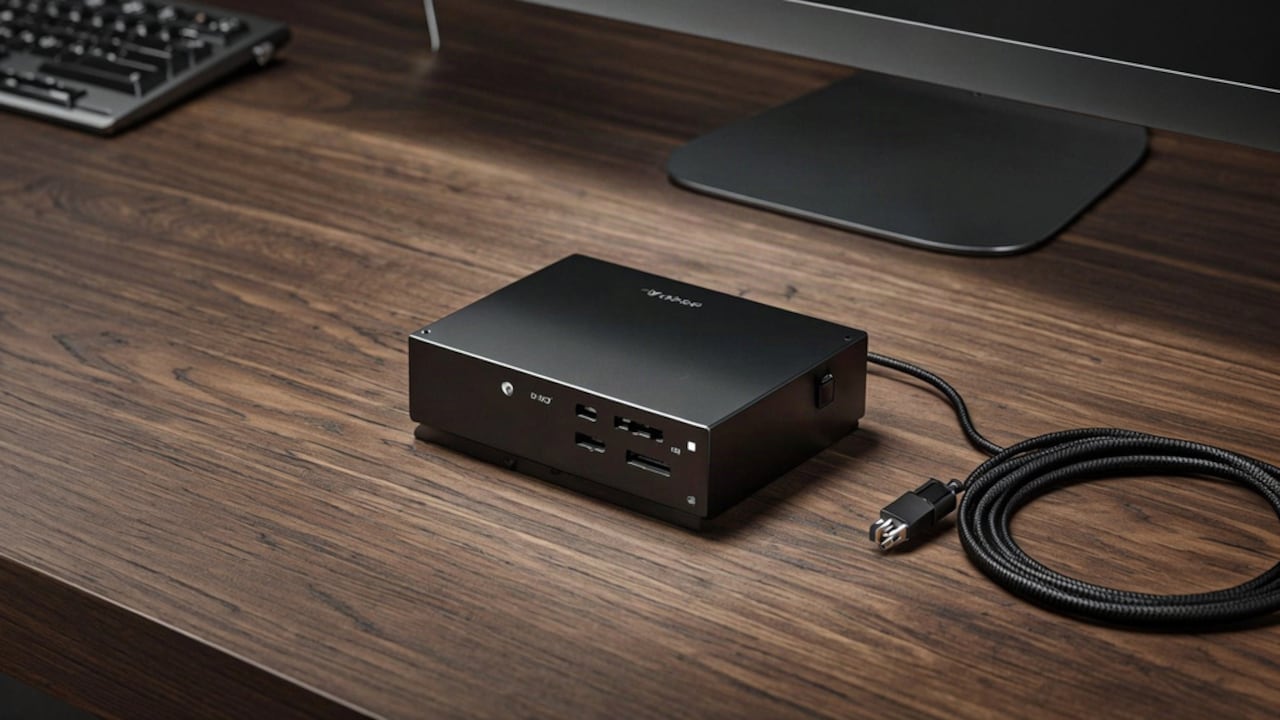
A laptop on a desk usually ends up with cables running out of every side. One goes to each monitor, one to the charger, and a few more to the keyboard, mouse, and drives. Plugging and unplugging all of it every evening takes time. A Thunderbolt dock puts those connections in one box. The laptop then needs just one cable to charge and run two screens. It works for a home office as well as a shared desk at work.
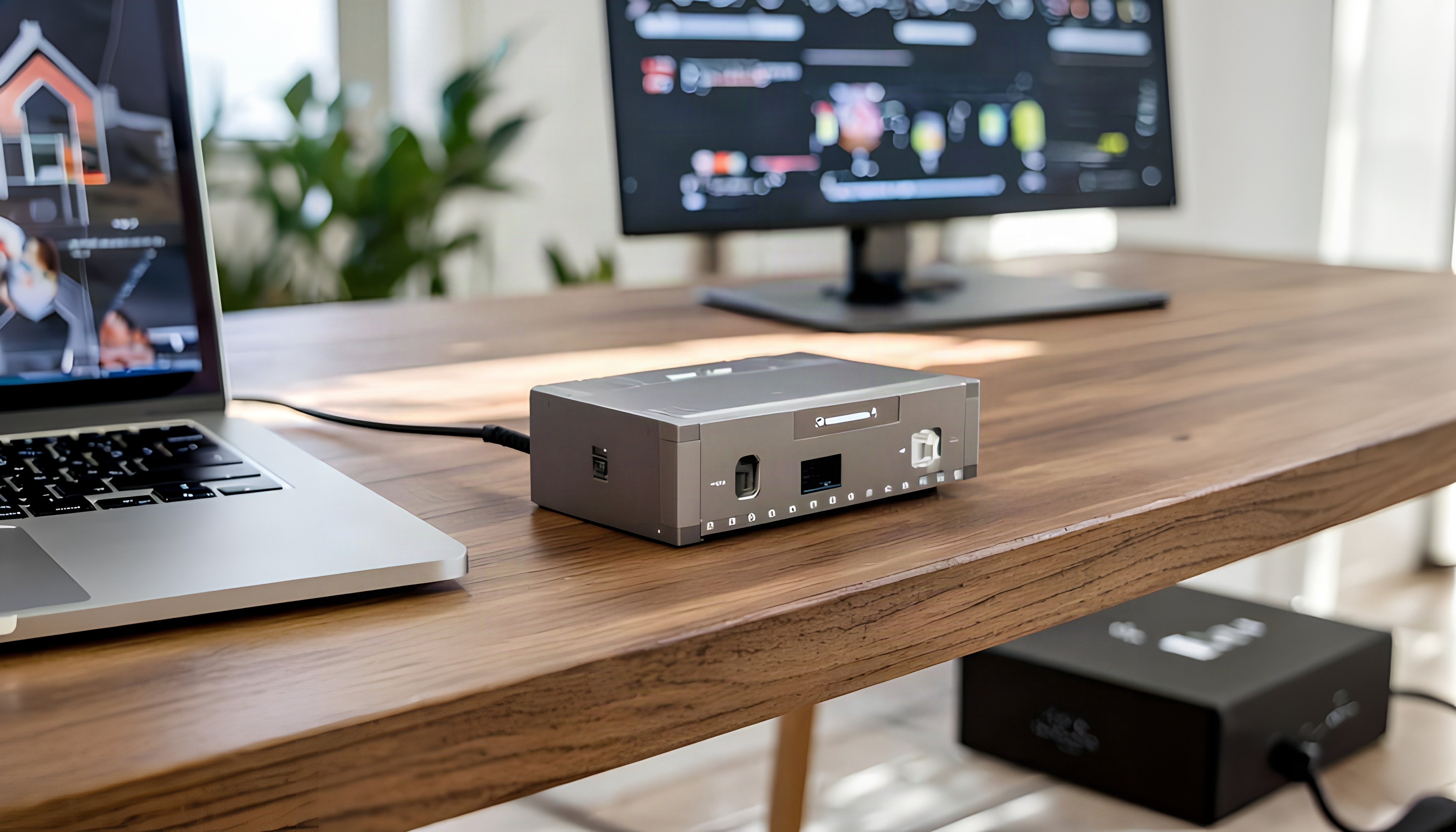
5 Best Thunderbolt Docks for Dual-Monitor Work Setups Under ₹33,000
Photo Credit: iStock
When compared to a basic USB-C hub, a Thunderbolt dock has much more bandwidth. There are some built for two 4K screens, some that add an Ethernet port, and still others that let you daisy-chain more Thunderbolt devices. The charging power is also critical. Unlike a 60W dock, you should use one with 96W or more if your laptop is a large one. Check that your laptop has a Thunderbolt or USB4 port too. Here are the 5 best Thunderbolt docks you can buy on Amazon.
Also Read: 5 Best USB C Multiport Adapters For MacBook And Windows Laptops Under ₹2,000
Top 5 Thunderbolt Docks For Dual-Monitor Work Setups Under ₹33,000
1. Plugable USB4 Hub, 5-in-1 Thunderbolt 4 Hub With 60W Charging
Price: ₹32,673 | Customer Ratings: 4.4/5
Plugable built this hub on Intel's Goshen Ridge chipset, and Intel certifies it as Engineered for EVO. It has three Thunderbolt 4 ports and one 10Gbps USB-A port. It drives two 4K displays at 60Hz, or one 8K display. It passes up to 60W of charging to the laptop. The aluminium body measures 21.2 x 14.2 x 5.5 cm.
Key Features:
- Three Thunderbolt 4 ports
- Single 8K support
- Two-year coverage
Why Buy:
What sets this option apart is the Intel EVO certification, which no other dock here has. A USB-C to HDMI adapter is also included in the box. Plugable does not recommend it for Thunderbolt 3 Windows laptops, so check your port first. It sits at the highest end of this list.
2. Microsoft Surface Thunderbolt 4 Dock, Black
Price: ₹26,899 | Customer Ratings: 4.4/5
The Surface Thunderbolt 4 Dock from Microsoft has 8 connections in all, and 6 of them are USB. Dual 4K monitors at 60Hz are supported. Power passes through to the laptop at 96 watts. A 165W power supply comes in the box, along with an Indian pin converter.
Key Features:
- Dual 4K at 60Hz
- 96W pass-through charging
- 165W power supply
Why Buy:
For a Surface laptop, this is the dock made to match it. It's an added advantage that the Indian plug converter is already included. The listing names Windows devices as compatible, so Mac users should look at the others.
3. Belkin Thunderbolt 4 Hub, 5-in-1 Docking Station, 40 Gbps
Price: ₹17,999 | Customer Ratings: 4.0/5
This Belkin hub moves data at up to 40 Gbps. It can run two 4K monitors at 60Hz, or a single 8K screen at 30Hz. Up to 96W of charging goes to the laptop, with over-current protection built in. A 150W power supply and a 0.8 m Thunderbolt 4 cable are included. Up to 6 Thunderbolt devices can be daisy-chained.
Key Features:
- 40Gbps data transfer
- Daisy-chain support
- 96W PD charging
Why Buy:
A MacBook user with many drives should look at this one, since it daisy chains. Belkin names the 13-inch MacBook Pro M2 and the 15-inch MacBook Air M2 as laptops it can charge. Compared to the Microsoft dock, it has fewer ports.
4. HP USB-C Dock G5 Docking Station With Thunderbolt Support (5TW10AA)
Price: ₹16,499 | Customer Ratings: 4.3/5
HP's USB-C Dock G5 works with both HP and non-HP laptops that have USB-C or Thunderbolt. Up to three extra monitors can be connected through it. It has an RJ-45 Ethernet port for wired internet. The dock is compact at 12.2 x 12.2 x 4.6 cm, and it weighs 676 g. A 1-year limited warranty comes from HP.
Key Features:
- Up to three displays
- RJ-45 Ethernet port
- Compact footprint
Why Buy:
If the office has wired internet, the Ethernet port here keeps the connection steady. It also works with Mac OS 10.12 and Windows 10 or later. At about 5 x 5 inches, it takes up little room on a small desk.
5. Kensington SD4700P USB-C Dual Display Docking Station, 60W
Price: ₹16,046 | Customer Ratings: 4.2/5
Kensington's SD4700P is a USB-C dock that uses DisplayLink to run two 4K monitors. It works with USB-C, USB-A, and Thunderbolt 3 or 4 laptops, but only at USB-C speed. The 135W power supply provides up to 60W of laptop charging. It also has a 15W USB-C port, a headphone jack, and Gigabit Ethernet, along with 5 USB 3.0 ports. A 1 m USB-C cable is included.
Key Features:
- DisplayLink dual 4K
- Five USB 3.0 ports
- Gigabit Ethernet
Why Buy:
You should look at this dock if you use a MacBook with an M1 or M2 chip, since DisplayLink lets those run two screens. On top of that, it also works with older USB-A laptops. It is the least expensive option on this list.
All five docks bring a laptop down to a single cable, but they suit different setups. Plugable and Belkin both use 40 Gbps Thunderbolt 4 and can drive an 8K display. Microsoft passes 96W to the laptop, which is made for Surface devices. HP can handle up to three monitors and adds wired Ethernet. Kensington uses DisplayLink, which helps MacBooks with M1 and M2 chips run two screens. Check which port your laptop has, and buy these products on Amazon today!
(Disclaimer: This article may include references to or features of products and services made available through affiliate marketing campaigns. NDTV Convergence Limited (“NDTV”) strives to maintain editorial independence while participating in such campaigns. NDTV does not assume responsibility for the performance or claims of any featured products or services.)