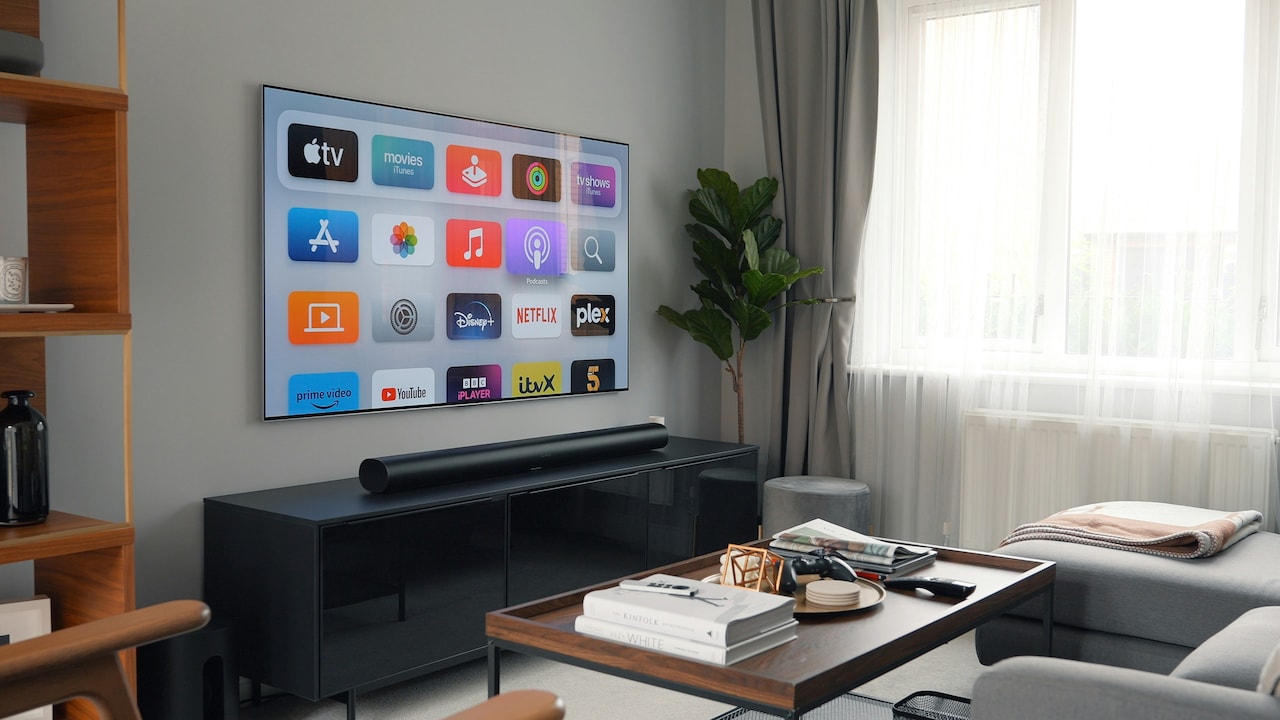
Top 5 Wi-Fi Routers For 2BHK Homes That Don't Drop Signal
Buffering in the middle of a match or work call? These five Wi-Fi routers are built for 2BHK homes, offering strong coverage, stable speeds and zero signal drop headaches.
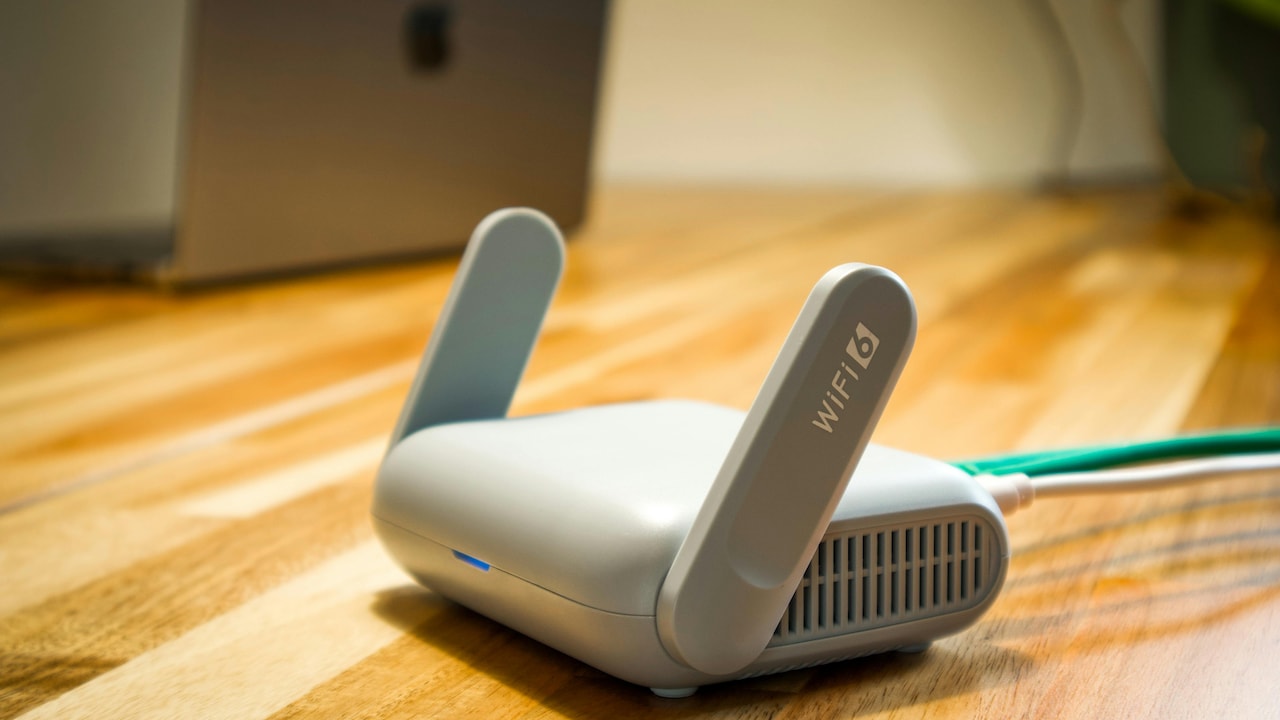
Best Wi-Fi Routers For 2BHK Homes In 2026: No Signal Drops, Strong Coverage.
A recent spike in remote work and OTT streaming has turned the humble Wi-Fi router into the busiest gadget at home. In most 2BHK flats, walls are thick, balconies stretch signal limits, and at least eight devices compete for bandwidth at any given time. One minute, everything runs smoothly; the next, the video freezes just as the plot thickens. So, choosing a high-speed Wi-Fi router with solid coverage is no longer optional. It's essential.
We've rounded up five routers that suit compact homes, handle multiple devices, and deliver stable wireless connectivity without constant restarts. Whether fibre isn't available yet or streaming in 4K matters most, there's something here for every setup.
Why A Strong Wi-Fi Router Matters In A 2BHK
A 2BHK layout often includes a living room, two bedrooms, a kitchen and perhaps a small study corner. Concrete walls block signals. Microwaves and Bluetooth speakers interfere. Also, smart bulbs, voice assistants and CCTV cameras quietly consume bandwidth.
A reliable dual-band Wi-Fi router or a powerful single-band option with high-gain antennas can solve most of these issues. Features like parental control, guest network and bandwidth management help families stay in control while enjoying seamless internet.

Top 5 Wi-Fi Routers For 2BHK Homes That Don't Drop Signal
Photo Credit: Unsplash
Top 5 Wi-Fi Routers For Stable Home Connectivity
1. HI Focus Wi-Fi 6 4G LTE SIM Router
This router works brilliantly in areas without fixed broadband. Just insert a 4G SIM card and it springs to life. It supports Wi-Fi 6, which means better speed handling and smoother performance when multiple devices connect at once. Ethernet ports allow direct LAN connections for smart TVs, PCs or NVR systems. Access Point Mode and Guest Mode add flexibility, while parental control and QoS keep usage organised. For 2BHK homes in developing neighbourhoods, this option feels practical and future-ready.
2. TP-Link N300 Wireless Router TL-WR845N
With three 5dBi high-gain antennas, this 300Mbps Wi-Fi router covers small flats efficiently. It suits HD streaming, browsing and online classes without hiccups. IPv6 compatibility keeps the network current, while AP, Range Extender and WISP modes offer versatility. The WPS button simplifies secure connections, and the TP-Link Tether app makes setup painless. For families seeking an affordable, dependable router for everyday internet use, this model checks the right boxes.
3. D-Link DIR-615 N300 Router
Compact yet capable, this single-band router handles 300Mbps wireless speeds with ease. It supports Router, Access Point, Repeater and Client modes, which makes it handy in homes that need extra coverage. Advanced security features such as WPA/WPA2 encryption, firewall protection and bandwidth limitation help manage heavy users. The guest zone ensures visitors don't crowd the main network. With mobile app support and straightforward setup, it suits families upgrading from older, slower routers.
4. MERCUSYS AC1200 Dual Band Router
Dual-band connectivity gives this router a serious edge in 2BHK homes. It delivers combined speeds up to 1200Mbps, splitting traffic between 2.4 GHz and 5 GHz bands for smoother streaming and gaming. Four high-gain antennas push signals into corners where single-band routers struggle. IPTV and IPv6 support make it streaming-friendly, while parental controls help manage screen time. If multiple people work and watch content simultaneously, this dual-band Wi-Fi router handles the pressure well.
5. Tenda F3 300Mbps Wi-Fi Router
Simple, affordable and efficient, this router fits homes that rely on cable broadband connections. Three powerful external antennas strengthen signal reach across rooms. It includes bandwidth control and Wi-Fi scheduling, so heavy downloads don't slow everyone else down. The WPS button ensures quick secure pairing, and parental control adds another layer of oversight. For smaller households that want consistent internet without overcomplicating setup, this option feels reliable.
How To Choose The Right Router For A 2BHK
Before buying, consider the broadband type. Fibre users benefit from dual-band routers, especially when gaming or streaming in 4K. Those in areas without fibre should look at a 4G LTE SIM router.
Next, count devices. A home with two smartphones and a laptop doesn't need the same power as one with smart appliances, tablets and CCTV cameras. Also, check antenna strength and management features like guest networks and parental controls.
Placement matters too. Position the router centrally and away from thick walls or metal cabinets. Even the best high-speed Wi-Fi routerr struggles if tucked inside a drawer.
In a busy 2BHK home, a dependable Wi-Fi router keeps work calls crisp, movies buffer-free and smart gadgets connected. From Wi-Fi 6 SIM-based flexibility to dual-band streaming power, these five routers offer practical solutions for modern households. Choose wisely, place it well, and enjoy steady internet without those frustrating signal drops.
(Disclaimer: This article may include references to or features of products and services made available through affiliate marketing campaigns. NDTV Convergence Limited (“NDTV”) strives to maintain editorial independence while participating in such campaigns. NDTV does not assume responsibility for the performance or claims of any featured products or services.)