HDR Myths Debunked: Why It’s Not Always Better For Your TV
HDR can look stunning, or surprisingly worse. This guide debunks common HDR myths and explains why your TV, room, and content decide whether HDR is worth it.
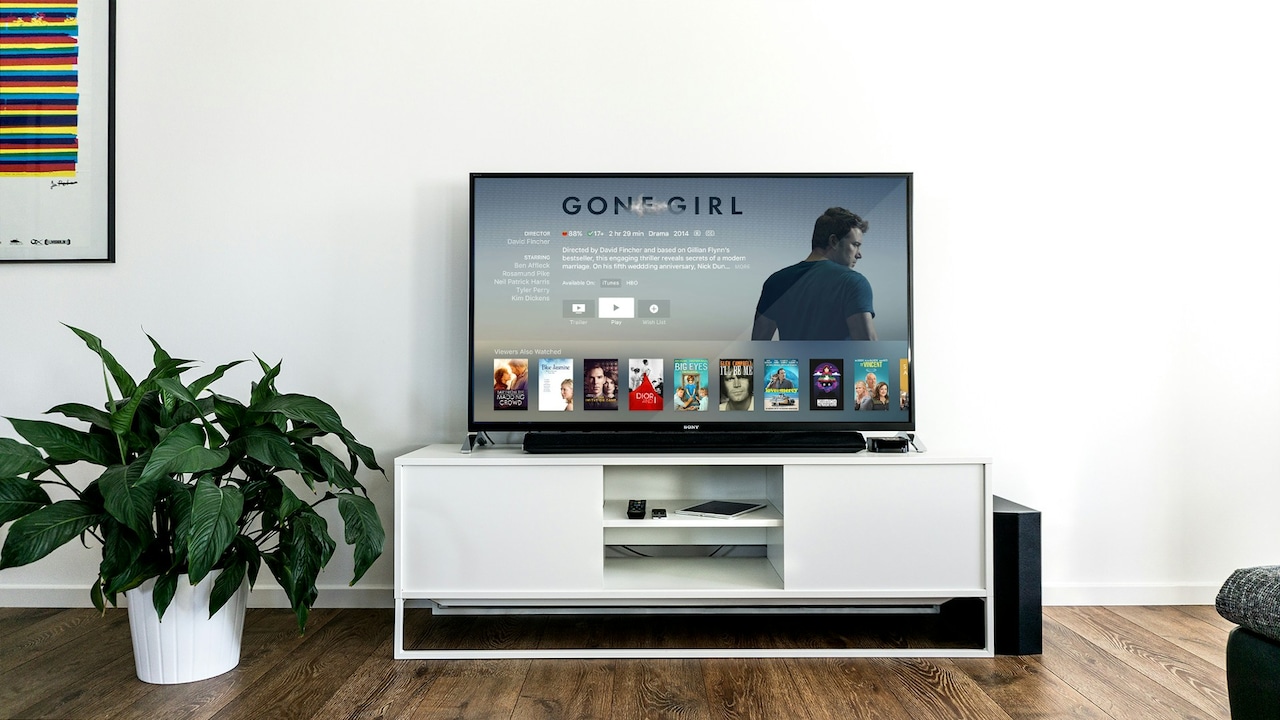
Myths debunked: Important features to know about HDR in TVs before buying.
HDR has become the buzzword that sells TVs faster than a cricket match sells snacks. Walk into any electronics store, and the pitch is predictable: “Sir, HDR hai. Picture ekdum next level.” And yes, sometimes HDR really does look stunning. A night scene with tiny points of light. A sunrise that feels warm instead of flat. A deep ocean shot where the blues don't turn into a single boring shade.
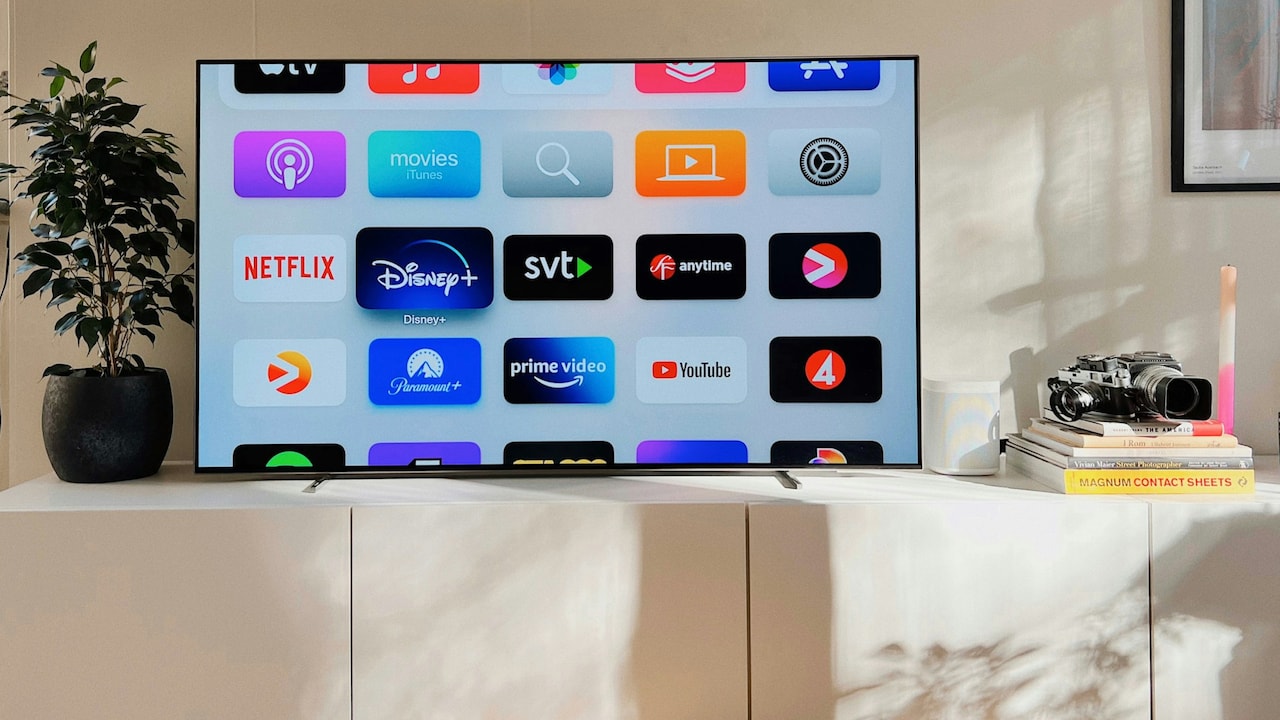
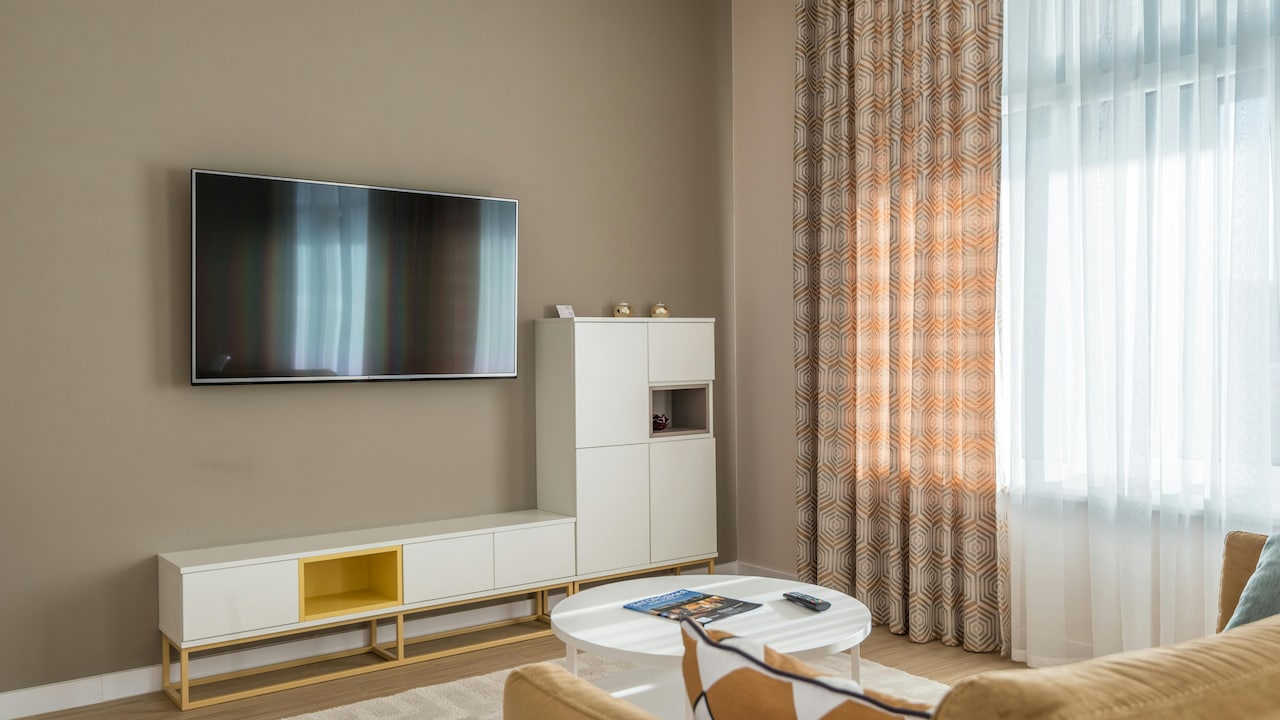
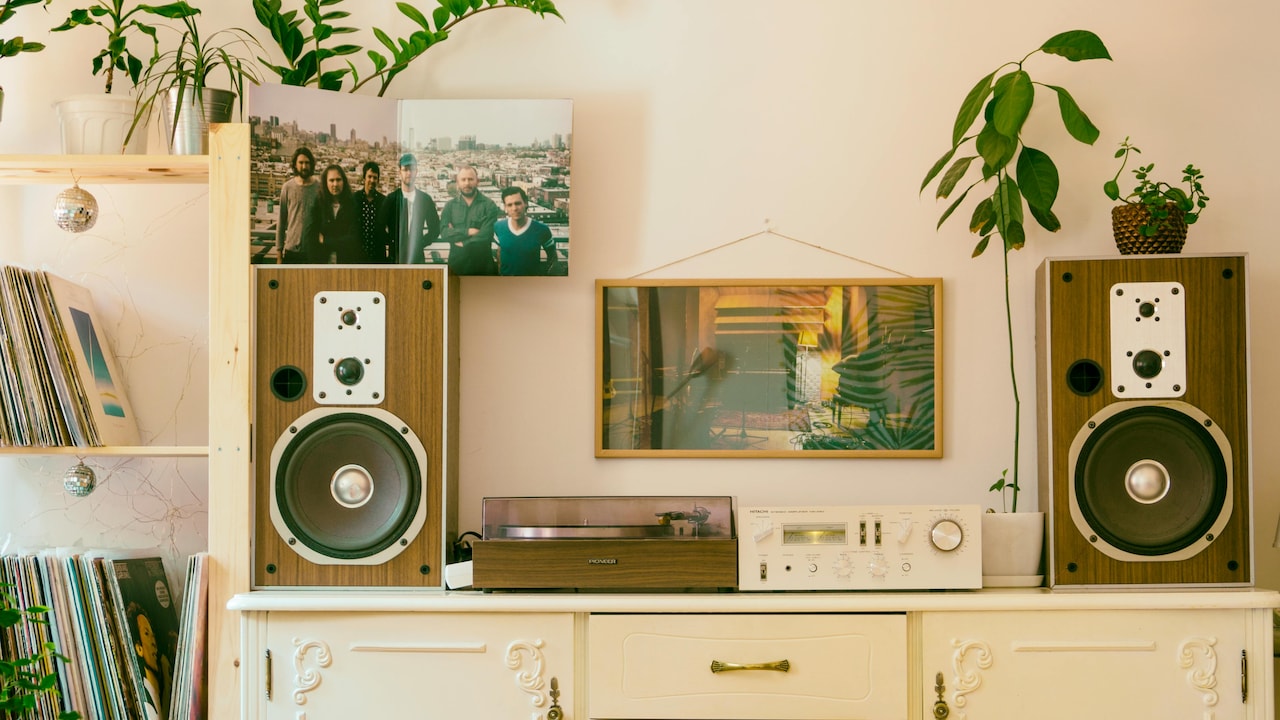
Top HDR myths to know before buying a smart TV; Photo Credit: Unsplash
But HDR can also be the reason a new TV feels underwhelming. Some people switch it on and immediately wonder why everything looks darker. Others complain that faces look odd, like everyone has been lightly polished with a beauty filter. And then there are those moments when HDR makes a perfectly normal scene look like a video game cutscene.
The truth is simple: HDR is not automatically better. It is a tool. And like any tool, it works brilliantly only when the rest of the setup supports it. Let's debunk the myths that keep confusing buyers, and save a few headaches, a few thousand rupees, and possibly a few family arguments over “why the new TV looks worse”.
Also Read: Sony, Xiaomi To Hisense, 5 Best BITA Award-Winning Smart TVs To Buy On Amazon
Before You Switch On HDR, Read These 10 Myths
1. HDR Automatically Means Better Picture Quality
HDR gets marketed like a universal upgrade, as if it guarantees a better picture no matter what TV it runs on. That's the first trap. HDR can only shine when the display can handle it properly. If the panel can't get bright enough, HDR often looks dull. If it can't control contrast well, highlights look harsh, and blacks look grey.
Think of HDR like masala in cooking. Add it to the right dish, and it lifts everything. Add it to the wrong dish, and the whole thing tastes confused. A budget TV with “HDR support” might technically accept an HDR signal, but it may not show it in a way that looks impressive. The label can be real, but the experience can still feel fake.
That's why two TVs can both claim HDR, yet one makes a fireworks scene look magical while the other makes it look like someone dimmed the room lights. HDR isn't a guarantee. It's a promise that only some TVs can keep.
2. All HDR Formats Are Basically The Same
HDR is not one thing. It's a family of formats, and they don't behave the same. The common ones include HDR10, HDR10+, Dolby Vision, and HLG. The names look like alphabet soup, but the differences matter.
HDR10 is the basic version. Most HDR content supports it. But it uses static metadata, meaning the TV gets one set of brightness instructions for the whole film. That's like giving one recipe for an entire wedding menu. Some scenes will work, some won't.
Dolby Vision and HDR10+ use dynamic metadata. They can adjust scene by scene, sometimes frame by frame. This helps avoid blown-out highlights and muddy shadows. The difference becomes obvious in tricky content like dark thrillers, night sequences, or anything with bright light sources against black backgrounds.
HLG is mainly for broadcasts, like certain sports streams. It's useful, but it's not the same as cinematic HDR.
So no, they're not all the same. The format your TV supports can decide whether HDR looks premium or merely “fine”.
3. HDR Makes Everything Brighter
This myth refuses to die. HDR does not exist to make everything brighter. HDR exists to expand the range between the darkest and brightest parts of the image, while keeping details in both.
In a good HDR scene, shadows can stay deep without becoming a black blob. Highlights can sparkle without turning into white patches. That's the goal. Not just brightness.
The reason many people feel HDR looks darker is that HDR often preserves highlights by lowering the overall brightness of the scene. That means a daytime shot may not look like someone turned up the backlight to maximum. It may look more realistic, which can feel “less bright” at first.
Also, many TVs switch to a different picture mode for HDR, and that mode may not match the viewer's taste. Suddenly, the same show looks dimmer, not because HDR is bad, but because the TV is trying to follow HDR rules with limited hardware.
So, HDR is not a brightness booster. It's a contrast and detail upgrade when done right.
4. Any TV With HDR Support Can Do HDR Properly
This is where marketing gets cheeky. Many TVs support HDR signals, but very few budget models deliver true HDR performance. It's like a phone claiming “pro camera” because it has a portrait mode.
For HDR to look great, a TV needs high peak brightness, good black levels, and strong colour volume. Without these, the TV has to compromise. It may tone-map the content aggressively, flattening highlights and crushing shadows. Or it may lift blacks to keep details, which makes the whole image look washed out.
Edge-lit panels often struggle here. They can't control brightness across the screen with precision. Full-array local dimming does better, and OLED handles blacks beautifully, though it has its own brightness limitations in very bright rooms.
A TV can “play HDR” without “showing HDR”. The difference is huge. That's why some people spend ₹35,000 on a TV and feel HDR is overrated, while others spend ₹1,20,000 and can't stop staring at the screen.
5. HDR Always Looks More Natural
HDR can look more natural, but it can also look weird. It depends on how the TV processes it and how the content was graded.
Some HDR content gets mastered with a cinematic look. Others push the colours hard for impact. And some streaming shows have HDR grading that feels inconsistent, where skin tones shift, or scenes look oddly grey.
On certain TVs, HDR modes come with aggressive enhancements. Sharpness gets boosted. Colour saturation jumps. Motion smoothing sneaks in like an uninvited relative at a family function. Suddenly, the “natural” look becomes glossy, over-processed, and slightly unsettling.
Even when the content is well-made, the TV may not map it properly. That can lead to faces looking too red, skies looking unnatural, or bright scenes feeling harsh.
Natural HDR is possible, and it's beautiful. But it isn't automatic. Sometimes SDR looks more comfortable, more familiar, and honestly more flattering for everyday viewing.
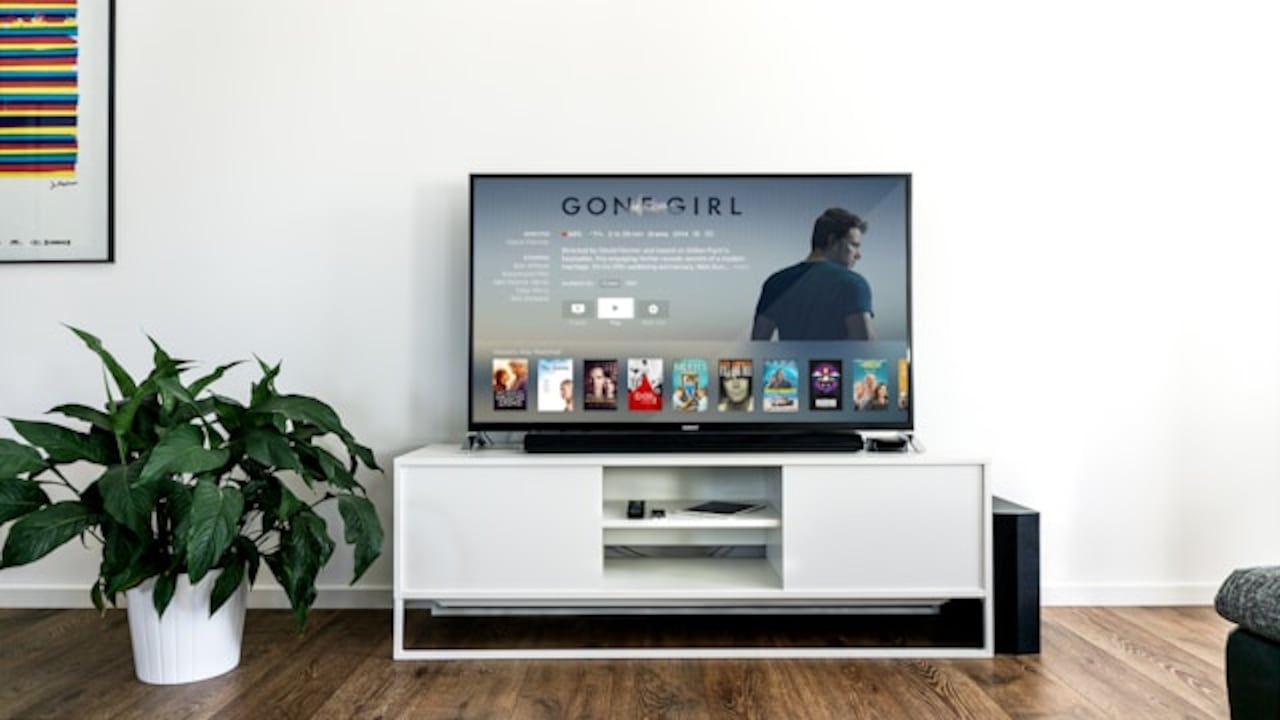
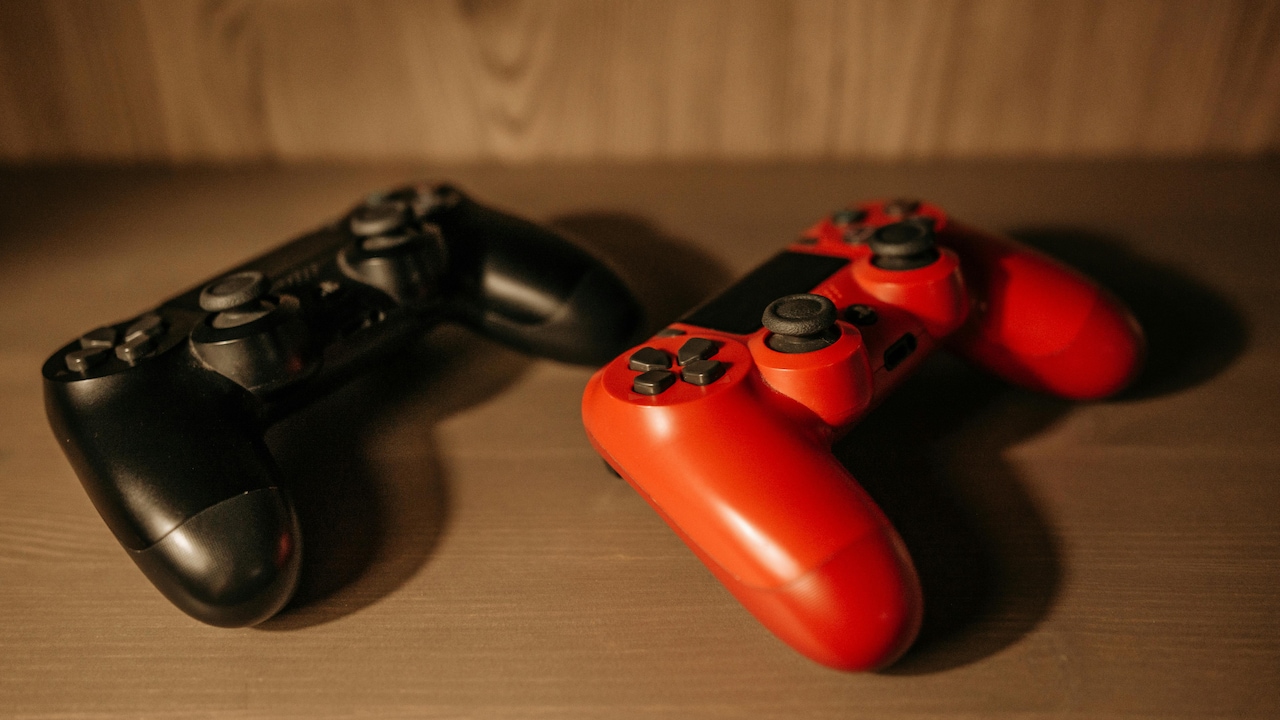
Depending on the TV, HDR can look natural or weird; Photo Credit: Pexels
6. HDR Is Only About Colour
HDR marketing loves colour. Those vibrant demo clips with neon lights and tropical birds do a great job of selling TVs. But HDR isn't just about colour. It's about contrast, highlights, and detail.
The biggest HDR “wow” often comes from light. Reflections on water. Sunlight on metal. Headlights in the rain. Fireworks. City lights at night. Those bright points add depth that SDR struggles to reproduce.
Colour does improve too, but only if the TV has wide colour gamut support and enough brightness to show those colours properly. Otherwise, HDR colour can look flat or inaccurate.
Also, not all HDR content uses the same colour space effectively. Some films intentionally keep a muted palette. That doesn't mean HDR isn't working. It just means the director didn't want the scene to look like a festival poster.
So yes, colour matters. But HDR's real magic often lies in how it handles light and shadow, not just how “punchy” it looks.
7. Streaming HDR Is Always High Quality
This one hurts because it sounds logical. If a streaming platform shows an HDR badge, surely it must be top quality. Sadly, no.
Streaming HDR depends on the bitrate. During peak hours, internet fluctuations, or on certain plans, HDR can arrive with compression that wipes out fine detail. The result can be a strange combination: bright highlights but muddy textures, or crisp edges but noisy shadows.
Some shows look incredible in HDR on a fast connection. Others look like the TV is struggling, especially in dark scenes. That's where HDR can become a villain. Compression noise in shadows becomes more visible, and the TV's processing tries to clean it up, sometimes smearing detail.
Also, not all apps handle HDR equally well on every TV. Some apps switch HDR modes inconsistently. Some trigger HDR but don't deliver proper dynamic metadata. It's messy.
HDR is at its best with high-quality sources. A 4K Blu-ray still beats streaming for HDR consistency, but most people don't use discs anymore. That means streaming HDR can be brilliant or disappointing, depending on the day.
8. HDR Is Always Better For Gaming
HDR in gaming can look jaw-dropping. A bright explosion, a neon city, a torch-lit cave. When it works, it's pure cinema. But gaming HDR also has more ways to go wrong.
First, many games have poor HDR implementation. Some simply stretch SDR brightness and call it HDR. That can lead to washed-out blacks and weird highlights. Second, the TV's HDR game mode may reduce processing to lower input lag, which can also reduce picture quality. Third, calibration matters. Consoles often require HDR settings, and most people rush through them.
Then there's the room lighting issue. HDR gaming in a bright room can feel dull on mid-range TVs. HDR gaming in a dark room can look too intense if the TV pushes highlights too hard.
Also, some players prefer visibility over realism. In competitive games, deeper shadows may look “more cinematic” but make enemies harder to spot. That's a real trade-off.
So, HDR isn't automatically better for gaming. It depends on the game, the TV, the setup, and the player's priorities.
9. HDR Works The Same In Every Room
The room matters more than people admit. HDR looks best when the TV can control light, and the room doesn't fight it.
In a bright living room with sunlight bouncing off walls, HDR can lose its punch. Blacks lift. Contrast drops. Highlights don't feel as dramatic. The TV may crank brightness, which can make colours look less accurate.
In a dim room, HDR looks more dramatic, but it can also become uncomfortable if the TV has very bright peak highlights. A sudden flash in a dark thriller can feel like someone switched on a scooter headlight in the face.
Reflections also ruin HDR. A glossy screen in a room with tube lights can turn a moody scene into a mirror. Suddenly, the “cinematic” experience includes the reflection of a ceiling fan doing its own performance.
HDR isn't just about the TV. It's about the environment. A great TV in the wrong room can look average. A decent TV in a well-managed room can look surprisingly good.
10. HDR Is The Feature That Should Decide The Purchase
HDR is important, but it shouldn't be the deciding factor. Many people buy a TV for HDR and ignore the basics that affect everyday viewing.
Upscaling matters because most content still isn't true 4K HDR. Motion handling matters for sports and action. Viewing angles matter in homes where people sit across a wide sofa. Sound matters more than anyone wants to admit, because thin TVs sound thin.
Even within HDR, peak brightness alone doesn't guarantee a great experience. Tone mapping, local dimming quality, and colour accuracy matter just as much. A TV with “higher nits” can still look worse if it handles HDR poorly.
Also, content habits matter. If most viewing involves news, casual YouTube, older films, and daytime TV, then HDR won't get used much. If the household loves big-budget series, cinematic films, and gaming, HDR becomes more relevant.
The smarter approach is balance. HDR should be one part of the decision, not the entire decision. Otherwise, it's easy to spend ₹70,000 chasing a feature that only shines for a few hours a week.
Products Related To This Article
1. Hisense 164 cm (65 Inches) 4K Ultra HD Smart QLED TV
2. Toshiba 126 cm (50 Inches) 4K Ultra HD Smart QLED TV
3. TCL 43S5K Television 43 Inch Smart TV QLED HDR 10 Google TV
4. SANSUI 80cm (32) Google TV with QLED Display
5. VW 109 cm (43 inches) Pro Series 4K Ultra HD Smart QLED
HDR is not a scam, and it's not a miracle. It's a powerful feature that can make films, shows, and games look genuinely stunning. But it only delivers when the TV has the hardware to support it, the content is mastered well, the streaming quality holds up, and the room doesn't sabotage the experience.
The biggest mistake is treating HDR like a simple checkbox. The badge on the box does not tell the full story. Some TVs wear HDR like a costume. Others actually live up to it.
The good news is that once the myths fall away, HDR becomes easier to understand. It stops being mysterious tech jargon and starts feeling like what it really is: a tool for better light, better depth, and more realistic detail. Sometimes that's breathtaking. Sometimes SDR still looks better. And that's fine.
Because the best TV experience is not the one with the most labels. It's the one that looks good on a random Tuesday night, when everyone just wants to relax and watch something without arguing about picture settings.
(Disclaimer: This article may include references to or features of products and services made available through affiliate marketing campaigns. NDTV Convergence Limited (“NDTV”) strives to maintain editorial independence while participating in such campaigns. NDTV does not assume responsibility for the performance or claims of any featured products or services.)