Printing At Home Now: Top 5 Inkjet Colour Printers On Flipkart For Photos, Projects, And Office Work
Explore compact printers that fit small spaces and handle colour photos, school projects, and office work with ease, with wi-fi models, borderless photo print, and all-in-one scan features that make daily tasks simple at home.
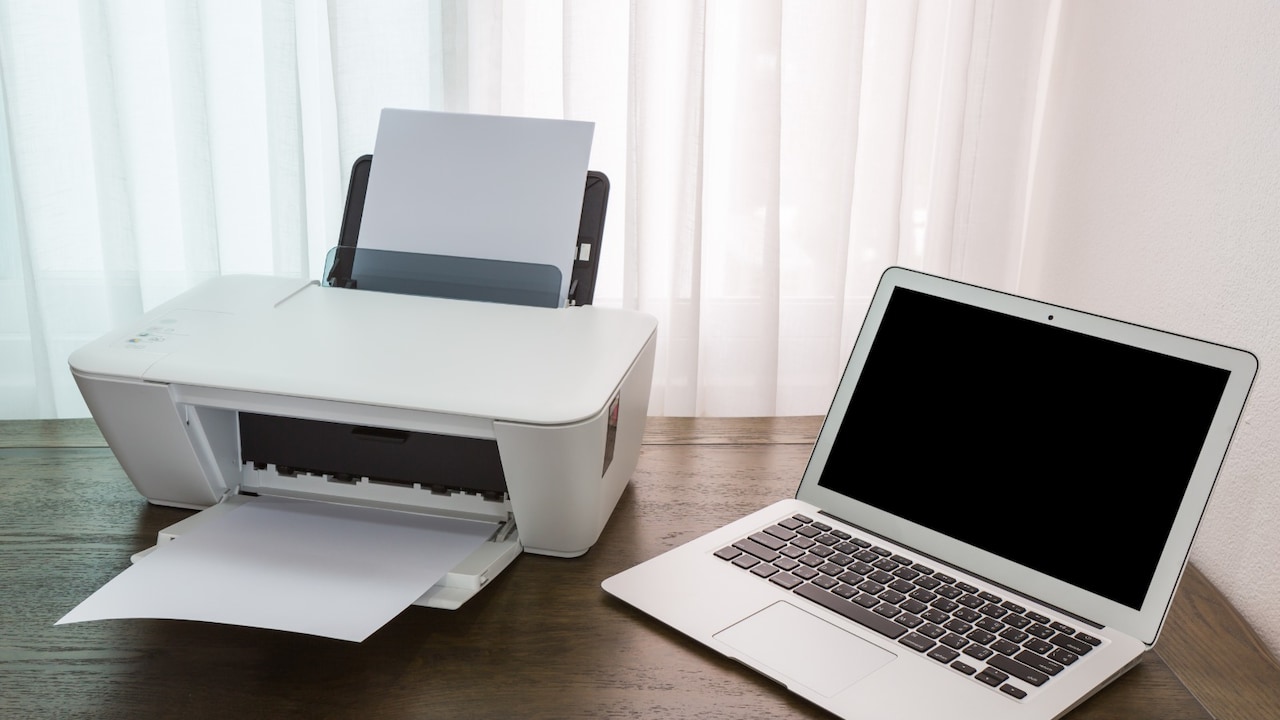
Inkjet colour printers for photos, projects, and office work from Flipkart
Inkjet colour printers bring your screen to paper without a trip to the shop. They use tiny drops of ink to print photos, school work, forms, and tickets right at home. These printers are small, light, and fit on most desks or shelves. You can print in colour for projects or use black ink for notes. Many models now connect to Wi-Fi so you can send files from your phone. Setup is simple and takes only a few minutes. For families, students, and home offices, an inkjet printer saves time and money. It helps when you need a hard copy fast, from boarding passes to kids' drawings.
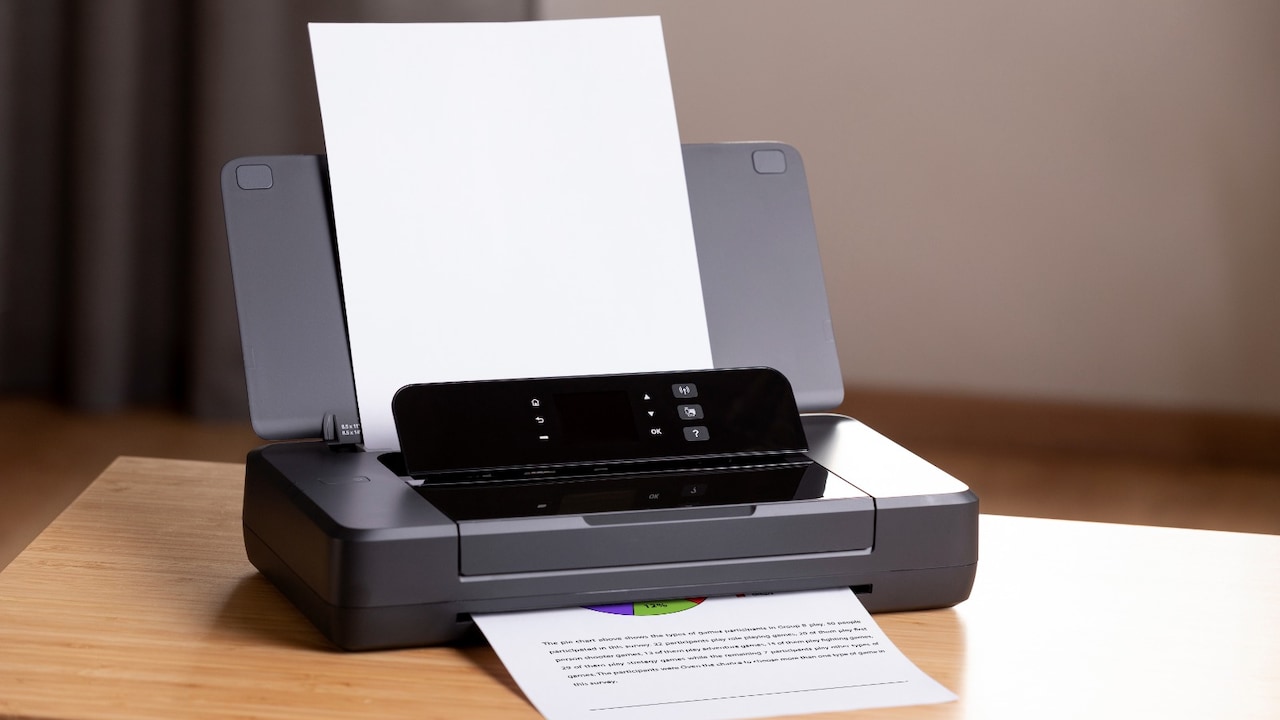
Inkjet colour printers for photos, projects, and office work from Flipkart; Photo Credit: Pexels
Some models scan old photos, copy ID cards, and print without borders for a clean look. You can pick single-function types for basic use or all-in-one types for more jobs. You can find good options at lower prices with free setup. A right pick means clear prints and fewer refills. With the right printer, home tasks feel quick and easy every day.
Also Read: Inkjet Versus Laser Printers: Which One Actually Saves You More Money?
| Product Name | Special Feature | Battery/Warranty | User Rating | Price |
|---|---|---|---|---|
| Canon PIXMA TS207 Single Function Color Inkjet Printer (Ink Cartridge) | Compact USB Print | 1 Year Warranty | 3.6/5 | |
| Canon PIXMA TS307, TS307A Single Function WiFi Color Inkjet Printer (Ink Cartridge) | Wi-Fi Printing | 1 Year Warranty | 3.6/5 | |
| Canon PIXMA MG2470 All-in-One Inkjet Printer (Ink Cartridge) | 3-in-1 Home Use | 1 Year Warranty | 3.7/5 | |
| HP DeskJet 2820 All-in-One Multi-function WiFi Color Inkjet Printer (Ink Cartridge) | Wi-Fi All-in-One | 1 Year Warranty | 3.6/5 | |
| Canon PIXMA E3370 Multi-function WiFi Color Inkjet Printer (Borderless Printing) (Ink Cartridge) | Borderless Photo Print | 1 Year Warranty | 3.9/5 |
Top 5 Inkjet Colour Printers On Flipkart For Photos, Projects, And Office Work
1. Canon PIXMA TS207 Single Function Color Inkjet Printer (Ink Cartridge)
This is a basic colour printer for home use. It prints documents and photos with simple steps. The size is small, so it fits on a study table. You connect it to a laptop with a USB cable. It is good for students who need regular printouts.
Key Features:
- Compact body that saves desk space
- Prints both colour and black documents
- Easy setup with USB cable
- Works with plain and photo paper
- Low-cost option for light home use
2. Canon PIXMA TS307, TS307A Single Function WiFi Color Inkjet Printer (Ink Cartridge)
This printer adds Wi-Fi so you can print from your phone. No wires needed after setup. It prints colour pages, tickets, and photos for school work. The body is neat and light. Good for homes that want cable-free printing.
Key Features:
- Wireless printing from phone and laptop
- Simple app for easy setup
- Compact size for small rooms
- Prints sharp text and colour images
- Fits basic home and student needs
3. Canon PIXMA MG2470 All-in-One Inkjet Printer (Ink Cartridge)
This all-in-one can print, scan, and copy. It helps with forms, ID cards, and old photo scans. The top has a flatbed for clear scans. It uses a USB cable to connect. Good for families that need more than just printing.
Key Features:
- Print, scan, and copy in one machine
- Flatbed scanner for books and photos
- Simple buttons for quick copy jobs
- Works with Windows and Mac
- Space-saving design for home use
4. HP DeskJet 2820 All-in-One Multi-function WiFi Color Inkjet Printer (Ink Cartridge)
This printer does print, scan, and copy with Wi-Fi. You can send files from your phone without a cable. It is built for daily home tasks like forms and homework. The setup takes a few steps with the app. Good for busy homes.
Key Features:
- Wireless print, scan, and copy
- Mobile app for easy control
- Quiet operation for home rooms
- Auto on and off to save power
- Simple ink change process
5: Canon PIXMA E3370 Multi-function WiFi Color Inkjet Printer (Borderless Printing) (Ink Cartridge)
This model prints photos without white borders. It also scans and copies. Wi-Fi lets you print from any room. The print quality is good for family albums and projects. It suits homes that print photos often.
Key Features:
- Borderless photo printing up to A4 size
- Wi-Fi for phone and laptop printing
- Print, scan, and copy functions
- Auto power on when you send a job
- Works with cloud print services
A good inkjet colour printer makes work faster and simpler. From school projects to travel tickets, you save trips outside and get prints when you need them. Check if you need just printing or scan and copy too. Look at Wi-Fi, ink cost, and size before you choose. Pick your printer today and start printing at home with ease. Shop now on Flipkart and make working from home smooth.
Frequently Asked Questions (FAQs)
1. How long does ink last in an inkjet printer?
It depends on what you print. Text pages use less ink than full colour photos. A standard cartridge can print 100 to 180 pages.
2. Can I use any paper with an inkjet printer?
Plain A4 paper works for most jobs. For photos, use glossy photo paper for better colour and sharpness.
3. Do inkjet printers need regular use?
Yes, print one or two pages each week. This stops the ink from drying in the nozzles and keeps print quality good.
4. What is the difference between a single-function and an all-in-one?
Single function only prints. All-in-one can also scan and copy documents. Choose based on your daily needs.
5. Is Wi-Fi printing hard to set up?
No. Most printers have a simple app or step guide. Connect once to your home Wi-Fi and print from phone or laptop.
(Disclaimer: This article may include references to or features of products and services made available through affiliate marketing campaigns. NDTV Convergence Limited (“NDTV”) strives to maintain editorial independence while participating in such campaigns. NDTV does not assume responsibility for the performance or claims of any featured products or services.)