Your Complete Handbook To UPI Payments In India
Learn how to set up and use UPI in India with this simple step-by-step guide. Understand UPI IDs, PINs, safety tips and daily uses for secure, cashless payments.
UPI allows instant, roundtheclock money transfers across all major banks.
The wave of digital payments in India has transformed the way people manage everyday transactions. Whether it's paying for groceries, settling utility bills, or transferring money to friends and family, UPI has become one of the most convenient methods for quick and secure payments. Its simplicity is a major reason why everyone, from college students to small business owners, can use it with ease. According to the National Payments Corporation of India (NPCI), January 2026 alone saw 21.7 billion UPI transactions, highlighting its rapidly growing adoption.
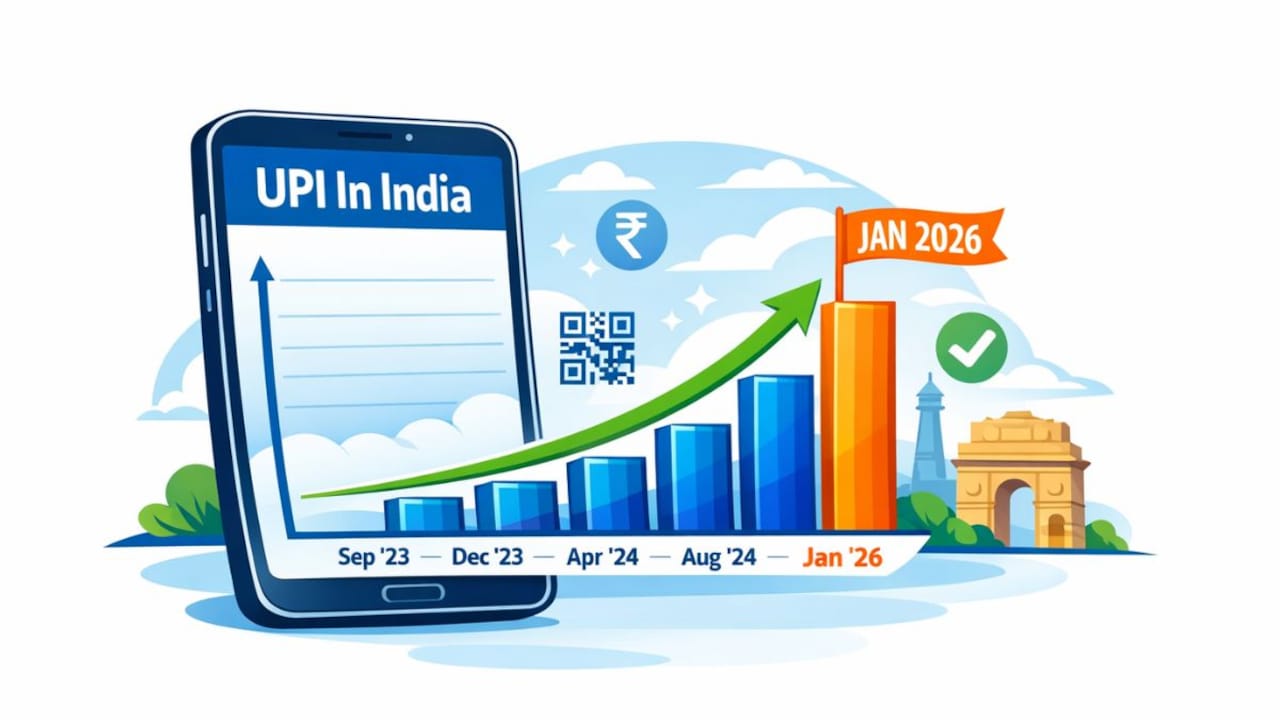
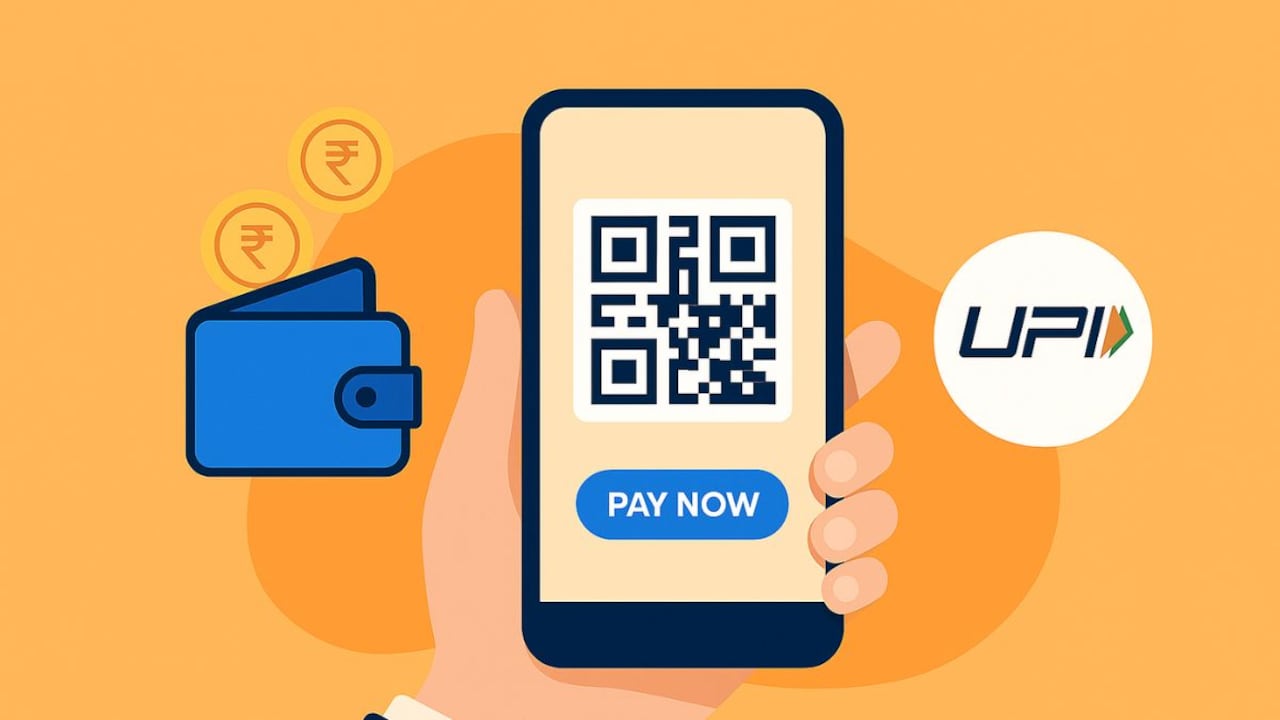
UPI helps you move towards a convenient, cashless way of paying.
Photo Credit: Co-Pilot
If you are new to digital payments or setting up UPI for the first time, this step‑by‑step guide will help you understand how it works, how to create your UPI ID, and how to start making payments instantly.
Also Read: How To Turn Everyday Payments Into Everyday Rewards: A Guide
What Is UPI?
Unified Payments Interface (UPI) is a real‑time payment system that links multiple bank accounts to a single mobile application (from any participating bank). It merges several banking features, smooth fund transfers, and merchant payments into one platform.
Through this system, you can send or receive money using only a virtual payment address, your UPI ID, without sharing sensitive details like your bank account number or IFSC code.
In simple terms, UPI acts as a bridge between your bank and the person you are paying. It works 24/7, including weekends and bank holidays, making it far more flexible than traditional banking methods.
Why UPI Has Become So Widely Used
Described by NPCI as the “next generation of payment solutions,” UPI has gained massive popularity because it is:
- Fast: Payments go through almost instantly (usually in under 5 seconds).
- Hassle-Free: You only need a smartphone with internet, your mobile number linked to your bank account, and a UPI-supported app.
- Secure: UPI uses two‑factor authentication.
- Universal: It works across all major banks and apps.
- Cashless and Convenient: You no longer need to carry cash for payments up to ₹1 lakh per day.
This combination has made UPI the preferred payment method for millions across the country.
How To Create and Set Up Your UPI Account

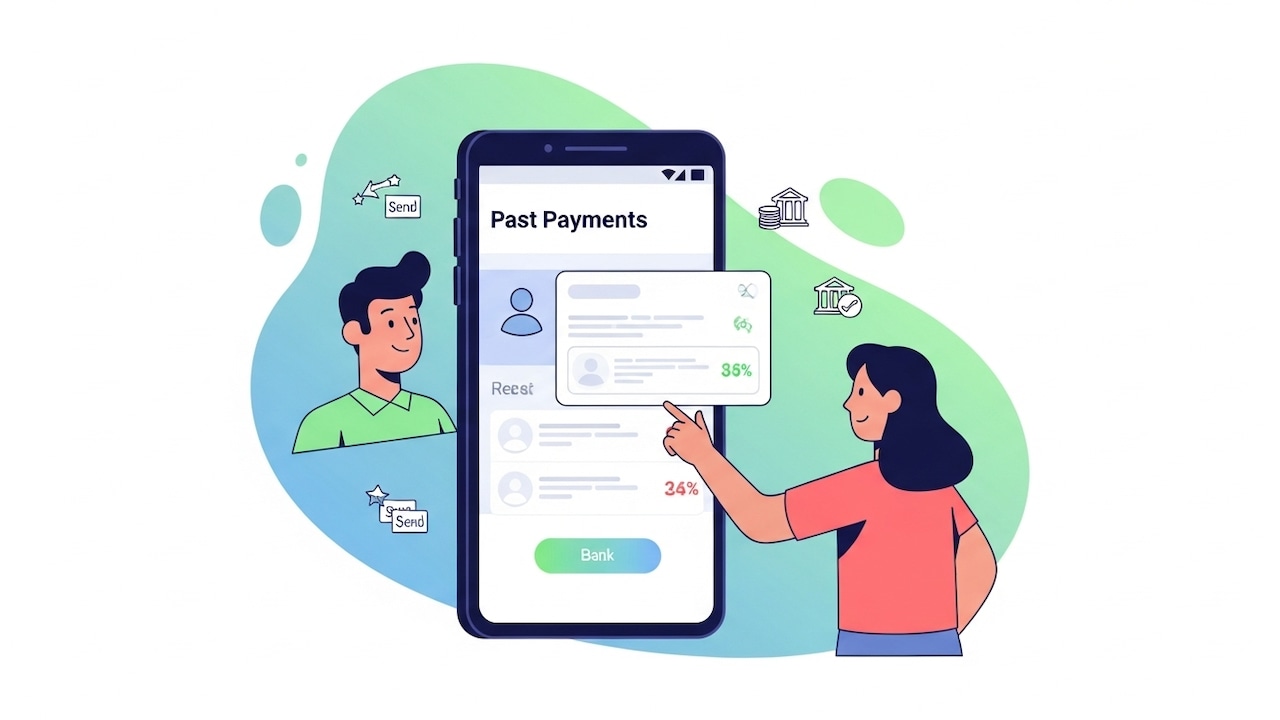
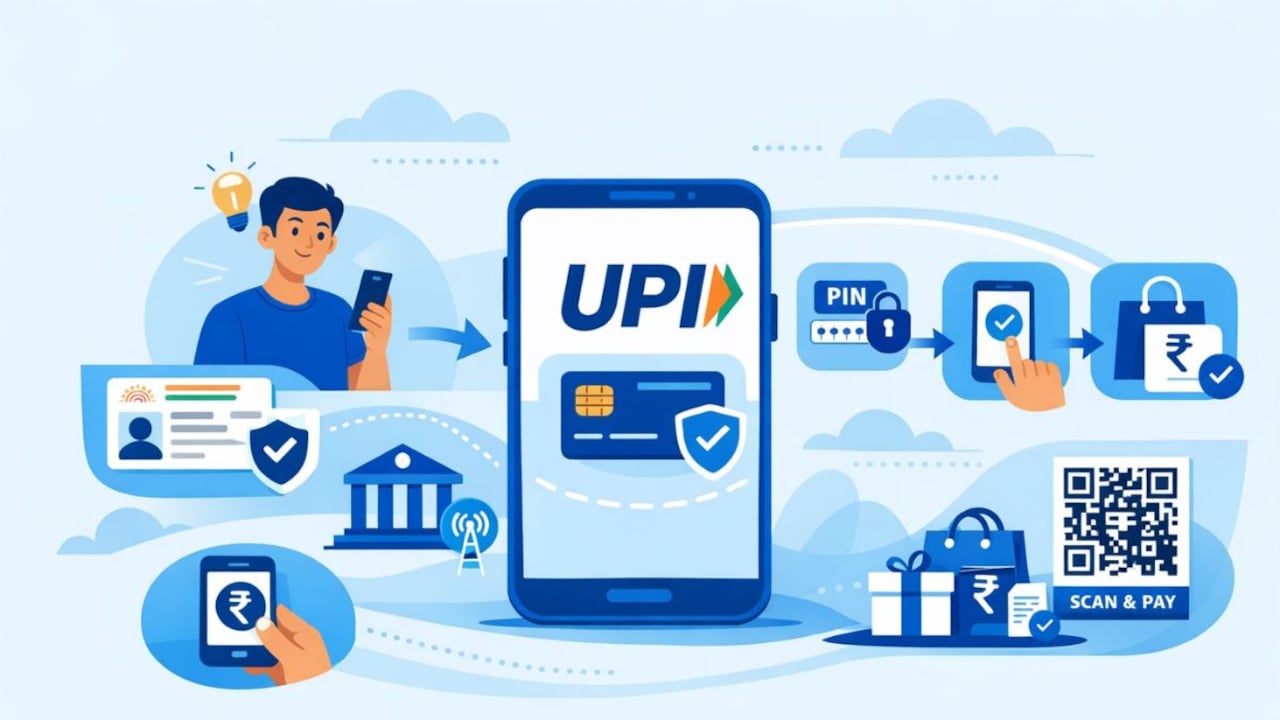
You only need your mobile number and a UPI app to get started.
Photo Credit: Co-Pilot
Although different apps support UPI, the overall setup process remains nearly identical. Here's the simplest explanation of how to get started.
Step 1: Install a UPI‑Enabled App
Download a UPI-supported app from the Google Play Store or Apple App Store. Most major payment apps, both bank-owned and private, support UPI.
Once installed, open the app and allow permissions such as location access, contacts, camera, and SMS. These permissions help verify your mobile number, auto-read OTPs, and enable payments to your contacts.
Step 2: Register Using Your Mobile Number
UPI works only with the mobile number linked to your bank account.
The app will either:
- Prompt you to select the SIM with the registered number, or
- Send an SMS automatically for verification.
Within seconds, the app confirms your number and moves forward.
Step 3: Add Your Bank Account
After verification:
Select your bank from the list.
- The app automatically detects your bank account linked to your registered mobile number.
- Tap to add it, no need to manually enter account details.
Step 4: Create Your UPI PIN
A UPI PIN is a 4 or 6‑digit code used to authorise every transaction, similar to an ATM PIN.
To set the PIN:
- Enter the last six digits of your debit card
- Enter the card's expiry date
- Set your desired UPI PIN
Choose a PIN that's easy for you to remember but hard for others to guess. Never share this PIN with anyone.
Step 5: Create Your UPI ID (VPA)
Your UPI ID, or Virtual Payment Address, is your digital identity for sending or receiving money.
A UPI ID typically looks like:
- yourname@bankname
- mobilenumber@providername
- A custom combination, depending on the app
Some apps create it automatically; others let you choose. You can share this ID with anyone who needs to send you money, no account number required.
Step 6: Start Making Payments
Once your account, UPI ID, and PIN are set, you can immediately start using UPI to:
Scan QR codes to pay vendors, shops, or service providers
- Transfer money using someone's UPI ID
- Send money directly to a bank account
- Check your bank balance
- Receive money instantly
Payments are completed within seconds, and you'll receive instant confirmation.
Note: After setting, resetting, or registering a UPI PIN for the first time, a 24‑hour “cooling period” is applied. During this period, the transaction limit is capped at ₹5,000 per day. This also applies when reinstalling a UPI app or switching devices, an added layer of security to prevent fraud.
Tips For Using UPI Safely
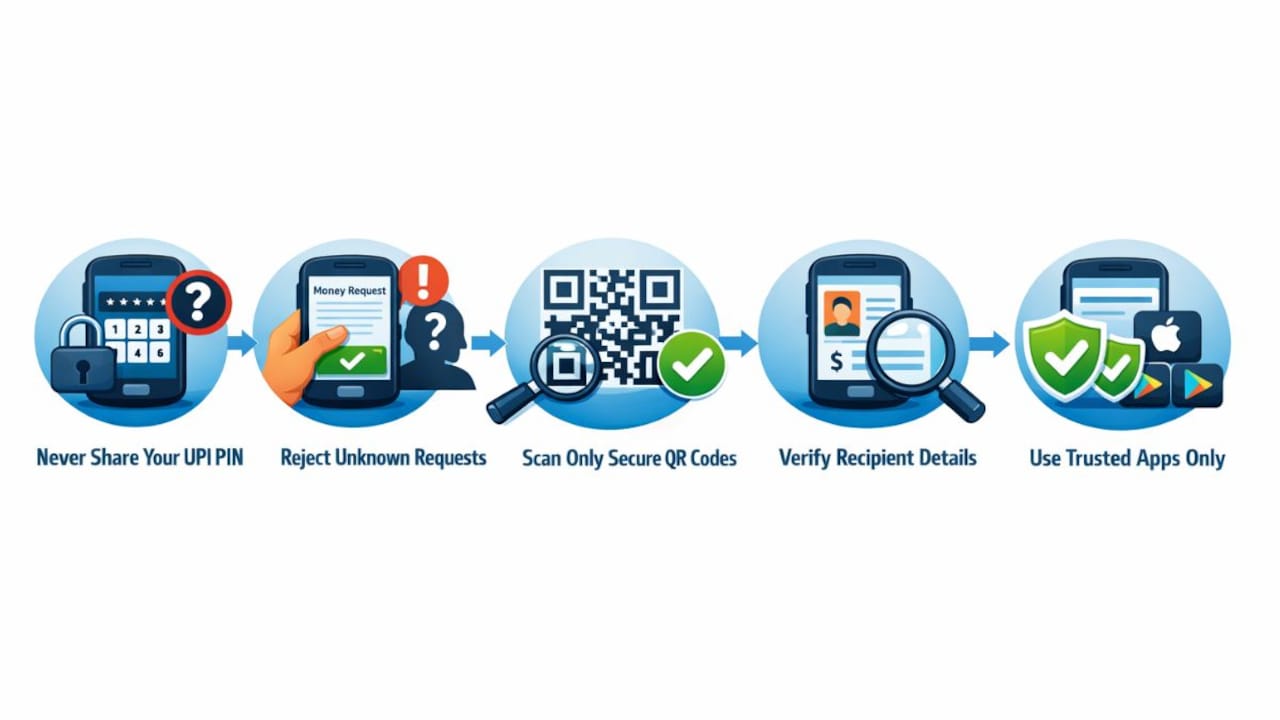
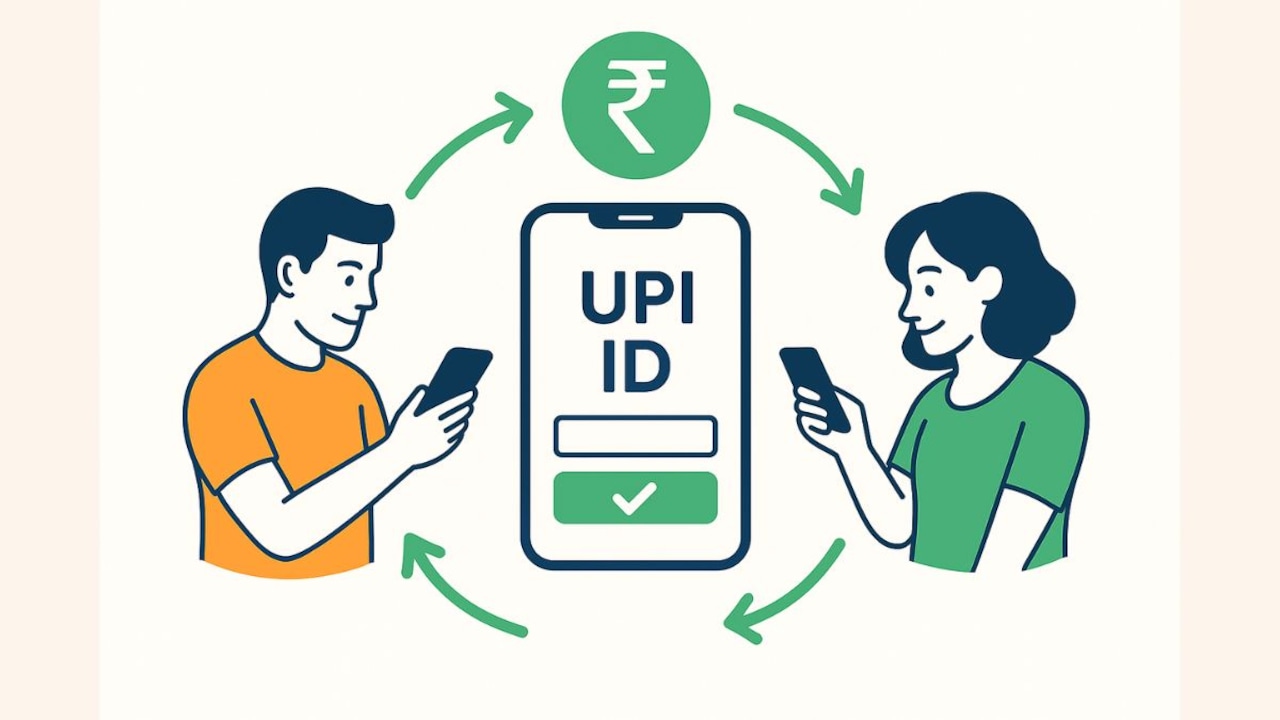
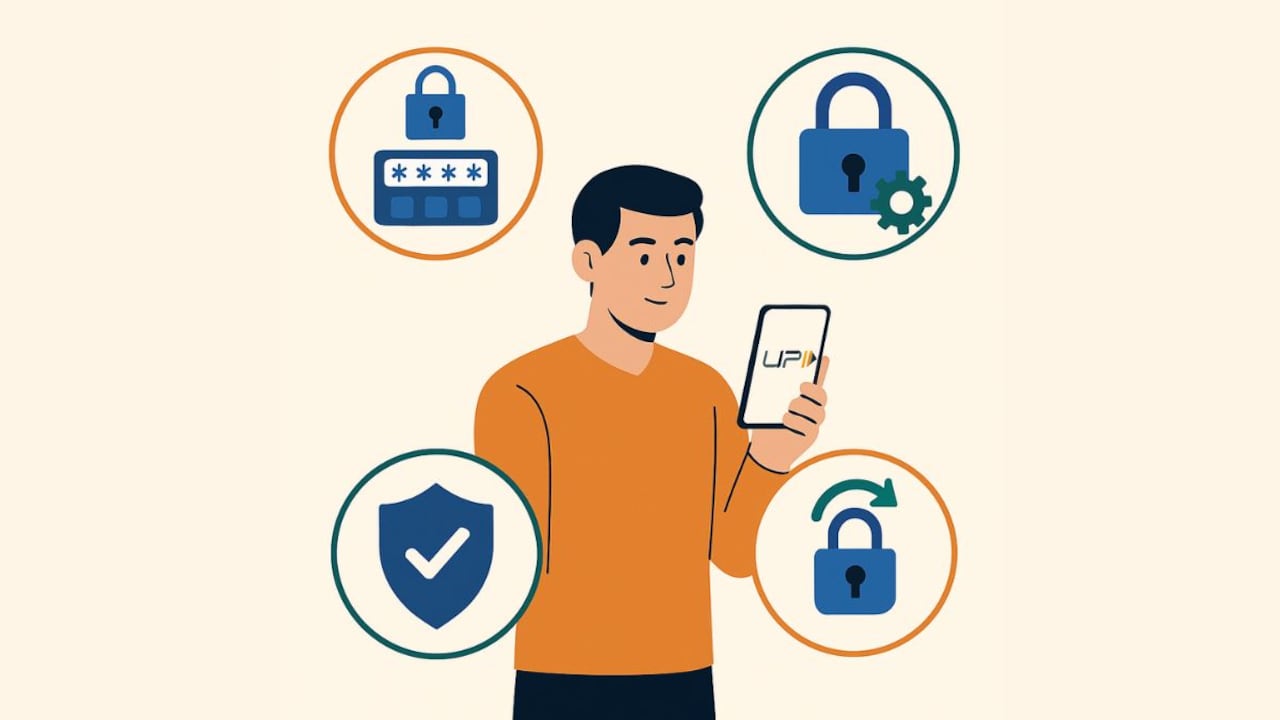
Your UPI PIN must be kept private at all times.
Photo Credit: Co-Pilot
Even though UPI is secure, keep these precautions in mind:
- Never share your UPI PIN with anyone.
- Do not approve collect requests from unknown numbers.
- Scan only genuine QR codes.
- Always check recipient details before confirming a transfer.
- Download UPI apps only from authorised app stores.
These steps ensure seamless and secure digital transactions.
How UPI Helps You Go Cashless
India's digital payment ecosystem has grown rapidly, with UPI at its core. It allows completely cashless transactions, whether you're buying tea at a roadside stall, paying at supermarkets, or clearing monthly bills.
The biggest advantage is UPI's universal acceptance. From big cities to rural towns, all you need is a QR code or a UPI ID. For many people, carrying cash has become optional thanks to UPI's speed and reliability.
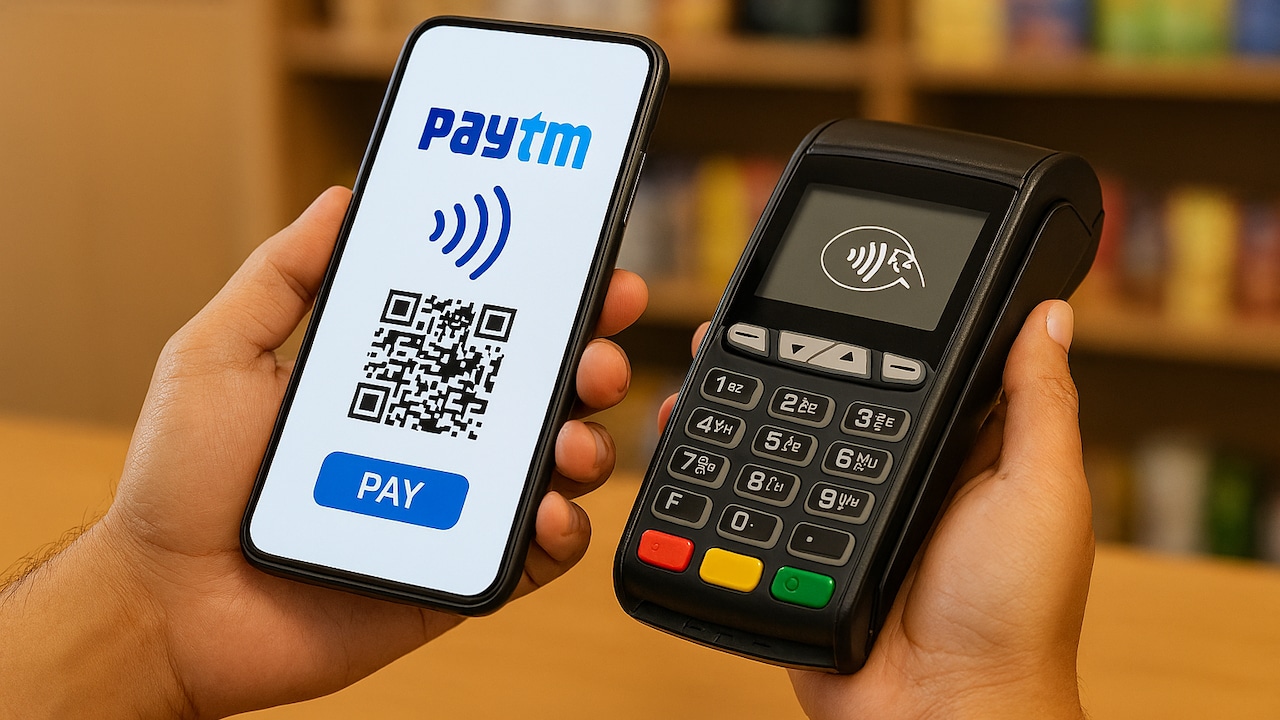
Paytm: A Seamless Way To Use UPI Daily
Many users prefer a UPI app that is simple, reliable, and widely accepted. This is where Paytm stands out. Paytm has long been a key platform driving digital payments in India. With its UPI services, you can make payments by scanning any QR code, whether it belongs to a shopkeeper, delivery agent, petrol pump, or local vendor.
Why users rely on Paytm for UPI:
- Scan any QR code across India
- Instant payments for shopping, bill payments, recharges, and more
- Simple, intuitive interface for all age groups
- Secure transactions with your UPI PIN
- Quick bank balance checks
- Reduces the need to carry cash
- Help you earn discount vouchers, cash back, and other rewards
Setting up UPI on Paytm takes only a few minutes and helps simplify most of your daily payments.
UPI: Easy, Safe And Instant
Setting up a UPI account in India is quick and simple. Once done, it opens the door to convenient, secure, and instant digital payments. Whether you're new to online transactions or looking for faster ways to pay, UPI makes managing money easier than ever.
Frequently Asked Questions (FAQs)
1. What do I need to start using UPI in India?
A smartphone, your mobile number linked to your bank account, a UPI-enabled app, a stable network connection, and a debit card to set your UPI PIN.
2. How do I make a payment using UPI?
You can scan a QR code, enter a UPI ID, or use a UPI-linked mobile number. Enter the amount, verify details, and authorise with your UPI PIN.
3. Is UPI safe for everyday transactions?
Yes. UPI uses two-factor authentication and does not require sharing your bank details. Just keep your PIN confidential and avoid approving unknown payment requests.
4. Can I link more than one bank account to UPI?
Yes. Most UPI apps let you link multiple bank accounts and switch between them anytime.
5. What should I do if a UPI payment fails?
The amount is usually reversed automatically within minutes. If not, raise a complaint through the app or contact your bank.
(Disclaimer: This article may include references to or features of products and services made available through affiliate marketing campaigns. NDTV Convergence Limited (“NDTV”) strives to maintain editorial independence while participating in such campaigns. NDTV does not assume responsibility for the performance or claims of any featured products or services.)