How to Choose Ergonomic Keyboards and Mice That Reduce Wrist Strain and Discomfort
Long hours at a desk can strain wrists without warning. Choosing the right ergonomic keyboard and mouse can ease discomfort, improve posture and protect hand health, without overspending or falling for marketing gimmicks.
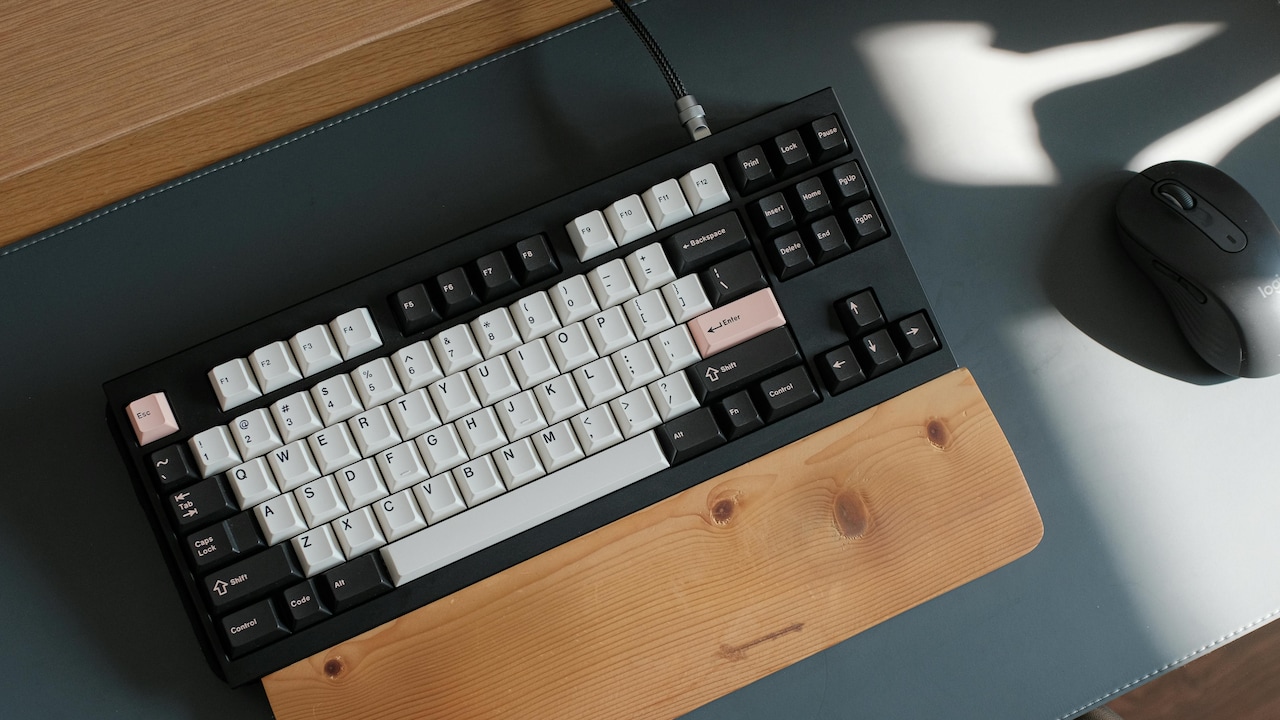
Know About How To Choose Ergonomic Keyboards And Mice To Reduce Wrist Pain And Improve Comfort.
Modern work often means staring at screens for hours, fingers dancing across keys, and wrists resting on hard desks. At first, the discomfort feels minor. A slight ache. A stiff wrist. Over time, those small signals grow louder. Many people accept this strain as part of daily life, yet better tools can change the experience completely.
Ergonomic keyboards and mice focus on how the body naturally moves. They reduce pressure, support neutral wrist positions, and encourage relaxed posture. Choosing the right ones does not require medical knowledge or a massive budget. It simply needs awareness, patience, and a bit of practical testing.
This article explores how to pick ergonomic keyboards and mice that truly reduce wrist strain. It avoids jargon and focuses on real-world use. From home offices to corporate desks, these insights aim to help hands feel lighter, days feel shorter, and work feel kinder on the body.
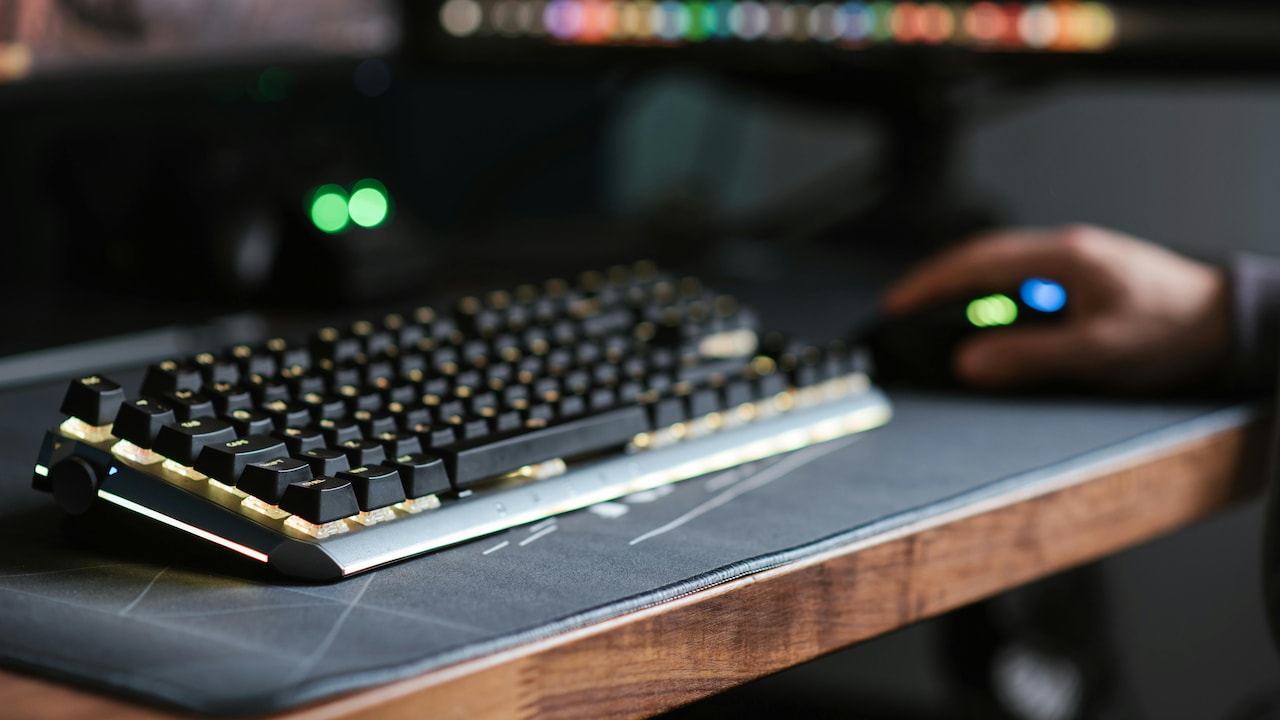
Ergonomic Keyboards And Mice: What To Look For To Prevent Wrist Strain; Photo Credit: Pexels
Essential Design Features That Help Reduce Wrist Strain
1. Understand Why Wrist Strain Happens
Wrist strain rarely appears overnight. It builds slowly through repeated movements and awkward angles. Flat keyboards force wrists to bend outward, while traditional mice make the forearm twist unnaturally. Over time, tendons protest.
Daily habits add to the problem. Long typing sessions without breaks, desks set too high or low, and cheap peripherals all play a role. Many people blame age or workload, yet equipment often causes discomfort.
Ergonomic devices work by keeping wrists in a neutral position. Neutral means straight, relaxed, and aligned with the forearm. This position reduces pressure on nerves and tendons. Less pressure means fewer aches.
Understanding this cause-and-effect relationship helps when choosing new tools. Instead of chasing trends, focus on how the wrist feels during use. Comfort should appear quickly. Pain should fade. When a device feels awkward from the start, it rarely improves with time.
2. Choose a Keyboard That Matches Natural Hand Position
Hands do not sit straight when relaxed. They angle slightly outward. Traditional keyboards ignore this fact. Ergonomic keyboards respect it.
Split keyboards separate keys into two sections. This layout allows hands to rest at a natural angle. Tented keyboards raise the centre slightly, reducing forearm rotation. Both designs aim to lower strain.
Not every desk needs an extreme design. Slightly curved or angled keyboards often work well for beginners. Low-profile keys also reduce finger travel, which helps during long typing sessions.
Key resistance matters too. Keys should feel responsive without requiring force. Heavy keys tire fingers quickly. Light, shallow keys promote smoother typing.
Testing remains crucial. Typing a few paragraphs reveals more than reading specifications. Comfort should feel immediate, not forced. When hands feel relaxed after ten minutes, the keyboard is likely suited for daily use.
Also Read: 6 Best Ergonomic Keyboards For Long Typing Sessions That Reduce Wrist Strain
3. Pay Attention to Keyboard Height and Wrist Support
Even the best keyboard fails when placed incorrectly. Height plays a major role in wrist comfort. When elbows sit at desk level, wrists remain straight. When desks run too high, wrists bend upward, and strain begins.
Keyboard trays help adjust height easily. Without a tray, a thin keyboard works better than a bulky one. Slim designs keep wrists closer to a neutral angle.
Wrist rests spark debate. Soft, firm rests support palms during pauses, not while typing. Leaning on them constantly compresses nerves. A good wrist rest feels supportive without sinking too much.
Materials matter as well. Memory foam offers comfort, but traps heat. Gel stays cool but feels firm. Fabric covers reduce sweat during warm months.
Correct placement matters more than brand names. A modest keyboard positioned well often beats an expensive one placed poorly.
4. Select a Mouse That Fits the Hand, Not the Desk
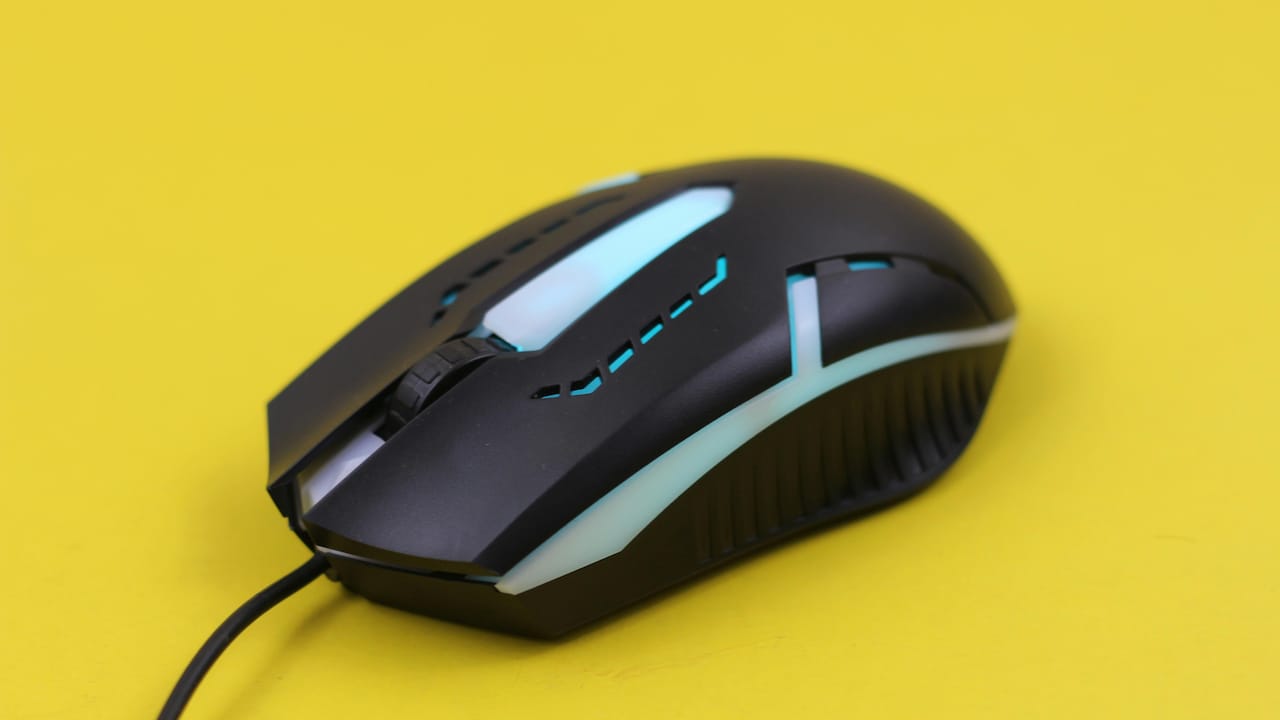
Mice come in many shapes, yet most desks host only one size. That mismatch causes trouble. A mouse should fit the hand comfortably, allowing fingers to rest naturally on buttons.
Small mice force their hands to claw. Large mice stretch their fingers awkwardly. Both increase strain. When the palm rests fully on the mouse, control improves and tension drops.
Vertical mice deserve attention. They position the hand like a handshake, reducing forearm twist. Many people feel relief within days of switching.
Button placement also matters. Buttons should fall under fingers without stretching. Scroll wheels should move smoothly without stiff resistance.
Testing grip comfort matters more than DPI numbers. Precision means little if the wrist aches. A well-fitting mouse feels like an extension of the hand, not a tool to wrestle with.

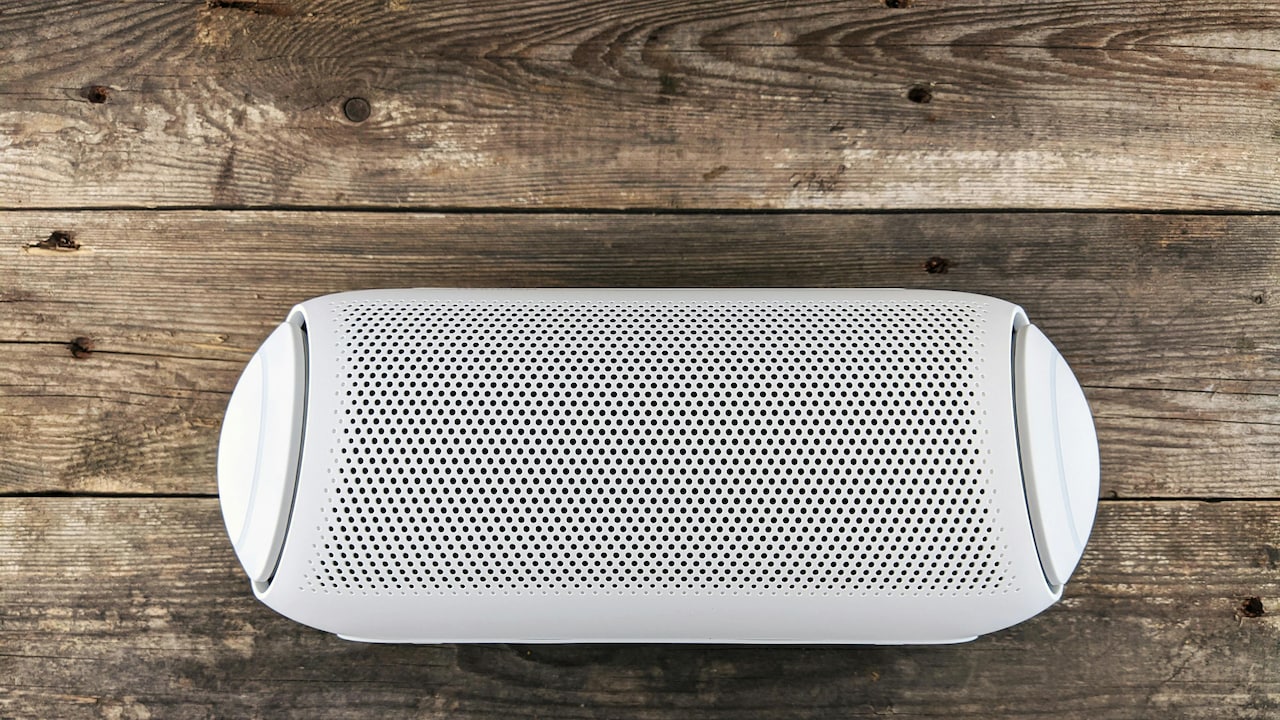
Ergonomic Keyboards And Mice: What To Look For To Prevent Wrist Strain; Photo Credit: Pexels
5. Consider Sensitivity and Movement Style
Mouse sensitivity affects wrist movement. Low sensitivity requires large arm movements. High sensitivity demands smaller motions. Both extremes strain different muscles.
Adjustable DPI settings help find balance. Moderate sensitivity allows smooth cursor control with minimal effort. Fine-tuning takes minutes but pays off daily.
Trackballs offer another option. They keep their hand stationary while their fingers move the ball. This design suits people with limited desk space or existing wrist pain.
Movement style matters too. Some people move from the wrist. Others use the arm. Ergonomic mice support arm movement better, reducing wrist overuse.
Comfort improves when movement feels natural. The right sensitivity and style reduce micro-strain that builds silently during long workdays.
6. Look Beyond Price and Marketing Claims
Ergonomic does not always mean expensive. Some costly devices focus more on looks than comfort. Meanwhile, affordable options often deliver excellent support.
Marketing terms like “advanced ergonomic design” mean little without context. Focus on shape, angle, and adjustability instead. These features matter more than brand promises.
Local stores sometimes offer better value than imported models. Many reliable keyboards and mice fall within ₹1,500 to ₹3,500. Spending more rarely guarantees better comfort.
Return policies matter. Comfort remains personal. What suits one person may feel awkward to another. The ability to return or exchange saves frustration.
Smart choices come from research and testing, not flashy packaging. The goal remains simple: reduce strain and improve daily comfort.
7. Match Devices to Work Style and Tasks
Work tasks shape equipment needs. Writers benefit from quiet, responsive keyboards. Designers may prefer programmable buttons. Data entry demands durability and comfort.
Mouse choice also depends on tasks. Precision work needs steady control. Casual browsing allows simpler designs. Gaming mice often feel heavy and unnecessary for office tasks.
Portability matters for those working across locations. Compact ergonomic keyboards suit travel but may lack full comfort. A balance helps.
Wireless devices reduce cable clutter and allow flexible positioning. Battery life and charging ease matter here.
Matching tools to tasks prevents overbuying and disappointment. The right fit supports productivity without distraction or discomfort.
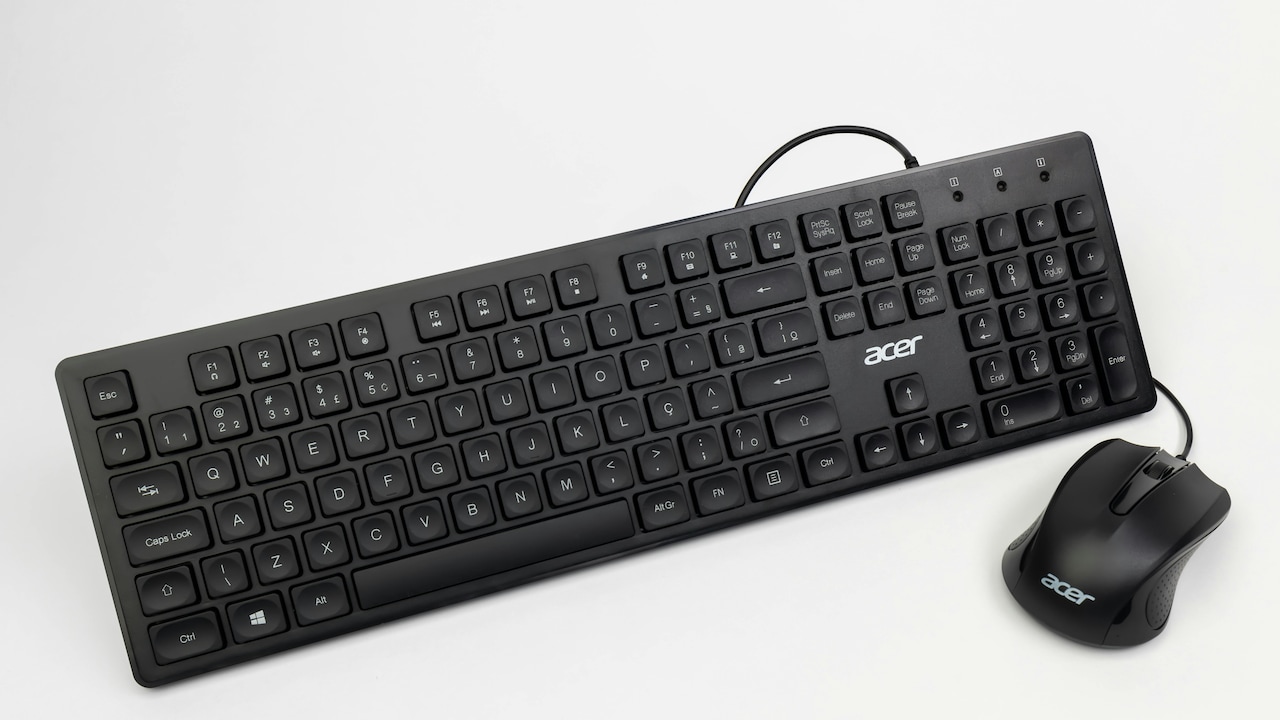
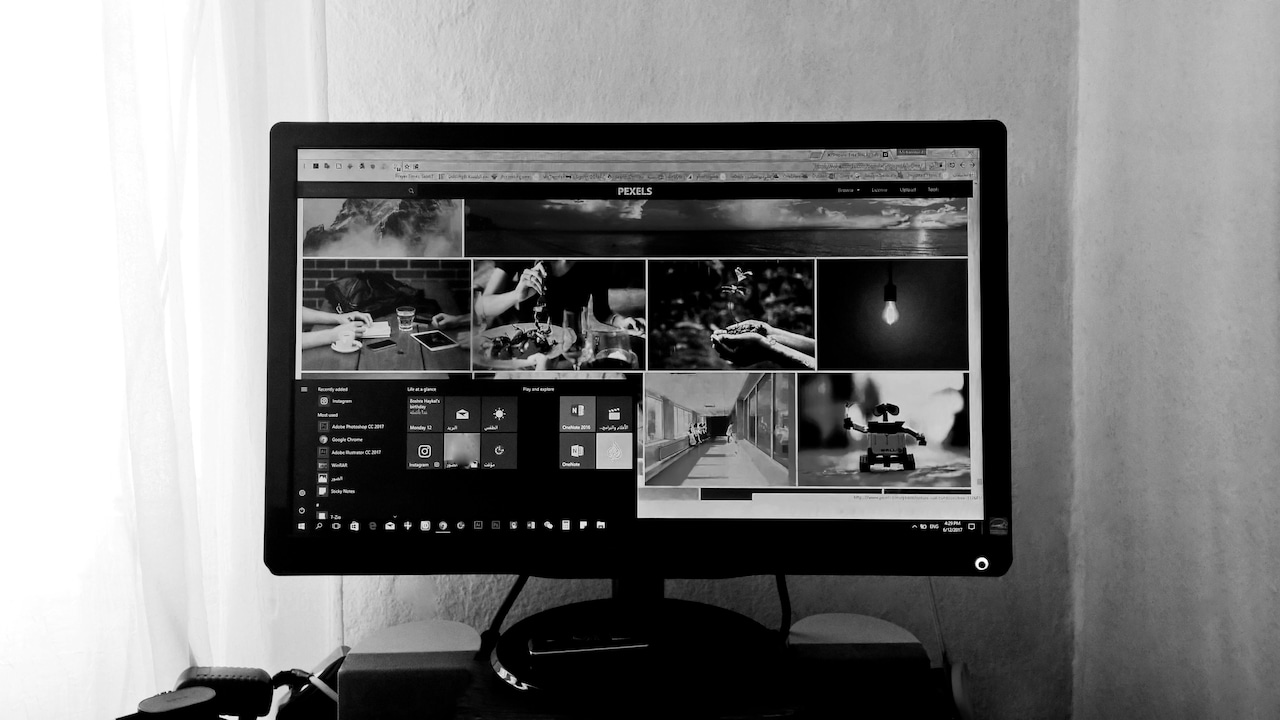
Ergonomic Keyboards And Mice: What To Look For To Prevent Wrist Strain; Photo Credit: Pexels
8. Think About Desk Setup as a Whole
Ergonomic keyboards and mice work best within a supportive setup. Chair height, monitor position, and desk space all influence wrist comfort.
When monitors sit too low, shoulders slump. This posture shifts the strain to the wrists. Raising screens to eye level helps alignment.
Adequate desk depth allows forearms to rest comfortably. Cramped desks force awkward angles.
Lighting also plays a role. Poor lighting causes leaning forward, increasing tension in arms and wrists.
Small adjustments across the setup amplify the benefits of ergonomic devices. Comfort comes from harmony, not isolated upgrades.
9. Give Time for Adjustment and Listen to the Body
Switching to ergonomic tools feels strange at first. Muscles adapt to new positions. Mild discomfort may appear briefly.
Give at least a week before judging comfort. Gradual improvement signals success. Sharp pain signals trouble.
Short breaks help during transition. Stretch fingers, rotate wrists, and relax shoulders.
Ignoring discomfort defeats the purpose. Ergonomic tools should ease strain, not add to it.
Patience pays off. Once the body adapts, work feels smoother and less tiring.
10. Balance Comfort With Habit and Preference
Comfort varies from person to person. Some love split keyboards. Others prefer subtle curves. No universal solution exists.
Habit influences comfort, too. Suddenly, drastic changes frustrate many users. Gradual shifts work better.
Trust physical feedback over opinions. If hands feel relaxed after hours of use, the choice works.
Ergonomics supports long-term well-being. Small daily comforts prevent bigger issues later.
Choosing the right keyboard and mouse becomes an act of self-care, not indulgence.
Products Related To This Article
1. Logitech Pebble Keys 2 K380s
2. HP 350 Compact Multi-Device Bluetooth Wireless Keyboard
3. Dell KB216 Wired Multimedia Keyboard
4. Portronics Bubble Multimedia Wireless Keyboard 2.4 GHz
5. Ant Esports MK700 V2 Membrane TKL Wired Gaming Keyboard
Wrist strain often hides behind routine. It whispers through stiffness and aches until ignored for too long. Ergonomic keyboards and mice offer a practical way to listen and respond early.
The right choices focus on natural movement, proper fit, and thoughtful setup. Price and trends matter less than comfort and alignment. With careful selection and patience, workdays feel lighter, and hands stay happier.
Comfort does not demand perfection. It grows through awareness, small adjustments, and tools that respect the body. In the long run, those choices protect not just wrists, but daily wellbeing and productivity too.
(Disclaimer: This article may include references to or features of products and services made available through affiliate marketing campaigns. NDTV Convergence Limited (“NDTV”) strives to maintain editorial independence while participating in such campaigns. NDTV does not assume responsibility for the performance or claims of any featured products or services.)